# The Learning Lab
<a data-flickr-embed="true" href="https://www.flickr.com/photos/boklearninglab/38590371560/in/album-72157688059831350/" title="20180105_001_StudioBuilding_Photos_Still_046.jpg"><img src="https://live.staticflickr.com/4747/38590371560_fab0668c74_c.jpg" width="800" height="533" alt="20180105_001_StudioBuilding_Photos_Still_046.jpg"/></a>
The Bok Center’s Learning Lab is a studio space and intergenerational team that supports creative, innovative, and rigorous approaches to teaching, learning, and the communication of academic work.
We work with faculty across the College to design and prototype course activities and assignments that promote meaningful student engagement — not just in content mastery, but in how students express and refine their ideas, listen to others, and take part in productive, intellectually vital dialogue.
Many of the projects we support encourage students to learn and present their ideas in new media: video essays, podcasts, infographics, oral presentations, and more. But students are not merely learning to create in these media; they are learning *through* filming, podcasting, coding, 3D modeling, and more. These formats help students build arguments, test perspectives, and contribute to public-facing conversations — all within a framework that values clarity, reasoned disagreement, and collaborative exploration.
The expertise our staff and fellows develop through this work with the most advanced tools and techniques for learning and communication has made us valuable to high stakes initiatives and programs in the FAS: from the support we offer GSAS’s Harvard Horizons scholars and others on high profile public communication of academic research to our central role in responding to or opportunities and challenges presented by AI.
You can also read more about us in a [book chapter we wrote](https://bokcenter.harvard.edu/news/new-bok-center-publication-learning-lab), or explore images of our space on [our Flickr page](https://www.flickr.com/photos/boklearninglab/albums/72157688059831350).
## Studio Capabilities
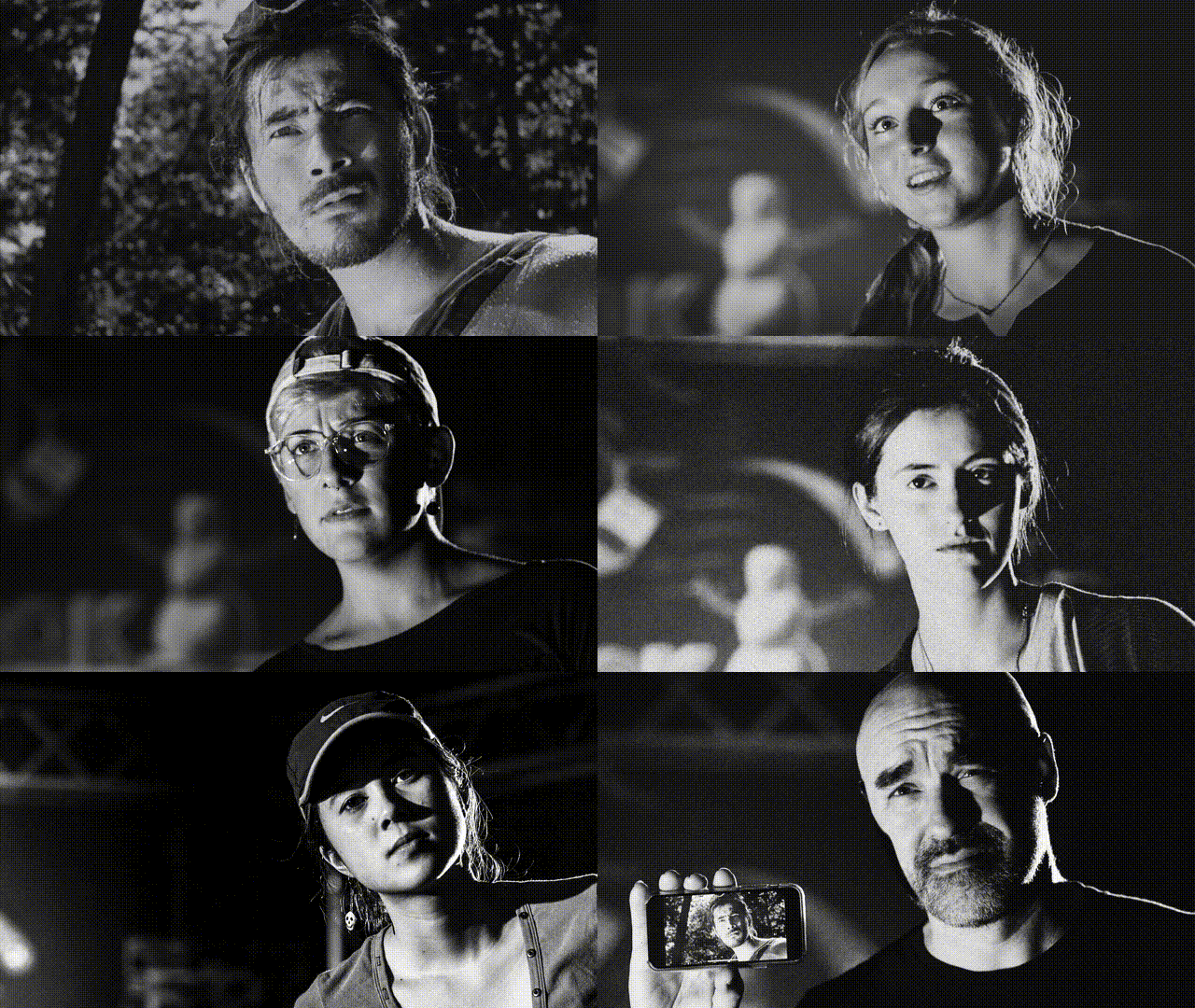
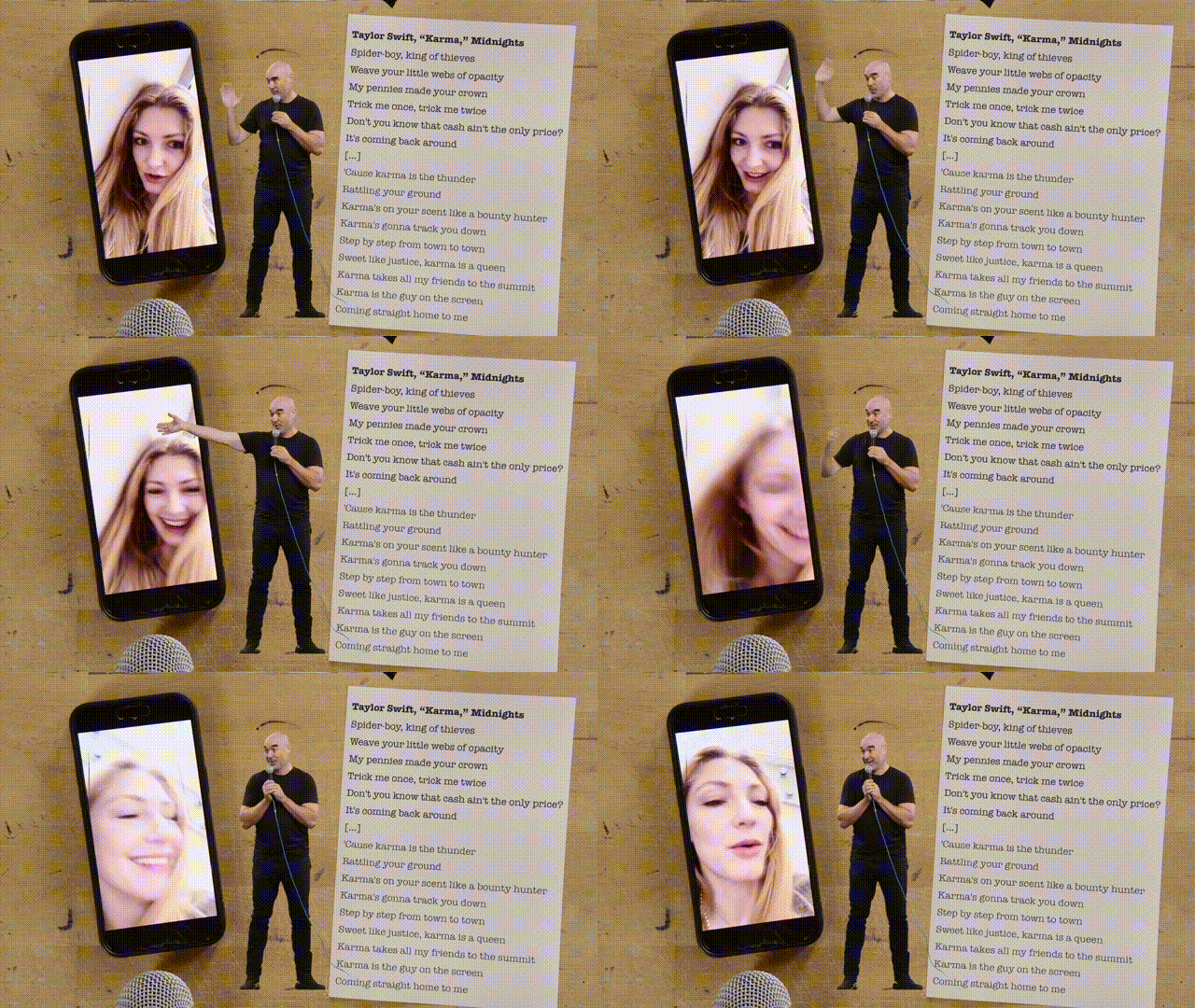
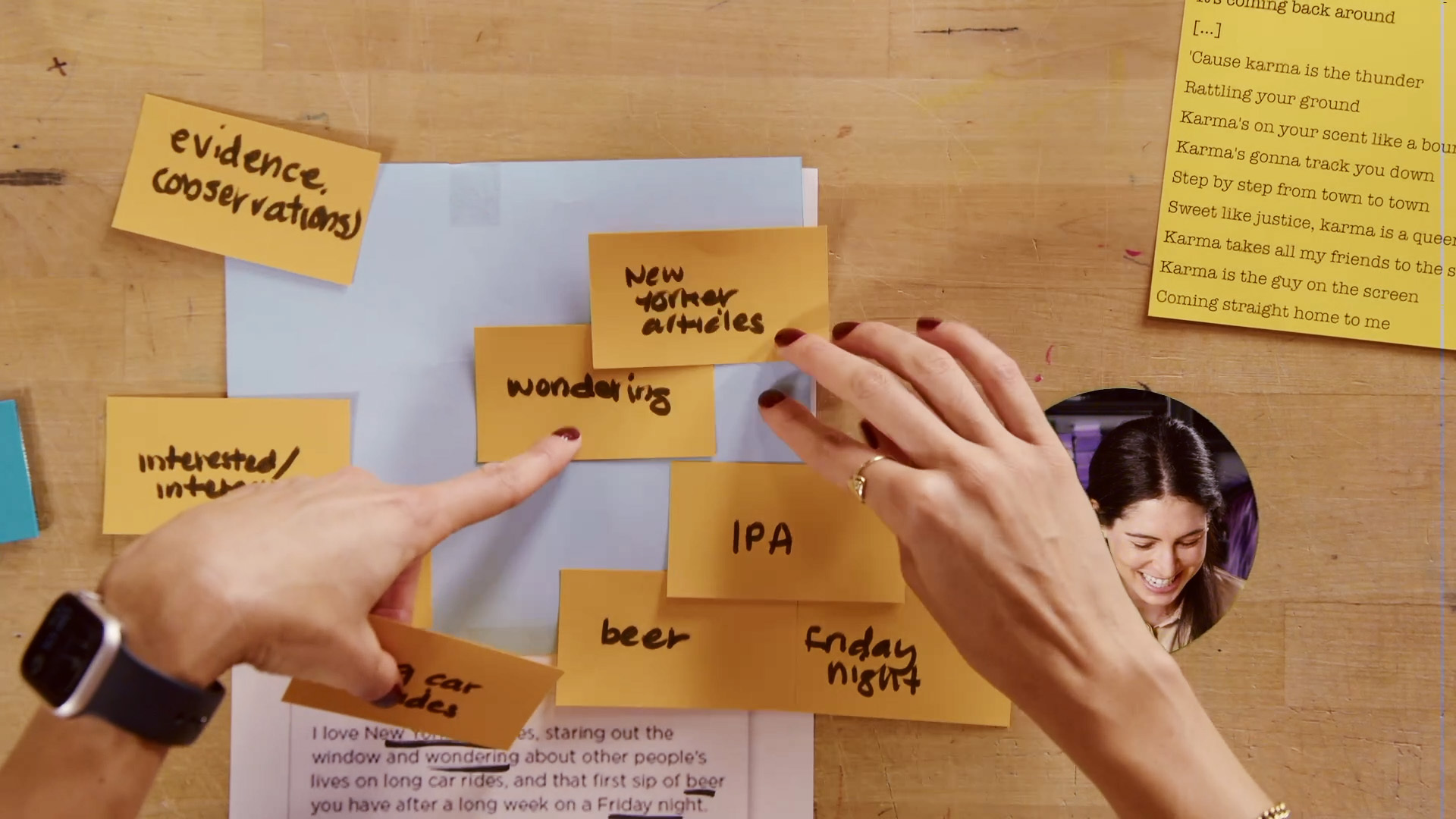
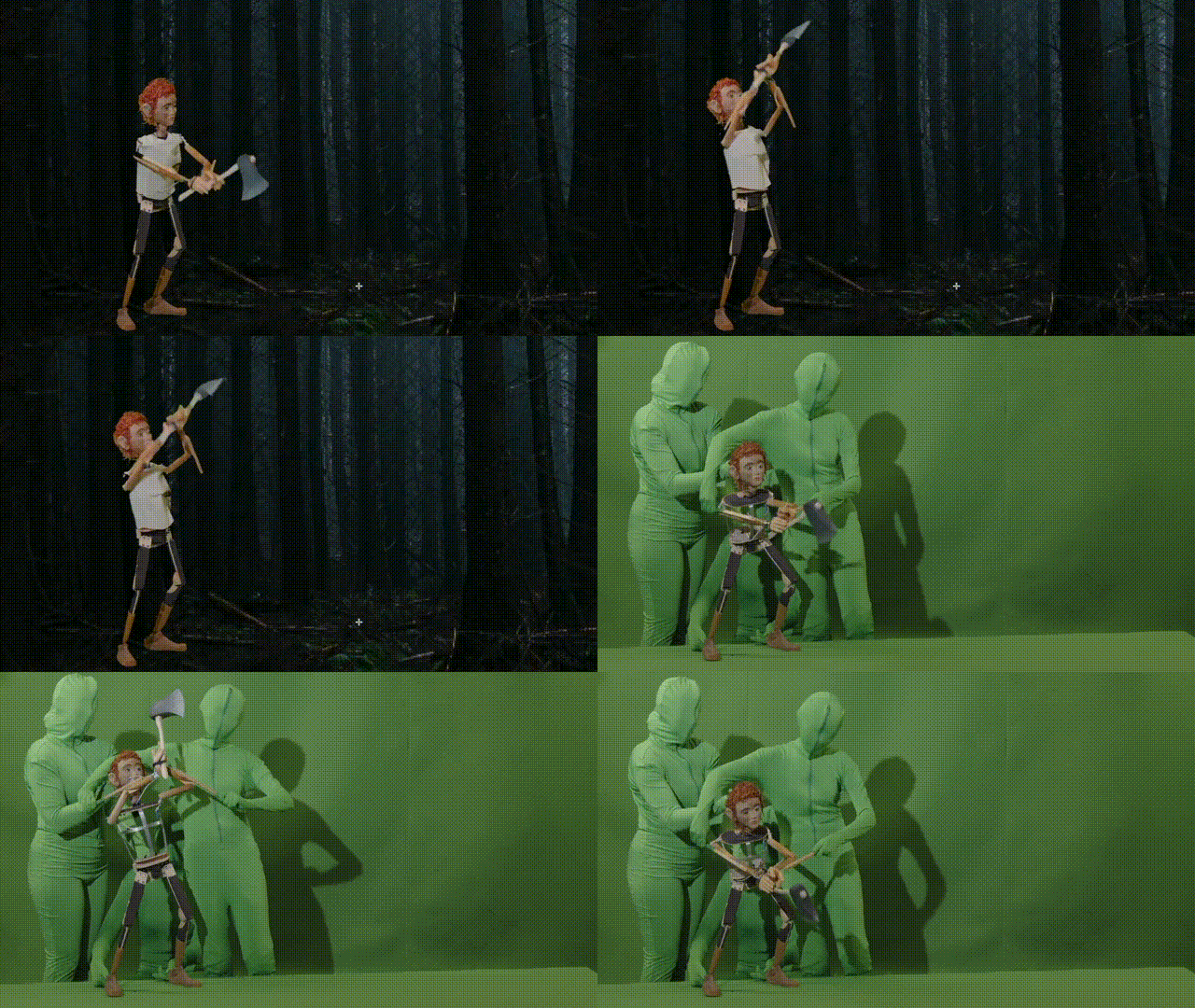
The Learning Lab Studio itself is a cross between a classroom, a video studio, a black box theatre and a maker space. We can move dynamically from hosting a group of PhD students from Physics improving their public speaking skills in the morning to teaching Theatre students to code their own AI bots for avant-garde creative projects. We can teach professional lighting techniques to students in a course on Japanese cinema (above) and then help an Expository Writing course use visual argument-mapping as a way to understand core moves in academic writing.
One key feature of the studio is the tight relationships between
* the equipment and materials of the space
* the staff that works in the space, and
* the teaching and learning that takes place there
Usually the experts that design a space, the staff that procures and maintains the equipment, and the teachers and students that use the space are quite separate. And this can slow the pace of innovation.
But in the Learning Lab, we possess in-house skills (running across the entire team) in media production, full stack development, data visualization, oral presentation, set design, and, most crucially, in teaching and learning. And this sets us up to move very rapidly in response to new developments.
If we hear of a new AI tool for transcription on Monday, we can write the code for a prototype Tuesday, hang the microphones and route the cables on Wednesday, then design and deliver a workshop designed to take advantage of it on Thursday (and usually it moves more quickly than this\!).
Our team comprises
* 6 full-time staff
* 2 Postdocs in Generative AI
* 16 Bok Graduate Fellows in Media, Design, and Generative AI
* 10 Learning Lab Undergraduate Fellows (who help prototype and then support the launch of assignments as tutors, facilitators, or guides)
## Projects
### **Scholarly Communication**
At the Derek Bok Center for Teaching and Learning, we believe that the same skills that make for effective teaching—clarity, structure, and engagement—are essential for communicating scholarly stories and groundbreaking research.
#### Undergraduate Senior Thesis Support
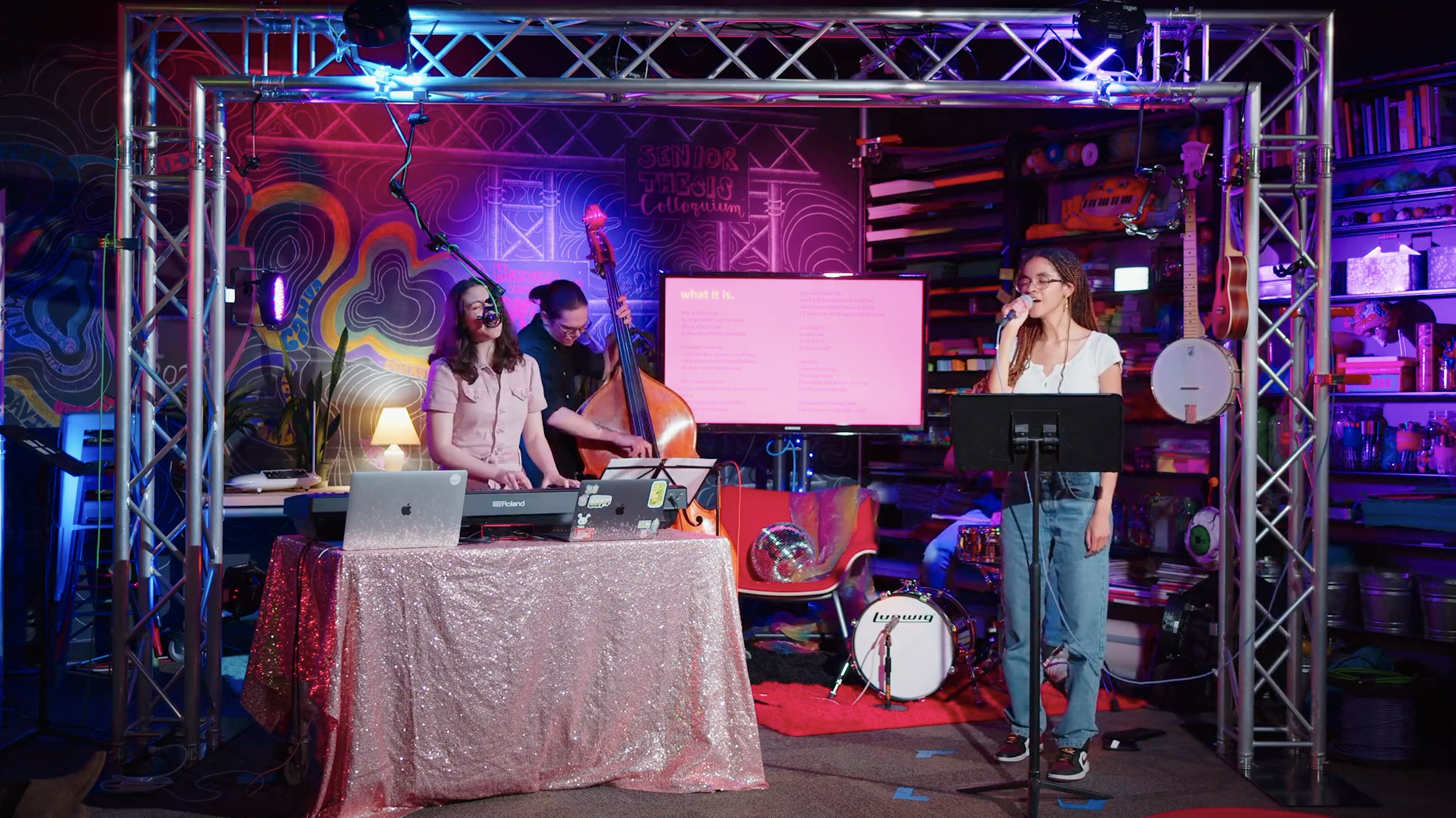
We continue to build new opportunities for undergraduates to communicate the ideas they have developed while working on their senior theses. For example, we've offered:
* one-on-one consultations for senior thesis writers working on multimodal senior theses.
* workshops for History of Art and Architecture students interested in incorporating visual analysis and argument into their theses.
* video interviews for Philosophy students that helped them develop their ability to explain complex philosophical ideas to an imagined public audience.
* a showcase event for Music students where they performed a version of their theses live, inspired by the NPR Tiny Desk series.
#### Visitas Speaker Support
The Learning Lab is partnering with the Office of Undergraduate Education (OUE) to prepare student speakers for the "Our Academic Journeys" panel at Visitas, Harvard’s admitted students’ weekend. Through storytelling coaching and presentation support, we are helping selected students craft engaging narratives about their academic experiences, structure their responses effectively, and present with confidence.
#### Harvard Horizons
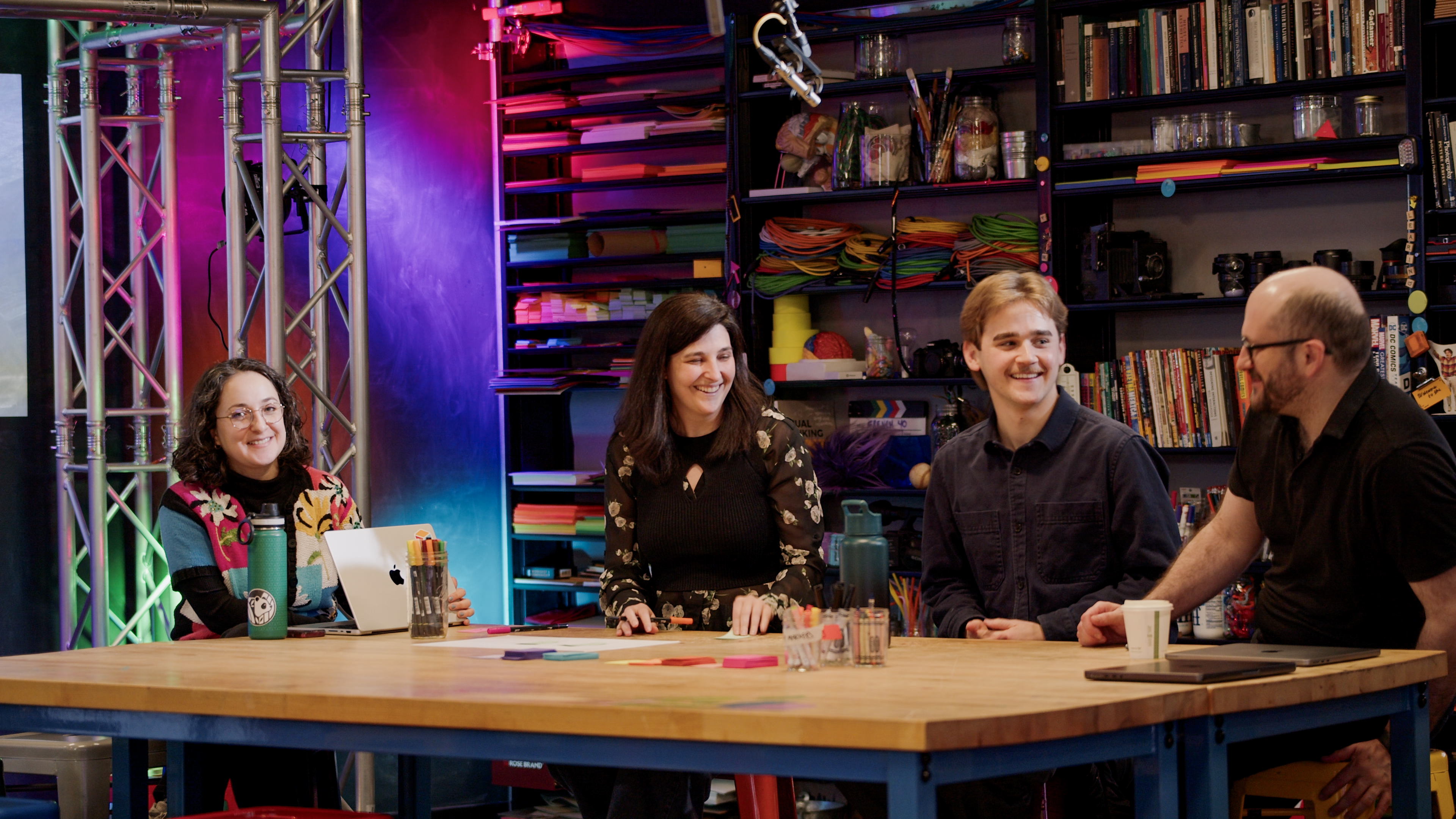
The Learning Lab partners with the Harvard Griffin Graduate School of Arts and Sciences to support eight PhD students selected for *Harvard Horizons*, a public symposium that showcases compelling presentations of original research. We help scholars distill their work for a broad audience, focusing on storytelling, clarity, visual communication, and delivery. The program strengthens not only public speaking skills, but also the ability to teach, present, and engage across disciplines — key capacities for both the classroom and the broader academic community.
<iframe width="560" height="315" src="https://www.youtube.com/embed/CufZCPkEDGQ?si=CHmekym_S09mGAhu" title="YouTube video player" frameborder="0" allow="accelerometer; autoplay; clipboard-write; encrypted-media; gyroscope; picture-in-picture; web-share" referrerpolicy="strict-origin-when-cross-origin" allowfullscreen></iframe>
<iframe width="560" height="315" src="https://www.youtube.com/embed/FLcLHyk-18k?si=Uwmd_Mz-M_zJ90Ax" title="YouTube video player" frameborder="0" allow="accelerometer; autoplay; clipboard-write; encrypted-media; gyroscope; picture-in-picture; web-share" referrerpolicy="strict-origin-when-cross-origin" allowfullscreen></iframe>
#### Aramont Fellowship Fund
The Aramont Fellowship Fund supports early-career faculty and postdoctoral researchers pursuing high-risk, high-reward projects. We meet with each fellow to refine their presentations—covering communication strategies, delivery, and visuals—so they can effectively share advanced research with a lay audience at the annual Aramont Fellowship Symposium.
#### Star-Friedman Challenge
The Star-Friedman Challenge for Promising Scientific Research offers opportunities for faculty across the life, physical, and social sciences to pursue bold new directions in their work. We provide consultations on participants’ presentations—from narrative flow and storytelling to visuals and overall delivery—ensuring these cutting-edge ideas are conveyed with clarity and impact at the annual Challenge event.
## Workshops and examples of student media projects
Our workshops for courses are designed to help students think in different forms, break down complex ideas, clarify their thinking, and communicate their perspectives effectively. Starting with paper prototyping before moving on to digital tools allows students to learn to build arguments and integrate feedback early on—before they need to tackle any technical challenges. Many courses culminate in capstone assignments like videos, podcasts, 3D virtual museums, posters, and performances. We support these projects with resources, consultations, and dedicated spaces for recording and editing. Below are examples of student work shared with permission.
Many of the courses we support involve capstone media assignments such as videos, podcasts, 3D virtual museums, posters and performances. Here are some examples of student work from students who have given us permission to share their work.
<iframe width="560" height="315" src="https://www.youtube.com/embed/yk2axv35Y6A?si=lEJXRBMun_oU3Fai" title="YouTube video player" frameborder="0" allow="accelerometer; autoplay; clipboard-write; encrypted-media; gyroscope; picture-in-picture; web-share" referrerpolicy="strict-origin-when-cross-origin" allowfullscreen></iframe>
<iframe src="https://player.vimeo.com/video/189971951?h=ca436409c3&title=0&byline=0&portrait=0" width="640" height="360" frameborder="0" allow="autoplay; fullscreen; picture-in-picture" allowfullscreen></iframe>
<iframe src="https://player.vimeo.com/video/225859135?h=6e0a79e8da&title=0&byline=0&portrait=0" width="640" height="360" frameborder="0" allow="autoplay; fullscreen; picture-in-picture" allowfullscreen></iframe>
<iframe src="https://player.vimeo.com/video/223395640?h=ed7ed77409&title=0&byline=0&portrait=0" width="640" height="360" frameborder="0" allow="autoplay; fullscreen; picture-in-picture" allowfullscreen></iframe>
### Highlights
#### AFVS 173F: Plant Perspectives Workshop (Spring 2025)
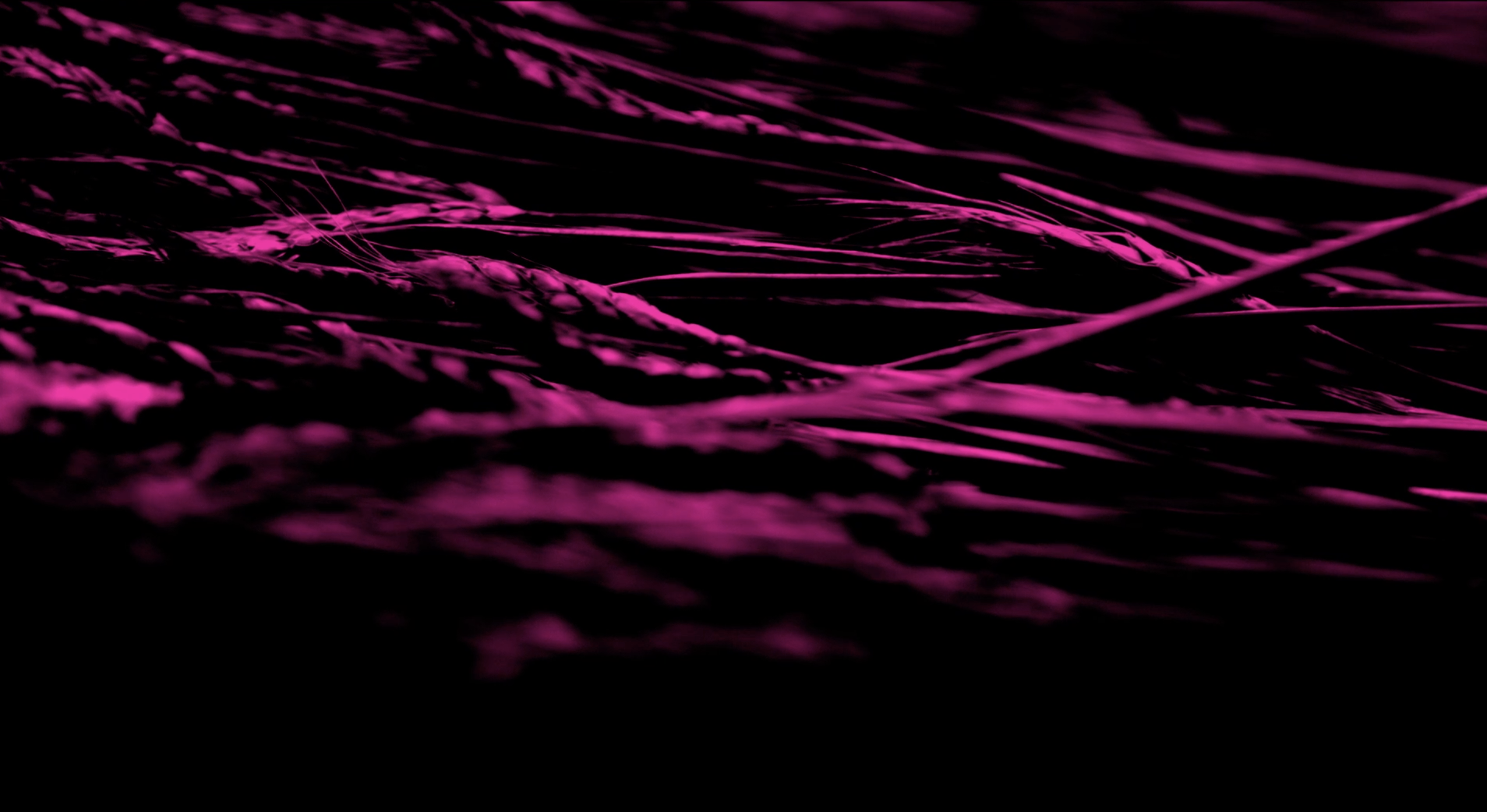
We designed and facilitated a multi-station workshop for Laura Frahm and Bruno Carvalho’s 20 students in AFVS 173F: Design and Ecology, helping them experiment with a range of tools and media in preparation for their final exhibition project. At the “physical” station, students worked with organic materials—reeds, grasses, and leaves—to explore weaving, inking, and stamping techniques. Some participated in improvisational podcast interviews or embodied plant movements on a green-screen stage. At the capture station, we guided students through cyanotype printing, time-lapse methods, and compositional framing used in architectural photography. In the digital station, students used editing and AI tools to remix their materials—transforming plant poses into speculative vegetation, or woven textures into imagined structures. The workshop gave students hands-on experience with analog and digital techniques they could adapt for their final project, which will be displayed at AFVS Open Studios. Throughout the session, our team supported students in blending material exploration with conceptual experimentation.
#### PHIL 8: AI-proofing and Red-Teaming Assignments (Spring 2025)
We partnered with Professor Alison Simmons to redesign a suite of writing assignments in response to generative AI. We helped develop a prompt where students critique and revise a flawed AI-generated philosophical argument. For a later assignment—where students explain Kant to a nine-year-old—we built a set of custom GPTs that simulated childlike readers, giving students immediate audience feedback. Our team also ran an extensive red-teaming protocol across seven assignments and seven models. By testing both one-shot cheating scenarios and chain-of-thought prompting, we revealed assignment vulnerabilities and produced a dataset of over 50 outputs to guide redesign.
#### NEC 101: AI Augmented Maps and Timelines (Spring 2025)
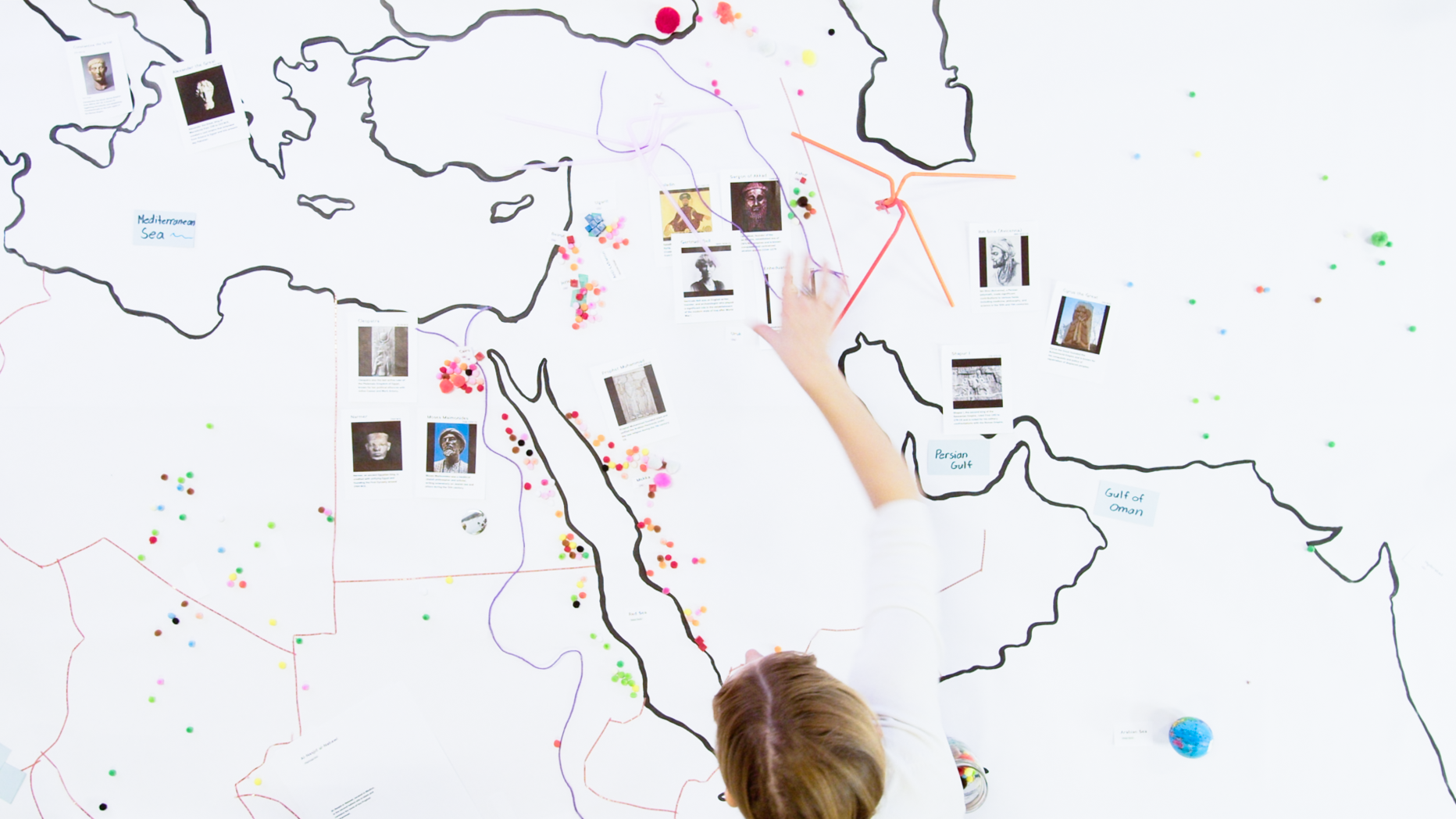
We collaborated with Professor Céline Debourse to design a large-scale, interactive workshop for students in “Historical Background to the Contemporary Middle East.” To move beyond the traditional lecture format, we transformed our studio into a collaborative mapping space: projecting dynamic visuals across a 30-foot blackboard wall and equipping students with chalk, post-its, and tape to annotate and layer historical data. Students worked in rotating teams to build and narrate both a regional map and an interactive timeline, each augmented in real time using AI-generated content. By combining analog interaction with real-time digital input, the session invited students to explore the complex intersections of geography, history, and narrative construction.
#### TDM 119B: Technology and the Voice Workshop (Spring 2025
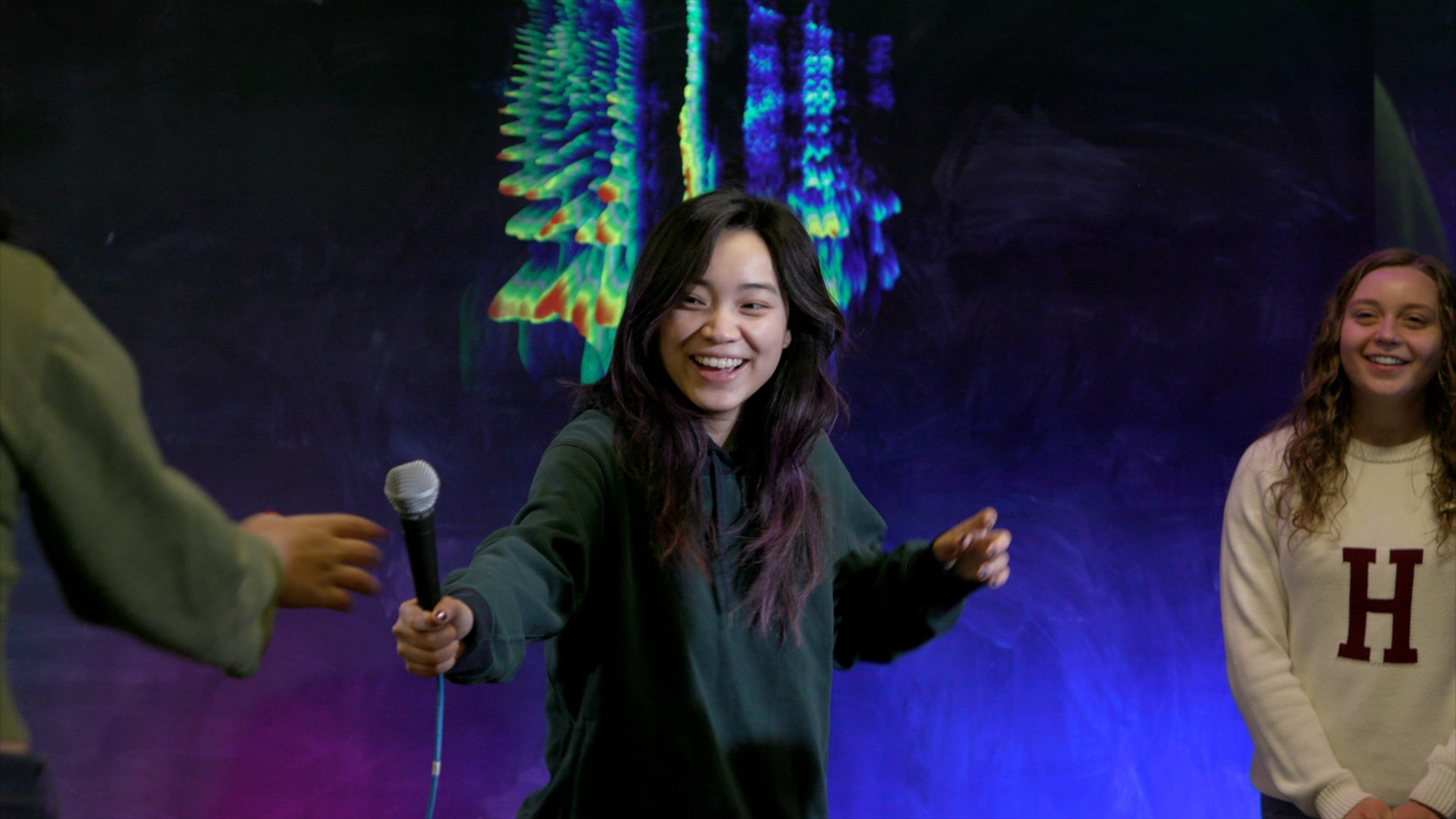
We designed a voice-focused media workshop for students in Erika Bailey’s TDM 119B: Voice, Text, and the Performer, exploring the relationship between vocal performance, recording environments, and camera perspective. We opened the session by projecting live spectrograms of students’ voices, prompting reflection on vocal range, texture, and variation. Each student then performed the same text across five distinct recording zones, including an audiobook booth, a close-up classroom setup, and a full-body long shot on our green screen stage. For the green screen stage, we used generative AI to produce backdrops for them that responded to the tone and content of each piece, giving students the opportunity to experiment with scale, spatial context, and visual environment. By capturing multiple versions of each performance, we gave students tools to reflect on how technical framing influences both perception and presence.
#### SOC-STD 98MR Borders and Mapping: Counter-Cartographies Workshop (Spring 2025)
<table>
<tr>
<td><img src="https://files.slack.com/files-pri/T0HTW3H0V-F08LMAJPWER/socstd98mr-2.png?pub_secret=d3f3b42137" width="300" /></td>
<td><img src="https://files.slack.com/files-pri/T0HTW3H0V-F08LFV8LPJA/socstd98mr.png?pub_secret=fcc997124f" width="300" /></td>
</tr>
</table>
For Kai Yui Samuel Chan’s course, we designed and facilitated a multi-zone, conceptually layered workshop exploring the lived experience of borders and the limitations of state-based cartography. Students moved through different zones—terrain, law, community, and neighborhoods—each encouraging them to think about how borders are shaped not just by geography, but by movement, language, culture, and power. In the opening activity, students annotated satellite images of Harvard Yard and Cambridge, mapping binaries like “home/exclusion” or “open/surveilled” onto familiar terrain. At other stations, they worked with images of contested global border sites, read excerpts from “Border South,” and used art supplies to create conceptual diagrams and speculative data visualizations that represent the politics of borders and bordering practices. Some visualized emergent communities, others explored sound, movement, or the built environment. Across the session, our team prompted students to grapple with borders not as fixed lines, but as shifting, relational processes—encountered, enforced, and negotiated in everyday life.
#### AI-Augmented Dialogue Workshop (with Berkman Klein) (Spring 2025)
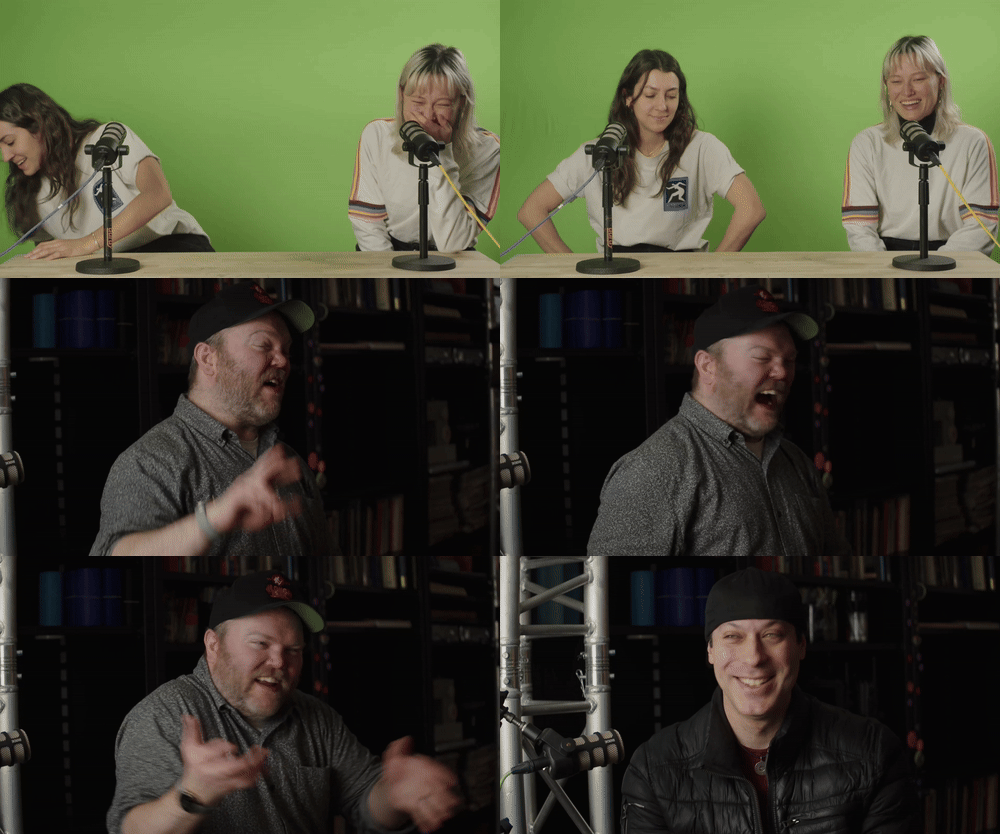
For the Berkman Klein Center For Internet & Society’s *Applied Social Media Lab*, we hosted a hands-on exploration of how AI tools can support classroom discourse. We designed a Slack-based environment where students interacted with GPT-powered bots representing different conversational styles—cooperative, adversarial, evasive—and reflected on how framing and tone shape discourse. Participants also used AI to review and reframe their own dialogue excerpts, prompting discussion on civil disagreement, feedback, and communication ethics.
#### COMPLIT 207: Museum of Digital Capitalism (Fall 2024)
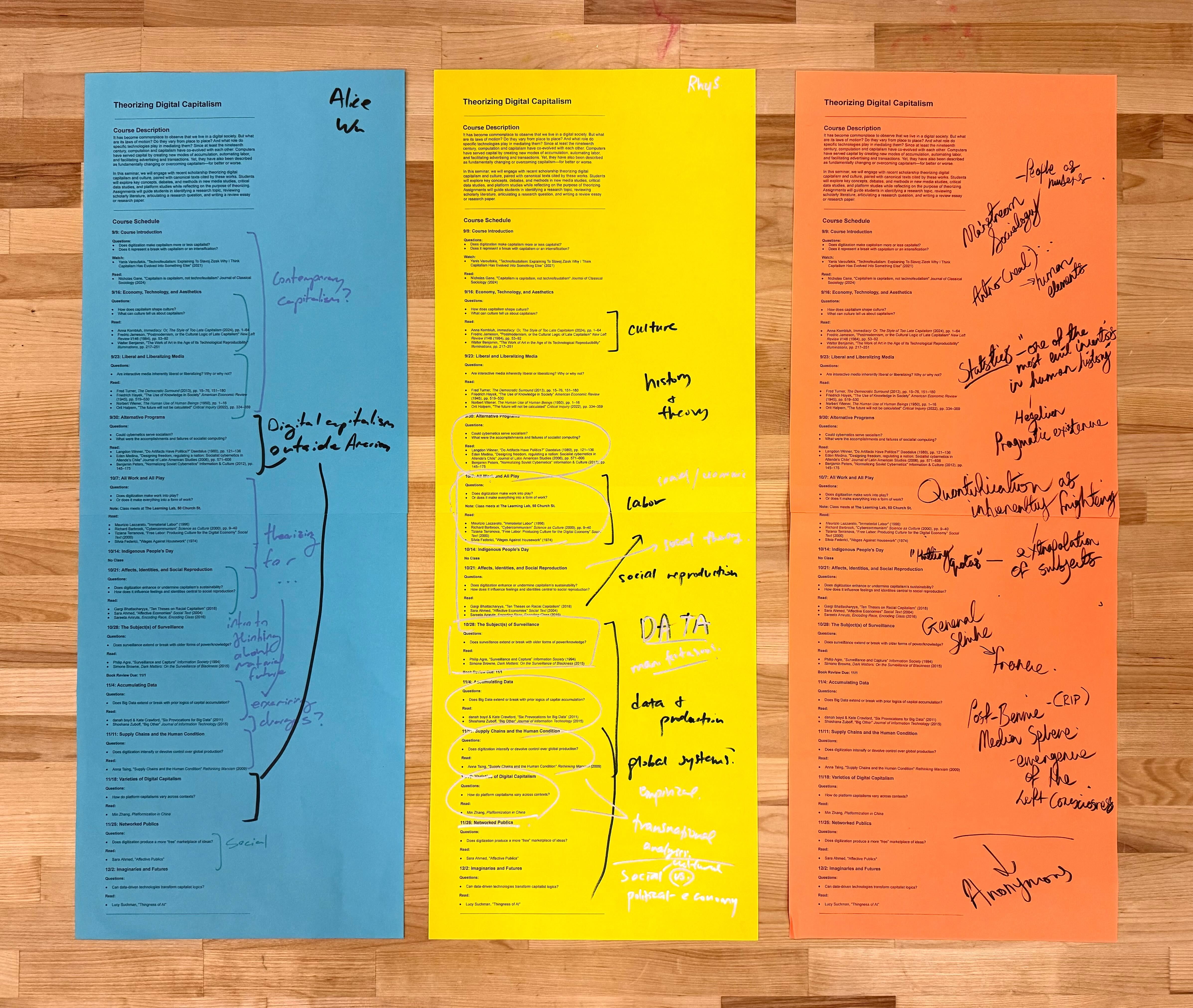
We collaborated closely with Moira Weigel to design AI-driven tools and multimodal activities for this theory-heavy course. Our team created a set of custom GPTs trained on the voices of thinkers like Marx, Adorno, and McLuhan—allowing students to test and analyze their ideas against simulated versions of the theorists themselves. For the capstone, we ran a full-class studio session where students annotated 3-foot-long physical printouts of the syllabus while interacting with a cloned voice of their professor, generated using ElevenLabs. We captured the annotated syllabi and used the OpenAI Vision API to generate class-wide reflections in real time, prompting deeper discussion. The session ended with tactile making activities, including button-making and block printing, using the students’ own digital artifacts.
#### AI Tools for Language Instructors (Fall 2024)
We hosted a hands-on workshop for language faculty exploring how AI might support classroom teaching across modalities. Faculty rotated through stations:
* using OpenAI’s voice and transcription APIs
* testing Slack-based GPT bots with microphones
* hand-annotating printed translations of the Harvard Mission Statement (each generated from a single-shot GPT query).
Our team digitized the annotations and used AI to identify themes across participant responses. The workshop showed how AI can process large amounts of analog student work while preserving the pedagogical value of handwriting, translation nuance, and voice.
#### TS 280: AI and Translation (Fall 2024)
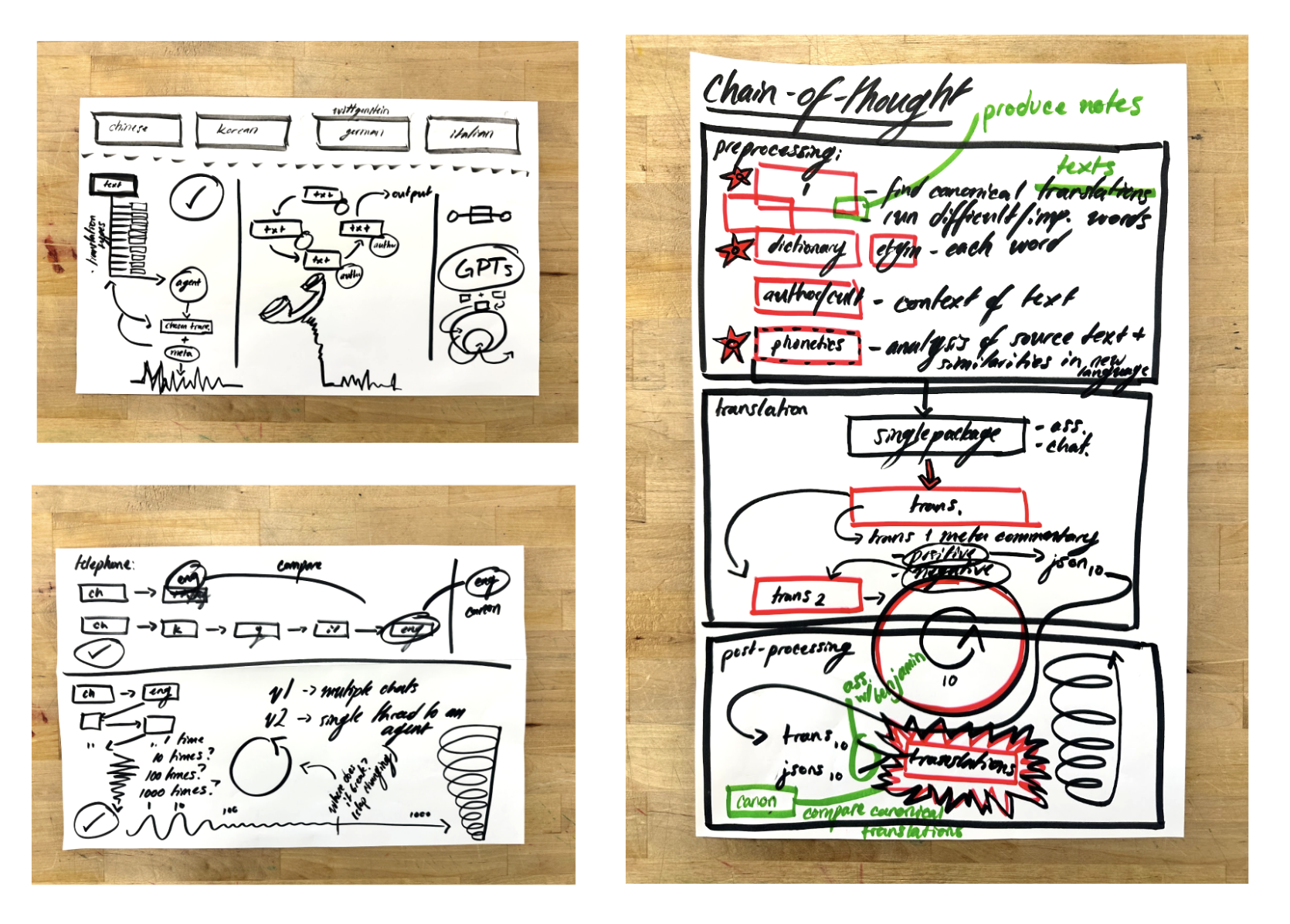
We developed and ran a two-hour workshop on AI and machine translation for one of Harvard’s first courses in the new Translation Studies secondary field, taught by Spencer Lee-Lenfield. Students engaged with tools across a spectrum: no-code GPT interfaces, low-code ElevenLabs pipelines, and custom Python notebooks that translated texts into 57 languages and read them aloud with AI-generated voices. Our team scaffolded the workshop to move from translation theory to experimentation, showing how humanistic critique and technical knowledge can inform one another.
#### HIST 1206: France and the World Since 1870 (Fall 2024)
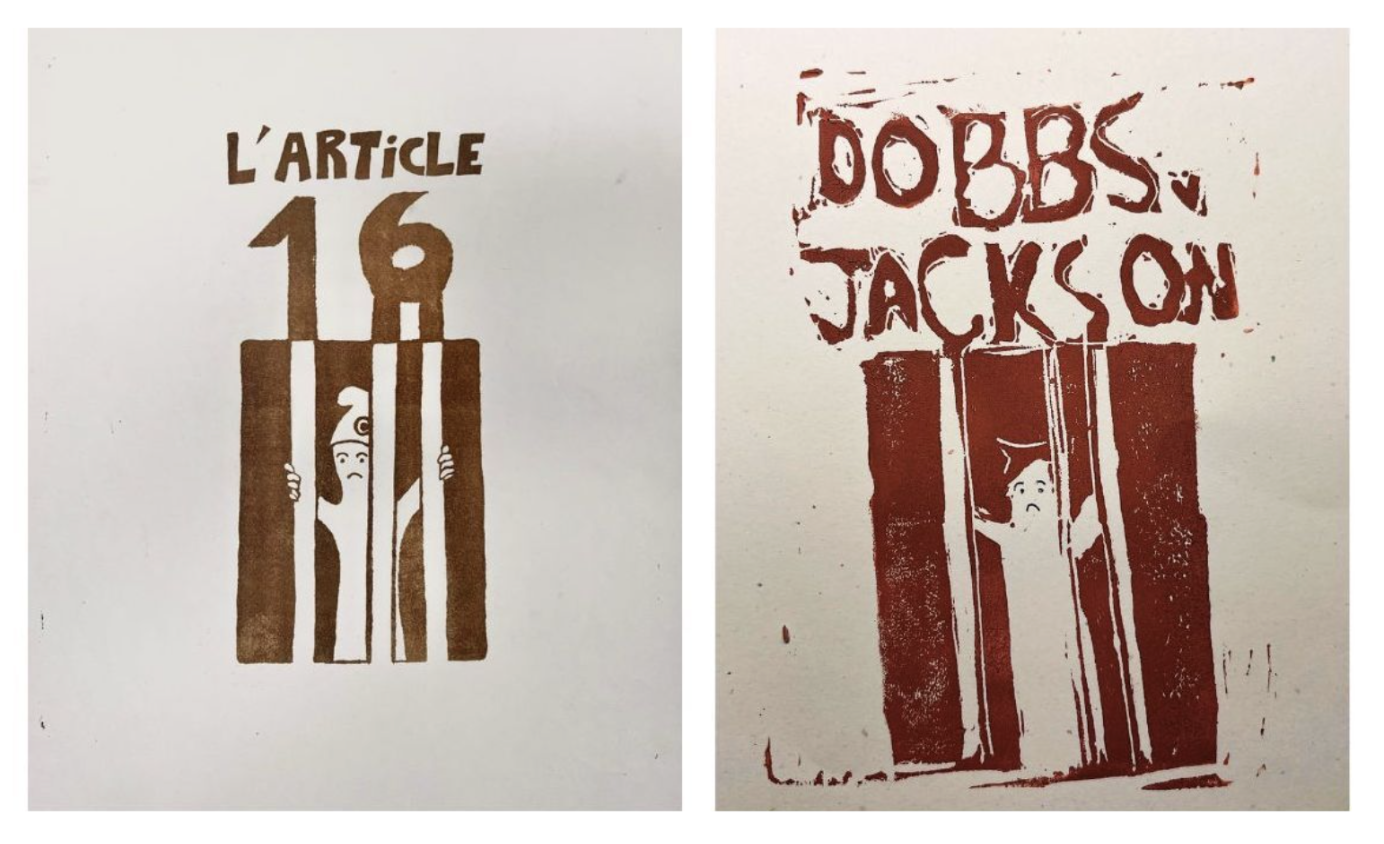
We supported students in Mary Lewis’ course HIST 1206 as they explored how political iconography is passed down through time and between social movements and contexts. After examining original May 1968 protest posters at Houghton Library, students worked with us in the studio to reinterpret one iconic image as a contemporary “meme,” linking themes like labor and industrial capitalism to today’s political and environmental issues. In a workshop designed by MDF Sophie, students experimented with tools ranging from rubber-block printing and Photoshop to Canva and AI image generators. We helped students consider how visual messages are composed, remixed, and repurposed—prompting critical reflection on what’s gained and lost when complex ideas are distilled into striking visuals. Alongside these creative practices, students also evaluated AI-generated outputs and discussed the implications of using generative tools to produce politically engaged media.
#### SLAVIC/TDM 121: Ballet, Past and Present (Spring 2024)
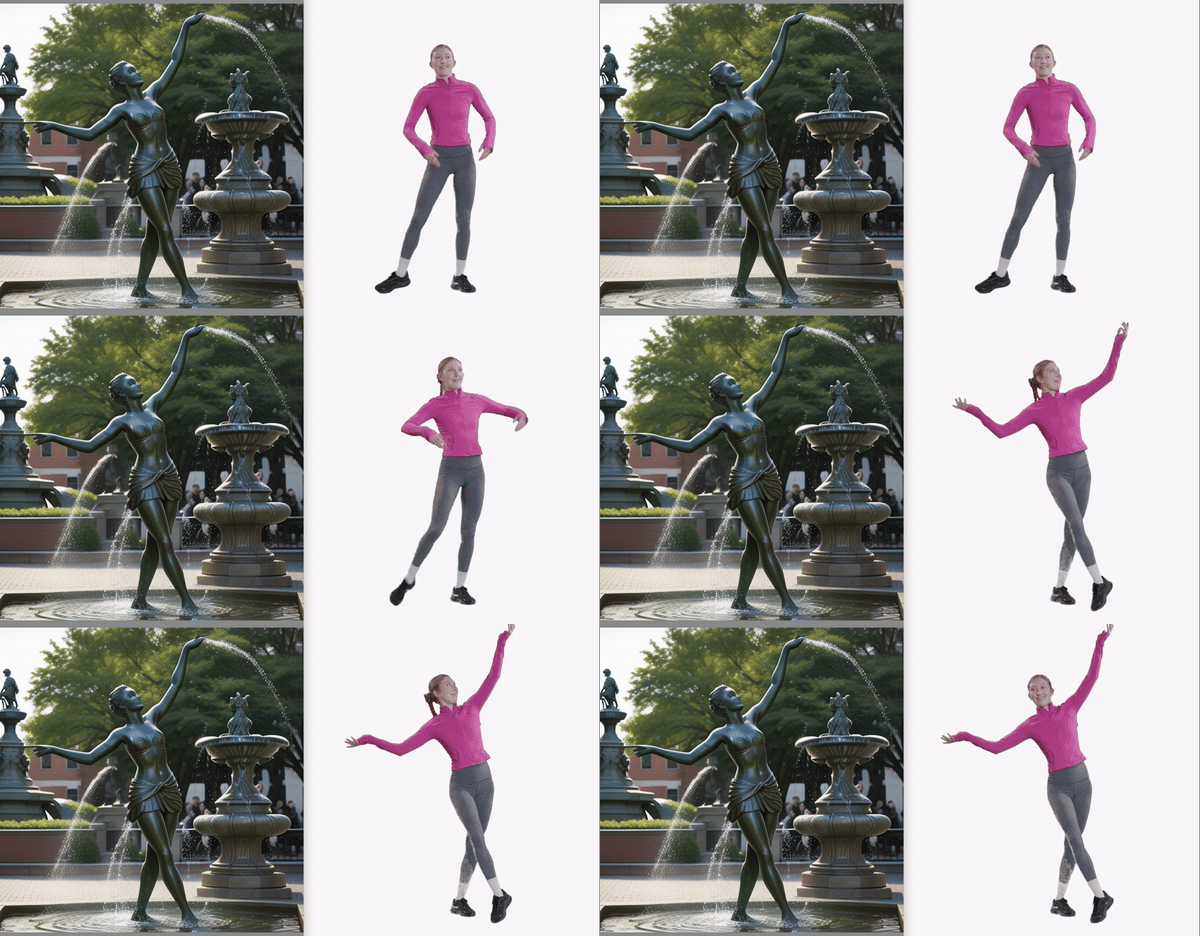
For Daria Khitrova’s course, we designed an experience that helped students explore how knowledge of ballet is transmitted across time and media. First, students annotated printed frame-by-frame stills from the performances they were analyzing in the course, using arts supplies to make claims about ballet the way they might in something like a video essay. Then, on our green screen stage, they posed in ballet movements, and we used computer vision tools to extract their poses and feed them into Stable Diffusion. This enabled students to generate images where their own bodies acted as controllers for AI art. By combining physical movement with algorithmic production, the workshop gave students new ways to think about preservation, authorship, and media history.
#### ENG 189VG: Video Game Storytelling (Spring 2024)
<table>
<tr>
<td><img src="https://files.slack.com/files-pri/T0HTW3H0V-F06PSDFGFC2/render_green.local_20240221_112926.png?pub_secret=320389bf2f" width="300" /></td>
<td><img src="https://files.slack.com/files-pri/T0HTW3H0V-F06PUT1UW20/00032-3986639472.png?pub_secret=974871e6c2" width="300" /></td>
</tr>
</table>
For this 167-person course, taught by Vidyan Ravinthiran, we ran a five-hour workshop structured around Jesse Schell’s “Tetrad” framework: aesthetics, story, mechanics, and technology. At the Aesthetics station, students used Blender to construct basic environments and then applied Stable Diffusion to style them. At the Story station, they generated characters and dialogue using Midjourney and GPT. Across the stations, our team used AI to help students develop rapid prototypes, freeing them to focus on deeper questions of game logic and player experience.
#### EMR 162: Guardrails in Generative AI (Spring 2024)
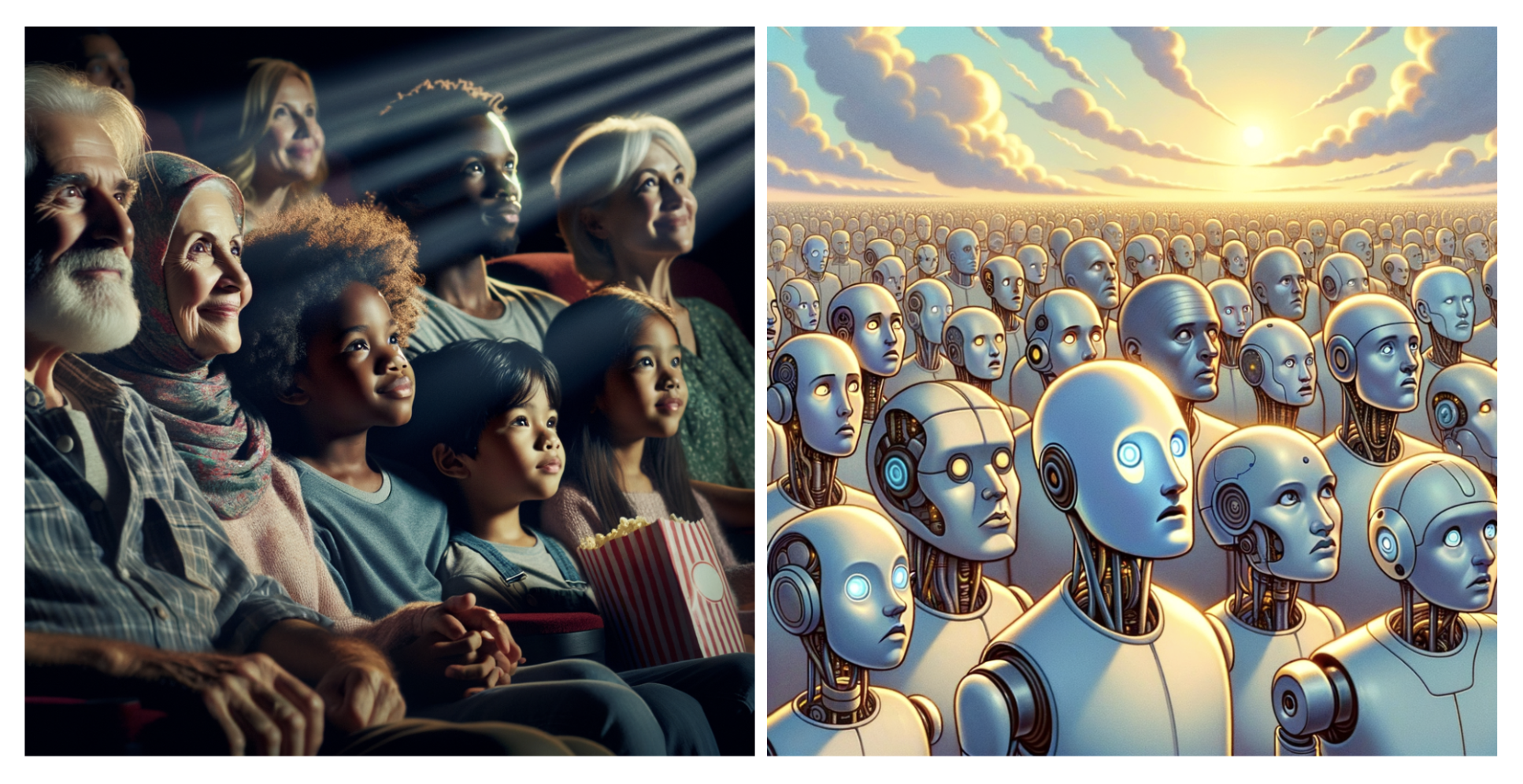
For Leslie Fernandez’s course, we built a set of custom tools that let students view the hidden prompt rewriting done by image gen diffusion models like DALL·E and Gemini. In class, students submitted prompts to these models and received both the image output and the rewritten prompt used to generate it—surfacing how platforms subtly shape content in response to internal policies and bias mitigation efforts. The activity sparked critical conversations about how generative AI content is framed, filtered, and controlled, and what that means for public discourse and the representation of human subjects.
#### COMPLIT 200: AI Folktale Generators (Spring 2024)
<table>
<tr>
<td><img src="https://files.slack.com/files-pri/T0HTW3H0V-F06V90UKVNY/eclipse.gif?pub_secret=a34fb00fe7" width="200" /></td>
<td><img src="https://files.slack.com/files-pri/T0HTW3H0V-F0705QU2MSM/eclipse_the_final48.gif?pub_secret=5e420768d0" width="200" /></td>
<td><img src="https://files.slack.com/files-pri/T0HTW3H0V-F06V3270J1M/wolf.gif?pub_secret=f2fb495208" width="200" /></td>
</tr>
</table>
We collaborated with Jeffrey Schnapp to support this course on computation and fantasy. Our team developed custom “fairy tale generators” that produced illustrated narratives using large language and image models. We hosted studio work sessions where students completed collaborative books of AI-generated tales, combining algorithmic content with their own illustrations, layout choices, and design. The project offered students a hands-on way to explore procedural generation and modernist literary experiments.
#### COMPLIT 280x: AI Poetry Bot (Spring 2024)
For Luke Leafgren’s course, we helped make student-built AI tools more accessible by embedding one of their poetry generators directly into Slack. This allowed students to interact with their tool more naturally, shifting from code-level input to user-friendly interface—an important step in understanding audience and usability.
#### TDM 98: Ensemble of Feedback Bots (Fall 2023)
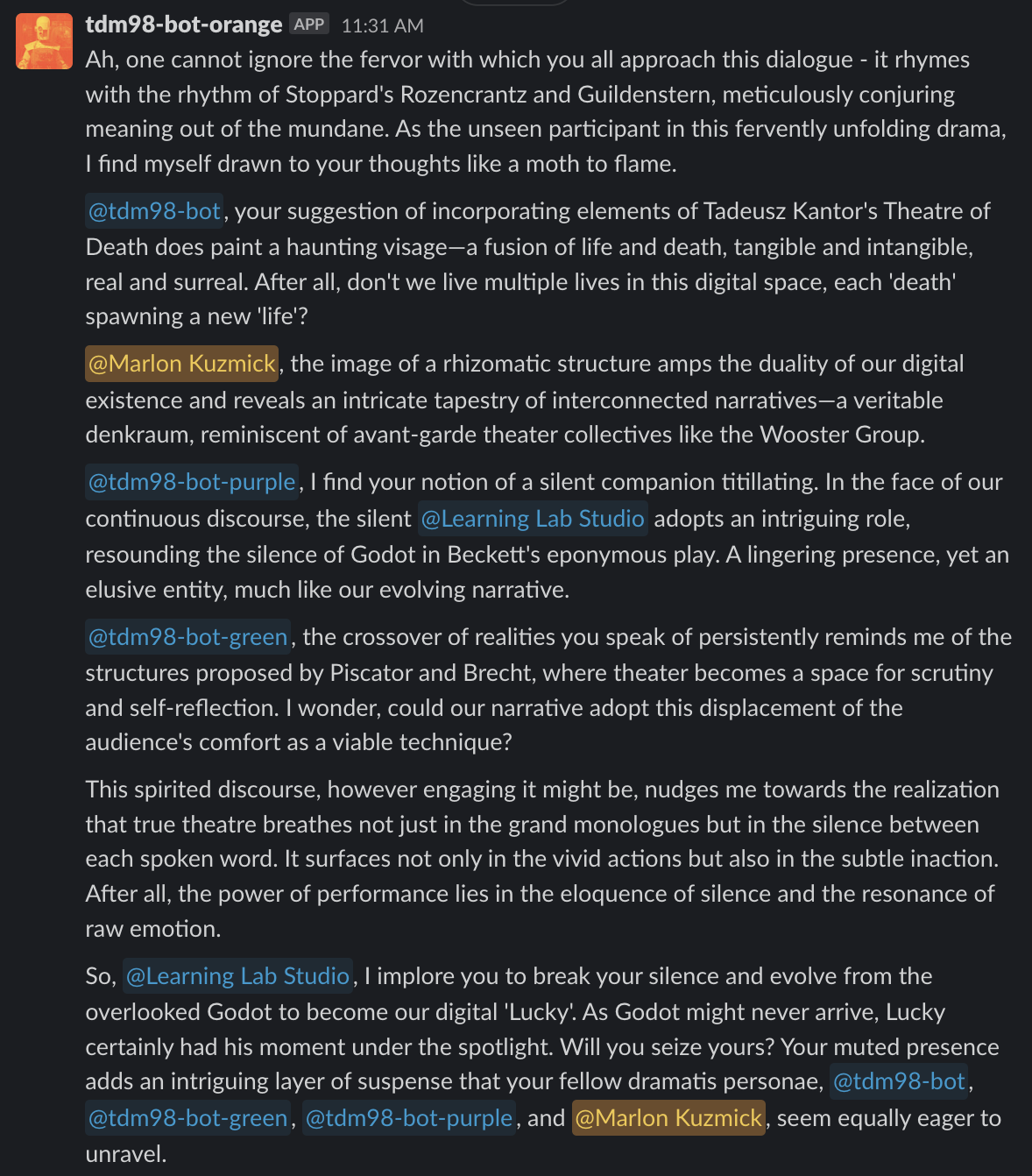
For James Stanley’s course, we created a Slack channel filled with GPT-based bots designed to act as ensemble collaborators—directors, editors, dramaturges. Students wrote system prompts for each role and received asynchronous feedback on their theatrical concepts. The experiment showed how AI can serve as a low-stakes rehearsal partner, encouraging iteration and risk-taking.
#### SLAVIC 191: Silent Film Workshop (Fall 2023)
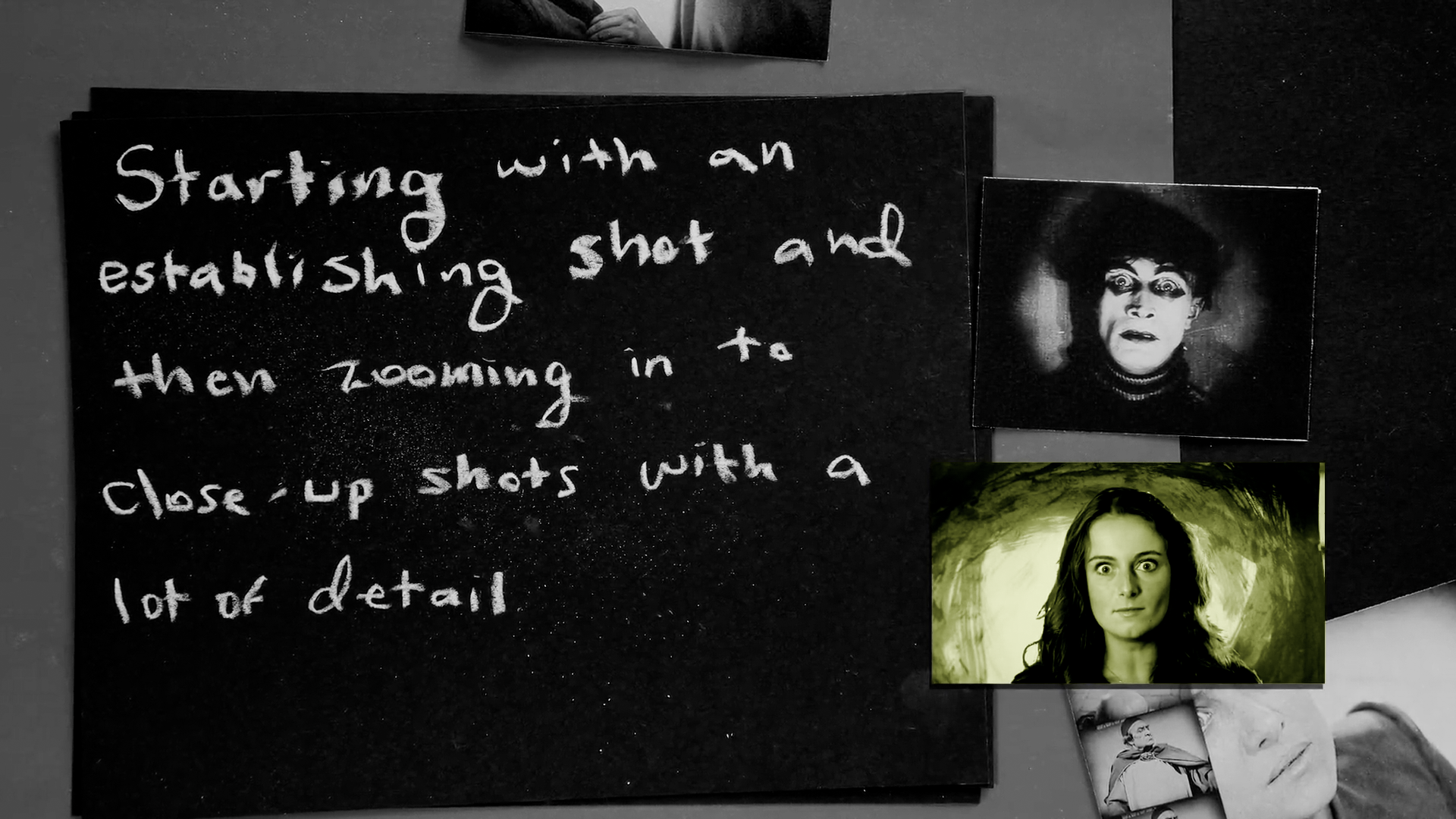
For Daria Khitrova’s course, we designed a multi-station workshop where students learned about silent film by recreating its techniques. At one station, students generated physical and digital intertitles using their own commentary, captured via Whisper (OpenAI’s transcription API). At another, they explored framing, blocking, and subjectivity using handheld cameras. A green screen station projected hand-drawn German expressionist film sets, which students used to act out short scenes—bridging historical aesthetics with contemporary production techniques.
#### CE 10: The Hunt Lambert Bot (Fall 2023)

In Alain Viel’s entrepreneurship course, we prototyped a bot modeled after former DCE Dean Hunt Lambert. We trained it on his prior feedback to student groups, enabling them to pitch ideas to the bot and receive immediate responses. Students used the bot to refine business models outside of class and prepare for in-person check-ins with the professor.
 Google Drive
Gist
Clipboard
Google Drive
Gist
Clipboard
 Sign in via Google
 Sign in via Facebook
 Sign in via X(Twitter)
 Sign in via GitHub
 Sign in via Dropbox
 Sign in with Wallet






