# Terminal App
Provide an *"example client"* that demonstrates usage of the nim-status library.
More importantly, in the near term, the example client is to serve as a [doogfooding tool](https://en.wikipedia.org/wiki/Eating_your_own_dog_food), so that behaviors/capabilities can be added and refactored in the nim-status library with a quick feedback loop as to whether they're correctly interoperating with status-go based clients over the network.
The client is still very much a work-in-progress (since so is nim-status), but enough progress has been made on the fundamental pieces that it's time to merge it into `master` and move forward with it in a dogfooding role.
### High-level goals for the client
* Should provide a [TUI](https://en.wikipedia.org/wiki/Text-based_user_interface) that is basic, but effective and pleasant enough for rapid dogfooding of nim-status.
* It should be simple to extend the client abstraction (around nim-status/waku) and the concrete TUI, with clean separation of concerns between the different aspects.
* Should have a multithreaded architecture roughly similar to the needs and constraints of Status Desktop, i.e. nim-status/waku will run as a "task" in a separate thread (one of several tasks/threads), while the TUI owns the main thread.
### Prerequisite work
See [feat/examples/client-BAK](https://github.com/status-im/nim-status/compare/feat/examples/client-BAK) for the progression of WIP commits that led to the present; the work spanned some weeks since this Spring, but owing to rebases you'll need to use `git log` to see accurate dates (vs. what's shown in GitHub).
* Improve cross-platform builds re: nim-status' Makefile and GitHub Actions workflows, initially using nim-waku's [chat2](https://github.com/status-im/nim-waku/blob/master/examples/v2/chat2.nim) example program as a baseline, and while closely tracking changes in nim-waku and other dependencies: nim-chronos, nimbus-build-system, etc.
* Implement beta 2 of our *"task runner"* architecture as the basis for coordinated multithreaded programming in the examplie client; beta 1 was implemented in Status Desktop prior to starting the groundwork for the nim-status example client. After kicking the tires for a little while longer, the `task_runner` code in [`examples/client/task_runner`](https://github.com/status-im/nim-status/tree/feat/examples/client/examples/client/task_runner) will be moved into the [nim-task-runner](https://github.com/status-im/nim-task-runner/) repo, i.e. will become its own library. **UPDATE**: see [PR #11](https://github.com/status-im/nim-task-runner/pull/11) in the nim-task-runner repo and its [`impl/beta2`](https://github.com/status-im/nim-task-runner/tree/impl/beta2) branch. The example client now imports `task_runner` from `vendor/` and the `task_runner` implementation embedded in the example client's source code has been removed.
* Develop an event and command-based structure for cleanly separating the client abstraction from the TUI; it builds on `task_runner`. Implement macros that allow the vocabulary of events and commands to be freely expanded without (too much) incidental verbosity.
* Learn from and adapt [ncurses](https://en.wikipedia.org/wiki/Ncurses) usage in [TBDChat](https://github.com/mgeitz/tbdchat) into the beginnings of the client's TUI (using [nim-ncurses](https://github.com/status-im/nim-ncurses)). This aspect is still ongoing, but will proceed lightly, along with dogfooding, since our main focus is on developing nim-status, not the client itself.
### Current functionality
The current functionality is modest, but promising:
* Both nim-waku and nim-status can be instantiated on a worker thread, and `task_runner` tasks can be used to communicate with those objects from/to the main thread by way of events and commands.
* A simple two-window TUI (two "boxes" in the same terminal screen) allows for input and output to be separated.
* Both mouse and keyboard events are supported (monitored in a worker thread), but only keyboard events are being processed for now.
* Resizing of the TUI happens automatically when the terminal window is resized, but it's a work-in-progress to not lose the contents of the input/ouput windows on resize.
* nim-waku running inside the client can be used to communicate with builds of [chat2](https://github.com/status-im/nim-waku/blob/master/examples/v2/chat2.nim).
### Dogfooding underway
While not part of this PR, work is already underway to implement client commands that use nim-status functionality (existing and in-progress) to:
* Open an (unencrypted) accounts database and list accounts.
* Create new account/s and corresponding encrypted database/s.
* Open an existing account, i.e. open its encrypted database.
In all cases gathering relevant input and displaying appropriate output in the TUI.
### Platform notes
#### Linux and macOS
Depending on the terminal emulator one uses, resizing the terminal window can cause the client's TUI to crash.
* Linux: GNOME Terminal and Alacritty exhibit crashing on resize. Kitty does not.
* macOS: Terminal.app and Alacritty exibit crashing on resize. iTerm2 and Kitty do not.
The cause of the resize-crash, and why some terminals exhibit it and others don't, is not yet known (by us). Research and fixes will be done as time allows.
Also note that after resizing in a terminal (that doesn't crash) and later exiting the client program (`/quit` command), it is often necessary to run the `reset` command in your shell, or else future input/output in your terminal may be garbled. Again, will be researched and fixed as time allows.
#### Windows
It is assumed the client will be built in an [MSYS2](https://www.msys2.org/) MINGW64 or MSYS2 UCRT64 context (see: [MSYS2 environments](https://www.msys2.org/docs/environments/)) with dependencies installed. See the [GHA workflow](https://github.com/status-im/nim-status/blob/master/.github/workflows/client.yml) for more information (will be properly documented in the future).
It should be built with the `make` variable `RELEASE=true` so that the resulting executable is standalone.
The built executable can be launched from `cmd.exe` or PowerShell, but that should be done in the context of e.g. [ConEmu](https://conemu.github.io/), [Windows Terminal](https://github.com/microsoft/terminal), or another suitable terminal emulator. It can't be launched in MSYS2's [mintty](https://mintty.github.io/) terminal emulator; the reason for that isn't clear, but it (and other problems) probably have to do with MSYS2's build logic for ncurses being [rather dated](https://github.com/msys2/MINGW-packages/issues/3593#issuecomment-842605464) and fallen behind Thomas Dickey's current [recommendations](https://github.com/mirror/ncurses/blob/45a2b5bc1a4536173178e9907feb268c708797c7/README.MinGW#L89).
To date, the screen is only drawn correctly in ConEmu, but with limited support for colors. Resizing the terminal will result in the TUI becoming hopelessly garbled, owing to lack of SIGWINCH.
In summary, Windows is not fully supported yet. As time allows, this situation may be improved.
### Screenshots
Taken on macOS in [iTerm2](https://iterm2.com/).
```
$ build/client
```
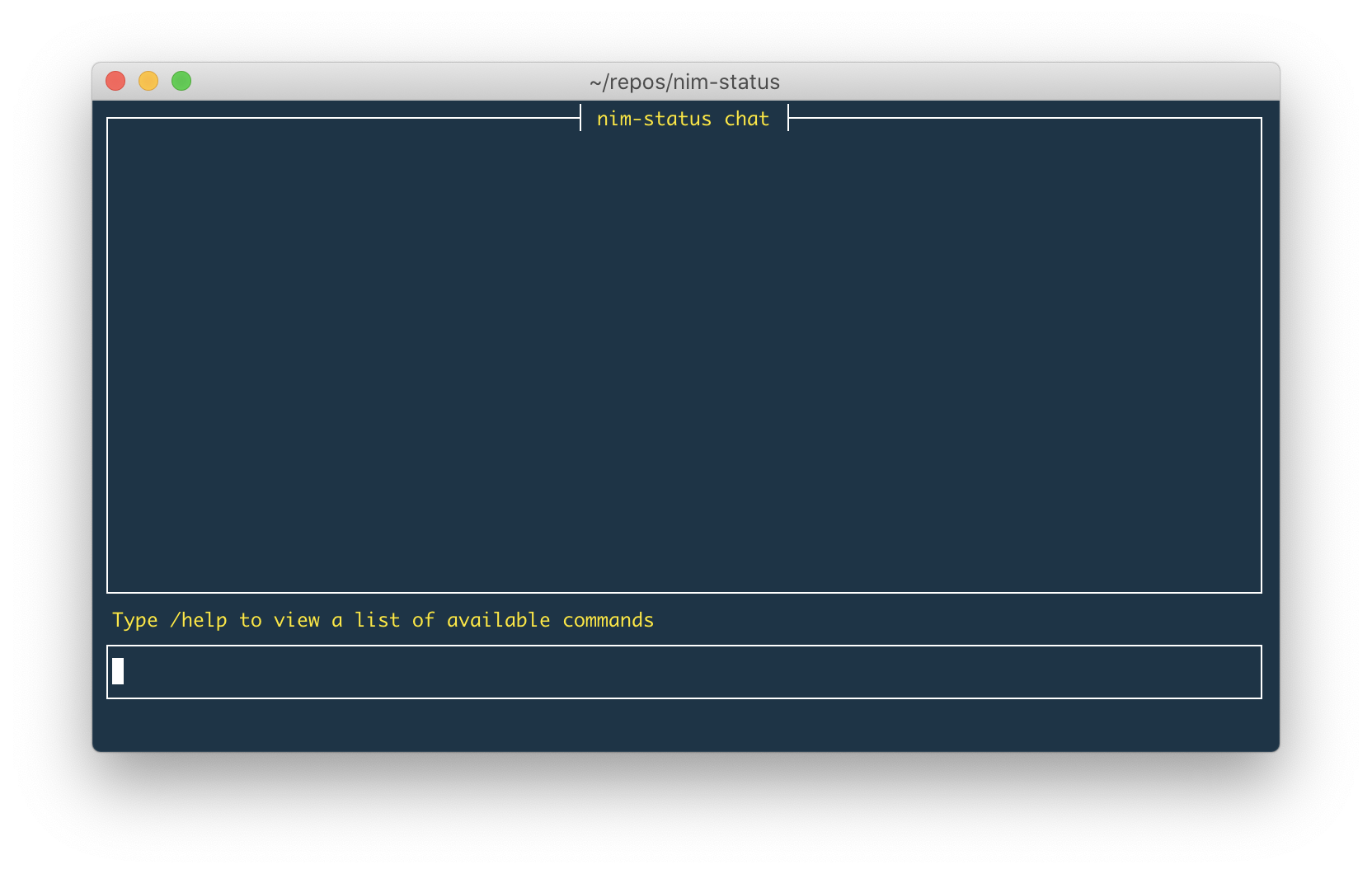
Note: the in-program `/help` command doesn't display output yet. **UPDATE**: `/help` does work now and generates quite a lot of output.
```
$ build/client --help
```
**UPDATE**: `--waku-content-topic` is now plural `--waku-content-topics`.

```
$ build/client
```
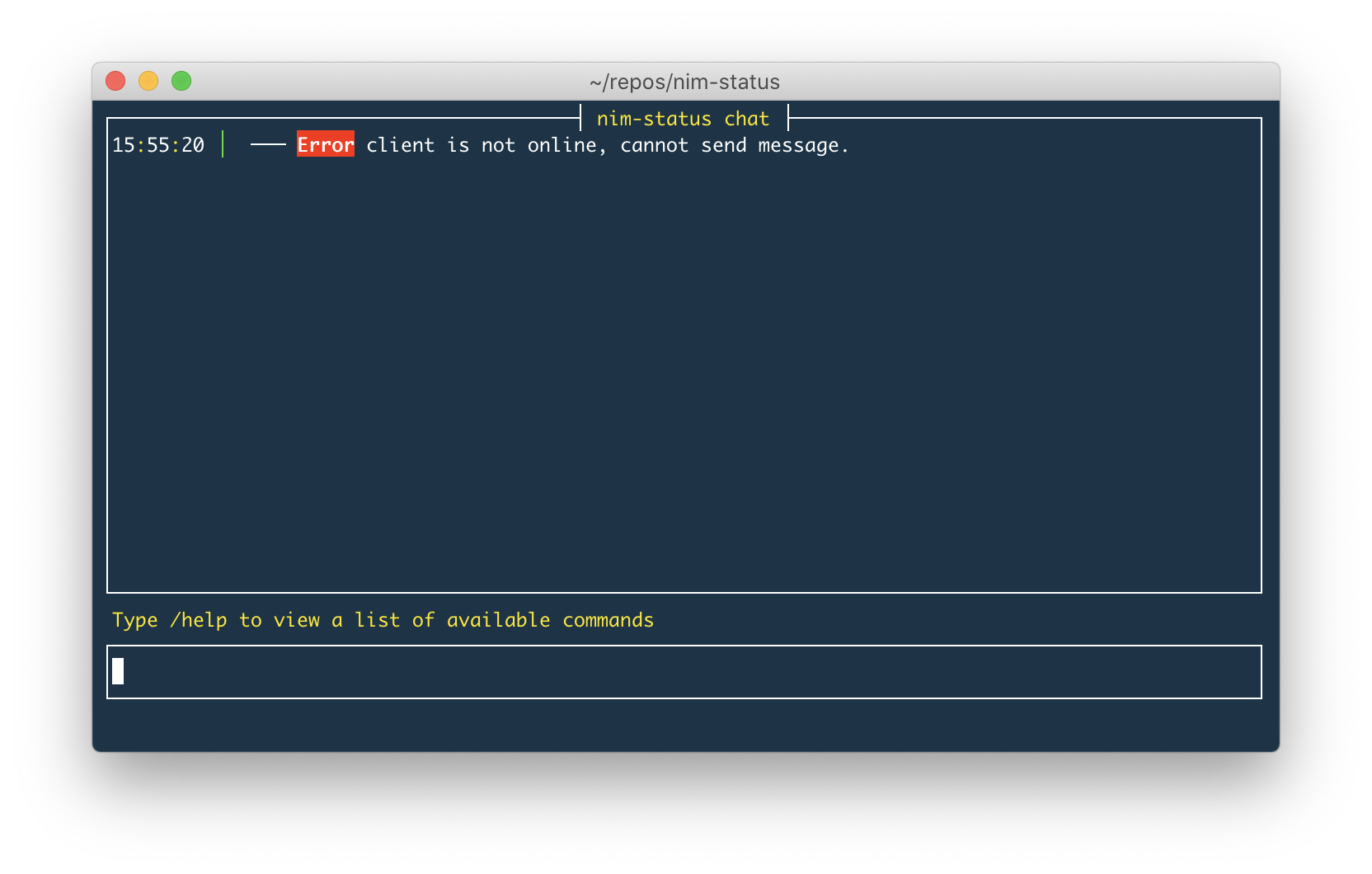
I typed `I said something` and pressed return. The *"default command"* is `/send [msg]`, where `[msg]` is something typed into the input window that's not prefixed with a `/[command]`.
Because the client isn't connected to the chat2 network, there's an error displayed in the output window after I pressed return.

```
$ build/client --waku-content-topic:"/toy-chat/2/example/proto" --log-level=trc
```
```
$ chat2 --content-topic:"/toy-chat/2/example/proto"
```
In the nim-status client I typed `/login michael1` and pressed return, which causes waku to startup on a worker thread and connect to the chat2 network.

In the `chat2` program I chose `michael2` as the nickname and proceeded to connect to the chat2 network.

On the right we see that nim-status' example client has sent and received a message on the chat2 network. On the bottom-left we see the same is true for nim-waku's `chat2` program. On the top-left we see some TRACE level logging from the nim-status client in `data/client.log`, though it's been filtered to exclude extremely verbose output from libp2p, etc.
```
$ tail -F data/client.log \
| grep --line-buffered -E -v \
'behavior\.nim|gossipsub\.nim|libp2p|protobuf\.nim|scoring\.nim'
```
 Google Drive
Gist
Clipboard
Google Drive
Gist
Clipboard
 Sign in with Wallet






