---
tags: report
---
# Mackenzie Harrigan (Molecular and Cellular Biology) Media & Design Bok Graduate Fellow
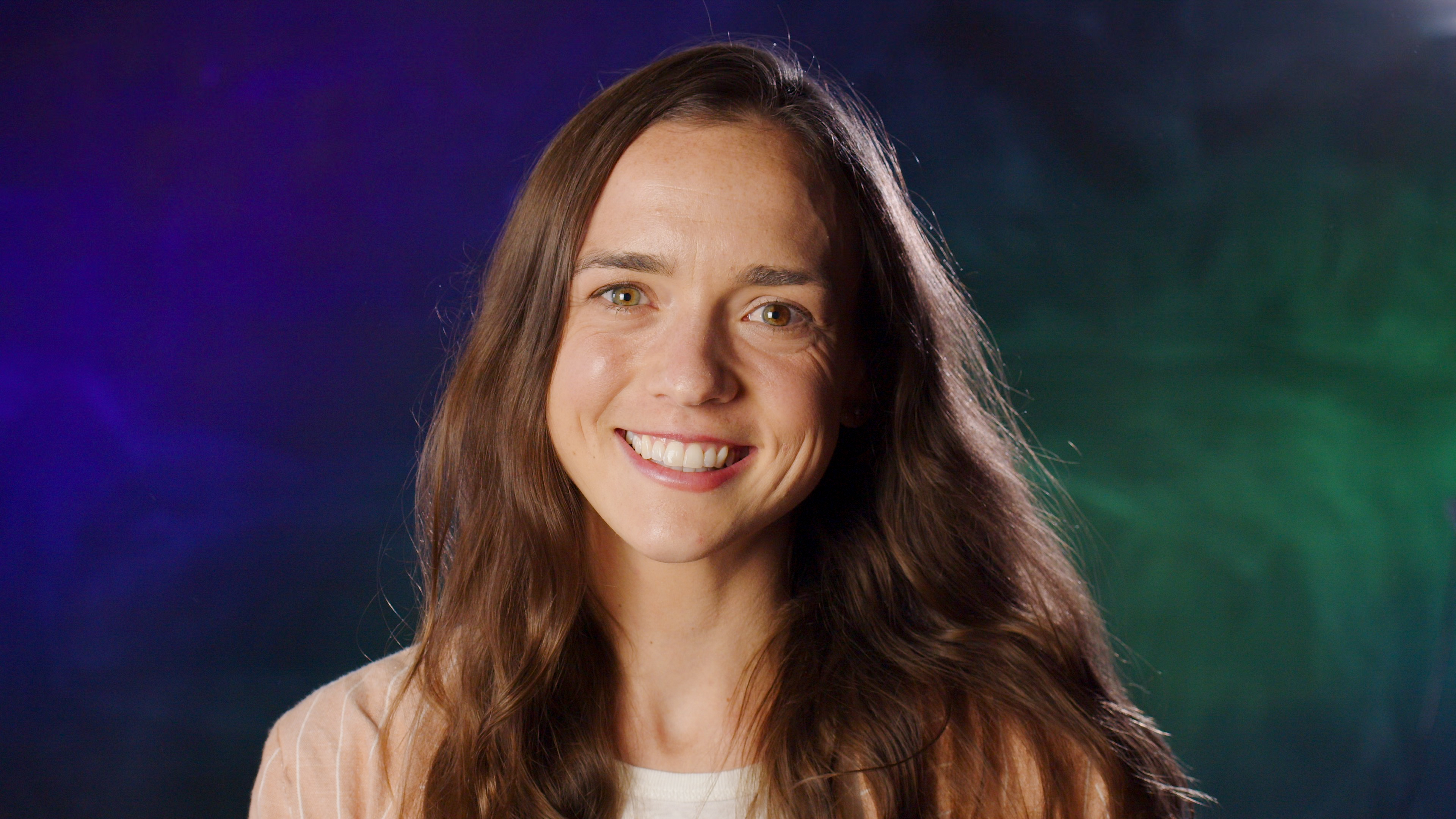
The Bok Center’s Graduate Fellows support innovative course development within the FAS, partnering with faculty and Bok Center staff to design a variety of tools, course materials, and assignments for undergraduate courses and departments/programs.
Bok Graduate Fellows support their home department and/or a program closely tied to their disciplinary expertise, developing tools and content that are valuable for that department or program’s undergraduate courses.
In this report, you can read about:
* The **training with the Bok Center** Mackenzie did to get ready to support media & design projects in the humanities
* The **courses and projects** Mackenzie supported this term
* What Mackenzie is excited to work on this spring
## orientation + training
During orientation, all Bok Graduate Fellows participated in training that introduced the consultation practices, instructional design frameworks, and project workflows that shape their work for the year. Fellows also learned the systems used to document and share their projects so that the work they develop is legible and usable across departments and future cohorts.
BGFs in the **Media & Design track** additionally developed skills for supporting assignments that involve using multimodal forms to communicate what they’re learning . Their training:
* introduced the pedagogical uses and affordances of different media forms
* principles of oral and visual communication
assignment prototyping
* gave them training with technical tools such as cameras, microphones, editing software, and design platforms as a way of understanding the kinds of choices students make when producing multimodal work
Mackenzie developed a broad technical and pedagogical foundation for supporting multimodal assignments in the sciences. Her training and early practice included:
* Nanoteaching using overhead cameras and document cameras
* Designing accessible course materials
* Audio recording and editing in GarageBand
* Video editing and basic green screen workflows
* Graphic design principles and figure-making for scientific contexts
* Photography fundamentals, including three-point lighting and basic camera handling
Alongside these skills, Mackenzie identified areas for continued growth, including advanced photo editing, chalk-talk and overhead-based presentations, web publishing tools, and deeper proficiency in Adobe Illustrator for scientific illustration.
## MCB 290: Graduate Journal Club (Molecular and Cellular Biology)
Mackenzie played a central role in helping revive **MCB 290**, a graduate-level journal club in which first-year PhD students present a paper of their choosing during weekly departmental seminars. Rather than relying on traditional slide decks, students are encouraged to communicate their work using hand-drawn illustrations, overhead projections, demonstrations, and chalk-talk-style explanations, with an emphasis on accessibility for a broad scientific audience.
Mackenzie’s support included:
* Introducing herself and the Bok Center’s role to incoming graduate students at MCB orientation
* Curating and sharing archived examples of past journal club presentations to model expectations
* Creating a shared spreadsheet for paper selection, scheduling, and coordination with the course TF
* Securing recurring practice access to the lecture hall so students could rehearse with the actual projection setup
* Producing a video demonstration and step-by-step guide to using the overhead camera and projector system
Throughout the semester, Mackenzie coached presenters in one-on-one and small-group sessions, helping them conceptualize visual representations of their papers, practice operating the overhead system, and refine the clarity of their explanations. Of the first five presenters, four chose to present using overhead projections, while one opted for a chalk-talk format. Faculty feedback on the revised journal club format has been consistently positive, and weekly coaching will continue into the spring semester.
---
## LS1a: Introductory Biology Teaching Consultations
Mackenzie supported **LS1a**, a large introductory biology course for first-year undergraduates, by conducting teaching observations and consultations focused on early discussion sections. After meeting with course heads and the teaching team, she coordinated the recording of 20 discussion sections between late September and early October.
Her work included:
* Setting up and managing recording equipment to reduce the technical burden on TFs
* Watching and annotating recorded sections
* Holding one-on-one consultations with TFs to provide structured, constructive feedback
* Focusing consultations on strategies for active discussion, managing off-base responses, and fostering participation in large sections where students may not yet know one another
Mackenzie completed teaching consultation training with the Classroom Practice track and conducted multiple consultations independently during the fall. Feedback from TFs has been positive, and she has continued coordinating with course instructors to ensure the process remains supportive and effective.
---
## MCB 197: Scientific Illustration Workshop
For **MCB 197**, a course in which students produce a graphical abstract and a poster as major assignments, Mackenzie helped host a scientific illustration workshop on October 31. Drawing on materials from previous iterations of the workshop and consultations with the course head, she ran the **Adobe Illustrator station**.
At her station, Mackenzie:
* Introduced core Illustrator tools relevant to scientific figure-making
* Demonstrated a workflow for generating reference images using AI tools and refining them into custom illustrations
* Guided students through using Image Trace and other features to adapt images for clarity and consistency
The workshop supported students at both the conceptual and technical levels as they prepared visual representations of their research.
---
## SCRB Courses & Science Communication Support
Mackenzie contributed to multiple science communication initiatives across SCRB courses:
**SCRB 111**
She supported consultations for a student explainer video project, helping students adapt complex scientific topics for general audiences and develop effective visuals. She also assisted with recording sessions and collaborated with Bok Center staff to review AI-generated follow-up questions and student reflections, contributing to ongoing conversations about assessing creative, AI-inflected assignments.
**SCRB 145**
Mackenzie consulted with faculty about making paper discussions more active and audience-aware. She is slated to observe and potentially lead a discussion later in the semester, translating Bok Center pedagogical approaches into a lab-focused course context.
---
## OEB 50: Science Communication Workshop
Mackenzie led the “simplify” station for the **OEB 50** science communication workshop, which prepares students for a podcast-based capstone project. At her station, students translated sentences from published scientific abstracts into language accessible to non-specialists.
To make the activity more interactive, Mackenzie introduced a tool that highlights words outside the 1,000 most common English words, prompting discussion about jargon, precision, and audience expectations. Students used the exercise to test and refine their explanations while reflecting on the tradeoffs between accuracy and accessibility.
---
## Additional Workshops & Initiatives
Mackenzie also supported a range of interdisciplinary workshops, including:
* A public speaking workshop for international students focused on extemporaneous speaking, visual prompts, and green screen presentations
* An English 189 workshop on video game design, where she assisted with a station on game mechanics
In addition, she helped launch **Science Communication Office Hours**, providing ongoing support for students seeking feedback on presentations and creative academic projects. She also began collaborating with Bok Center colleagues and OEB faculty on strategies for supporting slide design and presentation skills ahead of the OEB G4 symposium.
---
## Looking Ahead to Spring 2026
In the spring semester, Mackenzie will continue coaching graduate students in **MCB 290** while refining shared resources for overhead-based and chalk-talk-style presentations. She will also expand her science communication and teaching consultation work across **MCB, OEB, and SCRB** courses, with a particular focus on supporting presentation design, visual explanation strategies, and inclusive discussion practices.
Mackenzie is especially interested in further developing scientific illustration workflows, strengthening guidance for multimodal and AI-supported assignments, and contributing to ongoing conversations about how such work can be assessed rigorously and equitably. Her work this fall has laid the groundwork for sustainable, department-embedded approaches to visual and oral communication in the life sciences, which she will continue to build on during the spring semester.
 Google Drive
Gist
Clipboard
Google Drive
Gist
Clipboard
 Sign in via Google
 Sign in via Facebook
 Sign in via X(Twitter)
 Sign in via GitHub
 Sign in via Dropbox
 Sign in with Wallet






