---
title: Difference Between Linux and Windows - Scaler Topics
description: In this article by Scaler Topics, you will learn about the difference between Linux and Windows operating systems.
category: OS
author: Mohit Sahay
---
:::section{.main}
Which is a better [operating system](https://www.scaler.com/topics/operating-system/) a Windows OS or Linux OS? It is the talk of the town for many years. Since customers are always in the dilemma that whether we should have a LINUX OS or a Windows OS installed in our computer systems. This is the discussion of ages that contributed towards many disagreements, wars, banters, etc.
In this article, we will not find out the better operating system since it is impossible to find one as there are different use cases for each of them rather we will compare both the OS that is LINUX and Windows side by side to know about the features, differences in terms of **Kernels**, **Users**, **File System**, **Security**, etc.
Now, before learning about the difference between Linux and Windows operating systems, let's learn about both of them individually so that we can have better clarity.
:::
:::section{.main}
## What is Linux?
Linux is a Unix-based operating system that is free, open-source, and community-developed. Linux operating system was built by **Linux Torvalds**, who has the vision of developing a free open-source OS. Linux OS provides both interfaces for programming (`CLI`) as well as a `Graphical User Interface (GUI)`.
The source code of the Linux operating system is available to every user and can be customized. Since Linux is open-source it gives us the freedom to run the software on any machine, it gives us the freedom to study the working of OS and also what change we want to make to it. Linux kernel has the traditional `monolithic kernel` for better performance.
Linux is a collection of operating systems which are based on `Linux Kernel`, its first version was introduced in the year `1991`. After that several Linux distributions were developed and released which are as follows:
- Fedora
- Debian
- Ubuntu
- Antergos
- CENT OS, etc.
- SLES (SUSE Linux Enterprise Server) and RedHat Enterprise are commercialized used distributions of Linux OS.
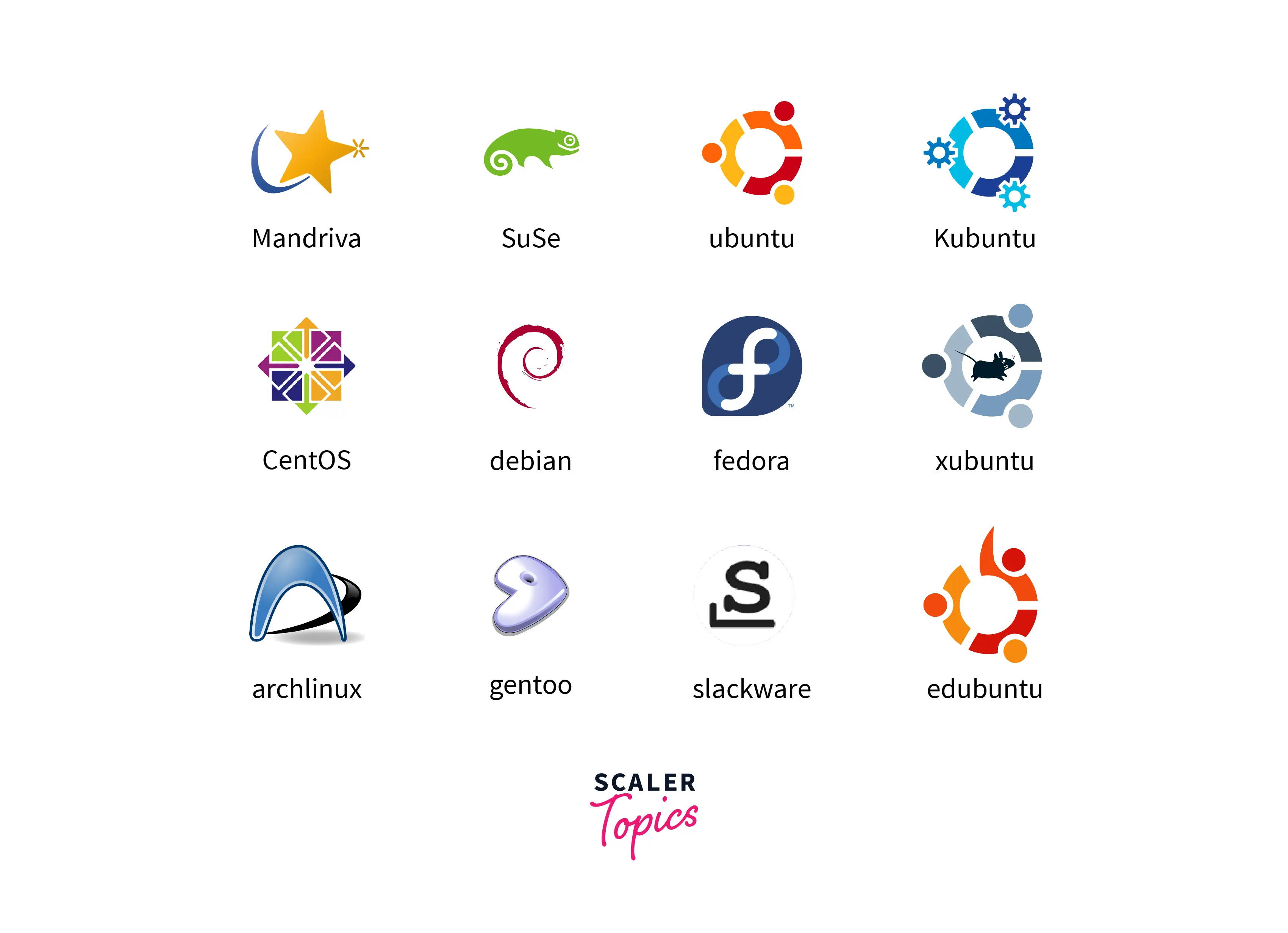
Linux OS is commonly used for servers but there are desktop versions available as well.
**Primarily there exists three components of a Linux operating system which are as follows:**
- **Kernel:-** A kernel is the heart and core of any operating system. It works as a medium between the hardware and the operating system. The Kernel performs every major activity of Linux or any other operating system. The kernel takes care of the low-level hardware details and hides or provides abstraction from the application software.
- **System Utility:-** System utility programs are responsible for doing specialized and individual-level tasks.
- **System Library:-** They are special programs used by the application software or system utilities that access the features of a Kernel. System libraries implement most of the functionalities of the operating system and the system library requires access rights to the modules of a Kernel.
To learn more about Linux OS in detail, refer to the article [Linux Operating System](https://www.scaler.com/topics/linux-operating-system/)
:::
:::section{.main}
## What is Windows?
Windows operating system also known as **Microsoft Windows** is a `GUI (Graphical User Interface)` based system software or OS which is developed and marketed by **Microsoft**. It is licensed and its source code is not accessible to normal users. Windows operating system was developed for both home usage and professional or business usage.
When Windows was not introduced by Microsoft, back then every Microsoft user was used to an OS which was called `MS-DOS` operating system which was also developed by Microsoft. After MS-DOS operating system, Microsoft developed a new operating system that was GUI based and it was named **Windows**. Windows has all the abilities to perform multiple tasks and it can simultaneously run multiple applications.
Microsoft introduced the first version `1.0` of Windows in the year 1985. After that different versions of Windows were developed by **Microsoft. Windows 2.0** was developed in **December 1987** which was the preceding version of **Windows 1.0**. In the year 1993, Windows NT 3.1 was released which was the first business-centric version of Windows. Followed by the versions such as Windows 95, Windows 2000, Windows XP, etc.
The current version of Windows is Windows 11 which was introduced in October 2021 and is a free upgrade to existing users of Windows 10.
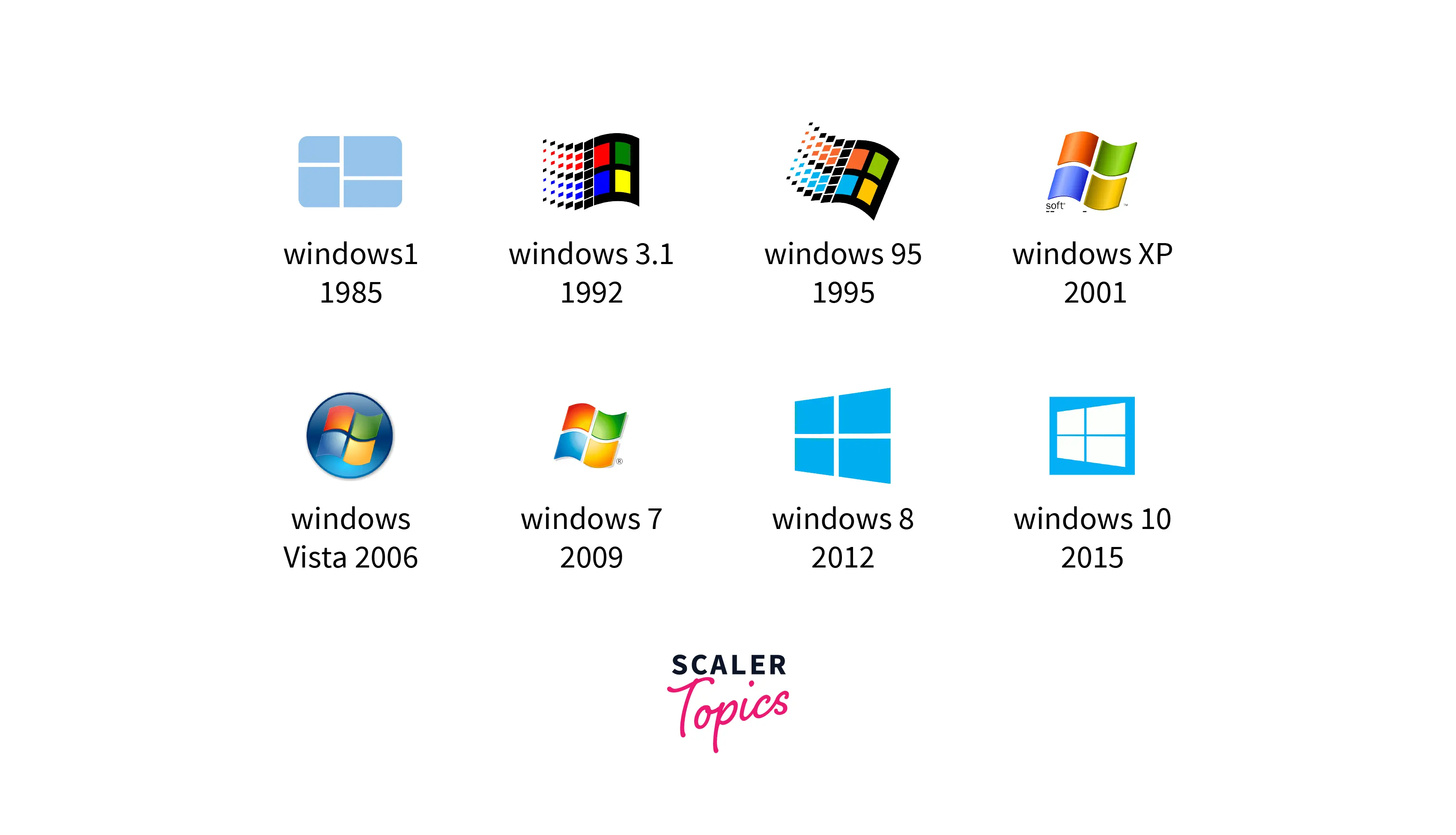
Some of the features of the Windows operating system include:
- **Control Panel:-** This feature provides the access to configure and manage the application and resources on the system.
- **File Explorer:-** This feature is also known as Windows Explorer. File Explorer shows the files and folders available on the system.
- **Cortana:-** This feature is integrated into newer versions of Windows. Cortana was first introduced in Windows 10 which is used to work on voice commands and perform a particular task given by the user.
And many more useful features there which make Windows an easy-to-use and understandable operating system.
Some of the technical features include:
- Client-server computing
- Virtual memory
- Multiprocessing
- Multiple operating environments, etc.
To learn more about Windows OS and its versions in detail, refer to the article [Windows Operating System](https://www.scaler.com/topics/windows-operating-system/)
:::
:::section{.main}
## Key Difference Between Linux and Windows
The main difference between Linux and Windows is their underlying architecture and licensing. Linux is open-source, allowing for extensive customization, while Windows is a proprietary system. Linux offers versatile desktop environments, whereas Windows provides a standardized interface. Windows has a broad range of compatible applications, while Linux may require alternatives for some proprietary software. Linux benefits from a vigilant developer community for security, whereas Windows faces more frequent security threats. Linux excels in stability and efficiency for servers, while Windows dominates the desktop and gaming markets.
:::
:::section{.main}
## Difference Between Linux and Windows
After having a brief introduction to the history and features of both operating systems.
Now, let's learn about the difference between Windows and Linux operating systems.
| Parameters | Linux | Windows |
|:--------------------:|:--------------------------------------------------------------------------------------------------------------------------------------------------------------------------------------------------------------------------------------------------------------------------------------------------------------------------------------------------------------------------------------------:|:--------------------------------------------------------------------------------------------------------------------------------------------------------------------------------------------------------------------------------------------------------------------------------------------------------------------------------------------------------------------------------------------------------------:|
| Open Source | Linux is a Unix-based open-source and free-to-use operating system. | Windows is a licensed operating system and a certain amount has to be paid to use Windows OS. |
| File System | In Linux operating system, every entity is a file. In this OS, the files are arranged in a tree-like structure that starts from the root directory. Forward slash (``/``) is used as a path separator between the directories in a Linux OS. | In Windows operating system, the files are arranged in different disk drives like **Drive C**, **Drive D**, **Drive E**, etc. Backward slash (``\``) is used as a path separator between different directories in a Windows OS. |
| User Type | In Linux operating system, there exist three types of users which are **Regular**, **Root** (Administrative), and **Service**. A Regular user does not have the access to files of different users. Root users have the access to every restricted file, they have all the administrative access. A Service user in Linux OS can give permission or deny permission to different resources. | In Windows operating system, there exist four types of users which are **Administrator**, **Standard**, **Child, and Guest**. An Administrator user has the access to make changes in the system. A Standard user has the access to perform all the common operations. Child users have restricted access to the system. A Guest user can have the access to the system temporarily or for a specific period. |
| File Name Convention | In Linux operating system, files with the same name and different casing can reside in the same folder. They are **case-sensitive**, for example, sample, Sample, and SAmple can reside in the same location. | In Windows operating system, files with the same name cannot reside in the same folder. They are not case-sensitive. |
| Efficiency | Linux operating system is more efficient when compared to the Windows operating system because of the fewer complexities involved and because they are lightweight. | Windows operating system is less efficient as compared to the Linux operating system because of being features rich which makes windows a heavy system software. |
| Kernel Type | In Linux operating system, the traditional **monolithic** kernel is used for having better overall performance but the monolothic kernel consumes more running space. | In Windows operating system, **micro** kernel is used where user services are placed in user space and kernel services are placed in kernel space which contributes to the reduction of the overall size of the Kernel and OS. |
| Home Directory | In Linux operating system, the home directory is different for every user of the system. The directories and files of different users are stored in their concerned home directory. For example, a user named harry has the home directory as `/home/harry/`. | Windows operating system also provides the same feature of different home directories for different users of the system. The home directory in Windows can be set as `C:\documents or \setting`. |
| Other Directory | In Linux operating system, the system files and program files are saved in different directories. | In Windows operating system, the system files and program files both are saved in the same location which is `Drive C`. |
| Security | Linux operating system is comparatively more secure than Windows operating system. As Linux operating system is open-source, it is regularly monitored by the Linux community from every part of the world. | As the Windows operating system is one of the most extensively used operating systems in the world therefore hackers generally attacks Windows rather than Linux OS. |
| Pricing | Linux operating system is free to use the operating system, it can be easily downloaded from the internet and then installed in the concerned machine and we can start using it. | Microsoft Windows operating system is a licensed operating system that usually costs between $99 to $199. The latest version of Microsoft Windows that is Windows 11 is available free of cost to existing Windows 10 users. |
| Customizability | Linux allows extensive customization of the system, from the choice of desktop environment to the core components. Users have the freedom to modify and adapt the OS according to their preferences and needs. | Windows provides limited customization options compared to Linux. While users can personalize their desktop, the core structure and functionalities are more rigid and controlled by Microsoft. |
| Software Support | Linux has a vast repository of software available through package managers, but some proprietary applications may have limited support. | Windows offers extensive support for a wide range of commercial software, making it a preferred choice for many professional applications. |
:::
:::section{.summary}
## Conclusion
- Windows operating system also known as **Microsoft Windows** is a `GUI (Graphical User Interface)` based system software or OS which is developed and marketed by **Microsoft**.
- Linux is a Unix-based operating system that is free, open-source, and community-developed. Linux operating system was built by **Linux Torvalds**.
- Microsoft introduced the first version `1.0` of Windows in the year `1985`. After that different versions of Windows were developed by Microsoft such as Windows 95, Windows 2000, Windows XP, etc.
- Linux is a collection of operating systems which are based on `Linux Kernel` introduced in the year `1991`. Several Linux distributions were developed and released such as Fedora, Debian, Ubuntu, etc.
- **Linux vs Windows**
- Linux is a Unix-based open source and free-to-use operating system while Windows is a licensed operating system and a certain amount has to be paid to use Windows OS.
- In Linux OS, the files are arranged in a tree-like structure which starts from the root directory while in Windows operating system, the files are arranged in different disk drives like **Drive C**, **Drive D**, **Drive E**, etc.
- In Linux operating system, the traditional **monolithic** kernel is used while in Windows operating system **micro** kernel is used.
:::
 Google Drive
Gist
Clipboard
Google Drive
Gist
Clipboard
 Sign in via Facebook
 Sign in via X(Twitter)
 Sign in via GitHub
 Sign in via Dropbox
 Sign in with Wallet






