<h2 style="text-align: center">How can I build a web page?</h2>
<div><img style="width: 400px" src="https://media.giphy.com/media/mCRJDo24UvJMA/giphy.gif"></div>
---
### Firstly, what is a web page? :information_desk_person:

---
### Hmm, so what's _hypertext_? :page_facing_up: :dizzy:
---
Hypertext is text displayed on an electronic device that contains references, or **hyperlinks**, to other information.
Kind of like [this]().
In fact, you're looking at some <a href="https://www.google.com" target="_blank">hypertext</a> right now!
---
#### Which leads us onto...
<div id="next"><img style="width: 200px" src="https://cdn.pixabay.com/photo/2017/08/05/11/16/logo-2582748_960_720.png"></div>
**HTML** is an example of a hypertext language
It stands for: Hypertext Markup Language
---
### So, what does that mean? :sparkles:
**Markup** language allows us to define different elements on a page in a **human-readable** way.
---
In order to do this with **HTML**, we need to use something called **tags**.
For example, if I wanted to create a **paragraph** of text, I would write
`<p> Here is some text inside a paragraph element </p>`
Which is rendered like this:
<p> Here is some text inside a paragraph element </p>
---
What if I wanted some of that text to be **bold**?
I could use a different set of tags, like so:
`<p> Here is <b> some text </b> inside a paragraph element </p>`
Which is rendered like this:
<p> Here is <b> some text </b> inside a paragraph element </p>
---
#### Ok, let's actually go and write some HTML :muscle:
<br>
<div><img style="width: 400px" src="https://media.giphy.com/media/12bVDtXPOzYwda/giphy.gif"></div>
---
So, now that we've written some HTML, you'll be pleased to know that **pretty much all** webpages use HTML.
But that's not the end of the story!
---
<div style="margin-bottom: 10%"><img style="width: 300px" src="https://cdn-images-1.medium.com/max/2600/1*l4xICbIIYlz1OTymWCoUTw.jpeg"></div>
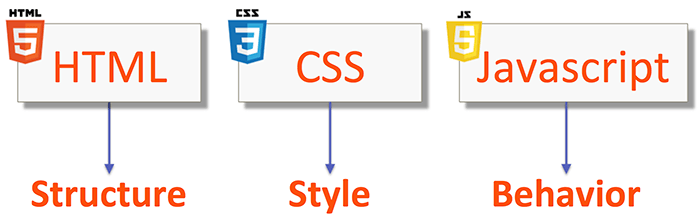
Together, **HTML**, **CSS** and **Javscript** make up **the three core technologies** of the web.
Their relationship to one another and to a webpage can be thought of grammatically - in terms of **nouns**, **adjectives** and **verbs**.
---
- ##### HTML: Nouns :house:
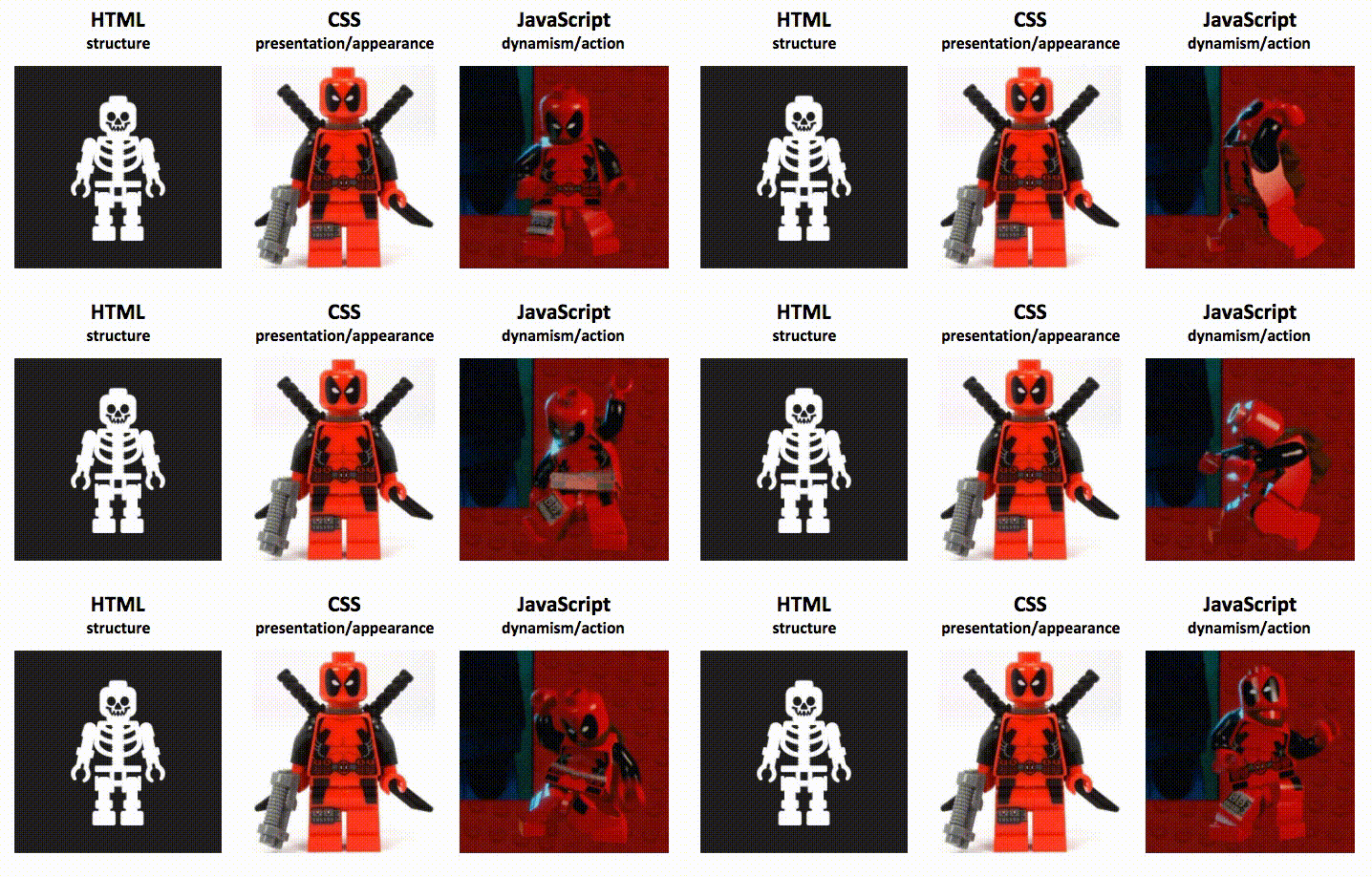
- Our HTML dictates what content will be on the page. It provides our basic **structure**.
---
- ##### CSS: Adjectives :art:
- Our CSS **describes** how that content should look, how it should be laid out, and what **styles** it should have.
---
- ##### JS: Verbs :runner:
- And our Javascript brings that content to life - it allows the user to interact with the content, providing a dynamic experience and determining the **behaviour** of the page.
---
## HTML

---
## CSS

---
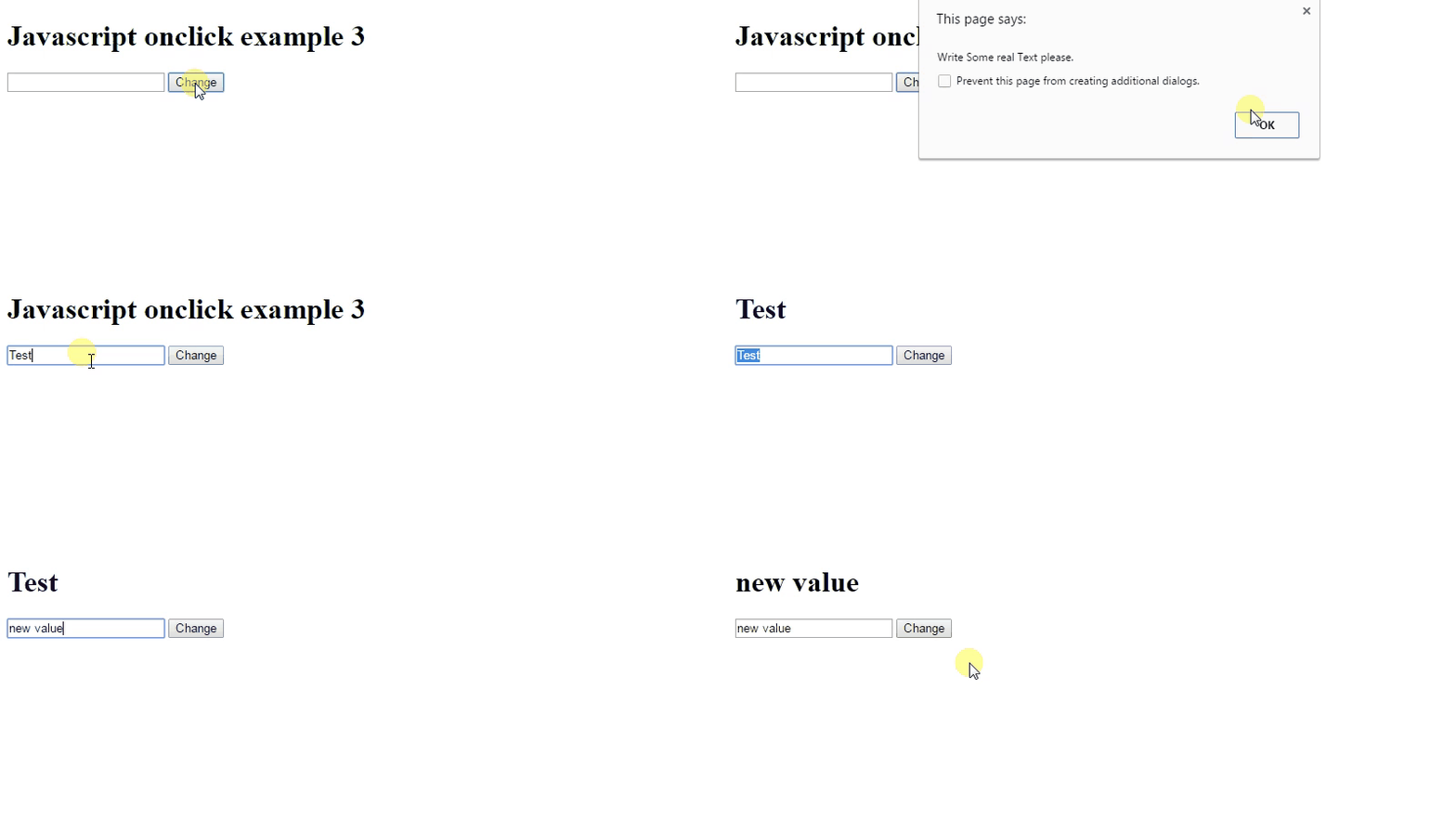
## Javascript
---
## Another analogy :house:

---
---
---
#### Make your own tribute web page! :seedling:
<div style="font-size: 0.8em">Using Codepen, try and satisfy these <b>user stories</b>:
<div style="visibility: hidden">br not working</div>
1. I can see the **title**, or **header**, of the page
2. I can see an **image** on the page
3. I can see a **paragraph** of **bold** text underneath the image
4. I can click on a **link** that takes me to another website
If you finish all these user stories, feel free to keep adding more elements to your page! You may want to continue with the challenges on freeCodeCamp for inspiration.</div>
 Google Drive
Gist
Clipboard
Google Drive
Gist
Clipboard
 Sign in with Wallet






