---
title: CSS Full Form - Scaler Topics
description: CSS stands for Cascading Style Sheets. Let’s try to understand what that means exactly in this article by Scaler Topics.
author: Poornima
category: CSS
---
:::section{.abstract}
## Full Form of CSS
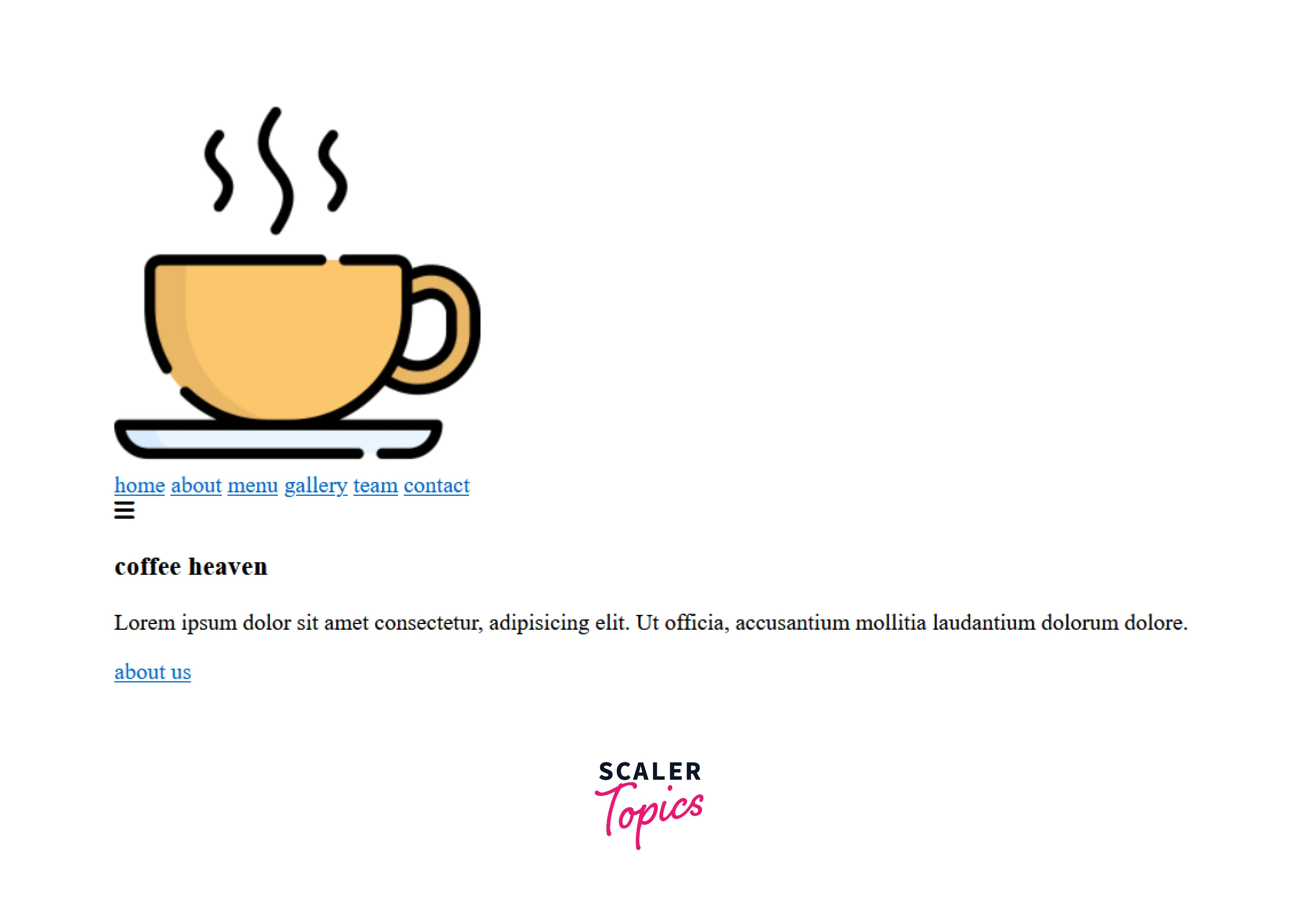
CSS stands for `Cascading Style Sheets`. It describes how HTML elements should be displayed on the screen. It is a powerful tool for web designers to change the design and control over web pages and how they should be displayed. It is supported by all browsers and is designed primarily to separate the document content from the document presentation.
### Webpage only with HTML
### Webpage styled with CSS

**Style**: This is the easiest part. As mentioned before, CSS deals with styling a web page, hence the part ‘style’. This includes simple font, color, layout, etc. changes, and complex animations.
**Sheets**: A style sheet is a set of rules that define the visual presentation of HTML or XML documents. CSS describes the look and formatting of a document written in a markup language.
:::section{.tip}
**Note**: Sometimes you don’t need a separate file to apply CSS; more on this can be seen in the section `Ways to apply CSS to HTML docs`
:::
:::section{.main}
**Cascading** :
Cascading in CSS is the process of combining styles from different sources and resolving conflicts when multiple style rules apply to the same element. The idea is that styles can cascade from one source to another, creating a hierarchy of rules that determine how a particular element should be styled.
:::
:::section{.main}
## Ways to apply CSS to HTML docs
There are three ways to apply CSS to an HTML document.
* ### Inline CSS
In inline CSS, we use the keyword `style` as an attribute to an HTML element and specify the style properties. The properties will then be applied to that specific element.
**Syntax**:
```html
<tagname style = “ property-name : property-value”> content </tagname>
```
**Example**:
```html
<h1 style="color: mediumvioletred;">Scaler Topics</h1>
```
**Output**:

* ### Internal CSS
We use the `<style>` tag in internal CSS and write the styles needed inside it. We can write them in the HTML file with the elements we wish to modify. The `<style>` tag can be used inside the `head` and `body` of the HTML file.
**Syntax** :
```html
<style>
--- required styles--
</style>
```
**Example** :
```html
<!DOCTYPE html>
<html lang="en">
<head>
<meta charset="UTF-8" />
<meta http-equiv="X-UA-Compatible" content="IE=edge" />
<meta name="viewport" content="width=device-width, initial-scale=1.0" />
<style>
body {
background-color: black;
}
h1 {
color: mediumvioletred;
}
h2 {
color: powderblue;
}
</style>
</head>
<body>
<h1>Welcome!!</h1>
<h2>This is Scaler topics!</h2>
</body>
</html>
```
**Output**:

* ### External CSS
In this, we create a file with the extension `.css`, write all our styles in it, and use this CSS file in HTML to apply the CSS rules we wrote. Using this approach improves readability as CSS and HTML are in separate files. To use this style sheet in an HTML file, we should link it in the head section of it by using the link tag as shown below-
**Syntax**
```html
<head>
//if the CSS file is in another folder, then
//the href must contain the path to the file
<link rel="stylesheet" href="nameOfTheSheet.css">
</head>
```
**Example**
**HTML**
```html
<!DOCTYPE html>
<html lang="en">
<head>
<meta charset="UTF-8" />
<meta http-equiv="X-UA-Compatible" content="IE=edge" />
<meta name="viewport" content="width=device-width, initial-scale=1.0" />
<link rel="stylesheet" href="styles.css" />
</head>
<body>
<h1>Welcome!!</h1>
<h2>This is Scaler topics!</h2>
</body>
</html>
```
**CSS**
```css
body {
background-color: black;
}
h1 {
color: mediumvioletred;
}
h2 {
color: powderblue;
}
```
**Output**:

:::
:::section{.main}
## CSS version release
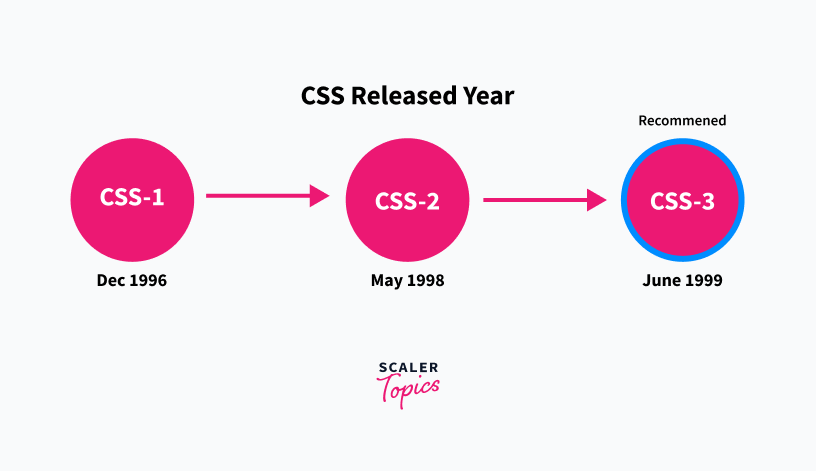
Several CSS versions have been released since the introduction of CSS, but there are three major versions: CSS1, CSS2, and CSS3.
**CSS1** : `CSS1` was the first official `W3C` Recommendation. It was published in `December 1996`. It supported simple visual formatting such as Font property, Color of text, backgrounds, other elements, text attributes, etc.
**CSS2**: `CSS2` was made the official W3C recommendation in May 1998, and it is built upon CSS1 with additional support for absolute, relative, and fixed positioning of elements and `z-index` property, etc.
**CSS3** : `CSS3` is the latest and currently recommended version. It was published as a `W3C` recommendation in June 1999 and is based on the older CSS versions. CSS 3 is divided into several separate documents called "modules". Each module adds new capability or extends features defined in CSS 2.
:::section{.main}
## Advantages of CSS
* **Multiple Device Compatibility**: CSS is compatible with all devices, be it desktop, mobile, etc.
* **Better than HTML styling**: Styling with CSS is far less cumbersome and better than with HTML
* **Easy maintenance**: Easier to maintain since all the styling is contained in separate files and style changes in just one place are reflected in the entire web page
* **Faster page loading**: Page loading is faster with CSS since multiple pages share the same formatting it reduces file transfer size, which helps pages load faster
* **Time-Saving**: We can reuse the CSS styles, thus saving time. The same style sheet can also be used for different HTML pages by adding a link.
* **Browser support**: CSS supports almost all the latest browsers like Chrome, Safari, Firefox, etc.
**Takeaway**:

:::
:::section{.main}
## Limitations of CSS
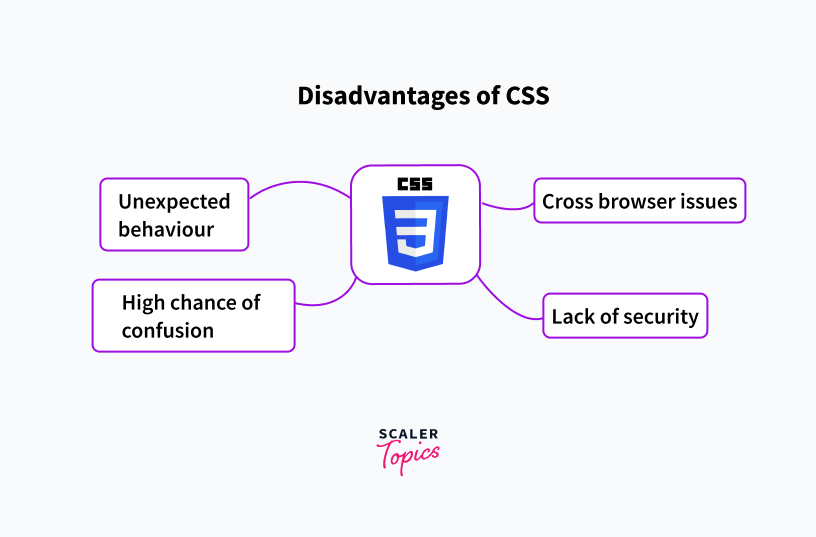
* **Cross-browser issues**: CSS works differently with different browsers, so the developers need to check whether the code for one browser is consistent with the others as well
* **Lack of security**: CSS doesn’t offer much protection, hence leaving it vulnerable
* **High chance of confusion**: As we do more and more styling to the application, we might start using various levels of specificity, inheritance, and cascade on the HTML elements. This might lead to increasing confusion.
* **Unexpected behaviour**: CSS has some unexpected behaviour in cases such as collapsing margins, fragmentation, etc.; developers need to be careful in such cases to avoid pitfalls
**Takeaway**:
:::
:::section{.summary}
## Conclusion
* CSS is used to style a webpage.
* CSS stands for Cascading Style Sheets.
* There are three ways to add CSS to an HTML file Inline, Internal and External. Adding external is the recommended way
* CSS3 is the widely used version of CSS
* There exist many CSS frameworks, and the most popular ones are Tailwind CSS, Bootstrap, and Bulma CSS.
## Related Topics
* [What is CSS](https://www.scaler.com/topics/css/what-is-css/)
* [How to Use CSS in HTML](https://www.scaler.com/topics/css/html-css/)
* [CSS Tutorial](https://www.scaler.com/topics/css/)
 Sign in via Facebook
 Sign in via X(Twitter)
 Sign in via GitHub
 Sign in via Dropbox
 Sign in with Wallet
Connect another wallet
Sign in with Wallet
Connect another wallet