## Introduction
Welcome! In this tutorial, we'll learn how to create a custom transaction to send Gnars tokens from the Gnars DAO treasury. We'll walk through each step in detail, explaining basic concepts about Ethereum, blockchain, and how DAOs (Decentralized Autonomous Organizations) work. Let's get started!
## Step 1: Submit Proposal
### Access the DAO Interface
First, navigate to the [Gnars DAO interface on Nouns.build](https://nouns.build/dao/base/0x880fb3cf5c6cc2d7dfc13a993e839a9411200c17/6041?tab=activity). This interface allows you to interact with the DAO, submit proposals, and vote.

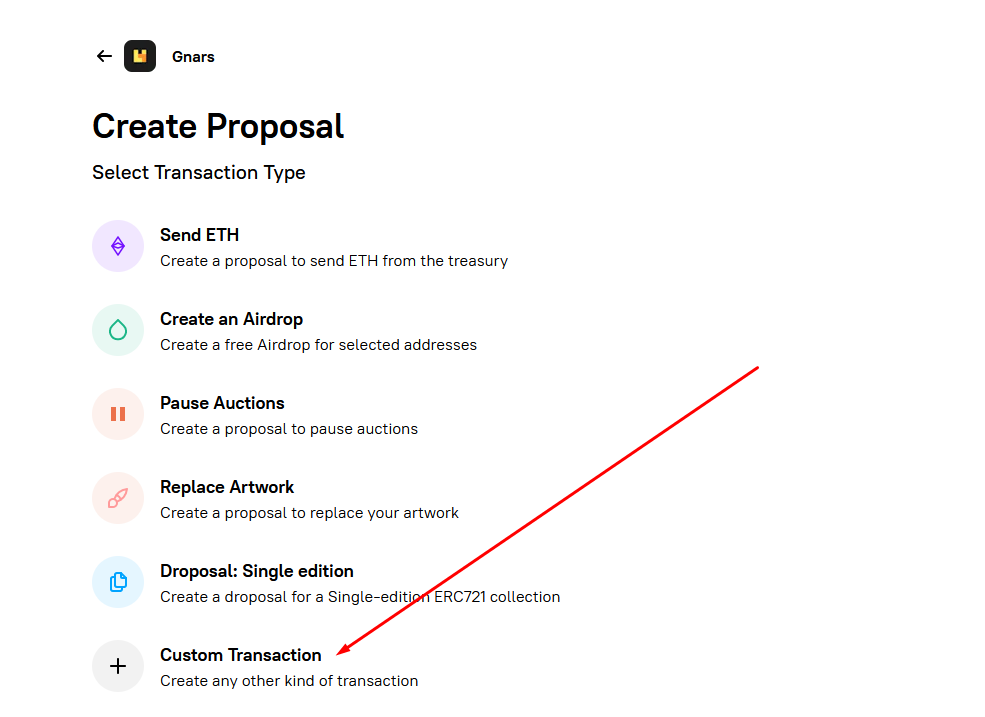
### Custom Transaction
Our tokens are in the treasury, and since there's no template for this kind of transaction, we need to create a custom transaction.
### Paste the contract
We need the token contract to create the transaction. The token contract address for Gnars NFT is `0x880fb3cf5c6cc2d7dfc13a993e839a9411200c17`. You can find all our contracts in the ["Contracts"](https://nouns.build/dao/base/0x880Fb3Cf5c6Cc2d7DFC13a993E839a9411200C17/6040?tab=contracts) area on NounsBuild.
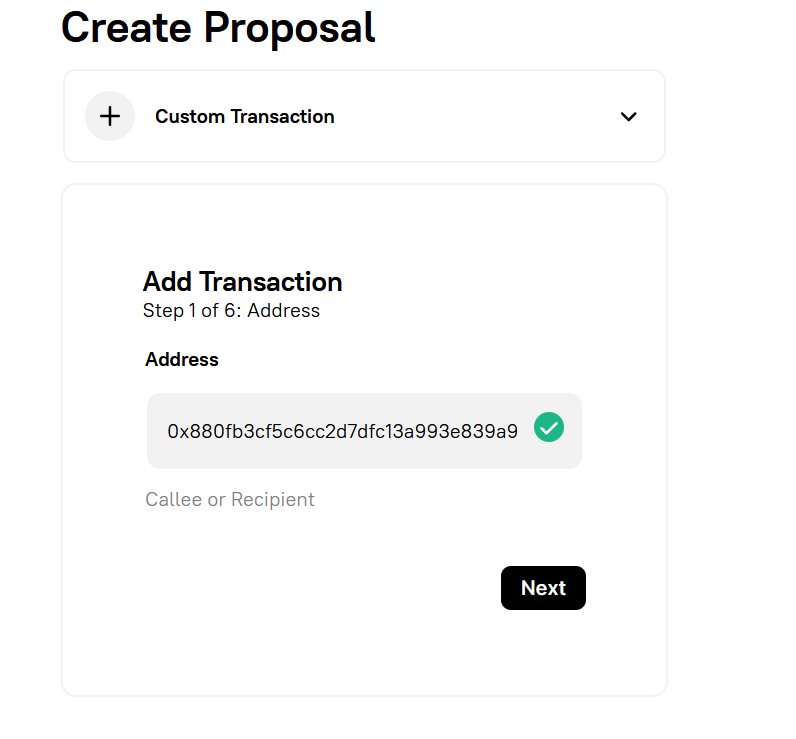
Once the contract address is filled, click "Next."
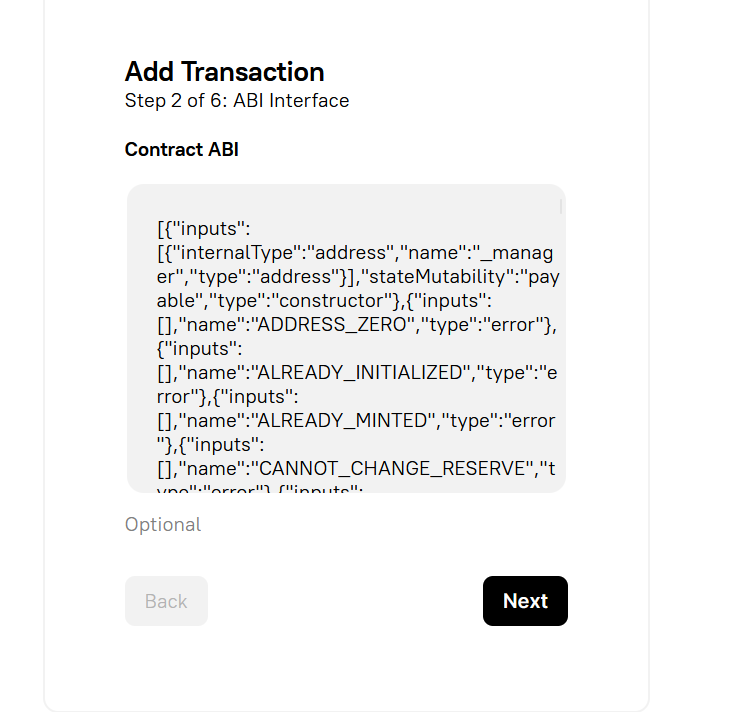
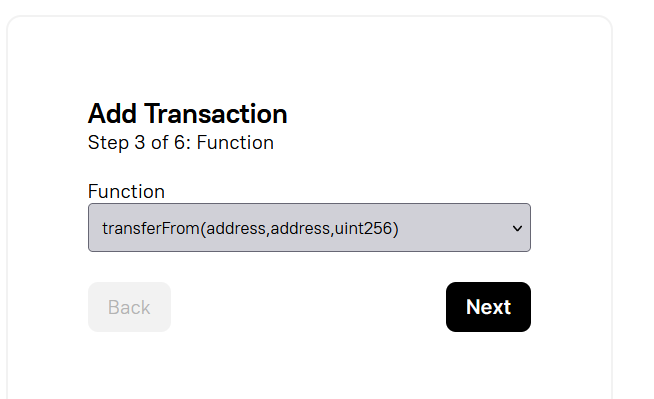
### Step 2: Choosing the Function
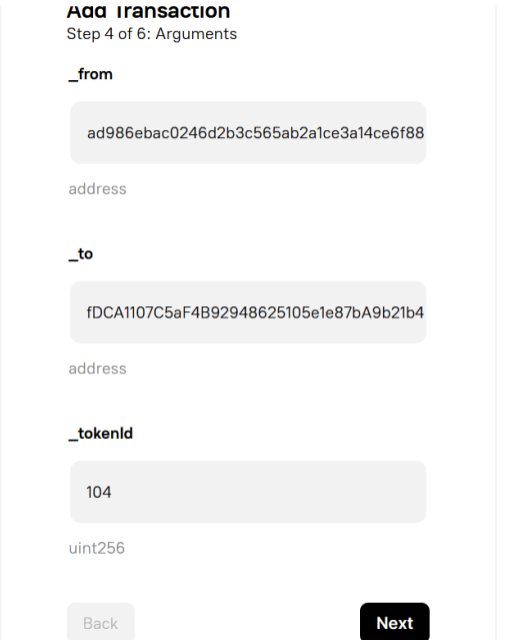
The contract provides several functions. The function we need is called `transferFrom(address, address, uint256)`. This function allows specific transactions by taking funds from the treasury and sending them to another wallet.
### Filling in the Details
`_from = treasury`
This indicates where the token will come from. In this case, it's the Gnars DAO treasury.
`_to = receiver`
This indicates which wallet the token should be sent to.
`_tokenId = ID of the NFT you chose`
The token ID represents which Gnar you want from the treasury. You can check all the treasury token IDs through this [link](https://zapper.xyz/account/0x72ad986ebac0246d2b3c565ab2a1ce3a14ce6f88?tab=nft).
### Click "Next."
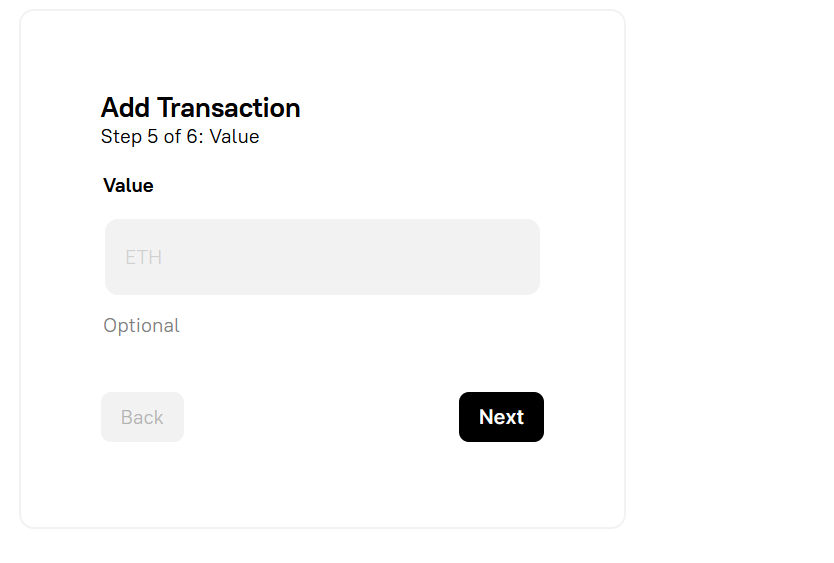
### Adding the Transaction
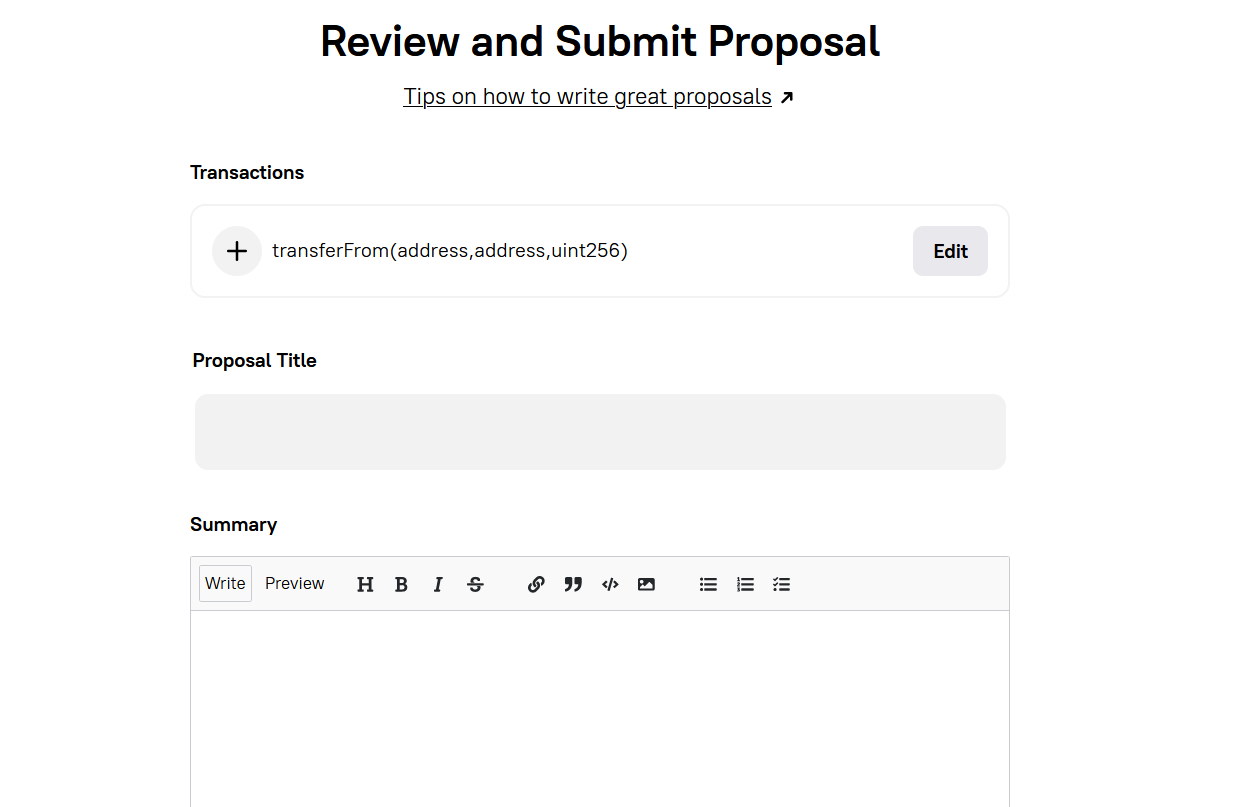
After clicking **"Next,"** you'll need to add the transaction.
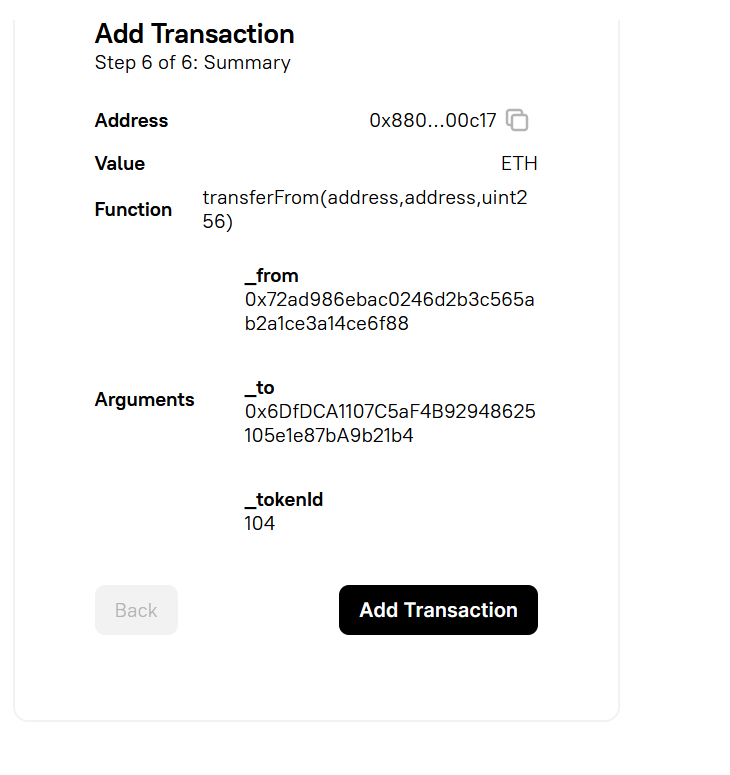
### Finally
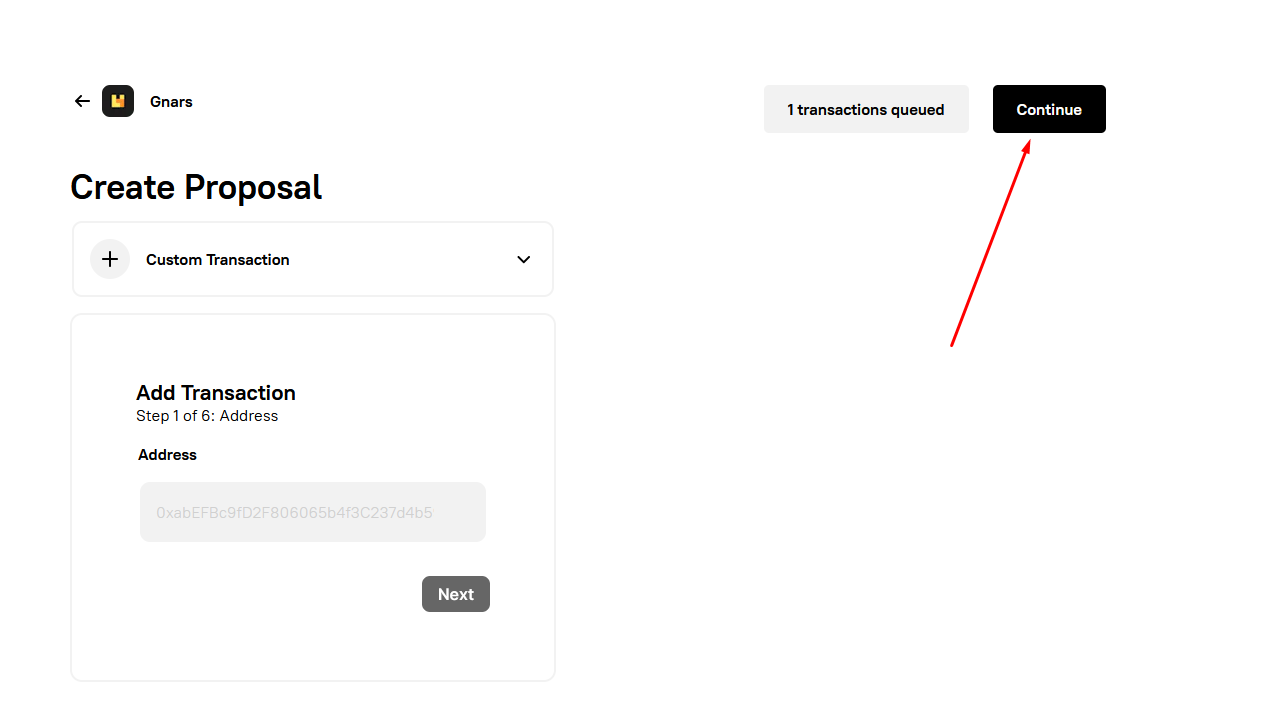
Afterwards, you'll can normally write your proposal and send it
## Conclusion
Congratulations! You've successfully created a custom transaction to send Gnars tokens from the treasury.
 Sign in with Wallet
Connect another wallet
Sign in with Wallet
Connect another wallet