# Creating and Testing a Ruin for Shiptest, a Technical Guide
---
If any of this is not working for you, @ a maptainer in the shiptest discord.
## Creating Your Map File
1) Open up StrongDMM
2) Navigate to File in the top left
3) Take note the max ruin size is 121 x 75, you can edit the map size up or down once created
4) VITAL: USE TGM MAP FORMAT
5) When asked where you want to place your save file, go to:
A) _maps -> RandomRuins, click into which planet/location you want your ruin to appear in.
B) Save the file as a descriptor of the location, use other existing ruin names as a reference
5) Create your map and designing an area

---
## Creating Your Map, Just the Basics
Note: for more information on creating a good ruin, and what should and shouldn't be included or misc. questions, use the #ruinyard (potentially #shipyard) discord channel in the future, plenty of people are always there to help, you can either @ me (@Yellow#0267) or a maptainer as they are always helpful. Checking the pins also helps.
## Turf and Objects
1) Place your turf floors,turf walls, objs, etc to create a ruin you're happy with
2) Narrow down the map boundaries surronding your ruin to have no extra room on either side
A) This means the top, bottom, left, right boundaries are all touching your most external turf
B) Ensure that no obj's are floating without a turf beneath them
3) Surrond any non-turf occupied regions in the ouside of the ruin with passthrough turf
A) /turf/template_noop
B) This will replace it with the biome's respective floors, objs, walls
C) It is best to use this around the edges, and manually place biome floors within your ruin
4) Every tile of your map should be filled with either turf from your ruin, or passthrough turf
EX: 
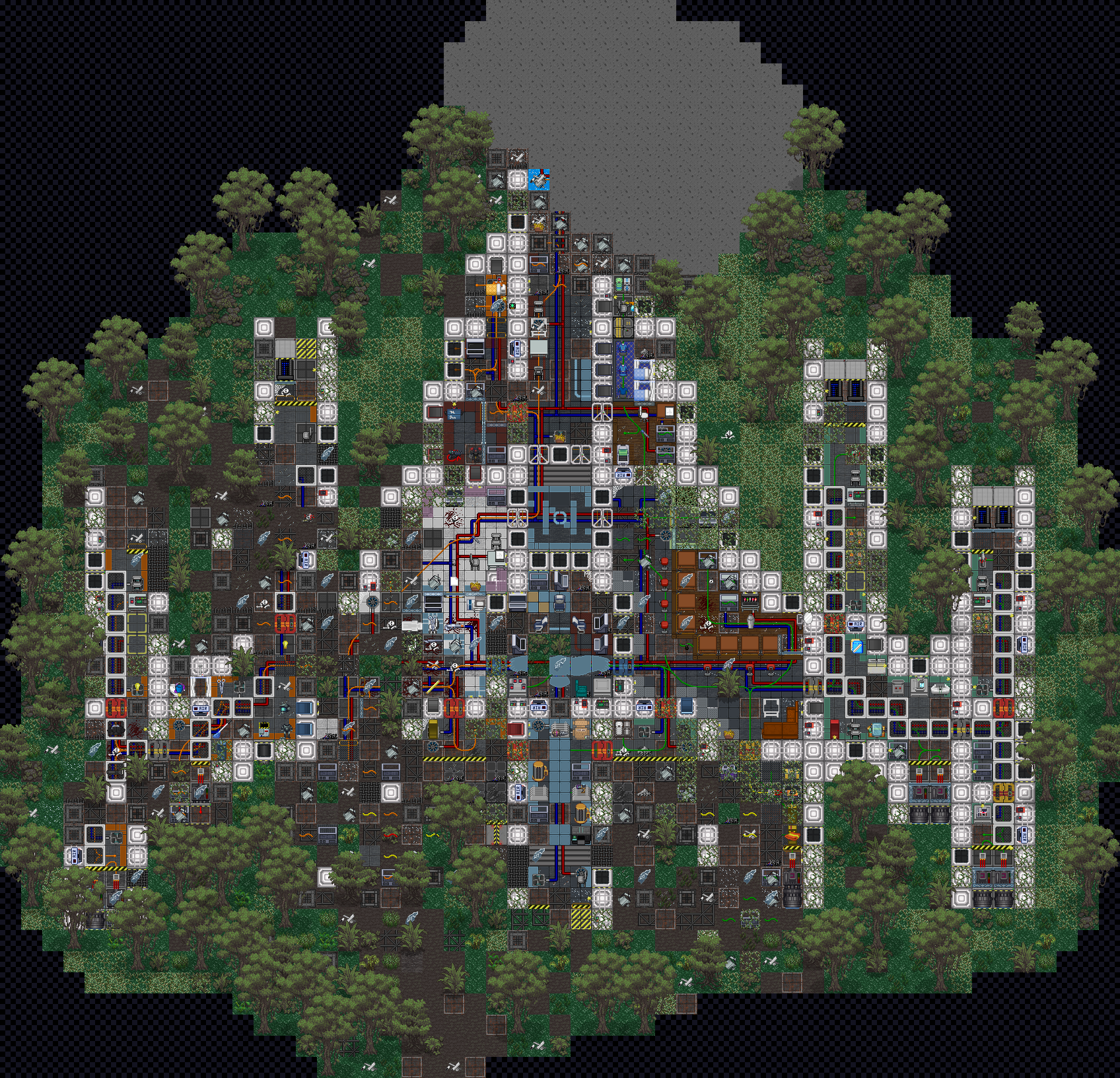
(your map won't have the outlines around turf until the area steps)
---
## Initial Code
1) *DO NOT USE SHIP AREAS*
2) Within VSC, navigate to:
A) code/datum/ruins/[biome]
B) options for [biome] are: ``icemoon.dm, jungle.dm, lavaland.dm, rockplanet.dm, space.dm``
3) Enter your respective file and scroll to the bottom
4) See image below, for more information see step 5
5) In all lowercase and with no spaces on a new line type:
A) /datum/map_template/ruin/[biome]/[1-2 words of your ruin name]
B) ensure your ruin name is all lowercase and has no spaces or _'s
6) Follow this general layout
7) 
---
## Area Code and Areas
1) The layout of area's isn't the most important, but it is important for you to have areas
2) Navigate to Code -> Game -> area -> areas -> ruins -> [biome]
A) code\game\area\areas\ruins\[biome].dm
3) Use this general layout

NOTE: REQUIRES_POWER, ALWAYS_UNPOWERED, and related variables are unrequired, think aboout what your ruin needs, if it will be powered or unpowered and what other variables areas can have
4) One can find the icon's and icon_states within icons\turf\areas.dmi
5) Create the area's your ruin will need, make sure to assign them to your ruin and include them within the same block
6) In every area surronding your ruin using passthrough turf, use the passthrough area
A) /area/template_noop
7) Once completed, it should look somewhat like this (colors will not match)
8) **Make sure that once you have finished your map that you use the ruin catalogue and ruin catalogue legend found in _maps. You will be expected to have an entry for any ruin.**


---
## Testing
A. With VSC open, use F5 to run a compile test, this should ink up to your build.bat to start up a localhost.
B. Observe into the game.
C. Under the "Events" tab there is a "spawn ruin/planet" verb, use this to spawn your ruin.
i. Follow the prompts given to you by the TGUI.
ii. Once you have started to load your ruin, wait patiently, if you try to load another one it can cause issues such as ruin loading failure. Not to mention that this will slow down the loading process.
D. A console message should appear with a link that will let you jump straight to the planet your ruin has spawned on. If it does not you can instead find it manually and double left click on the planet itself to go to it.
E. Make sure to test your ruin, play through it. You can spawn yourself in with the "Select Equipment" verb in your rightclick menu when you right click your ghost. You can also use F5 while in game to use adminghosting.
F. Get pictures! You can use the ghost verb "toggle darkness" in the ghost tab to make the ruin easier to see, however being able to see where the lightsources actually show in game is good information for maptainers. You can use the "stealth mode" verb in the admin tab to make your observer ghost disappear. If you find that your viewport isn't big enoughf or your ruin, you can use "change-view-range" to do so.
G. When you go to take your sceenshot, use the built in command with your dreamseeker client. This can be found by pressing the "file" tab on the top left corner of your client. Screenshots saved this way give a full resolution image.
Once all of this is done, you'll have a fully finished ruin, from there you can PR it (check the pins or @ me and I can help). It is best to get the most amount of eye's on your ruin as possible, this can be done by initially pitching its idea to a more experienced mapper to see their opinions, and then from there once you have it built up and a proof of concept generated, you can pitch it again to get more feedback.

 Sign in with Wallet
Connect another wallet
Sign in with Wallet
Connect another wallet