# Week 5 - Database security

---
## How can we keep our data secure? :eyes: Chisha
- Back up your data.
- Use strong passwords.
- Take care when working remotely.
- Be wary of suspicious emails.
- Install anti-virus and malware protection.
- Don't leave paperwork or laptops unattended.
- Make sure your Wi-Fi is secure.
---
Things that should be kept secret:
- Passwords
- API keys
- Database credentials
- The admin dashboard password
- The Redis connection string
- The things your app needs to do run well, but could cause quite a bit of damage if you were to leave it exposed for others to see
---
## Why is it important for our production databases to have passwords that are kept secret? :key: :thinking_face: :lock:

---
- You keep them encrypted
- Manage them securely
- Control access tightly
- Rotate access on a regular basis
- No one sends secrets over email or Slack.
- You never lose time debugging issues caused by missing or outdated configoration.
- You treat development secrets with the same care as production secrets.
---
---
## Why is it important to have the secret passwords? :thinking_face: :lock:
==Access control not only **guards against wholly unauthorized access** but also allows for the creation of fine-grained access driven authorization levels.==
==It is therefore essential that access credentials be stored securely to **guard against unauthorized access**.==
==It **restricts the Access control** to only allow access to the database with valid credentials.==
==If someone steals or gains access to your passwords, they **can cause malicious harm**.==
---
## How can we keep our data secure in databases :lock:
- Separate database servers and web servers.
- Use web application and database firewalls.
- Secure database user access.
- Regularly update your operating system and patches.
---
## Different Secure Strategies you can use :lock_with_ink_pen:
- **Passwords** we do need them and we need some way to keep track of them and distribute them.
- **Password Managers** e.g Dashlane, Keepass, Lastpass and 1Password. Passwrod Managers are end-to-end encrypted and can make life a lot easier.
---
- **Application Secrets**. They are multi-dimensional, usually need to be distributed far more widely than passwords, used in development and server contexts and vary widely in its use across teams and projects.
---
## Different ways to store access to database credentials :lock:
- **Hardcoded in Configuration File**: use a properties file or framework-specific configuration file to store credentials and then use it in code at run time
---

---
- **Place holders in the Configuration file**: Place holders can take the form of ${Username} or ${Password}. These parameters can then be replaced during the build and packaging process. The credentials can be stored as environment variables in the CI (Continuous Integration) tool with only admin having access to these.
---
- ==Via environment variables== ``FLYWAY_PLACEHOLDERS_MYPLACEHOLDER=value``
- ==Via configuration parameters== ``flyway.placeholders.myplaceholder=value``
- ==Via the api== ``.placeholders(Map.of("myplaceholder", "value"))``
---
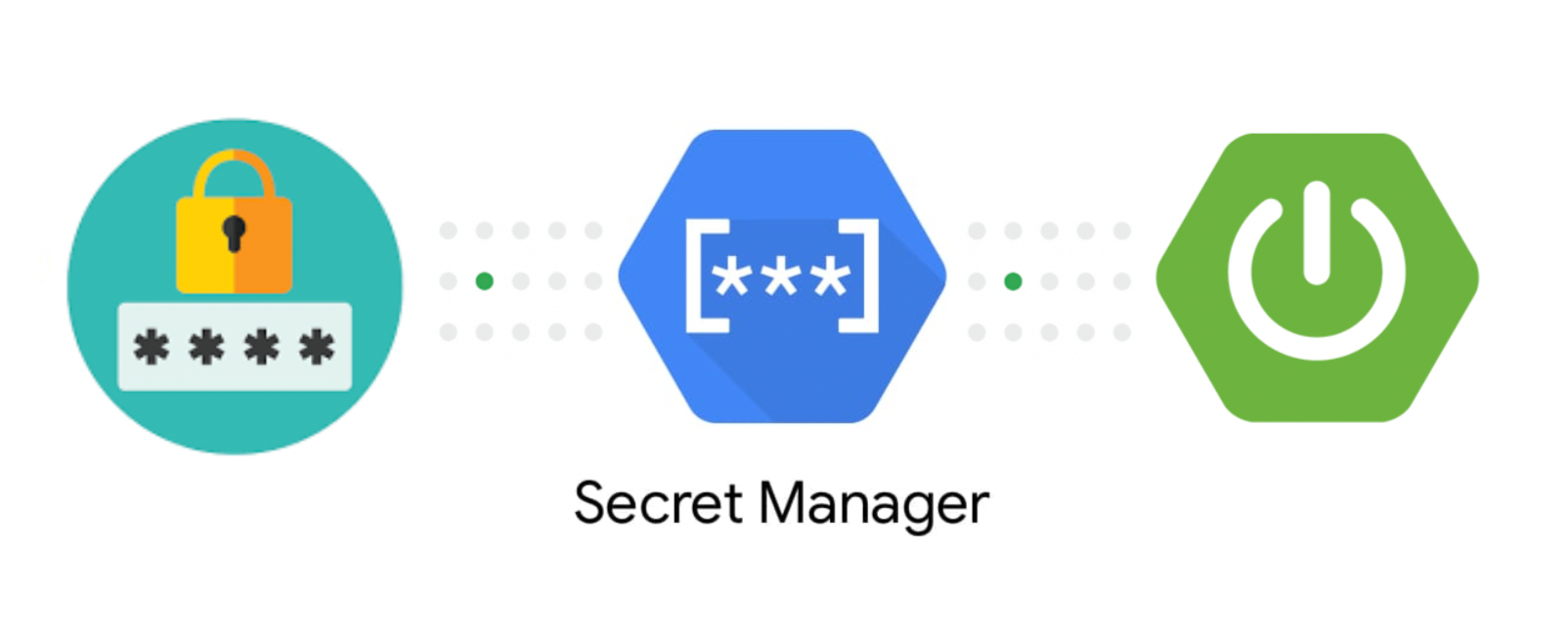
- **Store in Secret Manager**: A secret manager does a lot more than merely store secrets. It can audit access, dynamically rotate credentials, encrypt secrets at rest.
---
- **Programmatic in-memory storage**: Credentials not stored on the hard drive and hence much more secure. You just create a data source provider module that creates the data source & connection pool.
---
- **Cloud-Native Secret Manager**: Secret Manager is a secure and convenient storage system for API keys, passwords, certificates, and other sensitive data. It provides a central place and single source of truth to manage, access, and audit secrets across the Cloud in a very secure way. e.g
**AWS’ Secrets Manager** - its inexpensive, combined with programmatically created data sources, and :no_entry: No credentials are required to access the Secrets manager.
https://www.linkedin.com/pulse/storing-database-credentials-securely-siddhesh-jog/
---

---
## SQL injection
<iframe src="https://giphy.com/embed/xT5LMGfQrJPpmXKUEM" width="480" height="362" frameBorder="0" class="giphy-embed" allowFullScreen></iframe>
---
## SQL injection is...
- it's a type of injection attack that makes it possible to execute malicious SQL statements.
- one of the most common web hacking techniques e.g big companies like Yahoo and Sony have had their applications compromised in the past.
- usually occurs when you ask a user for input, like their username/userid, and instead of a name/id, the user gives you an SQL statement that you will unknowingly run on your database.
---

---
A successful SQL injection attack can result in:
- unauthorized access to sensitive data, such as passwords, credit card details, or personal user information.
- deleted data or drop tables which corrupts the database, and makes the website unusable.
- an injection of further malicious code which will be executed when users visit the site.
---
### How SQL Injection be used maliciously
<iframe src="https://giphy.com/embed/l2Sqhet3fdWbtkKPu" width="480" height="261" frameBorder="0" class="giphy-embed" allowFullScreen></iframe>
---
### SQL Injection: 1=1 is Always True (1)
-- **_Example Server Code_**...
``` javascript
txtUserId = getRequestString("UserId");
txtSQL = "SELECT * FROM Users WHERE UserId = " + txtUserId;
```
-- **_'Expected' Resulting SQL Statement..._**
``` sql
SELECT * FROM Users WHERE UserId = 'nkeemer';
```
---
### SQL Injection: 1=1 is Always True (2)
-- **_'Malicious' User Form Input..._**

-- **_'Malicious' Resulting SQL Statement..._**
``` sql
SELECT * FROM Users WHERE UserId = 105 OR 1=1;
```
Note": * could include UserID, Name, Password etc
---
### SQL Injection: ""="" is Always True (1)
-- **_Expected User Form Input..._**

---
### SQL Injection: ""="" is Always True (2)
-- **_Example Server Code..._**
``` javascript
uName = getRequestString("username");
uPass = getRequestString("userpassword");
sql = 'SELECT * FROM Users WHERE Name ="' + uName + '" AND Pass ="' + uPass + '"'
```
-- **_'Good' Resulting SQL Statement..._**
``` sql
SELECT * FROM Users WHERE Name ="John Doe" AND Pass ="myPass"
```
---
### SQL Injection: ""="" is Always True (3)
-- **_'Malicious' User Form Input..._**

---
### SQL Injection: ""="" is Always True (4)
-- **_The Same Example Server Code..._**
``` javascript
uName = getRequestString("username");
uPass = getRequestString("userpassword");
sql = 'SELECT * FROM Users WHERE Name ="' + uName + '" AND Pass ="' + uPass + '"'
```
-- **_'Malicious' Resulting SQL Statement..._**
``` sql
SELECT * FROM Users WHERE Name ="" or ""="" AND Pass ="" or ""=""
```
The SQL above is valid and will return all rows from the "Users" table, since OR ""="" is always TRUE.
---
### SQL Injection Based on Batched SQL Statements
-- **_Example Server Code..._**
``` sql
txtUserId = getRequestString("UserId");
txtSQL = "SELECT * FROM Users WHERE UserId = " + txtUserId;
```
-- **_'Malicious' User Form Input..._**

-- **_Malicious' Resulting SQL Statement..._**
``` sql
SELECT * FROM Users WHERE UserId = 105; DROP TABLE Suppliers;
```
---
MARYAM - PARAMETERS
## How do we guard against it?
---
#### parameterized query (also known as a prepared statement)
##### The best choice for preventing SQL injection has been found to be “SQL Parameterized Queries”

---
##### The most important reason to use parameterized queries is to avoid SQL injection attacks.

---

---
##### SQL Parameterized Query forces the user to implement the logic of SQL query first and then inserting user input into it.
##### Another advantage of using SQL parameterized query is that it forces the data type of user input for a particular field in SQL query.
---
##### Using substitute parameters to concatenate a parameterized SQL query (e.g $1, ...)

---
example
```javascript
const pg = require("pg");
const cs = "postgres://postgres:1234@localhost:5432/some_db";
const client = new pg.Client(cs);
client.connect();
```
---
```javascript
const sql = "SELECT * FROM employee WHERE salary > $1";
const values = [55000];
client.query(sql, values).then(res => {
const data = res.rows;
data.forEach(row => console.log(row));
});
```
---
```javascript
const sql = "SELECT * FROM employee WHERE salary > $1 AND id == $2";
const values = [55000, 1];
```
---

{"metaMigratedAt":"2023-06-15T23:08:29.084Z","metaMigratedFrom":"Content","title":"Week 5 - Database security","breaks":true,"contributors":"[{\"id\":\"a84f02d0-b86d-4b5d-97e0-7bdd156fad86\",\"add\":4310,\"del\":1274},{\"id\":\"8f8c06f3-b94f-481e-bfaf-b783100a4014\",\"add\":7336,\"del\":3164},{\"id\":\"12ba2d80-f158-4148-9ff5-c50f626d4b40\",\"add\":881,\"del\":333},{\"id\":\"530bdc47-42c6-4c9b-8fb8-f0318bf21e3e\",\"add\":1553,\"del\":37}]"}