# Yingst end of year roundup
## Video Game Storytelling
My work for 189vg: Video Game Storytelling involved designing two workshops: one aimed at adding to students' toolkit for their analytic papers, which introduced them to key aspects of game design from the developers' perspective; and a second aimed at helping them prepare for their final presentations, which took the form of an orientation to Canva & basics of visual design before having students complete a 40 minute presentation challenge.
In addition to designing workshops aimed at the course's overall learning goals, these workshops also posed a logistical, design challenge of their own: having started the term expecting to run each workshop once for an estimated 20 students, we ended up having to find a way to accomodate the 100 students who ended up enrolling. For the first workshop, which involved more time-limited activities, we decided to offer a range of activity "stations," including several open-ended activities or displays that students could work on or interact with while waiting for a spot in one of the time-limited stations.
### Planning Docs
[Original Planning Doc, with models and other inspiration](https://hackmd.io/bmebFm6QTAKnJQbMJvRX0g)
[Notes on Jesse Schell's Game Design](https://hackmd.io/taSdqKRLQZiczLIt1hCULA?both)
[Key lenses from Schell](https://hackmd.io/KDKKNXq_QkKxVFhk84yztA)
### Workshop docs
[First workshop, mechanics: overview of station plans](https://hackmd.io/Tbm5rQwaRWOJRFdeCPSO8w)
[Second workshop, presentation challenge](https://hackmd.io/YWZ-p5nUQHaO_EYdgJDm0A)
- [Worksheet](https://www.canva.com/design/DAFd4o3LWl0/914qAG-EdCMFJfAGtopl6A/edit?utm_content=DAFd4o3LWl0&utm_campaign=designshare&utm_medium=link2&utm_source=sharebutton)
- [Lens cards](https://www.canva.com/design/DAFd4Rlillg/dfiE28r_3308t7xWhTxAtw/edit?utm_content=DAFd4Rlillg&utm_campaign=designshare&utm_medium=link2&utm_source=sharebutton)
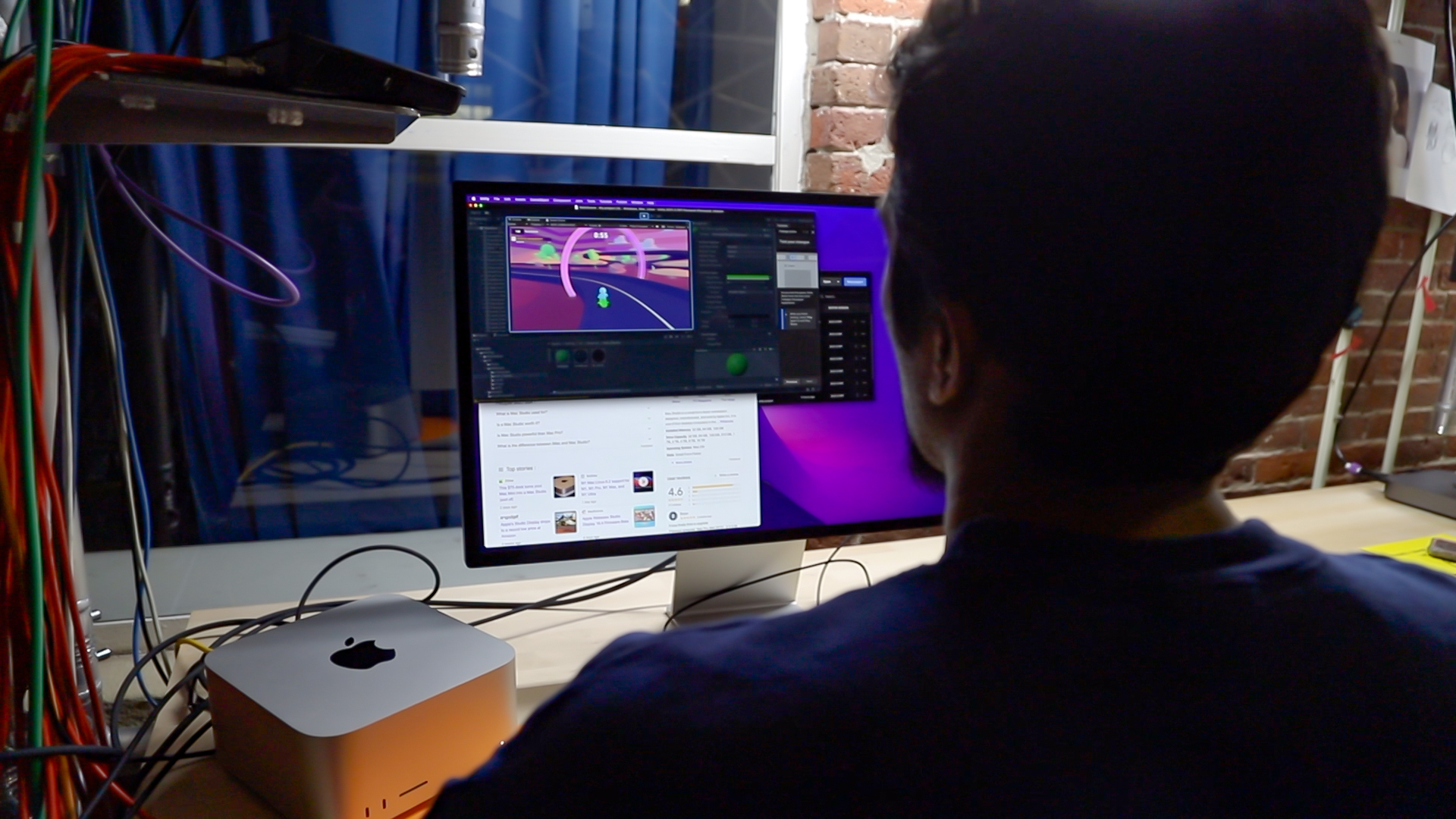
Students completed an orientation to Unity game engine:
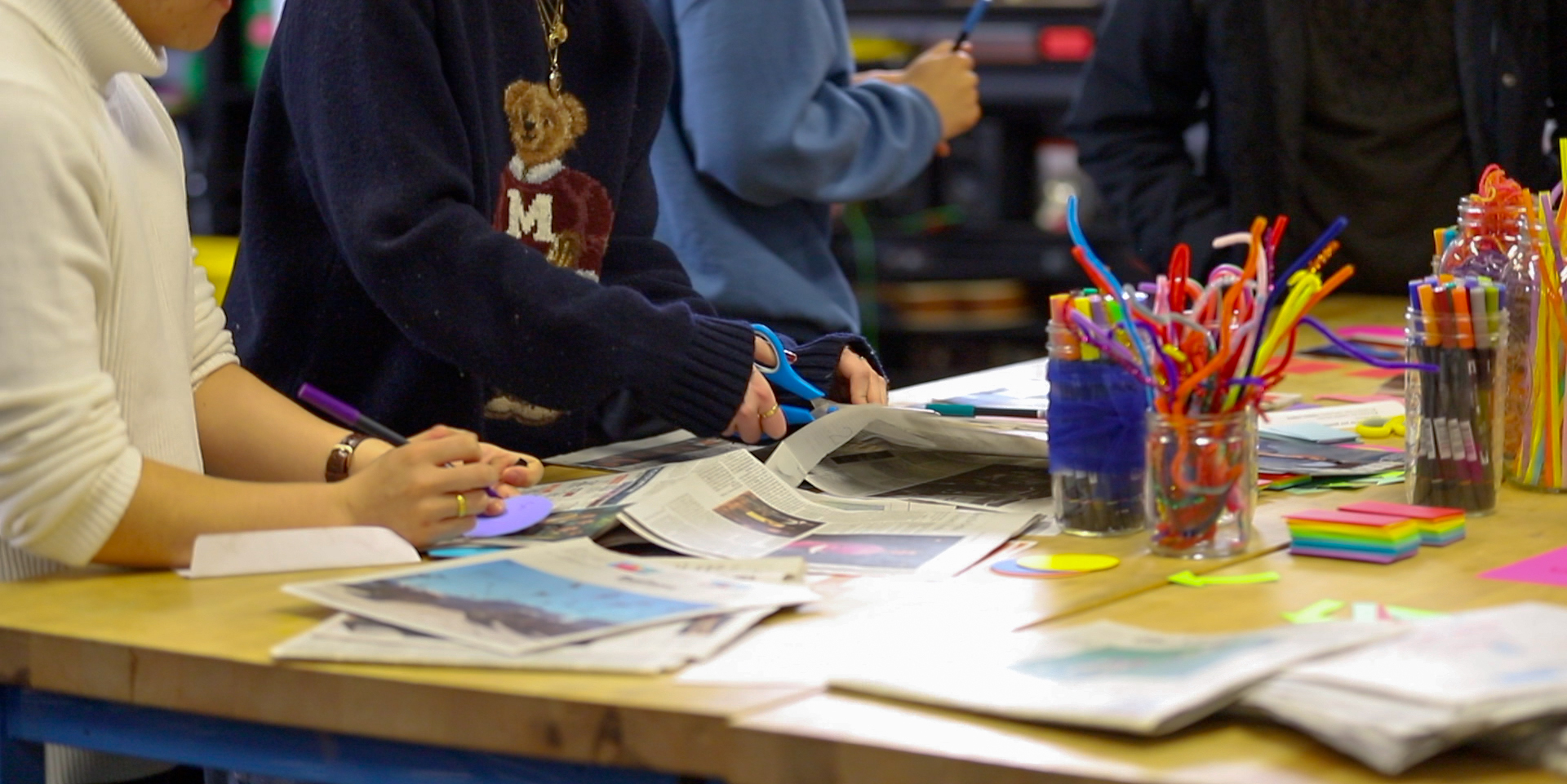
Turned linear stories into interactive, branching storyboards:
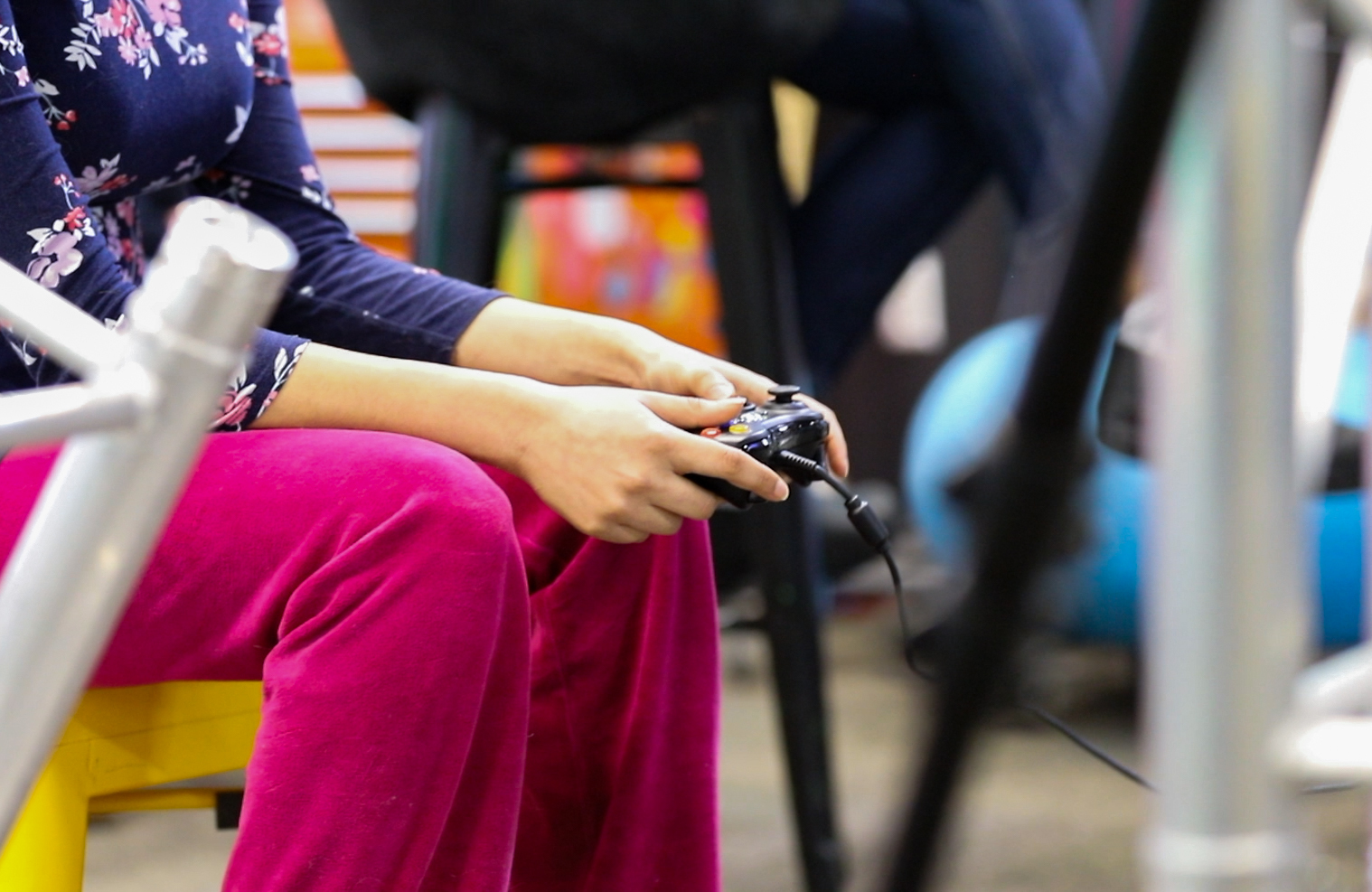
Reflected on the way different input devices affect how player's experience a game's story:
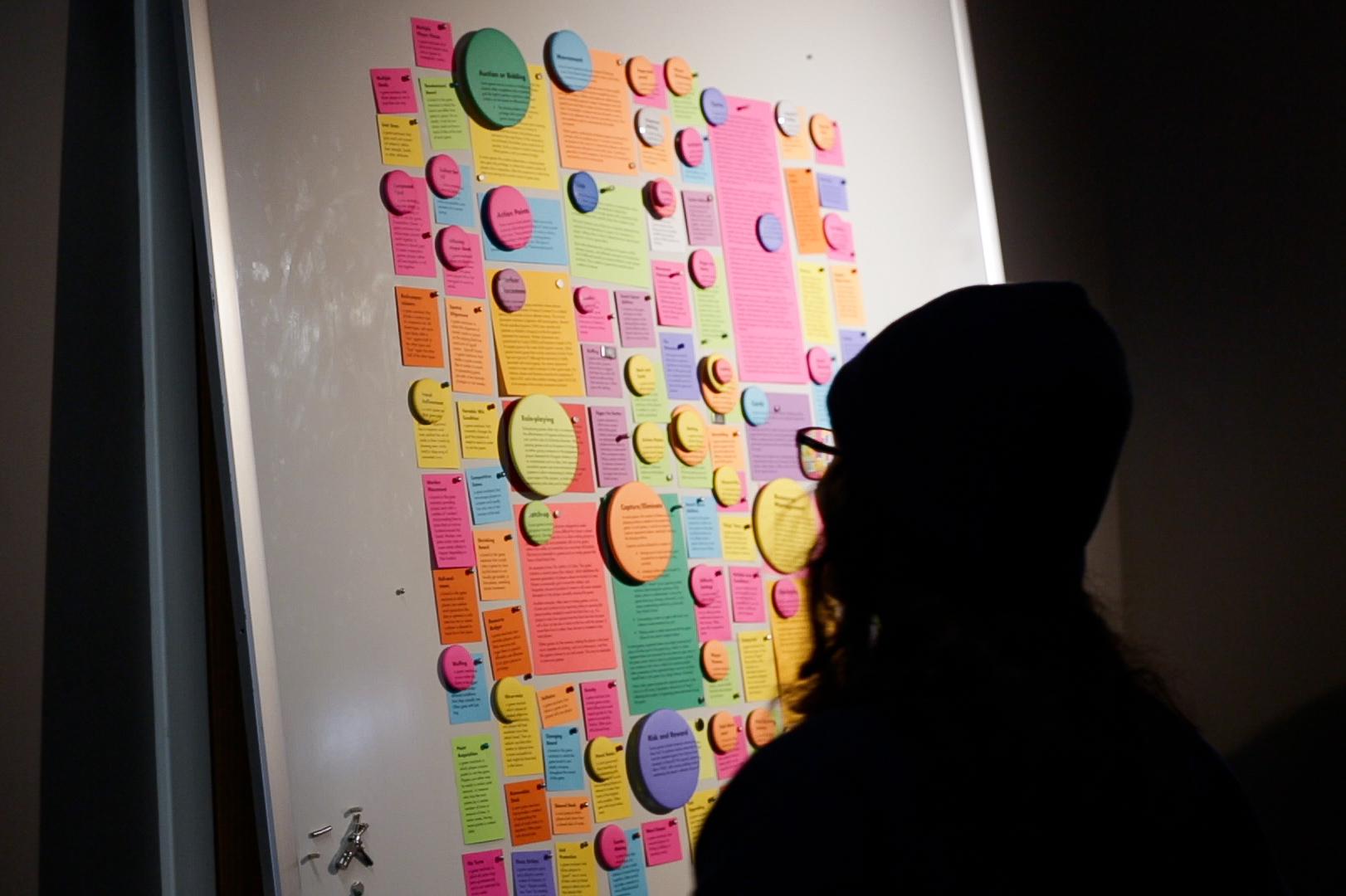
And explored a range of game mechanics:
## Twine (for UPF game)
[Twine tutorial outline, with links to other resources](https://hackmd.io/7B_12ke6ScuTICs9-MvrYg)
In addition to thinking about games' stories in the context of 189vg, I also put together a short tutorial to introduce the undergraduate pedagogy fellows to the interactive storytelling tool, Twine. The goal, here, was to help them turn a pedagogy focused game they're developing, which has been living as a somewhat unwieldy, hard-to-interact-with Canva project...
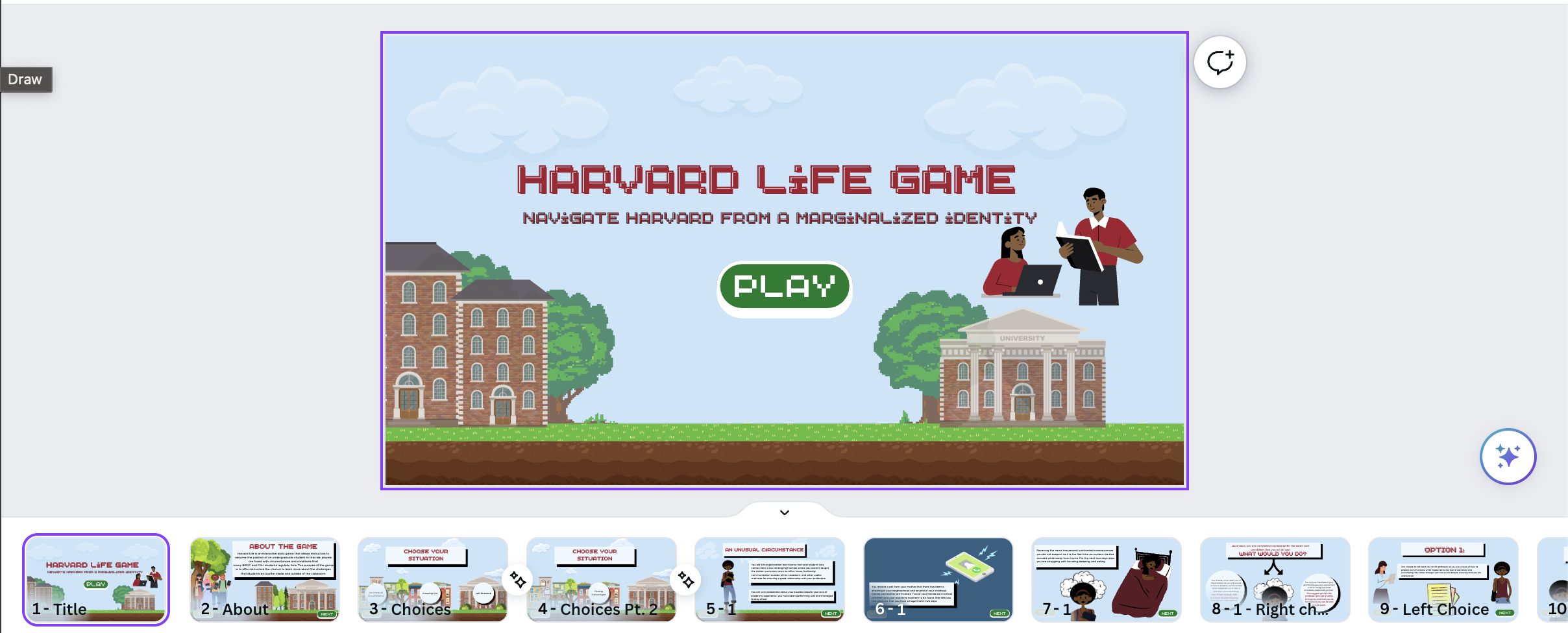
...into a more fully interactive Twine game:
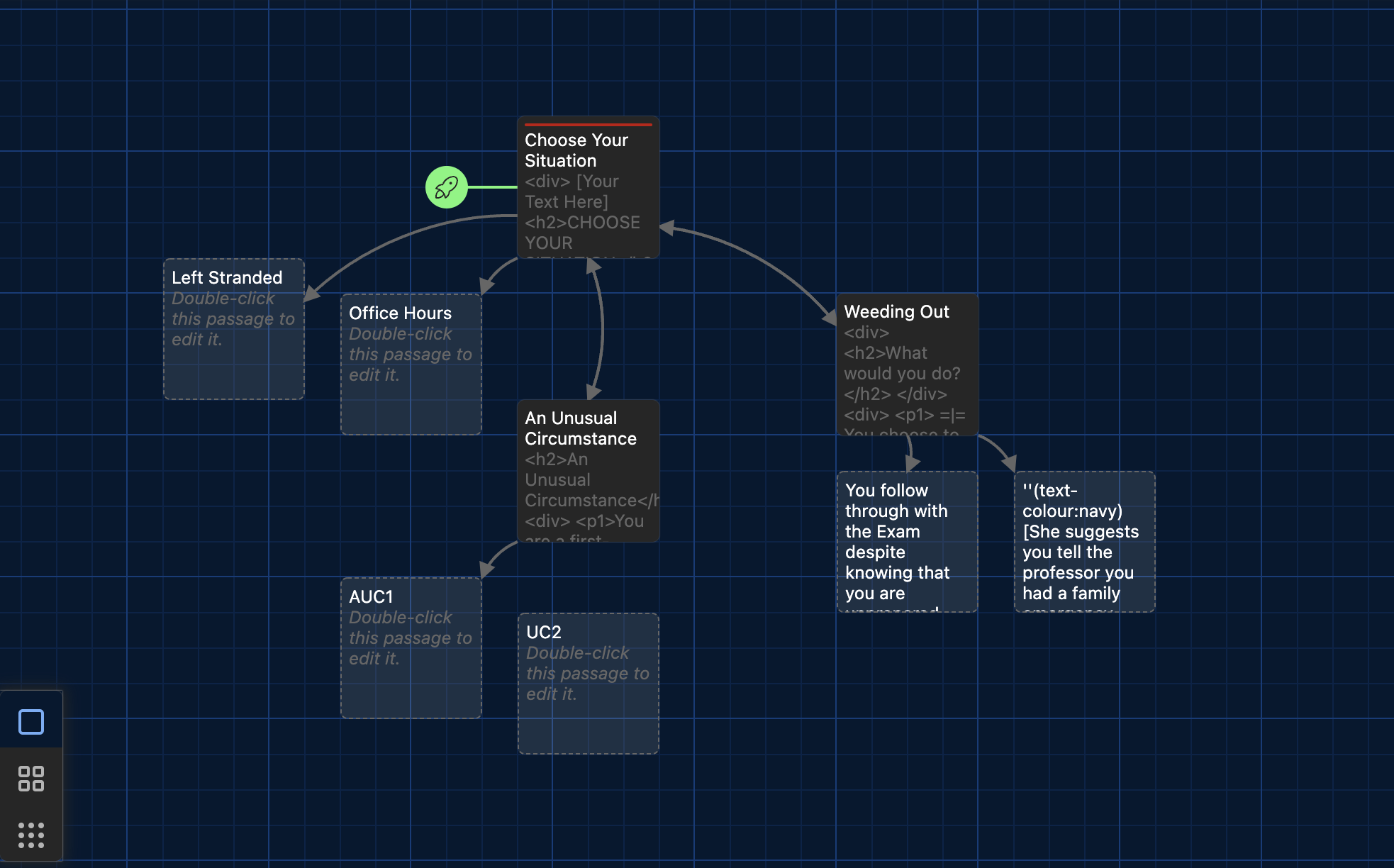
## Other 3D/Reality/Game Lab materials/trials
## Blender
### Books: A Blender Test
These books were one of my first attempts to free-hand an object in Blender without a tutorial (I had completed the Blender donut challenge previously). By taking on this project, I learned how to build a asset from scratch; duplicate and transform multiple instances of that asset; import other assets (the pencil); add textures to planes (the table) and to other objects (the shiny surface of the sticker); etc.
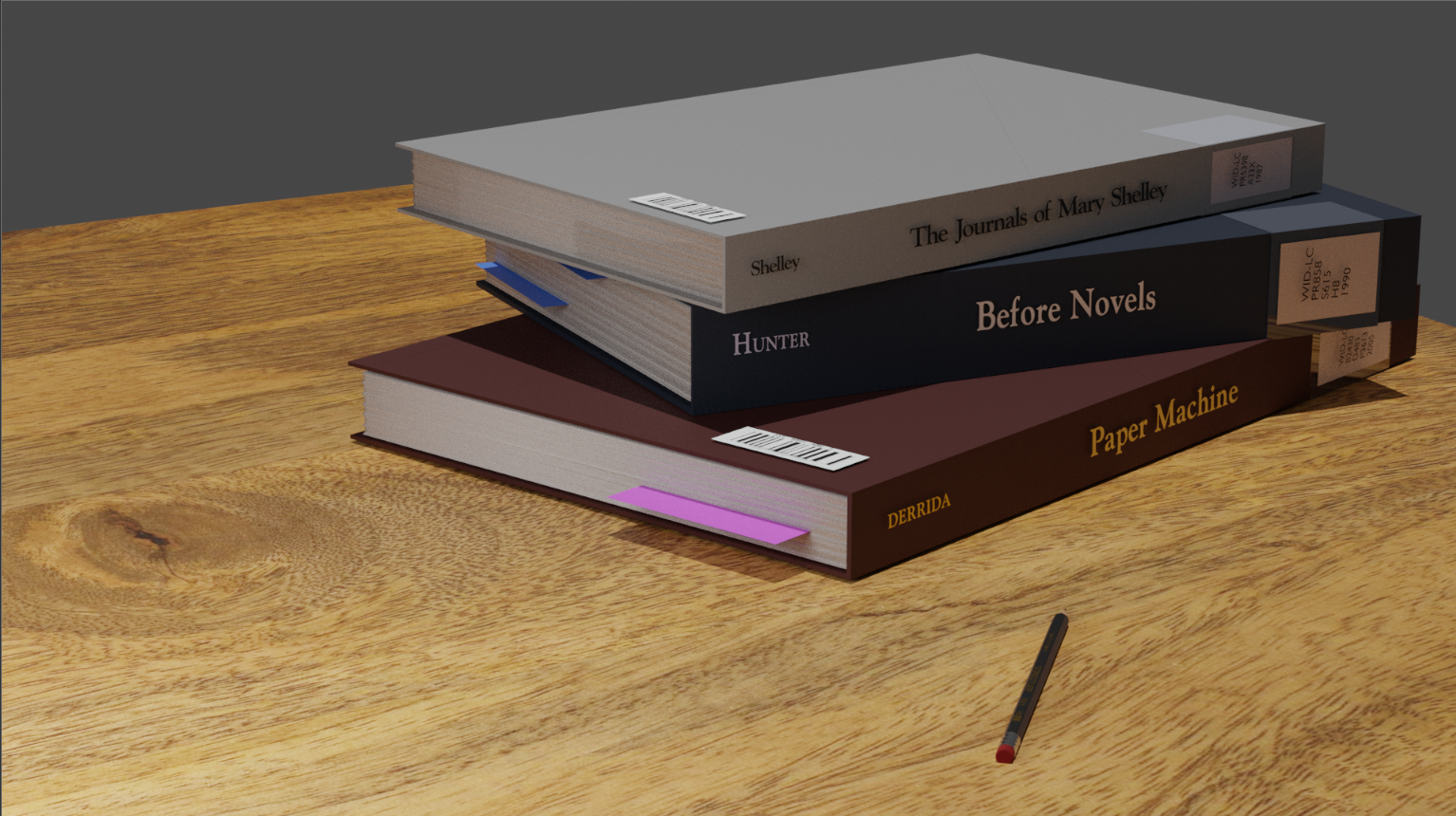
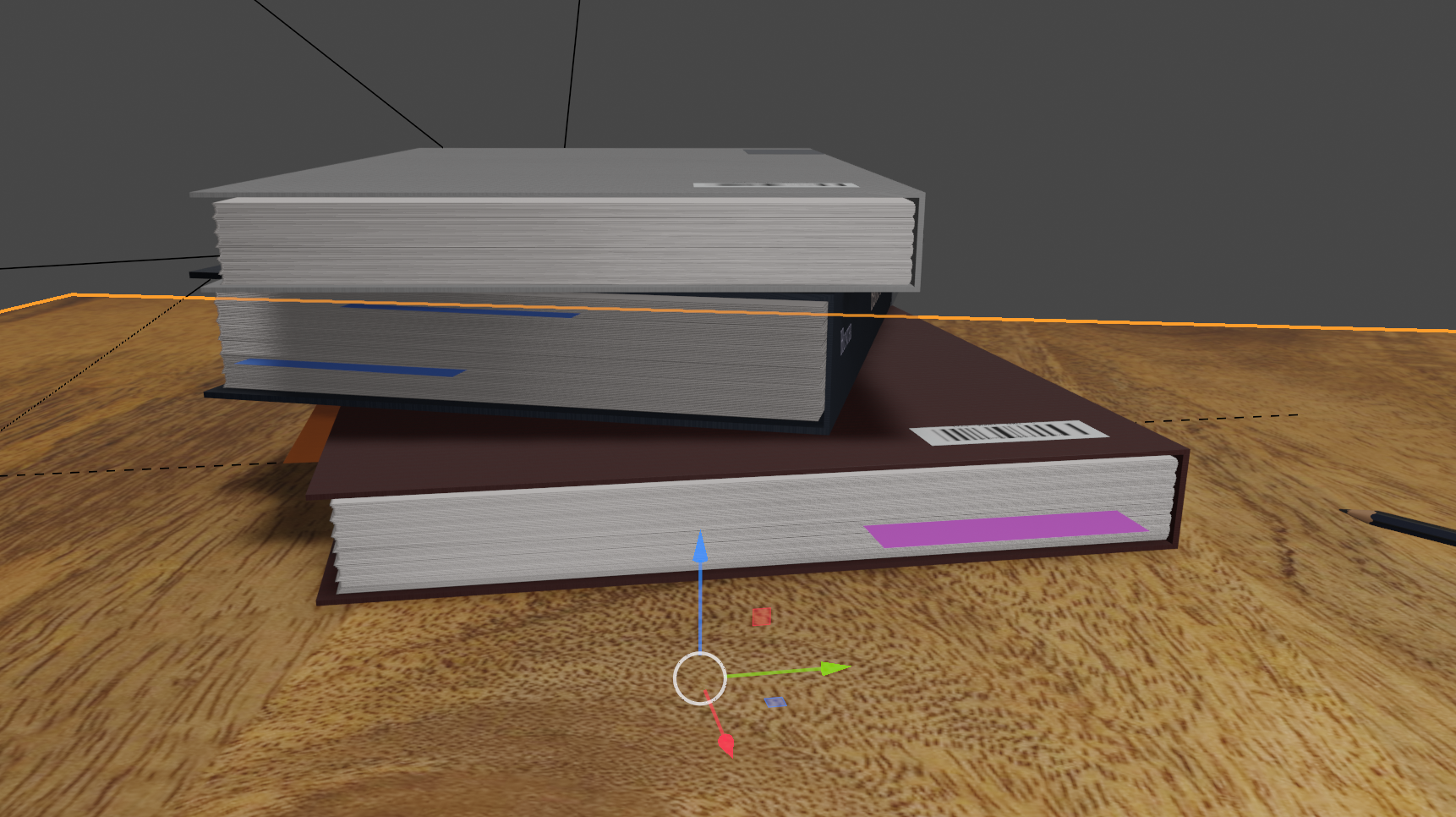
this work in blender then led me to prepare a tool time tutorial for the learning lab undergraduate fellow and other MDFs, orienting them to Blender through a Halloween party with...
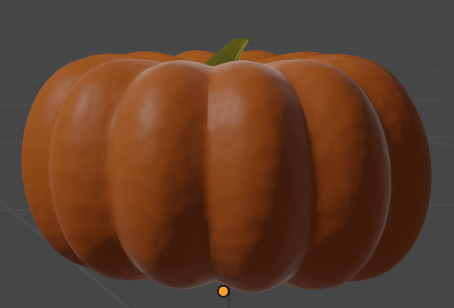
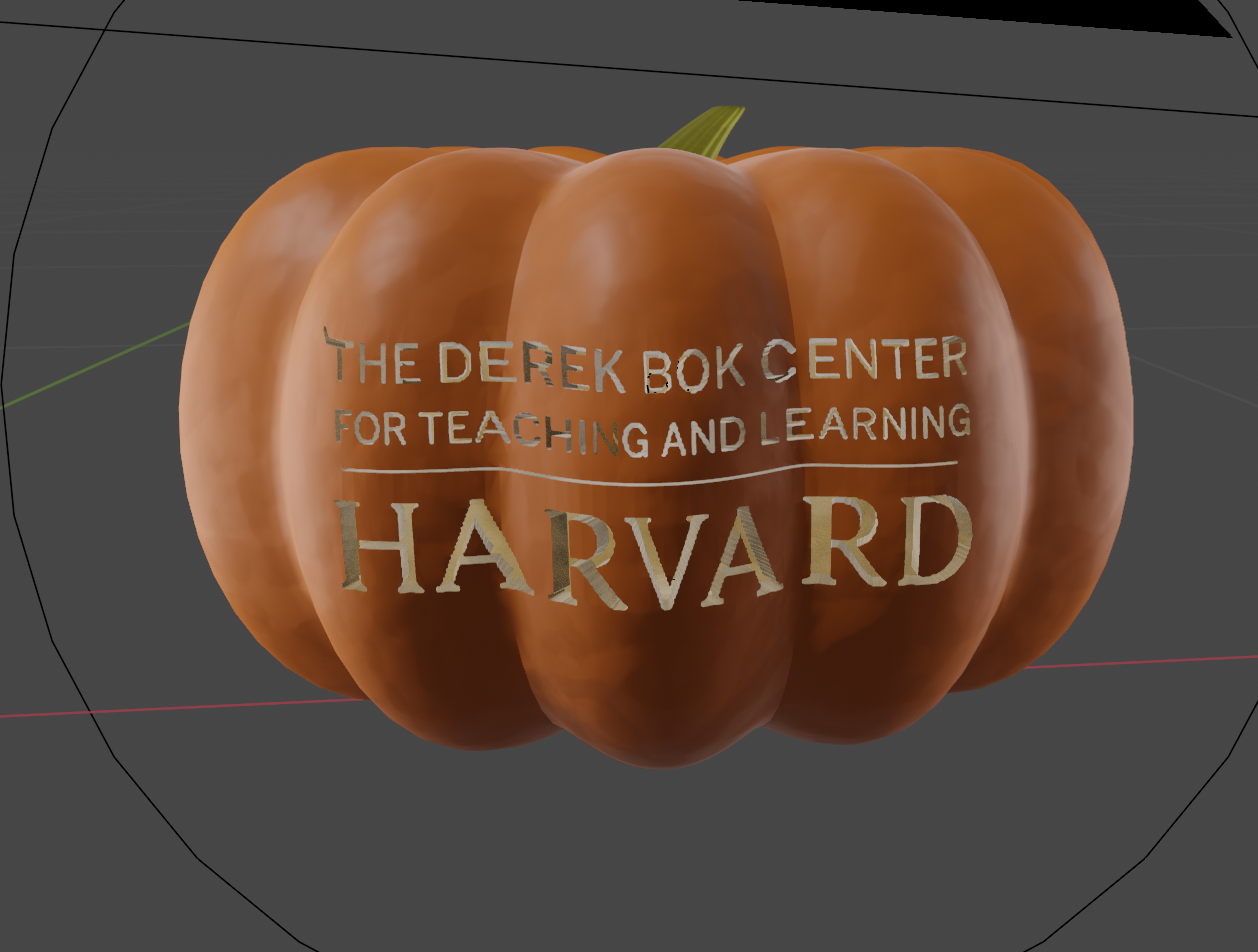
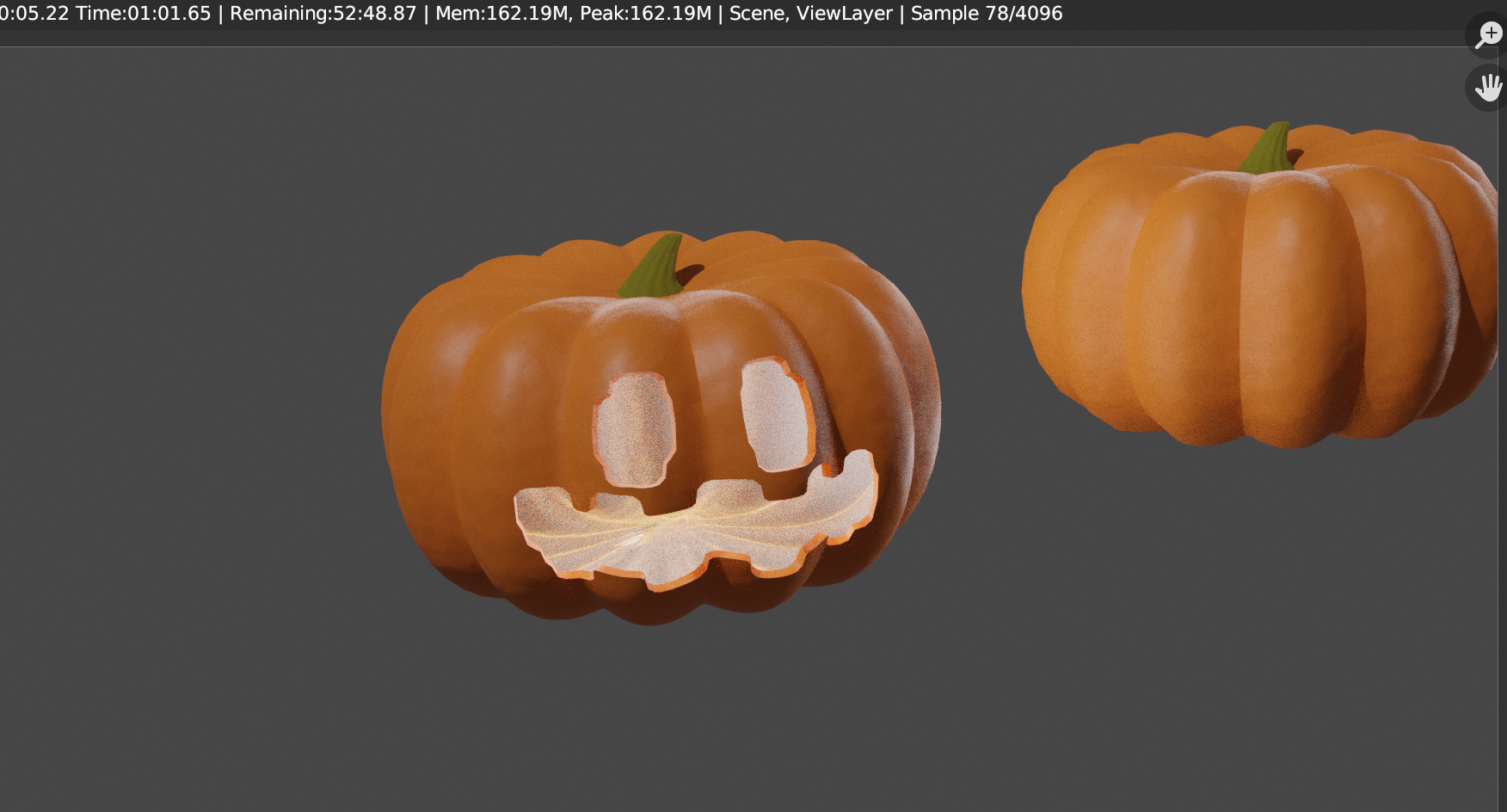
### 3D Pumpkin Carving
To prepare to teach both modeling and carving to many LLUFs who had no familiarity with Blender at all, I first worked through several modeling tutorials on my own, eventually selecting [this tutorial, on modeling pumpkins and carving them in three different methods](https://www.youtube.com/watch?v=d2PVacOam4w&pp=ygUXcHVtcGtpbiBjYXJ2aW5nIGJsZW5kZXI%3D) as the basis for my own.
To help the tutorial run more smoothly, I prepared this [tutorial steps break down] (https://hackmd.io/xdiJacDCRXGhBUeFzvNFAQ) document. (For future pumpkin carving tutorial leaders: I wish I had also prepared a cheat sheet for students, especially focusing on Blender hotkeys)
## Unity
### Simple ball rolling game
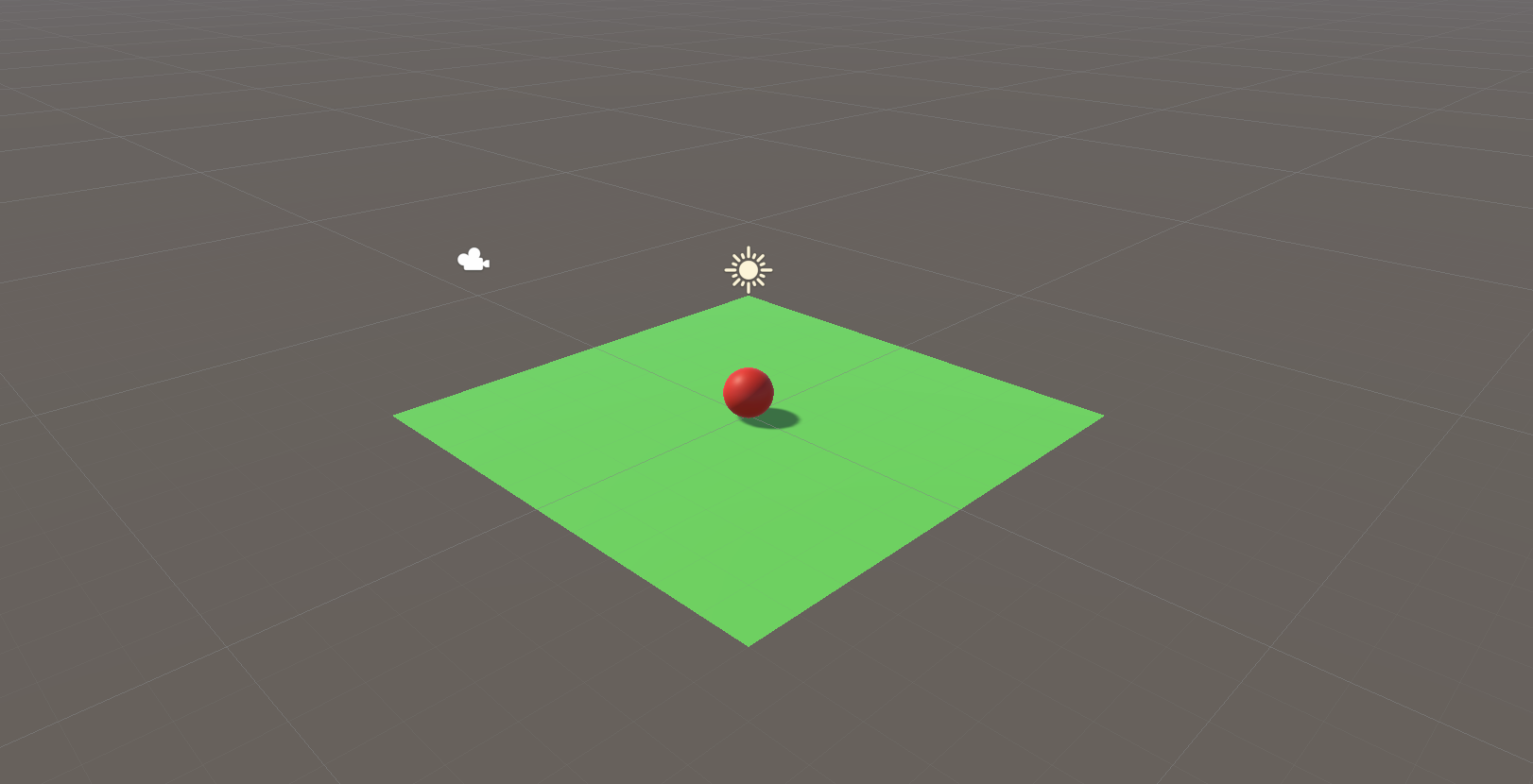
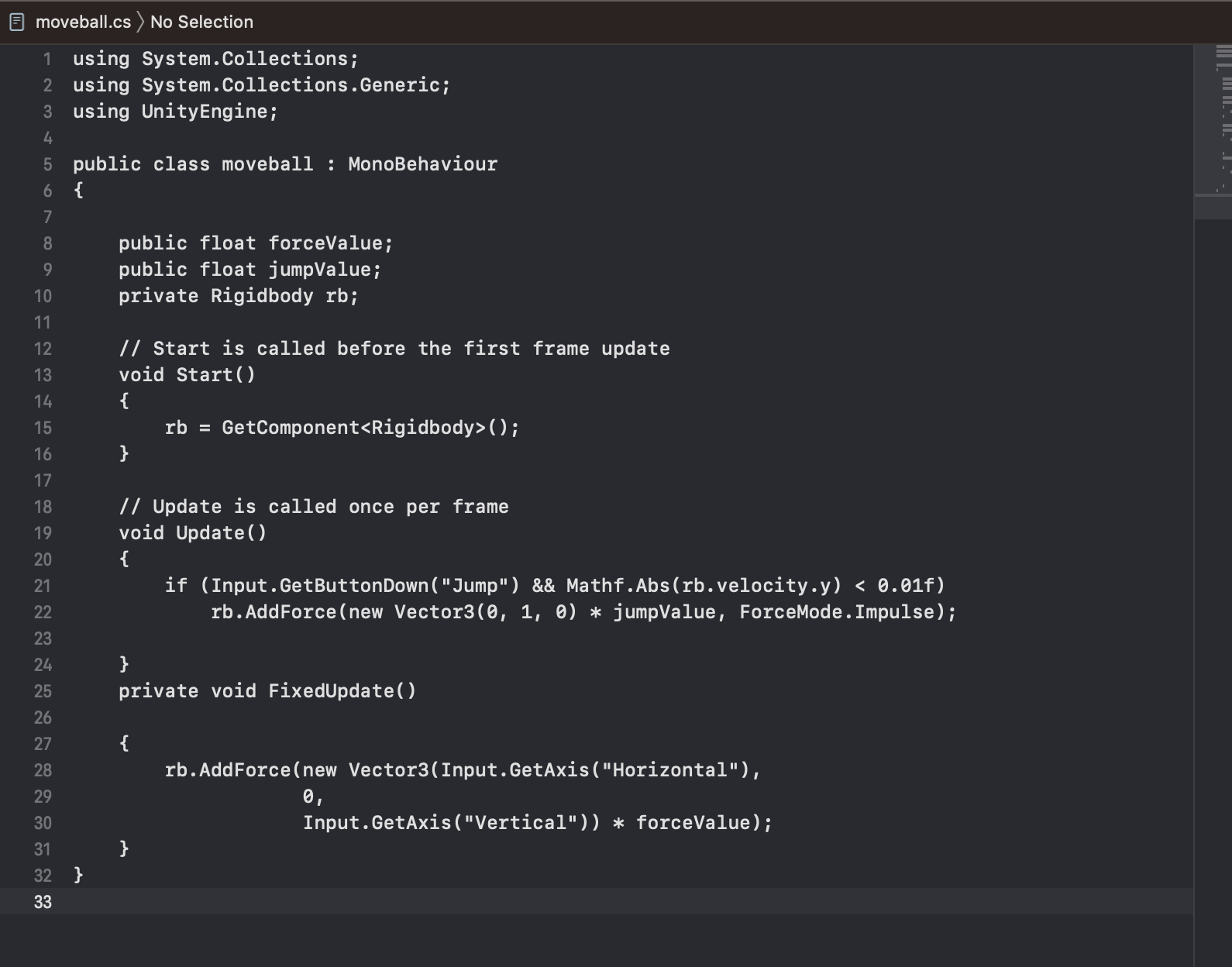
After working on 3D modeling in Blender, I moved onto learning more about Unity game engine. Along with fellow MDFs in 3D lab, I completed a short tutorial, which ended with putting together this small game, featuring a ball that can roll and jump in response to keyboard input. The biggest hurdle here was learning a bit about C#, the language Unity uses for its scripts, but the tutorial helped lay some of that groundwork. This small tutorial then became the foundation for one of the stations for the first video games workshop, on coding in Unity.
Script to move ball:
 Sign in with Wallet
Connect another wallet
Sign in with Wallet
Connect another wallet