# Tatum's Notebook Fall 2023
## BIO-LLUFOGRAPHY
#### my lluf catch phrase:
I bring the vibes!
#### lab:
my-lab
#### tools I can help others with:
* iMovie
* Final Cut Pro
#### my personal learning goals for this fall:
This fall I'd really love to get better at using cameras and everything related to them, including setting up studios, lighting, and audio. I rediscovered a love for photography this summer and while using cameras in the learning lab is for a very different purpose, I am feeling really excited about generally using cameras and film as a tool for expression and communication. I'm also really excited to get better at Photoshop, Lightroom, Premiere, and Final Cut Pro as extensions of that! (Ie, I'm stoked about all things filming, photographing, and editing!) I have basic knowledge of both softwares but I'd love to master them.
I think one day I'd really like to do a research project that involves a combination of film from people's lives, interviews, and photographs as a way of better understanding a given culture or sociopolitical issue. In other words, I'd like to integrate cameras into a kind of ethnography research project. This may be for a thesis (I'm a Gov major) or it may be something I pursue over the course of a summer or after college, but camera and editing tools will be essential for that!
## key links:
* links you may want to reference often!
* [The LLUF Guidebook for Fall 2023](/Hd1PfV98Q3GXuE5gykSvEA)
* [Work Response Form](https://airtable.com/appCm7g0XXkDhNB9v/shr5OaDtqIJCubFGj)
* [Weekly Update Form](https://airtable.com/appCm7g0XXkDhNB9v/shreQhF2GmuXCGpzV)
## dashboard:
a place for you to keep notes that you commonly refer to! For example, maybe a table of shortcut keys you need help remembering and commonly use:
| Shortcut Key | What It Does |
| -------- | -------- |
| command + tab | toggles between apps! |
| command + space | search and open app |
| I & O & E | in FCPX, selects in and out points in footage and adds to end of timeline |
NOTE: do NOT put any "secret" info here like passwords!
## drafting space:
ILP ideas
* absurdism
* elements: explaining the theory/camus
* voiceover for sure, potentially consistent background music throughout the whole thing like in youtube videos but nothing very noteable.
* shoot footage of me talking, and perhaps writing quotes on top of the footage
- quote from myth of sisyphus with drawing on fresco perhaps... "these scents of grass and stars at night, certain evenings when the heart relaxes.. but how am I to know that this world is mine?" or something like that. little figure looking out at the night sky and getting increasingly small and disappearing from the foreground
- alternatively include a cinematic shot of someone looking outside at night and the camera getting increasingly far away (quad lawn for sure)
- ^ put that shot on the background image (paper on the desk) while I write the quote on the screen in front of it. maybe black and white. per Elitza's workshop (1:04)
- back to my narration...
- what does this mean for human beings? do we have meaning? the answer is yes....sisyphus! it's absurd because we try and continue to rebel.
- stop motion of sisyphus pushing the boulder up the hill (clay?) (or i could draw but that's harder)
RESOURCE FOR CINEMATOGRAPHY
How to shoot a video essay!
1. Pre-Production Planning (Broadly Speaking)
- Every choice in your video will follow from the planning that takes place before shooting.
- Questions you should be able to answer...
- What is the essay about?
- Who is the target audience, and what choices are you making to reflect that?
- What is the tone of your video, and how can you use technical elements (music/sound effects, lighting, script/word choice, green screen, b-roll) to reflect that?
- Do you have the realistic amount of time of studio space booked?
- Have you exhausted all of your resources, in terms of getting assistance and inspiration from others (such as Learning Lab professionals)?
2. Write a Storyboard
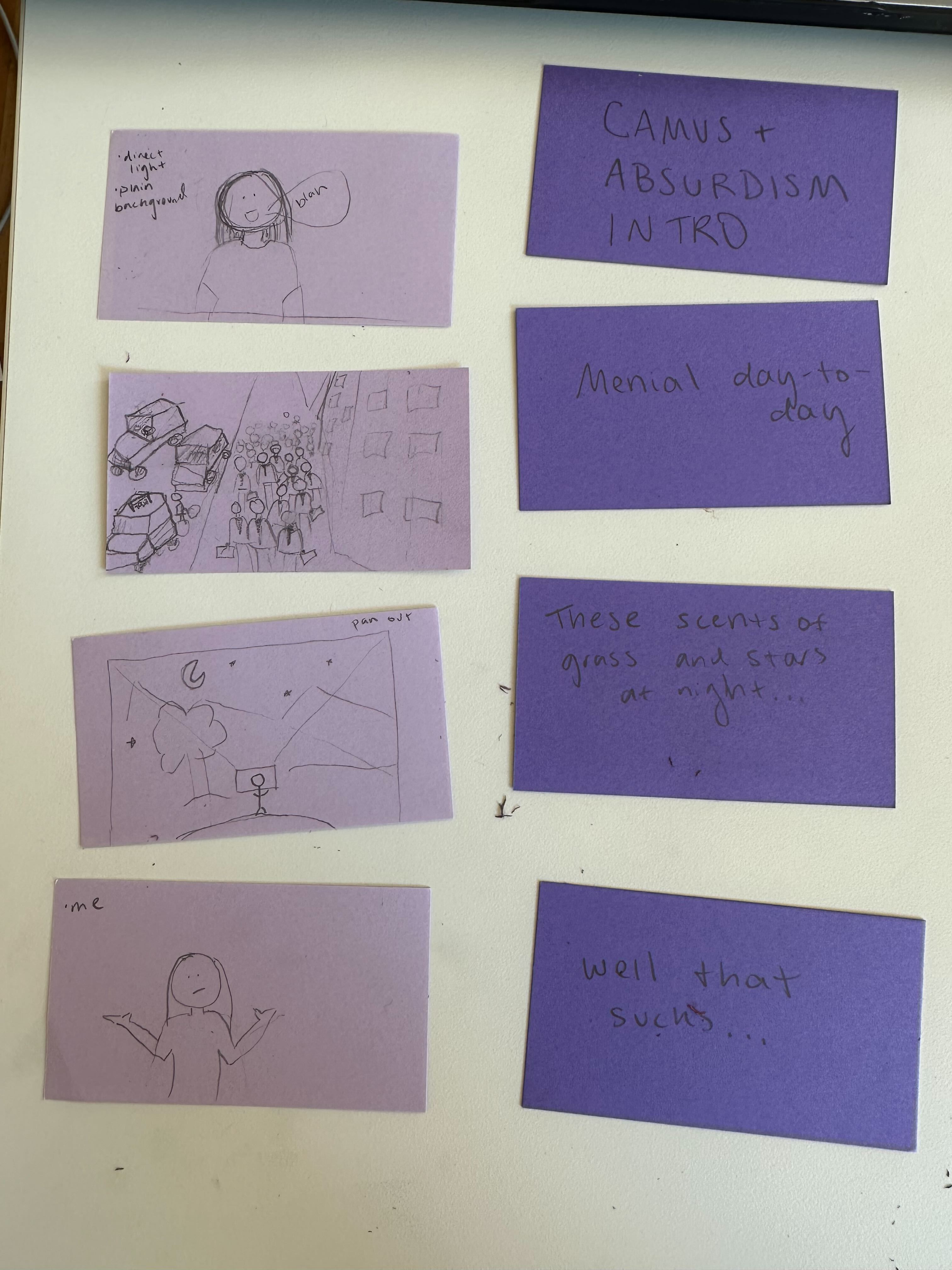
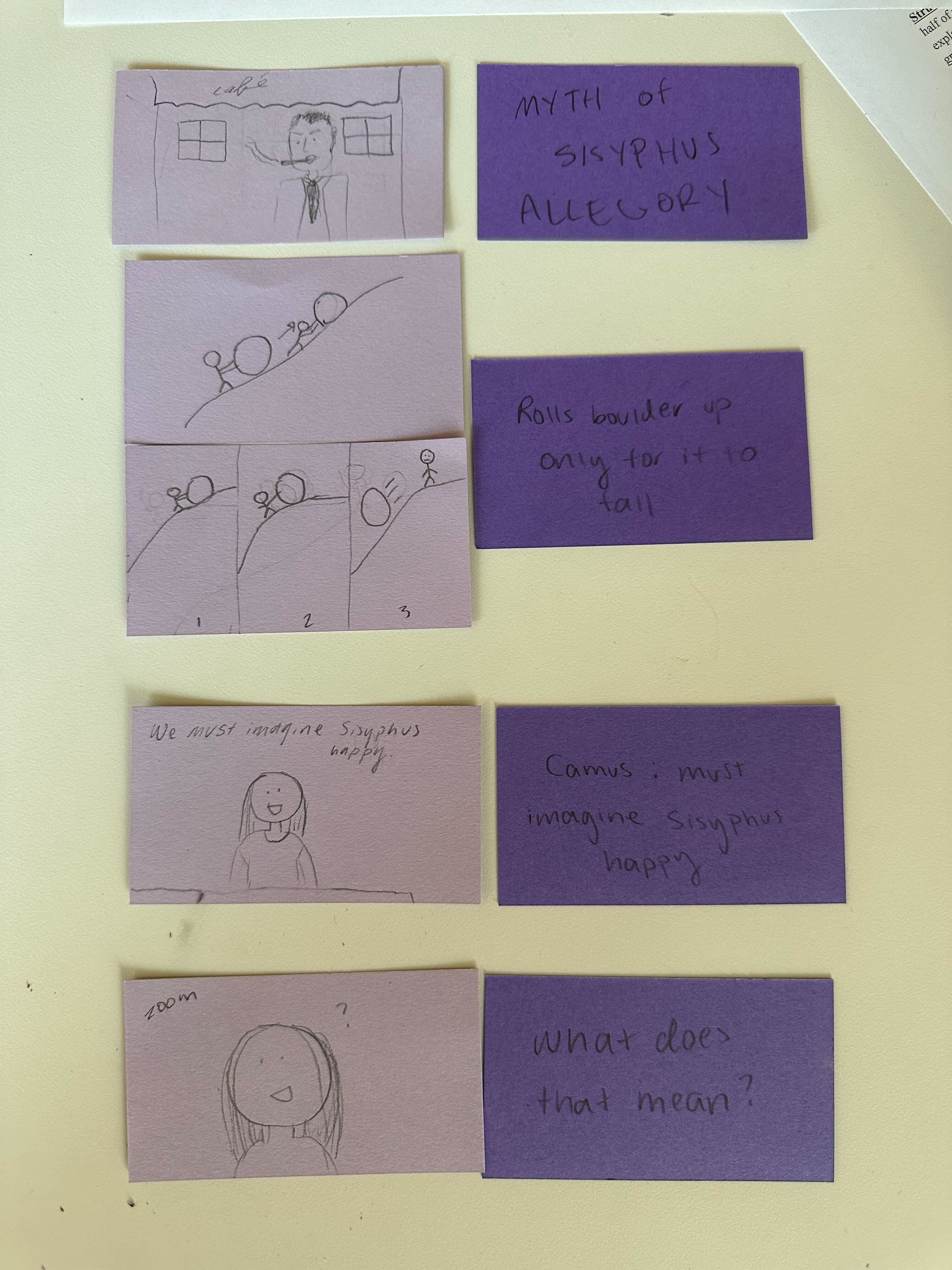
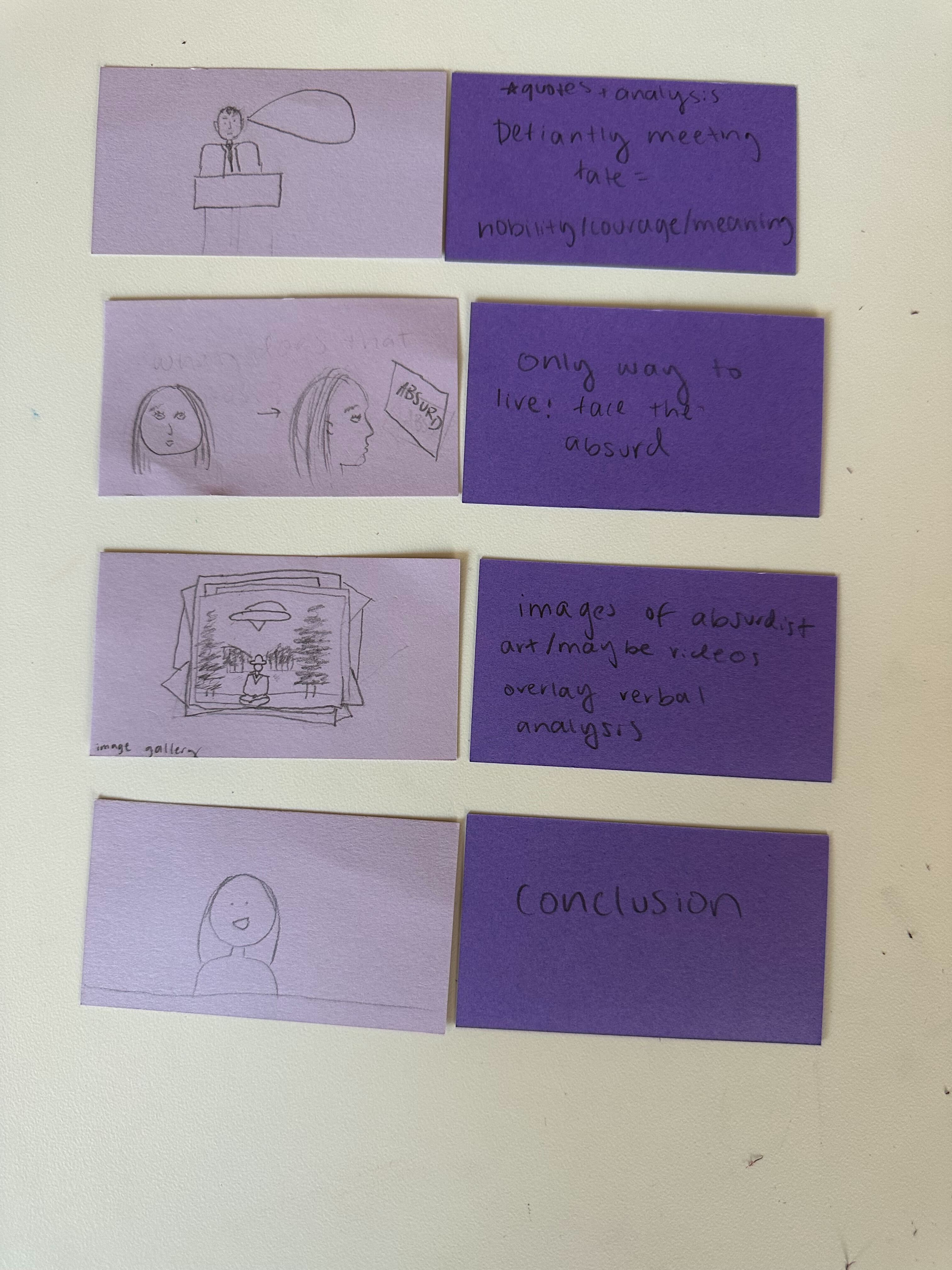
Here's an example, from a video essay I filmed about Absurdism and Camus. One the left I drew cards attempting to show visual elements, and on the right I indicated what part of the essay the shot would correspond with.
Some tips:
- You can write notes on the cards, to get more specific with indicating visual elements
- Try your best to illustrate perspective. This can be done with simple tricks, like drawing things smaller in the background to indicate they are farther back, or drawing lines to indicate the path of the camera if it needs to move or zoom out.
- Your drawings can be super simple! Stick figure types work, as you can see from my veryyy simple illustrations. As long as you can tell what the drawings are of, and they tell you something specific about that scene, such as a slanted mouth to indicate discontent or a question mark to indicate confusion. Just try your best!
- The cards on the right are just for you, to know which part of the essay the cards correspond with.
- Try to draw out the visual elements you know you want to include first, before even matching them to parts of your script. The benefit of this card format is that you can physically move things around. It also doesn't need to be set in stone!
3. Write a script
- Scripts can be edited, but should be mostly finished by the time you film.
- Make sure you know what parts are being said on camera, what parts are voice overs, and who is saying what. Remember your lines if you are filming on camera! It looks a lot better than looking at the script while filming (speaking from experience).
- Make sure to practice it out loud before filming to make sure it sounds natural and conveys the messages you want to send.
4. Set up filming
- Lighting
-
linkedin learning course on cinematography notes
* every choice comes from pre-production planning
* strict scene numbers
* start shooting after second reading of the script
* director's questions list
* what is the character trying to do here?
- questions you should be able to answer by end of pre-production process
- what is the movie/film about? not the plot..what are you trying to say (theme)
- whose story is it? narrative perspective of the film
- what does this character want?
- what's stopping the character from having what they want? the greater the conflict, the better the story
- visuals
- size change: soda can taking up more space than the mountain but we know it's smaller
- up down position-- it's higher up in the frame and higher than the horizon, which suggests the camera is lower than the can and is pointed slightly upwards
- elements of composition
- aspect ratio
- ratio of the frame horizontal direction to vertical direction
- rule of thirds: diving the frame three sections vertically and horizontally
- center punching: avoiding putting everything in the cneter of the composition
- dynamic tension: often offset objects away from the center to generate conflict in the eye of the viewer or curiosity
- graphic weight: objects that attract our attention have graphic weight.
- objects that have graphic weight need less room in the frame
- Kuleshav effect
- the idea that the meaning of a shot depends on the shot that preceded it
- the sequence of images and timing of images affects audience perspective
- 180-degree rule: the stage line is line between two stage characters that forms 180 degrees. you first establish the characters are in the same space together. you need to create spatial relationship (left to right and maintain that)
## Color correction notes in davinvi
- 1st step: balance image color with primary tools - create neutral starting point
- midtone detail lets you adjust contrast in areas of high edge detail to increase or decrease image definition or sharpness
- color boost adjusts areas of an image with low saturation, resulting in subtle and more natural looking coor boost
- primary bars are alternative to primary wheels -- more subtle adjustments
- log grading wheels have more tightly defined tonal ranges; designed for film stye grading and let you adjust one tonal area without affecting others
- adjust and contrast color with curves
- hue vs hue lets you change any hue to another hue
- hue vs sat curve lets you alter saturation of any hue within the image
- hue vs lum curve lets you alter lightness elements of a specific color
- lum vs sat increases or decreases saturation in different tonal areas of the image
- sat vs sat is used to adjust a specific range of saturation without affecting rest of image
- secondary color grading: adjusting a specific area
### lookbook inspo
How to Argue - Dan Shapiro
https://www.youtube.com/watch?v=IDj1OBG5Tpw
- engaging, fast-paced music
- no more than 2-3 seconds per stationary shot. broken up by graphics, pulled footage, drawings on the screen, etc
- main person sitting in one position and one lighting. ONE TAKE!
- text written over old footage- gives it feeling of antiquity and maybe legitimacy
Is the Man Who is Tall Happy?
https://www.youtube.com/watch?v=goalPsow7cw
- repeated stop motion animation drawings while words are spoken
### Stock Footage Camus
-
helped jordan with a project
## 9/6 - 9/13 Weekly Update
This week I learned....
-Text cases (pascal, kebab, camel, etc... which I didn't even notice were particularly distinct from one another before. I am totally not a coder) (yet)
-That logos should be both simple and bold. I tend to have maximalist design tendencies, and I am hoping this semester as a LLUF that is something that will be trained out of me!!
-Something called tangential tension...and realizing that I know very little about actual graphic design principles. Shoutout Jordan. I hope to learn more!
-That the learning lab was only founded in 2015, and was an evolution of Harvardx! That's so cool!
-That the learning lab is sometimes referred to as a "makerspace wrapped up in a video studio." I really like that quote.
-In general, a lot of buzzwords that will be very helpful for explaining what a LLUF is in the future!! Such as "intergenerational team", "learning-based teaching", "cyclical design", etc. The book chapter was very informative.
-How to create and fill a circle frame on Canva.
-How to get an image markdown from Slack.
-How to create a new emoji on slack.
-How to find and grab footage from a studioMac and download it onto my personal computer.
-How to grab a still on iMovie!
-What an ethernet cable looks like. And an XLR cable.
-Where to find the aforementioned cables in the Learning Lab.
-That I need to be a little more diligent about making sure I am scheduling myself on the correct google calendar. LOL. I am working hard on my organizational skills, I promise!!
Overall reflections:
I am loving this training package, and all the new exciting systems in the learning lab! I feel like I'm already learning things that I didn't (but probably should have) known last semester, mostly about small tech stuff and operations, which is a very rewarding feeling. From reading about the learning lab on the website and the book chapter I also have a lot of new perspective on the mission and origin of the space, which gives me a lot of context I didn't even know I needed. Also, I really like coming into work and having tasks that I can work towards. I think I sometimes work better asynchronously and at my own pace, with the exception of meetings/events/etc.
I am also reallyyyy stoked about the AV lab and starting my ILP. I don't know what it's going to be yet, but hopefully it'll be awesome!
My name in 4 new cases:

My LLUF brand:

My simplified LLUF brand/slack emoji:

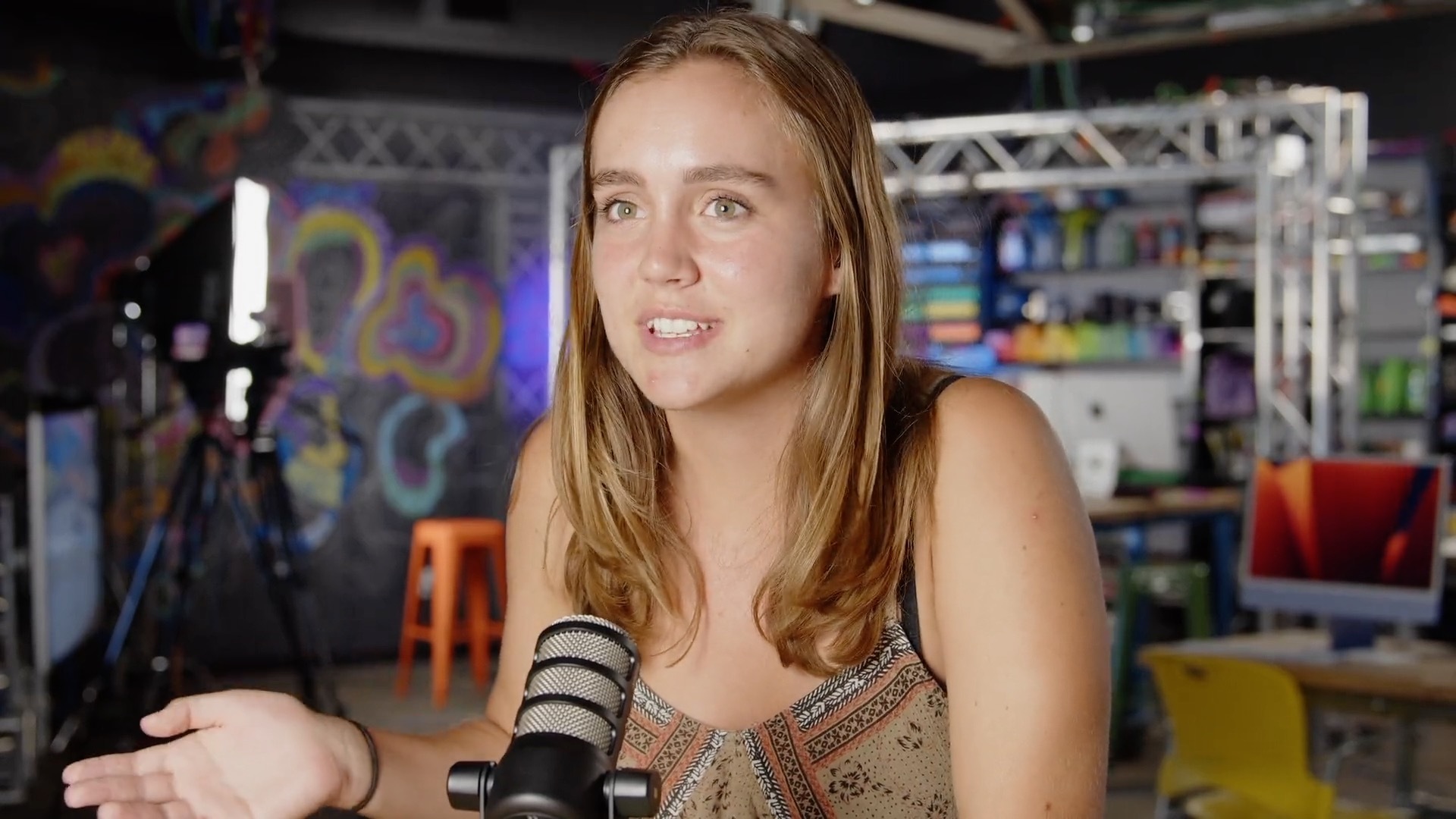
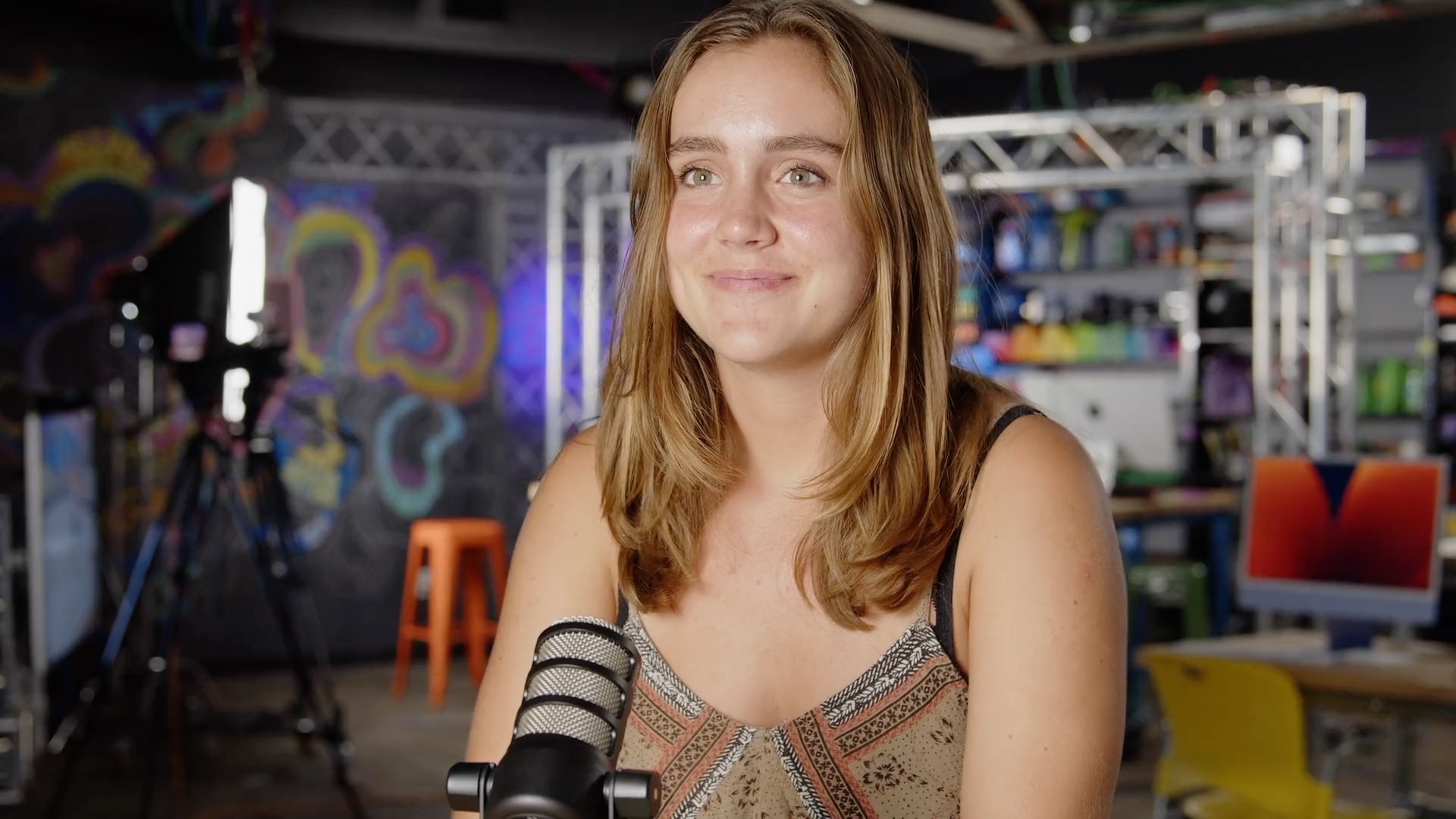
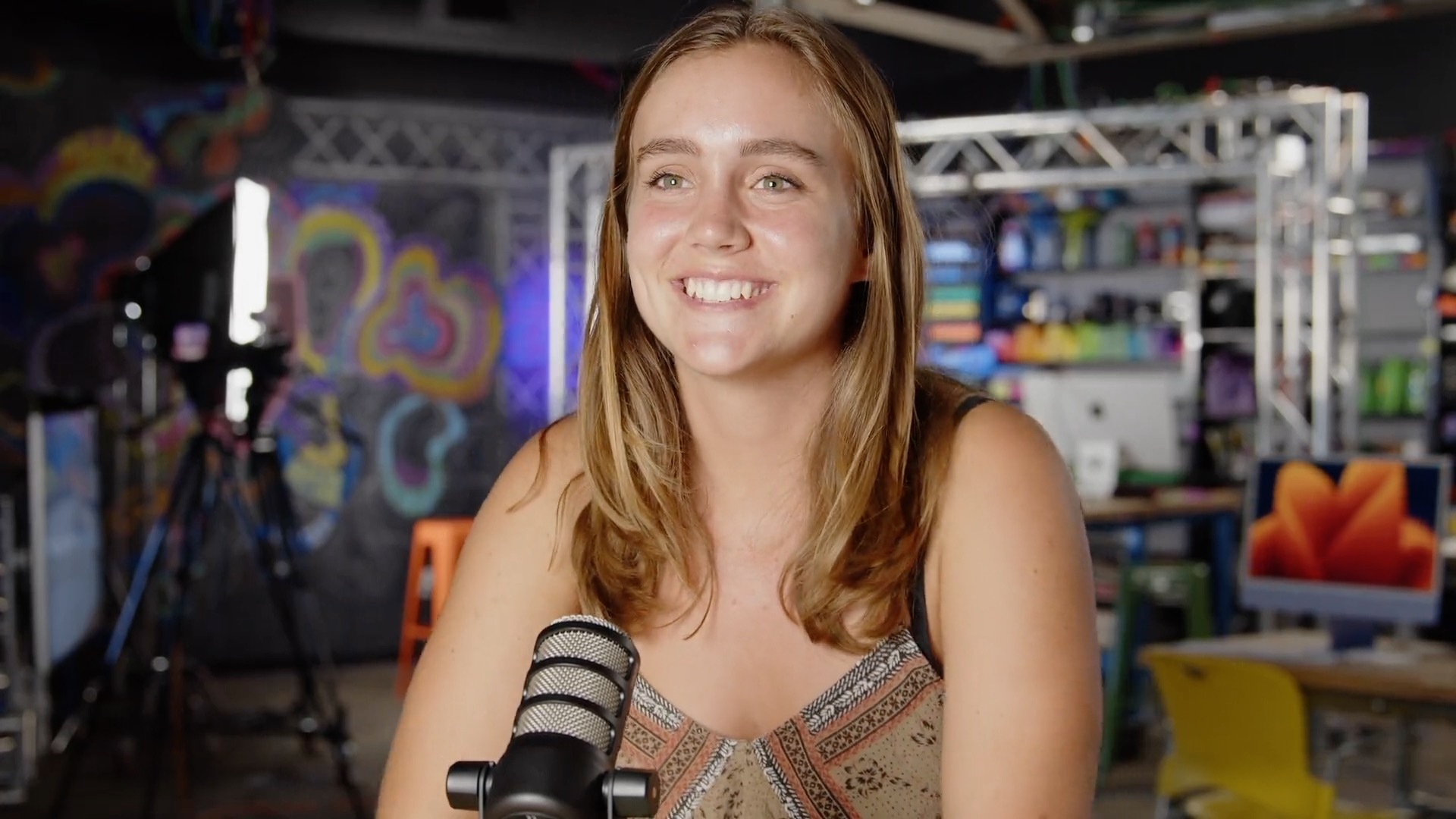
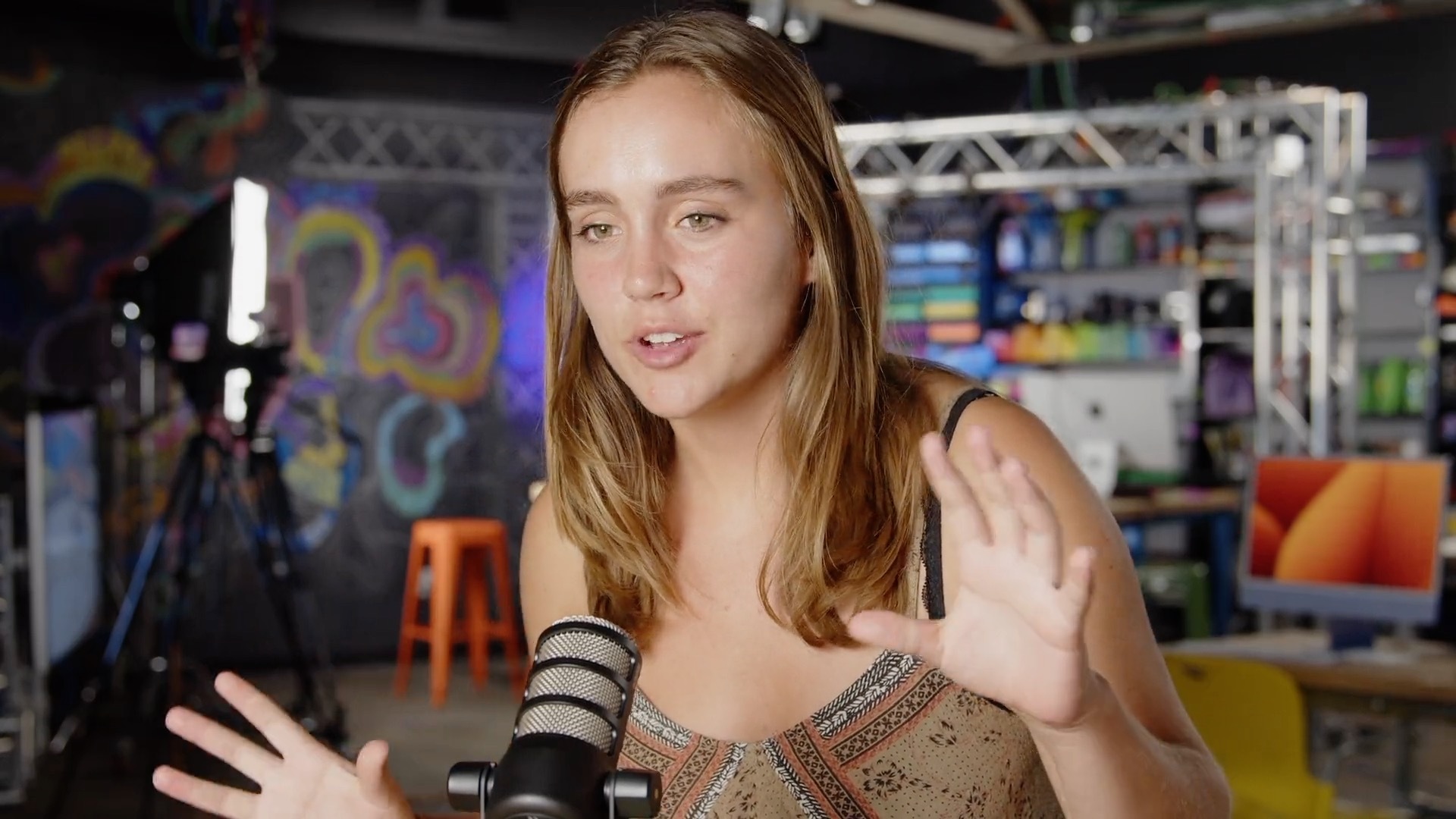
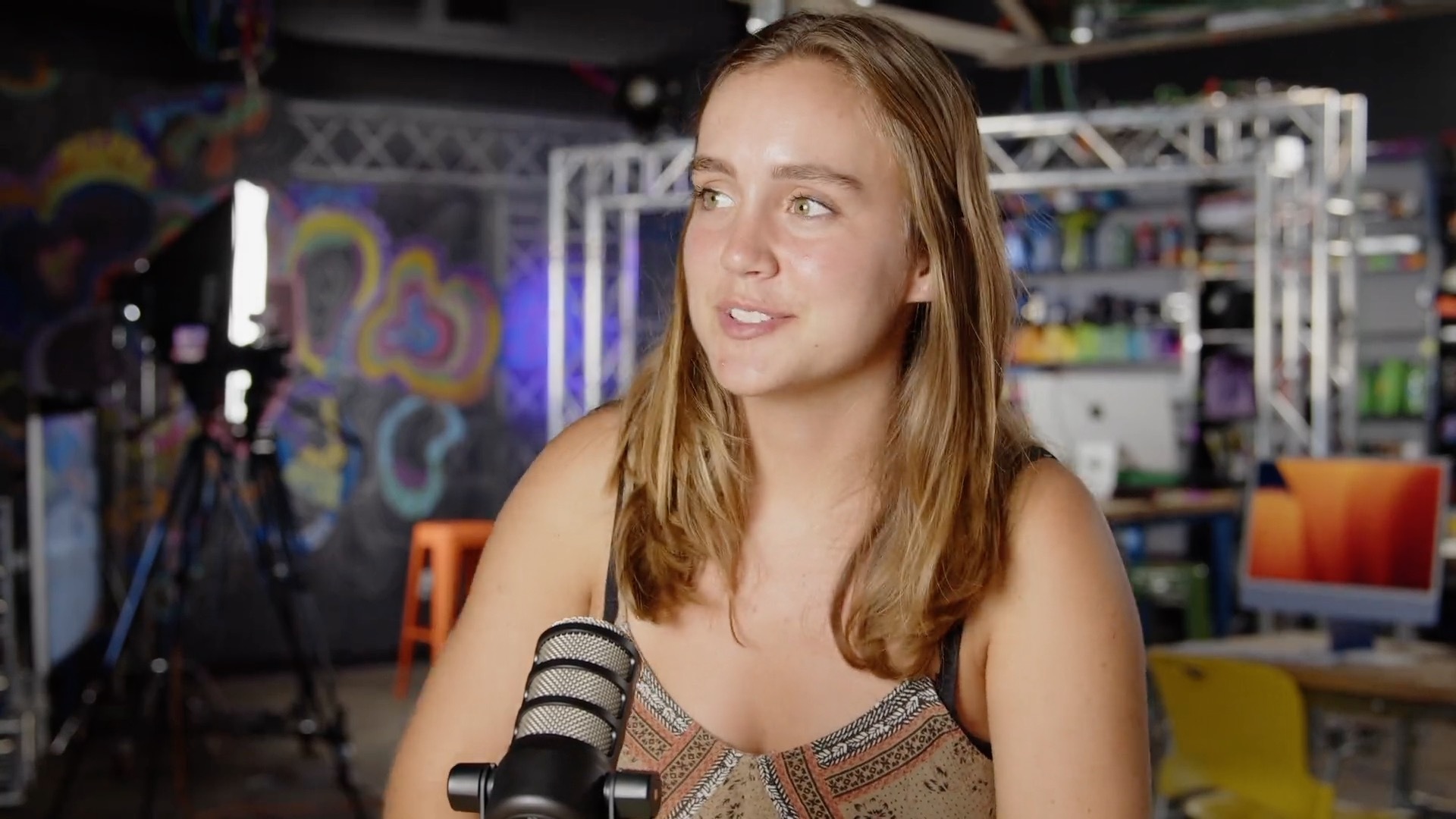
Stills from my interview:
## 9/14 - 9/21
This week I....
- participated in an AV lab workshop with Casey and Elitza and learned a lot of cool stuff about microphones! For example, the difference between a dynamic and condenser microphone, and cardioid vs. omnidirectional! I also got to hear some really cool soundbites from ethnographical works that were pretty inspiring. I've never really thought about sound as it relates to storytelling!
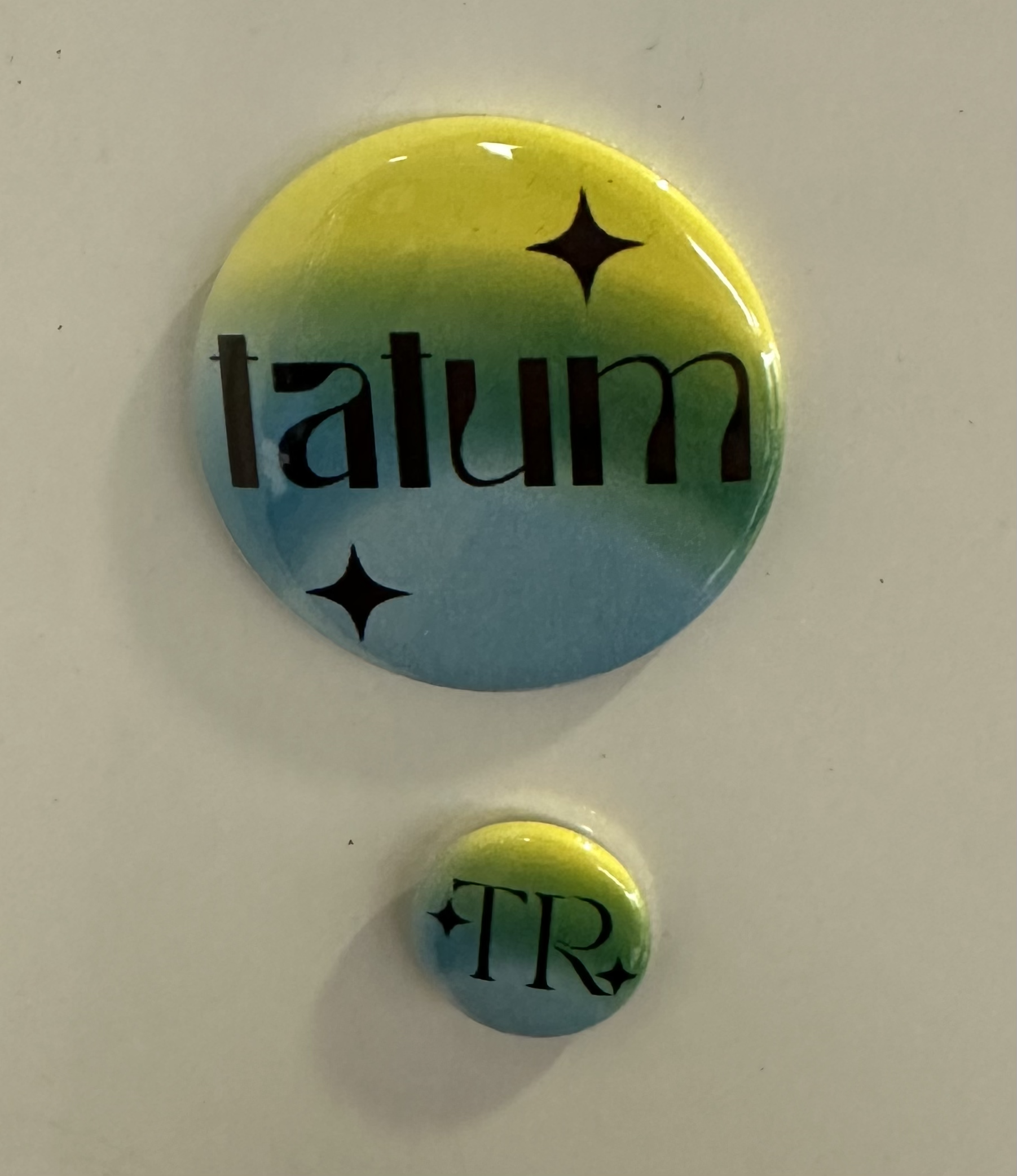
- I made buttons of my LL logo. It was a team effort. Shoutout to Anya, Max, and Jordan for the help. It took a few tries to remember how to do it but I think I am now a button-making machine.
- 
- I re-learned how to coil cables. Woohoo!!!
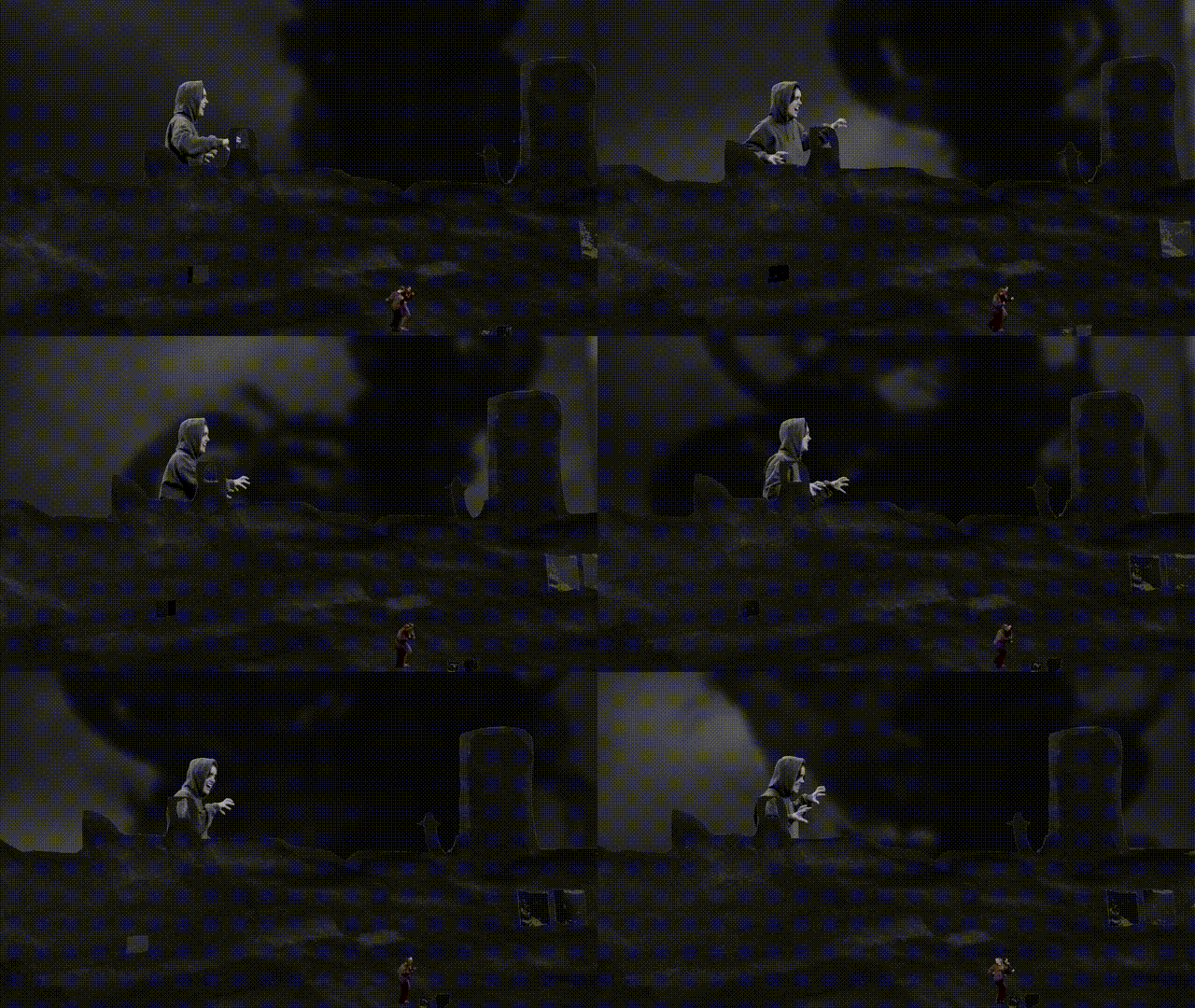
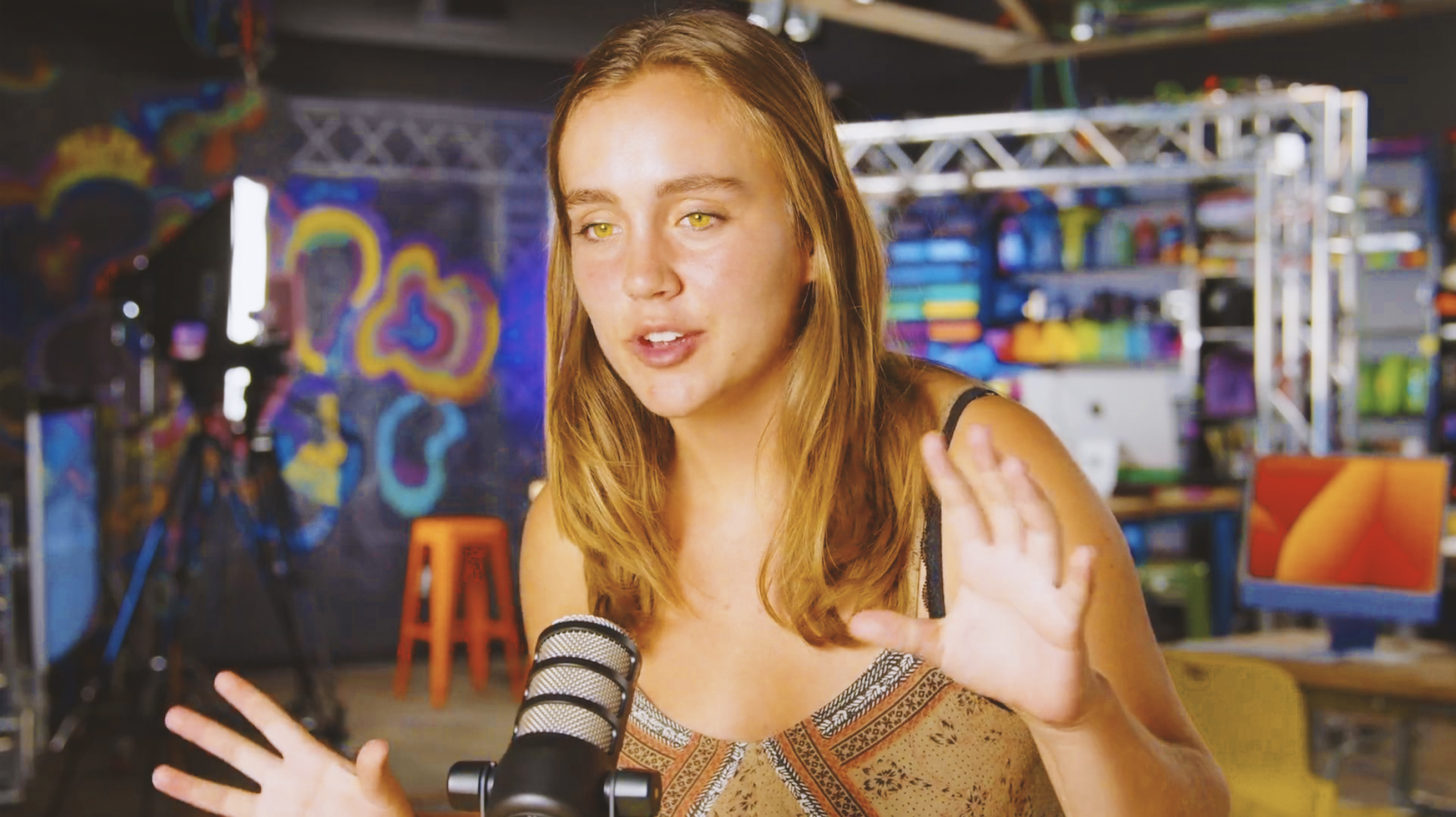
- I photoshopped a still from my interview, mostly just to see if I could. I decided on yellow eyes to embrace the whole summery saturation look.
- I finished my basic training! Onto the ILP!!!
- I started brainstorming for the ILP..... and I think I'll be doing a short video about absurdism and the Myth of Sisyphus. Shoutout Phil 34 for the inspiration (it's actually my favorite essay/book/philosophical idea since high school).
- I started to learn about cinematogrpahy from the linkedin learning course... I'll put my notes below!!
linkedin learning course on cinematography notes
* every choice comes from pre-production planning
* strict scene numbers
* start shooting after second reading of the script
* director's questions list
* what is the character trying to do here?
- questions you should be able to answer by end of pre-production process
- what is the movie/film about? not the plot..what are you trying to say (theme)
- whose story is it? narrative perspective of the film
- what does this character want?
- what's stopping the character from having what they want? the greater the conflict, the better the story
- visuals
- size change: soda can taking up more space than the mountain but we know it's smaller
- up down position-- it's higher up in the frame and higher than the horizon, which suggests the camera is lower than the can and is pointed slightly upwards
- elements of composition
- aspect ratio
- ratio of the frame horizontal direction to vertical direction
- rule of thirds: diving the frame three sections vertically and horizontally
- center punching: avoiding putting everything in the cneter of the composition
- dynamic tension: often offset objects away from the center to generate conflict in the eye of the viewer or curiosity
- graphic weight: objects that attract our attention have graphic weight.
- objects that have graphic weight need less room in the frame
- Kuleshav effect
- the idea that the meaning of a shot depends on the shot that preceded it
- the sequence of images and timing of images affects audience perspective
- 180-degree rule: the stage line is line between two stage characters that forms 180 degrees. you first establish the characters are in the same space together. you need to create spatial relationship (left to right and maintain that)
## 10/4-10/11
This week I created a storyboard for my ILP and started finding different elements that I'm going to include. Here is the storyboard:



I found a couple of videos that serve as inspiration, and compiled a list of elements I liked in each one.
How to Argue - Dan Shapiro
https://www.youtube.com/watch?v=IDj1OBG5Tpw
- engaging, fast-paced music
- no more than 2-3 seconds per stationary shot. broken up by graphics, pulled footage, drawings on the screen, etc
- main person sitting in one position and one lighting. ONE TAKE!
- text written over old footage- gives it feeling of antiquity and maybe legitimacy
Is the Man Who is Tall Happy?
https://www.youtube.com/watch?v=goalPsow7cw
- repeated stop motion animation drawings while words are spoken
I explored different versions of stop motion animation, including paper-cut out, Fresco animation, clay, and drawing.
I spent a longggg time looking for stock footage of Camus to include and was unsuccessful. I think I need to redirect my search.
I spent a shift helping Jordan make buttons for a workshop!
I started to draw a walk cycle for Sisyphus, which is the part of my ILP I want to make into stop motion. I accidentally made him get bigger as the drawings progress, but alas.. I'm learning about the incorporation of movement into video which is interesting! I've never thought much about it before. I want to explore other forms of stop motion as well.


## 10/18-10/25
- worked out how to use dragon frame (thanks Caroline!)
-
### 11/15-11/29
- This week, for the most part before break, I began to transition away from the ILP. Here's what I got up to...
- I was mainly working on learning different skills. I spent a while watching tutorials on, reading about, and generally learning about DaVinci color correcting. Last semester I participated in a DaVinci tooltime so I was largely refreshing my memory and those skills while learning about the more technical stuff.
- I helped some students who came in with a graphics-related challenge for a Psych class, mostly by answering questions about the learning lab resources and helping them brainstorm!
- I did the British-bake-off style challenge of designing a sign for Office Hours, and while mine was not terribly pretty, it did inspire some rainbow elements!
- I did some organizing of cards and things in the Classroom.
- I started to design a resource for storyboarding and planning a stop-motion video. That's where most of my ILP research went towards.

---
### the breakdown:
If you have an extra 15 minutes or so not spent on higher prioroty tasks, you can totally work on creating a more elaborate and creative data vis of this breakdown, but it would be awesome to get some stats on the following each week at a minimum so we can put together a larger data vis/stats board for storytelling about all of the LLUFs as the year goes on!
| Type of Work | Time Spent | Notes
| -------- | -------- | -------- |
| Learning | HH:MM | Please add any notes here on specifics. for your reference, this type includes the Basic training Package, the ILP, and any work request tagged "learn" |
| Testing | HH:MM | this includes any design Labs, and any work request tagged "test" |
| Collecting | HH:MM | this includes any work request tagged "collect" |
| Prepping | HH:MM | this includes any work request tagged "prep" |
| Maintaining | HH:MM | this includes any cleaning or organizing or set up requests. work request tagged "maintain" |
 Sign in with Wallet
Connect another wallet
Sign in with Wallet
Connect another wallet