# Gonzalo's Notebook Fall 2023
welcome to your Notebook Template! Please feel free to copy/paste this as a starting point for your own Notebook.
1. copy all markdown
2. create a new team note
3. to create a unique title, type:
```
# YOURNAME's Notebook Fall 2023
```
4. add tags for:
* lluf-notebook
* your-name (jordan-k)
## BIO-LLUFOGRAPHY
#### my lluf catch phrase:
*noun*: a well-known sentence or phrase, especially one that is associated with a particular famous person.
you = LL famous!
#### lab:
my-lab
#### tools I can help others with:
* Anything related to coding, like ReactJs or Python
#### my personal learning goals for this fall:
This semester I would like to continue working on code related tasks. Last semester I did some very cool projects in python, using midjourney and ChatGPT, and also worked on some ReactJs card components. I would also like to get better at media related tasks. For example, editing pictures in photoshop and learning to use the cameras at the studio. This is an area that I have less experience on but none the less still find very interesting and fun. The past term I learned a little bit of photoshop to create my personal LLUF card, and also DavinciResolve to extract the photos from the fancy cameras to edit them in photoshop.
## key links:
* links you may want to reference often!
* [The LLUF Guidebook for Fall 2023](/Hd1PfV98Q3GXuE5gykSvEA)
* [Work Response Form](https://airtable.com/appCm7g0XXkDhNB9v/shr5OaDtqIJCubFGj)
* [Weekly Update Form](https://airtable.com/appCm7g0XXkDhNB9v/shreQhF2GmuXCGpzV)
## dashboard:
a place for you to keep notes that you commonly refer to! For example, maybe a table of shortcut keys you need help remembering and commonly use:
| Shortcut Key | What It Does |
| -------- | -------- |
| command + tab | toggles between apps! |
| command + space | search and open app |
| I & O & E | in FCPX, selects in and out points in footage and adds to end of timeline |
NOTE: do NOT put any "secret" info here like passwords!
## drafting space:
use this space to draft the markdown that you will paste into your work responses and weekly updates. it will help you to see the output and make sure the formatting and media are what you want! Then you can simply copy and paste that into the markdown prompt within those forms!
Here is a sample draft for the Markdown Update field in the Weekly Update Form:
## Inception!
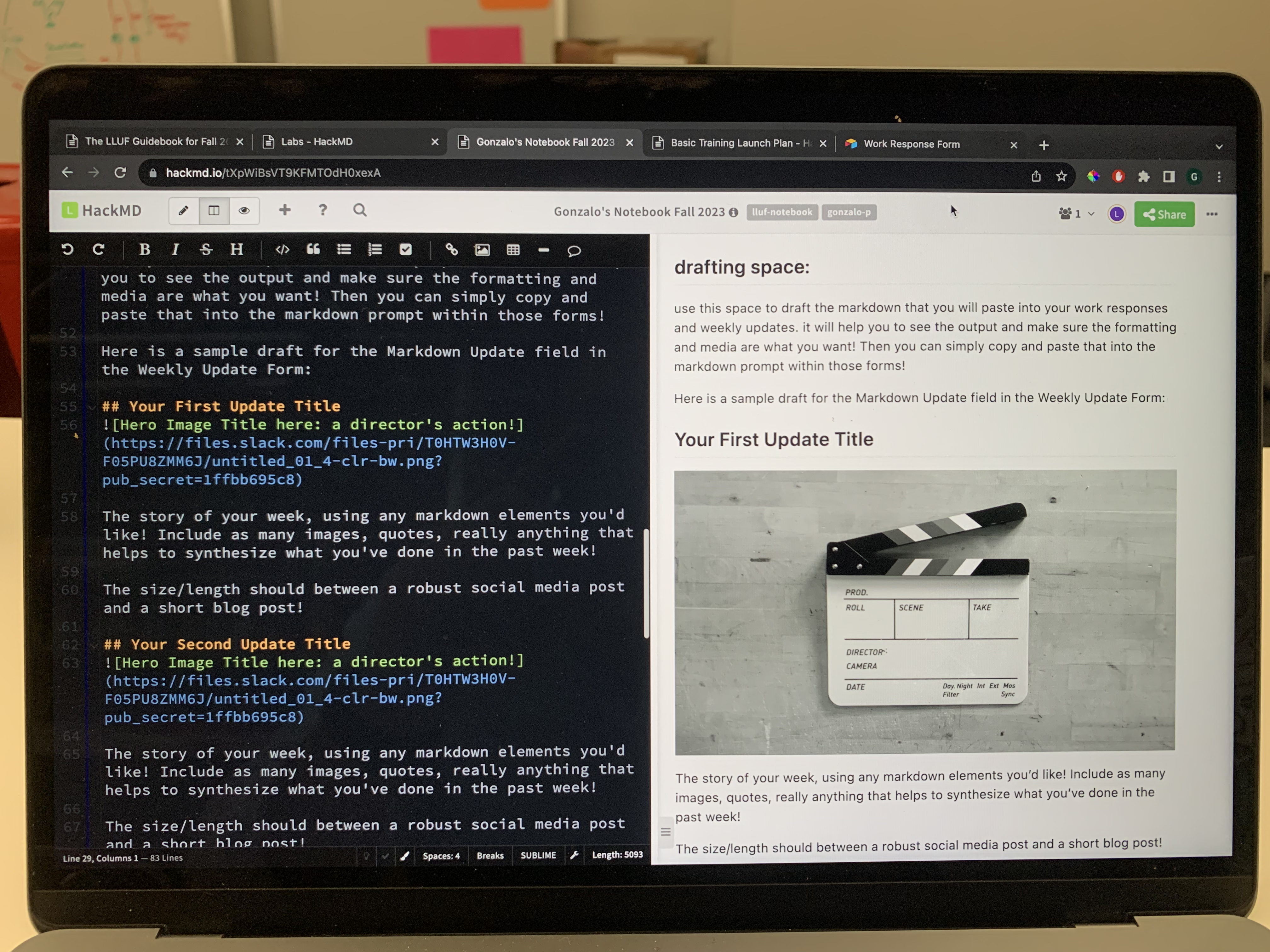
This is my first shift as a LLUF this term! I worked on completing this very notebook
## Finish training package, starting ILP
![Hero Image Title here: a director's action!]
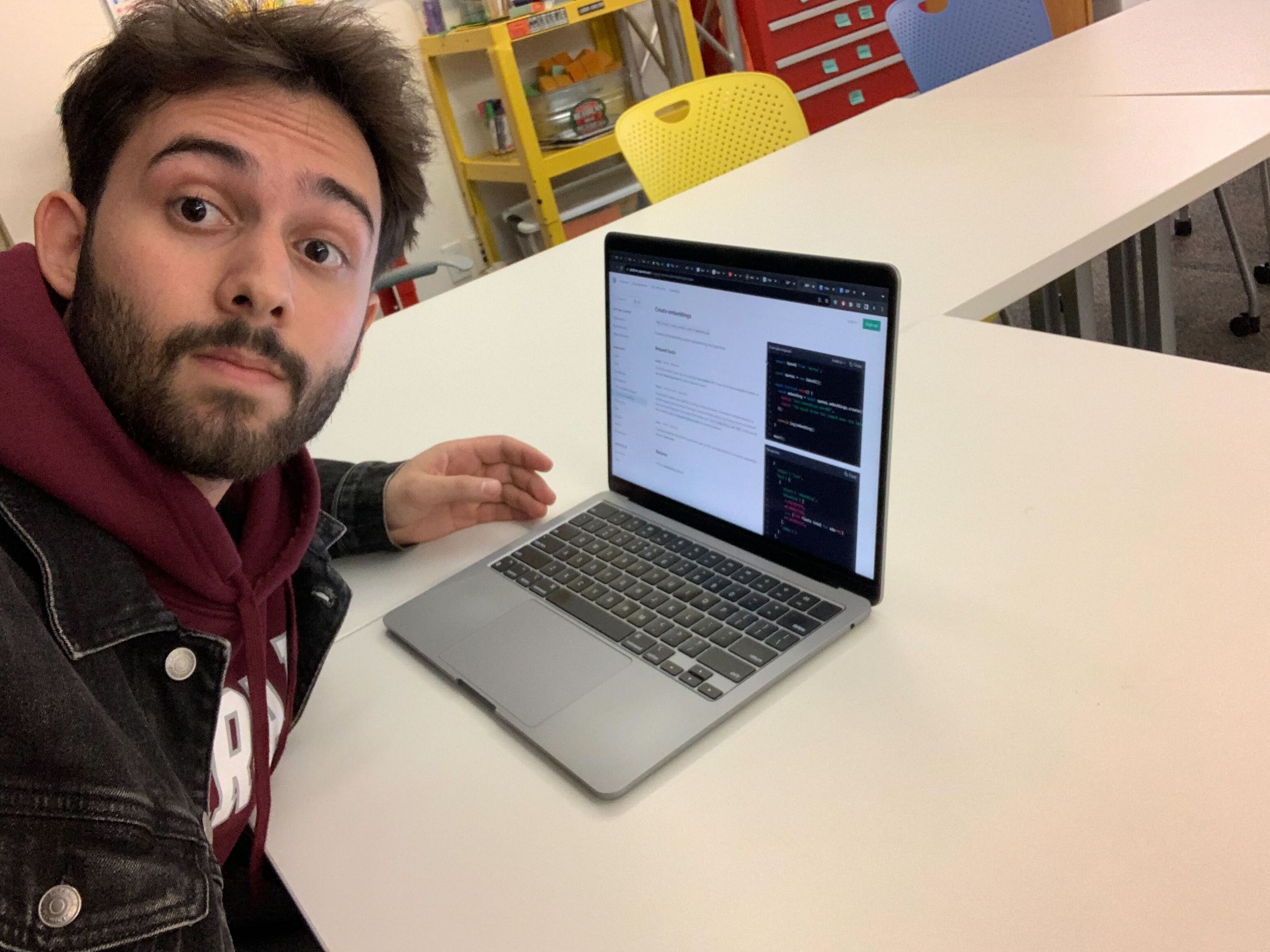
Working on my IOP project, personality test on nextjs using Airtable. Found this useful link https://www.section.io/engineering-education/integrate-airtable-with-nextjs/.
Idea for my code: when page loads, send GPT API a context prompt describing the LL labs and traits. Then run a form asking for name and showing binary options pulled from airtable. At the end of the form, compile the answers and prompt GPT given the context provided eariler. Save answers on airtabe column by name provided.
Pic of me reading OpenAi GPT docs, didn't realize I looked so tired 😭
This week I also made my logo and buttons which turned up epic.
## My Epic Quiz
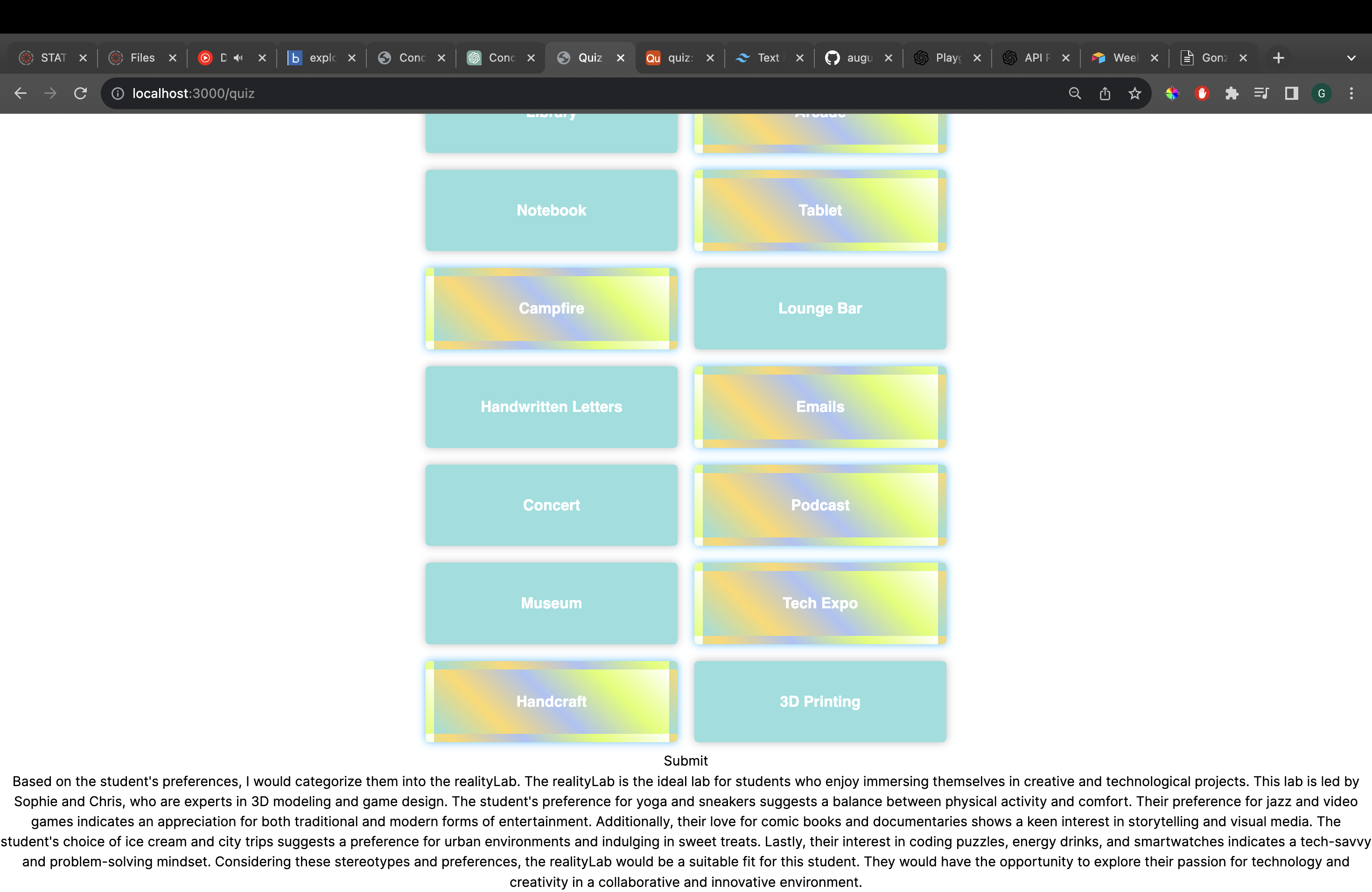
At first my code wasn't working because NextJS changed their routing shcema from last term, Christine helped me adapt it. I created my web app that pulls binary questions from Airtable, then user can select their preferences, and then GPT will asign them into a Lab with a short description on why they are suited for the lab. The app is fully functional, but very ugly. I need to create loading screens for the GPT response, make better buttons, make a button for the submit option and style the GPT response.
When I started experimenting with GPT, the chat would tell me that my options didn't contain much information, and that he coudln't categorize. To work around this, I gave it a description on the learning lab and very short on the labs and asked it to create it's own stereotypes on the people that belong to each lab. Then, based on those stereotypes, I asked it to create the 20 binary options itself, with information that would help it categorize into the Labs.
This approach worked really well and a sample of a response can be seen on the image.
## Styling My Epic Quiz
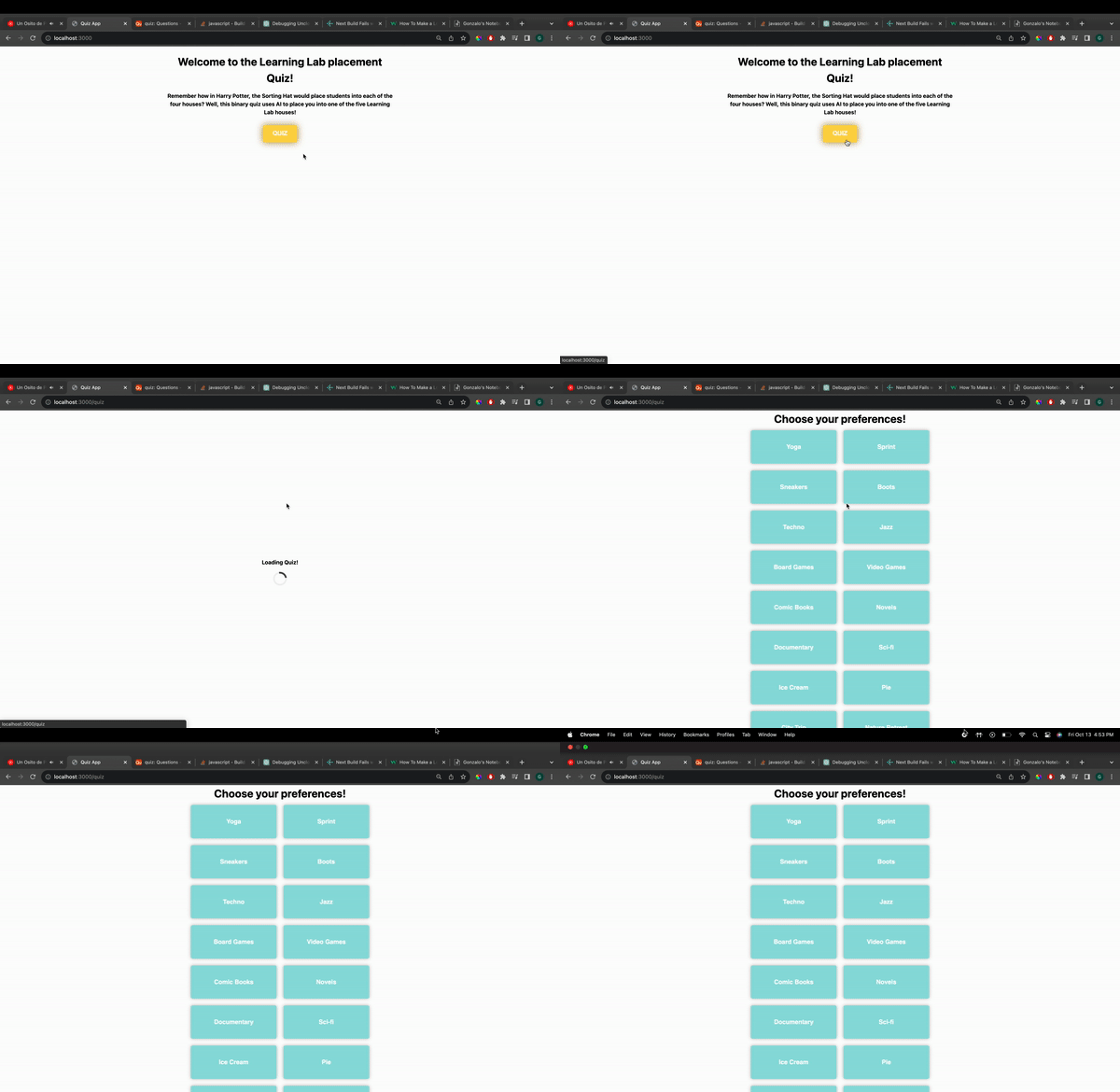
This week I worked half the hours because of midterms and holiday on monday. I began styling my quiz that I did the past week. I added a loading spinner while the questions load and a introduction page before showing the quiz. Also made button for submition, and showed my work to another codelab LLUF.
Next week I wil start writing my documentation.
## Just so I don't forget
After the user gets the response, ask them to choose their actual lab and save it to airtable. After I get better responses I can add that to my GPT prompt or make it have better stereotypes based on those responses
## Slack Playwirter bot

Started this project, created the slash commands and did a function calling with OpenAi API to create characters based on a prompt. On the image there's a response of the bot to for "/playprompt a mother scolds her son for doing bad at school"
## Slack Playwirter bot 2
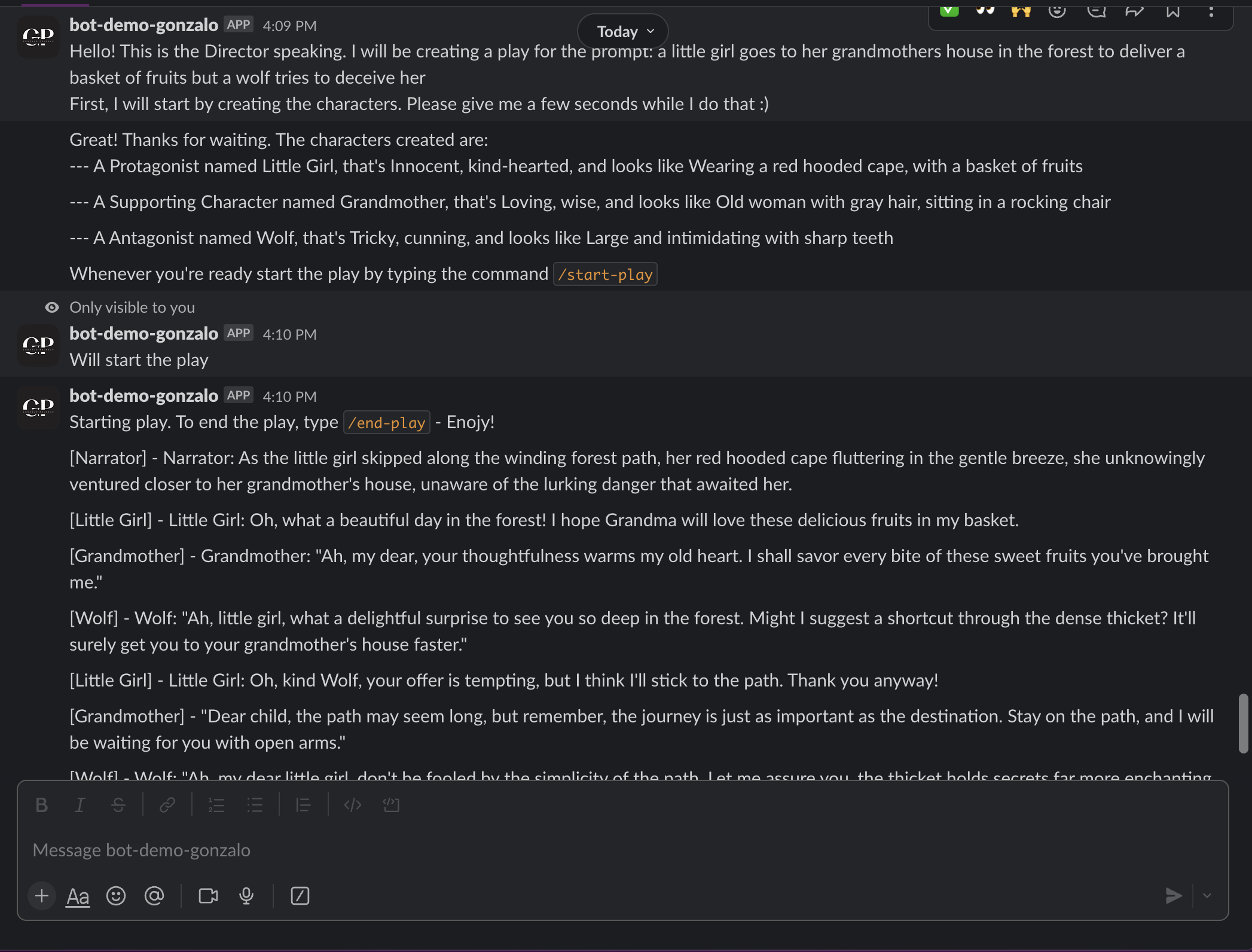
Been working on this project. Migrated my code to a class structure that will make things easier in the future. I've also made the start and end command that loops a conversation between the created characters. I tried adding a Narrator character and It made it so much better, but for some reason GPT doesn't choose it often, so I have to see what I can do about that.
Some features that I want to add are stopping the conversation to manualy add lines, being able to edit characters or create new characters.
For every line that I create I have to send the conversation history because GPT doesn't remember previous calls. This makes the API calls much slower as the play progresses so I want to create a function that compresses the conversation history every now and then to make it faster.
## Slack Playwirter bot 3
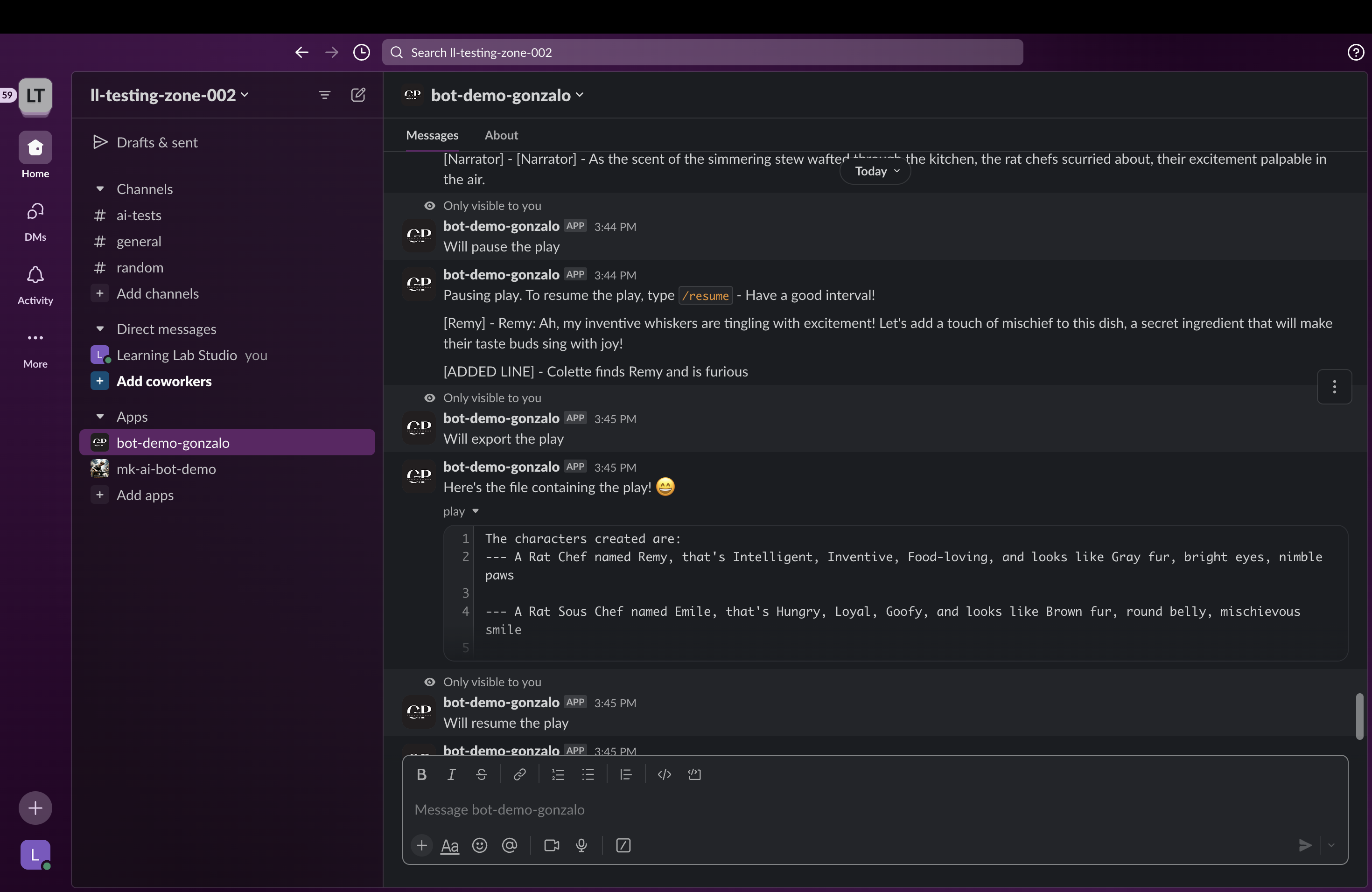
Added some features to the Bot. Now there's a slash command /export to get a .txt file of the play. Made a /pause and /resume command to be able to pause the play, examine it and then use the other features that I'm working on. Also made the /add-line command to add any line. This is very cool, especially with the Narrator character because you can change the course of the play and try fun thing. For example I was doing a Ratatouille play, and I added the Narrator line saying that Colette hates rats and would kill Remy if she saw him. So then when I resumed the play, Linguini tried to hide Remy from collete. Then I added the line as Narrator saying that "Collete finds Remy and is furious". So then Remy was trying to escape the kitchen.
There is still a lot of room for improvement, sometimes GPT is oblivious to the context and says random things or repeats lines. I haven't tried it yet with GPT-4, maybe in that case it would work better.
---
### the breakdown:
If you have an extra 15 minutes or so not spent on higher prioroty tasks, you can totally work on creating a more elaborate and creative data vis of this breakdown, but it would be awesome to get some stats on the following each week at a minimum so we can put together a larger data vis/stats board for storytelling about all of the LLUFs as the year goes on!
| Type of Work | Time Spent | Notes
| -------- | -------- | -------- |
| Learning | HH:MM | Please add any notes here on specifics. for your reference, this type includes the Basic training Package, the ILP, and any work request tagged "learn" |
| Testing | HH:MM | this includes any design Labs, and any work request tagged "test" |
| Collecting | HH:MM | this includes any work request tagged "collect" |
| Prepping | HH:MM | this includes any work request tagged "prep" |
| Maintaining | HH:MM | this includes any cleaning or organizing or set up requests. work request tagged "maintain" |
 Sign in with Wallet
Connect another wallet
Sign in with Wallet
Connect another wallet