# Joel's Notebook Spring 2024
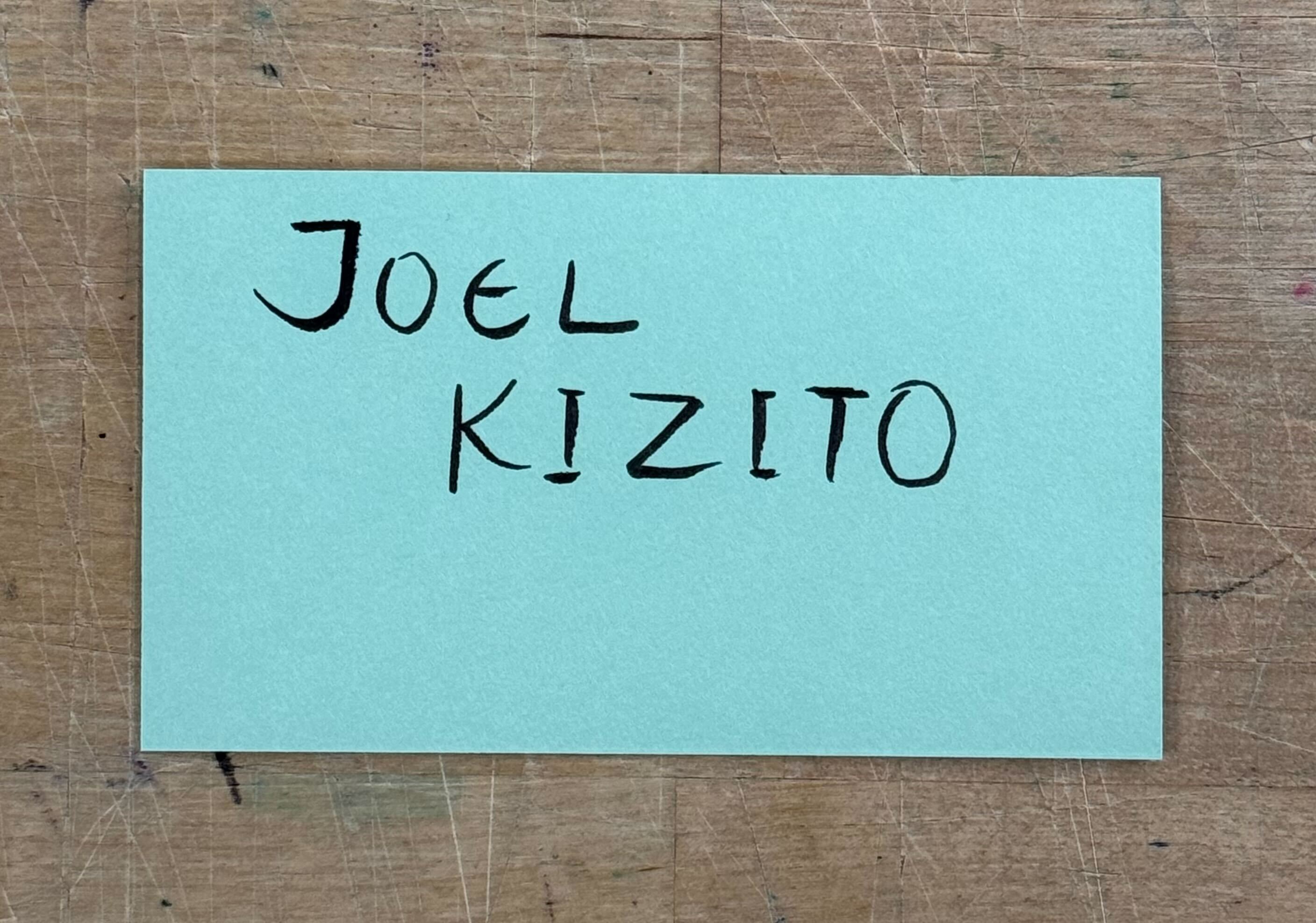
## BIO-LLUFOGRAPHY
#### my lluf catch phrase:
<!-- *noun*: a well-known sentence or phrase, especially one that is associated with a particular famous person.
you = LL famous! -->
You know me, if I'm not working on 10 different things at the same time, then what's the point?
#### tools I can help others with:
- GarageBand
- Stable Diffusion
- Automatic 1111
-
#### my personal learning goals for this semester:
I'm Joel. I'm currently more inclined towards computer science, web design and the technological side of things. I'm interested in increasing my artistic prowess and exploring boosting my capabilities in that field. The fields I want to get better in are pencil drawing, handcrafting, photography, videography, editing and composition, integrating artificial intelligence into the creative side of things and helping others meaningfully integrate artificial intelligence into their workflows.
These are some of the goals I hope to achieve over the semester. Other skills I hope to improve in are collaboration to acheive a shared goal, better documentation of projects and more creativity
## dashboard:
a place for you to keep notes that you commonly refer to! For example, maybe a table of shortcut keys you need help remembering and commonly use:
| Table Header 1 | Table Header 2 |
|---|---|
| | |
| Shortcut Key | What It Does |
| -------- | -------- |
| command + tab | toggles between apps! |
| command + space | search and open app |
| I & O & E | in FCPX, selects in and out points in footage and adds to end of timeline |
| shift + trackpad | in blender, move the view |
| tab | in blender, toggle between editing and object view|
| F9 | open the editing mesh dialog after closing it |
| Option + select edge | Selects all the edges along that line |
NOTE: do NOT put any "secret" info here like passwords!
##### _Potential Personal Projects_
1. Recording a guitar clip
- Le Festin
- Pirates of the Caribbean
- Careless Whisper
2. More Chalk Art
3. AI ***
4. Portrait drawing
I'm looking to improve in Unity, Adobe Photoshop, Express and LightRoom. Well right now Jordan says she has a paper folding project for us
## drafting space:
use this space to draft the markdown that you will paste into your work responses and weekly updates. it will help you to see the output and make sure the formatting and media are what you want! Then you can simply copy and paste that into the markdown prompt within those forms!
<!-- a brief paragraph or two, a letter to myself, outlining my overarching goals for this term. It might include a tool you are hoping to get better at. If so, include a note about where you are currently at with this tool, if it's totally new to you or if it is one you got a taste of last year, or even if it is one that you know pretty well but want to really become a legendary builder/maker/thinker in that tool.
Or maybe, just maybe, you have an idea for some dreamy pie in the sky, moonshot project that you want to try to work towards. This would be something in the alt-senior-thesis realm, and would eventually require some robust proposal for approval, but this is a cool place to begin thinking and pitching that idea! -->
## Update : Week 1
### Day 1
<div align="center">
<img src="https://files.slack.com/files-pri/T0HTW3H0V-F06H8TJR9R6/img_4176.jpg?pub_secret=a5e59d6c6e" width="500" style="margin-bottom: 25px;">
</div>
- Logged into my slack channel. Text my individual slack channel with any updates and questions
- Got an idea of the workflow. Every day I will be logging in and get my tasks for the day.
- Created an account for HackMD.
- Put my name on the chalk board
### Day 2
<img src="https://files.slack.com/files-pri/T0HTW3H0V-F06GTTUKFTQ/img_4197.jpg?pub_secret=cdf73d9f9d" width="500" style="margin-bottom: 25px;">
https://files.slack.com/files-pri/T0HTW3H0V-F06H3212MFW/screenshot_2024-02-02_at_4.48.47___pm.png?pub_secret=499843ace8
- Met my podmates, Andrei and Elisa. Found out more about them and got a sense of the projects we would be doing.
- Installed Blender using homebrew and worked on grabbing objects and adding objects
<img src="https://files.slack.com/files-pri/T0HTW3H0V-F06H3212MFW/screenshot_2024-02-02_at_4.48.47___pm.png?pub_secret=499843ace8" width="500">
## Update : Week 2
### Day 3
This is the day I came in and looked at the calligraphy book. We made stills with Logic Pro X and made buttons that we then gave to the workshop that was doing some work in the main studio. Got a feel for logic pro x and button making.
### Day 4
Played around with the script
Marlon said:
We want to learn how the script works so that we can automate more complex tasks. Like feed it 100 scripts and then see if it can generate unfolded origami scripts for all of the things very specific to the Bok Center. So we'd want to modify it so that it suits our specific needs.
## LLUF Diary : Week 3
### Day 5
I completed the first [blender tutorial](https://www.youtube.com/watch?v=B0J27sf9N1Y&list=PLjEaoINr3zgEPv5y--4MKpciLaoQYZB1Z).
<div style="display: flex; width: 100%; justify-content: center">
<img src="https://files.slack.com/files-pri/T0HTW3H0V-F06K8DSN401/tutorial_1.jpg?pub_secret=98b3e634cb" width="500" style="margin-bottom: 25px;">
</div>
Looked at Mark doing cool things in Blender with Spiderman and Spot models. Also handled using phone footage to map onto 3d models in blender
Handled: Grabbing rotating, changing the surface, moving camera, binding the camera to the view point, adding objects and generally getting comfortable with the user interface. Moving the light source around and changing views into viewport shading
Took a photo in Blender and put it above.
<div style="display: flex; width: 100%; justify-content: center">
<img src="https://files.slack.com/files-pri/T0HTW3H0V-F06JP56CWF8/img_4361.jpeg?pub_secret=cf91c3ee7a" width="500" style="margin-bottom: 25px;">
</div>
Continued working on Blender. Working on second tutorial. Simple goals right now. Finish making my donut. Maybe make a 3D model of my dorm room.
## LLUF Diary : Week 4
### Day 7 : Testing out user documentation
I think this was my first time properly doing that. I was testing out an introduction to stable diffusion and control net. See the notebook at this [link](https://hackmd.io/LhovA_5ZQTiW_7GuBHuleg)
## LLUF Diary : Week 5 to Week 8
Over the past few weeks, which included spring break, I have done a variety of things. In no particular order:
- I worked on taking images and editing them in photoshop by removing backgrounds and adding other backgrounds
- I tested out using different modes of lighting and what effects those had on paper
- I had a day of heavily using stable diffusion and control net.
- I installed Adobe Photoshop and I have continued learning slowly learning more and more of the tools present nad how to work with them.
- Eliza and I worked on integrating a fast api server and an image generation server we used with airtable
## LLUF Diary : Week 9
### Wednesday April 3rd
I worked on stable diffusion and testing it with control net. Mostly worked with open pose and generating different images with different controls. The code is in a google colab. Generating with longer promtps helps with better resolution and more accurate images.
 Sign in with Wallet
Connect another wallet
Sign in with Wallet
Connect another wallet