---
tags: portfolio-journal, victoria. guide
---
# Victoria -- Adobe Creative Suite+ Adventure
:::info
Welcome to my Adobe Adventure+ where I document my arduous travels investigating the mysterious wonders of the Creative Suite (and beyond)!
:::
:::success
:::
:::warning
:::
:::danger
:::
## About
The COVID-19 pandemic showed how fragile institutional memory is and the importance of documentation. This is a personal work project to document my experiences and knowledge at the Learning Lab for future generations of LLUFs. I hope you find it as useful.
This guide dates back to April 2022 and will continue until I graduate in 2025. Its purpose is to **document** and create **guides** on the various multimedia tools in the Learning Lab.
## MacOS Shortcuts
LL mainly uses MacOS with keyboard and touchpad extensions.
### Keyboard Shortcuts
Spotlight/Quick Search
: Cmd + space
Quick Tab between Apps
: Cmd + tab
Screenshot
: Cmd + Shift + 3
Screenshot a select portion
: Cmd + Shift + 4
### Touchpad Shortcuts
Move Files
: 3 fingers + drag
## HackMD
This [markdown cheat sheet](https://www.markdownguide.org/cheat-sheet/) will help your guides pop!
* HackMD [features](https://hackmd.io/s/features#Alert-Area/)
* [Markdown Syntax Reference](https://hackmd.io/c/codimd-documentation/%2F%40codimd%2Fmarkdown-syntax/)
### Adding Pictures via Markdown

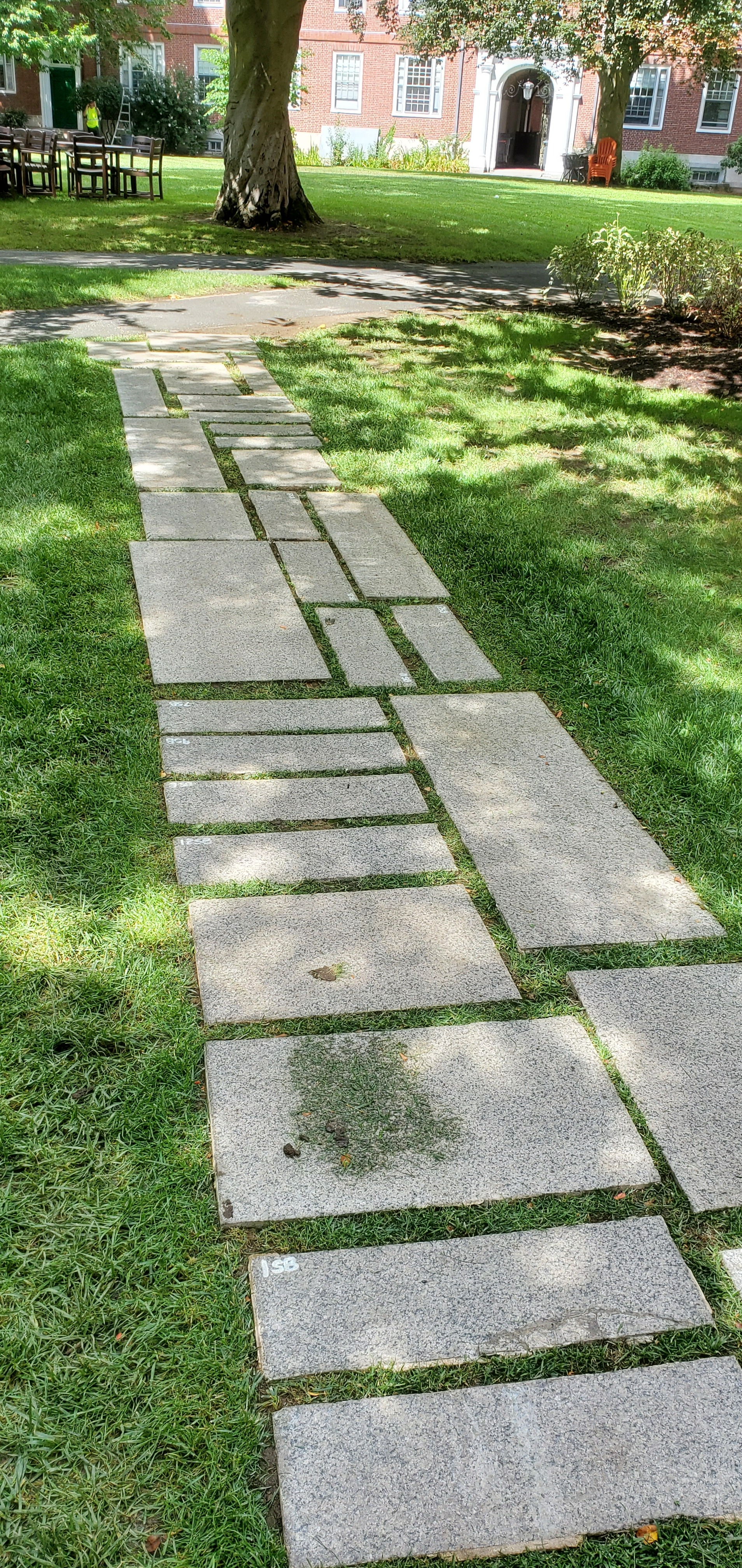
> Taken August 24th, 2022. Newly installed brick path for Eliot House (because people kept walking across the grass to save 5 seconds of commute time).
To add a picture **permanently** you'll need a link to embed the image.
1. Screenshot or take the picture
2. Send the picture to **show-your-images**
3. A bot will auto-reply with the markdown for embedding the image
4. Copy + paste the markdown into HackMD

* Replace **alt text** with a text alternative of what the image is. Accessibility is important! It will also serve as a marker for what the image when writing actual markdown under the hood.
* Change image size by adding " =400x" for example, after the link but before the paranthesis closes.
## Adobe Photoshop
### Album Cover Project
:::success
Levels up the following skills:
* Camera
* Photoshop
* Graphic Design
:::
:::info
Objective: create an album cover starring you based on a real album cover
:::
:::warning
Reward: have your work featured in ✧ the classroom ✧
:::
::: danger
Important:
* Please keep sizes to 1080 x 1080
:::

Need inspo? --> [Cool Album Covers](https://hackmd.io/rSX9fu8wSdODJMHMeY7-mw) by LLUFS
To create an album cover of your own, you need to **find an original** to mimic first.

Then, take a picture in a similar pose, **in front of a greenscreen**.

1. Send the picture to #show-your-images for easy access.
2. Open up Adobe Photoshop and import your picture.
3. Mask out the greenscreen so you are left with just you.
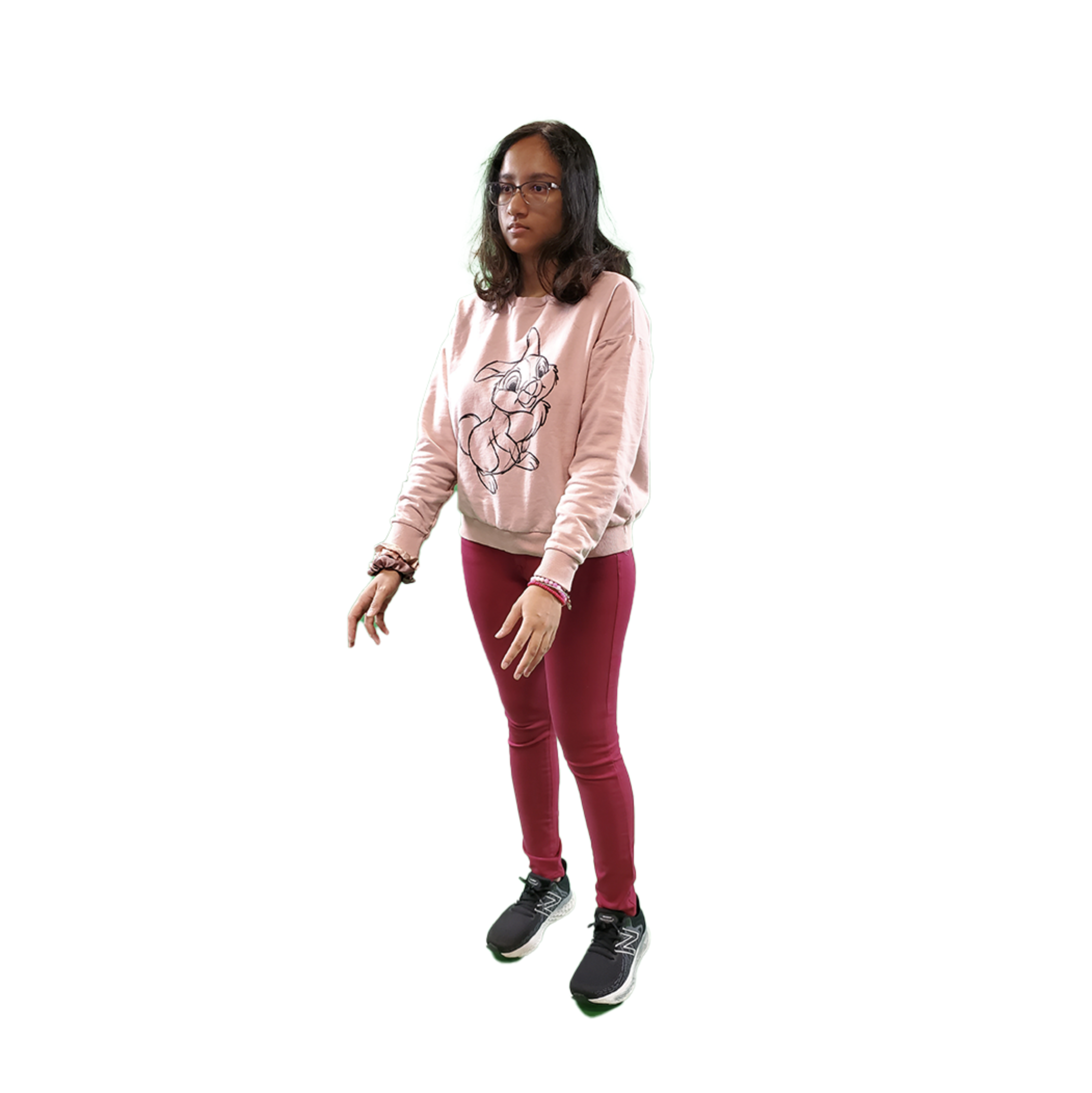
From here, it's all up to you! If you want to try something, search up a youtube tutorial! They are actually super helpful and will only get better as the years go by.
:::info
This is the end of the tutorial. Below are some examples of what I and fellow LLUFS have done.
:::
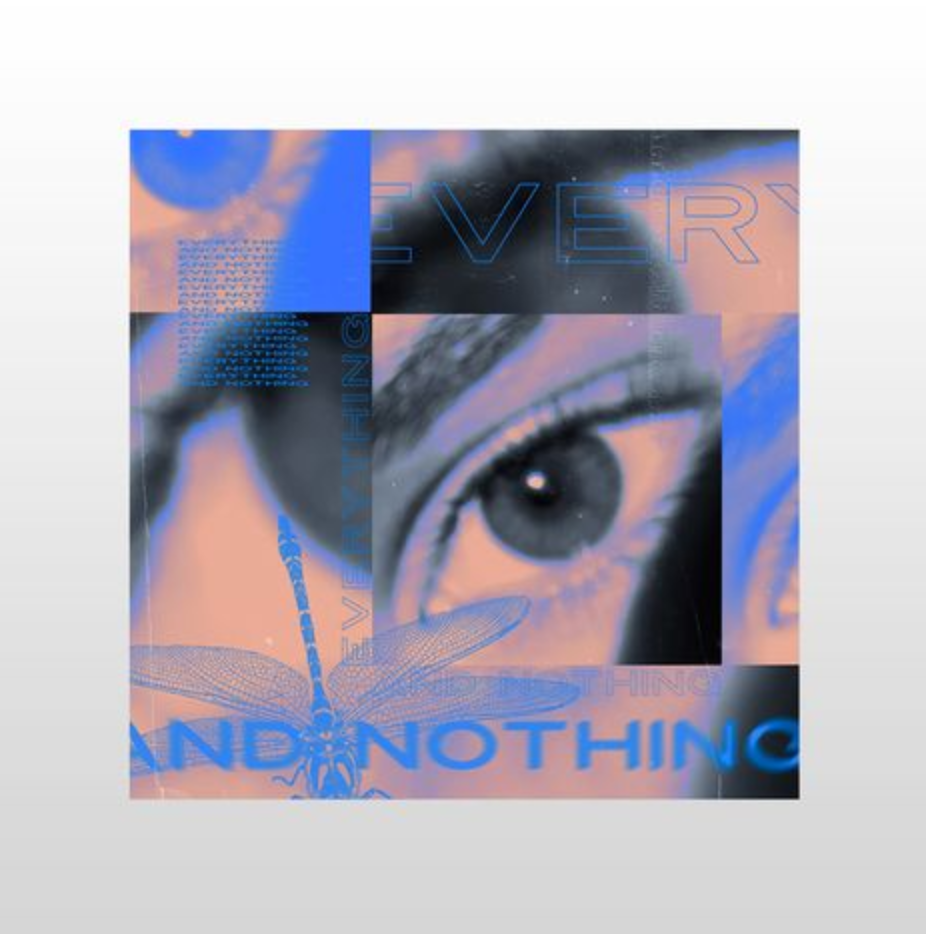
Here's an example of what a fellow LLUF accomplished:


Another example of referencing poses:


> At first I tried mimicking this album cover, but I didn't end up liking the vibe.
Avoid using album covers that don't show your face (the point of this is that we want to see your beautiful faces :)
:::success
:::
:::info
:::
:::warning
:::
:::danger
:::
# Work in progress !!!
:::danger
I am working on making a polished version of my work below. Scroll down at your own risk (although you may find the rough guides useful)
:::
## Adobe Photoshop
### Album Cover
Maybe something like this?

Although it might be hard to get a close up of my eye.
I really loved this one!


Alright time to find some flowers!


[For more flowers click me](https://www.google.com/search?q=flower+painting+transparent+background&tbm=isch&ved=2ahUKEwj_ncirk7b7AhWQn3IEHfvFD0MQ2-cCegQIABAA&oq=flower+painting+trans&gs_lcp=CgNpbWcQARgAMgUIABCABDIFCAAQgAQyBggAEAgQHjIGCAAQCBAeOgQIABBDUNYGWKQOYJgVaABwAHgAgAFFiAGAA5IBATeYAQCgAQGqAQtnd3Mtd2l6LWltZ8ABAQ&sclient=img&ei=daZ2Y7-PDZC_ytMP-4u_mAQ&bih=1038&biw=2240#imgrc=496ZhOvVVP7EcM)
Mask Practice


Helpful commands:
Command + T to select stuff
Resize before doing mask because idk how to change mask size!!!
How to color correct the green off of me?
Maybe cycling through flowers in a gif? Maybe multiple victorias? Ask Juan how to do the painting thing he did for his album cover.
Quick Mask vs Select Subject?

## Premiere pro
### Kuleshov Effect
The Kuleshov Effect two sequantial shots have more impact than a single shot.
<iframe width="560" height="315" src="https://www.youtube.com/embed/OVwKItbgd3s" title="YouTube video player" frameborder="0" allow="accelerometer; autoplay; clipboard-write; encrypted-media; gyroscope; picture-in-picture" allowfullscreen></iframe>
<iframe width="560" height="315" src="https://www.youtube.com/embed/_gGl3LJ7vHc" title="YouTube video player" frameborder="0" allow="accelerometer; autoplay; clipboard-write; encrypted-media; gyroscope; picture-in-picture" allowfullscreen></iframe>
sequential shots interact/juxtapose.
can manipulate time, space, reaction.

Meaning is created from the juxtaposition of individual shots.
For example, eye line shots. More emotional than factual of what the human eye can see/do.
Zooming in for instance, implies significance.
<iframe width="560" height="315" src="https://www.youtube.com/embed/Vy2Vhnqtu8I?start=35" title="YouTube video player" frameborder="0" allow="accelerometer; autoplay; clipboard-write; encrypted-media; gyroscope; picture-in-picture" allowfullscreen></iframe>
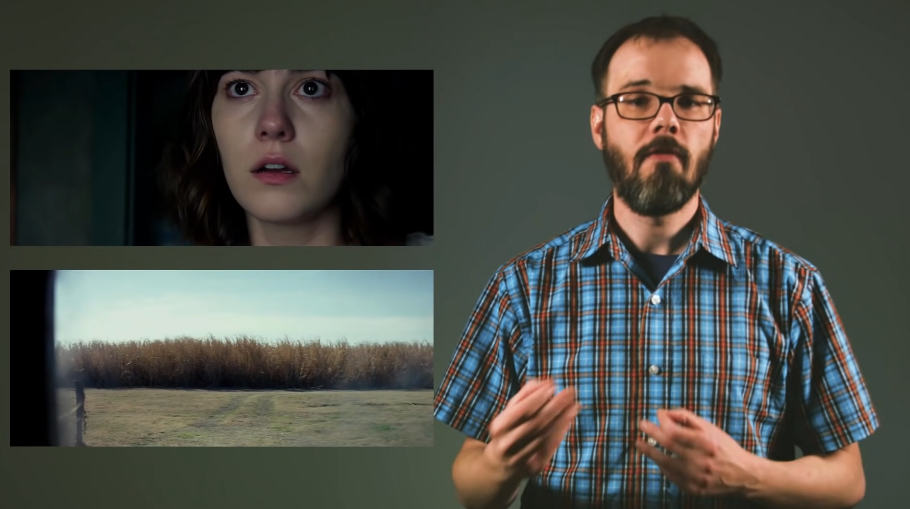
Meaning is created from these two shots. Shot B is what the character sees in Shot A. Shot B gives emotion to Shot A
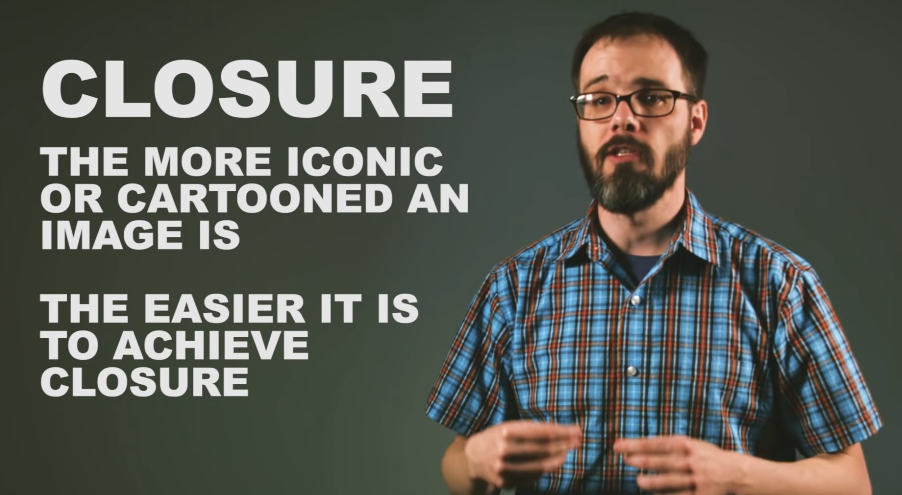
The more cartooned something is, "the easier it is to accept discontinutities or unrealities."
[For further guidance](https://www.nfi.edu/kuleshov-effect/)
<iframe width="560" height="315" src="https://www.youtube.com/embed/tQDaetadimE" title="YouTube video player" frameborder="0" allow="accelerometer; autoplay; clipboard-write; encrypted-media; gyroscope; picture-in-picture" allowfullscreen></iframe>
> Preferences > General > Timeline > Still image default duration > 3s
The default duration of images you bring in will be 3s.
> File > Import
Import images into your project.
> File > New > Sequence > Digital SLR > DSLR 1080p30
(Sequence Name: LastName_FirstName_ProjectName)
Set up for your editing environment.
Click + Hold + Drag photo into timeline.
* Double click photo to have it pop up in your preview window (helpful when you have a lot of photos)
> Edit > Copy (or CMD/CTRL + C)
Copy a photo.
> Edit > Paste (or CMD/CTRL + V)
Paste a photo.
Press spacebar to playback project timeline.
All of your images might not be the correct size for your project.
> (CTRL + click) on photo in timeline > Set to Frame Size
* Scale to Frame Size will result in a loss in quality
> (double click on image in timeline) > (click and pull blue bars until there are no black borders)
OR
> Effect controls > Scale (up or down)
* Click on magnet to snap images together
* Razor blade to cut pieces
* Arrow tool to shorten clips
> File > Export > Media
> Format > H.264 > Export
### Color Correction
This tutorial on [Color Correction](https://helpx.adobe.com/premiere-pro/using/color-correction-adjustment.html) might feel a bit overwhelming, so watch this short video instead:
<iframe width="560" height="315" src="https://www.youtube.com/embed/jNU9rBzmjYk" title="YouTube video player" frameborder="0" allow="accelerometer; autoplay; clipboard-write; encrypted-media; gyroscope; picture-in-picture" allowfullscreen></iframe>
Select your clip.
Navigate to Lumetri Color in the Effects dock. If not there:
> Window > Lumetri Color
:::warning
Since only one clip is selected, all corrections will apply to that clip only.
:::
Basic Correction
: Click "auto" for a quick fix.
Creative
: Presets
To apply preset "looks" double click the preview of the look.
# 2023 - Guides and Journal
## Exploring Canva
[Canva](https://www.canva.com/projects)
Old Canva Projects:
* HVC Buttons [Canva Project](https://www.canva.com/design/DAFPiK_O3M0/8VtosK9nseQYgySy21eyVQ/edit?utm_content=DAFPiK_O3M0&utm_campaign=designshare&utm_medium=link2&utm_source=sharebutton)
### 4/4/23 -- Designing and making Buttons!
Want to make cool buttons such as these?
<< show buttons here>>
ITS REALLY SIMPLE TRUST ME ITS FUN -- theres a lot of words so that you know exactly what to do!
1. Open up [Canva](https://www.canva.com/projects)
2. Open [CG Button - Real Estate Flyer](https://www.canva.com/design/DAFcpGZCweM/A4XyKfsvc9QpDRWfUvK3zw/edit?utm_content=DAFcpGZCweM&utm_campaign=designshare&utm_medium=link2&utm_source=sharebutton)
3. Add page (top right)
4. Copy + Paste someone's button to the new page
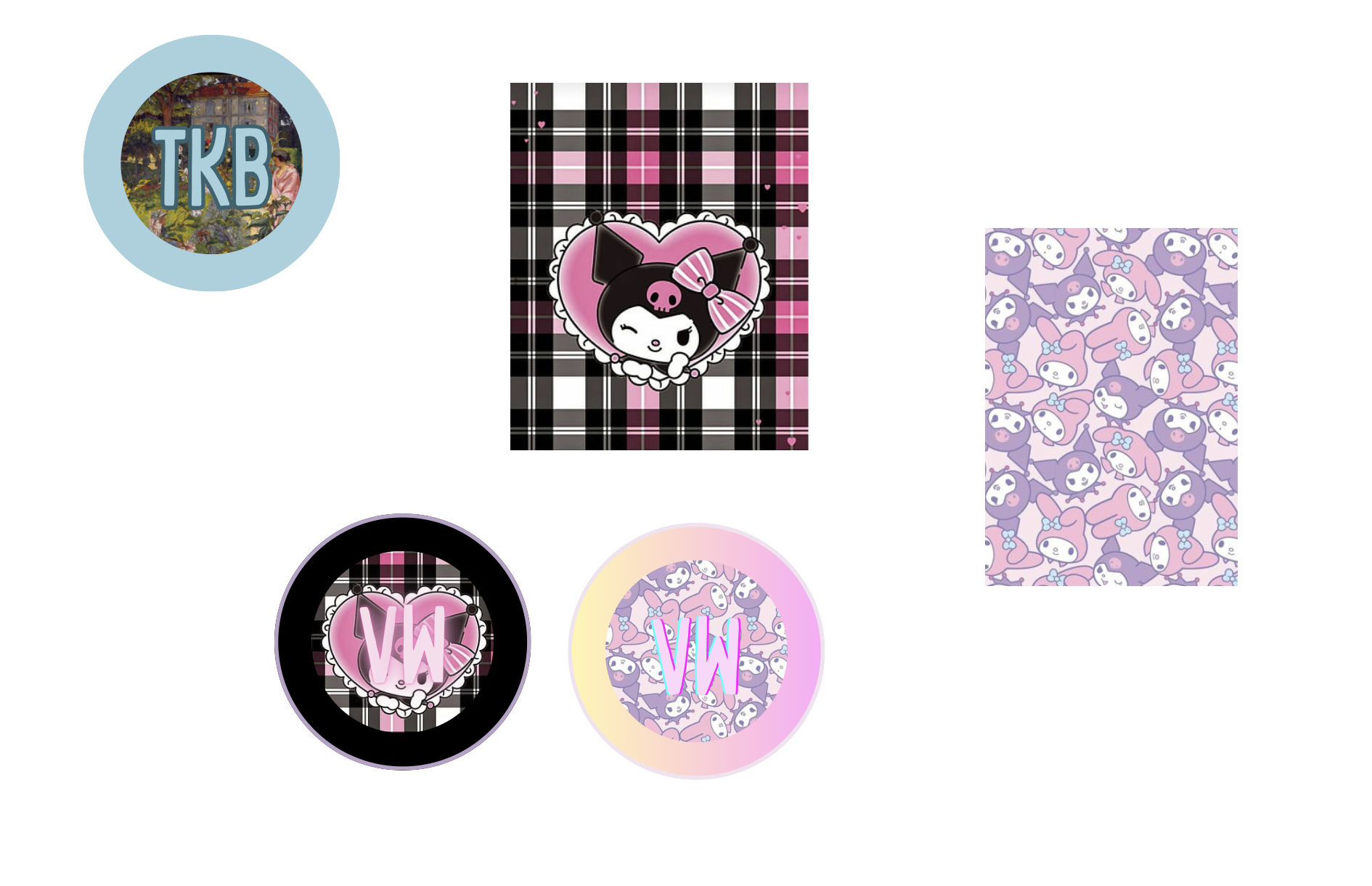
* The solid color will be cut off around the edges of the button
* The design in the middle will take up the full face of the button
* The thin line at the perimeter will be completely cut off and serves as a buffer when cutting out the button
Find images / colors you like, "open image in new tab," and click + drag it onto your page.
Double click to quick crop.
Drag the image towards the bottom right of the middle circle to snap it in.
Double click the fitted design to move it within set parameters (you can also zoom in and out to your liking).
Play around with colors and "effect" for the letters to achieve different cool things.
Once you are done, make a new page and spread out your buttons for printing (you'll want to leave enough space between them for cutting).
Download that page only as a pdf and open it up on finder. Cmd + P to print!
Now that you have your buttons printed, head over to the printer to make your button!
### making an actual button
1. Shell on shallow (sharp side DOWN)
2. Place paper on top
3. Place myler sheet on top
4. Spin around and pump
5. Back OR collet on deep (sharp side UP)
6. Spin around and pump
7. Place button on the back
use Backs for pop out buttons
use collets (circular metal with no middle) for regular buttons
Final Step: Celebrate because you just made a button! wow! super cool! amazing!
### 4-21-23 Scavanging Canva for my Projects + stuff related to Video games
This [Video Game Worksheet](https://www.canva.com/design/DAFd4o3LWl0/_8aBsorvdXsisQai9JMofA/view?utm_content=DAFd4o3LWl0&utm_campaign=designshare&utm_medium=link&utm_source=homepage_design_menu) was used in a class workshop for ENG VG189: Video Game Storytelling, for which I am a student of! While I didn't make this particular design, I wanted to document it as it is really helpful.
Here is an [example](https://www.canva.com/design/DAFd9K0Rzpc/tDat4jTd_MBPLE54A5Kmqw/view?utm_content=DAFd9K0Rzpc&utm_campaign=designshare&utm_medium=link&utm_source=homepage_design_menu) of what I made during the workshop (as a student). However, as a LLUF, I spent time going through all the games and taking screenshots of them. I also pulled some shots from the internet since I wanted to grab key moments without having to play through the whole games (which would take many hours/days).
Cool examples of how much better Canva is at conveying cool stuff than Google Slides
1. [Cool Template](https://www.canva.com/design/DAFd9D50a6c/SaVlRw1_VRj0_uddcqLKTw/view?utm_content=DAFd9D50a6c&utm_campaign=designshare&utm_medium=link&utm_source=homepage_design_menu)
2. [Another cute template](https://www.canva.com/design/DAFd9Keebdg/KDFakcmK8o80wS7B-LH0cA/view?utm_content=DAFd9Keebdg&utm_campaign=designshare&utm_medium=link&utm_source=homepage_design_menu)
3. [More](https://www.canva.com/design/DAFd9DmH-eE/My9xOGYYdRyUb705NkpzWQ/view?utm_content=DAFd9DmH-eE&utm_campaign=designshare&utm_medium=link&utm_source=homepage_design_menu)
4. [Welcome Class](https://www.canva.com/design/DAFd9tOvu1Y/lLlAArvvgI9IyK7YSYQ8dw/watch?utm_content=DAFd9tOvu1Y&utm_campaign=designshare&utm_medium=link&utm_source=homepage_design_menu)
5. [Super Cool Game on Canva?!?!](https://www.canva.com/design/DAFTi2goXpc/lH67xyVwvqVsSZFe20MGAg/view?utm_content=DAFTi2goXpc&utm_campaign=designshare&utm_medium=link&utm_source=homepage_design_menu)
6. [binding of issac](https://www.canva.com/design/DAFd9b4l05A/XCHyb07PdLvpcjKazS6PZQ/view?utm_content=DAFd9b4l05A&utm_campaign=designshare&utm_medium=link&utm_source=homepage_design_menu)
I found it!!!! My work [here](https://www.canva.com/design/DAFd9RpJYbA/q0jA5cbG3xeD9keDetgP0w/view?utm_content=DAFd9RpJYbA&utm_campaign=designshare&utm_medium=link&utm_source=homepage_design_menu)
I think all students should learn how to use Canva instead of Google Slides. When finished, I will put my finished Canva presentation here!
## Welcome Lab
### 4/5/23 -- Brainstoming Ideas for the Welcome Lab Space
#### What's Working:
* Hand Sanitizer
* Love the sign in QR code although might not be noticable at first
* Fun markers if someone needs to write something down
* candy is cool.... but...
* the wood is absolutely beautiful
* the chalk is super cool and very flexible for events! use this more
#### What's not Working! **Tissues at the front desk**
* better candy, the only good one i can see right now is the green jolly ranchers. perchance survey llufs for their fav candy. mine are crunch, kitkats
* standing desk is cool and all but i dont know if i want to stand for hours...the stools are bad for posture. how can we set up a chair with back support and the proper height for people doing welcomeLab?
* Space for people from events to put their stuff?
* TV is black... just staring back at my own reflection ): perchance we show something cool on the TV? especially during events? Like "welcome to Foo Live Event workshop!" Or showcase LLUF projects... have LLUFs design what should be on the TV?
* Lighting is okay but not conducive to fairy lights.
* hanging plants? plants? PLANT LAB?!?!?!?!?!
#### New Ideas:
* These little guys? 
* Hanging Plants 
#### Final Ideas:
* Keep candy (but survey LLUFS for their fav candy) I like crunch bars
* Keep hand sanitizer (hygiene), markers (writing things down), chalkboard (very cool)
* QR Sign in is a cool idea but not might be super noticable
* Keep the beautiful wood
* Use the chalkboard more (events, art, etc)
* Adding more plants (PlantLab?)
* Stools are bad for posture. Please add a chair with back support. Standing desk idea is cool but I'm not sure if people enjoy standing for hours.
* TV can be used to showcase LLUFS, LLUF projects, events, DYK (did you know)
* Wrapping something (fairy lights, xmas lights, vines) around the truss
* Keep desk space clean because there's not much there to begin with
# Documentation of Everything
## Spring 2022
Apr 18th, 2022
#ll-uf-victoria-w
- Official onboarding because I was too excited to start that I couldn't wait until the Fall semester
- Helped Katie Gilligan prep for an expos class event held the next day (learned how to use the printer)
Apr 21st, 2022
#show-your-work
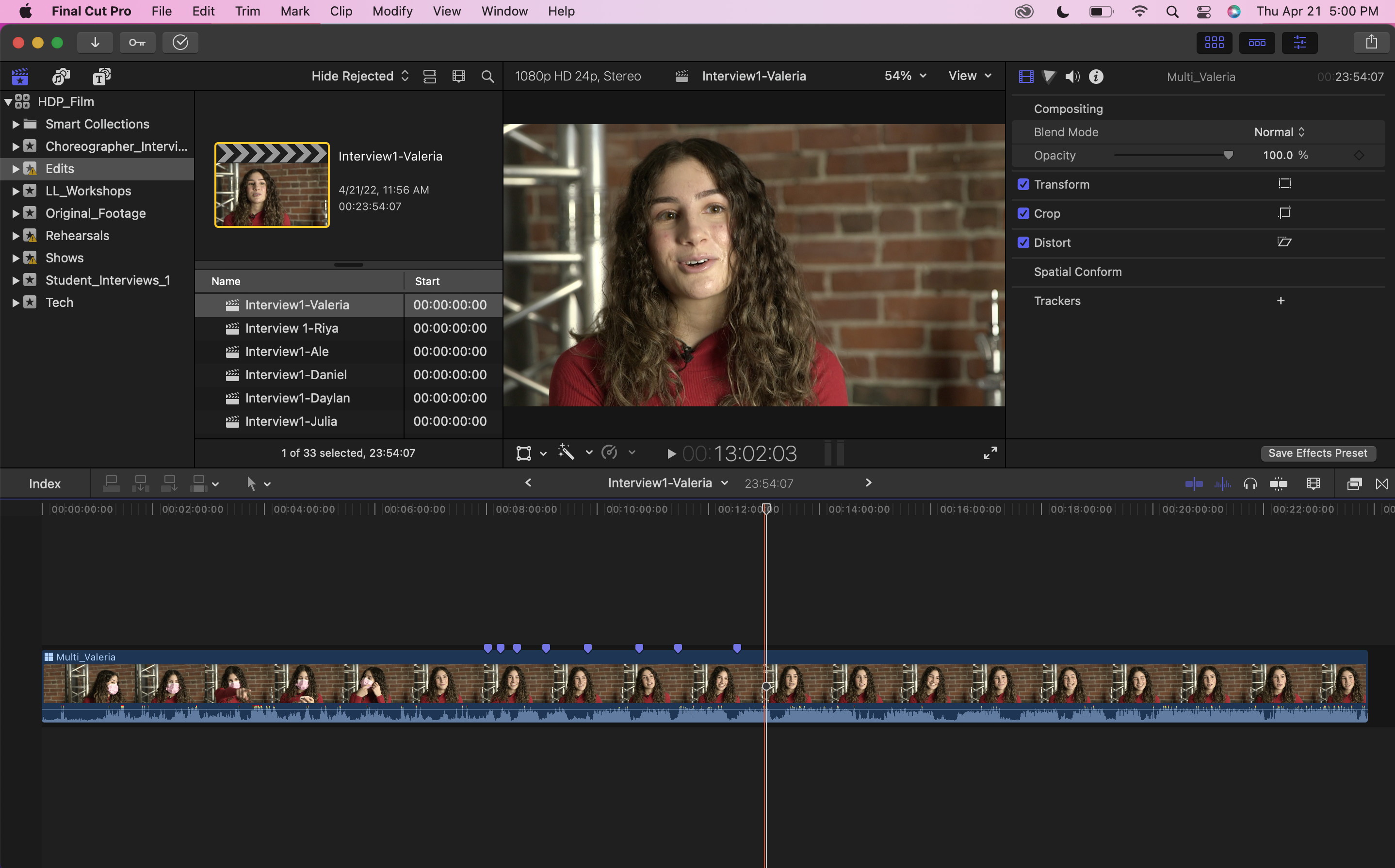
- Learned how to put & label markers on Final Cut Pro!
Apr 22nd, 2022
#ll-personalityquiz
- According to the quiz, I am "the Visionary" that is "imagining the impossible"
Apr 29th, 2022
#show-your-work
- Started working on a color effects tutorial
May 9th, 2022
#show-your-work
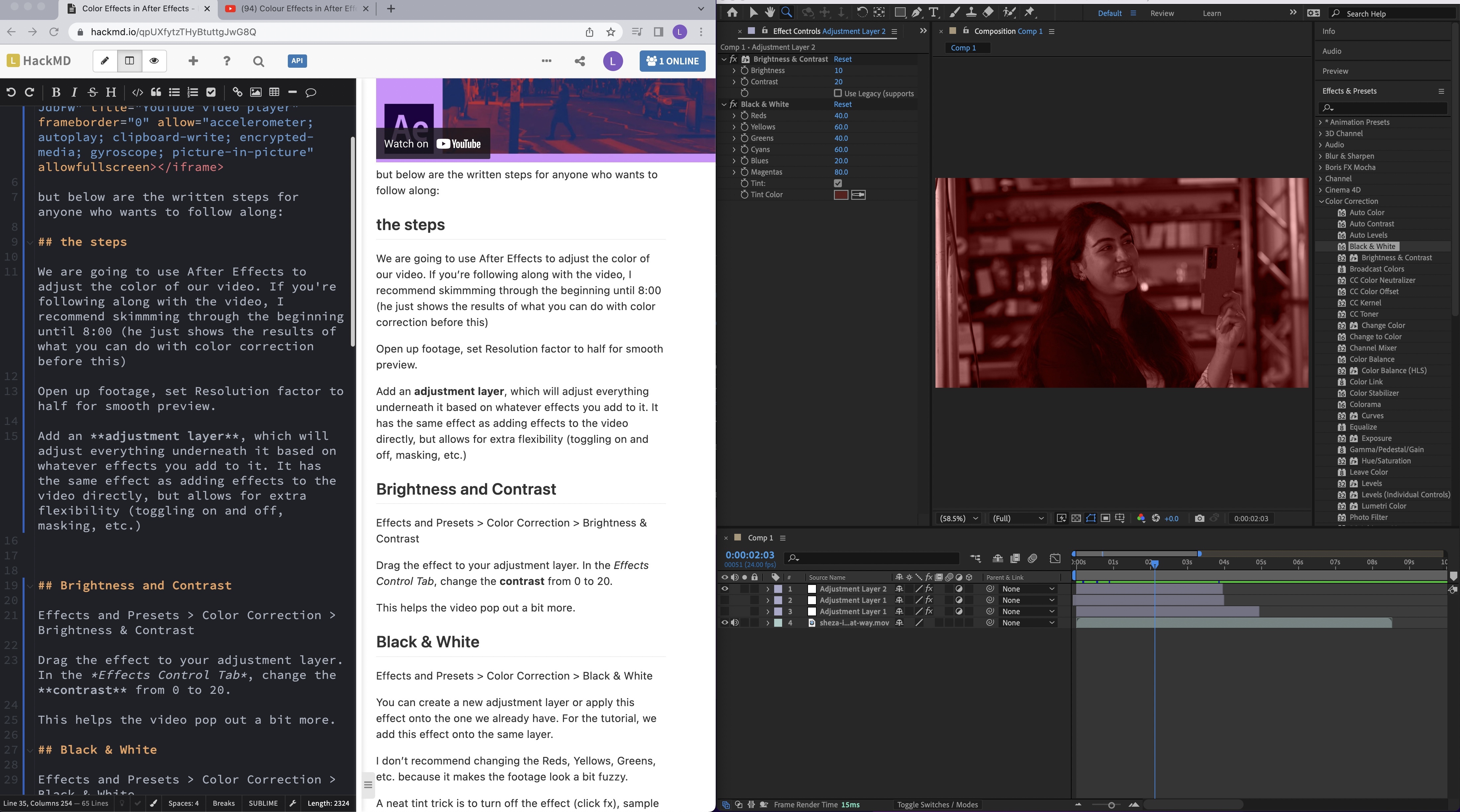
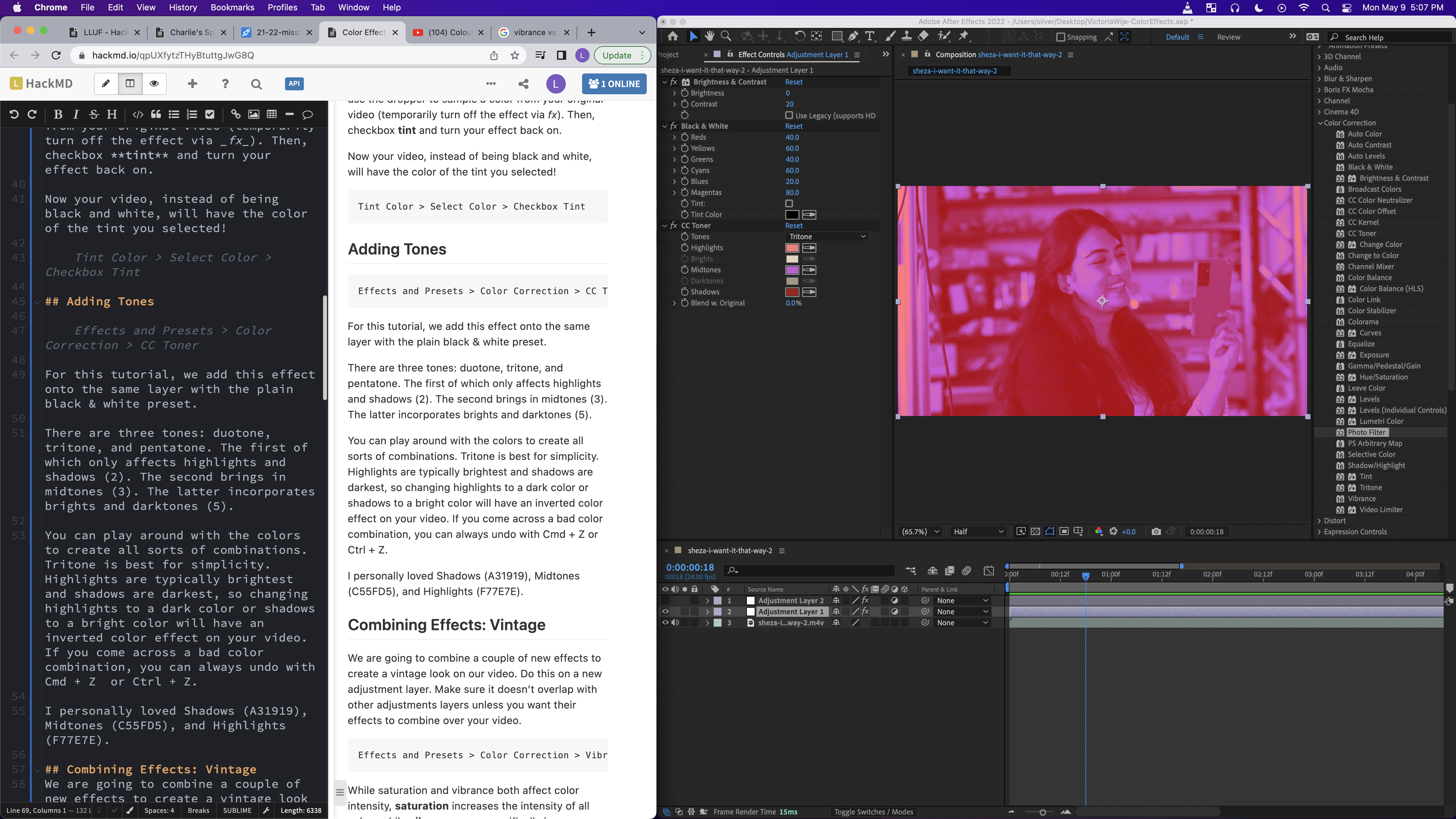
- Added more cool color effects on After Effects
- 
May 10th, 2022
#best-in-show
- Finally finished writing up the Color Effects in After Effects tutorial! This was my first After Effects project. I found it especially fun to combine different effects to create a whole new look. I tried going into what each effect does (like the difference between brightness and contrast, saturation and vibrance) because I feel like at first it seems like they do the same thing. I ended up using transition effects to make the color effects cooler, although I didn't add that to the tutorial. I'm super excited to continue learning After Effects!
[Slack Link to Project because I don't know how to add 10 second clips to HackMD](https://bokcenter.slack.com/files/U02655ZC50U/F03FL9FFF96/victoriawije-coloreffectsfinal.mov)
May 11th, 2022
#show-your-work
- learned how to remove unwanted objects from footage using content-aware fill. It was definitely frustrating at first because the mask came out pretty obvious, but after four attempts I'm proud of this one. One trick that helped me was feathering the mask a bit before generating the fill layer which drastically improved how the mask blended after only one layer (which is good because it takes a long time to generate one). This tutorial really helped me https://youtu.be/QBq6ZJBHABU?t=71 although it's slightly outdated (you can ask AE to automatically track the mask for you which saves a lot of time).
[Another Slack Link to my finished 5 second clip project](https://bokcenter.slack.com/files/U02655ZC50U/F03F2NT207M/learning-attempt4final-051122.mov)
May 13th, 2022
#show-your-work
- Made a HackMD on what Juan Pedraza Arellano and I learned about Premiere Pro
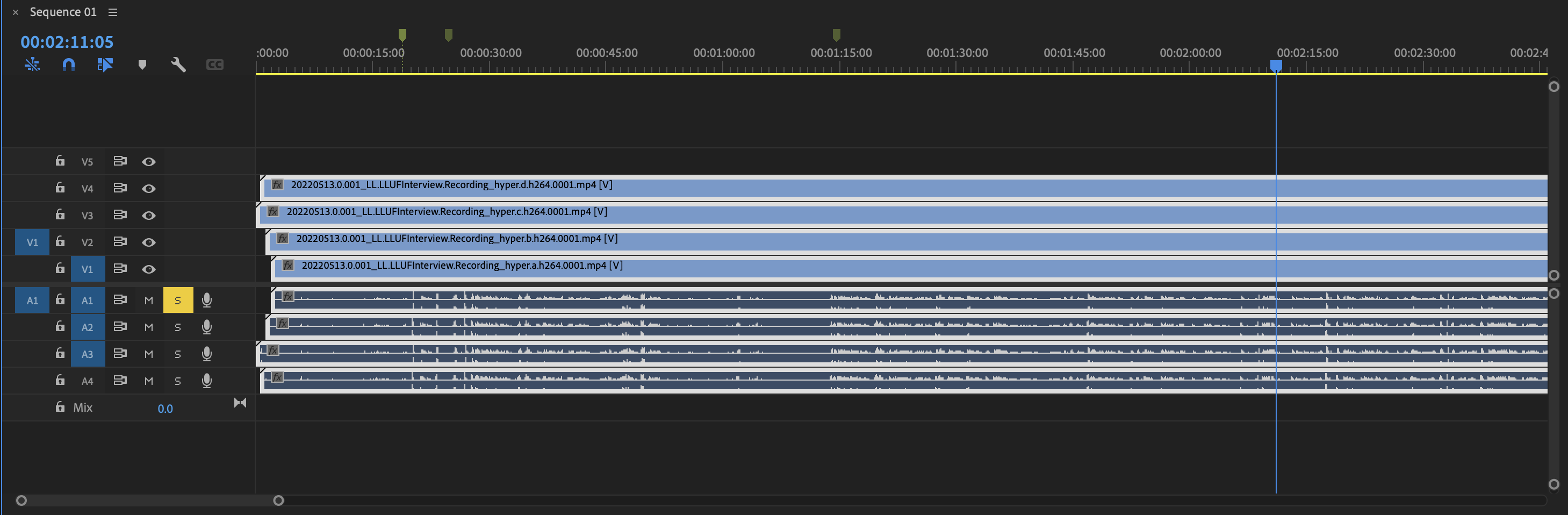
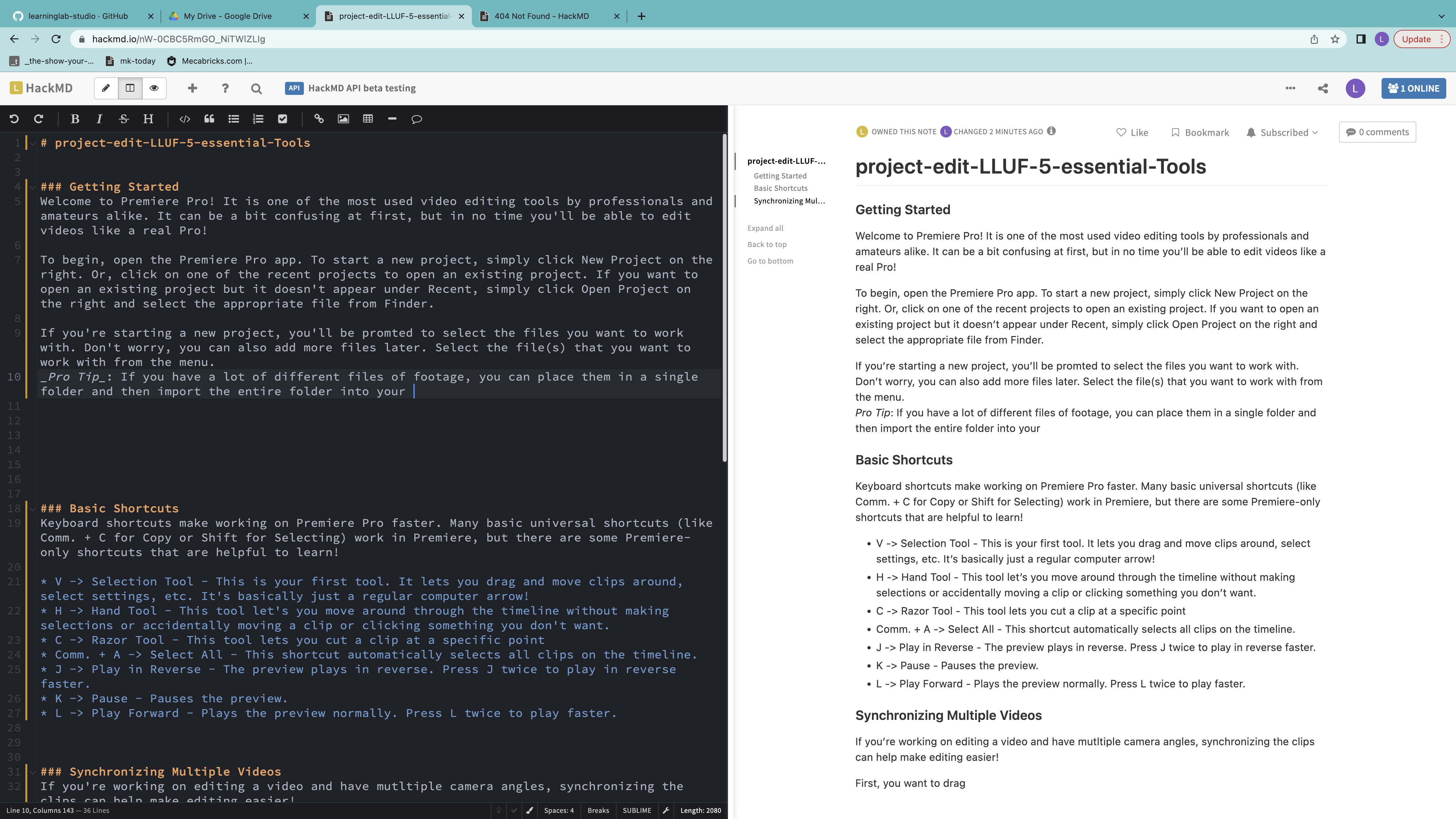
May 17th, 2022
#show-your-work
- finally finished the rough cut of LLUF grad essentials (ft. @Ammara Vaid) [B-roll version coming tomorrow!] She taught me some cool Premiere tricks and introduced me to Photoshop! Attached is a clip of the 4th essential (Camera) and our edited still. I learned about color correction to make bright lights less distracting and masking the camera lens to make it more reflective. I definitely want to work more with Premiere and Photoshop in the future, but I'm also interested in seeing how the workflow process is in Final Cut Pro. For my first time working in Premiere though, this is super exciting! :+1:
[Rought Cut Clip 46 sec](https://bokcenter.slack.com/files/U02655ZC50U/F03FVDQSJNP/20220517-show-your-work-trailer.mp4)
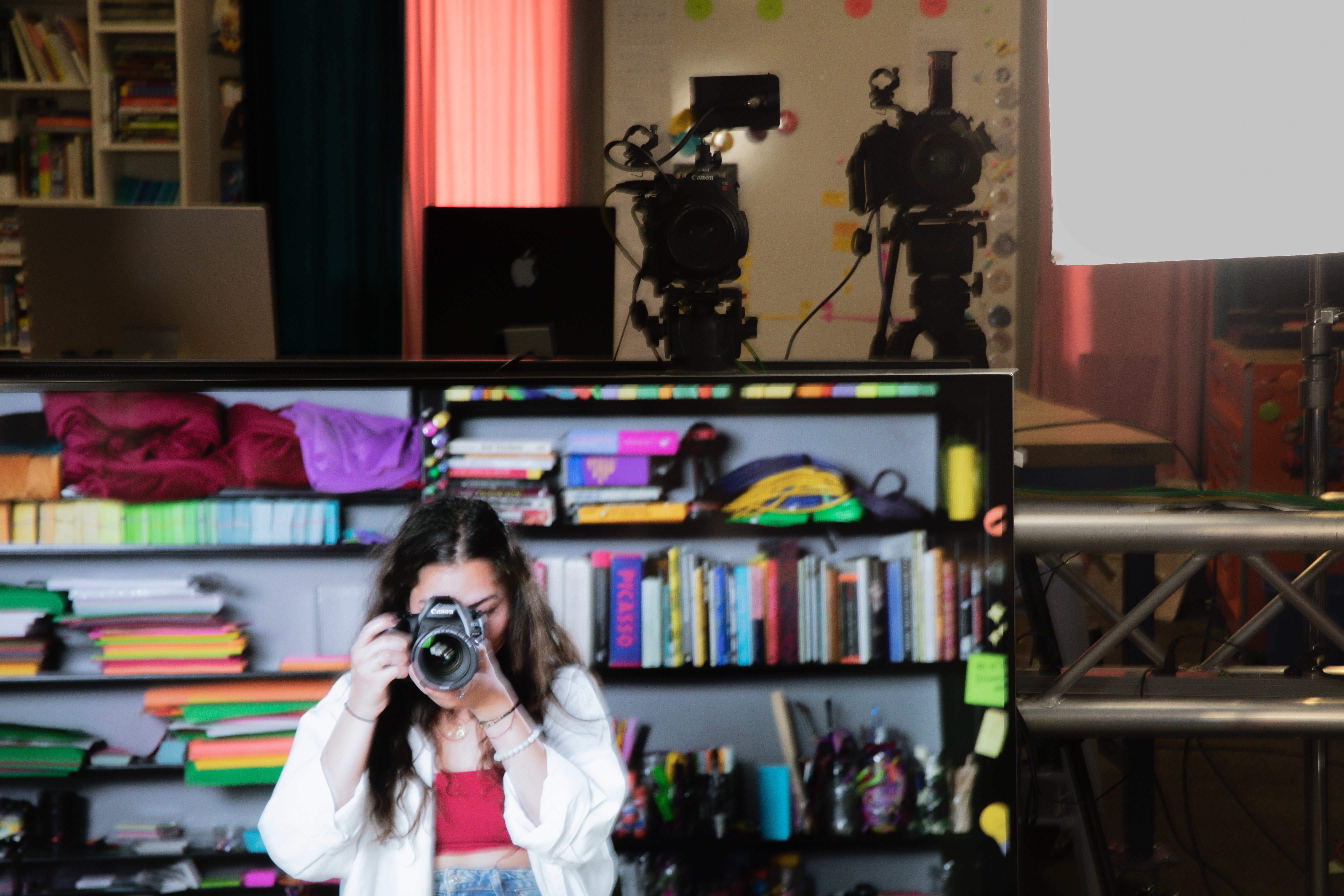
May 18th, 2022
#show-your-work
- Asked: Might anyone know how to animate titles like here in this video https://youtu.be/Wd_mbNOESO4?t=53 in after effects? I would like to make something similar for Ammara's 5 LLUF essentials.
- Will be using this tutorial and this audio for my project tomorrow https://www.youtube.com/watch?v=T8WG2bRa1rM https://www.youtube.com/watch?v=IhZ7AHt1W2A
## Fall 2022
:::info
From here on out, I will be an inventory of work for the academic year of 2022-23. Anything with :sparkles:sparkles:sparkles: indicates projects I've enjoyed and potentially want to do more of!
:::
Aug 24th, 2022
#show-your-images
Taken 8/24/22 11:25AM
Posted 1/8/23
- Eliot Brick Path for Portfolio HackMD
Aug 26th, 2022
#show-your-images
Taken 8/26/22 3:35PM
Posted 1/8/23
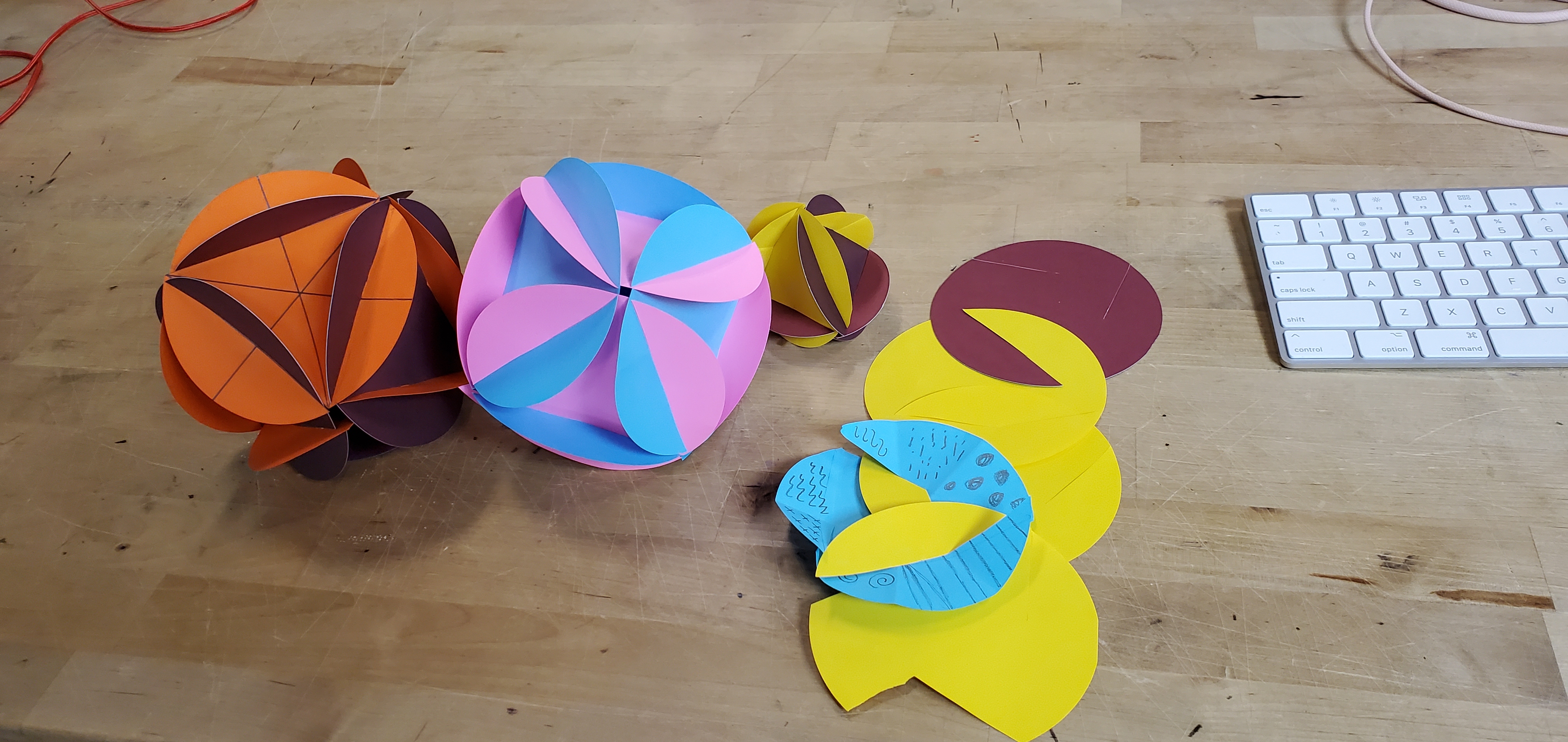
- Paper Folding lab with fellow LLUFS (I struggled)
Sep 2nd, 2022
#ll-uf-victoria-w
- LLUF Orientation
- captured images from live cameras :sparkles:
- documented and saved paper artifacts of learning moments
- processed and color graded images :sparkles:
- printed things into buttons :sparkles:
- facilitated activities in the studio
- used the green screen and keyed
- made music :sparkles:
Sep 7th, 2022
#show-your-images
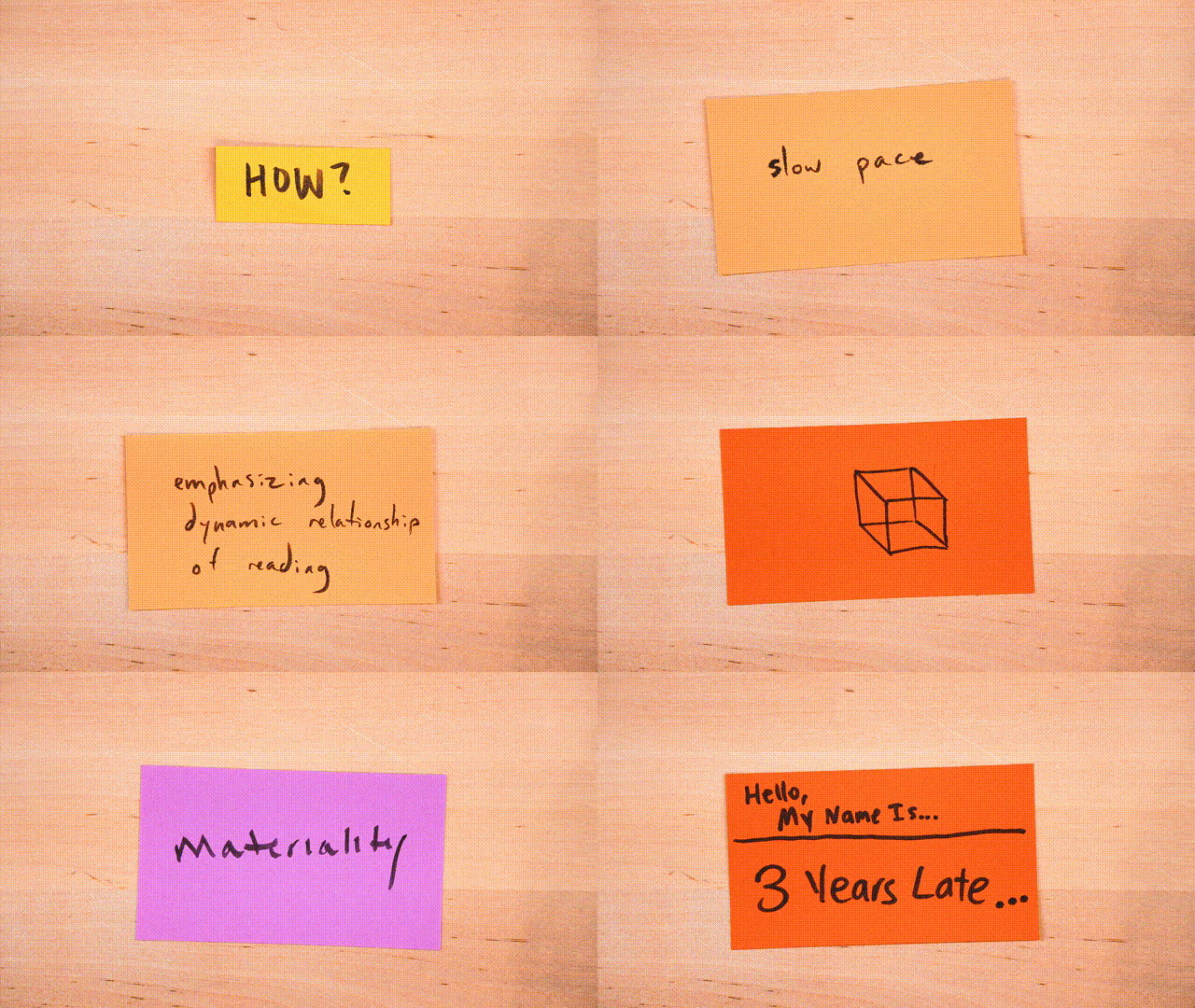
- Documented and saved paper artifacts (cards) of learning moments using DaVinci Resolve
- Processed and color graded images to create a colorful gif with Caleb Lee, Yabby Abejie, and Anya :sparkles:
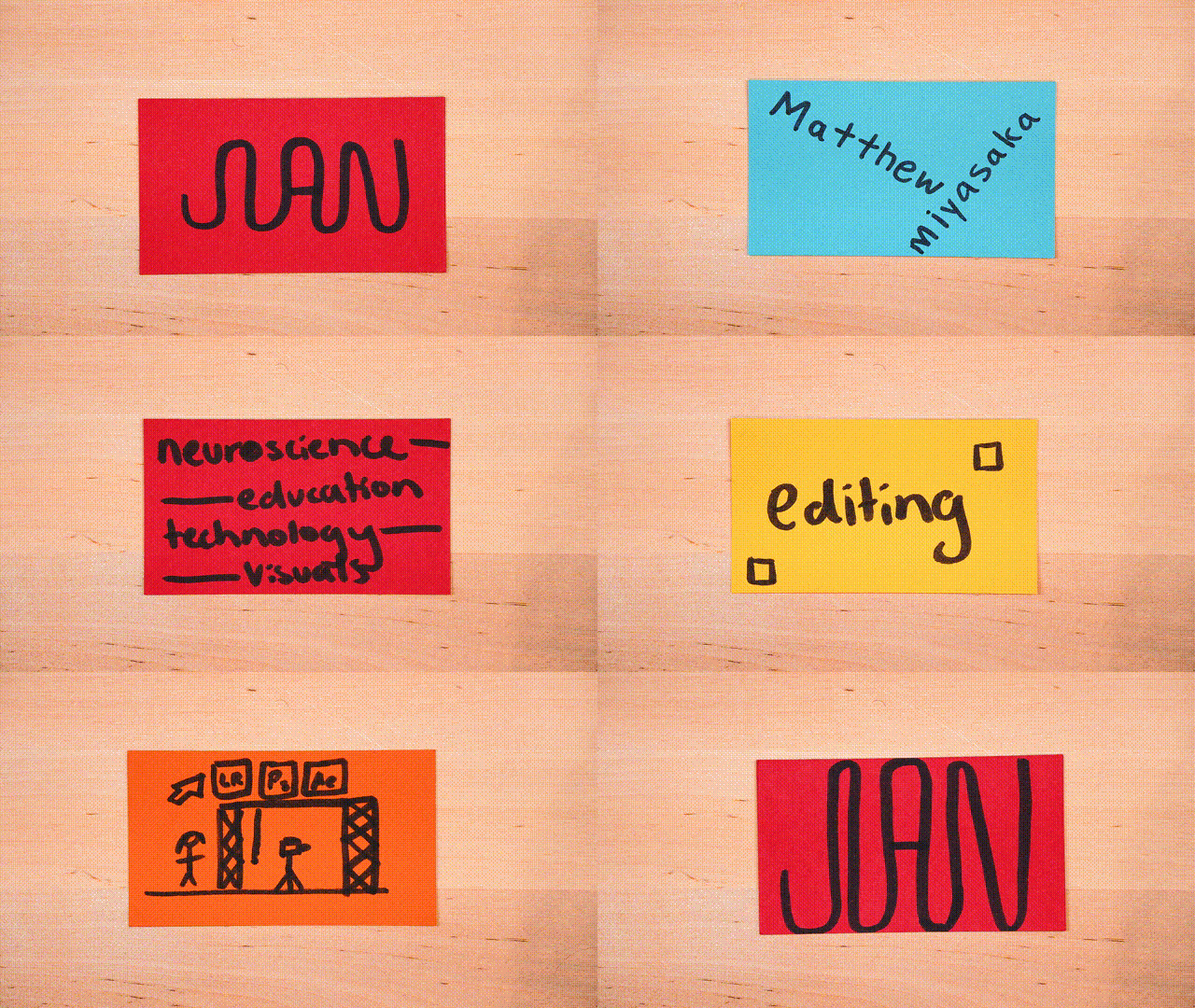
My own paper artifacts were recorded by Charlie, Allure, Bea, Caroline, Amelie, and Marcus!
Sep 9th, 2022
#ll-uf-victoria-w
Reflection:
"This week I enjoyed working with the cameras. Color grading was also pretty cool. I would be interested in helping make the notes for recording paper better. And as always, I love button making. (I'm willing to try anything new as well!)""
Sep 17th, 2022
#ll-uf-victoria-w
Reflection:
"I most enjoyed working with clay! I love building things with my hands which is something I seldom get to do in my academic life. Maybe that's why I also love button making so much. I learned how to make mirrors and bottle openers as well as working with Lightroom to grab stills, edit them into black and white, and place them into templates I made to print! I also got introduced to adobe design where I cleaned up some vector lines so that they could be printing into buttons. I enjoy both work that requires deep precision as well as free-form!""
Here's a link to a fellow LLUF's video about it. Maybe footage of me is in that general area too? [Link](https://bokcenter.slack.com/files/U02655ZC50U/F0432NWP0DS/designlab-docu.mov)
October 21st, 2022
#show-your-images
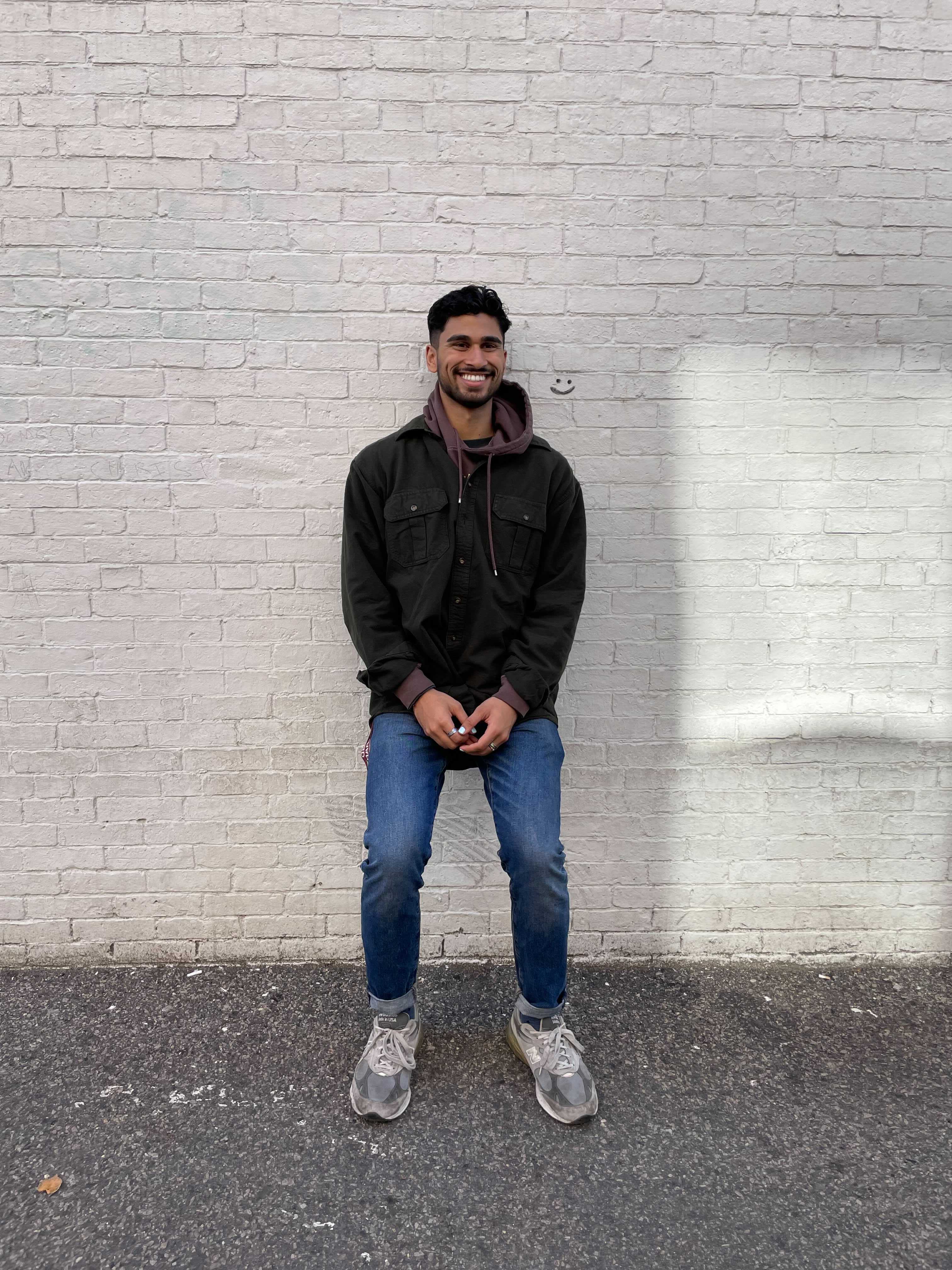
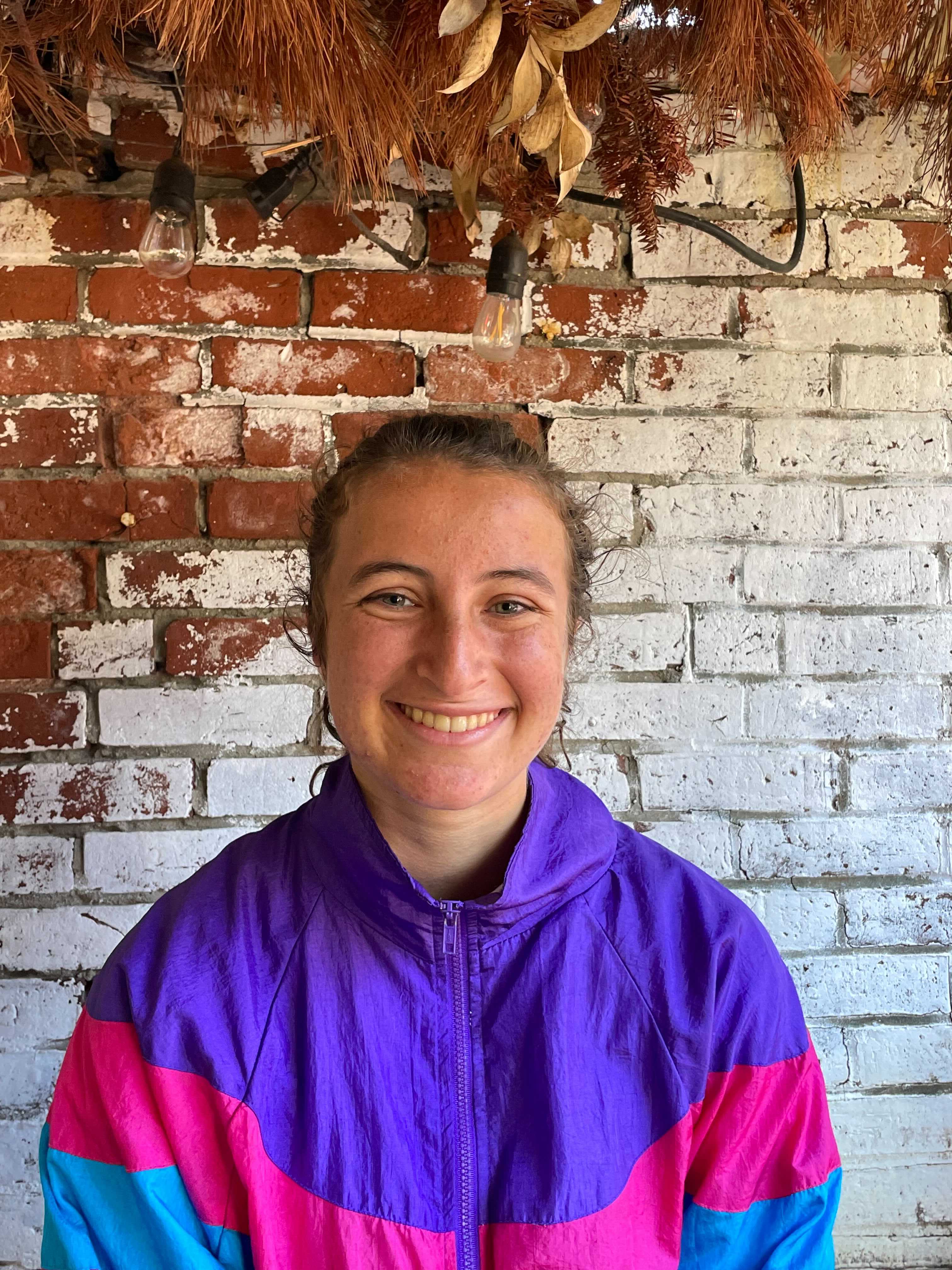
- Pictures of bricks!
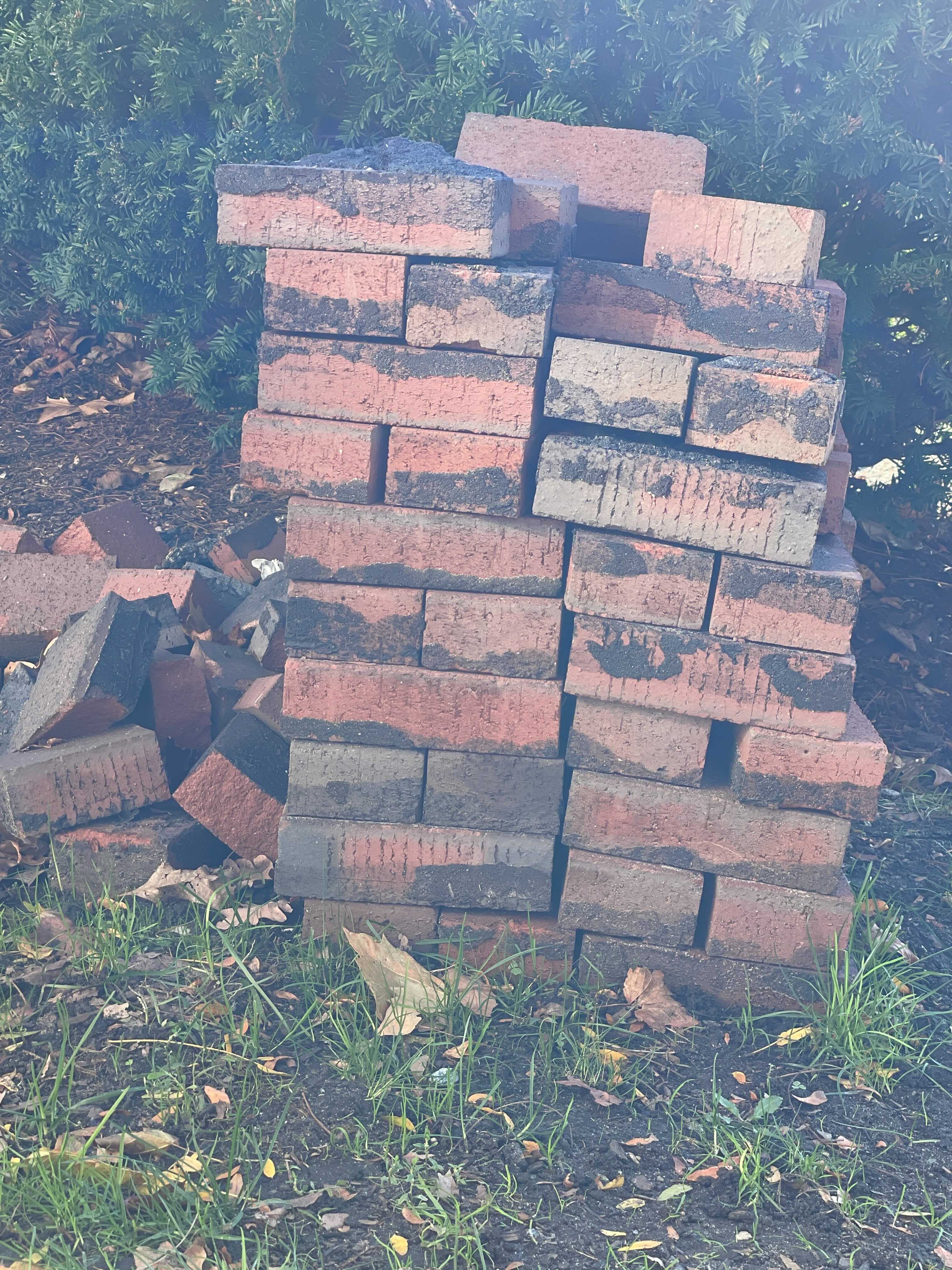
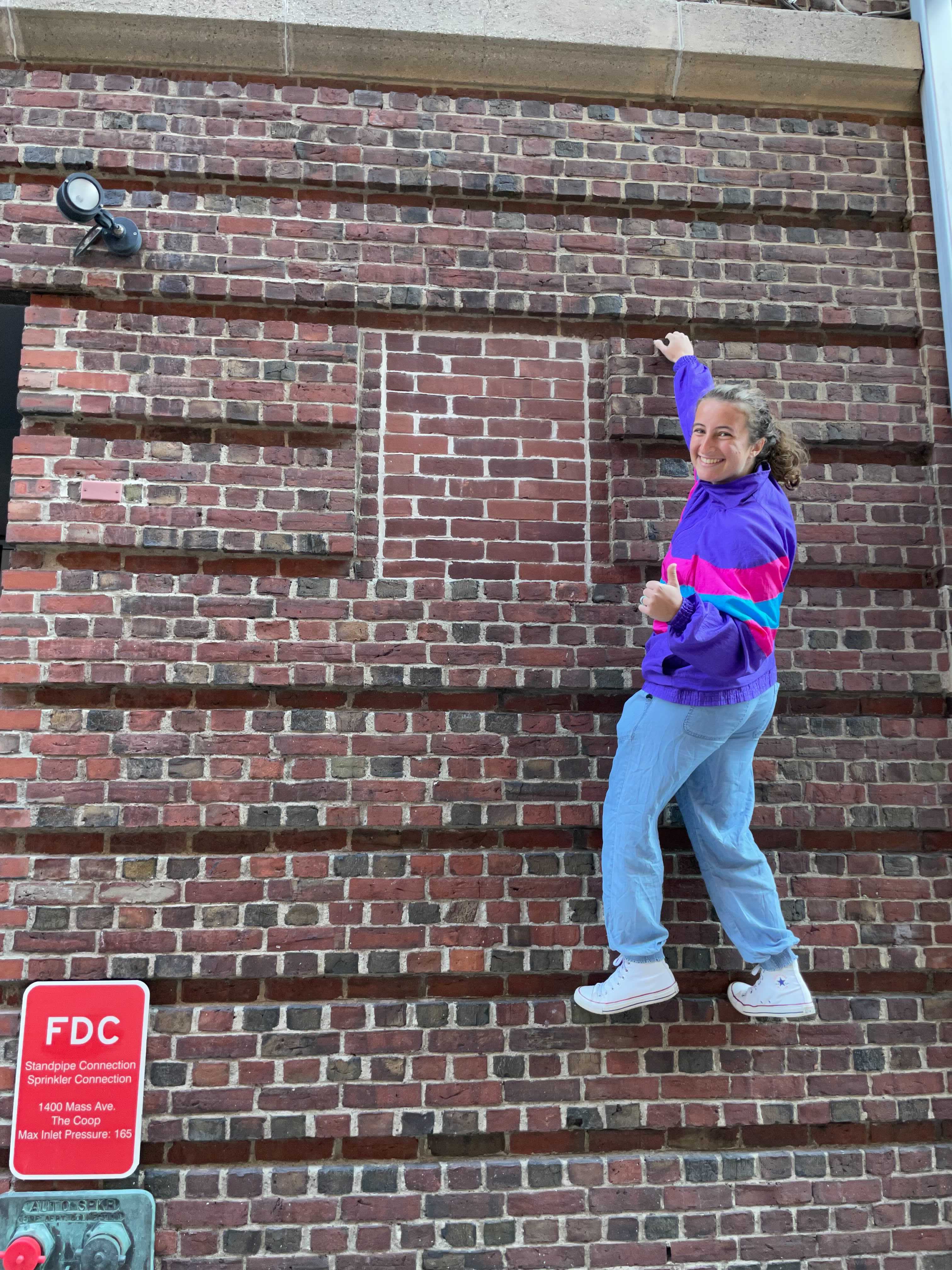
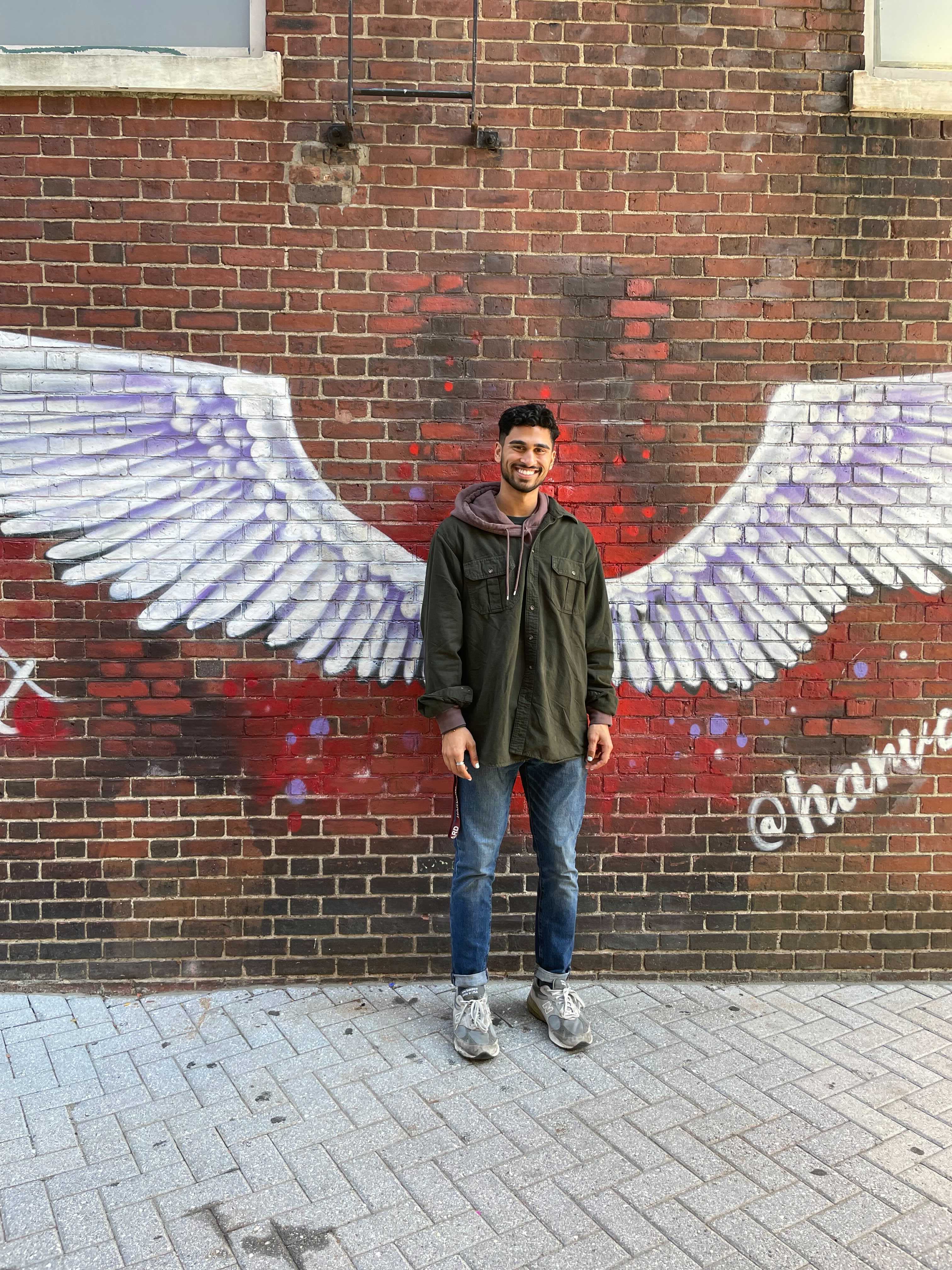
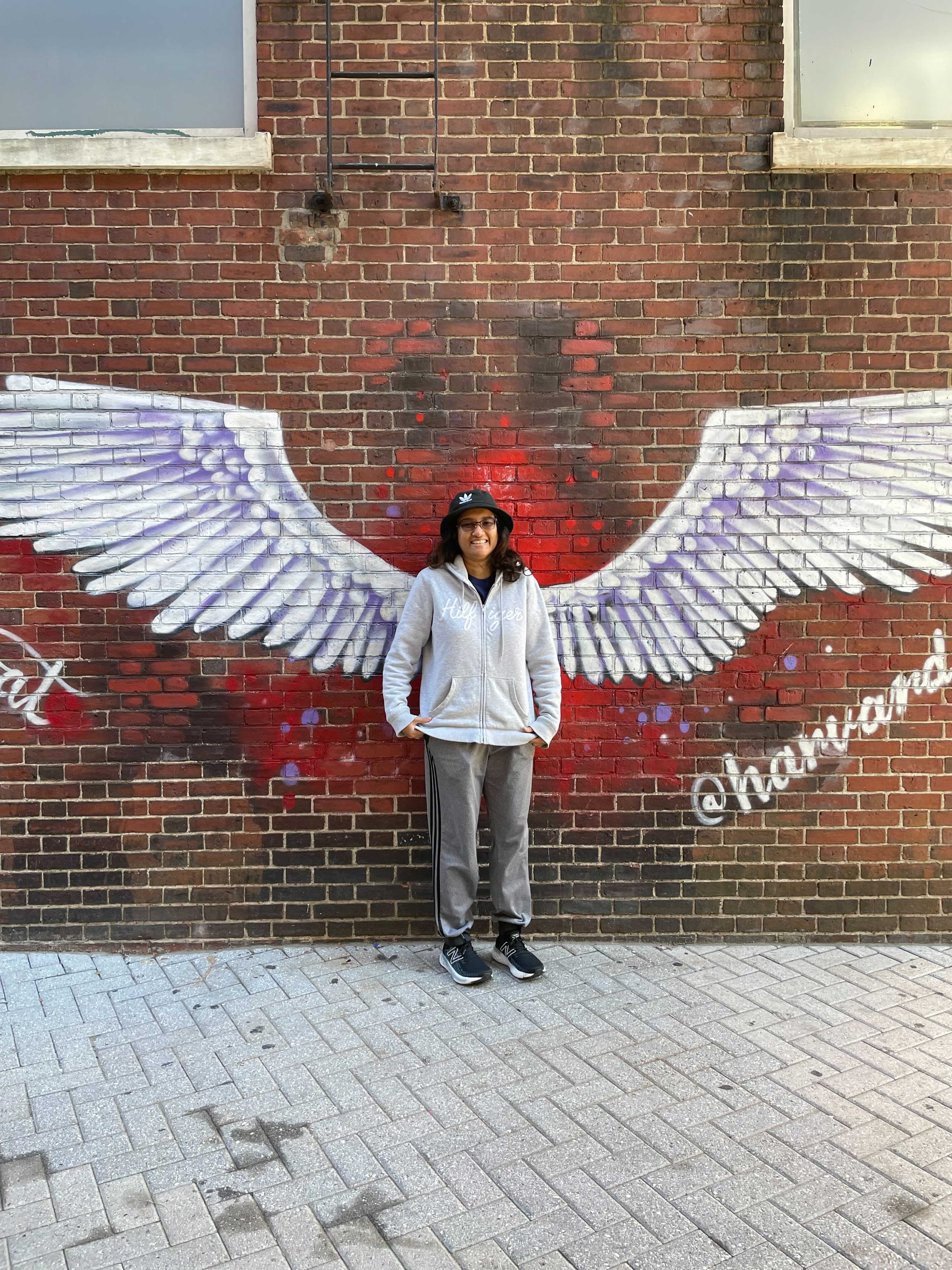
Sep 17th, 2022
#show-your-images
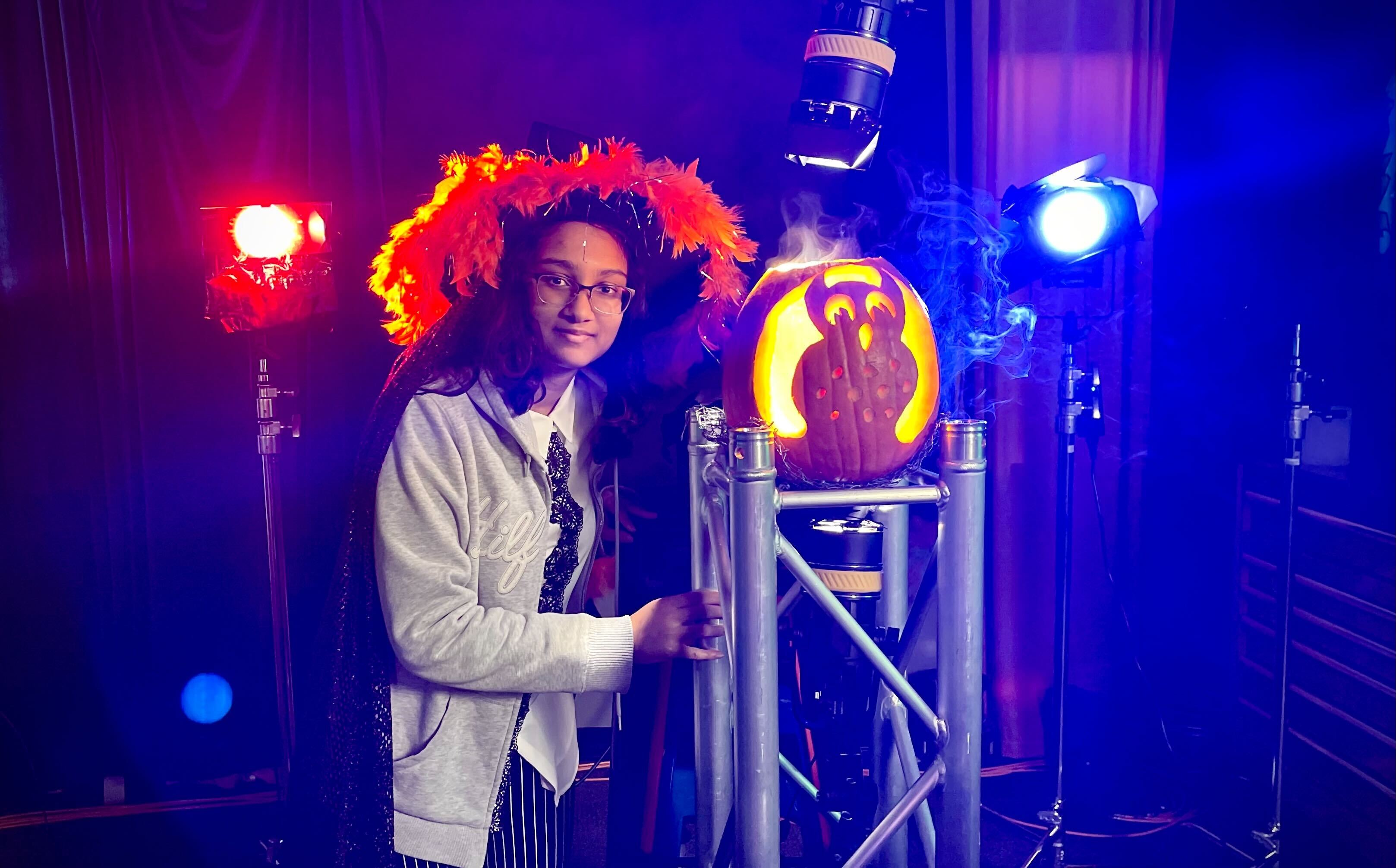
Carved a pumpkin for LLUF Halloween!
Nov 17th, 2022
#show-your-images
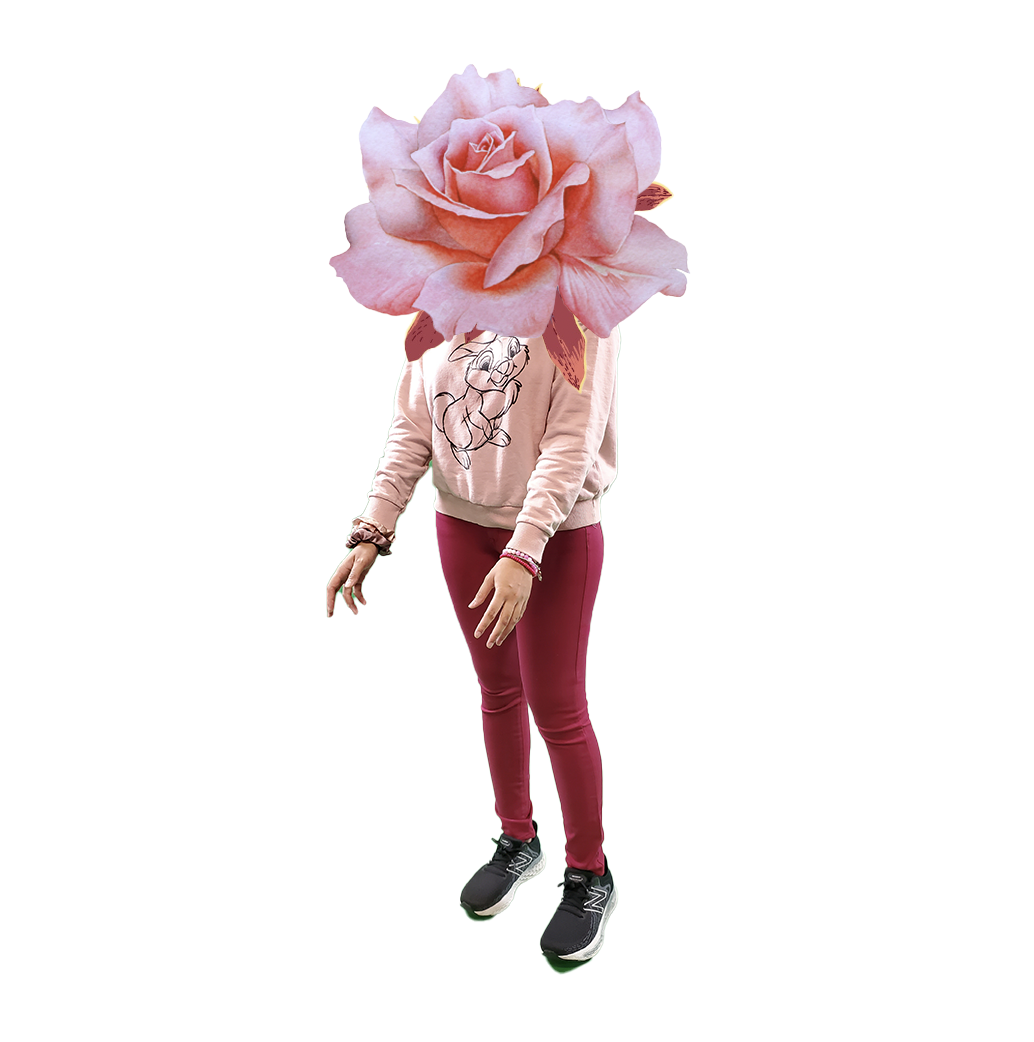
- Unfinished album cover
Dec 1st, 2022
#show-your-images
- My picture is in this!
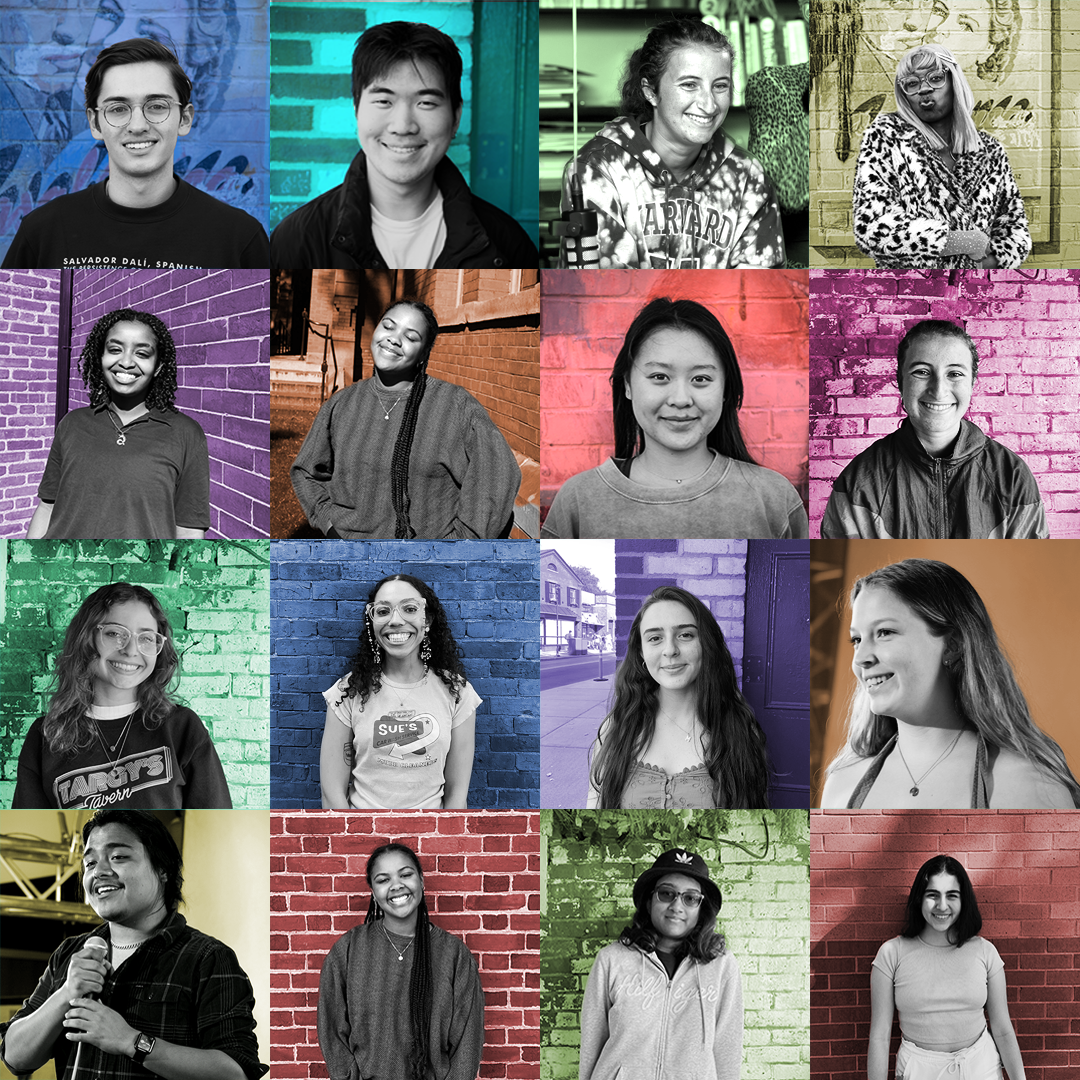
- Also making my portfolio spicy

- Result:
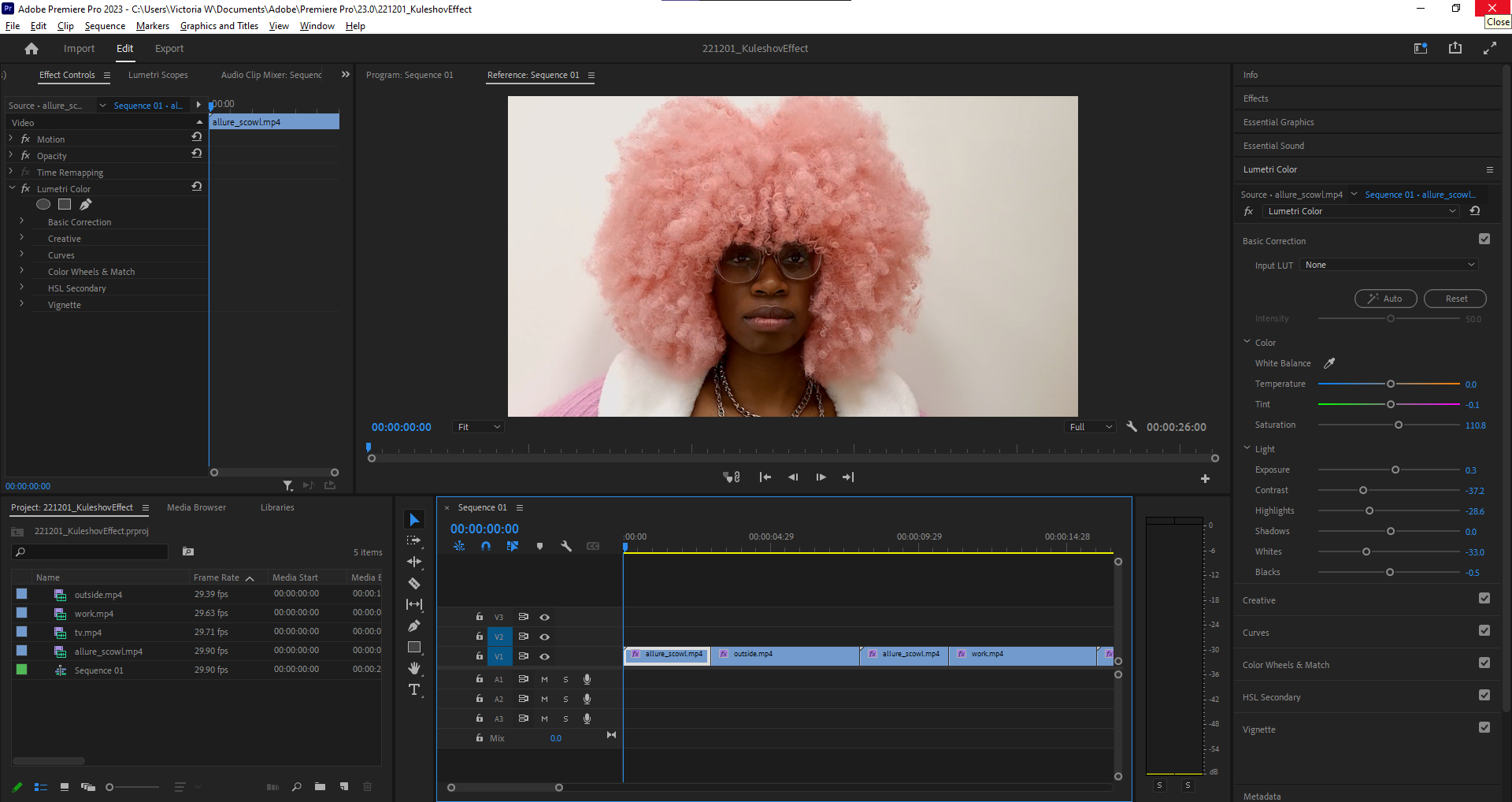
- worked on putting clips together to demonstrate the kuleshov effect. full video coming soon? Thanks Allure for helping me with this!
## Spring 2023
Jan 26th 2023
#show-your-images
 Sign in with Wallet
Connect another wallet
Sign in with Wallet
Connect another wallet