# reality-lab-initial-learning-project-draft
- what is this lab?
- Reality-lab is a curriculum that teaches the basics of blender, unity, and unreal engine.
- some examples from the real world
- Some examples of the uses of 3D work in the real world are architecture/construction, product design/manufacturing, entertainment/media, medical/healthcare, education/training, automotive/aerospace, gaming/VR, advertising/marketing, archaeology, interior design
- why would this be valuable in a academic / teaching and learning environment?
- 3D modeling in an academic environment adds a dynamic and interactive dimension to learning, making it more engaging, practical, and relevant to students' lives. It equips students with valuable skills applicable to a variety of industries, preparing them for the challenges of the future workforce. It encourages visual learning, interactivity, multidimensional understanding, creative expression, real-world applications, enhanced collaboration, personalized learning, bridging theory and practice, innovation and technology integration, and inclusive education.
- some ideas for this (things the LL has done or might want to do more of)
-
## The Tools
Putting together a 3D game or VR/XR experience requires many tools.
- what is the basic set of tools? (with links to LinkedIn Learning Essential Trainings for all, the actual docs, etc)
- [Blender on LinkedIn Learning](https://www.linkedin.com/learning/blender-3-3-essential-training/introducing-blender-3-3-for-beginners?u=2194065)
- [Unity on LinkedIn Learning](https://www.linkedin.com/learning/introduction-to-c-sharp-with-unity/introduction-to-unity?u=2194065) - (intro to coding in Unity)
- [Unreal Engine on LinkedIn Learning](https://www.linkedin.com/learning/unreal-essential-training-2019/real-time-visualization-with-unreal-engine-4?u=2194065) - (might be out of date because its for Unreal Engine 4)
## The Initial Learning Project
- what is the initial learning project?
- what will I be building?
- An annotated map with landmarks
- A bar graph through python coding using .csv or .txt files
- A line graph through python coding using .xlsx files
- what tools will I be learning?
- blender
- python
- sketchfab
- what do I need to build and share? when?
- An annotated map
- A bar graph comparing 2 sets of data
- some pathways (at a high level)
- Maya/ Autodesk Products
- Cinema 4D
- Houdini
- Zbrush
- Unity
- Unreal
- at least one really granular step-by-step or sped-up screen capture
* lab logistics
- the staff and mdf lead to ask questions
- Chris and Sophie
- slack channel
- ll-reality-lab
## Initial Learning Project Examples
1) An annotated map using models from sketchfab
- [Sketchfab](https://sketchfab.com/feed)
My example:
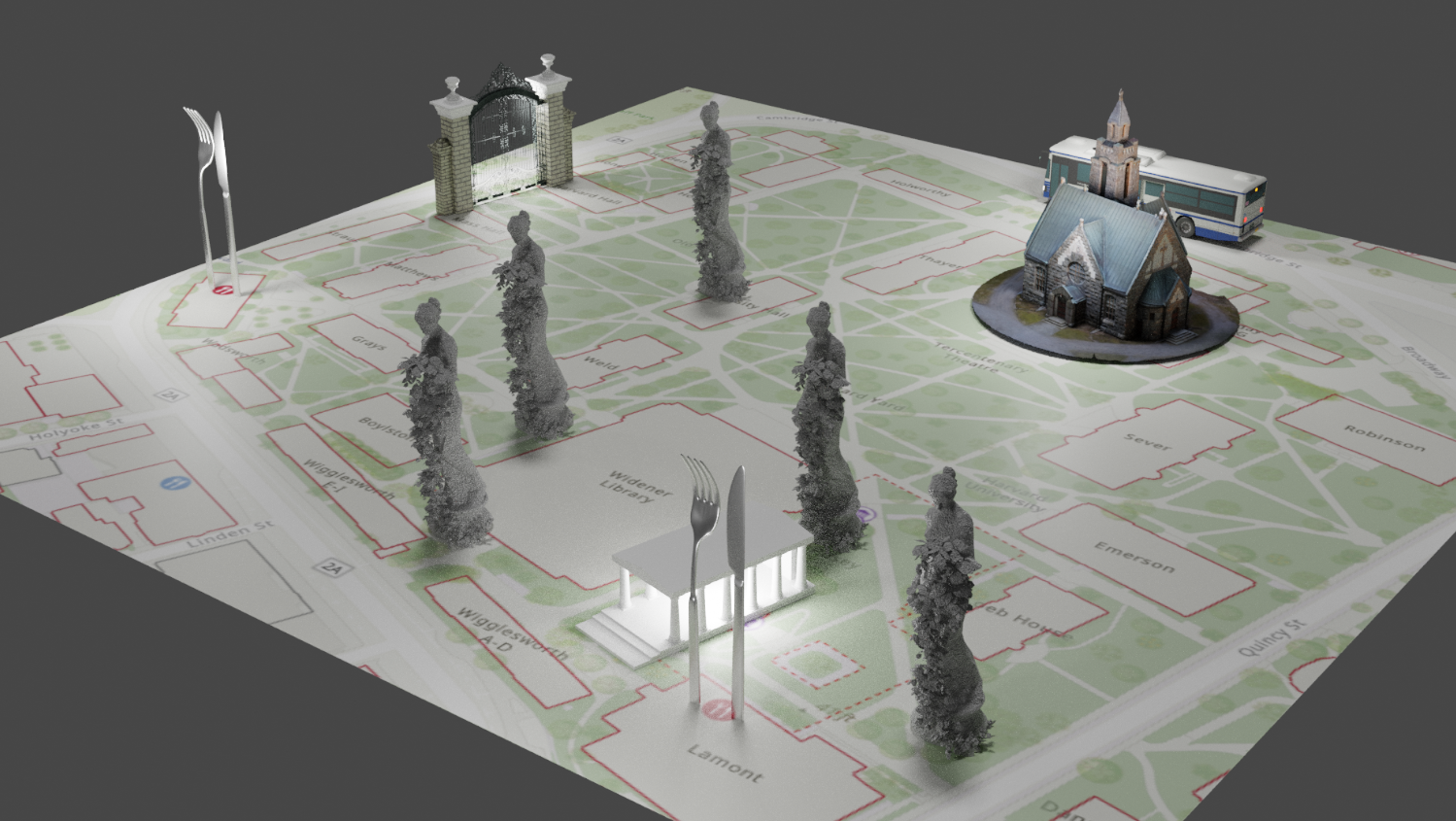
2) A bar graph using python code
- [Youtube tutorial](https://www.youtube.com/watch?v=Xrixs_XuDQo)
My example:
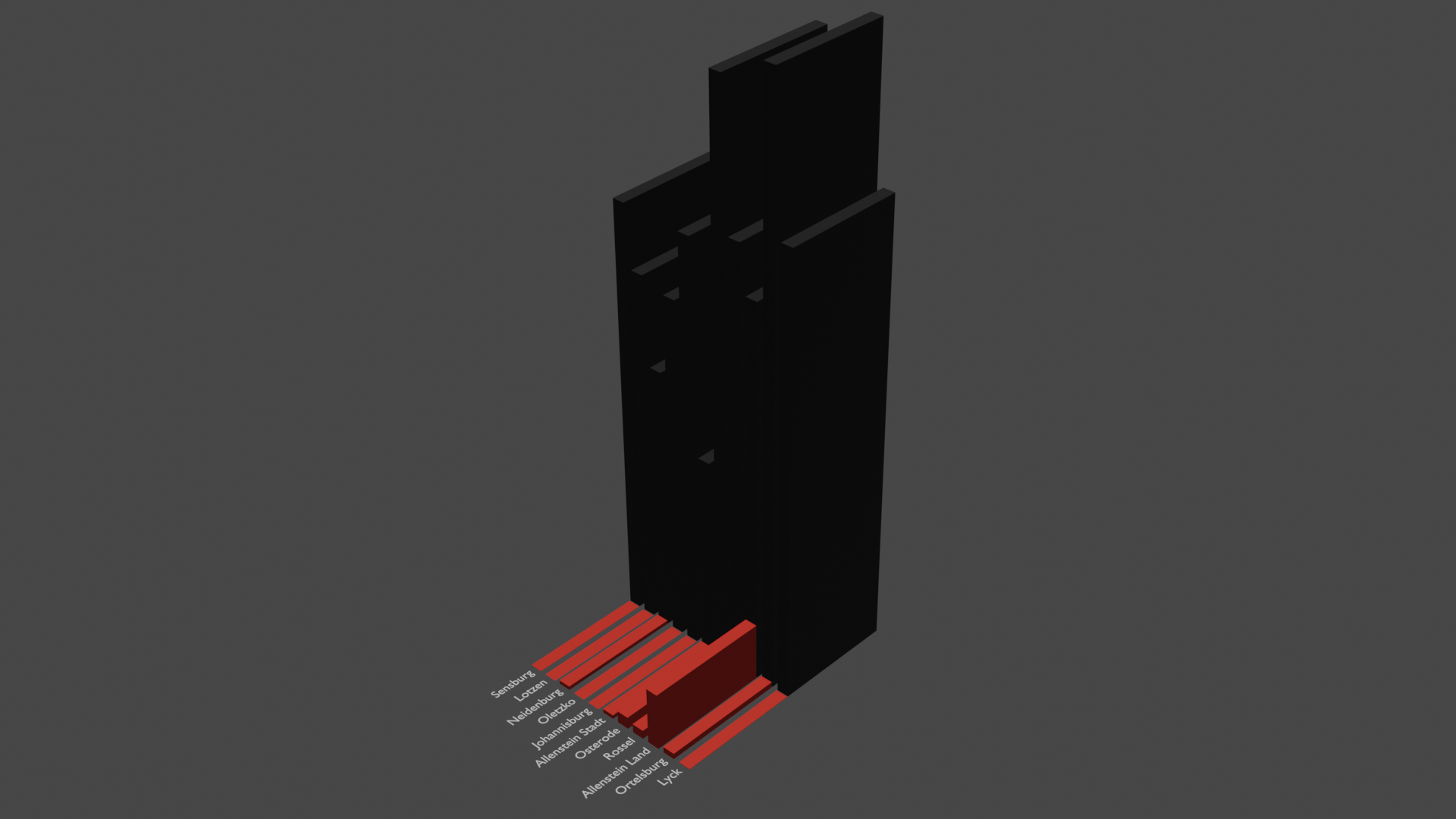
- Notes to keep in mind
- The code will give you one set of 2D bar graphs. I used rotate and extrude to make my graph 3D.
- Keep the data simple and build up from there.
3) A line graph using python code
- [Youtube tutorial](https://youtu.be/ATiiFTX-4K0)
My example:
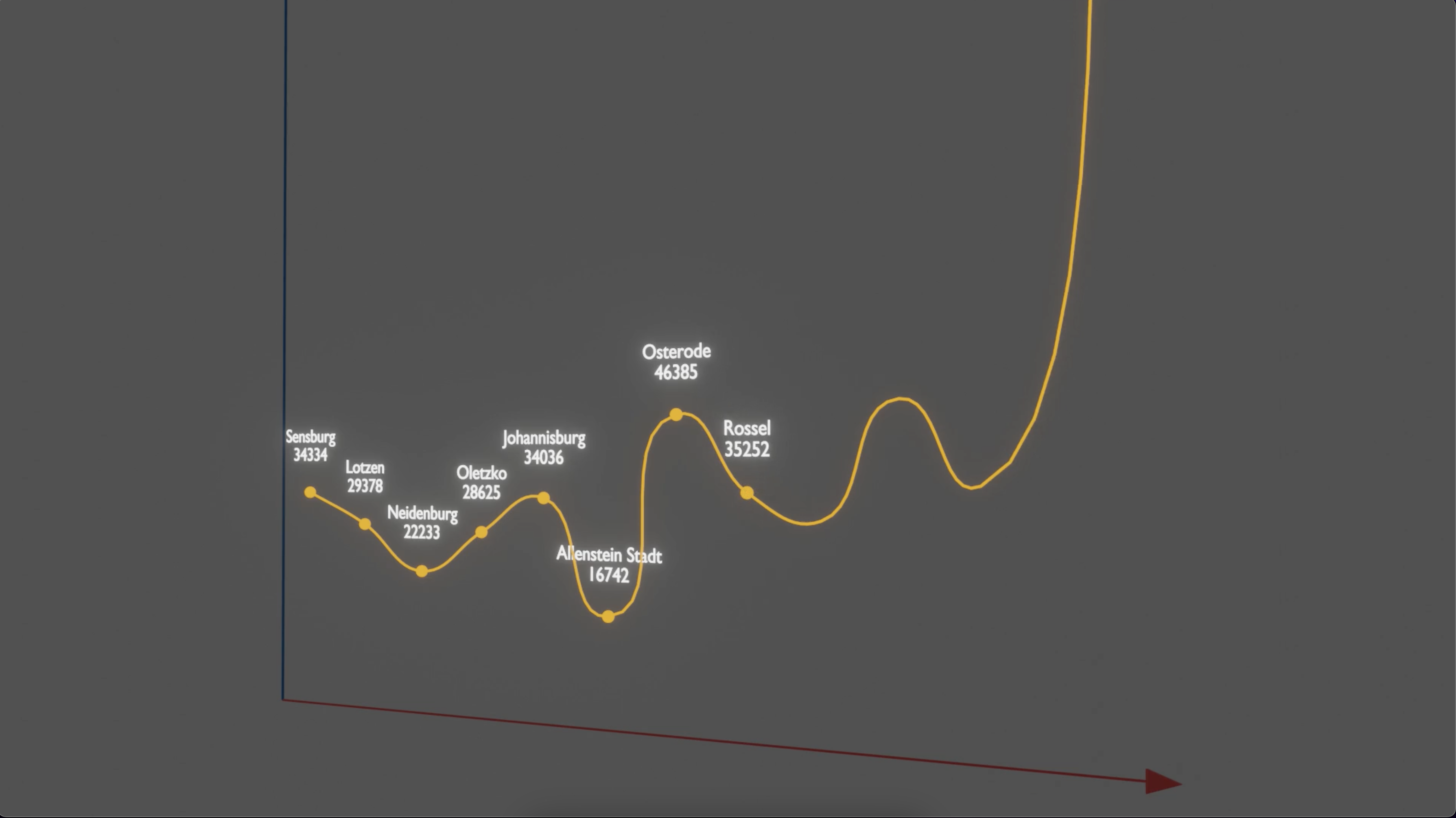
- Notes to keep in mind
- This code requires blender to have Pandas installed. The code will not work if you have Pandas installed outside of blender.
 Sign in with Wallet
Connect another wallet
Sign in with Wallet
Connect another wallet