---
tags: resources, [Audacity], [Podcast], [Music], [Audio], [EQ], [Equalizer]
author: Dézhawn Dumornay
---

# Audacity: Audio Equalization
An equalizer, or EQ, sculpts incoming audio by cutting and boosting specific frequency bands. EQ can be used for correcting problem frequencies, as well as for more artistic purposes like creating distinct sonic coloration (e,g. simulating the sound of a megaphone, an old-fashioned telephone, or muffled sound coming from a distant room).
Audacity has four equalizers available for use:
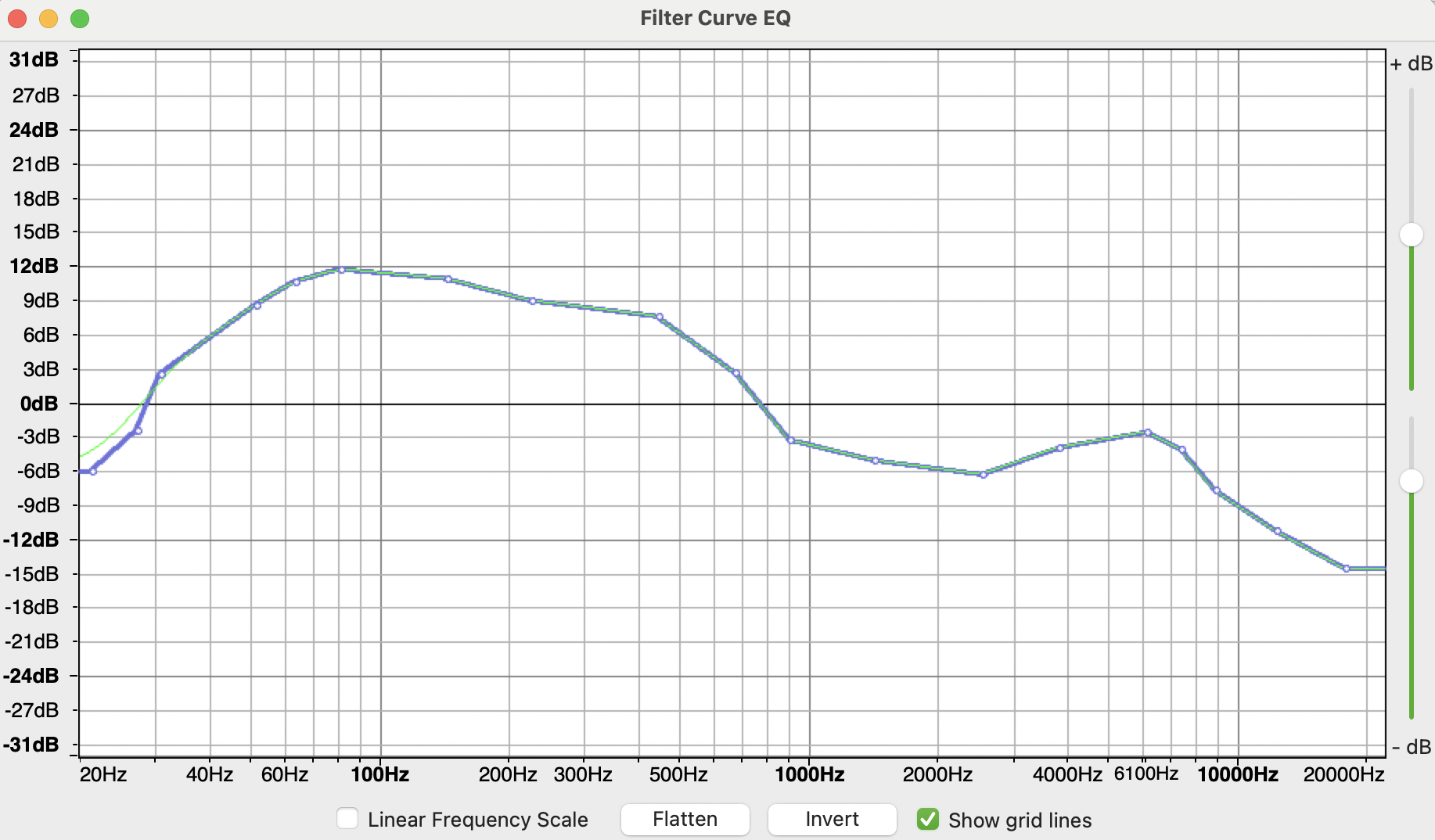
- **Filter Curve EQ**: Equalizer using drawn curves. The curve is drawn by clicking in the graph at any position to create movable control points
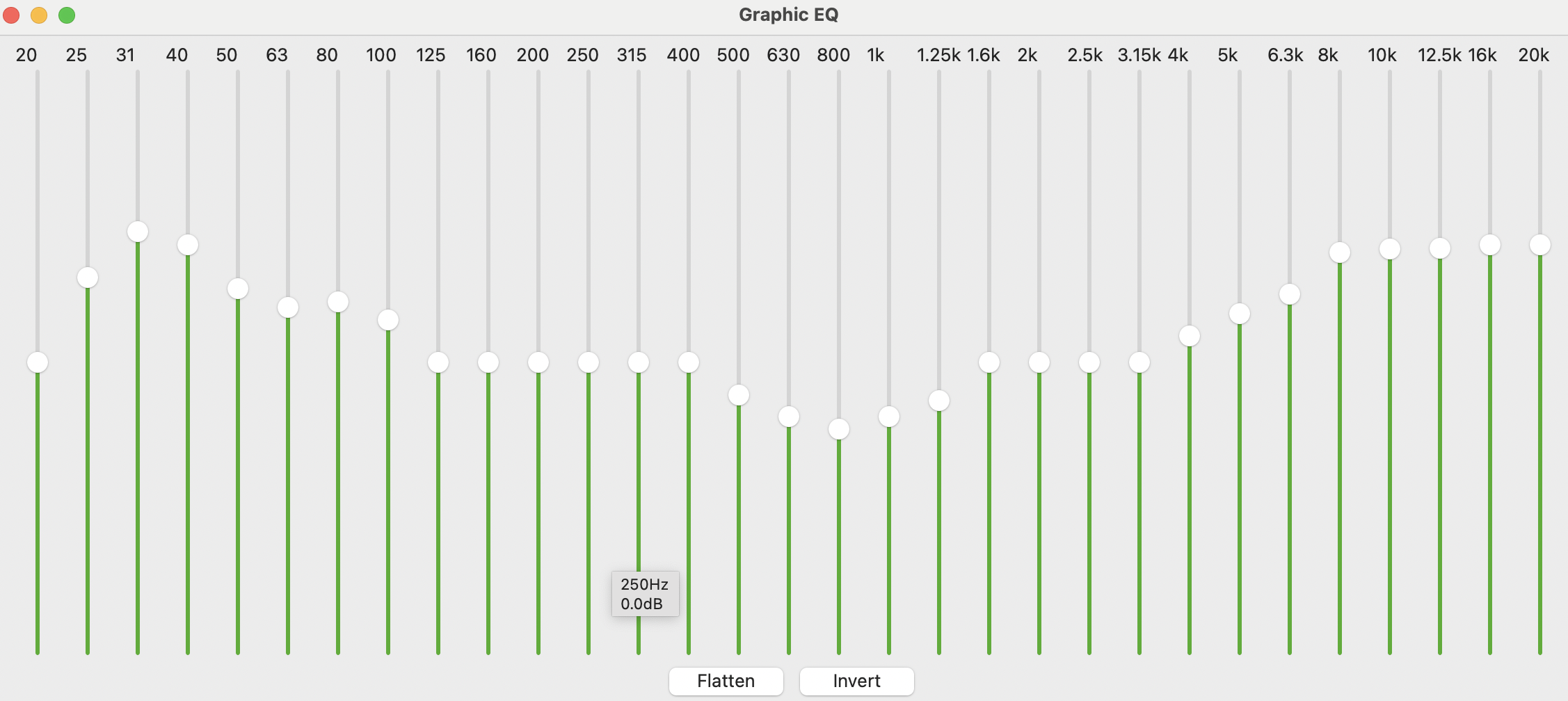
- **Graphic EQ**: Equalizer using sliders.
- **Spectral edit parametric EQ**: EQ used in spectrogram view, useful for repairing damaged audio by reducing or masking frequency spikes. To select Spectrogram view, click on the track name or the black triangle in the Track Control Panel on the left of the track. This opens a menu where the required view can be selected.
- **Spectral Edit Shelves**: EQ used in spectrogram view, useful for repairing damaged audio by reducing or masking frequency spikes. To select Spectrogram view, click on the track name or the black triangle in the Track Control Panel on the left of the track. This opens a menu where the required view can be selected.
 Sign in with Wallet
Connect another wallet
Sign in with Wallet
Connect another wallet