# EXPOS20 Coming of Age at the Margins Video Essay Resource
## Video Essays
Video essays deploy visuals, audio, and sometimes text in order to make an argument or convey key data to an audience. Like academic essays, video essays advance original claims and incorporate evidence to support those claims.
<iframe width="560" height="315" src="https://www.youtube.com/embed/_V10kWLh71U?si=MRMCuNbMUJOvkMu1" title="YouTube video player" frameborder="0" allow="accelerometer; autoplay; clipboard-write; encrypted-media; gyroscope; picture-in-picture; web-share" referrerpolicy="strict-origin-when-cross-origin" allowfullscreen></iframe>
The Vox "explainer"-style video about a chair featured on multiple album covers exemplifies some of the key moves that video essays can make:
- many, many examples of visual evidence that support the video essay's central claim
- using juxtaposition to establish contrasts and relationships between visuals and the ideas they represent
- adding visual layers, like highlighting, animations, and graphics, that draw your viewer's attention to especially salient features or that give key context to an image (like the name of a musician, in the example below)
- a huge range of visual evidence to set the object of analysis in its context and give a rich accounting of it
- interpretive claims that become arguable by way of strategic use of visuals and the narrator's voiceover
- a score that structures the viewer's emotional experience and that builds as the argument itself builds in complexity
---
## Considering Your Visual Assets
Think about the visual assets—images, photographs, clips, graphics, etc.—that you'll want to source or create for your video. These visuals are the core of your video essay and should be considered in terms of what they'll contribute and in what progression they'll appear. As you select these assets, consider the timing and purpose of each image—what you want the viewer to understand or notice when it appears on screen. Equally important is planning what the viewer will hear as these visuals appear: What will your narration say? What aspects of your topic will these visuals enable you to discuss?
---
## The Layers of the Video Essay
Video essays use multiple layers to deepen or reinforce a claim.
- A **primary visual layer** might be a video clip, a static image, or other footage that provides context or evidence.
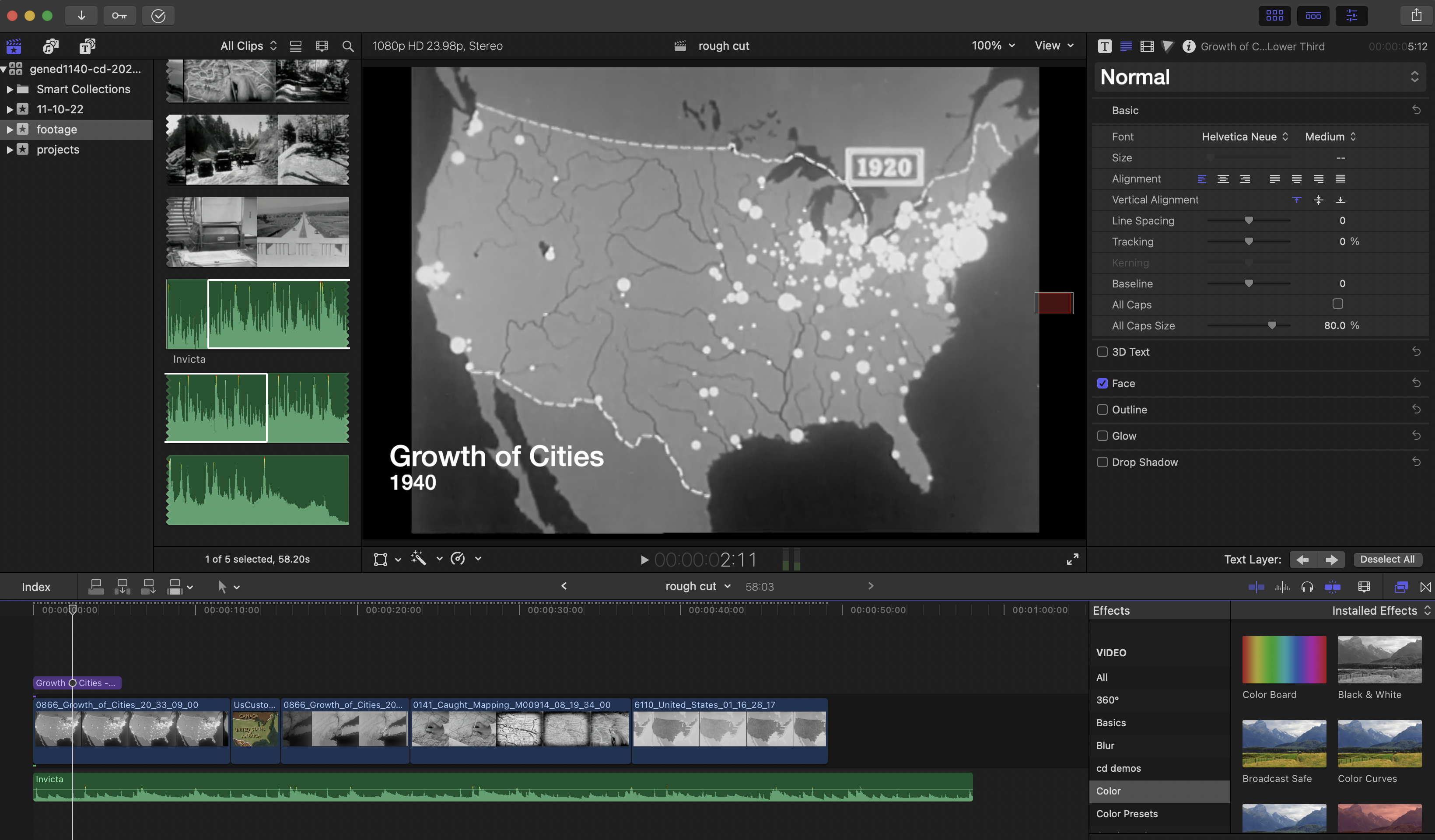
- An **overlay visual layer** could be a graphic, text or titles, animations, or additional images that enhance or clarify the primary visual (e.g., highlighting part of the image, adding text to identify a speaker).
Similarly, you might layer audio in your video essay:
- **Primary audio layer:** narration/voiceover, dialogue, and audio from integrated video footage, or music.
- **Supplementary audio layers:** a score, ambient sounds, or other sonic textures.
---
## Resources + Tutorials
[A Quick Guide to Post Production Resources](https://resources.learninglab.xyz/simple/projects/HDS-FilmFest/post-production)
### For iMovie
- [Getting Started with iMovie](https://support.apple.com/en-us/HT212059)
### For Davinci Resolve
- [Getting Started with Davinci Resolve](https://resources.learninglab.xyz/simple/people/casey-c/Resolve-getStarted)
### For Final Cut Pro
- [Getting Started with Final Cut Pro](https://resources.learninglab.xyz/simple/people/casey-c/FCPX-getStarted)
### For Adobe Premiere
- [Guide to Adobe Premiere Pro](/s2Pph8GJSZSvUv5ENuXqiQ)
- [Getting Started with Adobe Premiere](https://resources.learninglab.xyz/simple/people/casey-c/Premiere-getStarted)
---
## Sourcing Video
- [Prelinger Archives](https://archive.org/details/prelinger)
---
## Using ClipGrab (Optional)
[ClipGrab](https://clipgrab.org/) is a free, open-source program for downloading videos from YouTube and other sites.
**Why use it?**
Sometimes you may want to integrate a short clip from a film (like *Pariah* or *Spa Night*) or from related media to support your analysis. For instance:
- Highlighting a character’s gesture or expression to illustrate a theme of identity conflict.
- Showing how a scene’s lighting or sound design reinforces marginalization or belonging.
- Juxtaposing clips from multiple works to reveal patterns or contrasts.
This can be a powerful way to *show* your argument, not just describe it. **That said, using ClipGrab is entirely optional**—you can also work with still images, screenshots, or other forms of visual evidence.
**How to use ClipGrab:**
1. Download and install ClipGrab from the [official site](https://clipgrab.org/).
2. Copy the URL of the video you want to download (e.g., a trailer for *Pariah* or *Spa Night*).
3. Paste the URL into ClipGrab’s search bar.
4. Select the format (MP4 is recommended) and quality.
5. Click **Grab this clip!** to download.
**Troubleshooting:**
If audio doesn’t download properly, you can repair the file using [VLC Media Player](https://www.videolan.org/vlc/):
1. Open VLC and go to **Media > Convert/Save**.
2. Add your video file, then click **Convert/Save**.
3. Under **Settings**, go to the Video Codec tab and set it to **H.264**.
4. Under the Audio Codec tab, make sure the format is **MP4** (or MPEG Audio).
5. Choose a destination filename and click **Start**.
---
## Other Options
Not the most ideal in terms of quality, but you can also use programs like:
- [QuickTime](https://support.apple.com/guide/quicktime-player/record-your-screen-qtp97b08e666/mac)
- [Zoom](https://blog.smu.edu/itconnect/2017/08/23/using-zoom-create-quick-easy-screen-recordings-free/)
---
## Some Recording Tips
- [A resource about recording video with your phone](https://hackmd.io/xD2-fRD1RbigxRQPRUc8PQ?view)
 Sign in with Wallet
Connect another wallet
Sign in with Wallet
Connect another wallet