# Creating Custom GPTs
Each member of Harvard Faculty of Arts and Sciences has access to ChatGPT EDU. Through this, users have the ability to create Custom GPTs, which are specialized instances of ChatGPT tailored with custom instructions, tools, and documents. This guide will walk you through the creation of a GPT, with use cases and examples at the end.
## Accessing GPTs
- As mentioned in the [ChatGPT EDU Interface Guide](https://hackmd.io/@ll-24-25/rywdQJV50/%2FV_7Pu4XfQUmQmpTP1r8duA), GPTs can be accessed in the left sidebar of the main chatGPT EDU page.
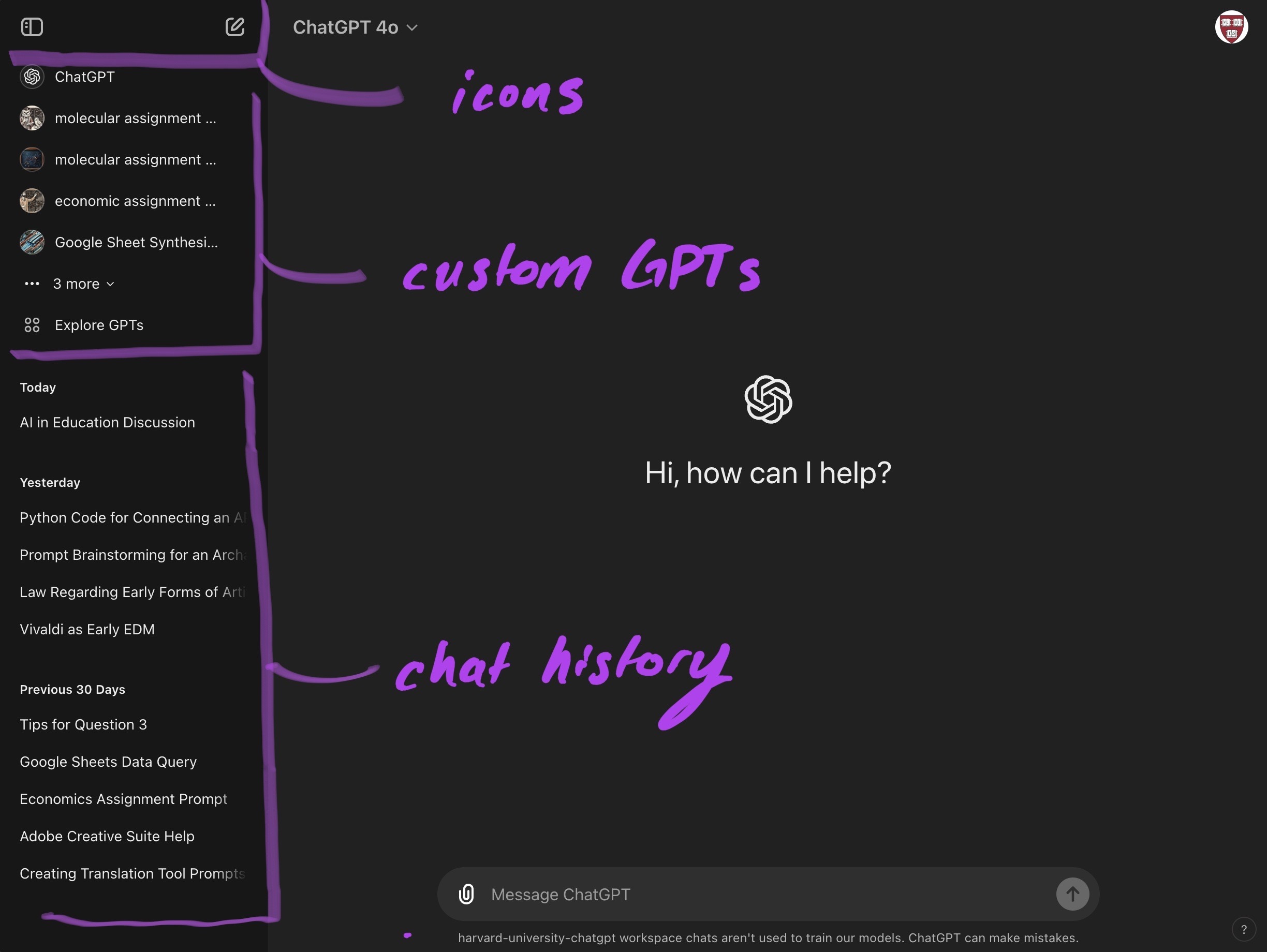
- Here, GPTs you have recently interacted with will be displayed. Click on their name to trigger a new chat.
- However, if you'd like to explore GPTs offered by OpenAI and the Harvard workspace, hit "Explore GPTs"
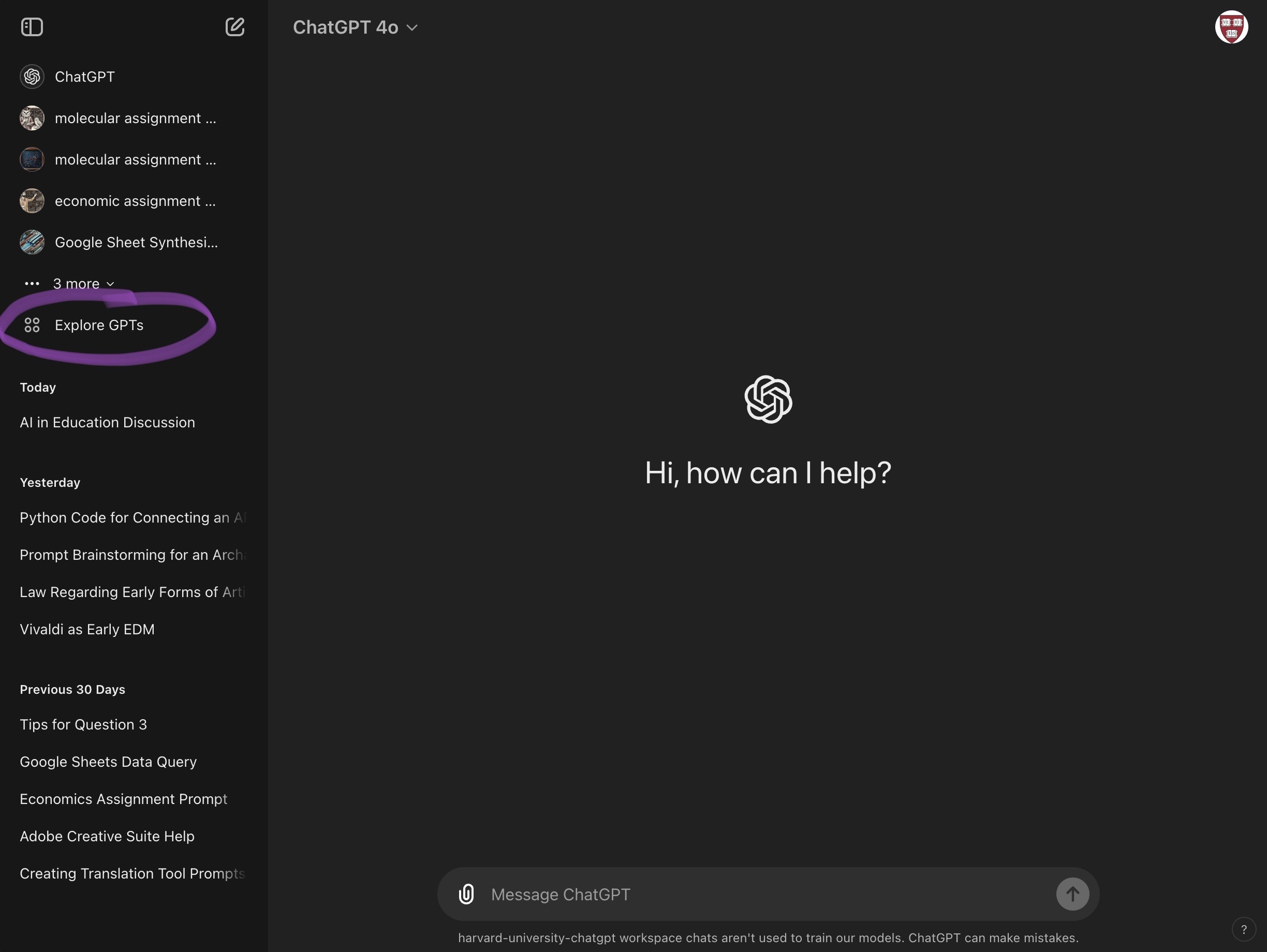
- This will bring you to a new window:
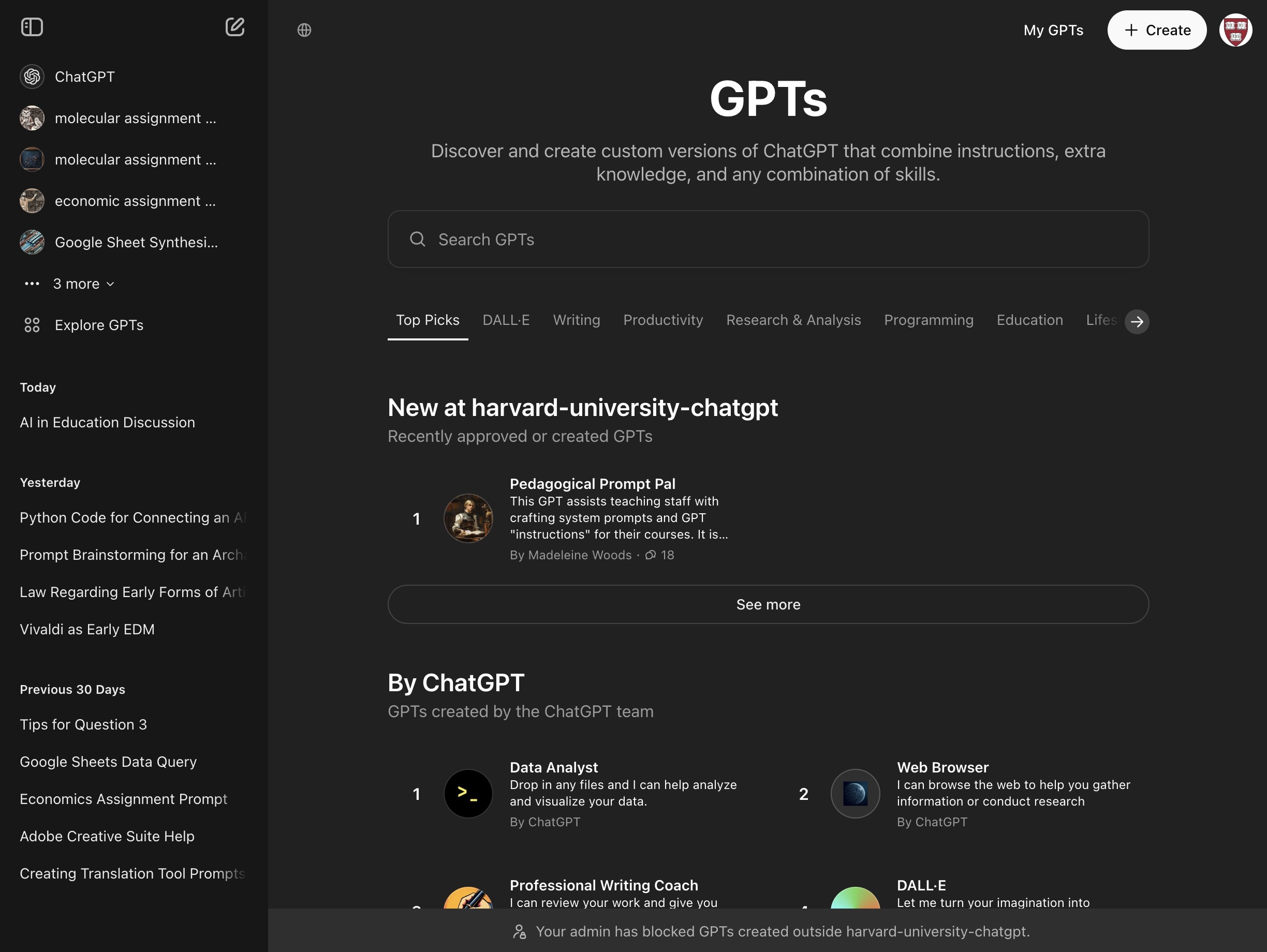
- In this window, you can access GPTs approved by OpenAI (ensuring quality and safety for the workspace) and GPTs made by other members of the Harvard FAS's workspace, found in a category dubbed "New at harvard-university-chatgpt"
- You can browse hundreds of customized GPTs, with categories like:
- Writing
- Productivity
- Research & Analysis
- Programming
- Education
- Lifestyle
- DALL-E
- this is OpenAI's diffusion model, which produces images
## Creating a GPT
- To create your own GPT, hit: "+ Create" in the top-right corner

## GPT Interface
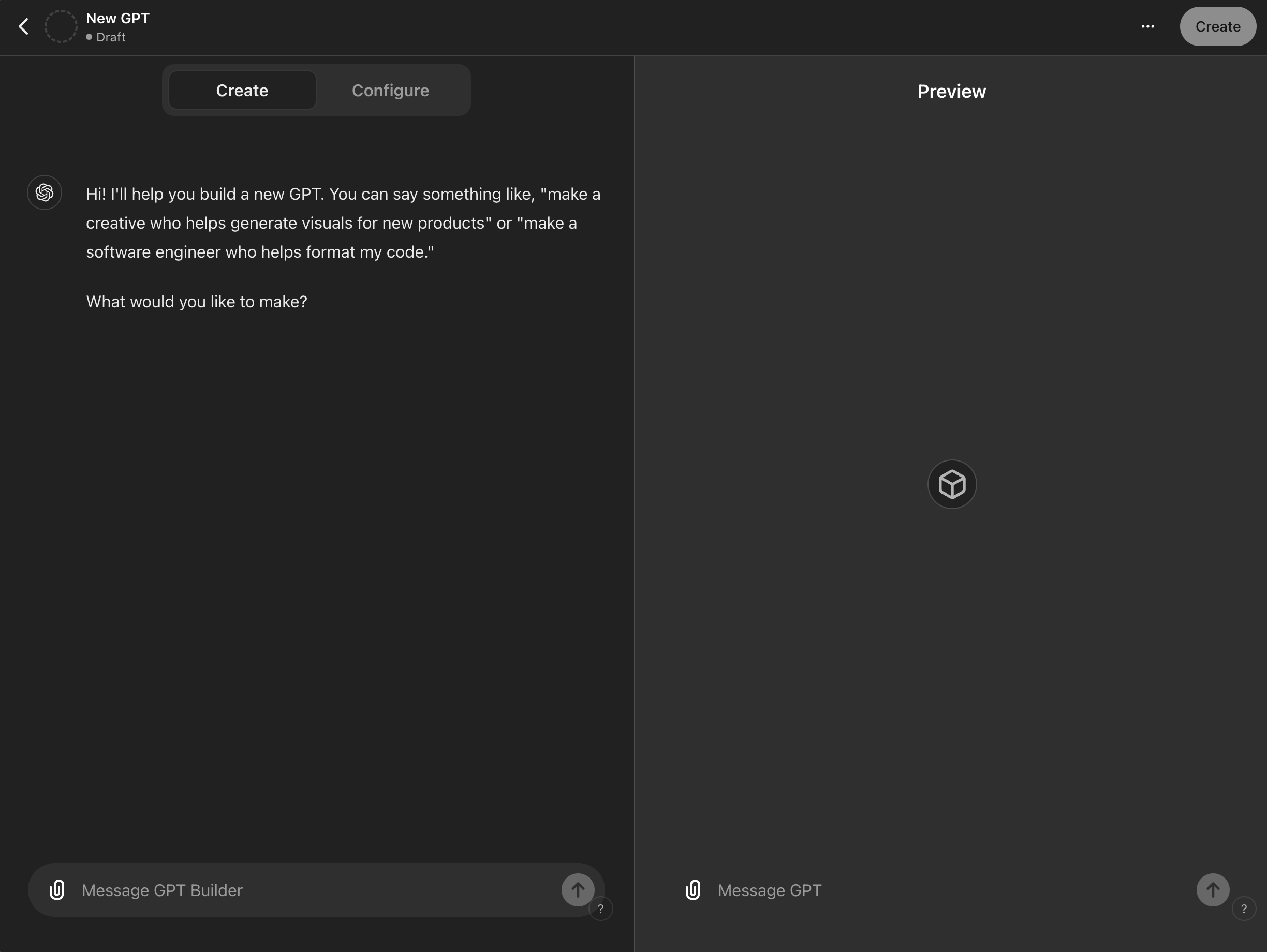
- The interface through which you create GPTs has two main windows:
- **Preview**:
- On the right-hand side, this is where you can directly interact with your GPT draft by chatting and viewing real-time responses. It will continuously update as you change inputs.
- **GPT Input Tabs**:
- **Create**
- In this tab, you will be quizzed by a special instance of chatGPT, which will help you create your GPT conversationally with natural language
- **Configure**
- In this tab, you will be able to see all the different elements of the input that goes into the creation of a custom GPT. This is the recommended tab.

### Configuring the GPT
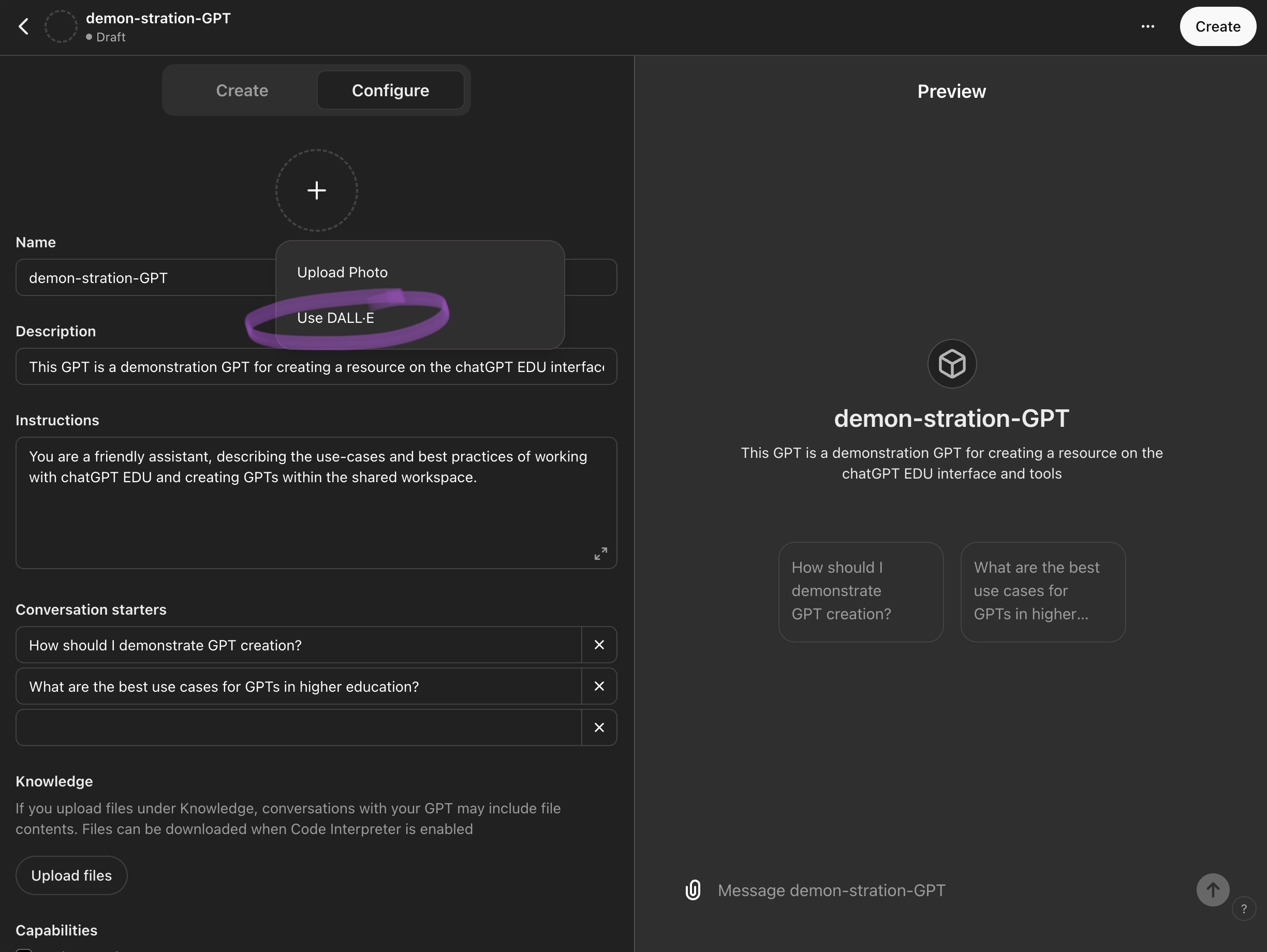
#### Name, Description, and Image
- These elements are primarily aesthetic but crucial for users to identify your GPT:
- **Name**: Give your GPT a unique name that reflects its purpose or functionality.
- **Description**: Provide a brief explanation of what your GPT is designed to do, helping others understand its use case quickly.
- **Image**: Upload an image that visually represents the theme or function of your GPT or prompt DALL-E to generate an image.
#### Instructions
- This section is critical as it involves prompt engineering:
- Define clear and concise instructions that guide how the GPT should behave, what it should do, and any limitations or behaviors it should avoid.
- For advice of prompting, check out our resource [Tips and Tricks on Prompting](https://hackmd.io/@ll-24-25/rywdQJV50/%2F36HXvRDuT_ew1THb-xsCTg) or review our Case Studies below for inspiration and prompt templates.
#### Conversation Starters
- Here, you can provide up to four predefined questions to guide users on the GPT's capabilities and how to interact with it effectively.
#### Knowledge
- This section allows for the uploading of files that the GPT can reference during conversations:
- **Supported File Types**: You can upload documents, images, and other relevant files to enhance the GPT’s responses based on the embedded information.
- NOTE: If you are user PDFs for text, please make sure they are either digitally native or have been preprocessed to recognize text (this is epsecially important if the PDFs are scans of physical text). If you are using PDFs for images, upload them as image files for best results.
#### Capabilities
- Customize what your GPT can do:
- **Image Generation**:
- Use DALL-E integration to allow your GPT to generate and manipulate images based on textual descriptions provided during the conversation.
- **Web Browsing**:
- This allows your GPT to search the internet while chatting with users (ex. users could get links for further reading and citations. This can also help reduce hallucinations).
- **Code Interpreter**:
- Enable the GPT to execute code snippets within the chat, allowing for advanced data analysis and Actions.
- NOTE: **Be aware** that allowing this capabaility allows users to programmatically access the files within your Knowledge Base. Do not turn on this capability if you are uploading answer keys or senstivie information
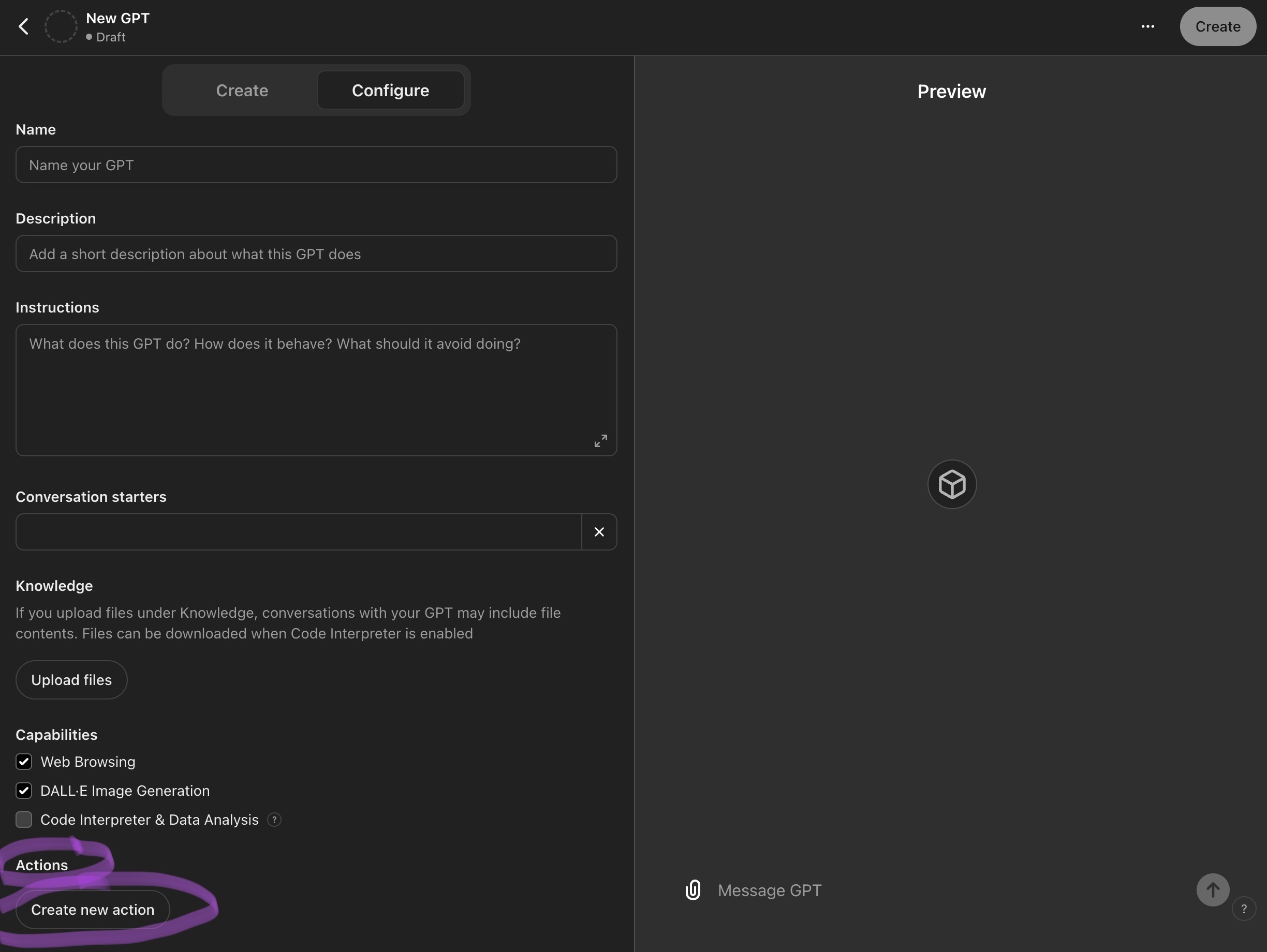
#### Actions
- By opening this window, you can programmatically define specific actions that your GPT can perform, enhancing its utility and interactivity.
### Updating, Sharing, and Using your GPT
- **Create/Update**:
- Initially labeled "Create", this button changes to "Update" as you make edits to the GPT, allowing for ongoing customization and improvements.
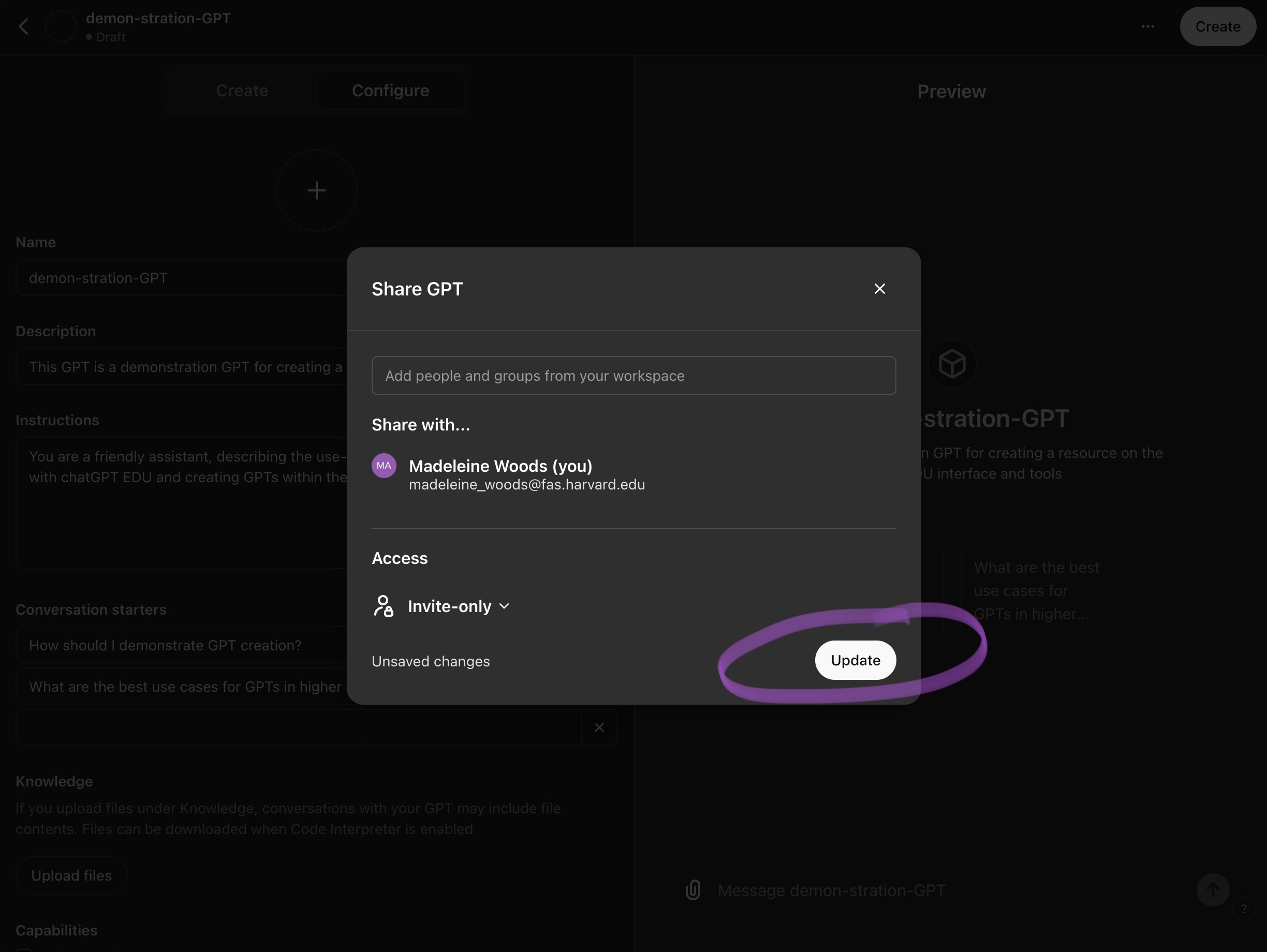
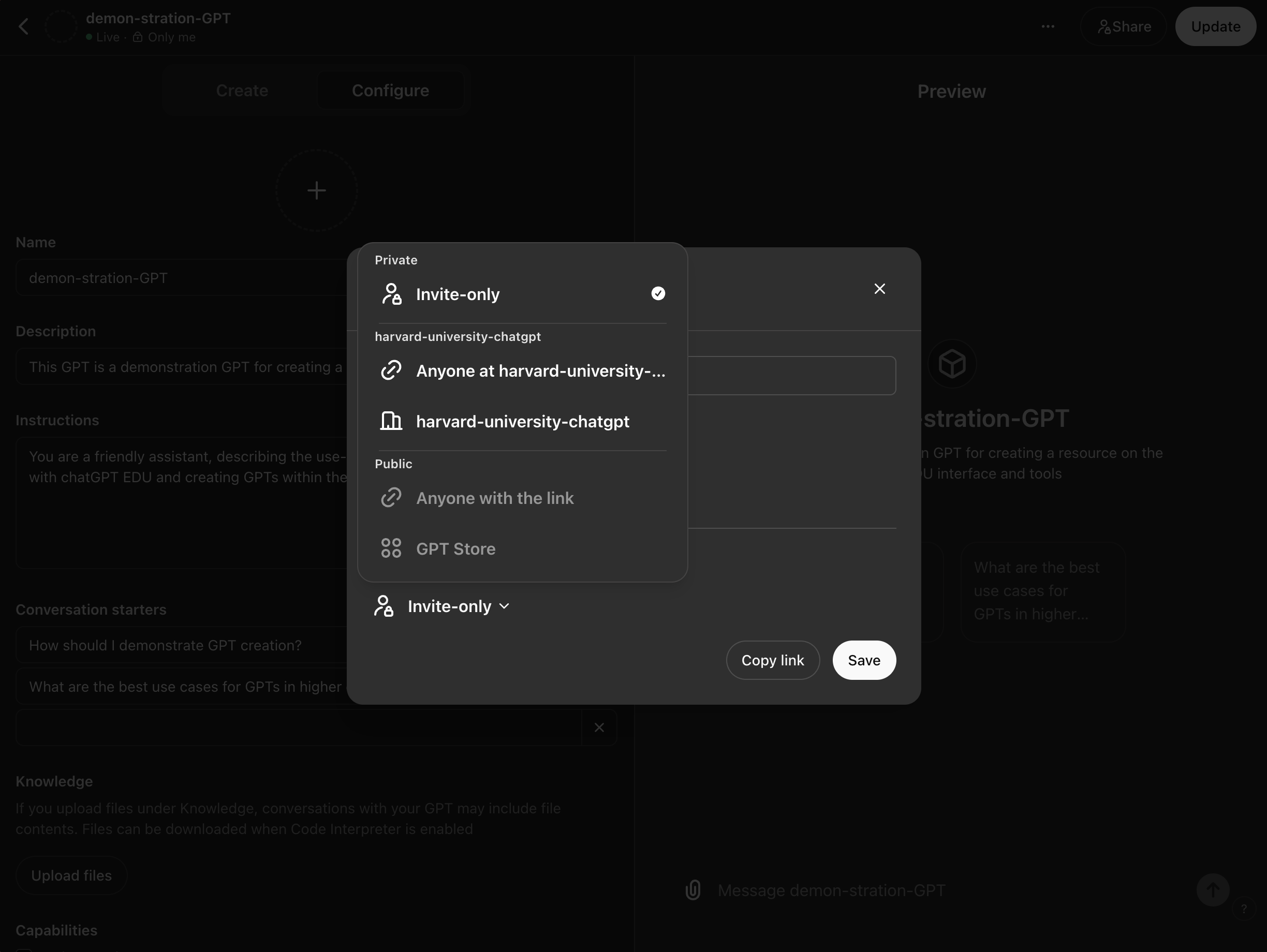
- **Share the GPT**:
- Once your GPT is configured, use this feature to share it with other users within your organization or publish it for broader access. You may also keep it private by selecting "Invite Only."
- **View**:
- This feature allows you to preview how your GPT will appear to others, ensuring that all elements are correctly configured before release.
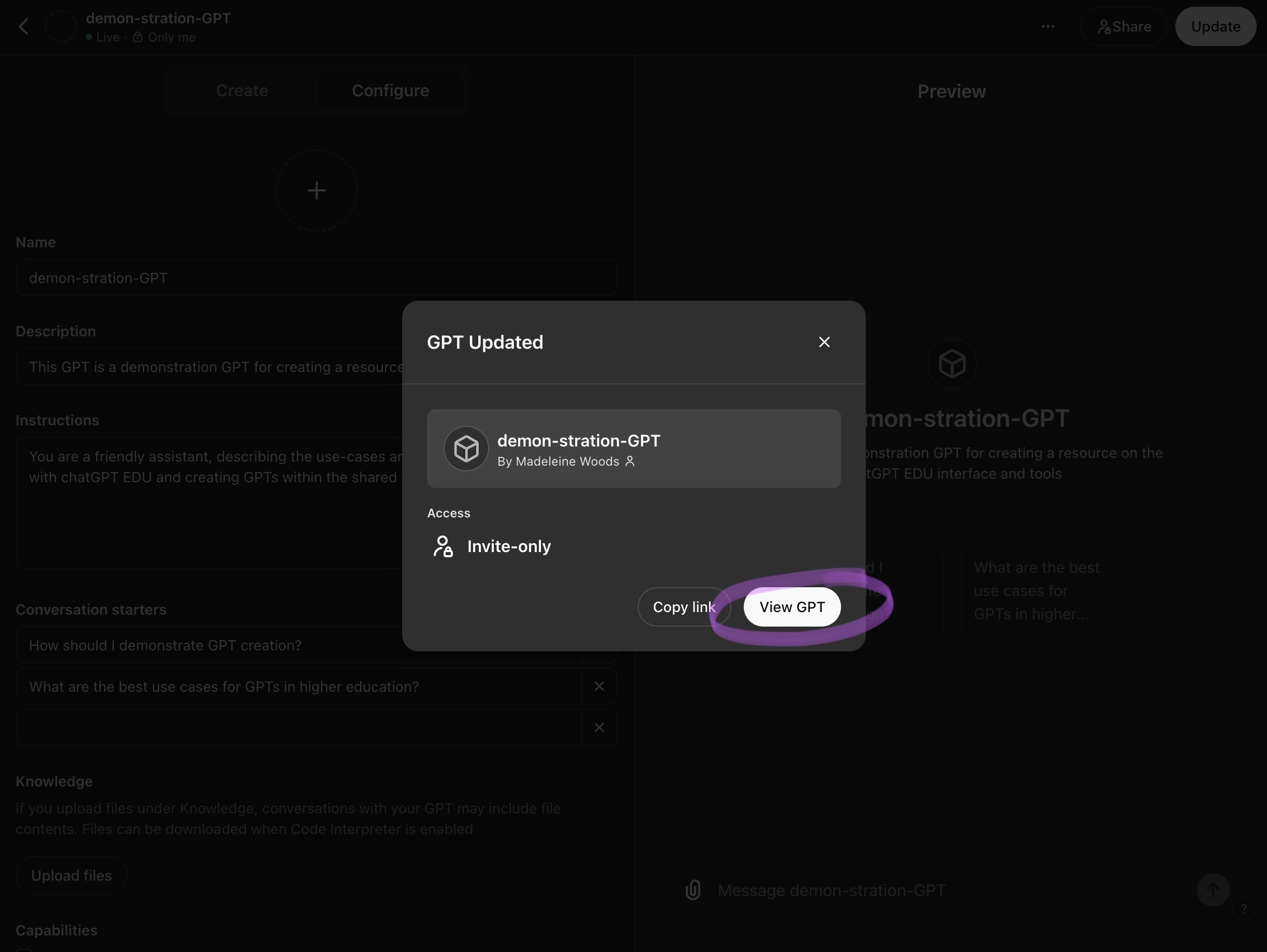
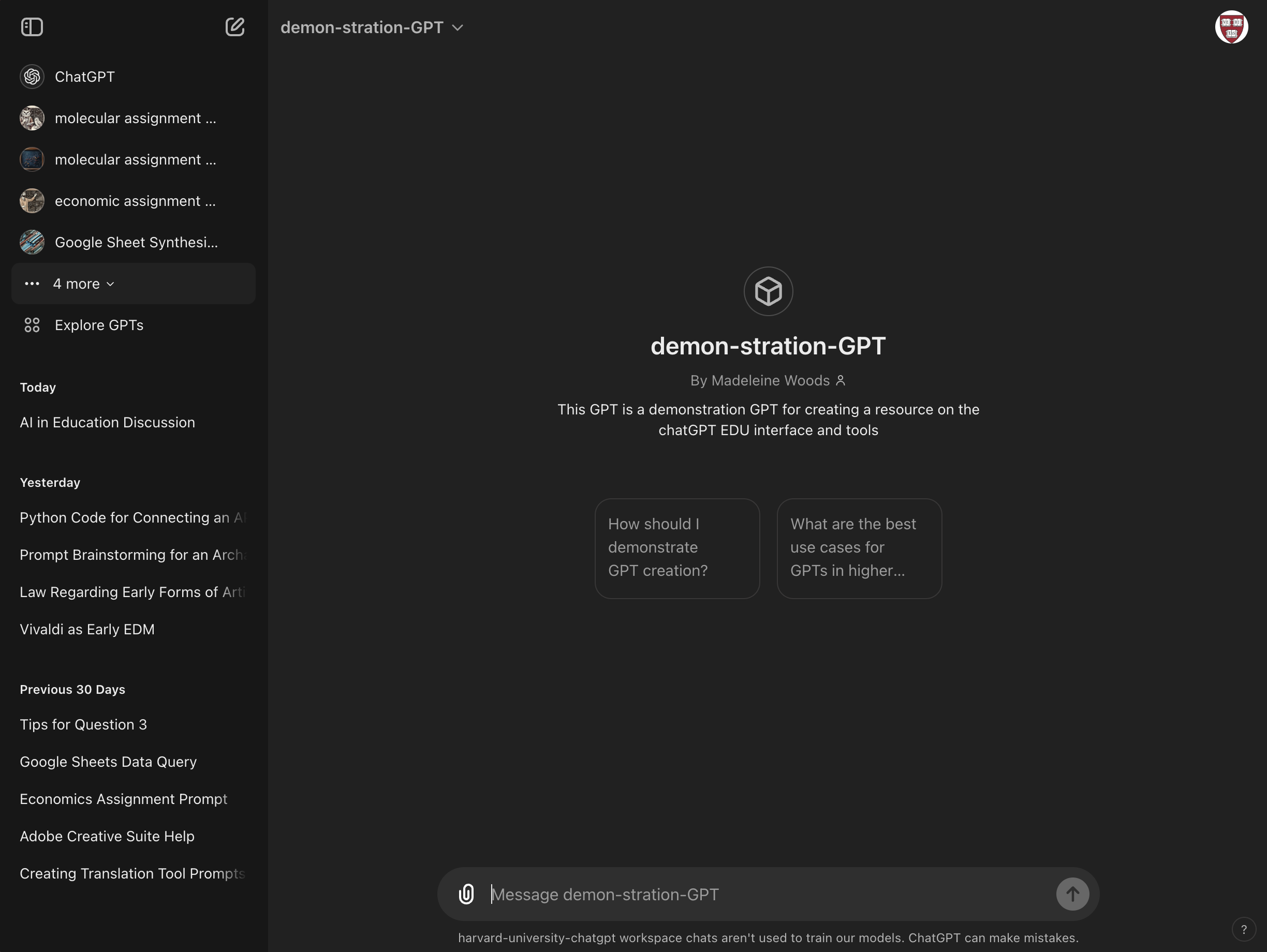
- This will trigger the GPT to save and open in your regular chatGPT EDU interface. Chatting here will add the GPT to your left sidebar's GPTs.
---
## Use Cases and Case Studies
- You've learned how to create a GPT, but what sorts of GPTs should you make? What are the various types of GPTs made in an academic environment?
Three main categories:
* TOOL:
* Is it intended as a specific tool or action (like translation or transcription/OCR)?
* TUTOR:
* Is it designed for assisting with a specific assignment or course (a class, essay, midterm, problem set, etc.)?
* ROLEPLAY:
* Is it standing in as a conversation partner or "roleplaying" (as a historical or fictional character, a domain-specific expert, a personafied body of literature)?
Once you define the use-case of your GPT, there are some further questions that can help you brainstorm the various fields in the Configure tab:
* What tone, personality, or language does your GPT need to emulate?
* What formats of input (text, image, audio) will the GPT need to handle?
* Are there specific resources (textbooks, articles, websites) that the GPT should utilize?
* Do you have any samples of the kind or quality of work you would like the GPT to produce?
* How do you envision users interacting with the GPT? Are these users students, teaching staff, or yourself?
* What types of questions or problems should the GPT be equipped to handle?
* Would you like your GPT to have any specialized actions or connect to any third party services (this would require coding with Actions)?
## Sample GPTs
[1188 Vector Explorer](https://chatgpt.com/g/g-fPn2zJhpo-1188-vector-explorer) (Logan McCarty)
[1188 Multiple Choice Final Exam Questions](https://chatgpt.com/g/g-w30iLAY5U-1188-multiple-choice-final-exam-questions) (Logan McCarty)
[1188 Review Helper](https://chatgpt.com/g/g-b8fDfrngA-1188-review-helper) (Logan McCarty)
[TimelineJS Helper](https://chatgpt.com/g/g-zUSQXDBNp-timelinejs-helper) (Bok Center's Learning Lab)
[Artist Statement Constructor](https://chatgpt.com/g/g-pAMZlbxtp-artist-statement-constructor) (Bok Center's Learning Lab)
[Pedagogical Prompt Pal](https://chatgpt.com/g/g-lVLgGnrtB-pedagogical-prompt-pal) (Bok Center's Learning Lab)
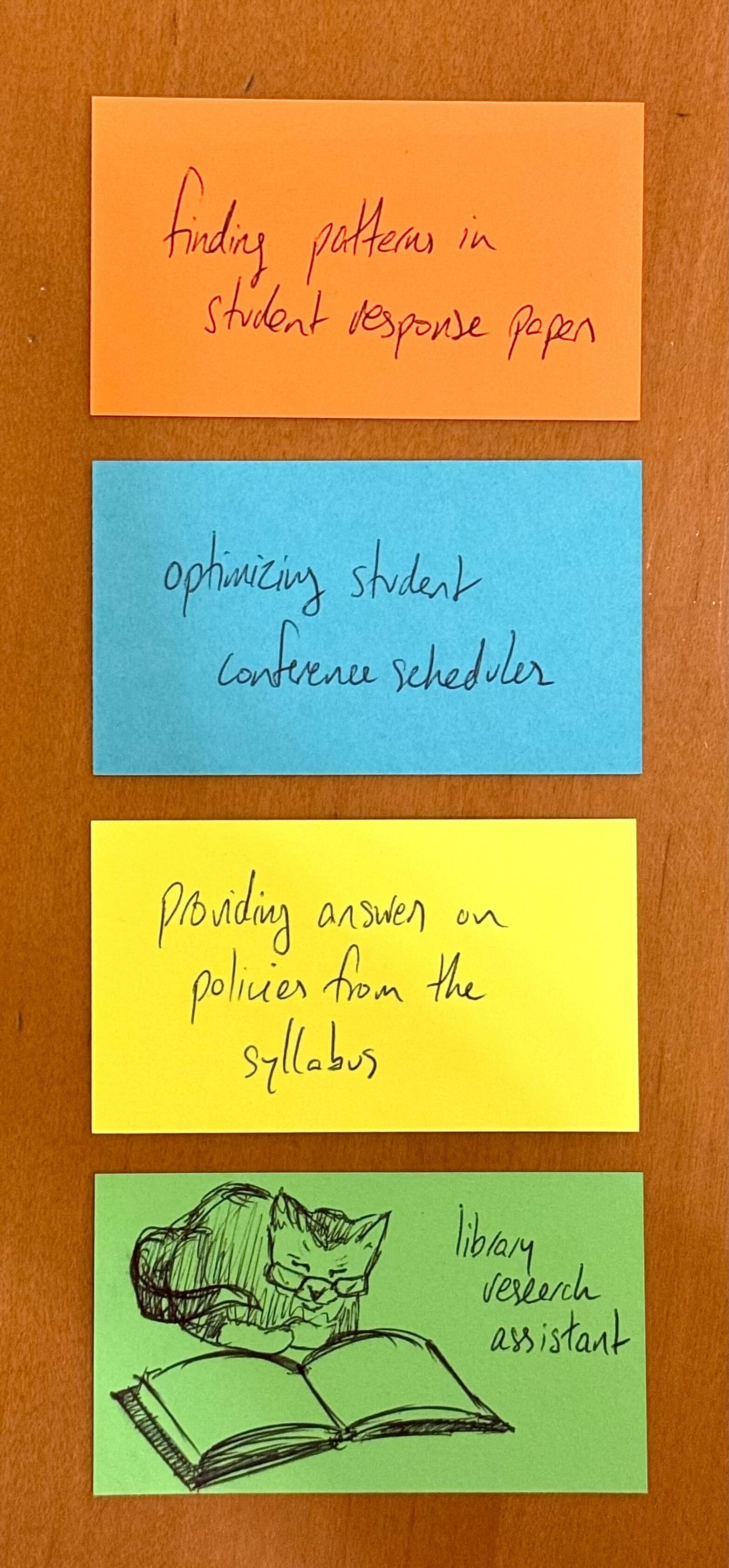
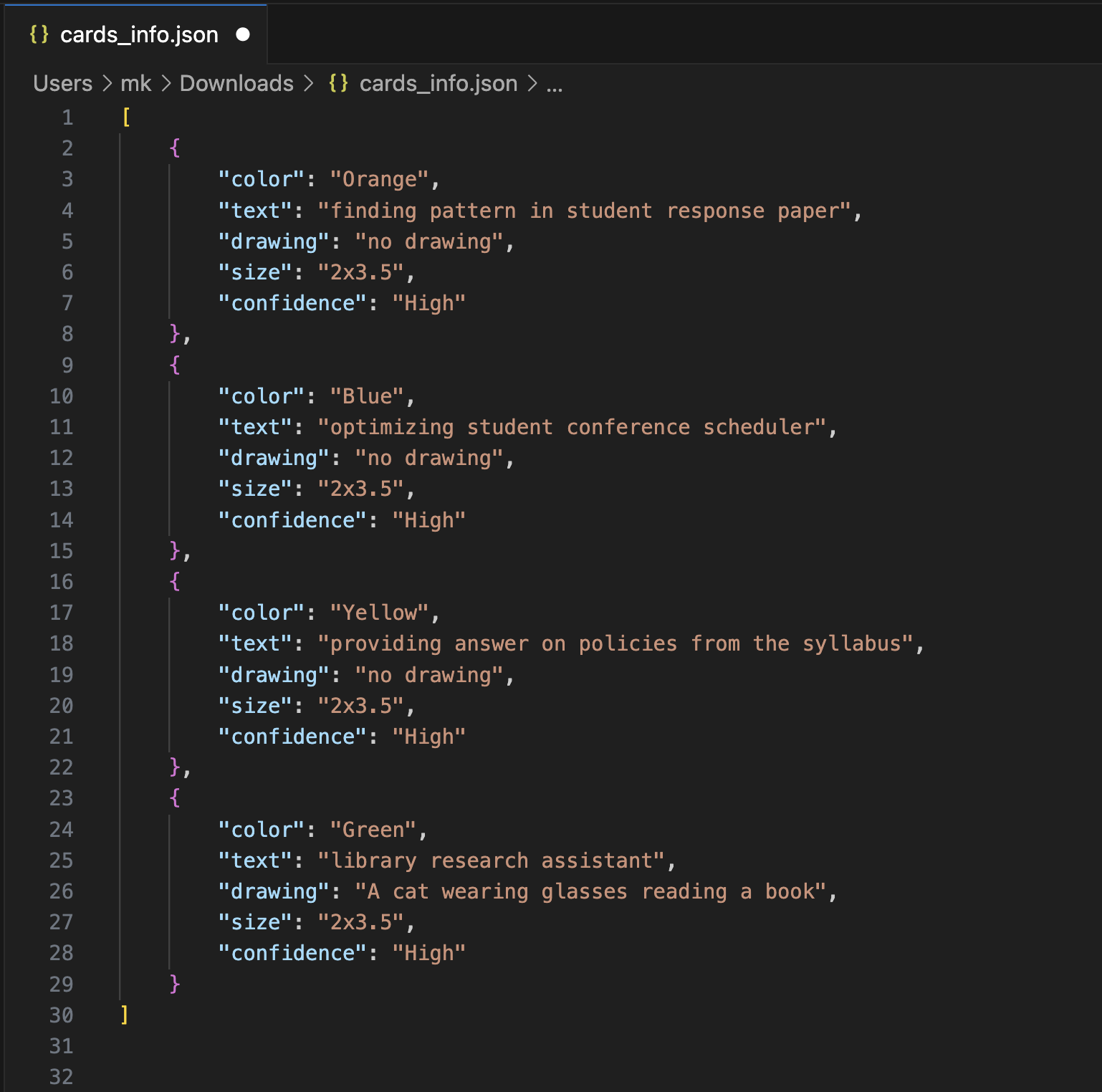
[LL Card Helper](https://chatgpt.com/g/g-RIWELzQia-card-photo-helper) (Bok Center's Learning Lab)
 Sign in with Wallet
Connect another wallet
Sign in with Wallet
Connect another wallet