# Tea in Japan/America Resource
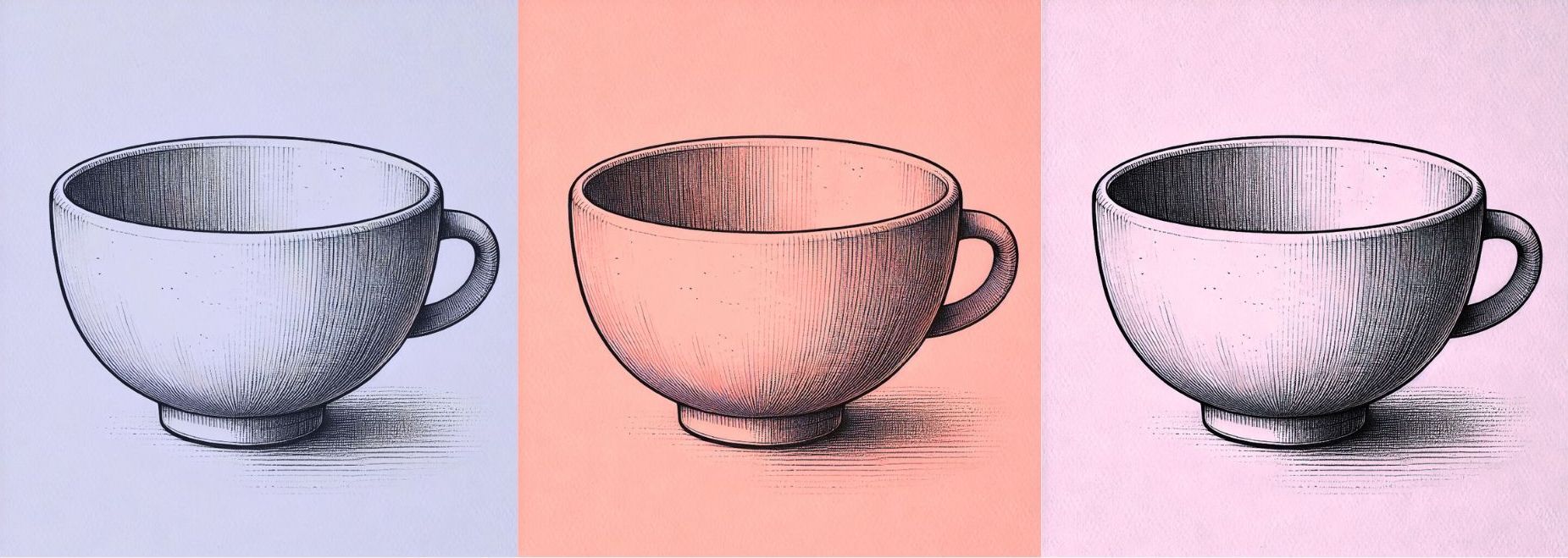
These are some of the tools you might use to design your tea house, depending on the form you choose.
## tea house pamphlets, blueprints, and multimedia essays
There are a range of graphic design tools you can use to design
* **a pamphlet** that uses images and texts to explore different historical, cultural, and social contexts related to your tea house.
* **an architectural blueprint** that communicates the design and spatial layout of a tea house, showing the structural and organizational elements of a tea house.
* a **multimedia or photo essay** that combines images and texts to explore different features of a tea house and the context of its creation, form, etc.
Below is a list of tools you could use to create layouts and other visual assets in the realm of graphic design, with links to tutorials that can show you how to get started in these tools.
Canva is a relatively user-friendly web-based tool that can be used for graphic design (and actually light video editing, too), whereas Adobe Illustrator and InDesign are industry-standard tools that require a bit more time to learn.
### Canva
* [Canva tutorials](https://www.canva.com/designschool/tutorials/)
### Adobe Illustrator
* [Adobe tutorials](https://helpx.adobe.com/illustrator/tutorials.html)
* [Illustrator LinkedIn Learning](https://www.linkedin.com/learning/illustrator-2022-essential-training?trk=learning-topics_learning-search-card_search-card&upsellOrderOrigin=default_guest_learning)
### InDesign
* [InDesign tutorials](https://creativecloud.adobe.com/en-x-AFRICA/learn/app/indesign)
* [InDesign LinkedIn Learning](https://www.linkedin.com/learning/indesign-2023-essential-training/indesign-learn-the-fundamentals?u=2194065)
* [Intro to Graphic Design with InDesign](https://www.linkedin.com/learning/introduction-to-graphic-design-indesign/introduction-to-graphic-design-using-indesign?u=2194065)
#### extra resources on Graphic Design
* [Graphic Design Foundations: Layout and Composition](https://www.linkedin.com/learning/graphic-design-foundations-layout-and-composition/introducing-the-foundations-of-layout-and-composition?u=2194065)
* [Adobe Color Contrast Analyzer](https://color.adobe.com/create/color-contrast-analyzer)
* [Using Photoshop, Illustrator, and InDesign together](https://www.linkedin.com/learning/photoshop-illustrator-indesign-powercombo-for-design/using-photoshop-illustrator-and-indesign-together?u=2194065)
### other tools that could be useful
* **Adobe Photoshop or Lightroom Classic** for editing your photos (you can also do light editing in Canva as well)
* [Adobe's Photoshop tutorials](https://www.adobe.com/africa/learn/photoshop)
* [Adobe's Photoshop for Beginners](https://www.adobe.com/products/photoshop/how-to-use.html)
* [Adobe Lightroom Classic tutorials](https://www.adobe.com/africa/learn/lightroom-cc?locale=en-x-AFRICA&learnIn=1)
* **iMovie and Premiere Pro** if you want to combine visuals and audio
* [Getting Started with iMovie](https://support.apple.com/en-us/HT212059)
* [Guide to Adobe Premiere Pro](/s2Pph8GJSZSvUv5ENuXqiQ)
* [Getting Started with Adobe Premiere](https://resources.learninglab.xyz/simple/people/casey-c/Premiere-getStarted)
* **[ArcGIS Storymaps](https://gis.harvard.edu/arcgis-online)** if you'd like to design a multimedia narrative about your tea house. Storymaps also allows you to use maps to explore regional contexts.
## virtual tea house
A virtual tea house is ideal if your goal is to create an **immersive, interactive experience**, or if you'd like to highlight discrete aspects of your tea house so users can explore them in a non-linear way.
### tools
* **[Canva](https://www.canva.com)**: In Canva, you can create a virtual tea house or tea room with hyperlinked images and objects, allowing a user to click different parts of the image and be launched into a "new" part of the tea room (your hyperlinks can send the user to different slides, external links, or other media). We've linked to some Canva tutorials below.
* **[Unity](https://unity.com/)**: This is a game engine used for designing virtual environments. Note: it is a very challenging program to learn and requires a lot of processing power
* [Unity essentials tutorial](https://learn.unity.com/pathway/unity-essentials)
## models and physical objects
If you are interested in crafting a tea house, tea objects, a pop-up storybook, illustrations, etc. using arts supplies, reach out to us at learninglab@fas.harvard.edu!
---
## On Campus Resources
* [Lamont Library](https://library.harvard.edu/libraries/lamont)
* A 24-hour space with post-production software that you can use to edit your multimedia projects
* [Cabot Library](https://library.harvard.edu/libraries/cabot)
* A 24-hour space for student collaboration and study, with studios for media production
---
## Contact Us for Help!
The Learning Lab is open Monday through Friday, 9am-5pm by appointment.
The best way to reach out to the Learning Lab for individual **consultations**, **tutorials**, **resources**, **recording time**, and questions is through our _help.learninglab.xyz_ form or by emailing [learninglab@fas.harvard.edu](mailto:learninglab@fas.harvard.edu "mailto:learninglab@fas.harvard.edu").
 Sign in with Wallet
Connect another wallet
Sign in with Wallet
Connect another wallet