# engsci/physics297
Madeleine Woods, AI Project Lead
Marlon Kuzmick, Director of the Learning Lab
Jonah Johnson, Assistant Director of Writing Pedagogy & Harvard College Writing Preceptor
All here from the [Bok Center for Teaching and Learning](https://bokcenter.harvard.edu/). Contact us at learninglab@fas.hxxxxxx.edu (you know, the usual ending) to learn more about upcoming AI events and opportunities.
## getting started
- getting set up with ChatGPT Edu
- gaining intuitions about the LLMs' "jagged intelligence." What do these tools do well? What do they struggle at? (let's multiply some large numbers!)
- what have we already done that works or doesn't work (think-pair-share)
## controlling LLM output
- prompting basics
- "framing" prompts such as the [Claude System Prompt](https://docs.anthropic.com/en/release-notes/system-prompts#feb-24th-2025)
- adding key context (who is speaking? to whom? about what? in what format?)
- templates, examples and [multi-shot prompting](https://docs.anthropic.com/en/docs/build-with-claude/prompt-engineering/multishot-prompting)
- tools for constraining LLM output
- "reasoning" models
- Retrieval Augmented Generation (or "RAG"), best demonstrated by [notebookLM](https://notebooklm.google.com/?_gl=1*122zmyc*_up*MQ..*_ga*MTk5OTQ0ODA2Mi4xNzQxNzkwMTc2*_ga_W0LDH41ZCB*MTc0MTc5MDE3NS4xLjAuMTc0MTc5MDE3Ny41OC4wLjA.&gclid=Cj0KCQjw4cS-BhDGARIsABg4_J0M36lb13UxECXh7XRP3TvDU3PMMQCiGgoonZ6ircd1_tTPUdijfywaAotUEALw_wcB)
- web search
- tool calls
- code interpreter
- check out [GPTZero](https://gptzero.me/) to help you avoid prose that sounds too "AI". Here is a list of the most frequently used phrases by AI. https://hackmd.io/@ll-24-25/r1_92oNc1l
## creating custom GPTs
now, if you can code, APIs... but the best way to do this within the private Harvard workspace (that everyone has) is [custom GPTs](/9Zz4h1UCRsmwGnqvJwq6Fw).
- the basics
- tools
- actions
## resources
- [tiktokenizer](https://tiktokenizer.vercel.app/?model=cl100k_base)
- [notebookLM podcast](https://notebooklm.google.com/notebook/78e6a099-63bb-44c4-9547-945bb06be8b3/audio)
- Andrej Karpathy intro to LLMs (with the "zip file of the internet" and "jagged intelligence" lines)
<iframe width="560" height="315" src="https://www.youtube.com/embed/7xTGNNLPyMI?si=PzYXnBrE0HrcuZux" title="YouTube video player" frameborder="0" allow="accelerometer; autoplay; clipboard-write; encrypted-media; gyroscope; picture-in-picture; web-share" referrerpolicy="strict-origin-when-cross-origin" allowfullscreen></iframe>
- Andrej Karpathy follow-up on concrete LLM use cases
<iframe width="560" height="315" src="https://www.youtube.com/embed/EWvNQjAaOHw?si=v50fSE0QKXA5VsRR" title="YouTube video player" frameborder="0" allow="accelerometer; autoplay; clipboard-write; encrypted-media; gyroscope; picture-in-picture; web-share" referrerpolicy="strict-origin-when-cross-origin" allowfullscreen></iframe>
---
## figure-making
When using basic "image generation", these are the results:
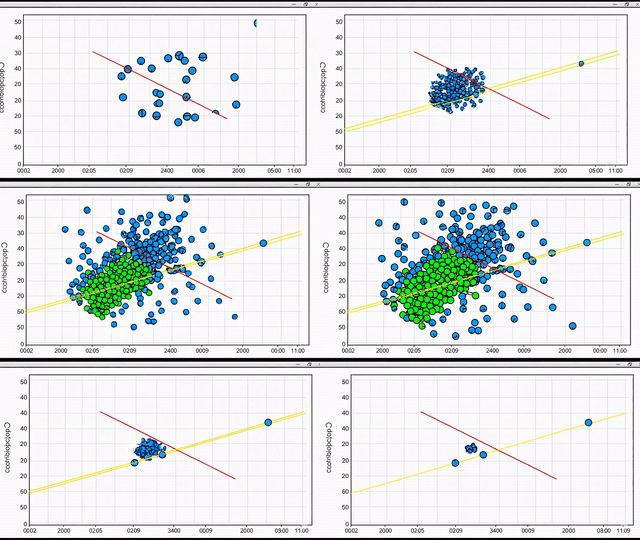
* Diffusion models (DALL-E) attempt at scatter plot:


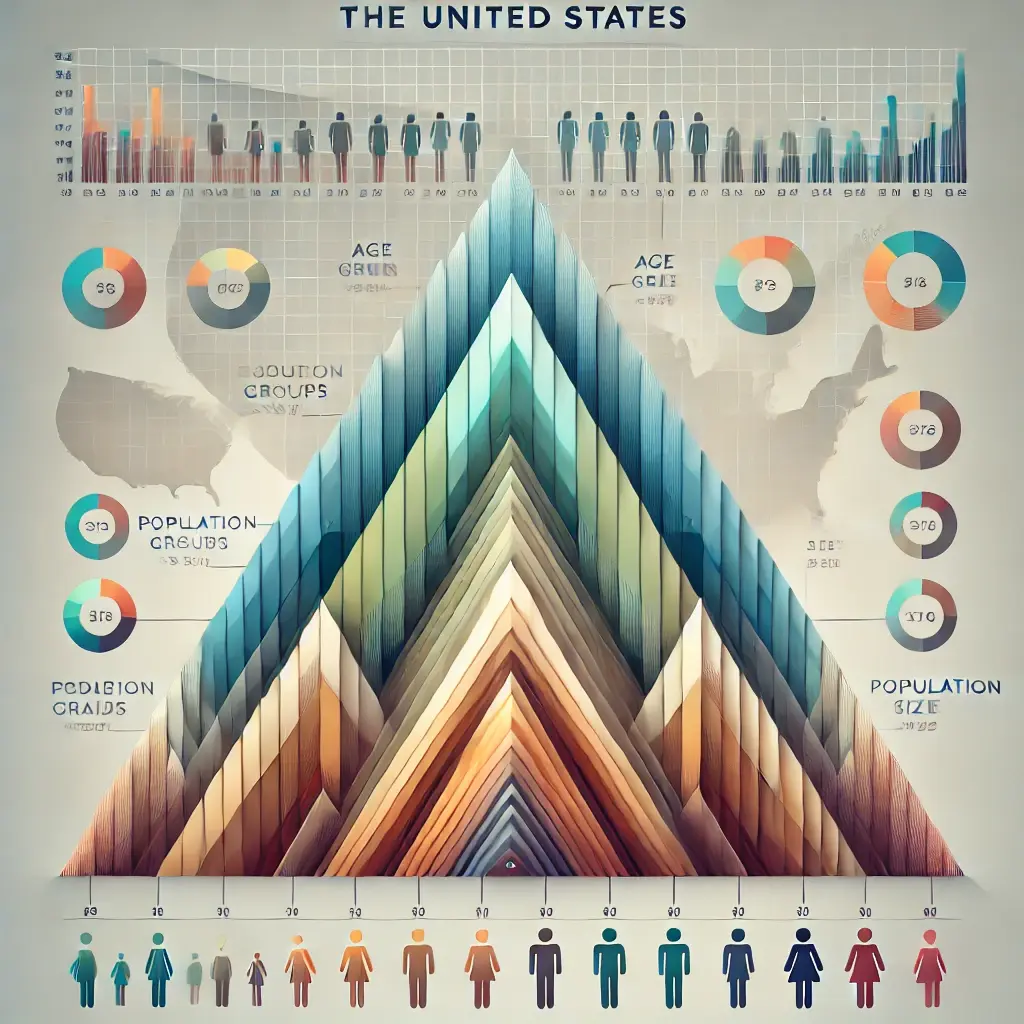
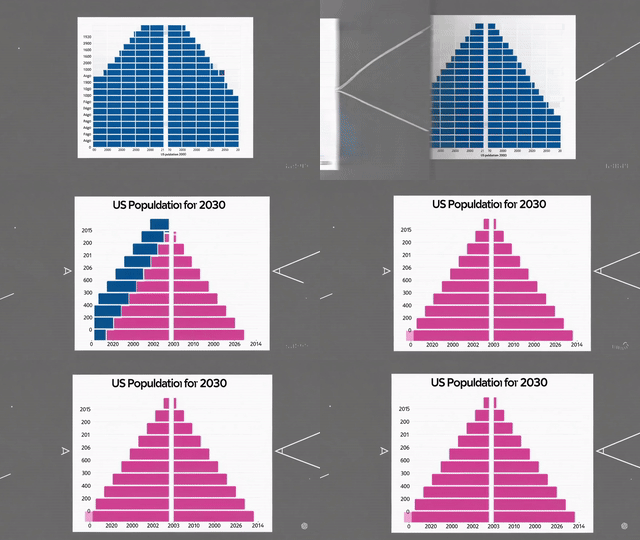
* Diffusion models (DALL-E) attempt at population pyramid for the US:

---
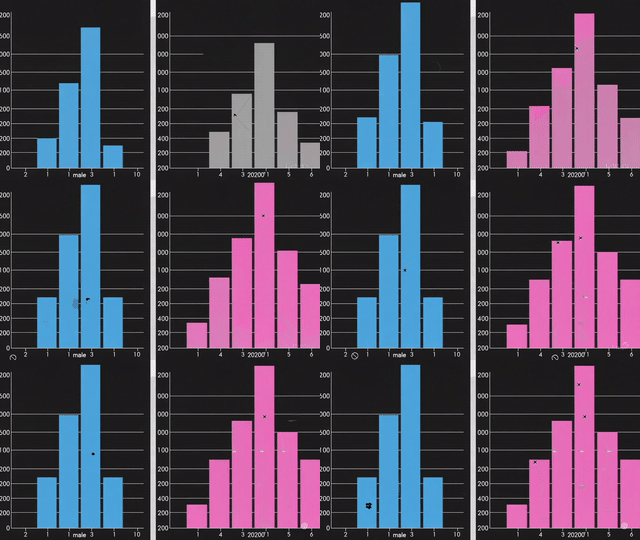
When the same prompts are given to Sora (OpenAI's video model):
---
Now, a different approach-- using Claude's "artifacts" to create interactive figures:
* [interactive animated population pyramid in react](https://claude.site/artifacts/3f1a2985-aed1-4bae-8b15-a964eb244d5a)
* [interactive scatter plots](https://claude.site/artifacts/ae31a5ae-a6e6-401f-b712-9a107ff88510)
<iframe
src="https://engsci297.vercel.app/pop-pyramid-1"
width="800"
height="600"
style="border: none;">
</iframe>
<iframe
src="https://engsci297.vercel.app/scatter-plot-1"
width="800"
height="600"
style="border: none;">
</iframe>
### working with the APIs
This goes beyond the scope of this workshop, but if you know a little code (or are happy to have OpenAI or Claude code for you), you can put many of the above maneuvers together (with all the additional things you can do with code) to create really quite powerful tools.
For instance, at [this link](https://colab.research.google.com/drive/1yvNOway6g0PJX9oi2NkbO3dadB4qJyNF?usp=sharing) you'll find a Python notebook that
1. can scrape [arxiv.org](https://arxiv.org/list/cs.AI/recent) for everything published in academic journals related to AI over the past week, then
2. it downloads each PDF and saves it to your Google Drive, then
3. it takes the text of the pdf and sends it to the OpenAI API for a summary, then
4. it Slacks you the results.
 Sign in with Wallet
Connect another wallet
Sign in with Wallet
Connect another wallet