---
tags: type-workshop, form-data-vis, PSY980T, add _PROJECTS_Metaprojects) undefined, student-guide, resource
---
# Resource Document for PSY980T: Graphic Design Workshop
## Workshop Recap
We are excited to work with you on your assignment! Here's a quick recap of what we did during the workshop:
* We found models of posters and social media posts online and shared the graphical design elements that made them effective. We also pointed out ways we might edit the models to make them more clear. Some questions we posed as important considerations when generating infographics were...
* How do I use **color** to organize my ideas and show the relationships among the components of my graphic?
* How does the **alignment** and the **proximity** of the different elements of my graphic communicate ideas?
* How and why might I want to implement **repetition** within my design to create a sense of unity and consistency?
* What **fonts** should I use and when should I use them?
* Are there places where text can be replaced with **icons** or other helpful graphical representations of the information?
* Can elements of my graphic be organized in a **structure** that communicates something about the relationships among the ideas (e.g., flowcharts, timelines, cycles, etc.)?
* When using tools like Canva, how can I avoid being pushed into a maximalist design in which graphics distract rather than support the big ideas?
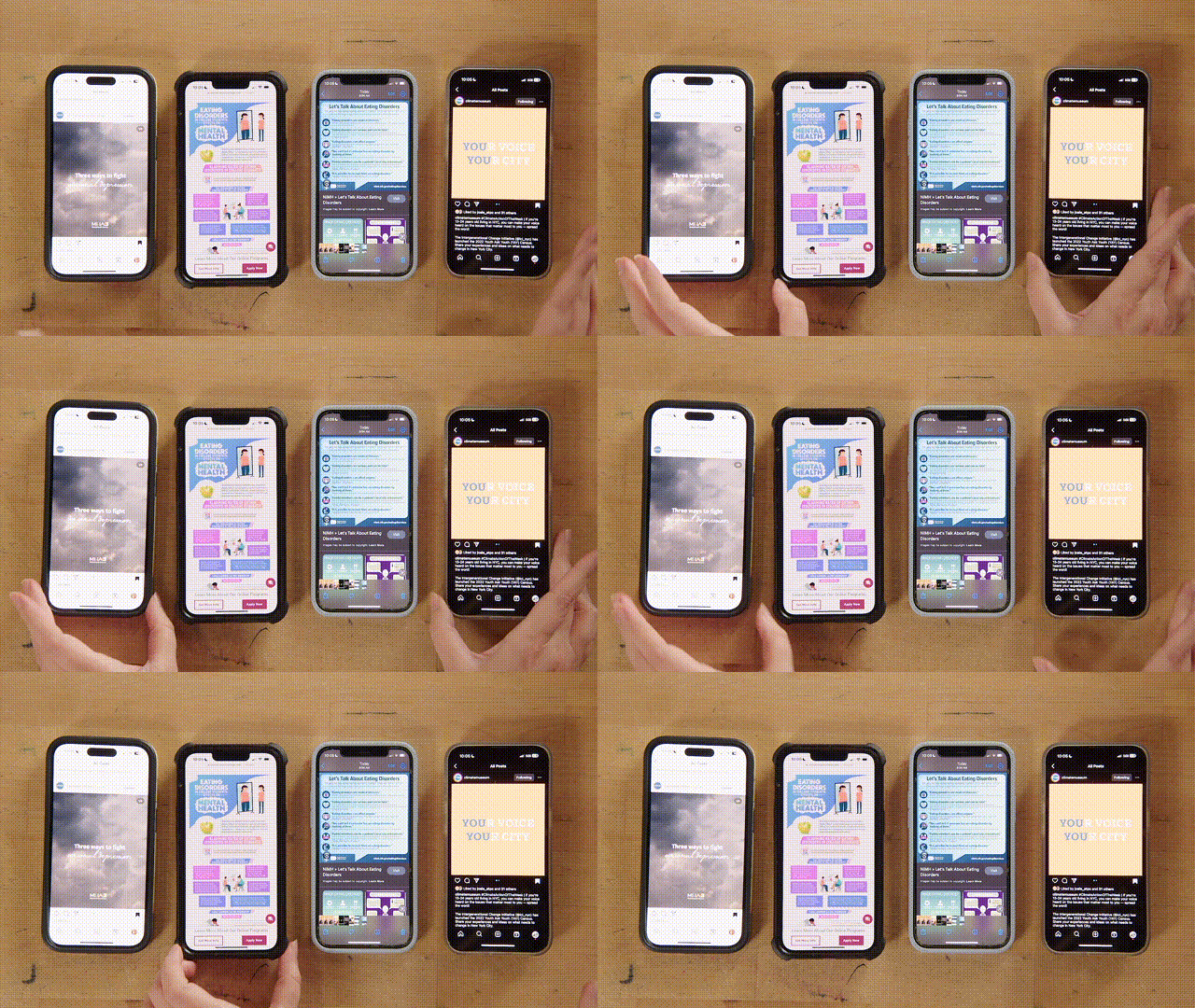

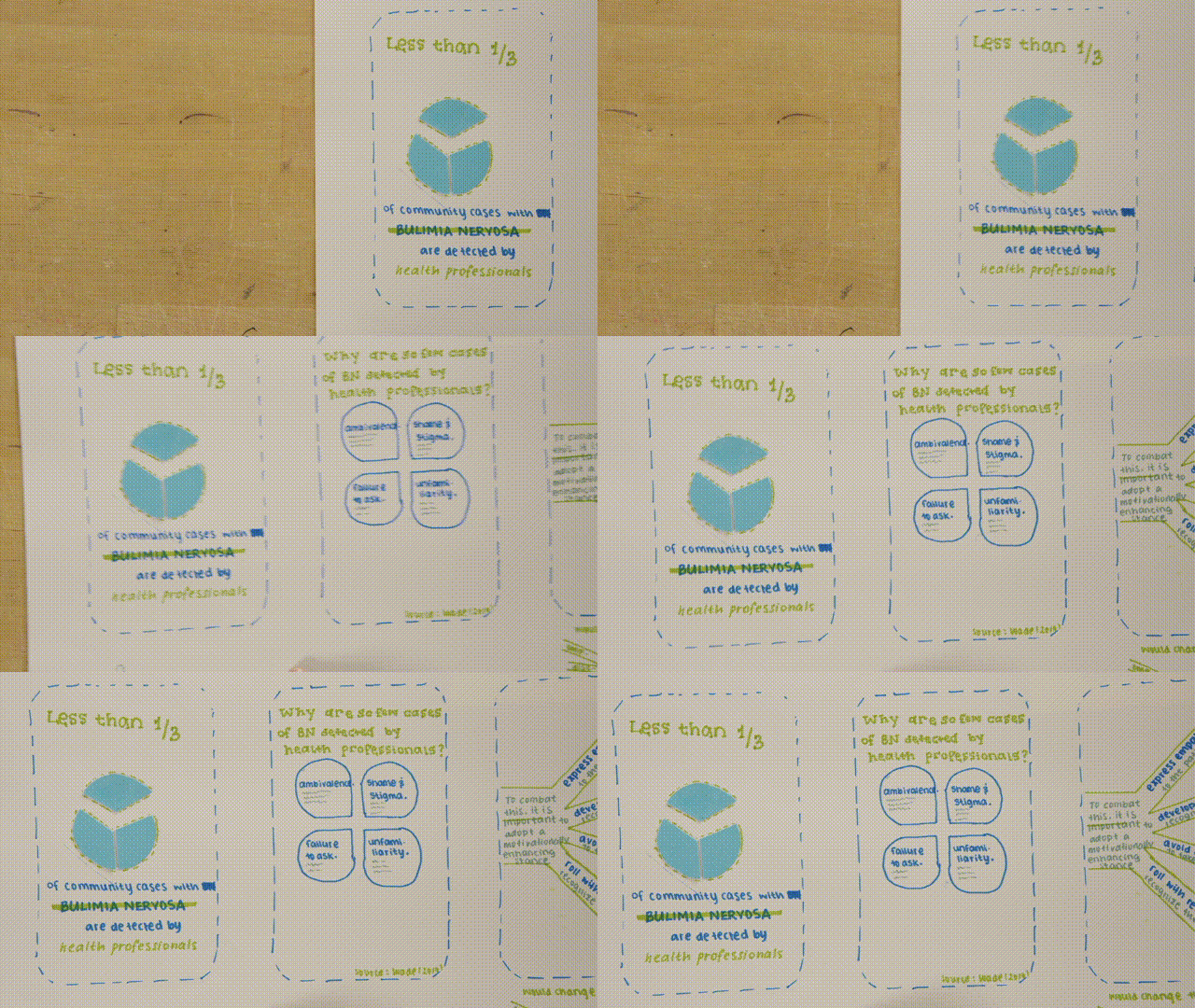
* We did an activity in which prototyped the final project for the class.
* First, we thought about how abstract concepts can be displayed graphically (e.g., expressing the idea of "lead to" graphically might be accomplished with arrows between elements to convey flow).
* We then prototyped posters, social media posts, etc. using paper and other craft supplies. Several students shared their work and the reasoning behind their design choices.
## Helpful Resources
Here is a list of resources with advice on how to create effective graphics.
### General tips
#### Books available through HOLLIS
* Duarte, N. (2008). *Slide:ology : the art and science of creating great presentations* (First edition.). O'Reilly Media.
* Frankel, F., DePace, A. H., & ProQuest. (2012). *Visual strategies : a practical guide to graphics for scientists & engineers.* Yale University Press
#### Online Resources
* [Graphic Design Foundations: Layout and Composition](https://www.linkedin.com/learning/graphic-design-foundations-layout-and-composition/introducing-the-foundations-of-layout-and-composition?u=2194065)
* [Adobe Color Contrast Analyzer](https://color.adobe.com/create/color-contrast-analyzer)
### Canva
* [Canva tutorials](https://www.canva.com/designschool/tutorials/)
* [Canva LinkedIn Learning](https://www.linkedin.com/learning/learning-canva-2?trk=learning-serp_learning-search-card_search-card&upsellOrderOrigin=default_guest_learning)
### Adobe Illustrator
* [Adobe tutorials](https://helpx.adobe.com/illustrator/tutorials.html)
* [Illustrator LinkedIn Learning](https://www.linkedin.com/learning/illustrator-2022-essential-training?trk=learning-topics_learning-search-card_search-card&upsellOrderOrigin=default_guest_learning)
* [Illustrator for scientists video series](https://www.youtube.com/watch?v=z2bcqyRxFrI&list=PLhKpKEPEAauYIsyjnIN2YXztNo7BrZVxQ)
### PowerPoint
* [PowerPoint infographic making LinkedIn Learning](https://www.linkedin.com/learning/powerpoint-creating-an-infographic?trk=learning-serp_learning-search-card_search-card&upsellOrderOrigin=default_guest_learning)
* [PowerPoint for scientists video series](https://www.youtube.com/watch?v=c4tsCXR_B3Y&list=PLaX2vrGncQxhg79Iz5mlXCA22_-HD6hny&index=16)
### InDesign
* [InDesign tutorials](https://helpx.adobe.com/indesign/view-all-tutorials.html)
* [InDesign LinkedIn Learning](https://www.linkedin.com/learning/indesign-2023-essential-training/indesign-learn-the-fundamentals?u=2194065)
* [Intro to Graphic Design with InDesign](https://www.linkedin.com/learning/introduction-to-graphic-design-indesign/introduction-to-graphic-design-using-indesign?u=2194065)
### Inkscape
* [Inkscape tutorials](https://inkscape.org/learn/tutorials/)
* [Inkscape LinkedIn Learning](https://www.linkedin.com/learning/inkscape-essential-training-9975138?trk=learning-serp_learning-search-card_search-card&upsellOrderOrigin=default_guest_learning)
* [Inkscape for scientists video series](https://www.youtube.com/watch?v=eyqH0IrzYLc&list=PLxtauMB7RON_2tg-mRQTuieFUr29IOKzW)
## Get more help!
Visit help.learninglab.xyz for more help on your project.
 Sign in with Wallet
Connect another wallet
Sign in with Wallet
Connect another wallet