# Manipulate or create an image
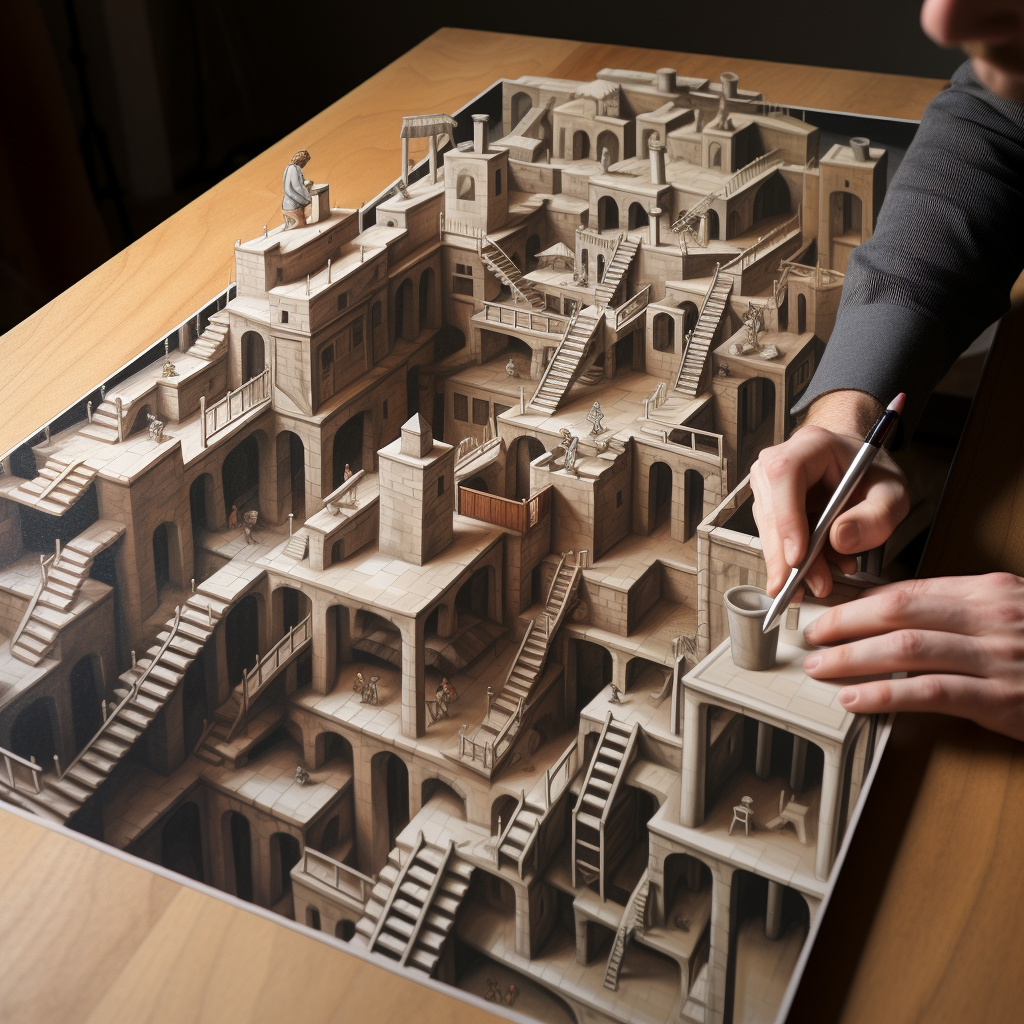
prompt used: "sketching something into reality, escher"
## description
Students can use an image generator to manipulate or render an image. For instance, AI tools can render images into different mediums--changing a pencil sketch into an oil painting--or it can be prompted to create an image in the style of a particular aesthetic movement or school. This activity could allow students to isolate or highlight key features of particular mediums (e.g., the brushstrokes in an oil painting), or it could help them create striking visuals to accompany their work (an action which previously would have required considerable artistic skill and time).
## activity
1. Accessing Midjourney:
* Visit the [website](https://www.midjourney.com/home/?callbackUrl=/app/)
* Alternatively, you can directly join the Midjourney Discord by accessing the link: https://discord.gg/midjourney.
2. Using Midjourney on Discord:
* Once you're in the Midjourney Discord, to subscribe and start interacting, type `/subscribe` in the message field and press enter.
* To create AI-generated artwork, initiate a prompt by entering “/” followed by “imagine” and then specify the prompt you want Midjourney to create for you.
* here is a [tutorial](https://docs.midjourney.com/docs/explore-prompting) on prompting
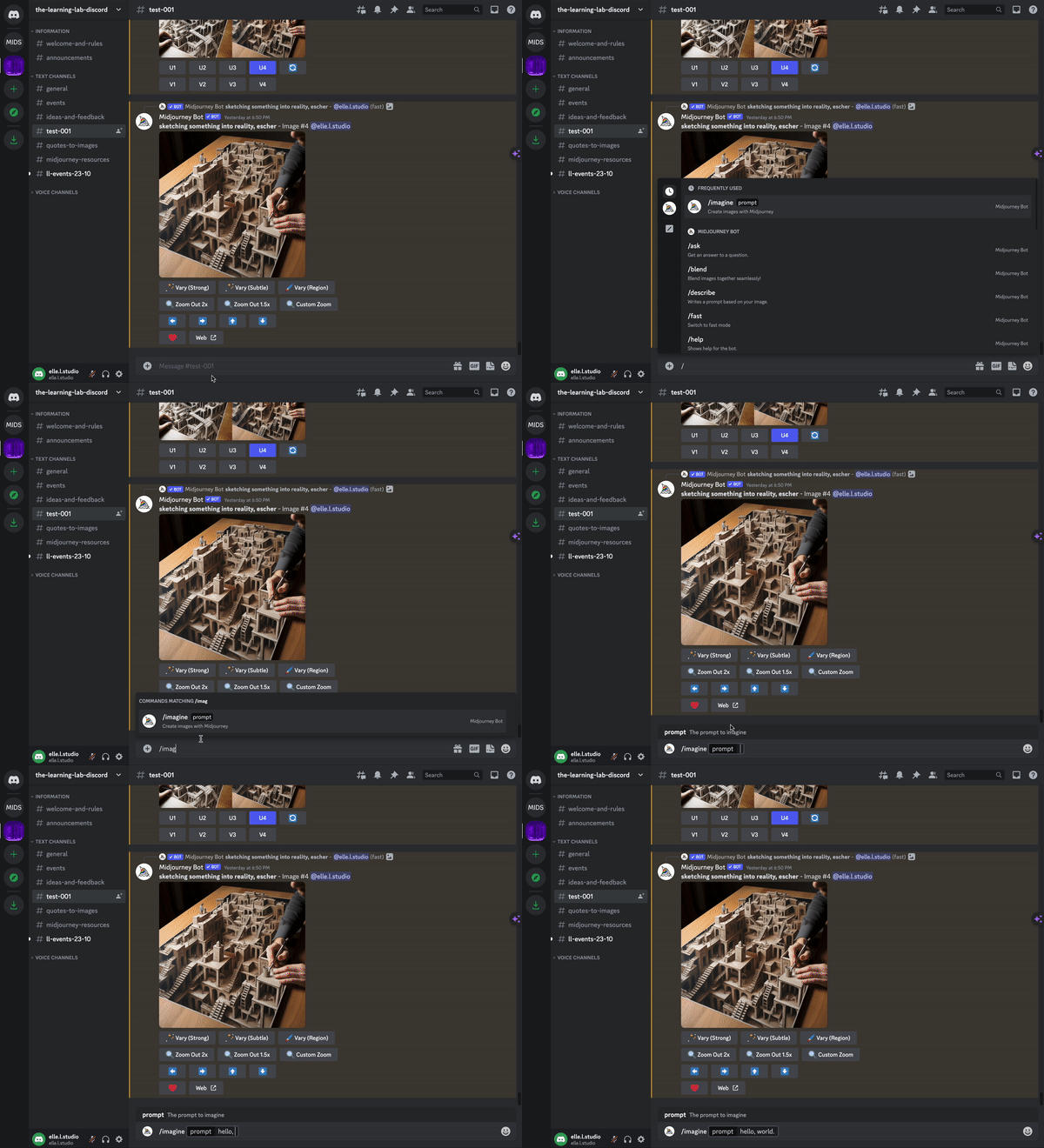
3. Describe in writing a scene that you'd like depicted
* Reflect on the details in your prompt that Midjourney seems to have foregrounded in the image it produces
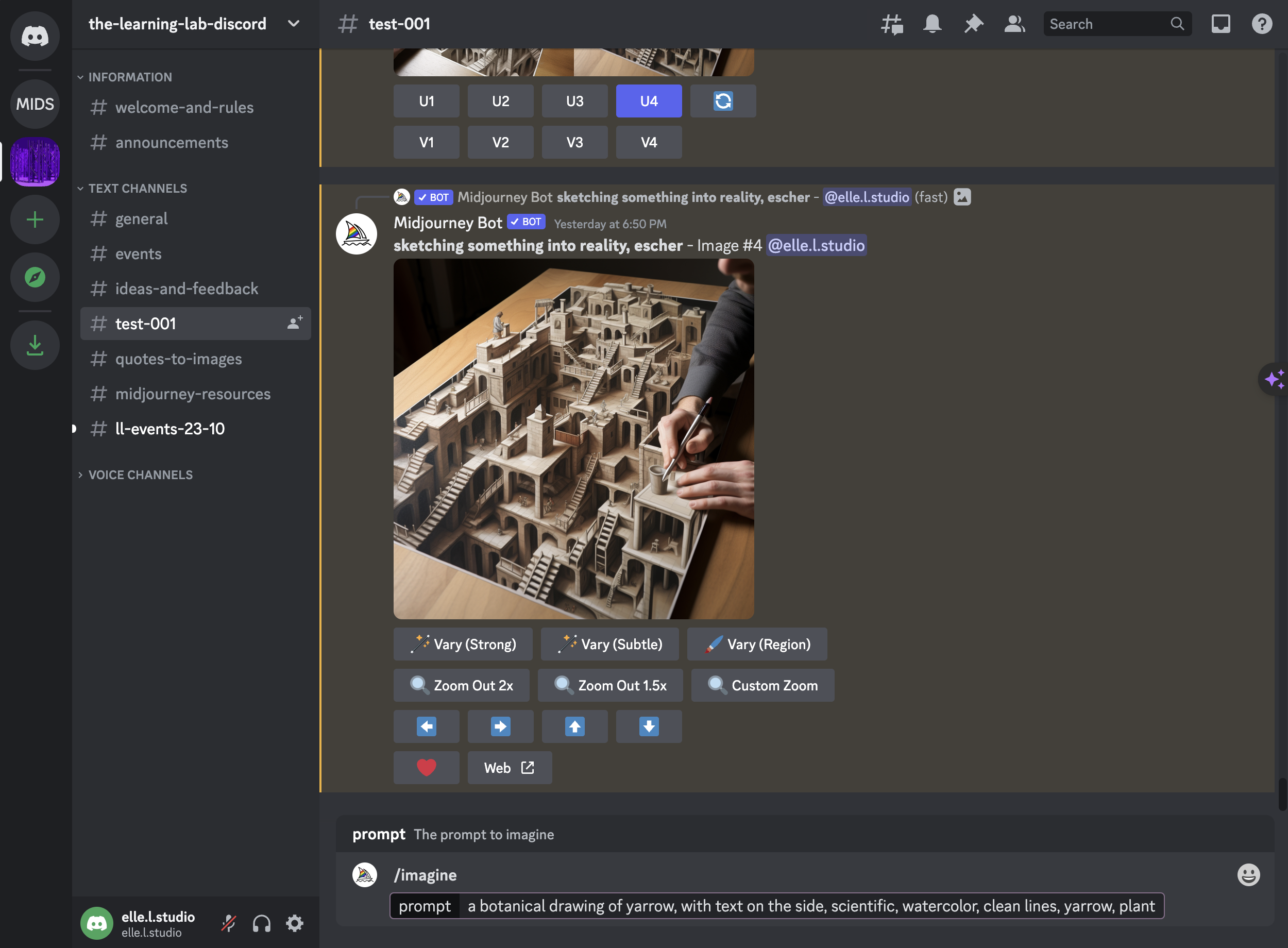
4. Select your image
* Midjourney produces images in sets of four for a given response. They are number left to right, top to bottom.
* Upgrading selects one image and enlarges it:
* U1= upgrading the image in the top left
* U2= upgrading the image in the top right
* U3= upgrading the image in the bottom left
* U4= upgrading the image in the bottom right
* Variating takes your chosen image and creates four more options.
* V1= variates the image in the top left
* V2= variates the image in the top right
* V3= variates the image in the bottom left
* V4= variates the image in the bottom right
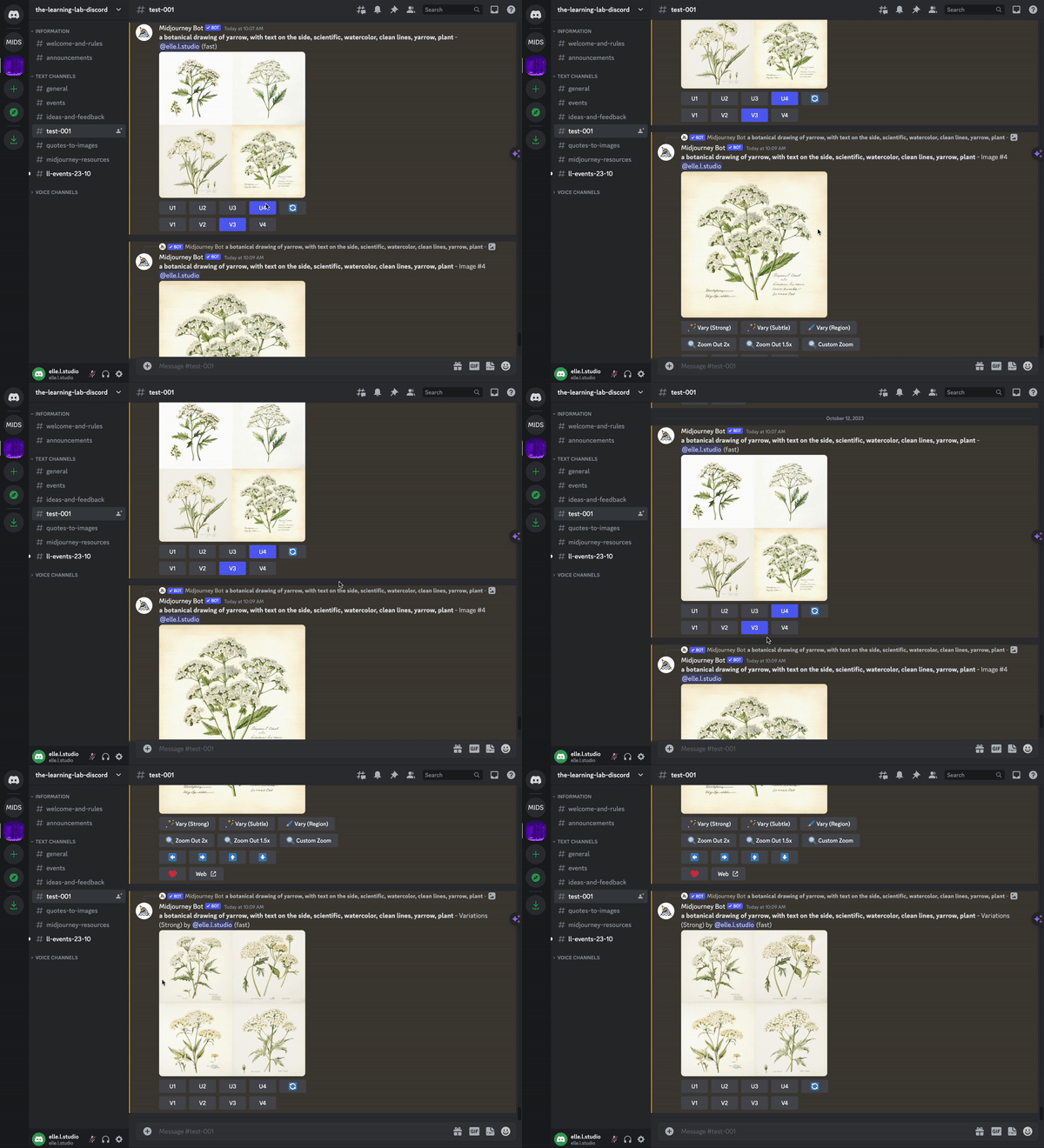
6. Then, ask the AI to render this scene across different mediums; for example, you could ask it to make the image:
* first as a pencil sketch
* then as a woven tapestry
* then as a charcoal drawing
NOTE: to do this, you need to take your original drawing, and get a publicly hosted link for the image. We use slack for this.
---
## Transcript of activity example:
* USER:
* a botanical drawing of yarrow, with text on the side, scientific, watercolor, clean lines, yarrow, plant
* AI:
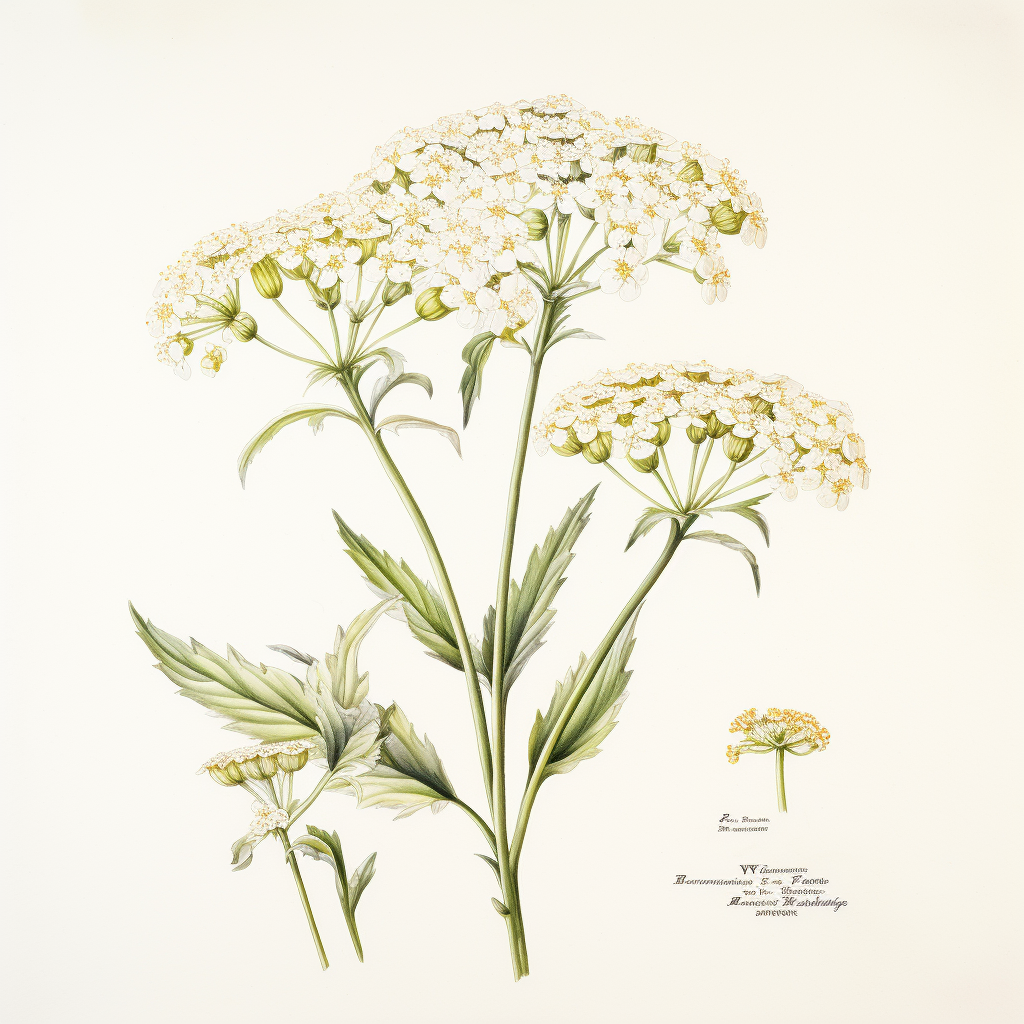
the pencil sketch:
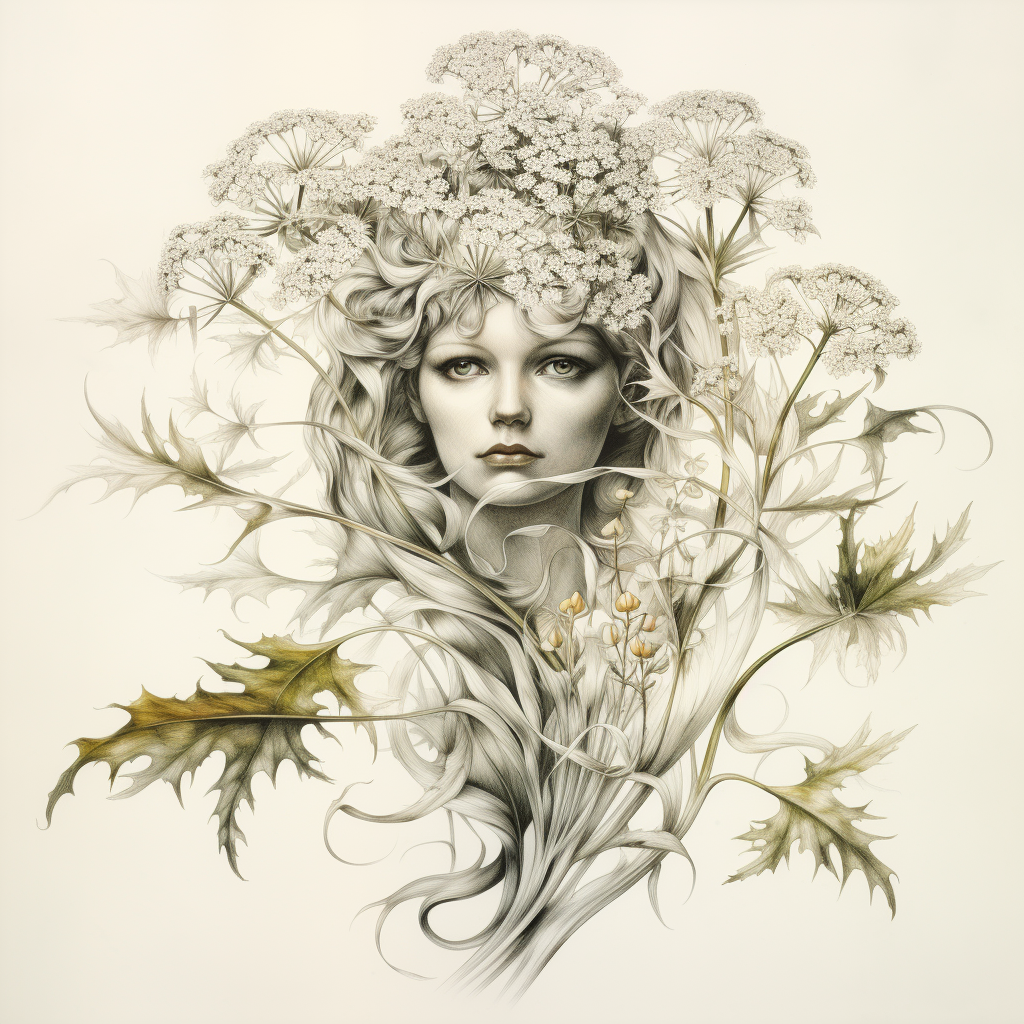
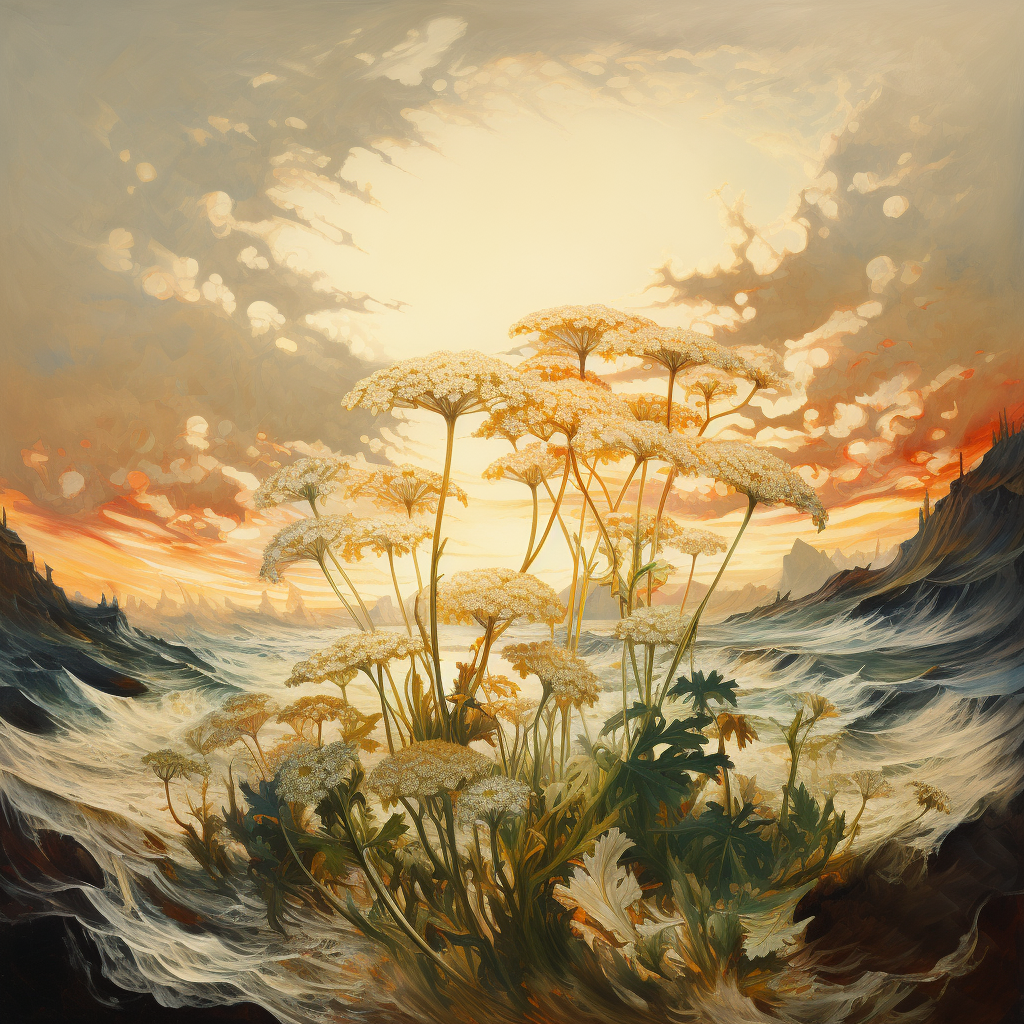
as an oil painting:
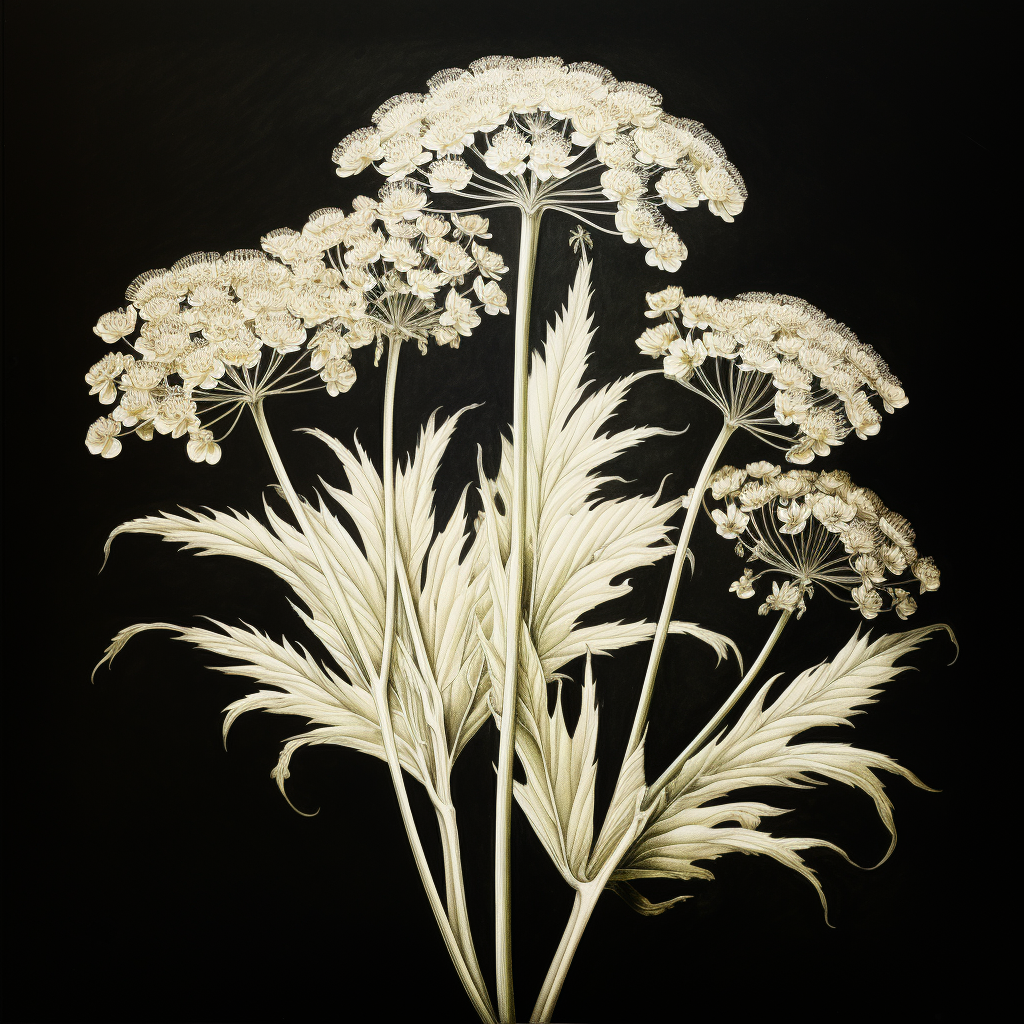
then as a charcoal drawing:
 Sign in with Wallet
Connect another wallet
Sign in with Wallet
Connect another wallet