---
tags: AFVS, AI, resource
---
# AFVS STABLE DIFFUSION Resource Guide
## Stable Diffusion Resources
* [Stable Diffusion Download Guide](https://hackmd.io/KD-3TJCiSu-IH3xfLia7GA?view)
* Buckle-up, buckaroo. To use stable diffusion, you'll need to learn some code.
* But don't worry, it isn't too scary. I say this as a former Folk&Myth concentrator
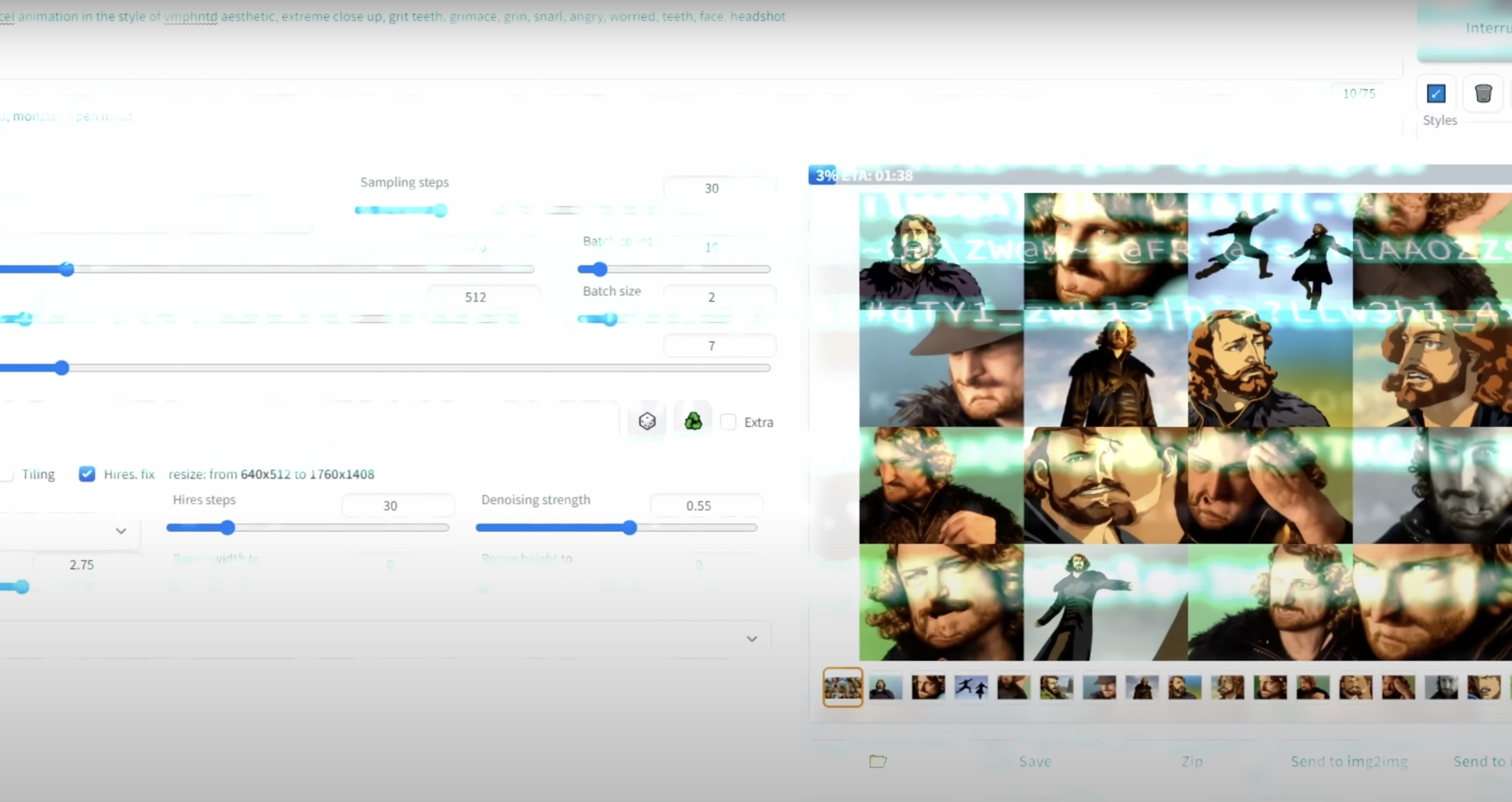
If you need a little a more concrete overview that gets you excited to code, you're in luck! Enjoy this tutorial video below:
* [Video Guide for SD Animation](https://www.youtube.com/watch?v=_9LX9HSQkWo)
* 
* 
Stable Diffusion got ya down, but you still want a workflow that emulates the same process? Ready to iterate your own drawings ✨manually✨? Well, this is pretty good too:
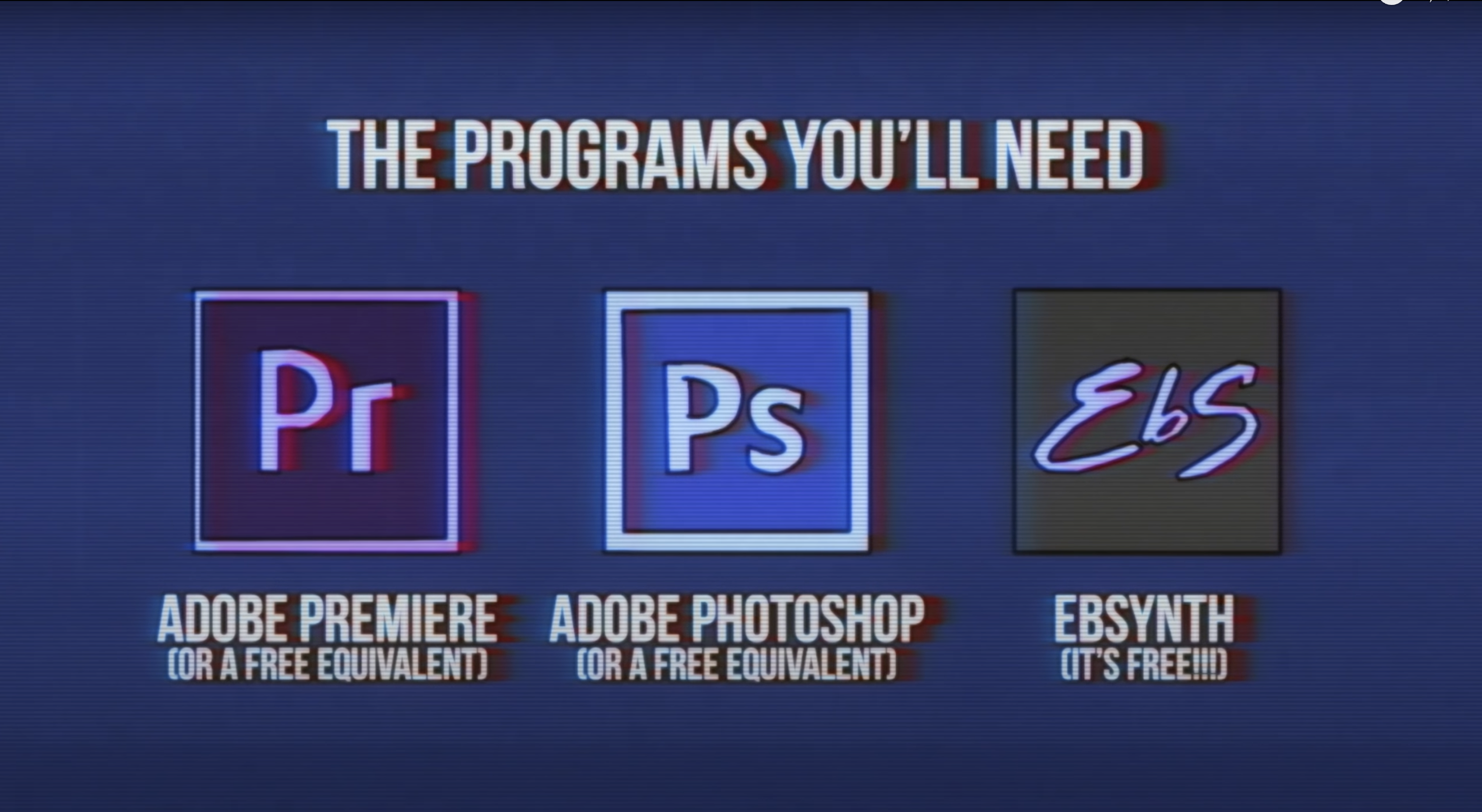
* [Manual Iteration Tutorial](https://youtu.be/tq_KOmXyVDo?feature=shared)
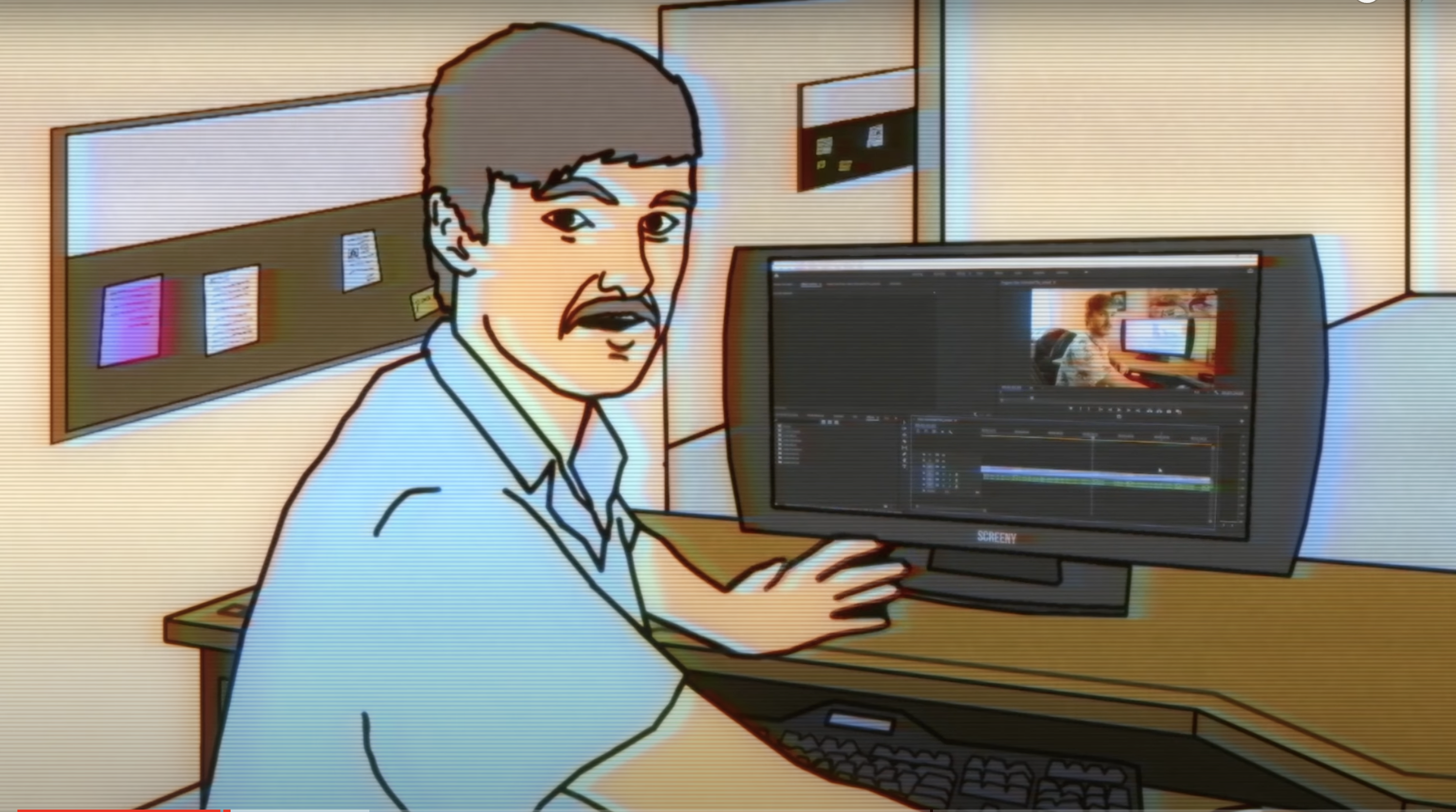
* For the above tutorial, here are some preview pics, as well as a handy visual of the tools used therein:
* 
* 
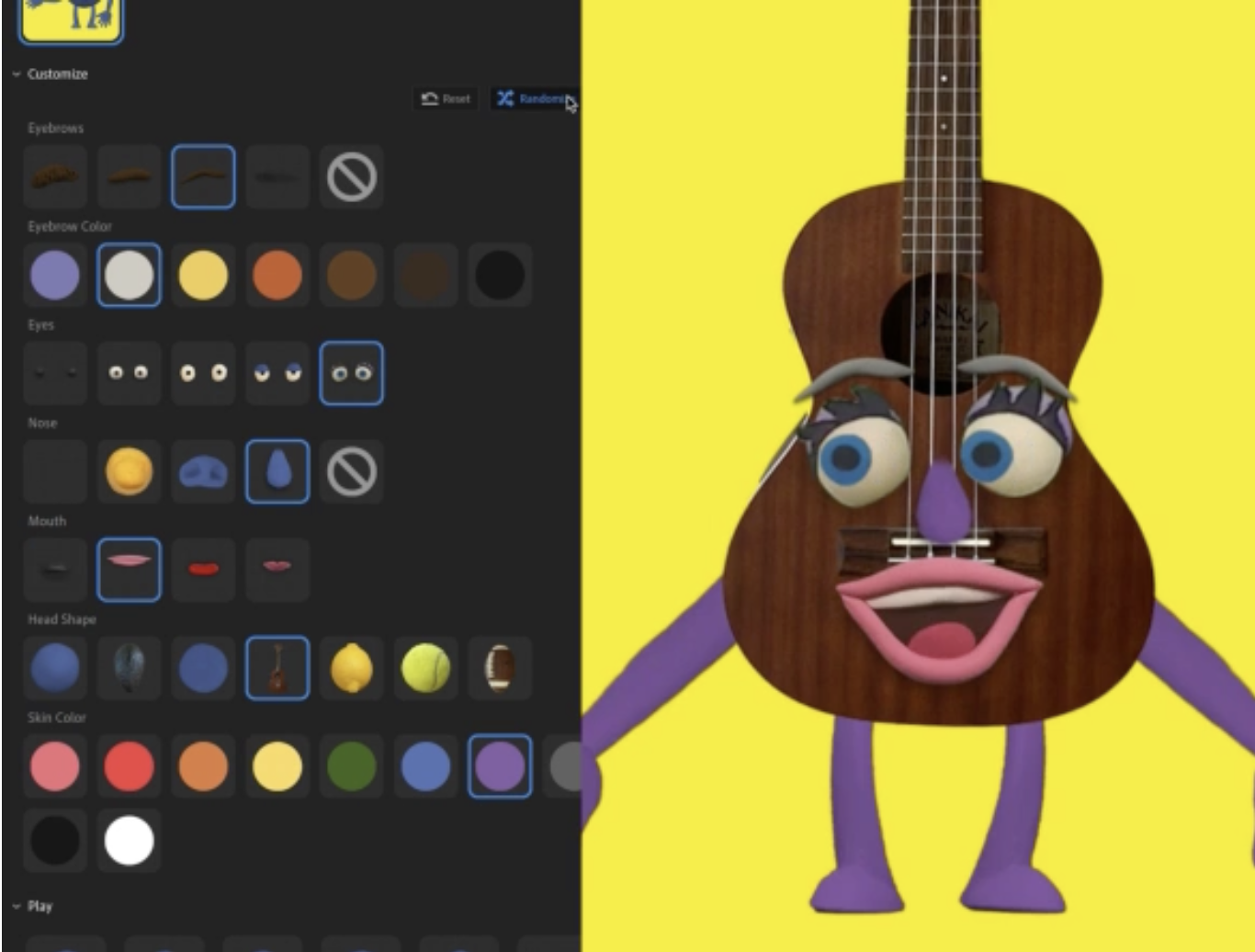
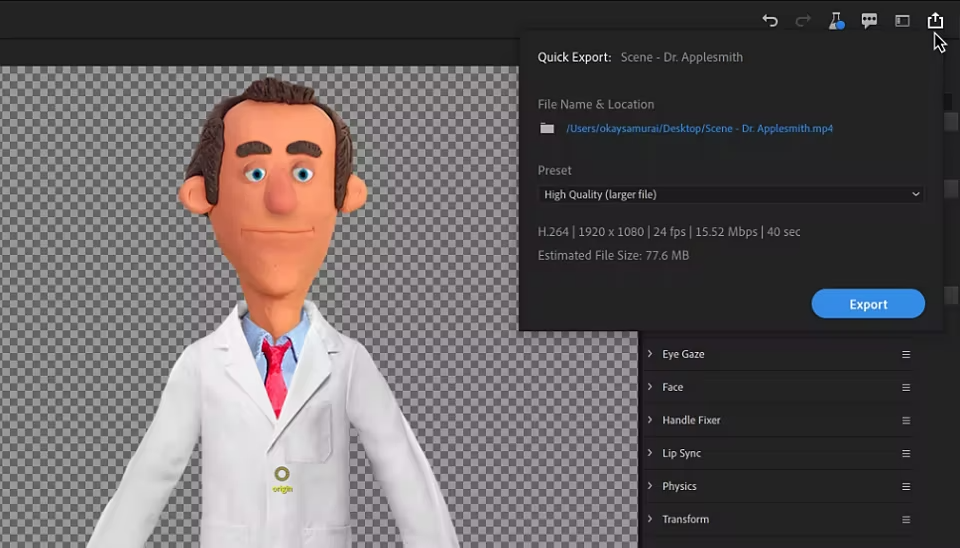
Or, maybe you wish you could retreat fully to the relative safety of the Adobe Creative Suite. Thankfully, our bois at Adobe are on top of this AI revolution, so they've been integrating a ton of tools and functions into their older library, including:
* [character animator](https://www.adobe.com/products/character-animator.html)
* Here's a [tutorial](https://www.youtube.com/watch?v=7GKCw4f1UrI) and some haunting animations to stare into your soul while you scroll down.
* 
* 
## Other "Animation" Tools:
These tools range from the ridiculously simple, to a discord bot, to a tool that requires the highest difficulty skill of all: 💸 money 💸 (or dozens of accounts, you pick)
First, I present to you:
* [✨Animated Drawings✨](https://sketch.metademolab.com/canvas)
* A fun workflow for this is to get a full-body character design from Stable Diffusion, Midjourney, or Dall-E, and then animate it with this ridiculously simple tool.
* [PikaLabs](https://www.pika.art/)
* This is the best for creating very cinematic montages. This isn't animation *per se*, but you can make wondrous things with it.
* NOTE: As usual in this AI game, your creations will be public and fairgame for everyone else, comrade.
* [PikaLabs Tutorial](https://www.youtube.com/watch?v=e2VEkTpOlR8)
* [RunwayML](https://runwayml.com/)
* Write this name down and maybe buy some stock (this is not financial advice, but a joke you can decide to take seriously or not). RunwayML is the not-yet-an-industry standard. Unfortunately, it is very expensive, and you may need to start a VC to convince a finance bro to pay for it.
* NOTE: But nay, says my colleague. You techically *can* get something for free from Runway: one clip, 15 seconds max. If only you had dozens of emails to make acounts with.
* [RunwayML Tutorial](https://www.youtube.com/watch?v=Uzuk4vraXpA)
 Sign in with Wallet
Connect another wallet
Sign in with Wallet
Connect another wallet