# Create a storyboard
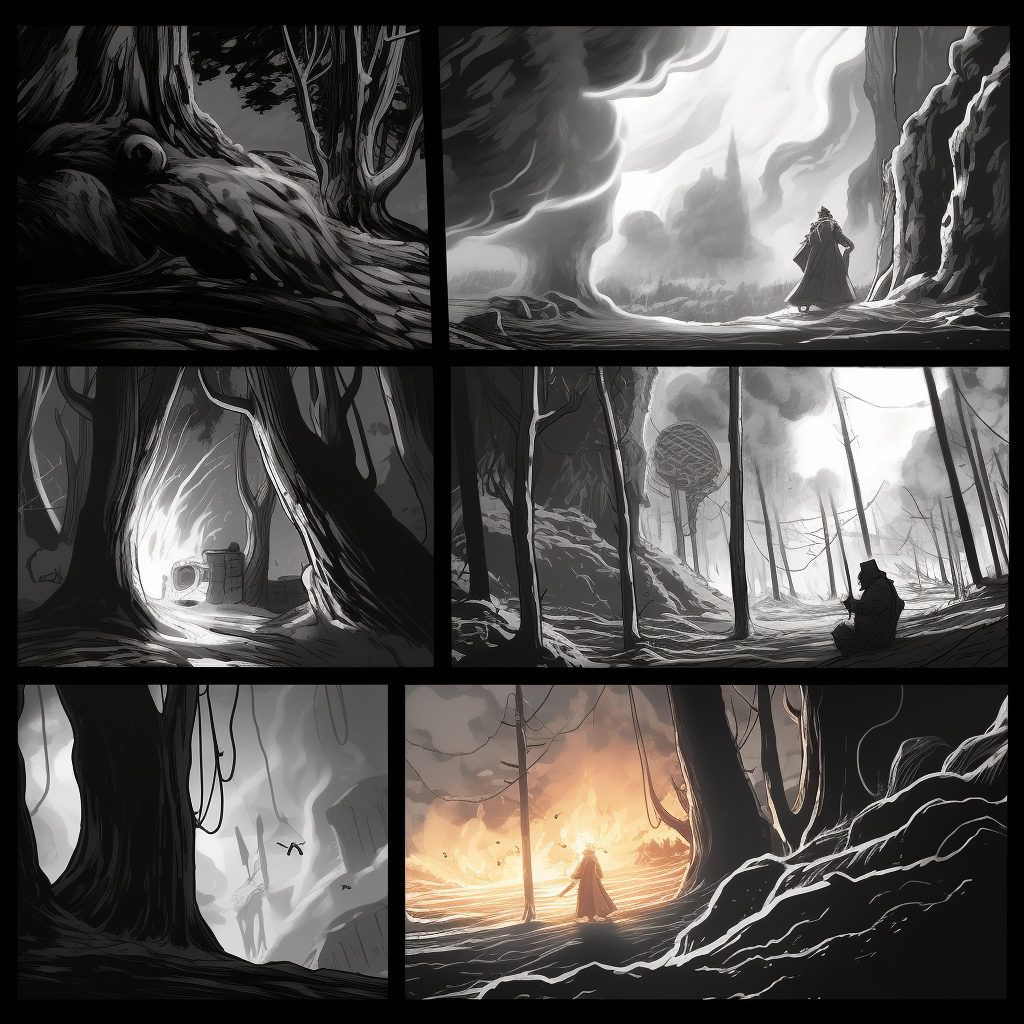
prompt used: "Create a storyboard"
## description
As students develop ideas for a multimodal form like a video essay, podcast, or short film, they could use an AI tool to create a storyboard for their multimodal project. Students could prompt the AI to help them think about the sequencing and organization of their project. In instances where students are encouraged or required to write an artist's statement to accompany their multimodal project, the prompts they give to an AI to help them produce the creative work (including the storyboard) could essentially become that artist's statement. The student will need to reflect, refine their prompts and ideas, and make determinations that are visual in nature in order to get a rich and effective storyboard.
Depending on how crucial the students' insights about structure and sequencing are, guidelines for appropriate use should be developed. The AI might give too much information about the type of content to be incorporated, or it could encourage an approach to the project (i.e., the types of shots comprising the film) that aren't achievable in the context of the course and the resources students have access to.
## activity
1. Log into chatGPT using the Harvard AI Sandbox
2. From search bar at the bottom of the page, specify whichever AI tool you'd like to use.
* for this activity, we recommend using chatGPT since it tends to be better suited than the other AI tools in the sandbox for creative tasks.
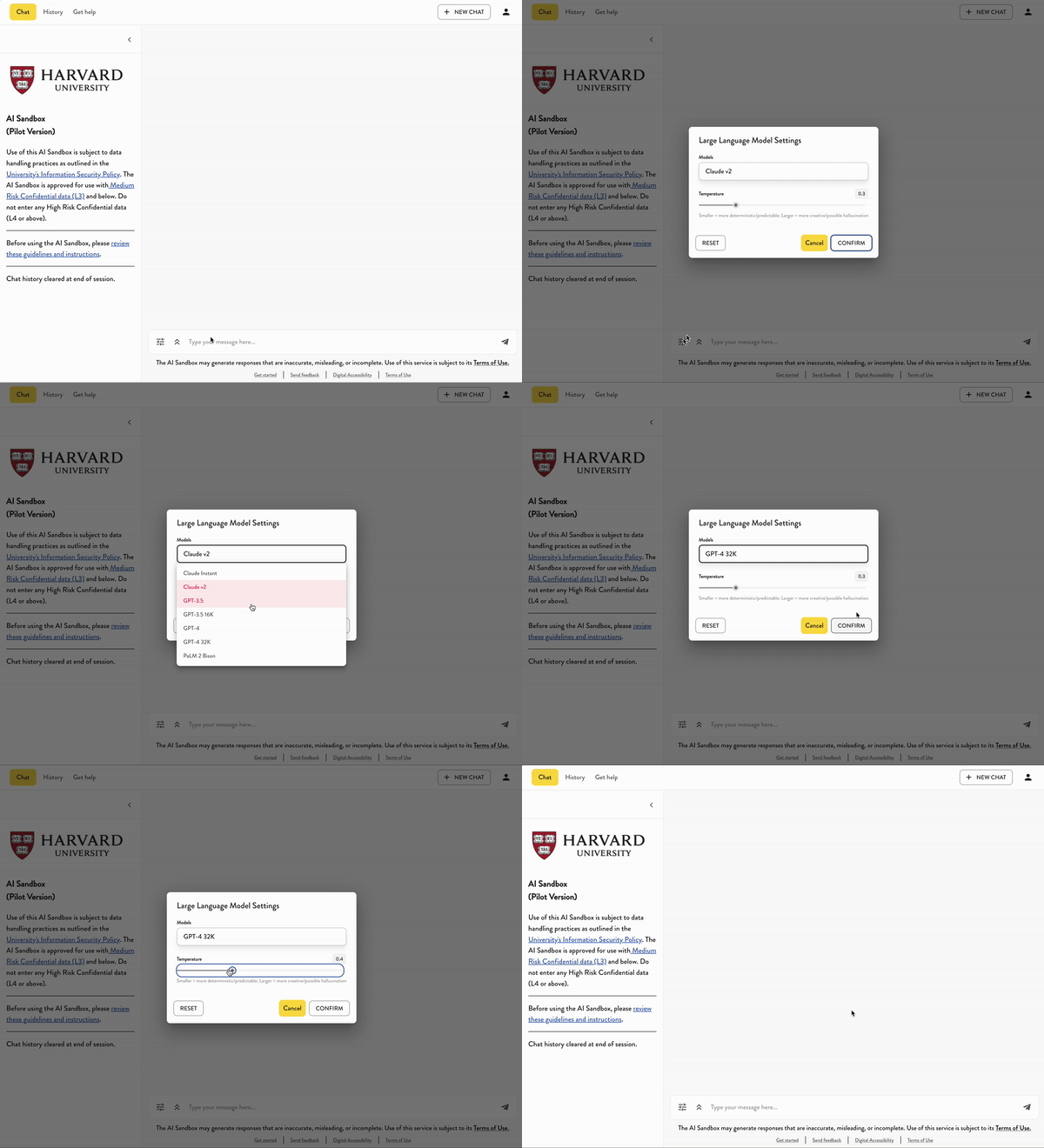
3. For this activity
* describe in one paragraph the subject of your film or podcast project.
* In one sentence, specify how long this film or project will be.
* Specify how many frames you'd like the storyboard to have (e.g., six)
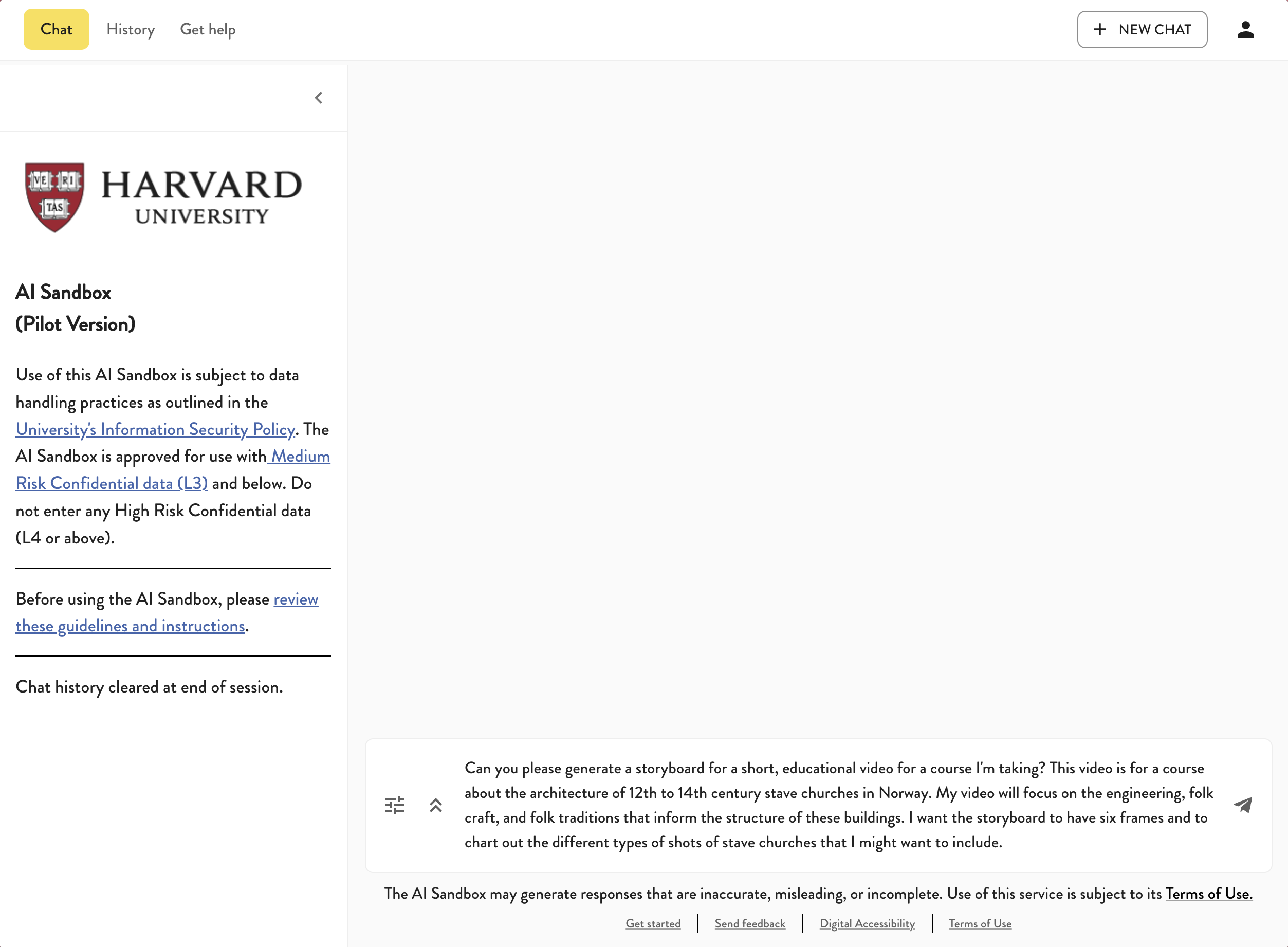
4. Though the AI tools in the Harvard AI sandbox cannot generate images, we recommend experimenting with image generators like Midjourney or Dall-E to see if they're capable of producing the types of storyboards you envision your students making.
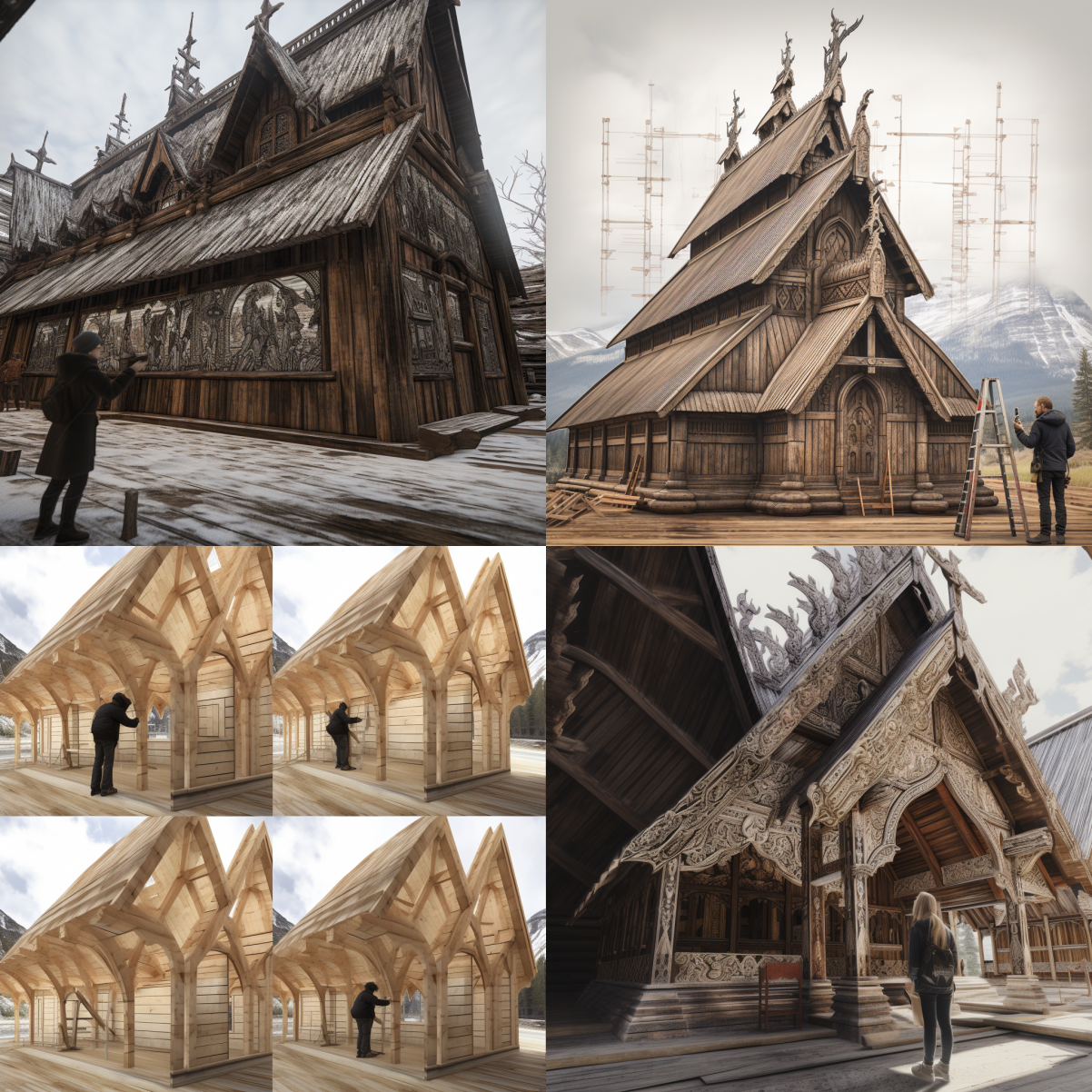
* For instance, here is a generated image from midjourney, which was fed the information generated within the sandbox LLM chat.
---
## Transcript of activity examplE:
* USER:
* Can you please generate a storyboard for a short, educational video for a course I'm taking? This video is for a course about the architecture of 12th to 14th century stave churches in Norway. My video will focus on the engineering, folk craft, and folk traditions that inform the structure of these buildings. I want the storyboard to have six frames and to chart out the different types of shots of stave churches that I might want to include.
* AI:
* Frame 1:
* The first frame sets the stage by showing a panoramic view of a beautiful Norwegian landscape at dawn with mountains, fjords, and a stave church in the distance. There’s a text overlay that says, "Discover the architectural marvels of 12th to 14th century stave churches in Norway."
* Frame 2:
* The second frame zooms in on the stave church, with a close-up of the detailed carvings on the wooden panels. The screen splits to show a craftsman's hand carving a piece of wood, symbolizing the folk craft. Text overlay: "Understand the intricate folk craft behind these architectural masterpieces."
* Frame 3:
* The third frame transitions into the interior of the stave church, showcasing the architectural design and craftsmanship. The frame features a 3D blueprint of the church's structure with an overlay of engineering schematics. Text overlay: "Dive into the engineering marvels of these ancient structures."
* Frame 4:
* The fourth frame introduces the cultural aspect. It shows a reenactment of a folk tradition or festival happening around the stave church, with the locals wearing traditional Norwegian attire. Text overlay: "Explore the rich folk traditions surrounding these structures."
* Frame 5:
* The fifth frame presents a classroom setting with students engaged in an interactive lecture about stave churches. Text overlay: "Join our university course and immerse yourself in the world of stave churches."
* Frame 6:
* The final frame is a call to action. It shows the course's logo, title, and a "Register Now" button. In the background, there's a montage of the stave church, folk crafts, and the classroom scene. Text overlay: "Enroll now and step into the history of Norwegian stave churches."
* MIDJOURNEY CREATION:
 Sign in with Wallet
Connect another wallet
Sign in with Wallet
Connect another wallet