# COMPLIT200 GROUP 1 RESOURCE DOC
*This is a living document. This will be continually updated and populated to reflect the needs and developments of GROUP ONE.*
## OVERVIEW
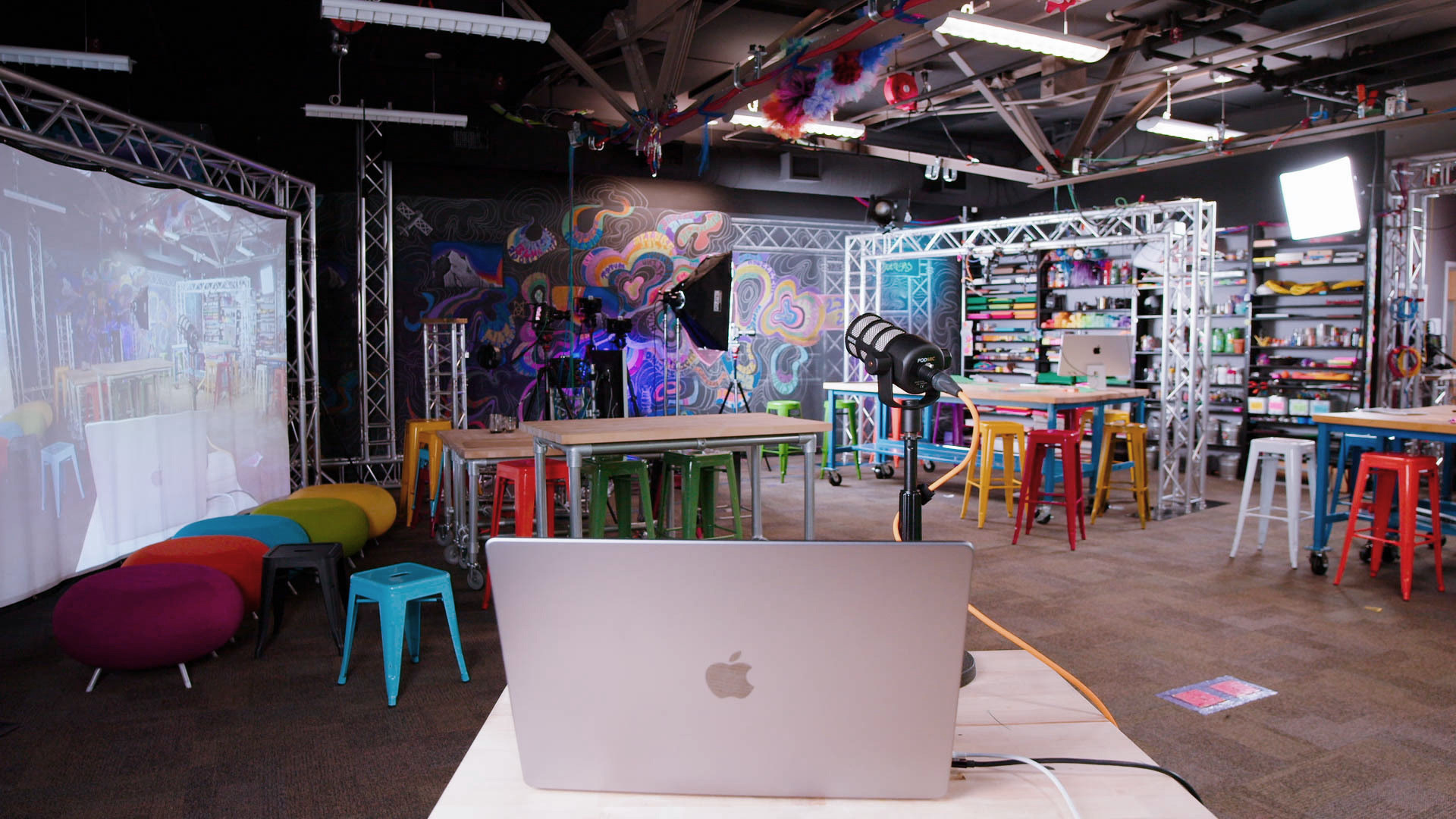
Welcome to the Learning Lab! Our studio, supplies, and people are here to support you as you work on your group projects for Comp Lit 200 this month.
Here are the key steps:
* FIRST WORKSHOP (April 1st):
* during this workshop will introduce you to the LL and the materials and people who are here to help you
* you will be encouraged to work together as a group to develop your production plan (and, in particular, to determine whether you may need to use any resources we have or resources we can quickly source for you)
* SECOND WORKSHOP (TBD):
* during your second visit (on either April 8 or April 15) we can have the space set up with the materials and tools required for you to work as a team on your project (i.e. computers with software and API keys installed, block printing supplies, cardstock, etc.)
* ADDITIONAL WORKTIME (TBD):
* if you would like to come back as a group to work together in the space or set up time to capture media in our studios, you can contact learninglab@fas.harvard.edu and we would be delighted to host you if we can schedule a time (note: we are holding Monday afternoons even after the first 3 workshops)
---
## TOOLS
We have an array of tools and accounts you can use while working on this project. The following list will be edited and augmented as we learn what your group is working on. For each of these tools we have fellows and staff who can help you learn and troubleshoot.
### AI TOOLS
* API keys for:
* openAI (recommended)
* gemini
* bedrock
* Playgrounds:
* openAI
* gemini
* Image generation
* midjourney
* dall-e (through the openAI API)
* Stable Diffusion
* Code:
* samples for the most commonly used API methods for OpenAI and Google Gemini available on request
* undergraduate Generative AI Course Assistants available for feedback and support.
* AI-Augmented Tools:
* adobe creative suite
* canva
* Studio Integrated Tools:
* audio transcriptions
* camera vision (overhead)
### MEDIA TOOLS
- Studio Space
- overhead camera
- green screen
- stage
- front-facing camera
- audio
- Software
- full adobe creative suite
- clip studio art
- music tools:
- logic, garage band, etc.
- 3D tools:
- blender, unity, unreal
### ART TOOLS
- general art supplies
- paper
- cards
- cardstock
- paper rolls
- specialty paper
- pens and markers
- specialty art types:
- buttons
- wood block printing
- inking
- chalk
- building
---
## LEARNING LAB TEAM
Our team is psyched to support you. Here's an outline of the folks that you'll see helping out Mondays 3-5pm:
#### Bok Center staff
Marlon
Madeleine
#### Media & Design Fellows (MDFs)
Kevin
Lara
#### Learning Lab Undergraduate Fellows (LLUFs)
Ben
Talulah
#### Generative AI Course Assistants (GAICAs)
Indra
Josefina
Gonzalo
### Get in touch with us
The best way to reach out to any of the folks listed above, or to request individual consultations, resources, questions, or to **request group work-time in our space**, is by emailing **learninglab@fas.harvard.edu** OR by submitting a form response through help.learninglab.xyz.
---
## 20240401 notes
 Sign in with Wallet
Connect another wallet
Sign in with Wallet
Connect another wallet