---
tags: workshop
---
# emr 163 planning doc
## course assignment
### Creating Your Own Comic
For this assignment, you will design and create your own mini-comic related to the course themes. No prior art experience will be required, and your work will not be graded on artistic quality, but on how it engages with the themes and texts we cover during the course. Alongside the mini-comic, you will write a 750 word metacommentary outlining your goals for the comic, how you are engaging with our primary and secondary texts, and the rationale behind your choices. Support for this activity will be provide by the Bok Learning Center which we will visit in-person during the semester.
## comic-workflow dev
* clip studio updates and plan
* capture of models and dolls
* making clothes for dolls
* auto background removal
* auto panels and balloons
* photo series for sequential art activity
* panels
* Ps and other comic-book-looks
* standard pencil-ink-color-lettering trajectory
* printing and stapling and cutting
* identify anything we need to purchase today
* save and print course readings from canvas
* mechanics to include
* photos of them on stage
* their own personal narratives
* closure in McCloud
* 5 panel micronarratives
* everyone walks out with a printed comic book
* make your graphic memoir
* snapchat and lens studio filters
* live capture / FCPX workflow
*
### more mechanics
* a story at the intersection of both students
* cut up some of the things they're reading
* clip studio
* panel to panel transitions
* drawing panels
* time/causality/speed/how things progress sequentially
* salient moments to tell us something/to show an action
* print out the mccloud transitions
* find a sample to emulate
* explain and why
* abstract out from their readings
* analyze a panel
* dialogue vs. narration
- icebreaker
- record actions
- print strips
- action
- origin stories (for each individual)
- dialogue
- print in isolation and just paste on?
- probably good to send a resource after the fact with the range of tool options + links
## notes
### mw
*workflow concept/idea:*
* **opening **
* framing
* examples of exemplary comic mechanics + mccloud
* challenge introduction
* teams/individual?
* kevin's four panel layouts
* **challenge**
* fill out your panels with a short narrative arc
* mix of dialogue/images
* **images**:
* *pregenerated/styled*
* objects:
* similar to the video games class, print out many objects in many different styles (we could also use the hh-generator colab for this?)
* we would preprint this, so it would only be a resource
* cars, tombstones, ships, etc.
* backgrounds:
* pretty common in comics/animation to separate backgrounds and subjects into different workflows. This would be especially useful for anyone hand-drawing for the class
* various backgrounds (indoors/outdoors) in various styles
* *from-photo workflow*
* 1-3 panels
* people/dolls:
* ways to capture images:
* photos of dolls
* photos of people
* 3D generations
* blender
* clip studio
* post-processing/styling:
* filters
* lens studio
* photoshop
* tracing
* parchment, transparents
* clip studio paint
* misc.
* adobe charcater animator
* assemblage:
* students will assemble a misture of pregenerated images and backgrounds with their in-workshop created images on their panel (printing, cutting, gluing)
* **do we allow any movement/multimodal transformations of the panels? pop-ups? green screen squares? videos? music?**
* final presentation
### mk
- 11 students
- work in pairs/groups? maybe to start, then as individuals
- set design
- have all of the books they're reading out
- have all our comics out
- have some lluf creations on the board
- have the greenscreen and small studio set up
- have a table top situation set up
- at least 2 overhead stations (ideally 4?)
- stations/activities
- hand drawn panel layouts (and then digitize these?)
- clip studio with elisa
- overhead capture of panels and drawings
- capture of drawing models
- printouts from model photos or clip studio to paint over?
- green screen stage for full body poses
- classic arc?
- plan/story
- pencils
- ink
- color
- lettering
- layout in everything from indesign to canva
- 3d in blender in addition to clip studio?
- comic book effects in blender, c4d (in AE?), final cut pro, simple ps and illustrator
- adobe capture to illustrator workflow?
- photoshop painting
- after effects or character animator?
- motion tracking or lens studio?
- clip studio painting
- web comic panel structures and quick activity
- handlettering and fonts
-
- skills
- planning
- layout/panels
- lettering/
- digital help
- photo to comic style
- clip studio
- photoshop fine tuning
- digital layout
### mk-plan-options
- overall theme = origin stories (so have some printed, including some from their works)
- by the end of the session
- each has had a taste of tools
- each has created a spread with
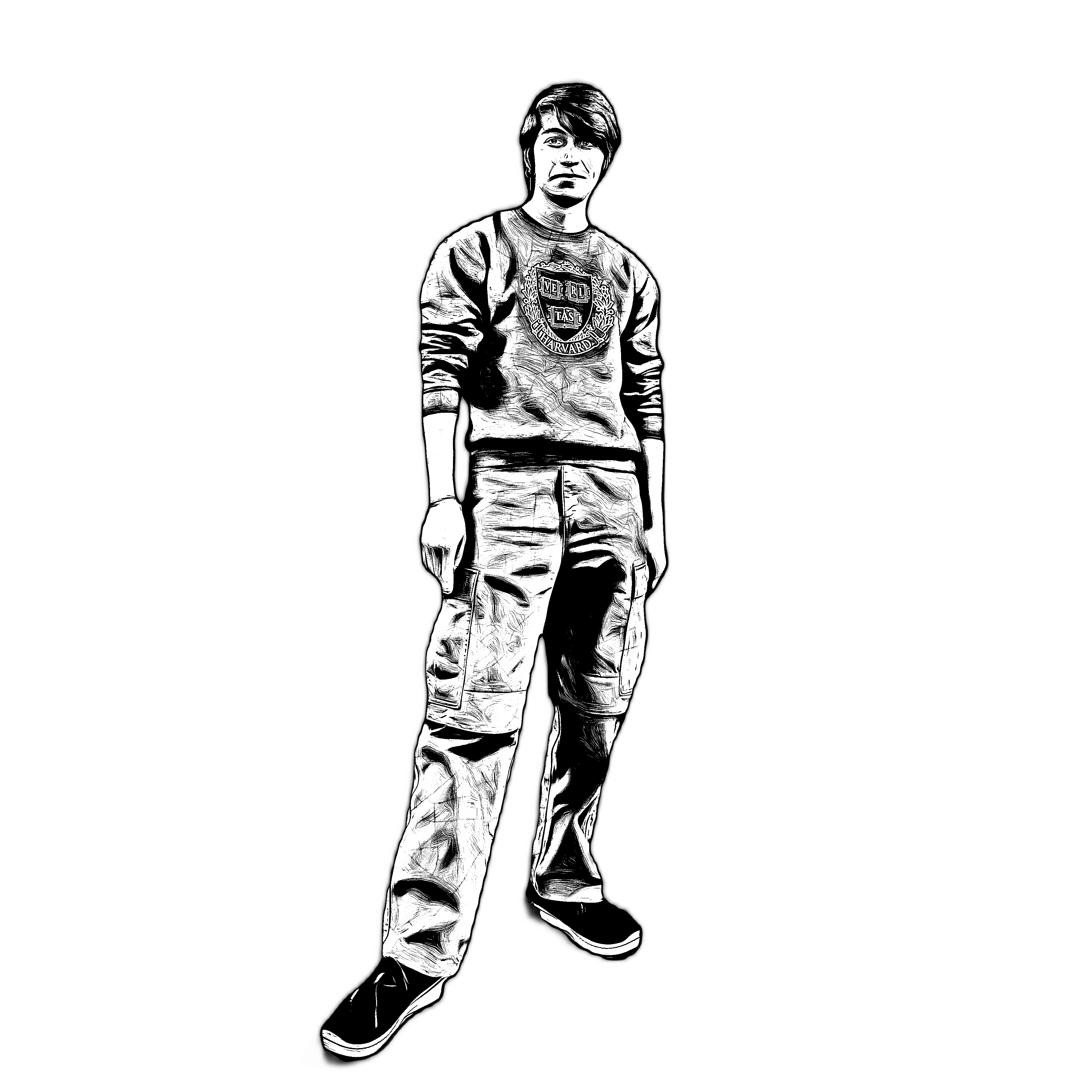
- a hero shot of themselves (maybe ps-augmented)
- a 4 or so panel micronarrative
- (we print the spreads--then maybe create a folded-comic of all?)
- activities
- analyze and draw a panel layout from a reference
- develop a 4-panel story (using one or more of the McCloud transitions) that functions as a big or small origin story (could be your hero origin story or just how you got here today or decided to take this class)
- visit clip studio, but then work on a series of related skills at one or more of the other stations
- paint over your photo in photoshop
- vectorize in illustrator
- adobe capture on phone
- layout in InDesign and Canva
- lettering on paper in with fonts
- work with artist's models and dolls (either drawing or photographing)
## cd and kevin planning
* icebreaker
* name on card in comics font
* green screen pose that represents your identity/origin story
* think about graphic composition of shape that contains your name - question mark, circle, square, etc.
* unpacking of comics
* things they've looked at
* web comics
* and how those enable things at the level of narrative, character, genre, significance, etc.
* what does the form do in this way
* how do comics enable you to tell a story about identity
* have them choose a comic to unpack with a partner
* present under overhead?
* mccloud/gutter activity
* how can these two-panel stories be used to tell a part of an origin story (or tell a whole origin story)
* and when might you want to use action to action, subject to subject, etc.
* each group gets assigned a category of transition (5 groups of 2 people: action to action, subject to subject, etc.)
* each group draws 2 panels that exemplify this move
* share out
* then kbh will talk about addition and subtraction as a comics manouever
* abstracting the panels activity
* look at canonical origin stories
* superman (immigrant story)
* batman (childhood trauma)
* spiderman (coming of age)
* choose a panel layout from an origin story
* then abstract it
* how do space and time work here
* a few seconds versus 100 of years
* a glance versus traveling across a universe
* how panel progression, size create these effects
* do this in physical form first? (as in: draw out the panels on paper)
* ~~then digital? (this is a question about how much time this would take and if they'd use software (Canva, InDesign))~~
* think about how you would use a particular panel structure to tell your origin story
* share out
* make your origin story
* everyone gets a hero shot here
* Reflect: think about stance, gesture, facial expression; how does pose help reveal positionality, character, the thing you want to convey
* begin introducing them to a handfull of possible techniques
* START with a photo story demo? — narrative and causality in photo sequence = 3 photos
* which other tools do we show them?: greenscreen, cameras, dolls, paper, Canva?, Photoschop?, Capture?, Clip Studio?, InDesign?
* this is where we get into the physical/digital work
* and they split from their groups and work as individuals
* capture assets
* draw/create assets
* assemble into panels
* dialogue and lettering and speech vs silent captioned bubble
MACRO:
A) One Panel —> B) Two Panel Transition —> C) Multiple Panel Page
1 Intro
2 Icebreaker
3 Write name in comic-y way on card
4 Think about origin stories
5 Take "hero" shot on greenscreen
6 Talk about 5 types of panel transition
7 Assign 5 groups, each with 1 transition type
8 Have each take two more greenscreen shots
9 Each draws two panels
10 Re origin stories...> Think about multiple panels
11 Look at models and take some from books
12 Sketch that as empty panels, can annotate with cards and show under overhead
13 Begin making assets at stations — drawing, dolls, greenscreen, Photoshop, Clip Studio...
14 Regroup
 Sign in with Wallet
Connect another wallet
Sign in with Wallet
Connect another wallet