# ll-job-card-capture
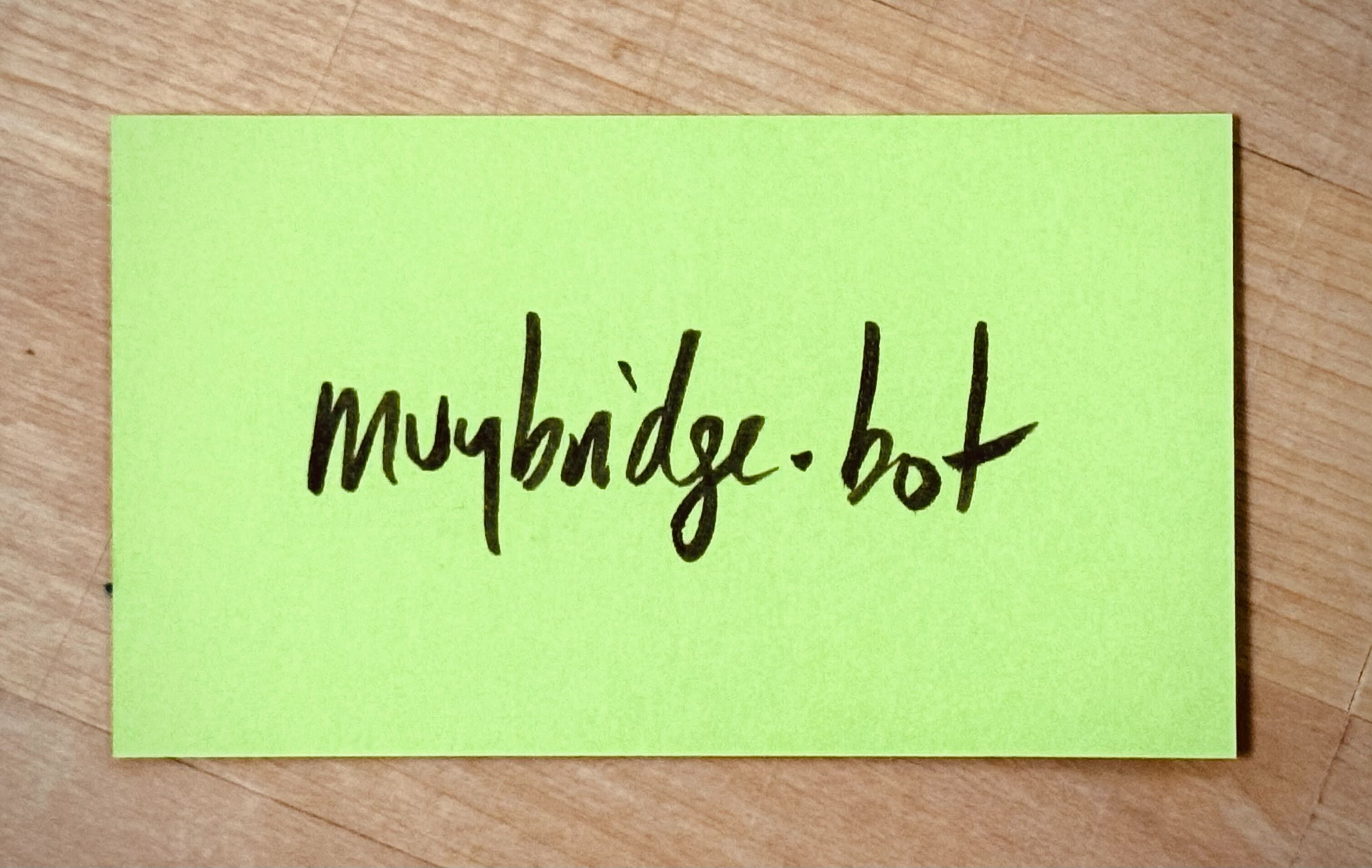
**Location:** Control room.
**Materials:** Overhead camera, appropriate lens, appropriate capture base/stand, 2x3.5" cards
**Slack Channel:** `#ll-job-card-capture`
## steps
1. ensure that the appropriate overhead camera is selected on the ATEM 4K's program feed, that this feed is visible on one of the hyperdecks, and that that hyperdeck is recording.
2. confirm that the 100mm lens is on the camera, then set up the card-capture stand (currently one of the small storage bins from storage room 1 with a piece of birch butcher block on top of it)
3. position a test card in the middle of the shot and confirm that the camera is in focus and that the card is filling the frame properly (see test shot for reference)
4. create a handwritten title card (if one doesn't already exist) that indicates the date the cards were made (if known) and the course, event or project they are associated with (if known)
5. make a note in the `#ll-job-card-capture` slack channel that indicates you are starting a card-capture session. Tag your slack id in the message and mention anything that you know about the cards you are about to capture, such as the course they are from, the day they were created, etc etc. *(Note: at some point in the term we may switch this to a slash command)*
6. move the cards one by one to the capture position, removing your hands completely once the card is correctly positioned
7. if you wish, you can do this in time to music, with the beat hitting when your hands are most removed from the shot (imagine playing a drum that is outside of the frame after you put each card in the frame)
8. when you are done, send another message to slack to indicate that the capture session is over.
9. if there are any cards you would like to put on the "best of" white board, go ahead and do that.
10. put a rubber band around the remaining stack and put it on the "completed" shelf.
11. if you are done for the day, put away the card capture stand
## extras
- If you have extra time, try to create an intentional layout of selected cards that captures the essence of the event, potentially serving as a hero shot (you will have to use a different lens for this, or perhaps move to the main studio or another studio for this shot). Please send a message to the card-capture channel to indicate which program feed is capturing your collection of cards. If these are the best cards from the event, you should probably then put them on the "Best of the Week" whiteboard.
- Another thing you might want to do is to move on to [ll-job-card-footage-editing](/2BnPUPGHSsCN0qktnmlibw), which is the job that builds on the work you've done.
- If you really think the best cards need to be called out, you could even start a whole new "best of" card capture session--this could help especially if you are hoping to do something with the footage quite quickly (as you'll be able to get to your selected cards without having to go through the entire capture session for all of the cards)
 Sign in with Wallet
Connect another wallet
Sign in with Wallet
Connect another wallet