# mk-tdm98-plan
- segments
- intro
- make and document
- edit and collage
-
- possible stations
- ai generation
- text
- image
- audio, music
- reading/speaking over text in small studio with luma keys?
- set design and acting on stage
- concept mapping under main overhead?
- graphics under main overhead
- projection (small projectors with cardboard or folded cardstock and tables; large projectors on fabric)
## past years
### 20221103
<left style="margin-bottom: 5px">
<img src="https://files.slack.com/files-pri/T0HTW3H0V-F049VGX52Q6/20221103_workshop-montage_360.gif?pub_secret=b962d22abc" style="display: inline; width: 715px; margin: 0px" />
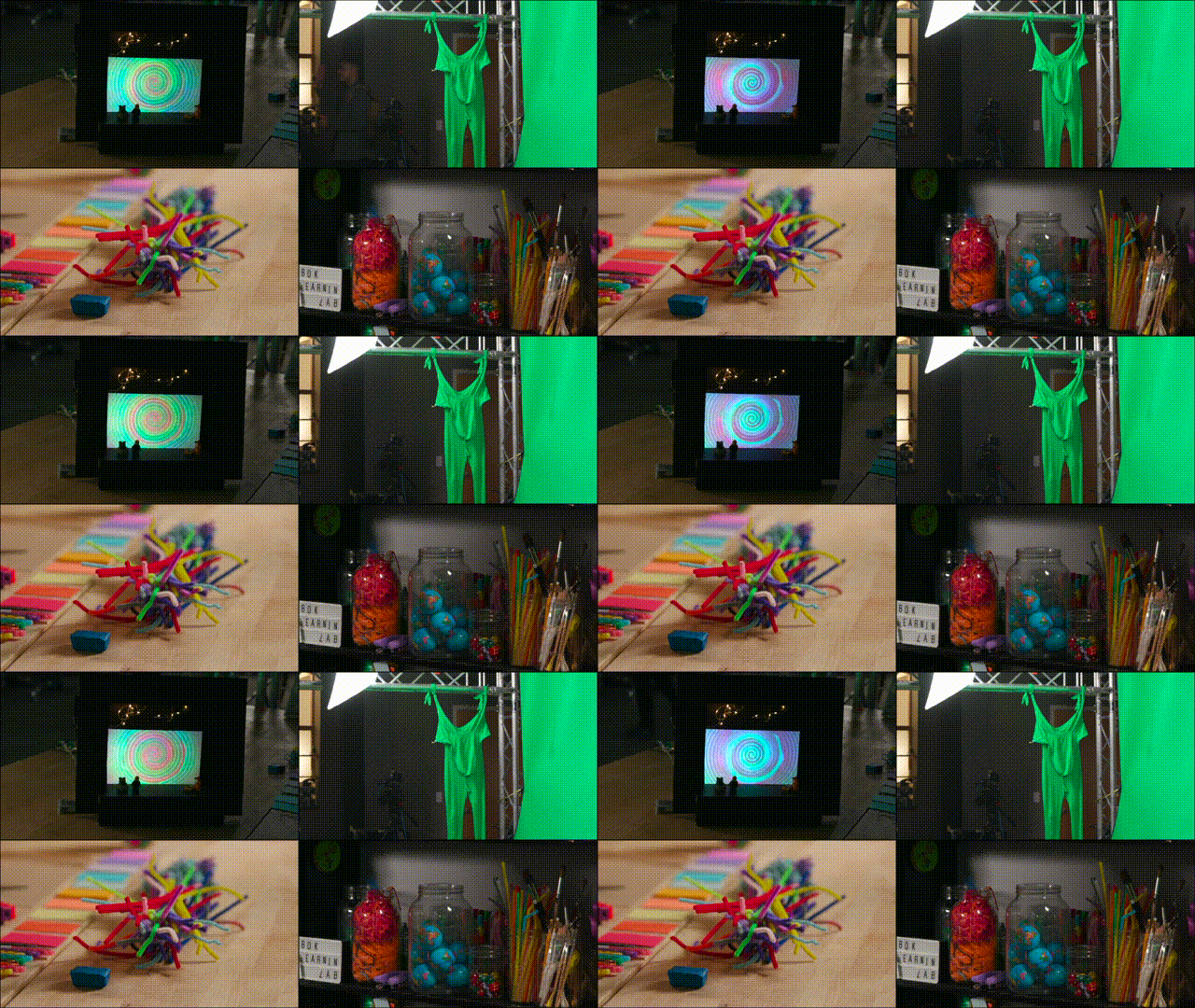
In this workshop, Jessi and Marlon led TDM Junior Capstone students through a series of Learning Lab "tasters" that invited them to use different mediums to develop their ideas for their senior thesis projects, as well as get a taste of the different ways the Learning Lab (LL) can be a resource for them when they are working on their senior thesis projects next year.
**Objectives:**
1. Familiarize students with Learning Lab capacities
3. Give students opportunity to play with different media elements that are relevent to their projects
4. Blur the line between process and product outputs
**Workshop structure:**
* [Welcome & gather](#Wecome-and-gather)
* [Student Introductions](#Student-introductions)
* [World-building through mini-modeling](#Mini-modeling)
* [Scoring your world with Logic Pro](#Logic-Pro)
* [Film principles and integrating film on stage](#Filming-principles)
* [Green screen interaction](#Green-screen)
* [Documentation](#Behind-the-scenes-documentation)
Bonus: Behind the scenes documentation
---
## Welcome and gather
As students entered the space, they saw various screens set up around the studio with different shots from within the studio, including a close up of a mini-model of Farkas Hall.
## Student introductions
To start off, each student used small colorful cards and our tablescape camera set-up to introduce themselves and their working project idea. They were encouraged to be creative about how they used the tools and space to represent themselves.
<left style="margin-bottom: 5px">
<img src="https://files.slack.com/files-pri/T0HTW3H0V-F04A8P8MF9Q/20221103_gif2_360.gif?pub_secret=8b88794bb5" style="display: inline; width: 350px; margin: 5px" />
<left style="margin-bottom: 5px">
<img src="https://files.slack.com/files-pri/T0HTW3H0V-F04A5QXG5SR/20221103_gif3_360.gif?pub_secret=82fe01ceea" style="display: inline; width: 350px; margin: 5px" />
<left style="margin-bottom: 5px">
<img src="https://files.slack.com/files-pri/T0HTW3H0V-F04AMCS5KDX/20221103_gif4_360.gif?pub_secret=b72791de4c" style="display: inline; width: 350px; margin: 5px" />
<left style="margin-bottom: 5px">
<img src="https://files.slack.com/files-pri/T0HTW3H0V-F04AYEJHRB2/20221103_gif5_360.gif?pub_secret=eaee608fcd" style="display: inline; width: 350px; margin: 5px" />
## Mini-modeling
Each student then moved to their own individual work table, where they each had a Mac computer, a camera, and a variety of craft materials. They were first invited to use the craft materials in front of them to create a mini-model of the world that their script-in-progress takes place. They were also invited and taught how to use the camera at their station to set up a close-up shot of their mini model on the table. Each student took a very different approach to their mini model, finding creative ways of utilizing the materials to develop distinct structures.
<img src="https://i.imgur.com/003OWao.jpg" width="350" height="250">
<img src="https://i.imgur.com/rdmhGGv.jpg" width="350" height="250">
## Logic Pro
After building their mini-models, students shifted to the computers and were taken through a brief tutorial on Logic Pro, a digital audio workstation and MIDI sequencer software application, by one of the Learning Lab Undergraduate Fellows, Andrew. Once they understood the basics of the program, students built an audio track that complimented their mini model world.
<left style="margin-bottom: 5px">
<img src="https://i.imgur.com/i6DS5HE.jpg" style="display: inline; width: 350px; margin: 5px" />
<left style="margin-bottom: 5px">
<img src="https://i.imgur.com/LinrsJj.jpg" style="display: inline; width: 350px; margin: 5px" />
## Filming principles
The students also learned how to set up a basic close-up shot for filming an interview, with a focus on how to adjust the camera and lighting:
<left style="margin-bottom: 5px">
<img src="https://files.slack.com/files-pri/T0HTW3H0V-F04A251R50W/20221103_gif8_202.gif?pub_secret=027bf110db" style="display: inline; width: 715px; margin: 5px" />
We also worked to recreate a shot from a Jason Lester music video, who was chosen by one of the students as an artist they want to emulate through their thesis project. This student was particularly interested in how one could recreate some of the moves that are usually done in post-production, live on stage:
<left style="margin-bottom: 5px">
<img src="https://files.slack.com/files-pri/T0HTW3H0V-F04A27ASMSS/wallows-2_360.gif?pub_secret=92b504d387" style="display: inline; width: 352px; margin: 5px" />
<left style="margin-bottom: 5px">
<img src="https://files.slack.com/files-pri/T0HTW3H0V-F04A5S1S5L5/20221103_gif6_360.gif?pub_secret=39ddd09749" style="display: inline; width: 352px; margin: 5px" />
## Green screen
Finally, students used the cameras at their stations to set up a balanced, static shot of their mini model and we keyed that shot onto the greenscreen, so that students could interact with their mini models as if they were to-scale:
<left style="margin-bottom: 5px">
<img src="https://files.slack.com/files-pri/T0HTW3H0V-F04ABB3J8TE/20221103_gif9_360.gif?pub_secret=6222171e2e" style="display: inline; width: 715px; margin: 5px" />
<left style="margin-bottom: 5px">
<img src="https://files.slack.com/files-pri/T0HTW3H0V-F04A8Q01MU3/20221103_gif10_360.gif?pub_secret=15139f60ae" style="display: inline; width: 715px; margin: 5px" />
<left style="margin-bottom: 5px">
<img src="https://files.slack.com/files-pri/T0HTW3H0V-F04A2AJKXFG/20221103_gif11_360.gif?pub_secret=3253d06a47" style="display: inline; width: 715px; margin: 5px" />
## Behind the scenes documentation
All the while students were doing tasters of the different tools and skills, we were capturing behind the scenes footage of them and interviewing them about their process as they created. As some of the students plan on conducting practical research for their projects and expressed an interest in documenting that research, we wanted to give students a taste of how process documentation not only serves archival ends, but can also be used as it's own output to be included in a portoflio, or even incorporated into the final creative product (e.g. layering interview audio over behind-the-scenes footage to create a short process film that can be screened before a performance, in a lobby isntallation, etc.)
<left style="margin-bottom: 5px">
<img src="https://files.slack.com/files-pri/T0HTW3H0V-F04A94T70HG/20221103_gif12_360.gif?pub_secret=e35cf3fa7f" style="display: inline; width: 715px; margin: 5px" />
---
### Key Takeaways:
* Moving through mediums allowed students to engage with their creative ideas through different entry points. While all the students seemed engaged in each part of the workshop, they each seemed to gravitate toward a particular tool that they find most applicable to their senior thesis goals.
* Inviting students to introduce themselves using our nontraditional presentation capacities allowed them to get comfortable with touching, experimenting, and utilizing the LL resources, so that when it came time to create at their maker stations, they were ready to dive right in, even asking for additional materials that weren't on the tables.
* One student in particular seemed to develop a more concrete idea about his project through creating an audiotrack. He was able to make connections between his musical approach and writing approach:
> ` More specifically, the student, whose project involves centering black characters in the Star Wars universe, created a soundtrack that, rather than sampling the original Star Wars soundtrack and manipulating it in Logic Pro, instead wanted to create his own track that resembled the mood of a particular musical theme from Star Wars, but is rooted in a hip-hop style. He was able to draw a parallel between this choice and his writing approach, discovering that rather than literally placing black characters within the Star Wars universe, he wants to create a world that resembles the Star Wars universe rather than placing his own characters directly inside of it. `
* By the end of the workshop, students were actively thinking about ways to incorporate media into their projects next semester, and were even asking when they could come back to prototype more. This workshop seemed to expand their ideas about what is possible for their future project.
## TDM98 Workshop 20230328
**TDM98:** Junior Tutorial
**Instructor:** Phillip Howze
**Teaching Fellow:** Ashley Thomas
**Location:** LL Main Studio
**Time:** Tuesday, March 28, (3:15-5:45PM)
**Number of Students:** 3
## Purpose
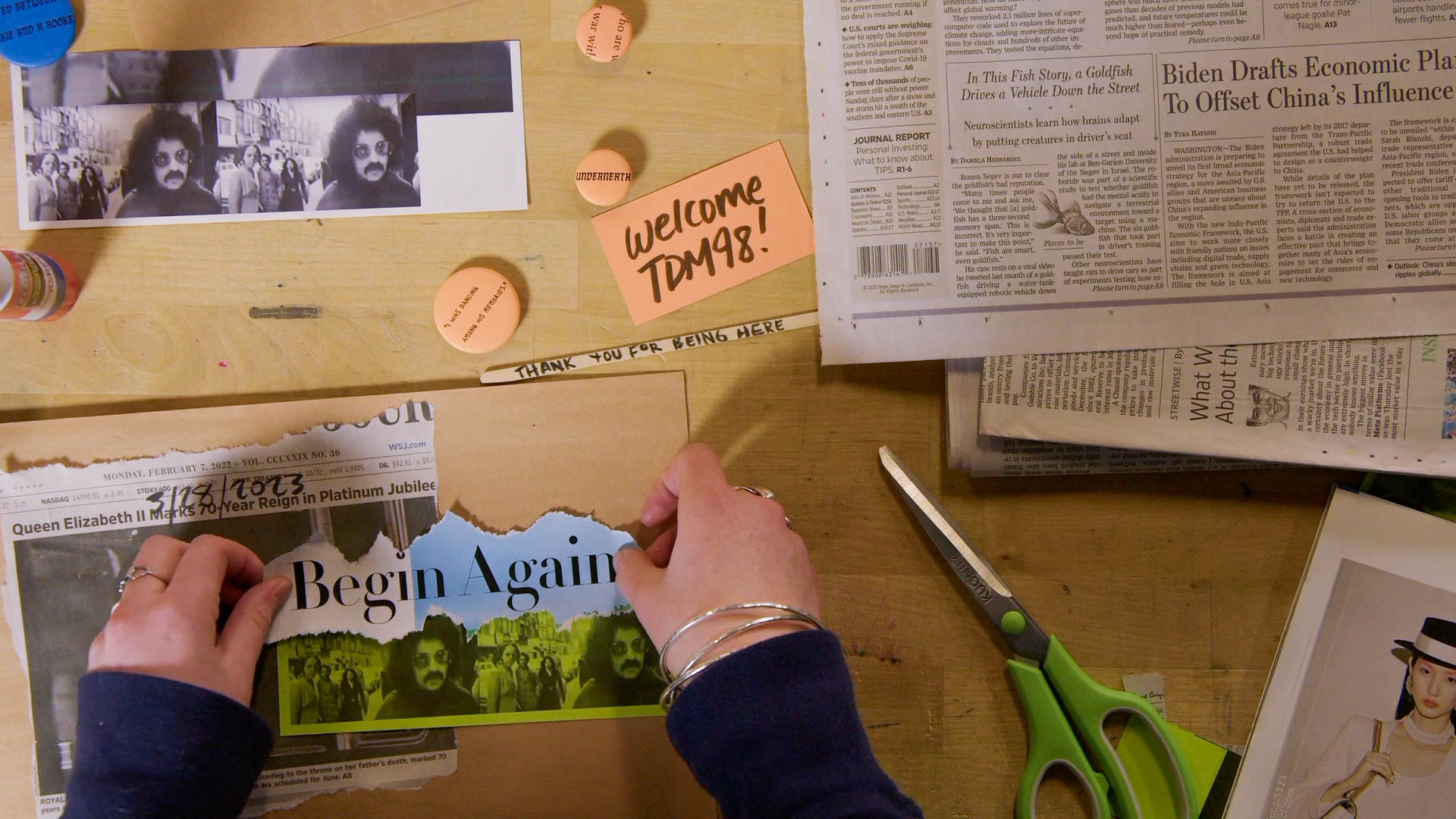
The purpose of this workshop was to provide students an opportunity to use digital media tools at each stage of their creative process. Part 1 of the workshop will focus on the doing and capturing - creating/making/performing and the real time capture of those things using cameras, microphones, notes, etc. Part 2 of the workshop will focus on the presenting, and making sense of the documentation - compiling/mixing/collaging the various documents into a creative artifact in itself using video editing and physical collage. Theese two realms of creative process can and often do have a reciprocal relationship, and for the purposes of this workshop we will be breaking them down linearly.
## Outline of Workshop
* [welcome and gather](#wecome-and-gather)
* [part 1: performance and live capture](#performance-and-live-capture)
* [part 2: consolidating, mixing, presenting documentation](#consolidating,-mixing,-presenting-documentation)
### welcome and gather
- introduce names/pronouns, marlon introduce the learning lab
- introduce the plan for today and the rationale:
> We know that a big part of your course this semester has included making physical crafts, as well as going to see shows and reading texts that prompt you for your reflections and responses in a dossier format. We recognize this as the early stages of the development of your senior thesis project, and we want to focus todays workshop using things like cameras and microphones to document your creative process and turning this documentation into some sort of digital artifacts that can be used to support your final project in a number of ways.
### performance and live capture
Students rotated through 3 different roles, each including an element or performance/creation and live capture
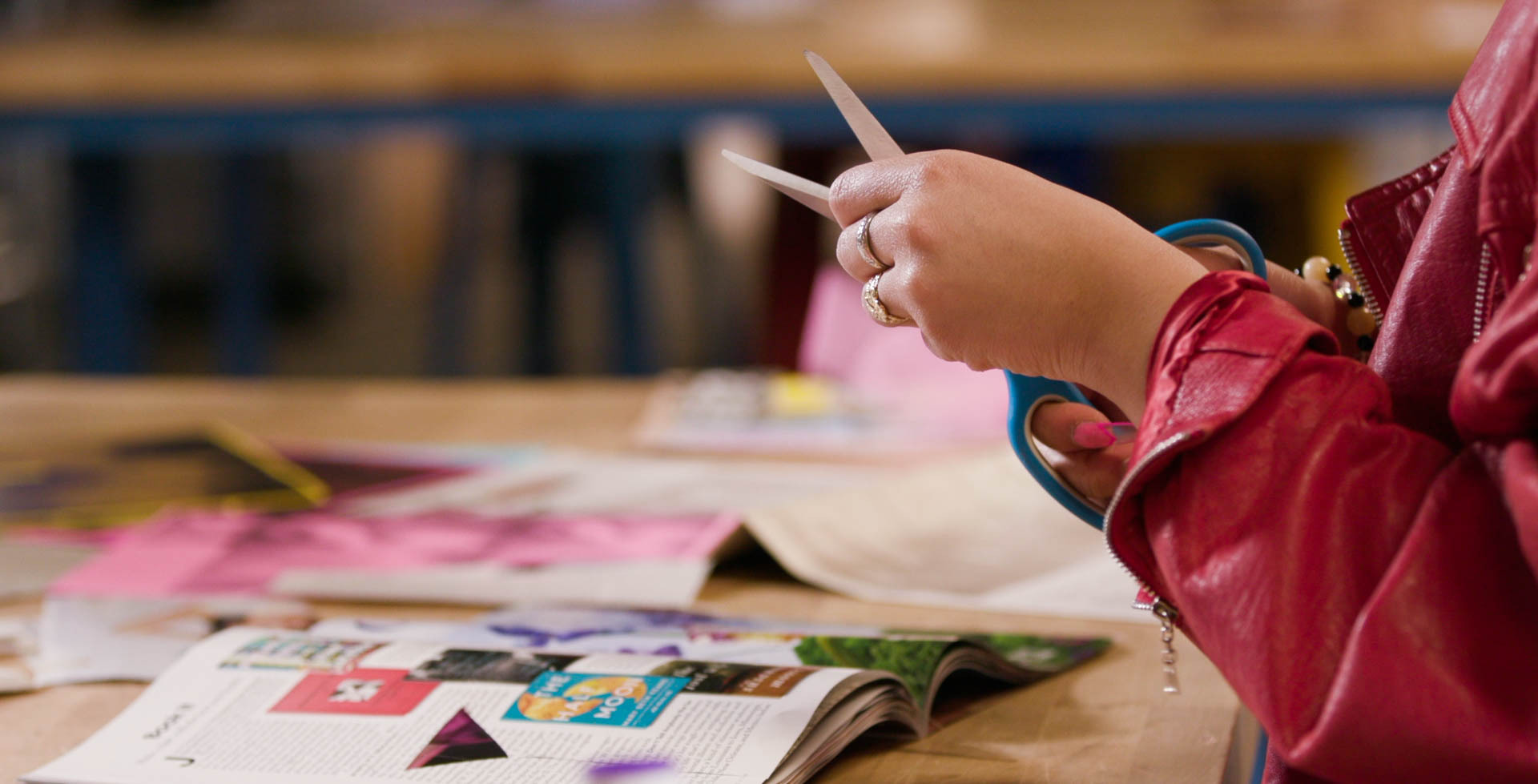
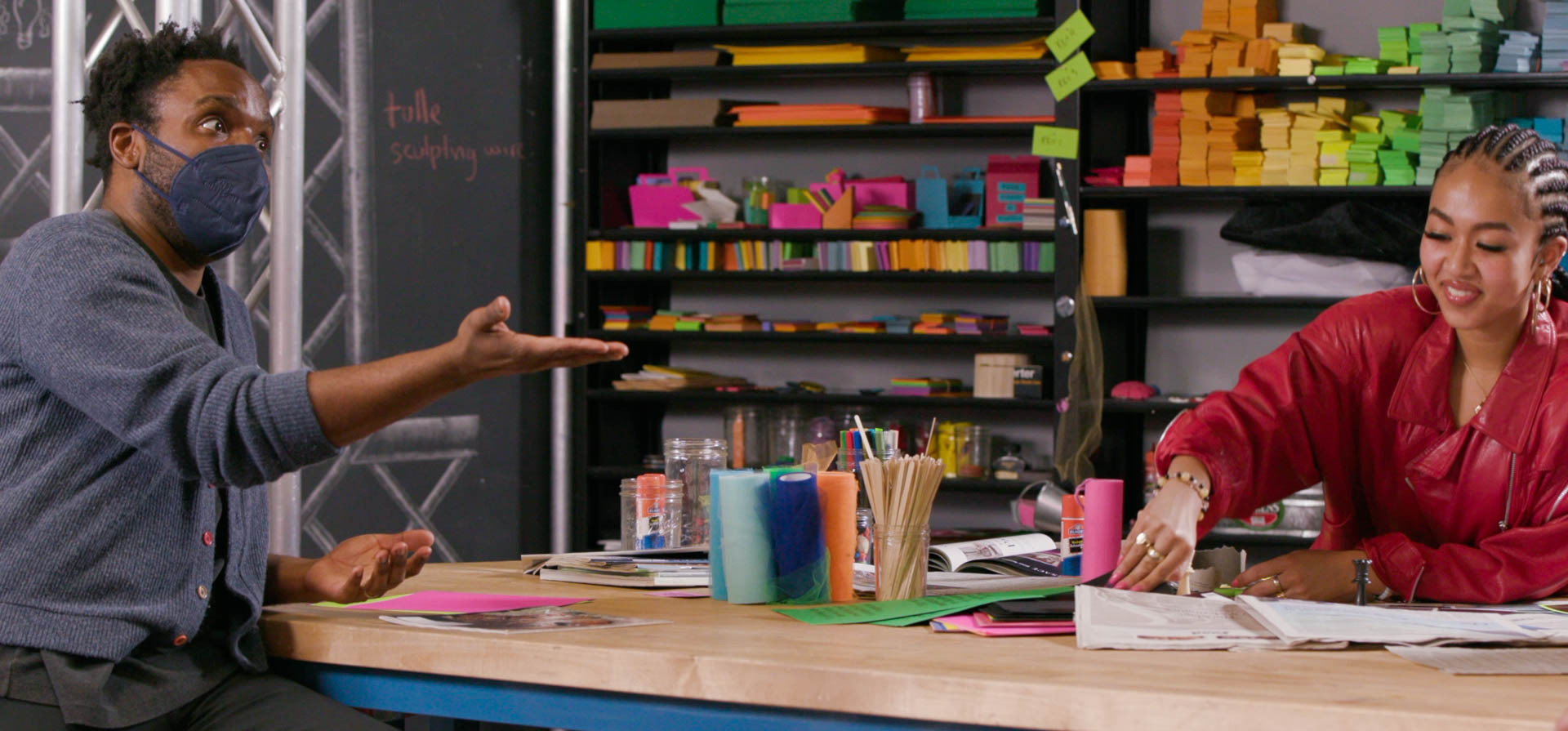
- ***crafting*** station involves building craft in real time that has some connection to the idea they are brainstorming for their senior thesis projects while explaining what they are doing and thinking about.
- ***interviewing*** station is prompting questions to the crafter, acting as a temporary dramaturg for their project.
- ***shooting*** station is documenting what is happening behind the scenes of the other stations - demonatrating how things like framing and composition are actively working to a story.
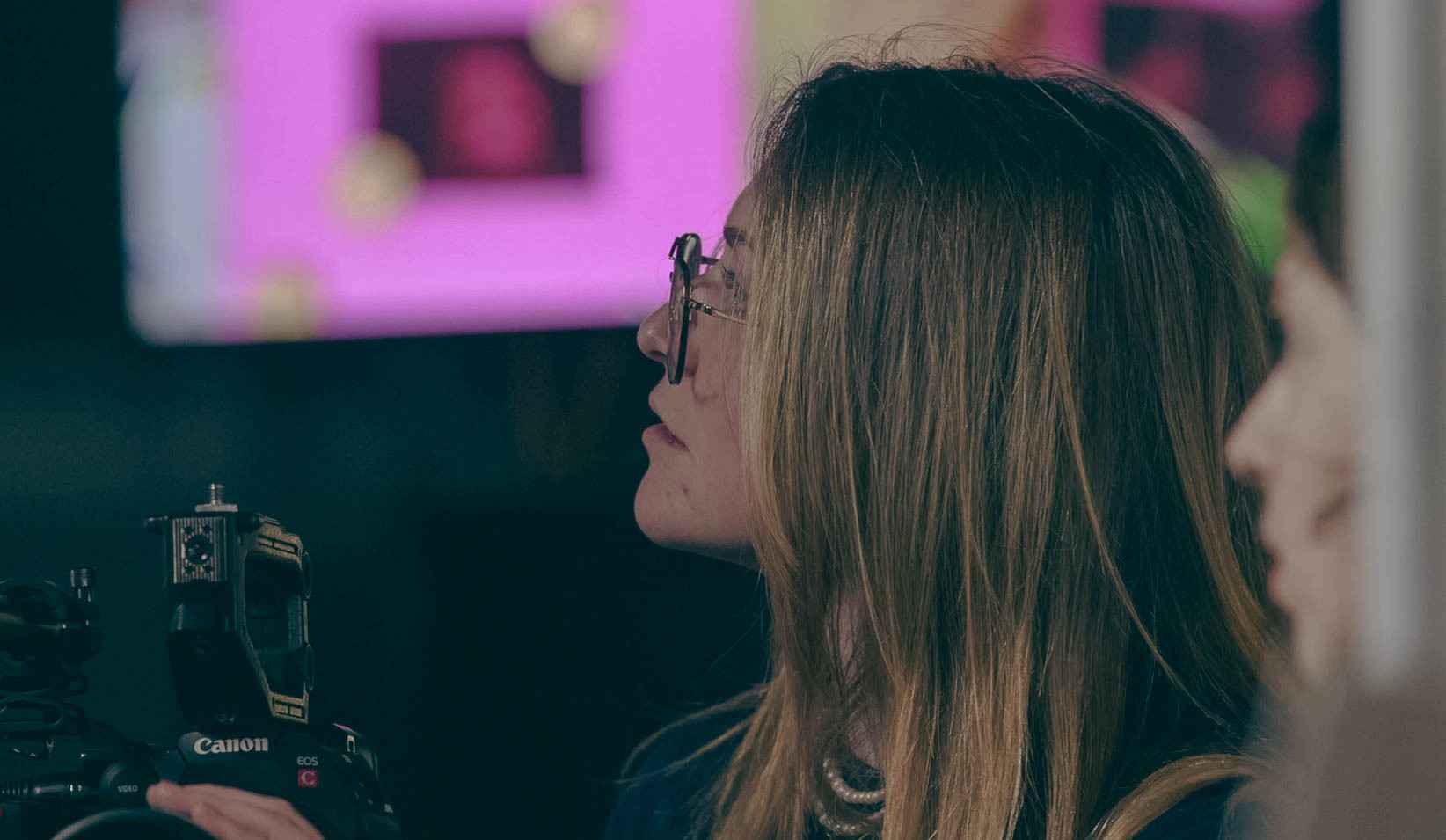
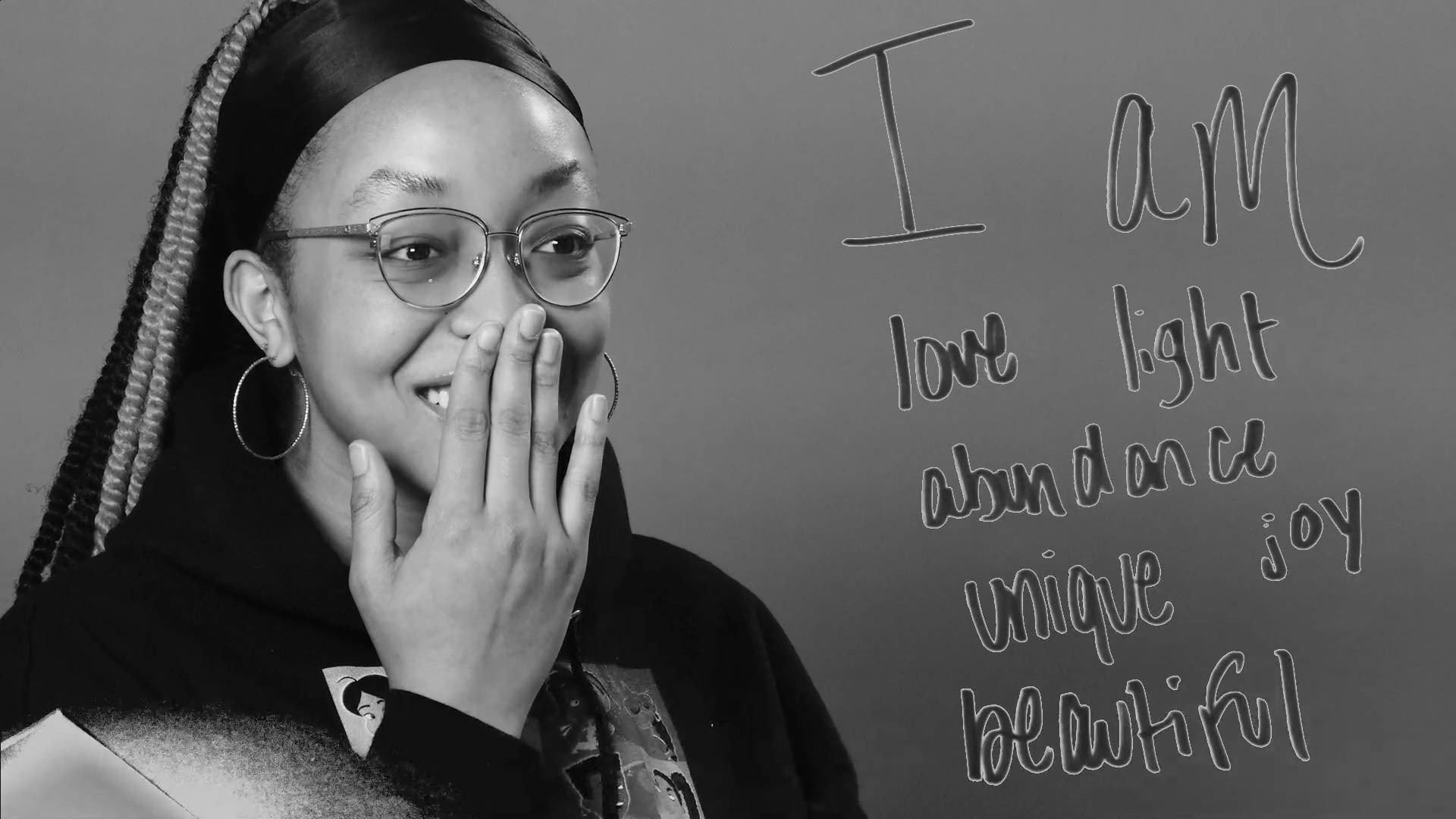
- ***recitation*** station is practicing layering text on top of your speaking image, bringing yourself as a performing in relationship to the cours text.
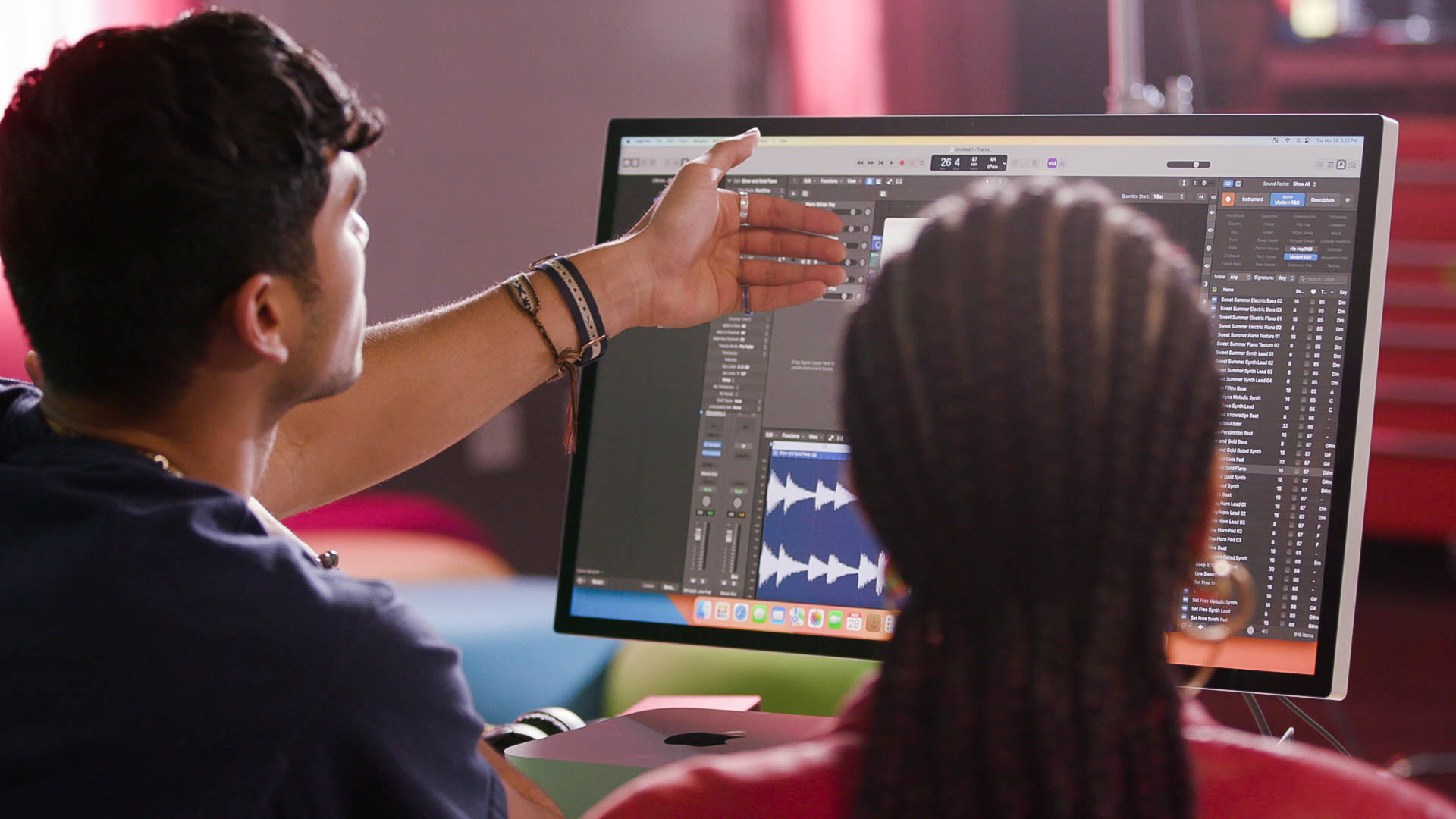
- ***scoring*** staion is introducing them to Logic pro and giving them the basic information they need to built a musical beat
***Halfway through the workshop, MPAs pulled footage for the students to edit with***
### consolidating, mixing, presenting documentation
There are lots of reasons you would assemble something out of the footage or media you have. either to create a composite that manifests on stage, some sort of documentary, some sort of montage that goes in your portfolio. Though we planned for the second half of the workshop to be dedicated to editing the footage from the first half into different composites, we ended up spending longer in the first half to give students enough time to really explore each station.
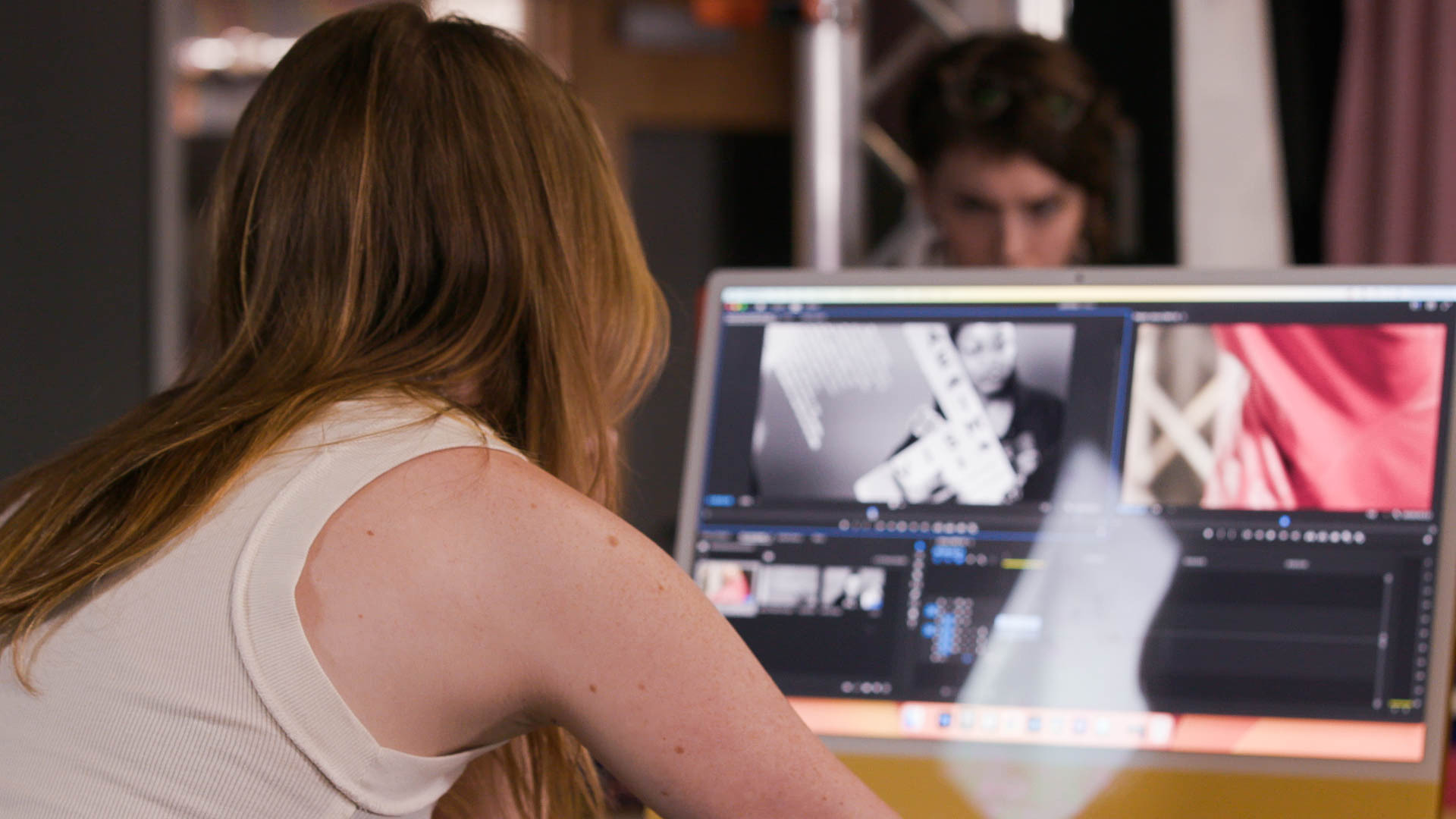
One student did start creating a short montage after a quick tutorial on Premiere Pro.
Since not all students got a chance to try creating something out of the footage, the course instructor assigned each to student to come to Learning Lab office hours to create a 90-second edit out of the workshop footage.
### share-out & thank yous
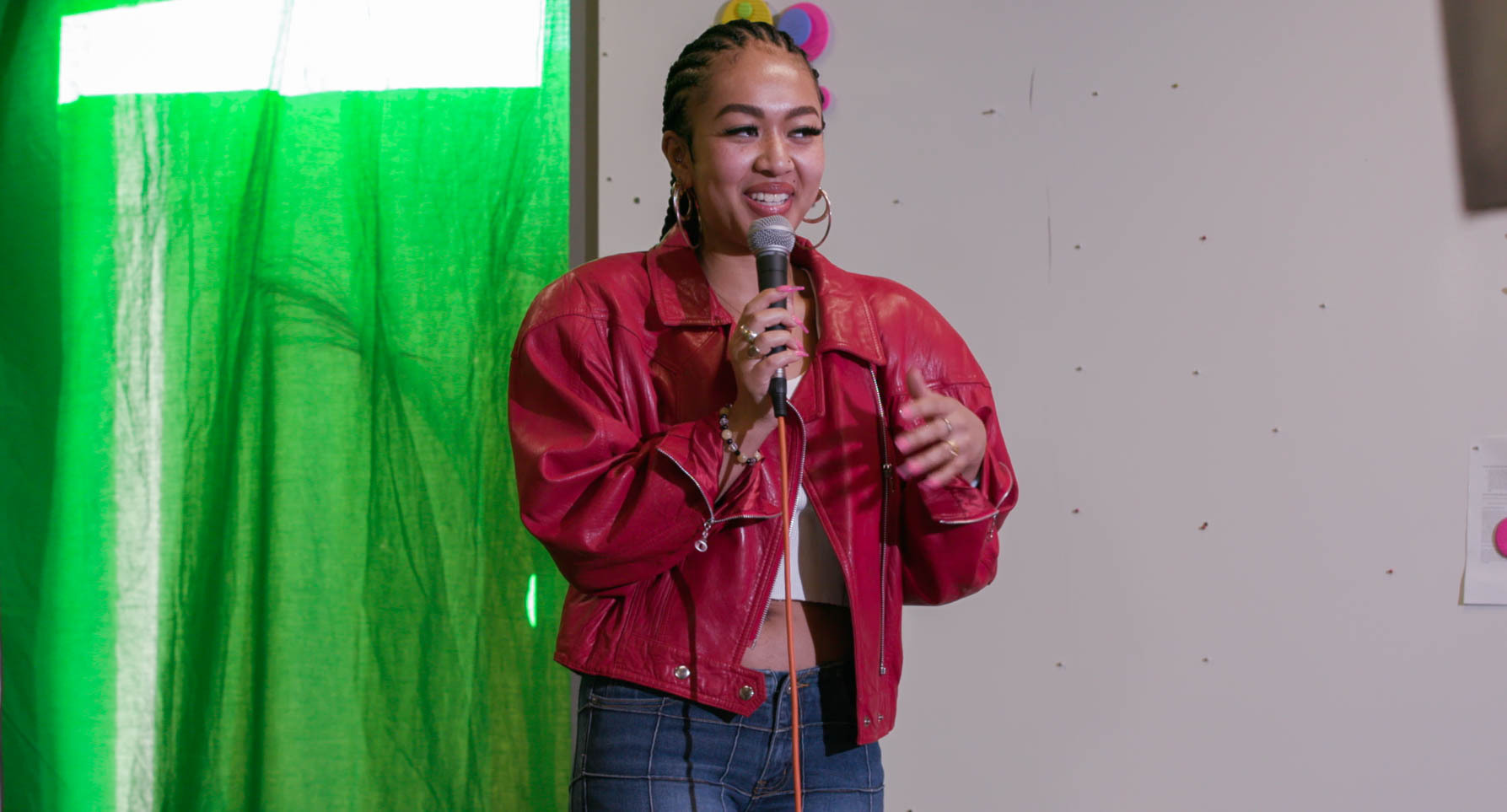
We ended by having the students gave a short, impromptu presentation on the green screen about their collages made in the crafting station.
### reflection & key takeaways
* Visiting the class the week before to learn about the students' individual projects helped us decide which tools would be most helpful for them to generate their ideas, as well as what specific content from their course/personal research we can make available to them.
* Focusing on the tool itself rather than curating what kind of content they use worked best for getting them to explore the form.
 Sign in with Wallet
Connect another wallet
Sign in with Wallet
Connect another wallet