# tasks-for-20230210
## lookbook update steps
Update each scholar's lookbook by
### getting all of the stuff they've shared
- forwarding every ok-to-make-public image file to `#show-your-images` and copying the markdown into their lookbook doc
- for image links, it's ok to use that links and add the appropriate markdown link to the lookbook doc
- for video files, either
- pull stills
- or grab clips and make gifs
- for youtube files
- definitely at least embed
- in cases where it seems valuable, we could download the piece and cut out elements for gifs or stills (and follow the above steps)
- if the horizons scholar has provided any explanation of how the images will be functioning in their presentation, go ahead and add that text to the lookbook (as a quote if it's a quote, in regular text if it's a paraphrase). Try to avoid directly quoting them if they are communicating informally in a private channel. Go ahead and ask ChatGPT to translate their slack text into a slightly more formal short 2-3 sentence paragraph.
### adding our own stuff
once we have that assemblage of their basic ideas so far, it's time to start adding our own
- if there are as yet unmade visuals they've said will be central, go ahead and search for relevant proofs-of-concept on the web that might help
- youtube tutorials on techniques for 2d and 3d animations are great references, because we don't need to make anything yet, but we at least know how to LEARN to make it
- if you have time, it's ok to start making your own mockups and prototypes, but don't sink TOO much time into any one specific thing just yet, because we don't know what exactly their final story is going to be just yet
### pulling it in to keynote
alongside the web-based lookbook, we want to start working on a prototype of the keynote, and for that we'll need files that live locally on the computer. So, once it's time to do this, we'll want to
1. download all of the files we need and host them on Synology 10 (and, if they'll fit, on Google Drive?)
2. then copy those to the machine you are working on and start loading them into a keynote doc (check with Jordan on this one)
## reference
example gifs from video clips:
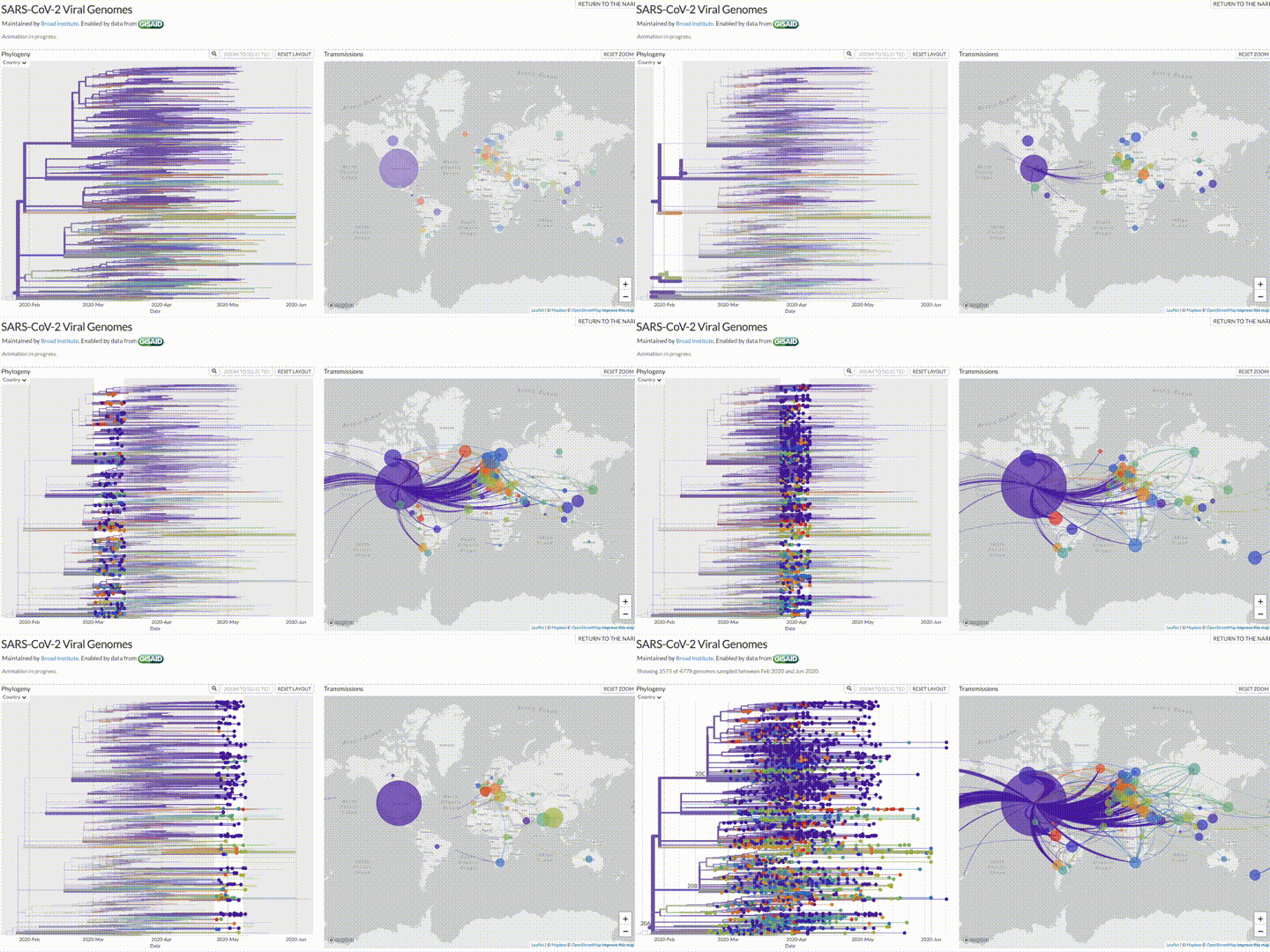
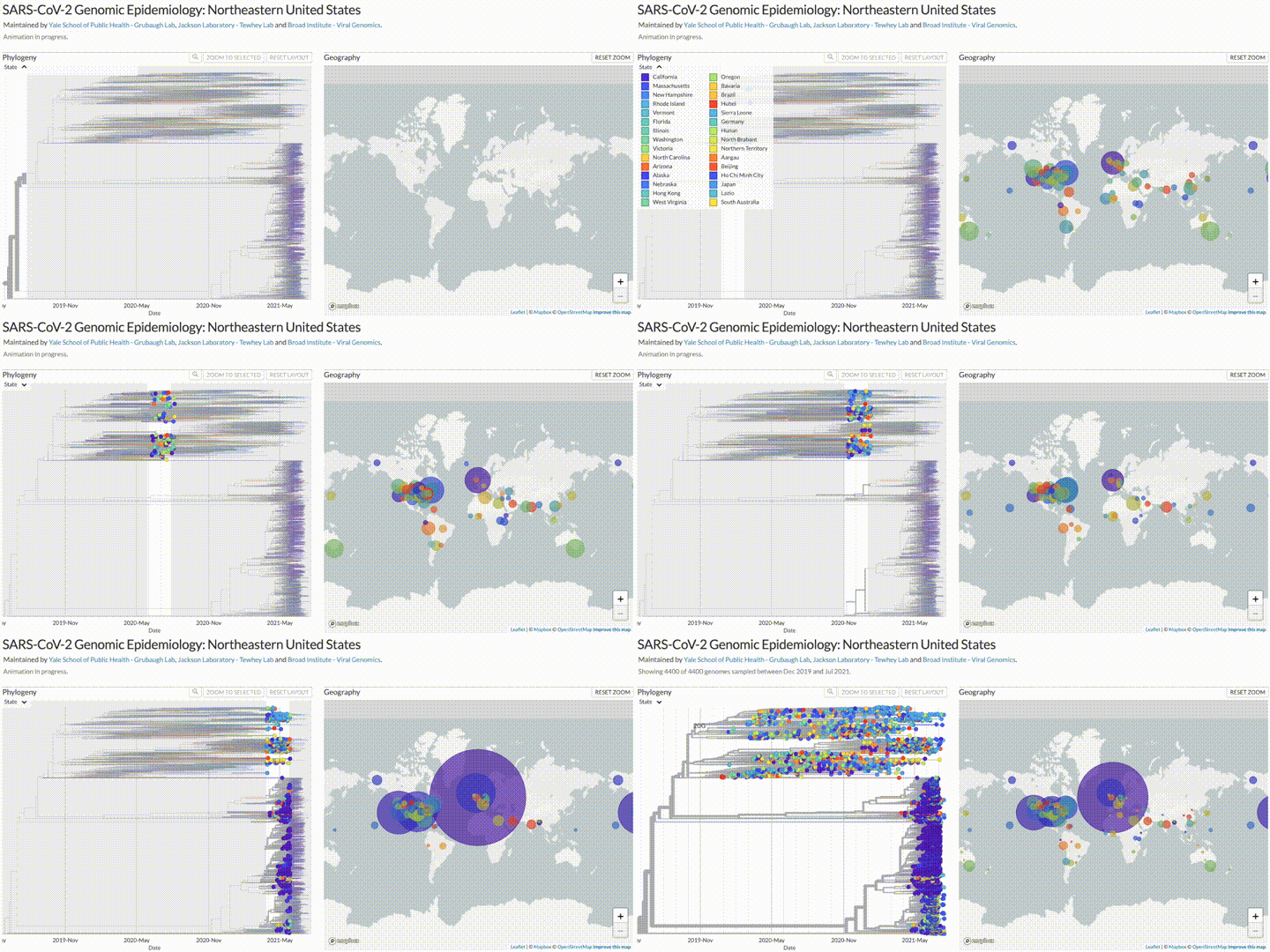
example embedded YouTube tutorial:
<iframe width="560" height="315" src="https://www.youtube.com/embed/_7E0w9Jsabg" title="YouTube video player" frameborder="0" allow="accelerometer; autoplay; clipboard-write; encrypted-media; gyroscope; picture-in-picture; web-share" allowfullscreen></iframe>
 Sign in with Wallet
Connect another wallet
Sign in with Wallet
Connect another wallet