# tool-challenge-react-card-component
We frequently need to create web content that involves lists or galleries or playlists or other groups of "objects" (like people, software tools, student projects, videos, etc).
In web development, one strategy for doing this is to create a "card" component, then to shove all the data from your data base into these card templates (with the properties of each record populating the cards various empty fields).
To see some examples of this, check out [this pinterest](https://www.pinterest.com/learninglabpins/projectcardcomponent/) (or, even better, add to it).


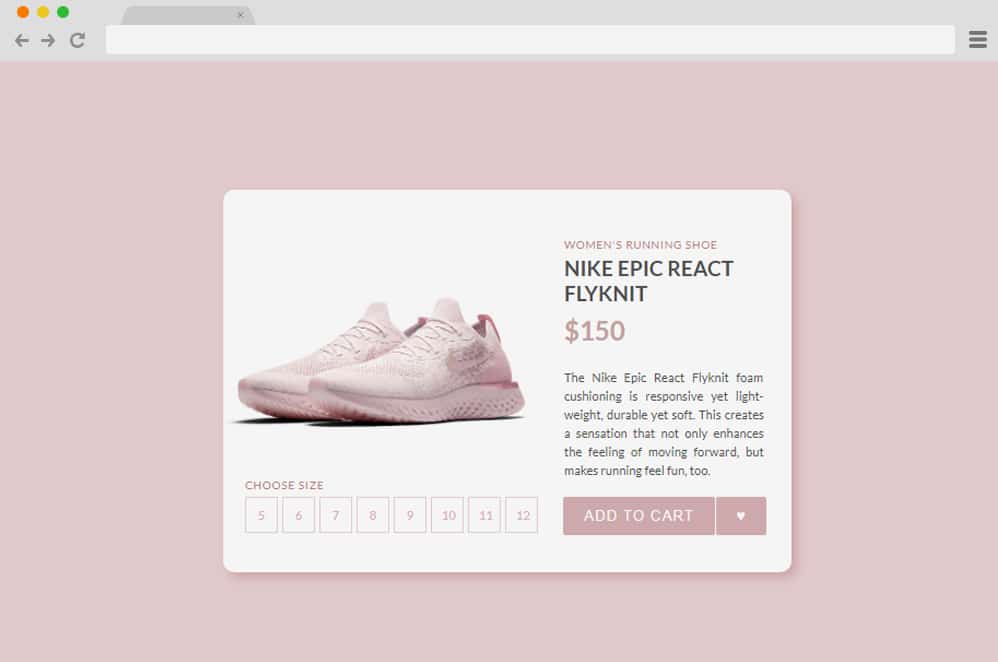
You can also check out actual printed cards (baseball cards, pokemon cards, etc) for inspiration. We have a [pinterest](https://www.pinterest.com/learninglabpins/project-ll-cards/) for that too.

### the challenge
create a React component (using css modules for styling) that would work well for one of the following LL needs:
- student project card (with room for a video or still embed, the student's name, the first paragraph of an artist's statement)
- a LLUF bio card (with name, tools, projects, other info Madeleine and Jordan would like to see)
- a tool card (with logo for the app, then details on it and links to projects)
- an LL task card (with the title of the task, link to the resource or hackmd doc, etc.)
## resources
if you have never made a react component, you may want to follow these steps
- create a nextjs app with `npx create-next-app my-app-name`
- start it up with `cd my-app-name` then `npm run dev`
- create a new page (or delete everything on the home page)
- create a `/components` folder and add `MyCard.js` and `MyCard.module.css` to it
- import your card on the home page (or other page)
- get coding!
### more elaborate steps
 Sign in with Wallet
Connect another wallet
Sign in with Wallet
Connect another wallet