---
tags: course support
---
# Music 207 Image Capture
## SOME BASIC ELEMENTS AND TERMS
* [shot types](https://www.bhphotovideo.com/explora/video/tips-and-solutions/filmmaking-101-camera-shot-types#:~:text=Generally%20speaking%2C%20we%20can%20break,highlight%20emotions%20of%20a%20character.): long, medium, close-up and everything in between and beyond.
* [depth of field](https://photographylife.com/what-is-depth-of-field)
* "cine" cameras like the C300 (and the [C300 Manual](http://rocketrentals.com/wp-content/uploads/2014/04/Canon-EOS-C300-Manual.pdfhttp://rocketrentals.com/wp-content/uploads/2014/04/Canon-EOS-C300-Manual.pdf))
## STATION 1: LENSES, FOCUS, DEPTH OF FIELD

### the elements and terms
* lenses
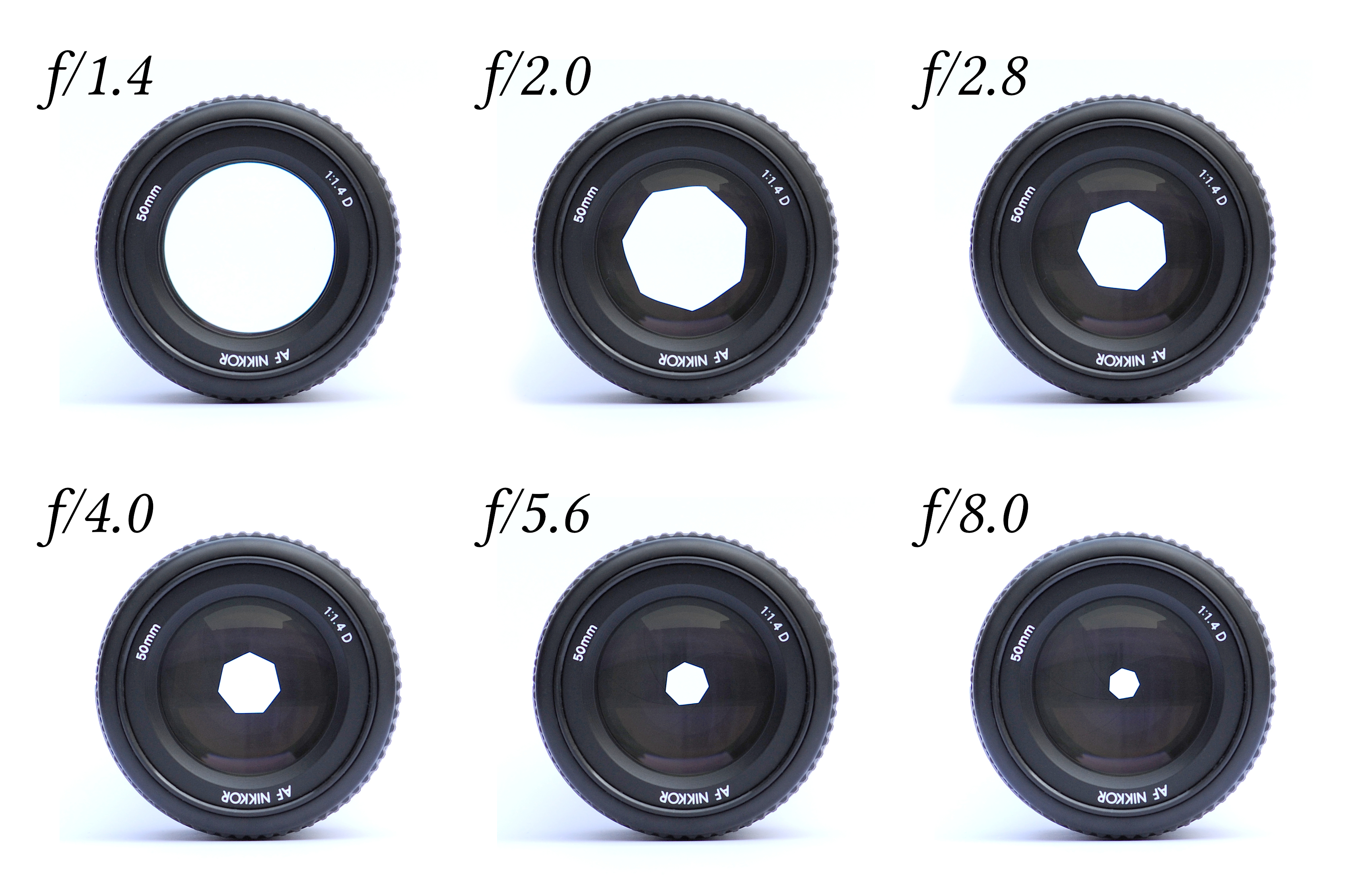
* aperture
* depth of field
### the tasks
* measure depth of field: focus in on the ruler on the table. Write down how many inches are in focus (you might need to nominate someone to read the ruler markings on the monitor!)
* manually focus lens (two ways)
* tilt-shift lens
* walk towards the camera, coming into focus (hitting your mark)
## STATION 2: SUPPORT, MOVEMENT
### elements and terms
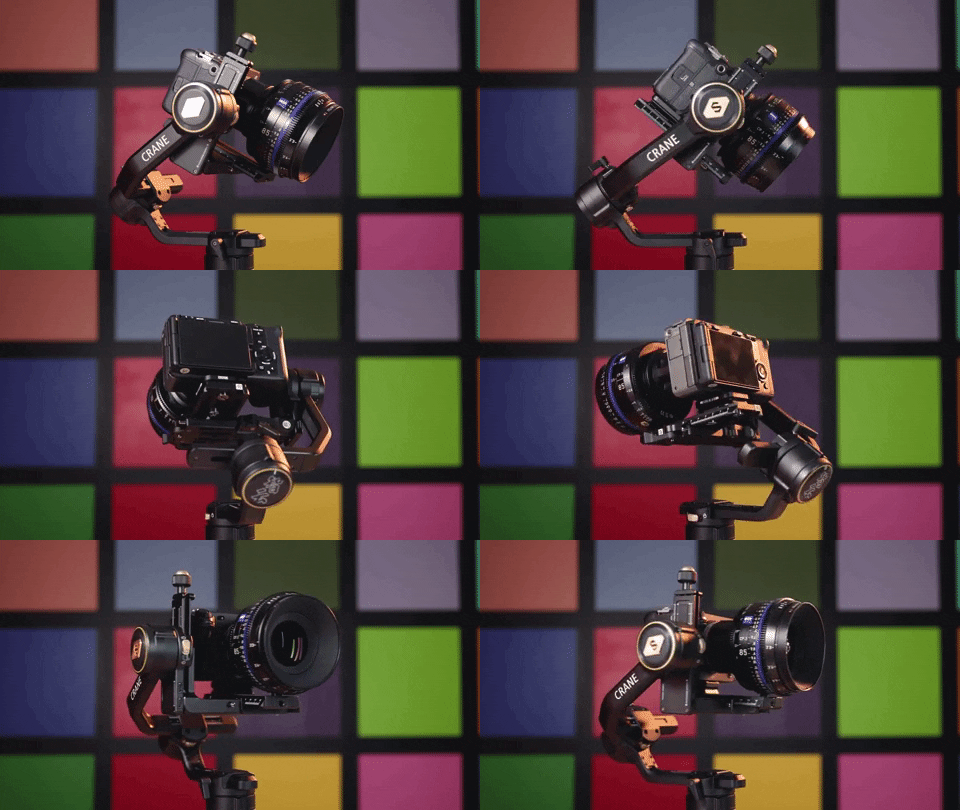
* hand-held
* tripods & heads
* dollies and sliders
* handheld rigs and gimbals
### the tasks
* rotate through these options, shooting a performer or object with each
* learn how to put the camera on the tripod, and how the tripod works
* Dolly-in/out on someone sitting a table
* Dolly-in/out on instrument
* Pan with the camera on a tripod
* Tilt with the camera on a tripod
* Use a slider to slide the camera left and right and consider how this feels different and produces a different effect than panning
* Try a parallax shot: Ask Luke to show you on the slider!
* Holding the camera in your hands, try to orbit around a performer (or track someone walking through the studio)
* Using a dolly, orbit around someone seated in front of one of the studio Macs
* Use a gimbal to try any of the above! For instance, what's it like to use a gimbal to achieve an effect similar to tilting?
## STATION 3: EXPOSURE & LIGHT
### elements and terms
* lightmeters
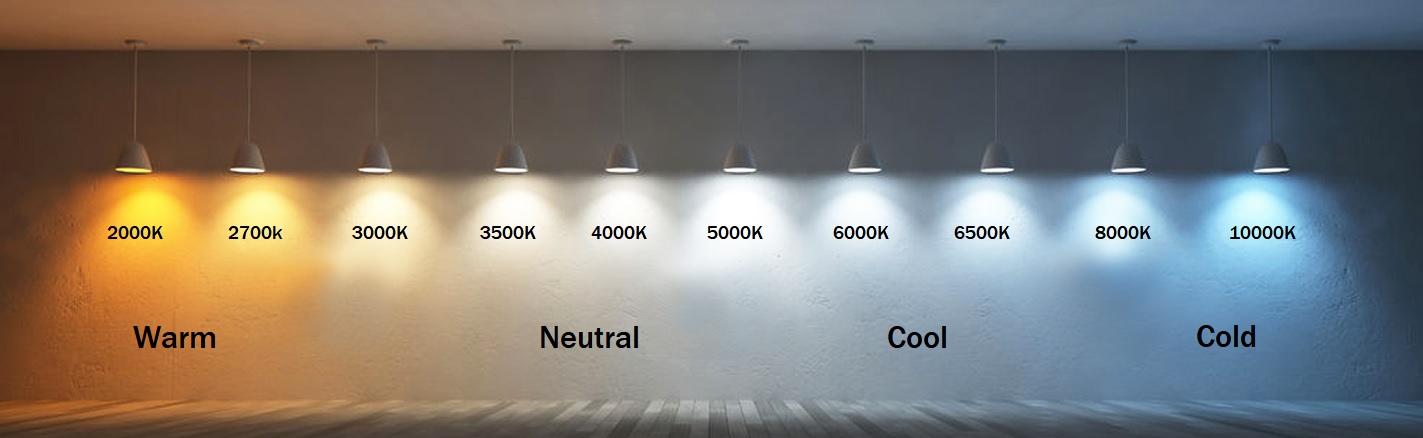
* white balance
* the exposure "triangle"
* waveform monitor
* gray card
* neutral density filters
### the tasks
* learn to white balance the C300
* learn to read the waveform monitor on the C300 (and what it is!)
* use the lightmeter to judge exposure and set the C300 to that exposure at IS0 800
* change the aperture AND the ISO (in opposite directions) to achieve the same exposure with radically different apertures (note what happens to the shot when you do this)
* try to shoot "wide open" with a fast lens (and learn about Neutral Density filters)
* vary your distance from the light and note what happens to exposure
## FINAL STATION: FOOTAGE REVIEW
* ingesting from the C300s
*
## LINKS
* [what is exposure value?](https://photographylife.com/exposure-value)
 Sign in with Wallet
Connect another wallet
Sign in with Wallet
Connect another wallet