---
tags: cd
---
# CD process doc for virtual galleries
At the outset of this project, I experimented with Blender, working through [the Blender Guru donut tutorial](https://www.youtube.com/watch?v=nIoXOplUvAw). This tutorial overviews a lot of the most basic components of Blender (e.g., hot keys, moving the object, adding, duplicating, and modifying meshes, etc.). As I discussed with Jordan, it's actually important to take notes while watching these tutorials (in addition to creating the object itself), because it is challenging to keep all of the keyboard shortcuts and terminology in mind.
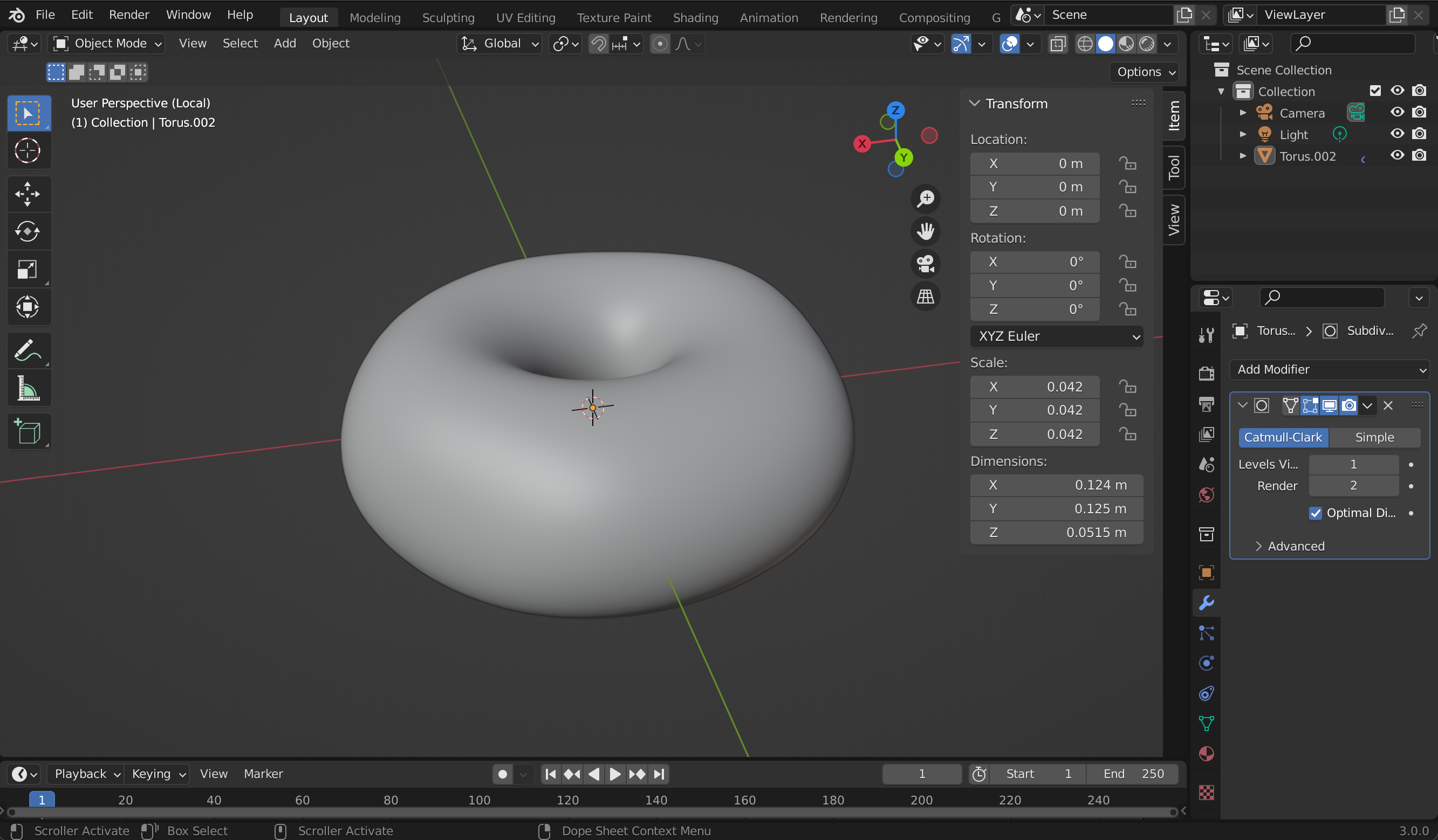
Here's what my donut looked like by the end of the second tutorial video! It's encouraging to see how quickly your object takes shape even at this very early stage. This step-by-step approach is a great introduction to a central premise of 3D modeling (i.e., that basic shapes comprise all objects).
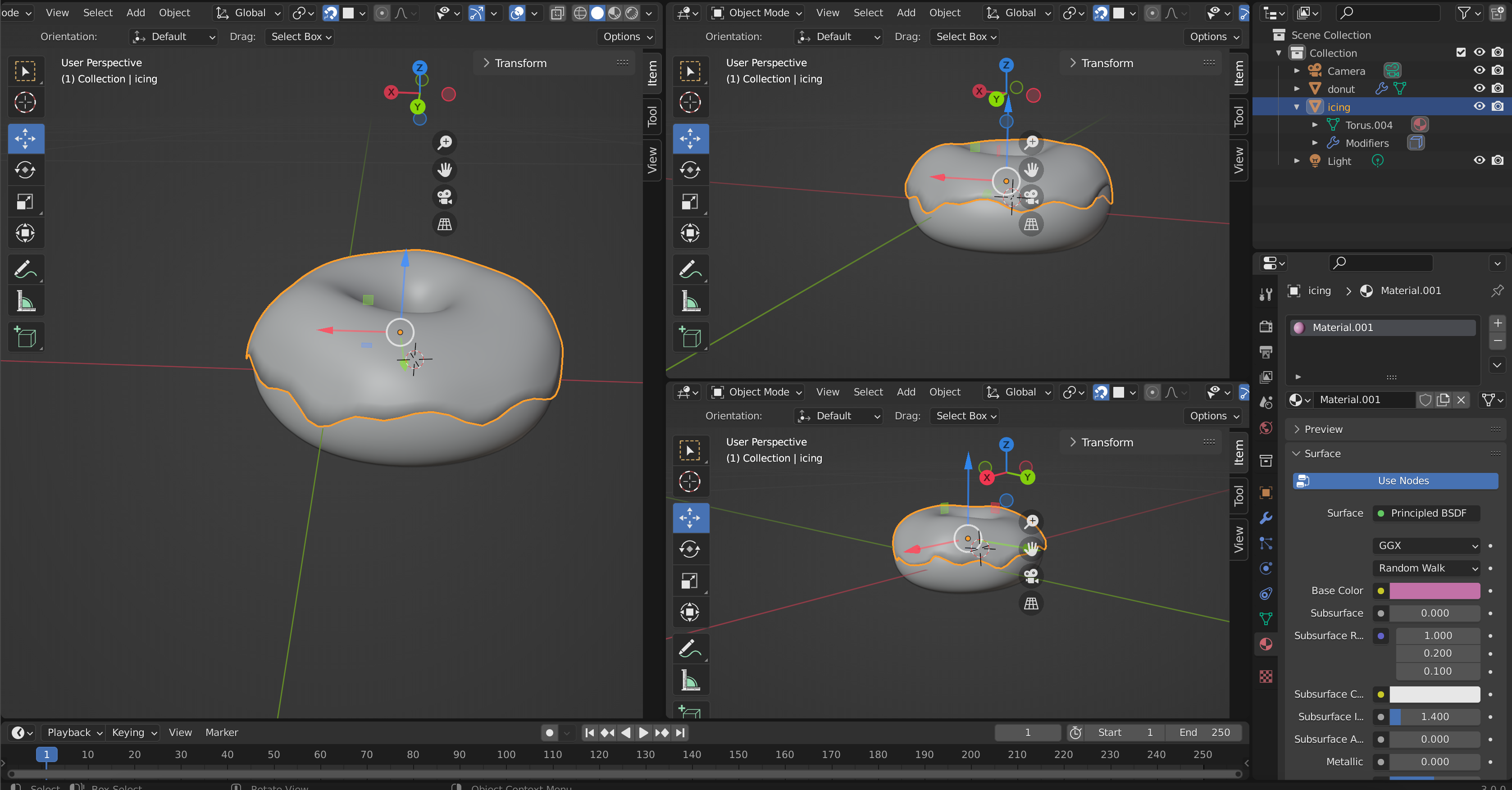
Here's what my donut looked like once I was at the stage of the tutorial where you add the icing and start to model it against a photograph (using the split screen function in Blender). Marlon and Jordan then showed me how to create multiple views so that I could view the donut from multiple angles simultaneously. Shifting to this multiple viewport set up was extremely useful since it makes very clear the effect that moving particular vertices has on the object. For instance, I was able to see that I was actually pushing vertices inward that I wanted to extend outward, away from the mesh.
### virtual gallery models and inspirations
* [Lina Bo Bardi's crystal easels](https://artsandculture.google.com/exhibit/picture-gallery-in-transformation/BgJCD_ndqZAzLg?hl=en)
* [Guggenheim New York](/hk0GAUXbRCW2LpAf0rmnSg)
 Sign in with Wallet
Connect another wallet
Sign in with Wallet
Connect another wallet