---
layout: article
title: VS code with python
tags: python, vscode
pageview: false
mathjax: true
---
# VS code with python
## 安裝vs code跟python extension
**6000萬人都裝了,你不裝嗎?**

對python友善又輕量
> https://devblogs.microsoft.com/python/python-in-visual-studio-code-may-2019-release/
# python extension的功能:
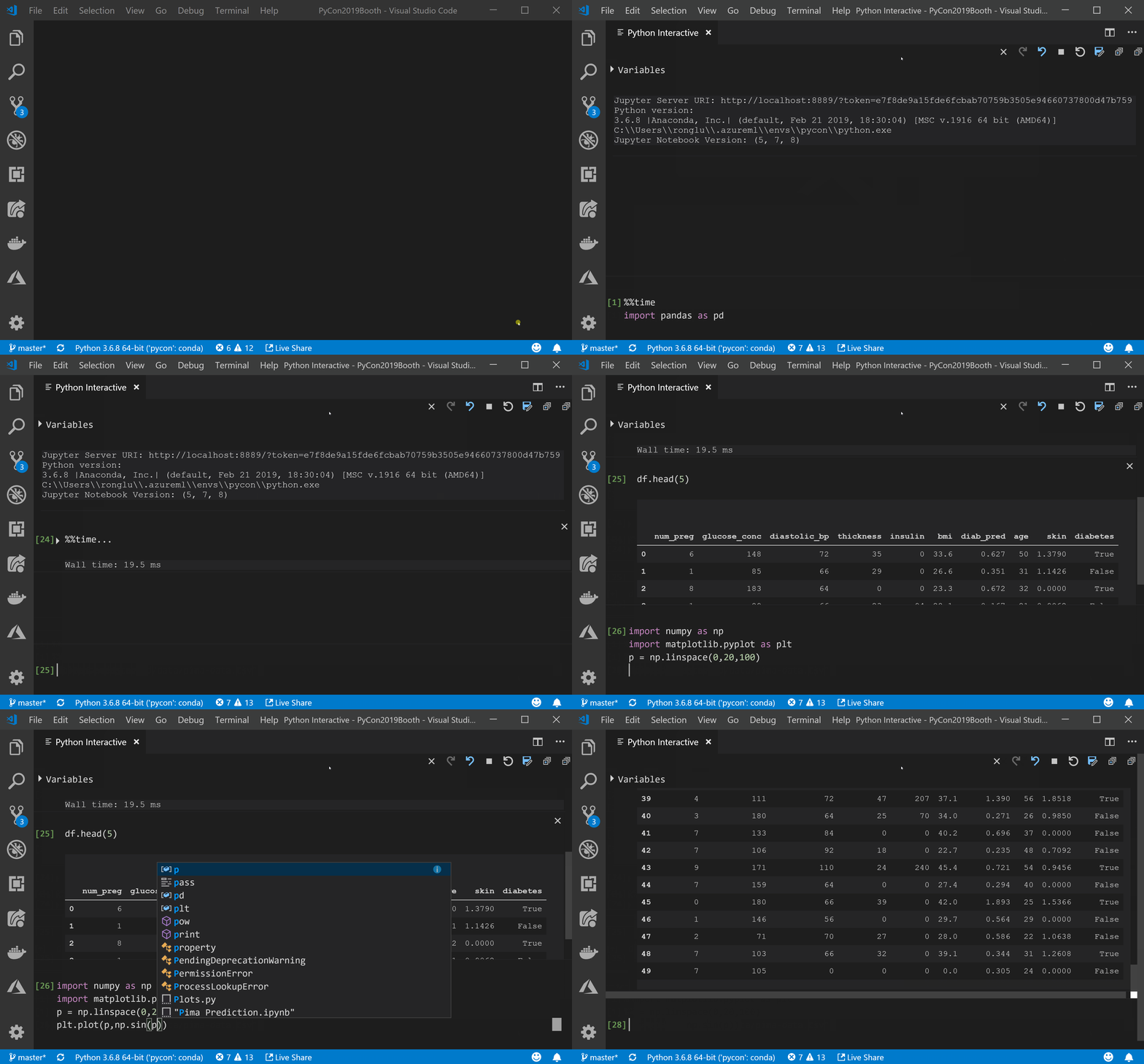
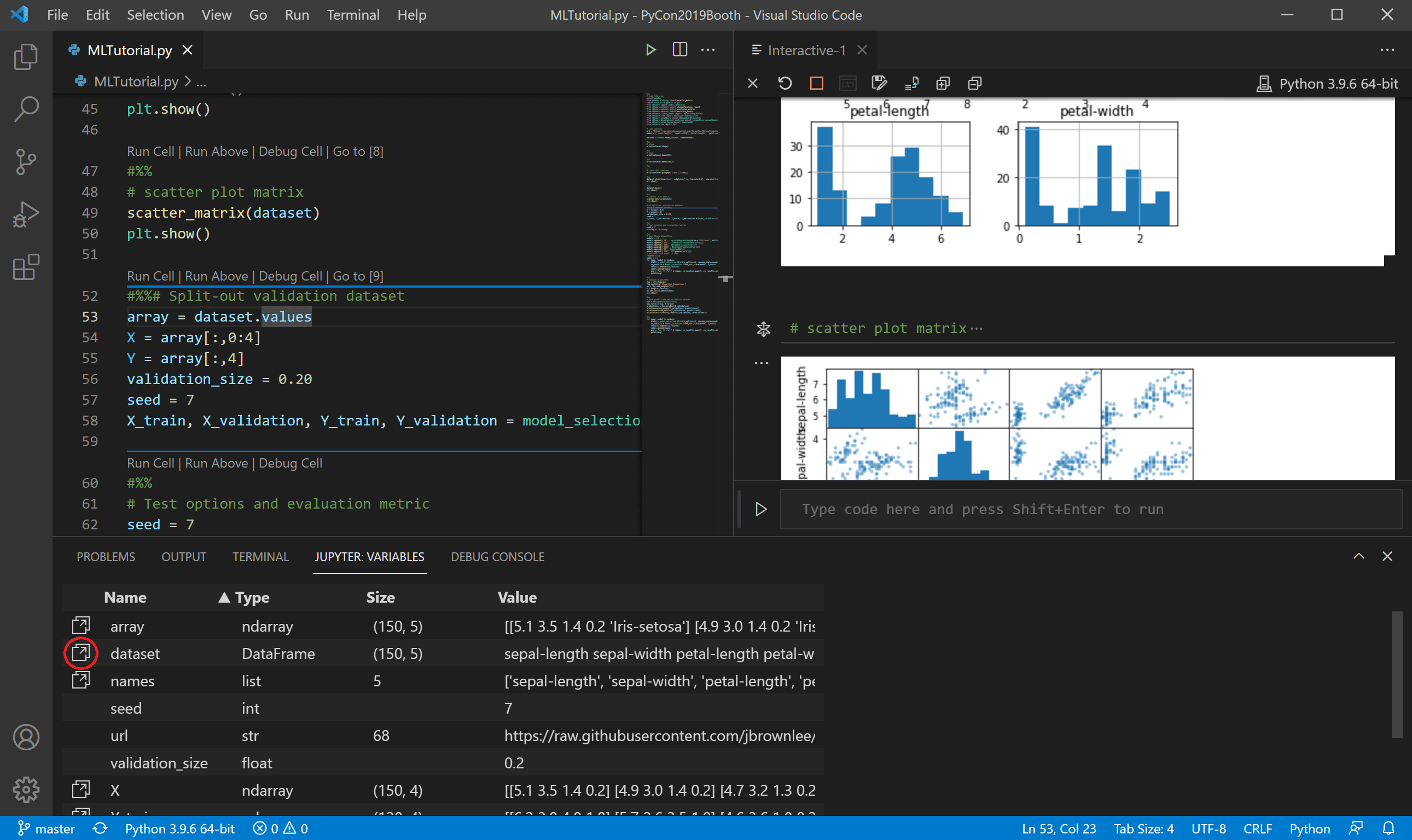
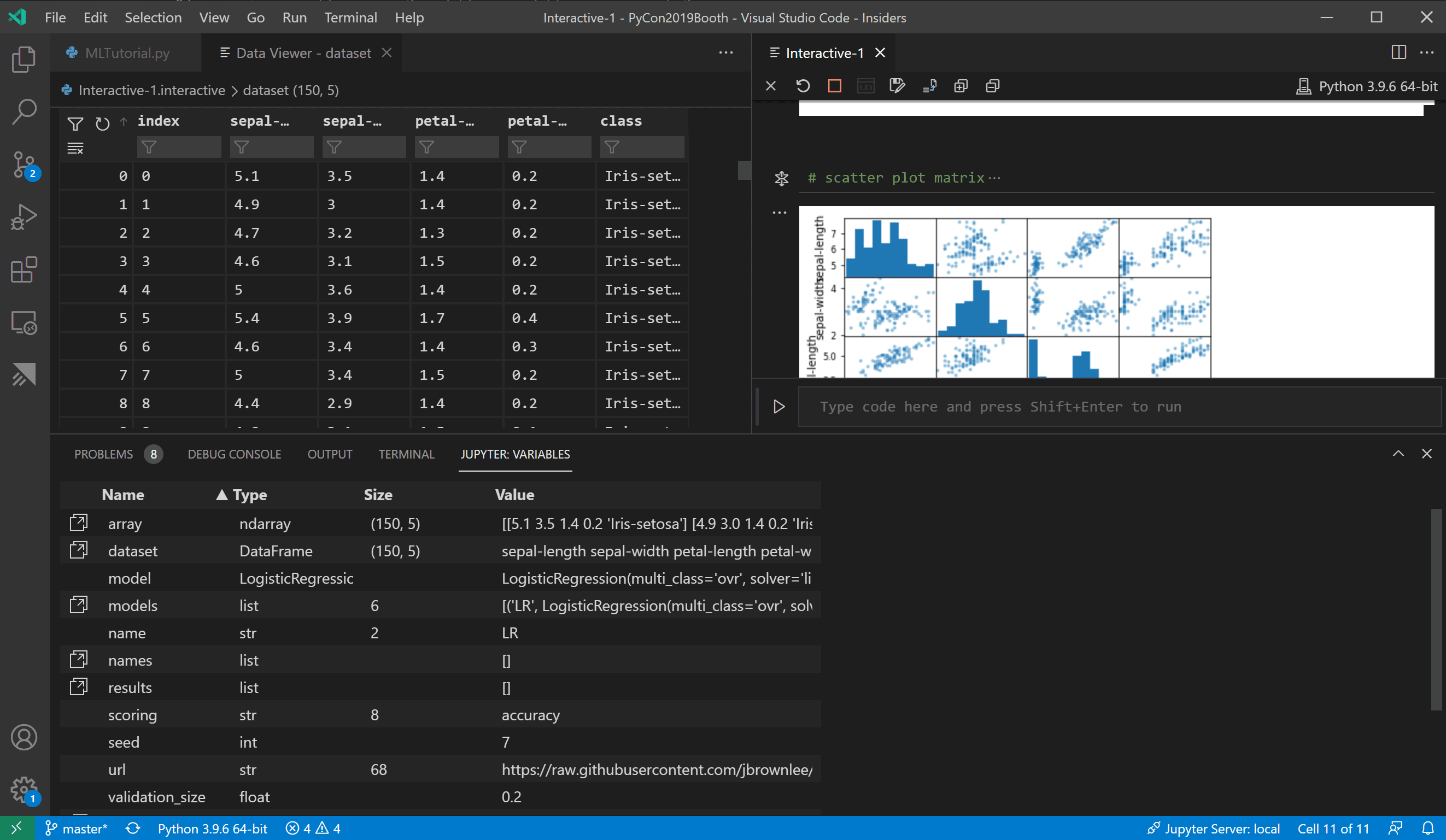
## 1. 顯示variable
## 2. 顯示plot
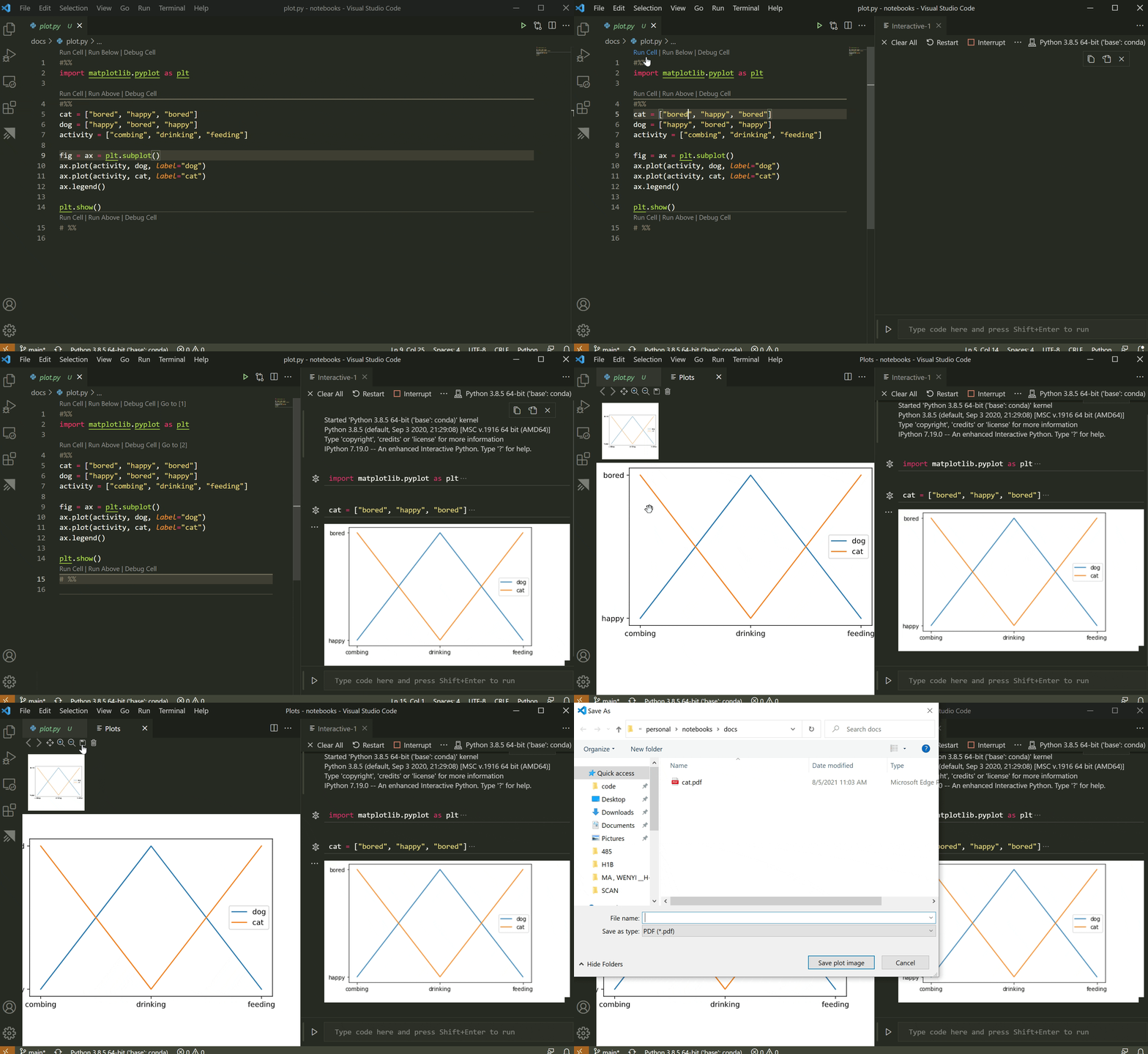
## 3. 也可以用ipynb (用法同sypder)


## 4. 連接remote jupyter kernel
使用mac/pc連遠端mac/pc/linux jupyter server
```
建議配合jupyerhub
```
> https://code.visualstudio.com/docs/languages/python
> https://code.visualstudio.com/docs/python/jupyter-support

# Remote SSH extension
## ssh連接linux server
使用情況mac/pc遠端linux
> * https://xenby.com/b/221-%E6%95%99%E5%AD%B8-%E4%BD%BF%E7%94%A8-visual-studio-code-%E9%80%8F%E9%81%8E-ssh-%E9%80%B2%E8%A1%8C%E9%81%A0%E7%AB%AF%E7%A8%8B%E5%BC%8F%E9%96%8B%E7%99%BC
> * https://footmark.info/software/editor/vscode-remote-ssh-linux-folder/
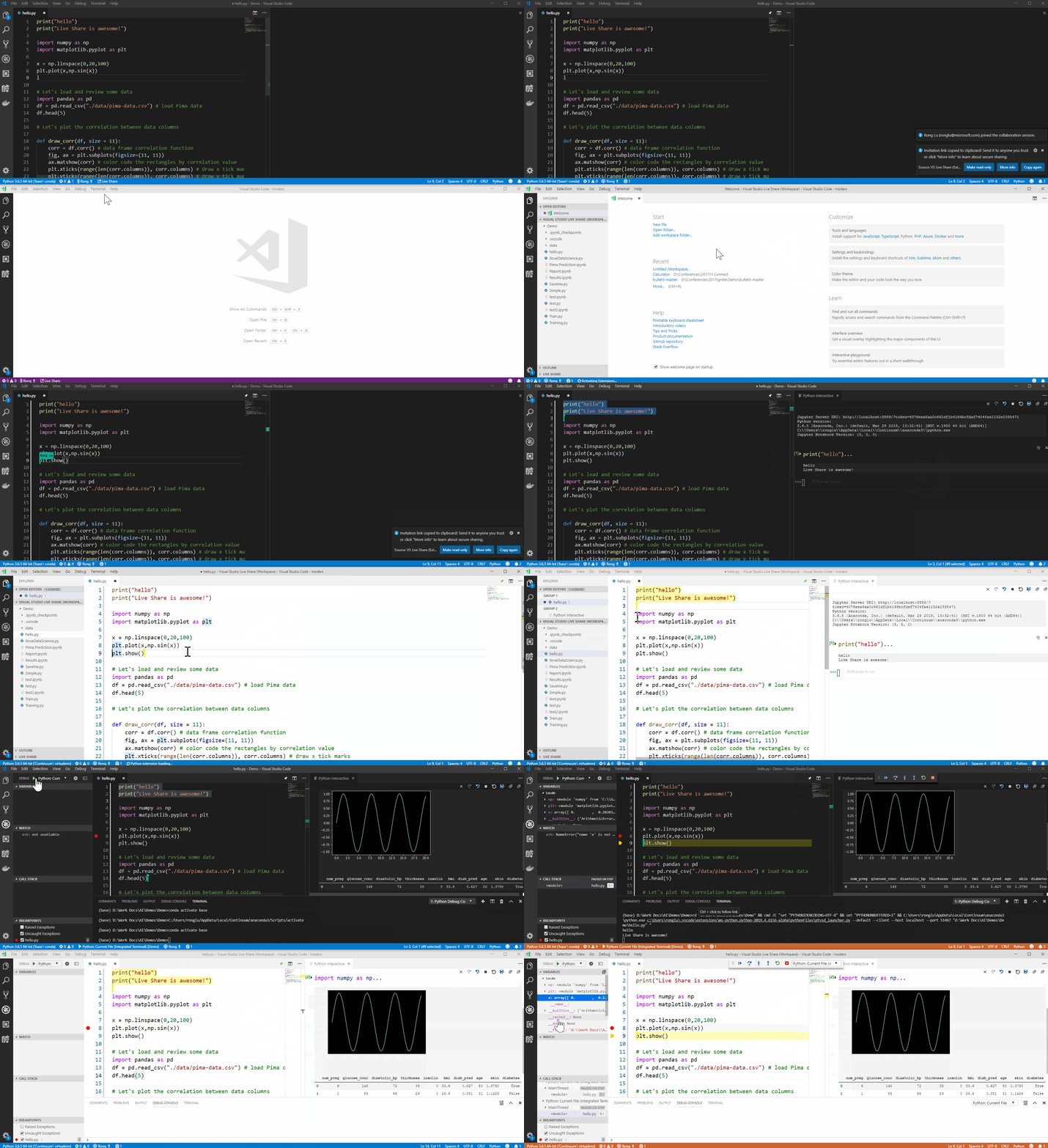
# Live share extension
## vscode線上共編 (針對win/ mac)
使用情況: 用mac/pc遠端mac/pc
> https://xiaosean.github.io/vscode/2018-05-19-VSCode-Live-share
## tmux with vscode
> https://medium.com/@joaomoreno/persistent-terminal-sessions-in-vs-code-8fc469ed6b41
> https://iter01.com/76932.html
linux server上設定預設ssh用tmux
> https://stackoverflow.com/questions/27613209/how-to-automatically-start-tmux-on-ssh-session
**其他方式避免jupyter跳掉 (nohup)**
> https://www.jianshu.com/p/300333a3f2ba
> https://blog.csdn.net/donaldsy/article/details/96350061
不顯示nohup.out
> https://stackoverflow.com/questions/10408816/how-do-i-use-the-nohup-command-without-getting-nohup-out
`nohup jupyter lab >/dev/null 2>&1 &`
 Sign in via Google
 Sign in via Facebook
 Sign in via X(Twitter)
 Sign in via GitHub
 Sign in via Dropbox
 Sign in with Wallet
Connect another wallet
Sign in with Wallet
Connect another wallet