# Intro to p5.js
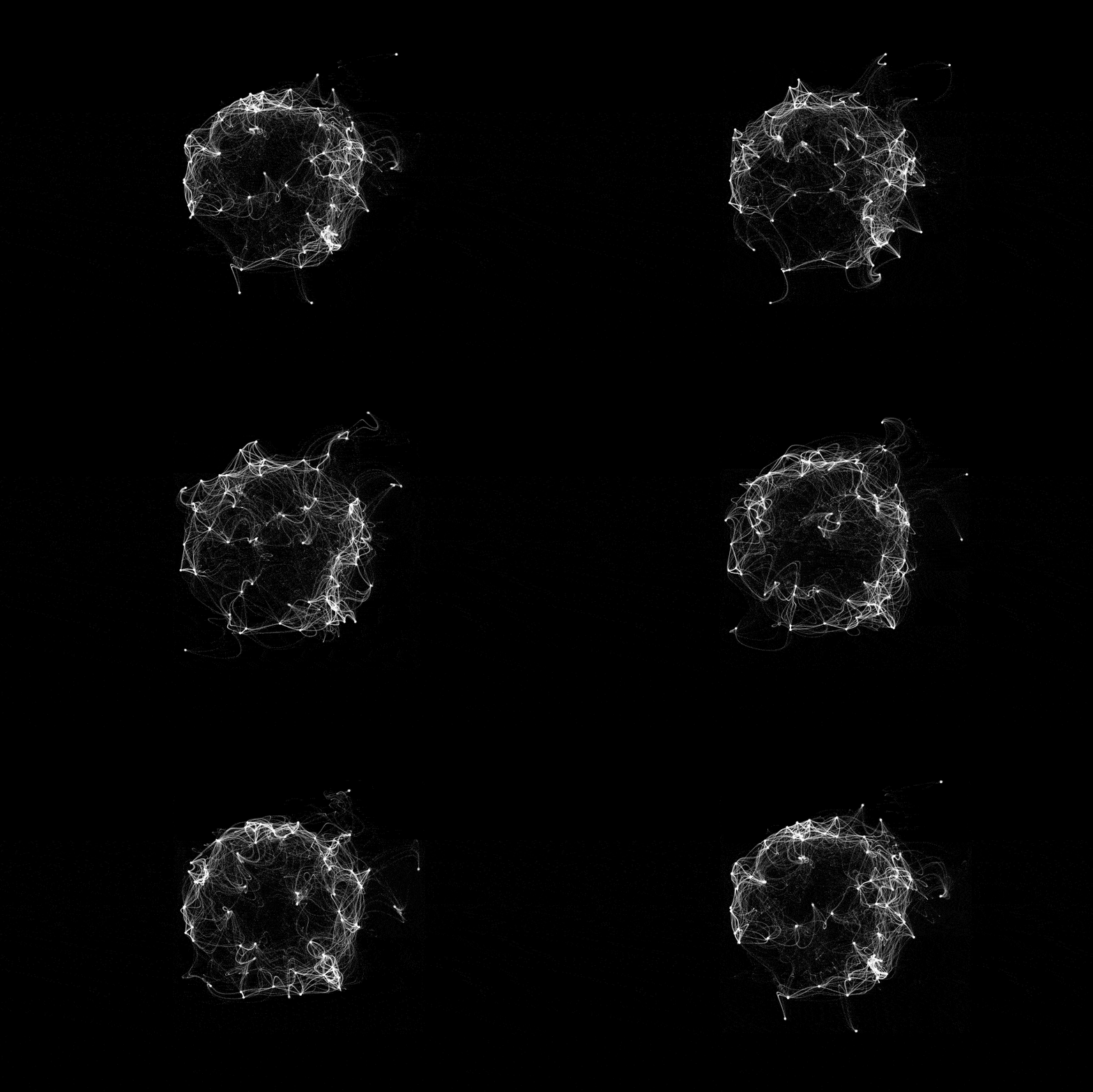
<small>gif by Étienne Jacob</small>
### Test example https://xpablov.gitlab.io/webTestHtml/
(files available [here](https://gitlab.com/xpablov/webTestHtml)
### What is p5.js?
* javascript library (free/open software)
* based on processing.js
* easy to learn (aimed at artists, beginners, etc)
### Why use p5.js?
* minimal coding experience needed to start using it
* relatively unconstrained visual possibilities
### Showcase examples:
https://showcase.p5js.org/#/2021-All/
* [Illogical act](https://showcase.p5js.org/#/2021-Visual/Illogical-Act/) // [LIVE](https://editor.p5js.org/SherVin/full/6dsElgnDE)
* [Our paper space](https://showcase.p5js.org/#/2021-Visual/Our-Paper-Space/) // [LIVE](https://showcase.p5js.org/#/2021-Visual/Our-Paper-Space/)
* [Graphic beats](https://showcase.p5js.org/#/2020-All/project-20/) // [LIVE](https://graphicbeats.net/)
### p5.js functions' specifics
We will be using the [p5.js online editor](https://editor.p5js.org/). However, the code can be used as any other javasript code (e.g. added to a web development project as a \*.js file, like in the example above).
It is recommended to have the documentation open during the exercise.
#### `setup()`
- called once at the start of the program (automatically)
- only one setup() function per program
```javascript=
//SETUP EXAMPLE
function setup() {
frameRate(24);
createCanvas(800, 600);
}
```
#### `draw()`
- canvas is refreshed automatically (animation function)
- an *infinite* loop
- is called automatically
- only one draw() per program
- exectutions per second controlled by `frameRate()` function
```javascript=
//DRAW EXAMPLE
let x = 0;
function draw() {
background(200);
circle(100,100, x);
if(x<100){
x++; //sets an upper limit to diamater
}
}
```
#### `preload()`
- called before setup
- calls external assets (json, images, fonts, etc)
- both setup() and draw() will wait until preload() finishes running
#### `stroke()`
* object border color
* Accepts different paramenters, but commonly used with RGB coordinates (i.e. 3 values(0-255) + alpha)
#### `fill()`
* color inside the shapes
* Accepts different paramenters, but commonly used with RGB coordinates (i.e. 3 values(0-255) + alpha)
#### `map()`
* map one range to another range (e.g. 0 to 255 = 35-50)
* takes five arguments (value, minRangeA, maxRangeA, minRangeB, maxRangeB)
## Activity:
This is an individual activity. You will need to upload a) a screenshot of the final image with the code you used, OR b) a URL where the animation is made. Considering that there are different technical expertise levels in the class, there will be 2 tiers for the exercise (you are, of course, welcome to do both!)
### tier 1 (little to no experience coding)
1. Draw a face using p5.js (the more complex, the better)
2. Make it interactive (i.e. not only a drawing, but also some animation included)
### tier 2 (some javascript expertise)
1. Plot data from an external file (you can use the file in the example, but is better if you have an original json)
2. Make it interactive (i.e. not only a drawing, but also some animation included).
## code snippet example
```javascript
function setup() {
createCanvas(400, 400);
frameRate(60);
print("hi there");
}
let x = 0;
let y = 0;
bgcolor = 230
function mousePressed () {
bgcolor = color(random(0, 170), random(0, 170), random(0, 170));
}
function draw() {
background(bgcolor); // color scale: 0-255
line(0, 0, 400, 400); //x, y coordinates, starting form left upper corner
stroke(120,34,44);
fill("red");
circle(100,100,x); //x, y coordinates + radius
stroke(200,56,44);
fill(120,120,45,mouseY);
//noFill();
circle(200,200,mouseX);
if(x<100){
x++;
}//else(x=0);
for(var y=0; y<width; y=y+50){
fill("hotpink");
ellipse(y,300,25,25);
}
}
```
## Recommended resources:
* [p5.js online editor](https://editor.p5js.org/)
* [p5.js documentation](https://p5js.org/)
* [The coding train "Programming with p5.js" tutorial](https://www.youtube.com/watch?v=HerCR8bw_GE&list=PLRqwX-V7Uu6Zy51Q-x9tMWIv9cueOFTFA) (fun and zero experience needed!)
* [Winnie Soon's (open) course on Aesthetic Programming](https://gitlab.com/siusoon/aesthetic-programming/-/tree/master/AP2020)
* [Étienne Jacob examples](https://bleuje.github.io/p5js-myprojects/index.html)
 Sign in with Wallet
Connect another wallet
Sign in with Wallet
Connect another wallet