# Boom Boom Bounce
Boom Boom Bounce is an Online Multiplayer Party Battle Royale Game. The player controls an animal character and try to bounce everyone out of the island to be the last man standing. "Bounce 'em all and be the king amongst all animals!"✨.
Engine : [](https://unity3d.com)
Language : [](https://docs.microsoft.com/en-us/dotnet/csharp/)
Publish : [](https://adriian.itch.io/boom-boom-bounce)
Platform : [](https://docs.microsoft.com/en-us/windows/)
Server : [](https://docs.microsoft.com/en-us/azure/?product=featured)[](https://firebase.google.com/docs)
## Starting Server
1. Build server with linux target.
2. Allow TCP inbound and outbound connection.
```console
$ firewall-cmd --zone=public --add-port=8080/tcp --permanent
```
3. Allow UDP inbound and outbound connection.
```console
$ firewall-cmd --zone=public --add-port=8080/udp --permanent
```
4. Go to directory
```console
$ cd /home/LinuxBuild
```
5. Allow to run server application
```console
$ chmod +x ./server.x86_64
```
7. Run server
```console
$ ./server.x86_64
```
## Background running server
1. Locate [this](https://gitlab.com/frederikoadr/boom-boom-bounce/-/blob/master/UnityServer/server.service) file to /etc/systemd/system, you can modify the file to match your own server application path
2. If permission is denied, you can grant permission to the folder
```console
$ sudo chmod -R 755 /etc/systemd/system
```
3. Start server service
```console
$ systemctl start server
```
4. Enable server service
```console
$ systemctl enable server
```
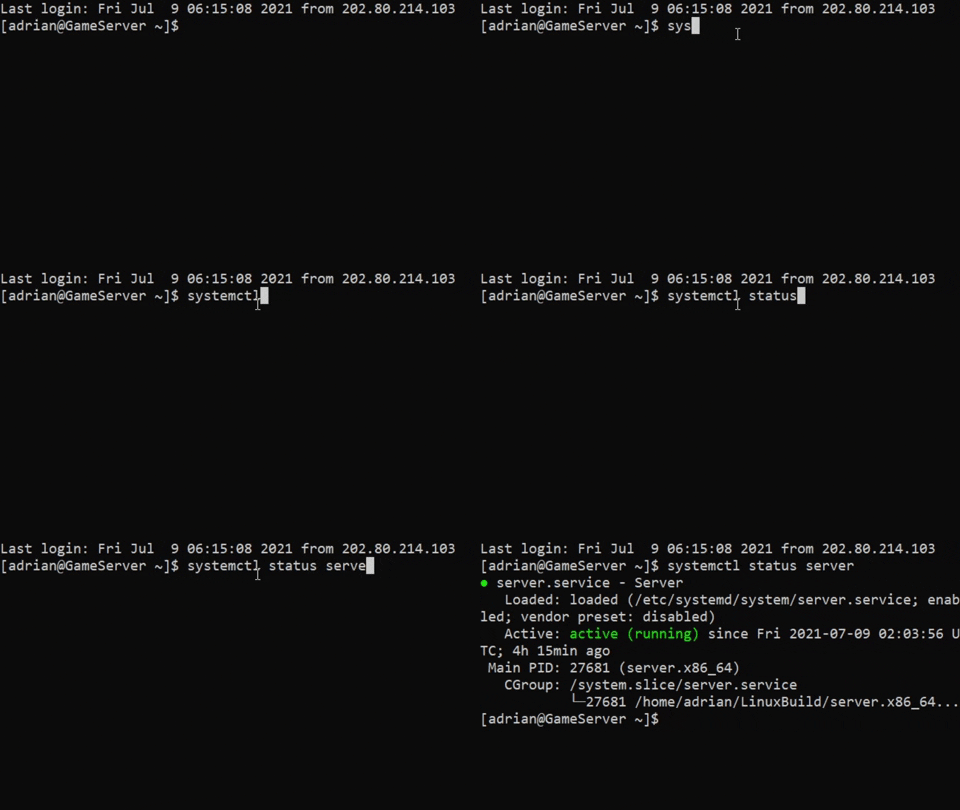
5. Check whether the server is active
```console
$ systemctl status server
```
if the server is running in the background, it will display like this
## Diagram
The following is a diagram that shows the network flow of the boom boom bounce.

## Documentation
[Game Design Document](https://docs.google.com/document/d/1uD4IUk_nac0poJq0-FCWCGvMN8eTdy7v2Kjez_GtfMw/edit)
### User Authentication
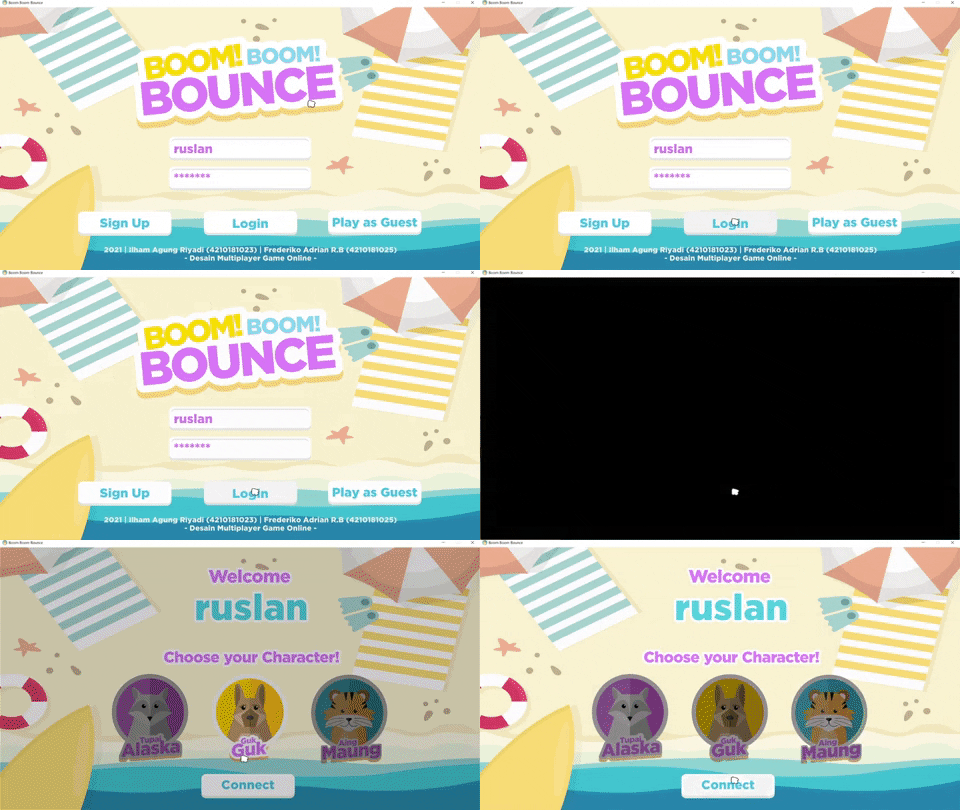
Login is done with comparing data between databases with HTTP GET requests and inputs, if data were same, login succeeds, whereas register done by checks whether the username already exists using GET request, if not then performs an HTTP PUT request to the firebase database.
```csharp
public void LoginRequest()
{
//Match database with input
RestClient.Get<UserData>("https://praktikum-jaringan-komputer-default-rtdb.asia-southeast1.firebasedatabase.app/" + usernameField.text + ".json").Then((System.Action<UserData>)(response =>
{
if (response.username == usernameField.text && response.password == passwordField.text)
{
Debug.Log("login success");
}
}
}
public void Register()
{
//Get request to database if whether username is exist
RestClient.Get<UserData>("https://praktikum-jaringan-komputer-default-rtdb.asia-southeast1.firebasedatabase.app/" + regUsernameField.text + ".json").Then(response =>
{
errorMsgReg.text = "Username already exist!";
}, response =>
{
userData = new UserData(regUsernameField.text, regPasswordField.text, false);
RestClient.Put("https://praktikum-jaringan-komputer-default-rtdb.asia-southeast1.firebasedatabase.app/" +regUsernameField.text + ".json", userData).Done(responseSucces => {
errorMsgReg.text = "Register done!";
}
}
```
### Player Spawn
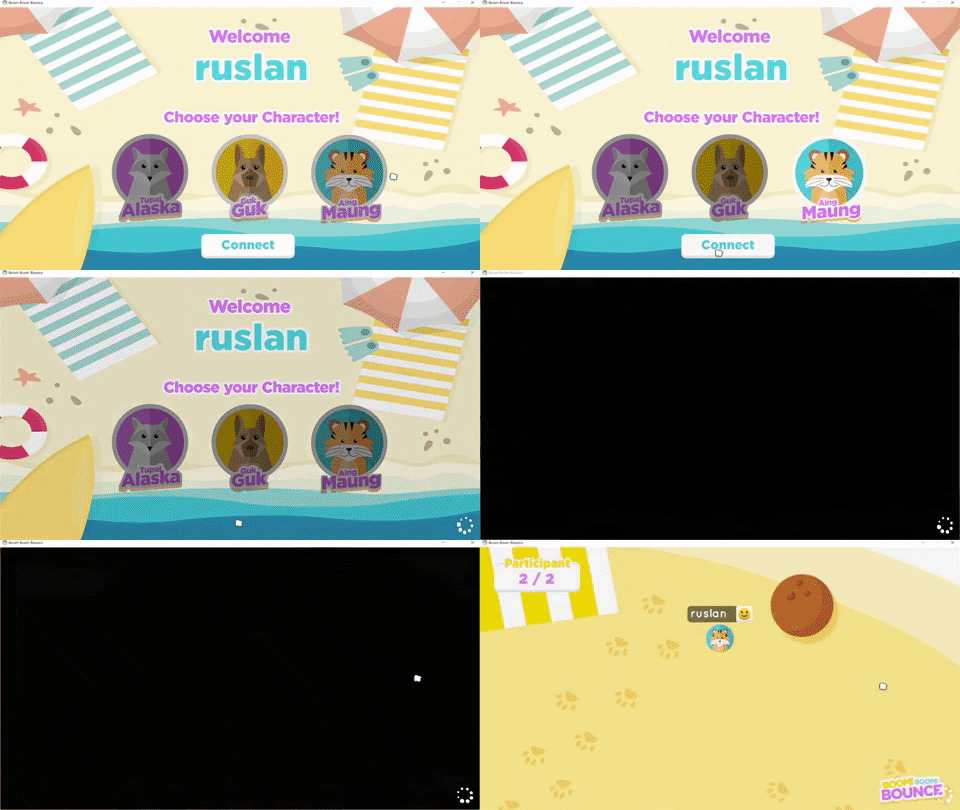
Server get information from new players in the form of username and selected character. Then sends information to new players, all previously connected players and to already connected players about new players. Sending information in the form of id, username, position, initial rotation, and the character chosen by the player to be instantiated by each client.
>Spawn player packet is sent via TCP protocol because the integrity of the data is needed.
```csharp
public static void WelcomeReceived(int _fromClient, Packet _packet)
{
int _clientIdCheck = _packet.ReadInt();
string _username = _packet.ReadString();
int _animalId = _packet.ReadInt();
Server.clients[_fromClient].SendIntoGame(_username, _animalId);
}
```
### Zone
The calculation of the size of the zone is done on the server based on the countdown of the game time and the results will be sent to the client. The result of the calculation of the zone size on the server containing the countdown time, size, and position is sent in packets to all clients via UDP.
>Time, size, and position data is sent via UDP as the latest data is preferred
```csharp
public void scaleDownZone()
{
setZoneSize(newZonePosition, newZoneSize);
ServerSend.ZoneStart((int)currentTime, zonePosition, zoneSize);
}
private void setZoneSize(Vector3 position,Vector3 size)
{
zonePosition = position;
zoneSize = size;
transform.position = position;
ZonaMati.localScale = size;
}
```
### Player Movement
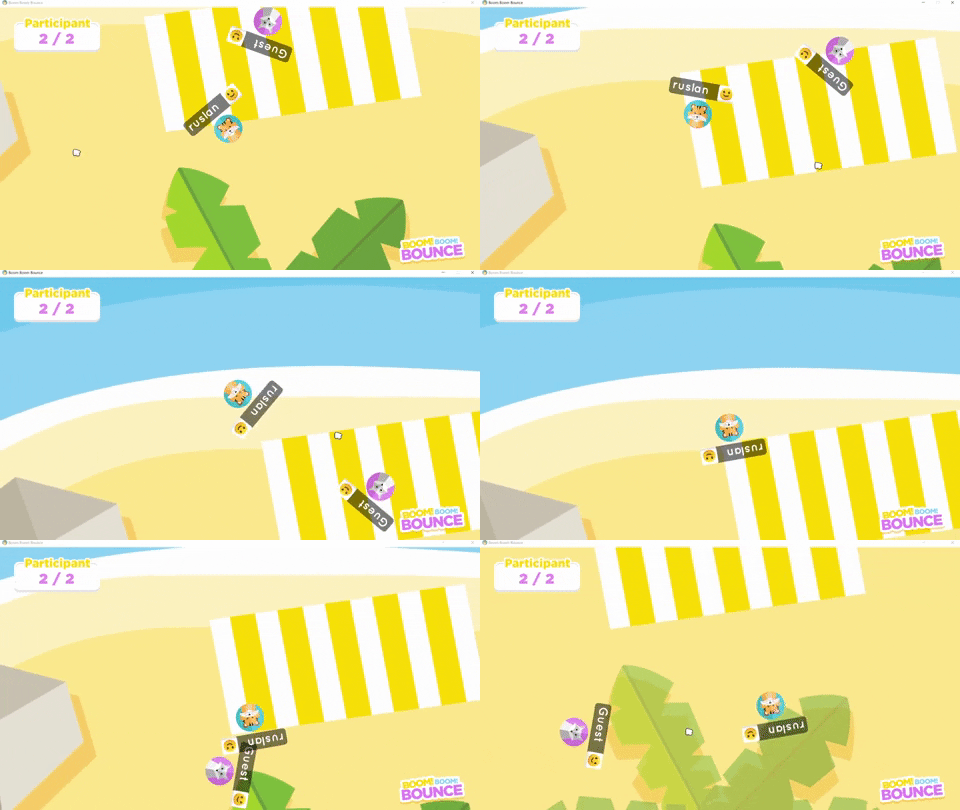
Server receives input in the form of a boolean array from the client. Then server sets the input to the corresponding singleton player class. Calculates rotation based on the input received and sends its coordinates along with the rotation of the player.
>Position and rotation data is sent via UDP as the latest data is preferred
```csharp
if (inputs[2]) //if input key D, turn right
{
currentRotation += rotationSensitivity;
Rotation(); //send
}
if (inputs[3]) //if input key A, turn left
{
currentRotation -= rotationSensitivity;
Rotation(); //send
}
```
### Player Rank Result
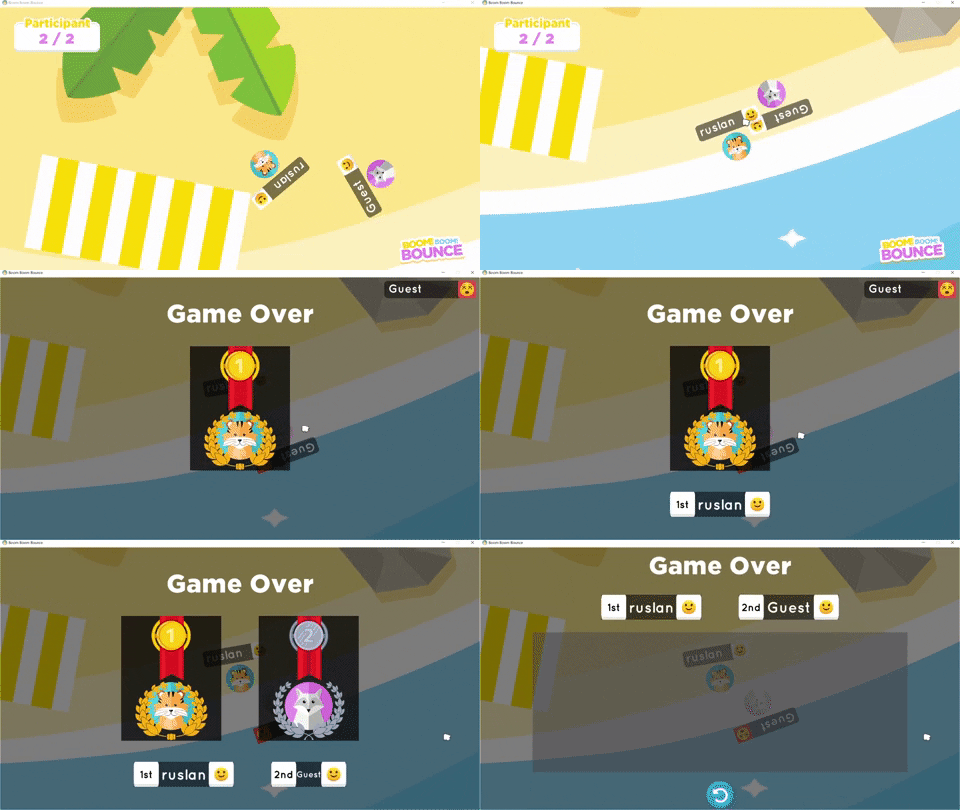
Dead player will call this function by providing its ID parameter to count the number of losing players. The ID is added into the list so that it provides information on the order in which the player loses. If there is one remaining live player, it will add the id to the list and send the list as the result of the game.
>Information of game results or player rankings is sent via TCP protocol because the integrity of the data is needed.
```csharp
public void DeadCount(int id)
{
playerAlive--;
playerRankSort.Add(id);
Debug.Log("current player alive : " + playerAlive);
if (playerAlive <= 1)
{
playerRankSort.Add(getMissingNo(playerRankSort, playerRankSort.Count)); //getting last man standing id
ServerSend.GameOver(playerRankSort);
ResetGame();
}
}
```
## Contributors
Frederiko Adrian R.B / 4210181024
[Ilham Agung Riyadi](https://gitlab.com/ilara_) / 4210181023
(Desain Multiplayer Game Online)
---
 Sign in with Wallet
Connect another wallet
Sign in with Wallet
Connect another wallet