---
tags: report, lluf, jk, amelie-j
---
# Amelie Julicher 21-22

| [cineLab](/6t8nQNOJRnG4kaNfJ9hXDA) | [graphicsLab](/8CstaZbWTL6-3j7tnYo6Fw) | [realityLab](/bA86p68MToWpzQqz9_bF8Q) |
| -------- | -------- | -------- |
Amelie came to the Learning Lab with her French Cinema course, and has a strong theatre and film background as an actor. Her interests as a LLUF are driven by a desire to better understand what happens behind the camera, and through the various forms of media and technology that we leverage in our studio. She joined our team Spring semester and dove into learning some of these tools. By the middle of the semester, she also connected us to a german course that we consulted with on their final capstone of a live theatre production.
## Tools
* Adobe InDesign
* Canvas
* Final Cut Pro
* Blender
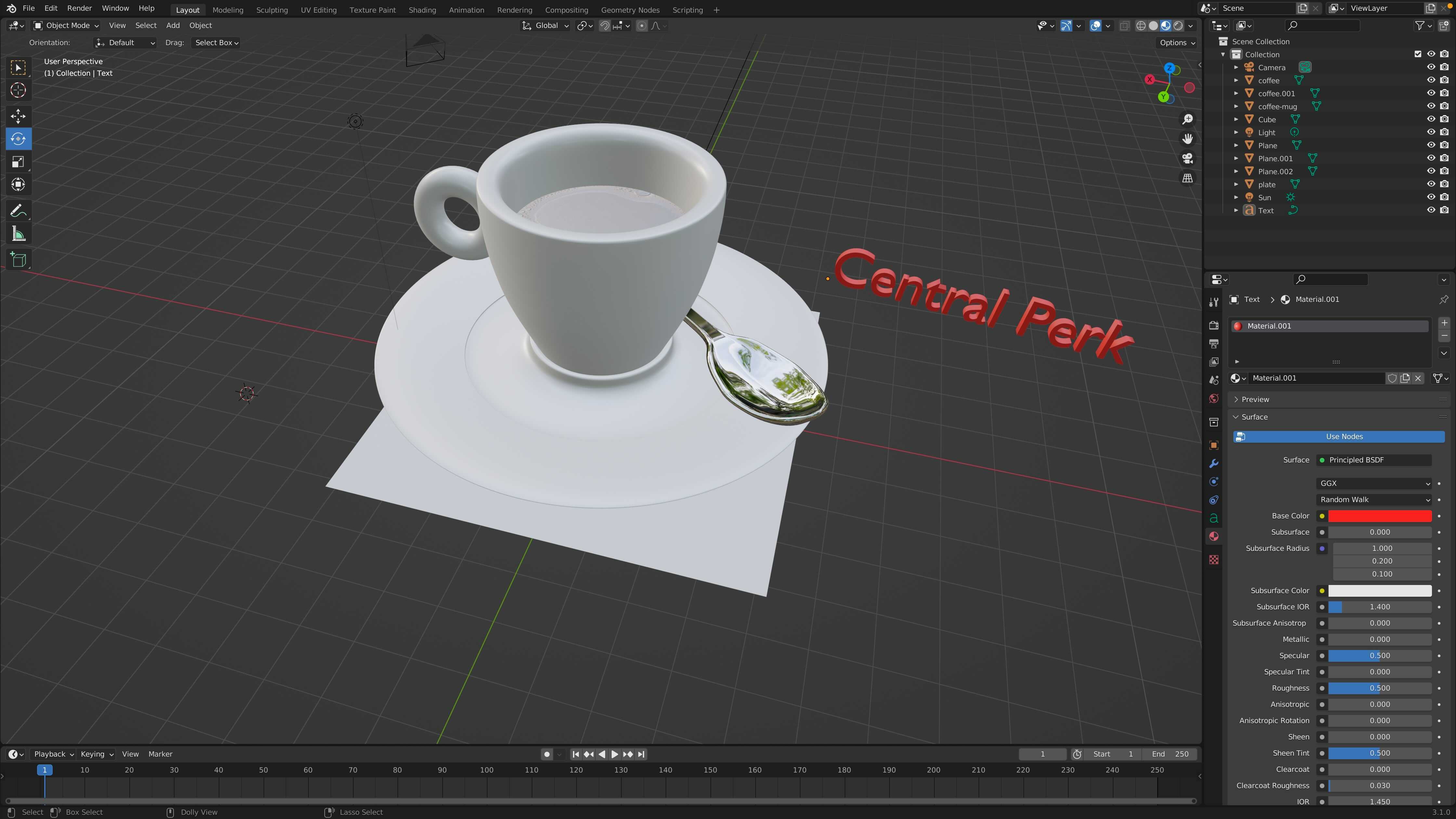
* Adobe After Effects
---
## Projects / Works
> "This semester I worked on a variety of different projects that allowed me to get familiar with new tools at the learning lab and a variety of programs while deepening my already existing knowledge when it comes to media and visual art. From February through May I worked with a variety of different programs that included: Adobe InDesign, Canvas, FinalCutPro, AdobeBlender and AdobeAfterEffects. Moreover, I became more familiar with the cameras and microphones at the learning lab. in this semester recap I will be looking back on the different projects I worked on on the new tools and programms I explored and on how my learing process could be of importance when it comes to the greater Harvard community."
### The Image-Geo-Text-Project
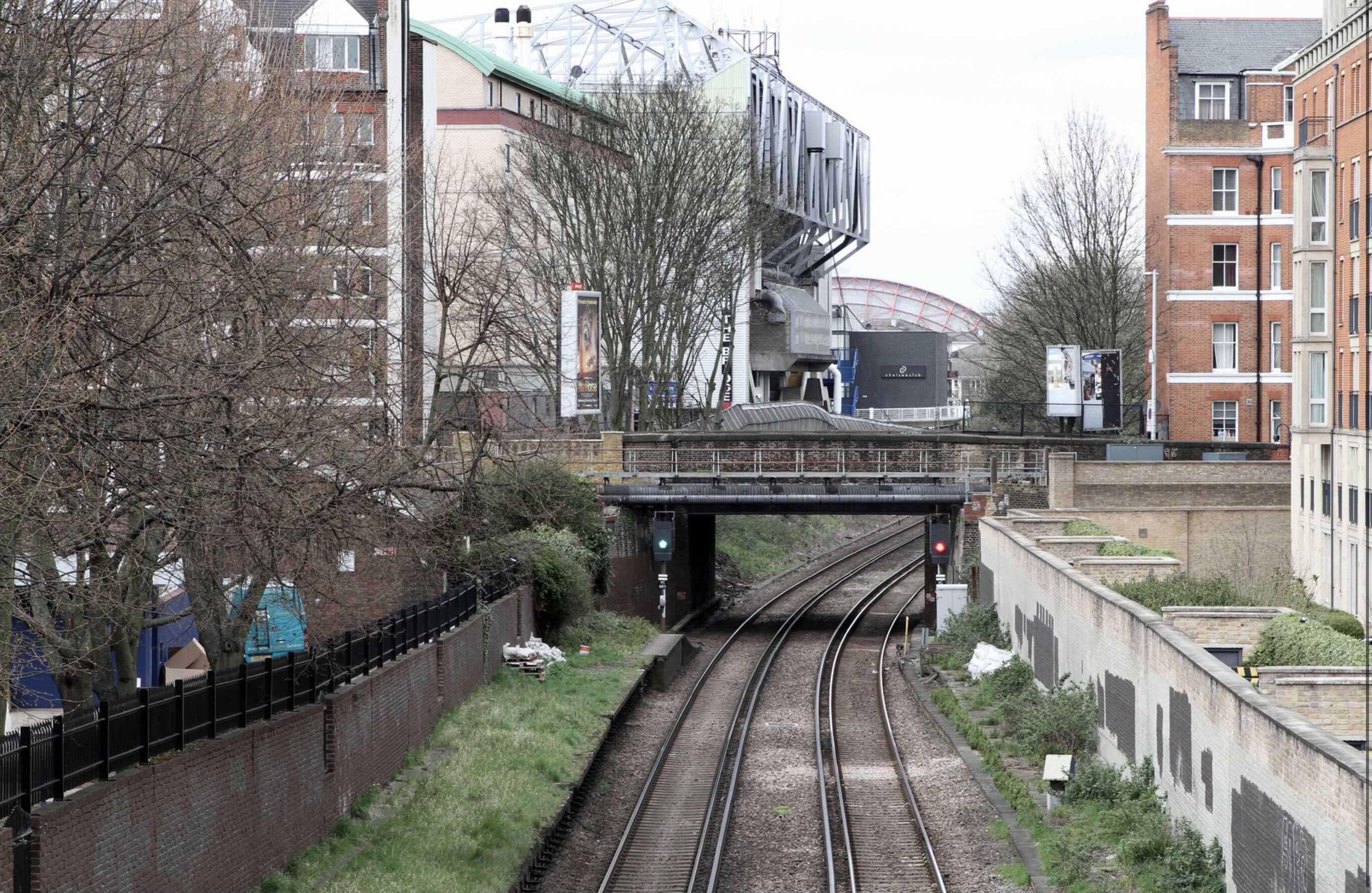
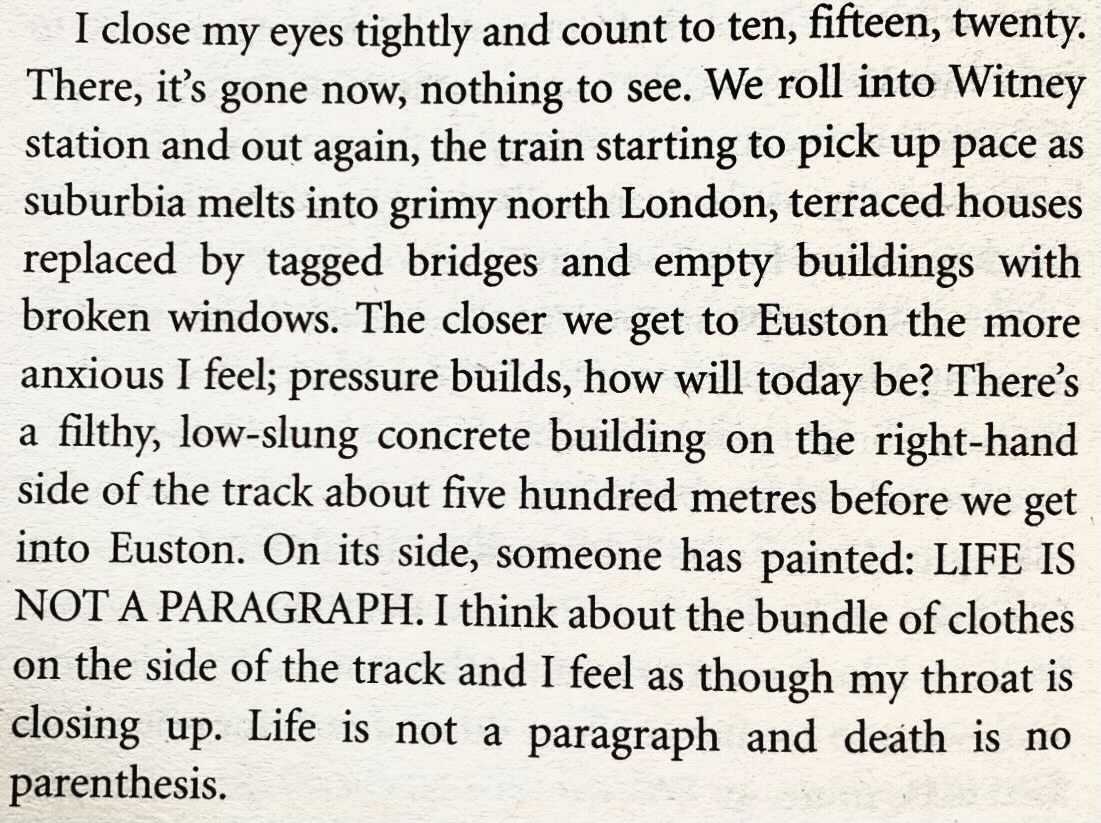
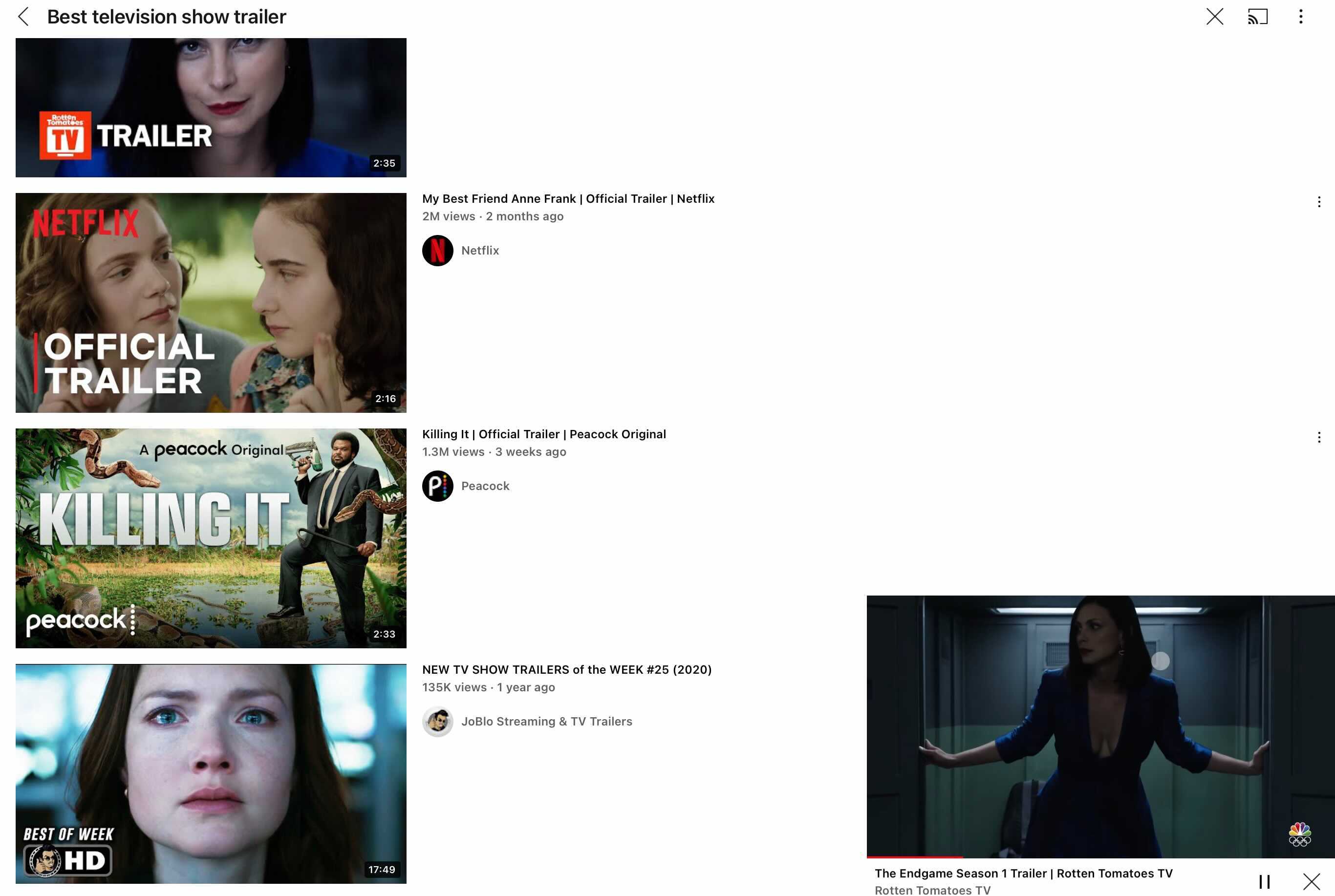
> "This is the paragraph I chose for the image-geo-text project, I’ve chosen Paula Hawkins’s The Girl on the Train because I have always been fascinated by how visual her writing is and thus thought it would be interesting to visualise an already very visually expressive piece of writing. When creating the digital image that reflects the piece of writing I wanted to capture the atmosphere the book conveys. Paula Hawkins‘s writing is remarkably metaphorical and visual, often very detailed yet captivating. When I think about the book, I always think about specific colors. As a result, I started by creating a color palette and mood board. I mainly wanted to focus on rather moody, dark, and heavy colors such as grey, dark blue, olive, etc., to construct the feeling of a rainy day in London. The passage alludes to "low-slung concrete buildings," which is a detail I wanted to emphasize by using the concrete style backdrop. I combined two pictures in the center of my image (the picture of the train tracks and a train leaving the station). Lastly, I decided to include my paragraph as a picture of the actual book page in the bottom corner to add more texture and layers to the overall image. Lastly, I edited the image to bring all the colors together and to reinforce the colors I had in mind. This project was created with the App Canvas which allowed me to get more familiar with the App as a result. The idea of visaulizing text passages"
### Harvard Horizon's visual prototypes and asset development
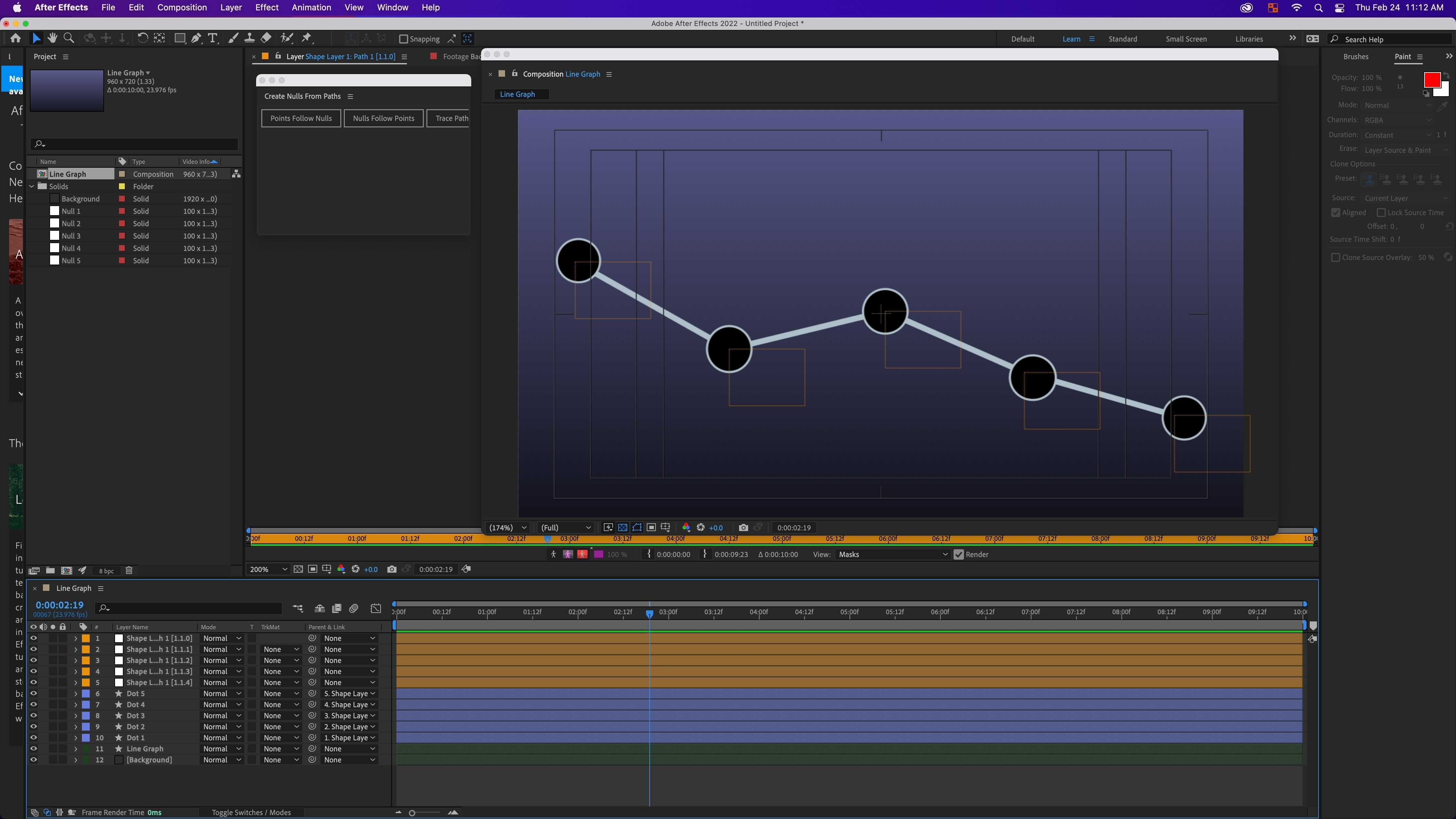
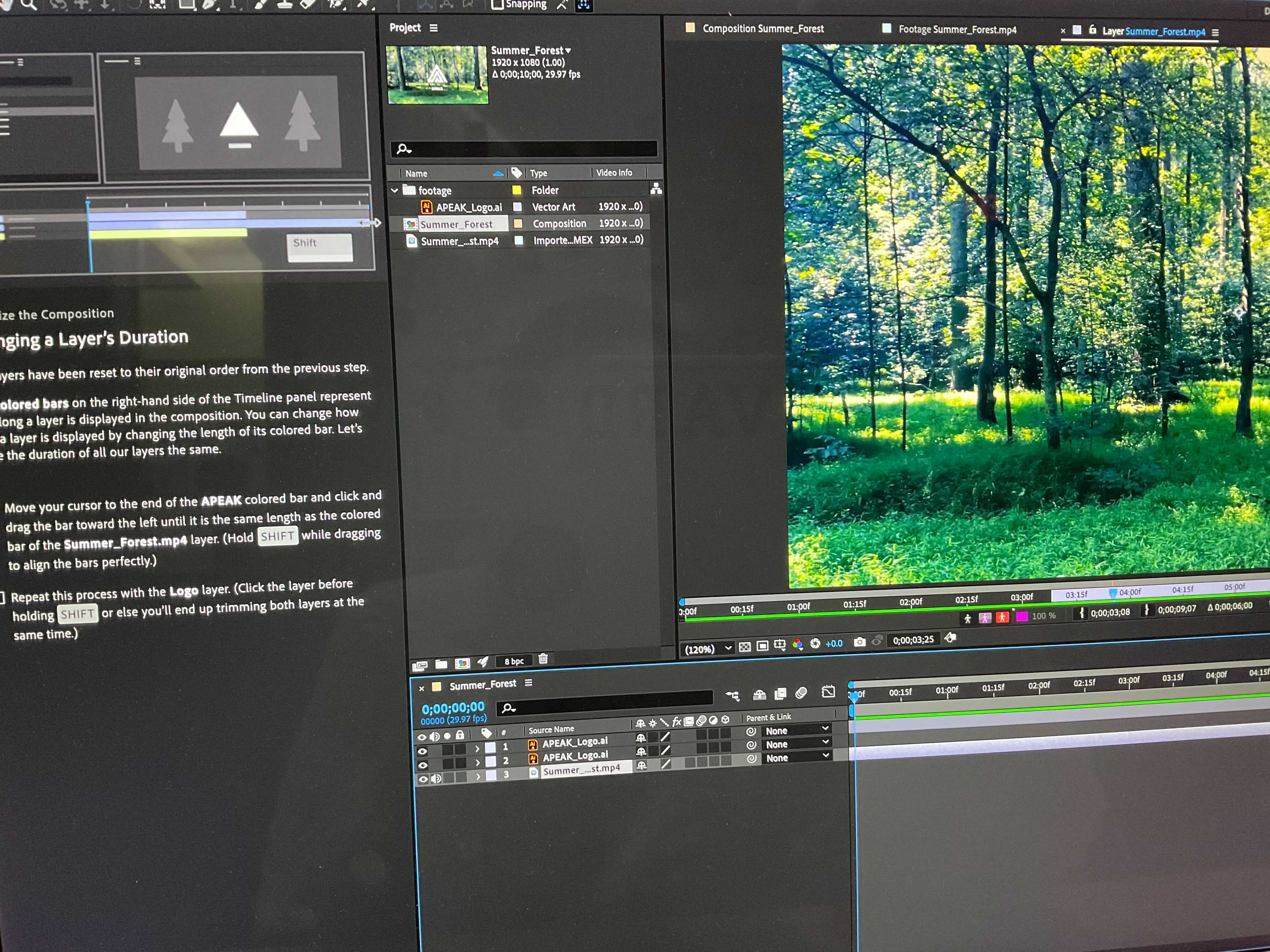
Ameile helped to develop a visual prototype for [Chika's graphs](https://hackmd.io/EIsIJMtNRTyD1UQGoFSugg) as a project to learn After Effects through.
### EssentialsLab modules in graphicsLab and realityLab
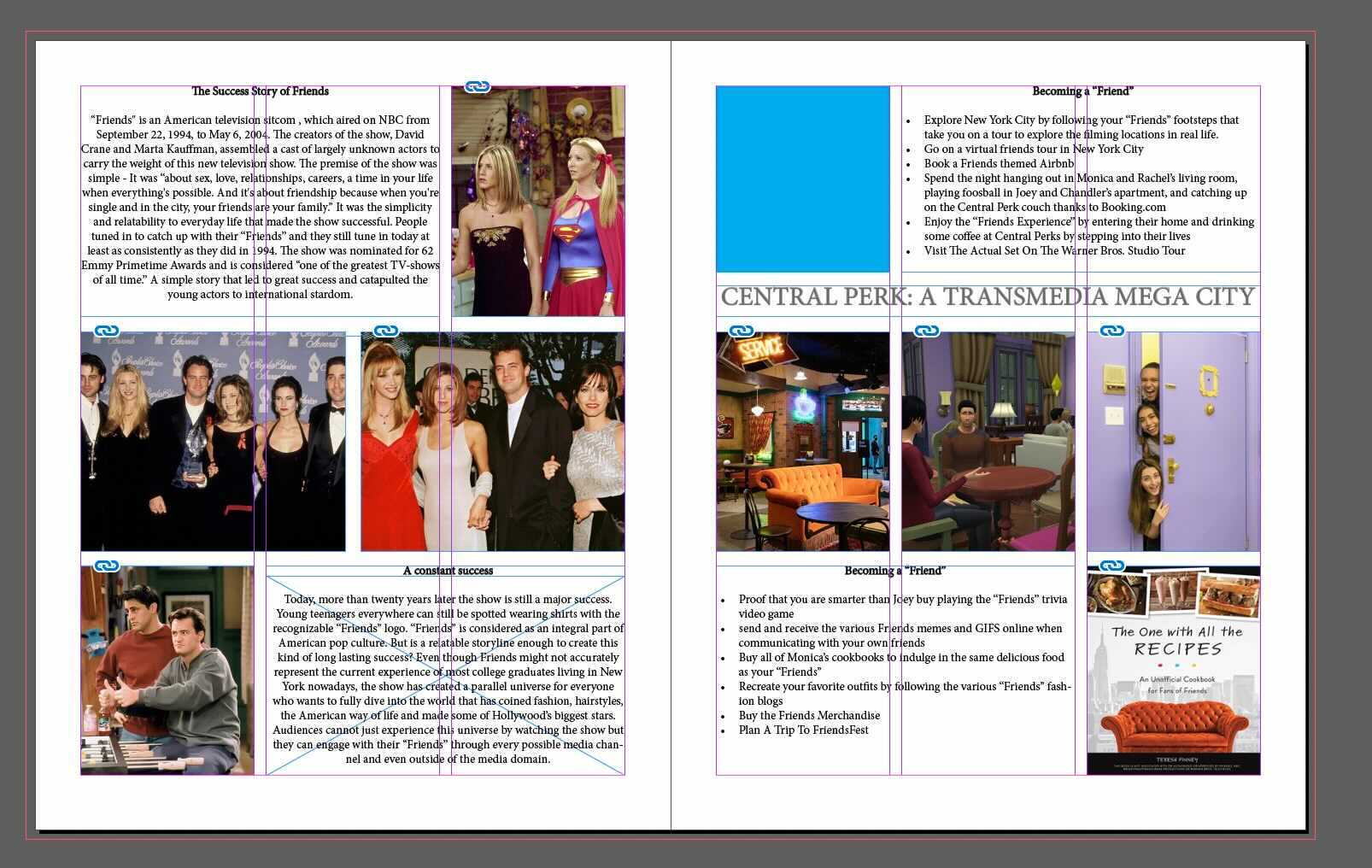
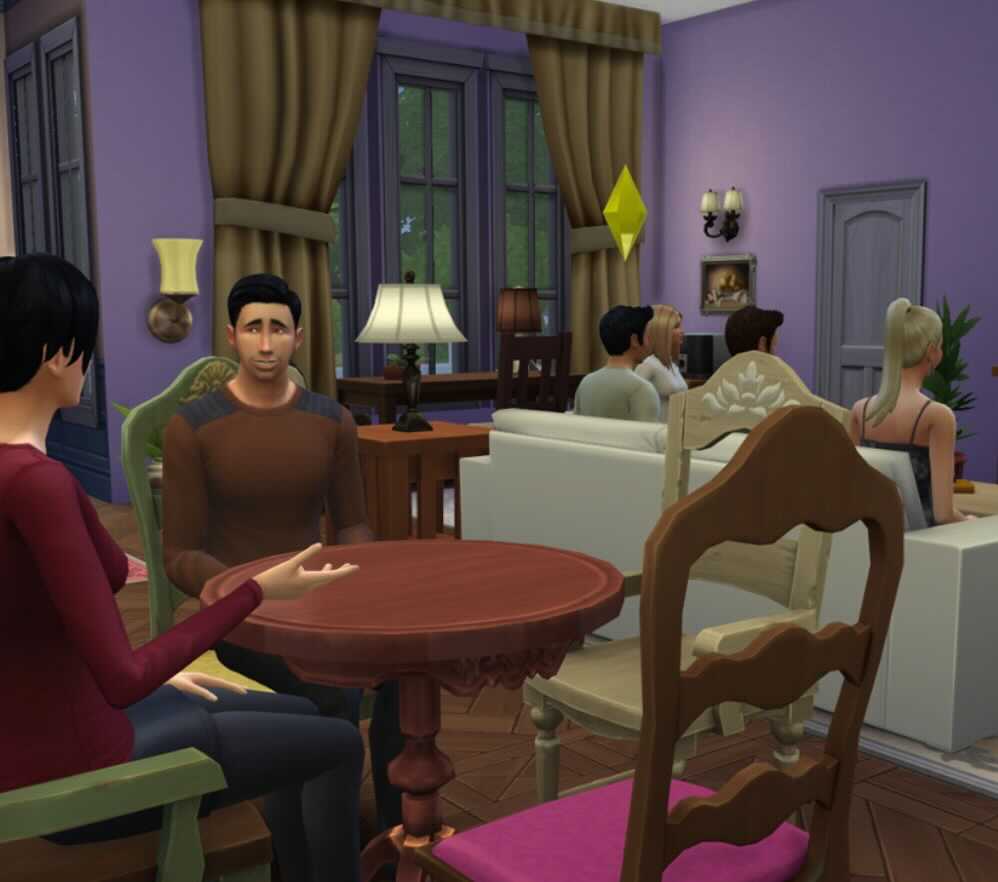
Amelie learned the bascis of graphic design, and some of the adobe tools in order to create a project proposal for an imaginary capstone on Central Perk as a Transmedia Mega City. She also dipped her toes into learning blender with the annotate-an-object module.
---
## Notes, extra materials, etc.
[portfolio](https://hackmd.io/IJnxr2OJQp2U22thwBYMzA?both)
### Image from iOS]

### Image from iOS]
### Image from iOS]

### Image from iOS]

### Image from iOS]

### Image from iOS]
### Image from iOS]

### Image from iOS]
### Image from iOS]

### Image from iOS]
### Image from iOS]
### Image from iOS]

 Sign in with Wallet
Connect another wallet
Sign in with Wallet
Connect another wallet