## Collaborative & FAIR workflow
### Part 2: Documentation
slides: [tinyurl.com/FAIRworkflow-part2](https://hackmd.io/@ambjQTu_QASE8UvZFvGL2A/ByRK1BQXj)
document: [tinyurl.com/FAIRworkflow-collab](https://hackmd.io/r6rUsb2gRpylrVD3qPolDQ?both)
---
## What we will do today
(times are approximate)
| | |
|:---:|:---|
| 9:00 | Recap of last meeting, introduction |
| 9:30 | Literate programming |
| 10:30 | Docstrings & Sphinx |
| | |
---
## Ice breaker
Open our collaborative document via **[tinyurl.com/FAIRworkflow-collab](https://hackmd.io/r6rUsb2gRpylrVD3qPolDQ?both)**
---
## Before we start...
Open a terminal, and navigate to a place where you want to work today.
Then run:
```shell
git clone https://github.com/bvreede/docsdemo.git
cd docsdemo
conda env create -f environment.yml
```
to download and create the environment we will need today.
---
## How are you?
- Did you apply any of last session's new skills?
- Go to the 🏃🏽Exercises part of the collaborative document, and add your experiences!
---
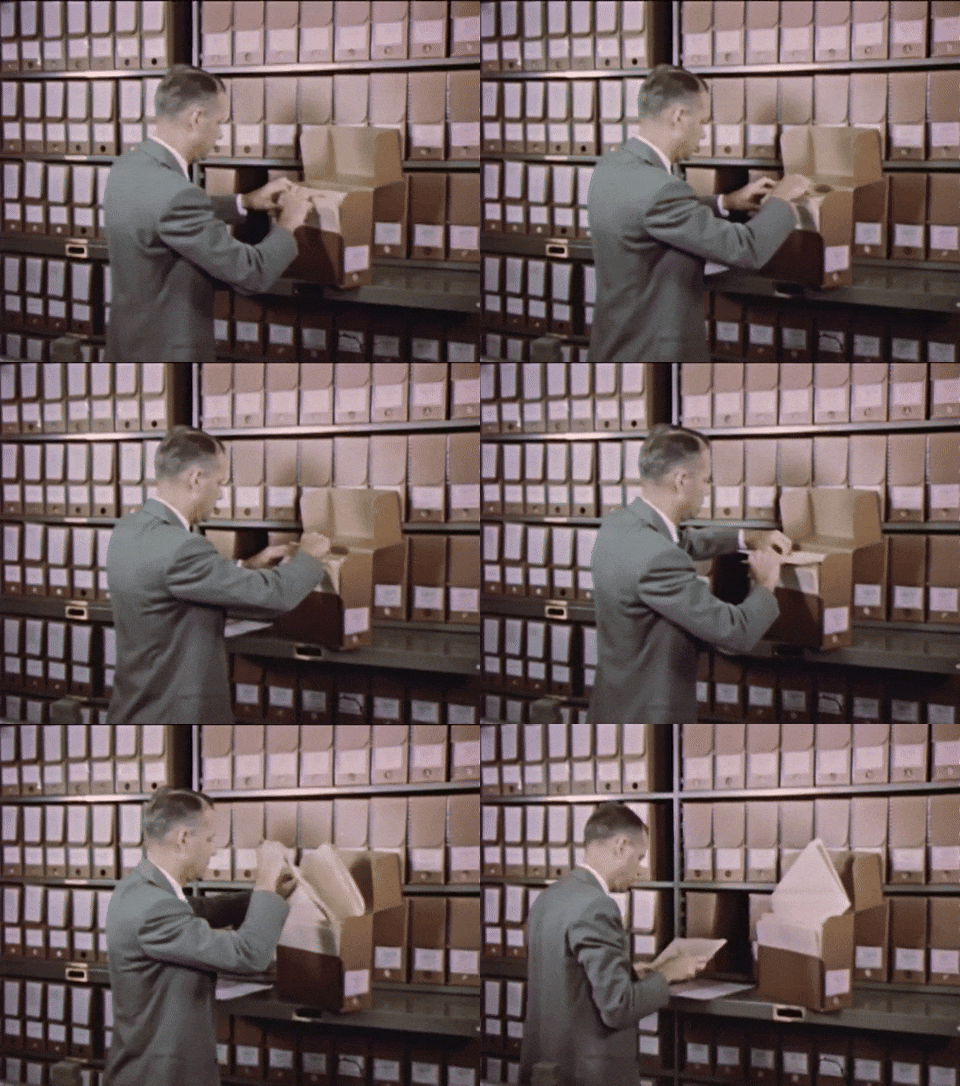
## Why do we document?
---
## Why do we document?
- For users of the software we write.
- For (future) developers of the software we write.
[]()
### Who is this person?
---
### Who is this person?

---
## What do they need to know?
---
## What does a user need to know?
- How to install the software
- How to run the software
- What options exist when using the software
- ...
---
## What does a developer need to know?
- To install the software, and developer-specific aspects of it
- Understand the source, to maintain/add/debug the software
- ...
---
## Where do you share this information?
| | developer | user |
|--:|:--:|:--:|
| A README file | ✅ | ✅ |
| Code comments | ✅ | |
| (Tutorial) notebooks | |✅ |
| Dedicated documentation pages |✅ |✅ |
---
## README
Take a look at an example of a README file:
[github.com/NLeSC/mcfly](https://github.com/NLeSC/mcfly)
What do you see?
---
## Code comments

---
## Code comments
Comments are annotations you write directly in the source code.
They:
- explain parts that are not intuitive from the code itself
- should not replace readable or structured code
- should ideally be used to explain the **purpose** of some piece of code (_why_, not _how_).
---
## Dedicated documentation
- Stored in `docs/` folder
- Often published on a _readthedocs_ page
- Can combine:
- Literal documentation
- API reference (the interface of the project)
---
## For example:
- [pystemmusscope.readthedocs.io](https://pystemmusscope.readthedocs.io/)
- [yatiml.readthedocs.io](https://yatiml.readthedocs.io/en/latest/api.html)
---
## Some preparations:
- We will need `sphinx` to create documentation.
- We will need `jupyter lab` to create notebooks.
- Both should be ready in your environment:
```bash
conda activate docsdemo
```
---
## Literate programming
Open jupyterlab, and follow along with the demo!
```bash
jupyter-lab
```
---
## Create documentation
Move to `docs/`, then run:
```shell
make html
```
Then open `/docs/_build/html/index.html` and take a look!
---
### Google docstring format
```shell!
def google_docstrings(num1, num2) -> int:
"""Add up two integer numbers.
Args:
num1 (int) : First number to add.
num2 (int) : Second number to add.
Returns:
The sum of ``num1`` and ``num2``.
"""
return num1 + num2
```
---
##
Open the `maths/maths.py` file and adjust
---
# Questions?

---
## Thank you!

---
{"metaMigratedAt":"2023-06-17T11:32:54.360Z","metaMigratedFrom":"YAML","title":"Collaborative and FAIR workflow - part 2, Documentation","breaks":true,"description":"Writing documentation in a research software project","slideOptions":"{\"theme\":\"solarized\"}","contributors":"[{\"id\":\"6a66e341-3bbf-4004-84f1-4bd916f18bd8\",\"add\":11595,\"del\":7619}]"}