---
tags: ironhack, lecture,
---
<style>
.markdown-body img[src$=".png"] {background-color:transparent;}
.alert-info.lecture,
.alert-success.lecture,
.alert-warning.lecture,
.alert-danger.lecture {
box-shadow:0 0 0 .5em rgba(64, 96, 85, 0.4); margin-top:20px;margin-bottom:20px;
position:relative;
ddisplay:none;
}
.alert-info.lecture:before,
.alert-success.lecture:before,
.alert-warning.lecture:before,
.alert-danger.lecture:before {
content:"👨🏫\A"; white-space:pre-line;
display:block;margin-bottom:.5em;
/*position:absolute; right:0; top:0;
margin:3px;margin-right:7px;*/
}
b {
--color:yellow;
font-weight:500;
background:var(--color); box-shadow:0 0 0 .35em var(--color),0 0 0 .35em;
}
.skip {
opacity:.4;
}
</style>

# What is an API?
## Learning Goals
*After this lesson, students will be able to:*
- Understand what an API is and how to use it
- Understand the difference between an API and a web application
## APIs Introduction
{%vimeo 110256895%}
### HTTP Refresher
Let's have a think about the HTTP request/response cycle:
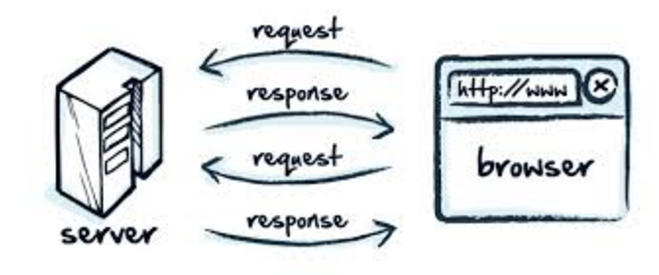
The typical flow is that:
1. A client/browser makes a request
2. Request is received by the web-server
3. The HTTP request is handled and routed
4. The relevant data from the database is received
5. A response is sent back to the client, *usually in HTML*
So far, the server response has been a HTTP status and then some `text/html` -- after a template has been rendered by the templating engine.
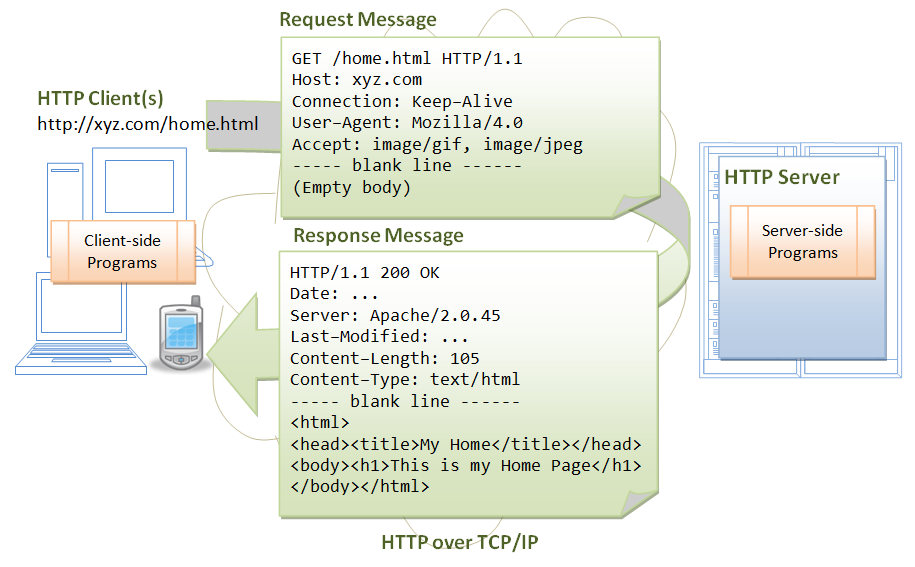
However, HTTP allows us to send more kinds of content than just HTML. Let's have a quick dive on HTTP **content types**.
### Content Types
The [Content-Type](https://developer.mozilla.org/en-US/docs/Web/HTTP/Headers/Content-Type) entity header is used in HTTP to indicate the media type of the resource being sent to the clients.
HTTP can send not only HTML, but also many different types of content to the browser. Here is a comprehensive list of the different **content-types** we may receive:
Content-Type | What is it for? | Subclasses
:-------------:|----------------|--------------
text | Text information | `text/plain`, `text/html`, `text/stylesheets`
image | Pictures | `image/jpg`, `image/gif`
audio | Audio data | `audio/mp3`, `audio/ogg`
video | Video data | `video/mpeg`
multipart | Various | `multipart/mixed`
application | Binary data | `application/octet-stream`
-- *[W3C.org | rfc1341 | The Content-Type Header Field](https://www.w3.org/Protocols/rfc1341/4_Content-Type.html)*
`text/html` was designed for humans to understand the content. HTML gets sent to the browser and then parsed into beautiful interfaces, but...
:::info
:bulb: **What if we wanted to request some data from a website across the internet and then do something programmatical with that data?**
:::
We'd have to still make an HTTP request to get the data from our web-server - this is how the internet works!
However, we might want the response to be in a format that is slightly easier for a program to understand.
`text/html` is just one type of data that can be sent and received on the internet. Another common one is `application/json`.
### JSON

[JSON](https://en.wikipedia.org/wiki/JSON) (JavaScript Object Notation) is a lightweight data-interchange format:
:::success
- Easy for humans to read and write
- Easy for machines to parse and generate.
- Based on a subset of the JavaScript Programming Language
:::
**JSON Example**
```javascript
{
"id": 123,
"name": "JSON T-Shirt",
"price": 99.99,
"tags": [ "Bar", "Eek" ],
"stock": {
"warehouse": 300,
"retail": 20
}
}
```
JSON is just one format that we can use to send and receive information over the internet. There are some others like [XML](https://en.wikipedia.org/wiki/XML) that you might see. However, JSON is the most common and the easiest to use.
## API (Application Programming Interface)
In computer science API ([application programming interface](https://en.wikipedia.org/wiki/Application_programming_interface)) is quite a broad term.
:::info
:bulb: **API** (application program interface) is a set of routines, protocols, and tools for building software applications. The API specifies how software components should interact and APIs are used when programming graphical user interface (GUI) components.
:::
This term can be quite confusing as it is SO broad.
### Web API
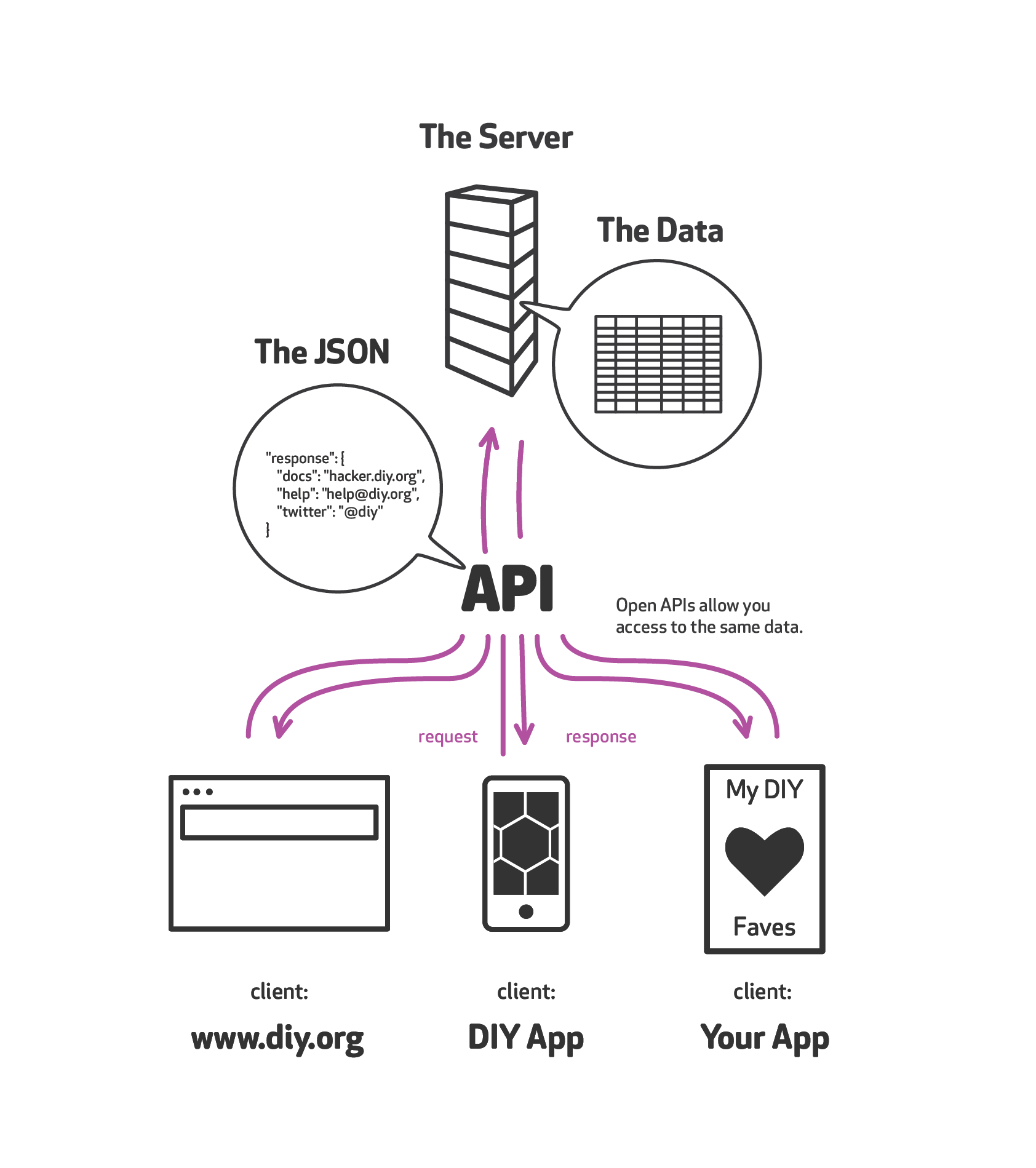
However, when we think about APIs within the context of web application development we can simply think about it as **a website that returns JSON instead of HTML** so that a computer can use the returned data to do something with it.
It allows a program to interface with a website over the internet so that it can use that websites' data.
### Why do you need an API?
Nowadays, there are lots of different reasons why you would need an API [application programming interface](https://en.wikipedia.org/wiki/Application_programming_interface) for your website or tech project.
1. You might want to provide data to an IOS/Android app
2. You might want to allow other developers to use your data
3. You might want to split up your codebase into a number of smaller services so that it is easier to manage
4. You might want to use a front-end framework to serve your data like Angular, Backbone or Ember
These are just a few of the reasons. It's now very difficult to be a developer and not have to either work on or use an API.
## Examples of APIs
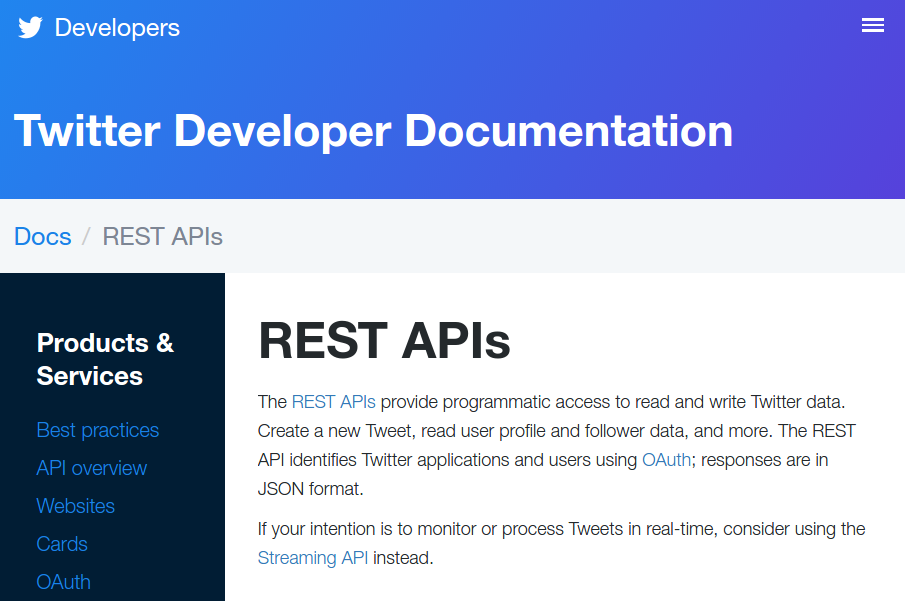
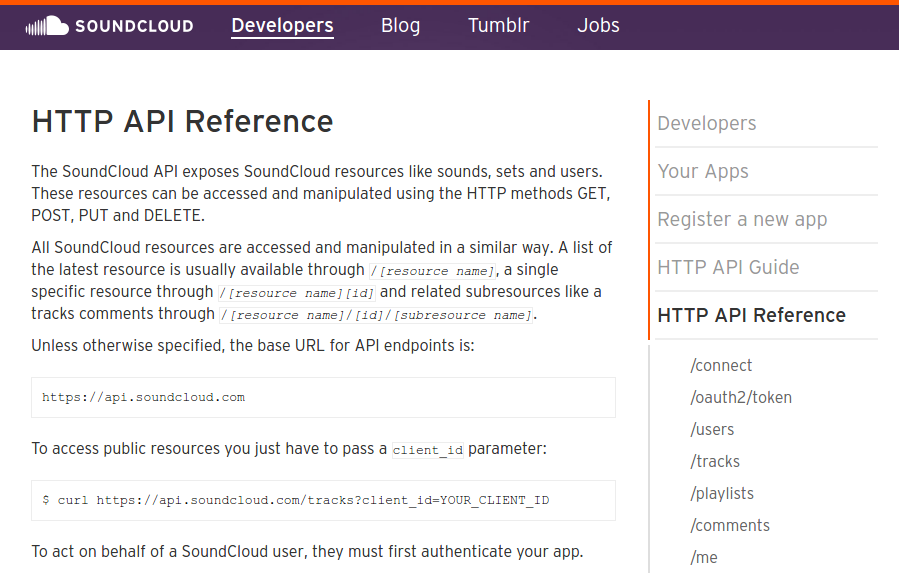
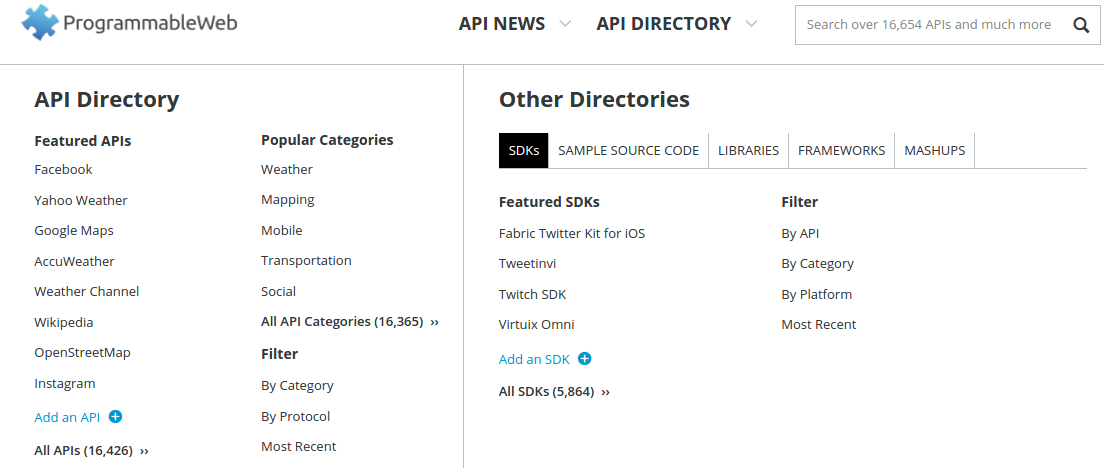
Many websites provide APIs so we can write software that interacts with their services. Here you can see a small list of what's possible when any service provides an API:
### [Twitter](https://dev.twitter.com/rest/public)
----
### [Soundcloud](https://developers.soundcloud.com/docs/api/reference)
----
### [ProgrammableWeb | API Directory](https://www.programmableweb.com/category/all/apis)
----
### Fake APIs
Some helpful people have also built fake APIs to play with:
- [ReqRes](http://reqres.in/)
- [JSONPlaceHolder](http://jsonplaceholder.typicode.com/)
## Summary
In this lesson, we have learnt:
- HTTP can send different types of content, as specified by the `content-type` header
- APIs allow computers to communicate with other computers over the internet
- JSON is a subset of JavaScript that allows us to format data
- Why do we need APIs
 Sign in via Facebook
 Sign in via X(Twitter)
 Sign in via GitHub
 Sign in via Dropbox
 Sign in with Wallet
Connect another wallet
Sign in with Wallet
Connect another wallet