# `echo whoami`
N0BALL
TG: https://t.me/N0_Ball
OR at anywhere in NCUGC TG Group
----
### Today's slide

---
# What am I going to talk about today?
Drawing
----

## With computer!
----
# Introduction (101)
Just for fun facts
---
## What is CPU?
## What is GPU?
----
<iframe width="560" height="315" src="https://www.youtube.com/embed/-P28LKWTzrI" title="YouTube video player" frameborder="0" allow="accelerometer; autoplay; clipboard-write; encrypted-media; gyroscope; picture-in-picture; web-share" allowfullscreen></iframe>
---
### What about gaming graphics?

----
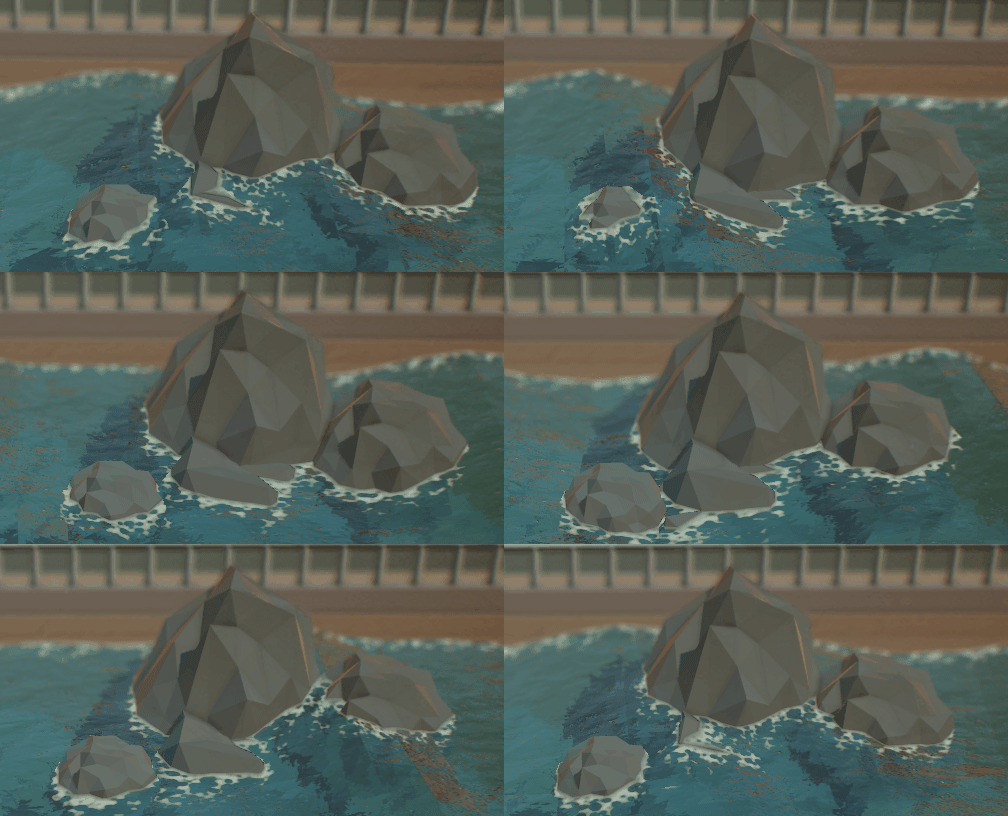
## So... Let's do it?
----
## With ... these?

----
## Wait a minute

----
## We all should know

----

---
## How do computer ~~fake~~ made it?
1. vertex shader (3d -> 2d)
2. fragment shader (coloring)

----
## Basically
It's a bunch of matrixes timing together.
----
Let's do it!
---
## WebGL (OpenGL)
- Something good without any other thing
----
https://file.n0b.me/WebGL.zip
----
<iframe width="800" height="500" src="https://file.srv.n0b.me/WebGL/" title="WebGL" allowfullscreen></iframe>
----
# What have we done?
`js/3DObject.js`
```javascript=113
var Init = () =>{
const positionBuffer = gl.createBuffer();
gl.bindBuffer(gl.ARRAY_BUFFER, positionBuffer);
gl.bufferData(gl.ARRAY_BUFFER, new Float32Array(vertexData), gl.STATIC_DRAW);
const colorBuffer = gl.createBuffer();
gl.bindBuffer(gl.ARRAY_BUFFER, colorBuffer);
gl.bufferData(gl.ARRAY_BUFFER, new Float32Array(colorData), gl.STATIC_DRAW);
const vertexShader = gl.createShader(gl.VERTEX_SHADER);
gl.shaderSource(vertexShader, vertexShaderText);
gl.compileShader(vertexShader);
const fragmentShader = gl.createShader(gl.FRAGMENT_SHADER);
gl.shaderSource(fragmentShader, fragmentShaderText);
gl.compileShader(fragmentShader);
gl.attachShader(program, vertexShader);
gl.attachShader(program, fragmentShader);
gl.linkProgram(program);
const positionLocation = gl.getAttribLocation(program, 'position');
gl.enableVertexAttribArray(positionLocation);
gl.bindBuffer(gl.ARRAY_BUFFER, positionBuffer);
gl.vertexAttribPointer(positionLocation, 3 , gl.FLOAT, false, 0, 0);
const colorLocation = gl.getAttribLocation(program, 'color');
gl.enableVertexAttribArray(colorLocation);
gl.bindBuffer(gl.ARRAY_BUFFER, colorBuffer);
gl.vertexAttribPointer(colorLocation, 3, gl.FLOAT, false, 0, 0);
gl.useProgram(program);
gl.enable(gl.DEPTH_TEST);
uniformLocations.matrix = gl.getUniformLocation(program, 'matrix');
}
```
----
1. Create Buffers to store data
```javascript=115
const positionBuffer = gl.createBuffer();
gl.bindBuffer(gl.ARRAY_BUFFER, positionBuffer);
gl.bufferData(gl.ARRAY_BUFFER, new Float32Array(vertexData), gl.STATIC_DRAW);
const colorBuffer = gl.createBuffer();
gl.bindBuffer(gl.ARRAY_BUFFER, colorBuffer);
gl.bufferData(gl.ARRAY_BUFFER, new Float32Array(colorData), gl.STATIC_DRAW);
```
----
2. Create Vertex Shader
```javascript=123
const vertexShader = gl.createShader(gl.VERTEX_SHADER);
gl.shaderSource(vertexShader, vertexShaderText);
gl.compileShader(vertexShader);
```
----
3. Create Fragment Shader
```javascript=127
const fragmentShader = gl.createShader(gl.FRAGMENT_SHADER);
gl.shaderSource(fragmentShader, fragmentShaderText);
gl.compileShader(fragmentShader);
```
----
4. Passing arguments
```javascript=135
const positionLocation = gl.getAttribLocation(program, 'position');
gl.enableVertexAttribArray(positionLocation);
gl.bindBuffer(gl.ARRAY_BUFFER, positionBuffer);
gl.vertexAttribPointer(positionLocation, 3 , gl.FLOAT, false, 0, 0);
const colorLocation = gl.getAttribLocation(program, 'color');
gl.enableVertexAttribArray(colorLocation);
gl.bindBuffer(gl.ARRAY_BUFFER, colorBuffer);
gl.vertexAttribPointer(colorLocation, 3, gl.FLOAT, false, 0, 0);
gl.useProgram(program);
gl.enable(gl.DEPTH_TEST);
uniformLocations.matrix = gl.getUniformLocation(program, 'matrix');
```
---
# What does the shader do?
----
### Vertex Shader
```cpp
precision mediump float;
attribute vec3 position;
attribute vec3 color;
varying vec3 vColor;
uniform mat4 matrix;
void main(){
vColor = color;
gl_Position = matrix * vec4(position, 1);
}
```
----
### Fragment Shader
```cpp
precision mediump float;
varying vec3 vColor;
void main(){
gl_FragColor = vec4(vColor, 1);
}
```
----
## Quick Review
1. 3D Positions
1.1. (Fragment shader use alot of matrix to translate to 2D)
2. Connect Lines
3. Create Areas
4. Create Fragments
5. Fill in the colors
6. Get the result
----
## Where comes GPU?
1. 3D Positions
2. Create Areas
3. **Fill in the colors**
----
### GPU?
1. A lot of different data
2. Do same euqation
3. Different Result
---
# Let's do it ourself!
https://file.srv.n0b.me/PlayGround/index.html
```bash
curl https://file.srv.n0b.me/PlayGround/index.html -o index.html
```
----
<iframe width="800" height="500" src="https://file.srv.n0b.me/PlayGround/" title="WebGL" allowfullscreen></iframe>
----
## What are we looking at?
----
### Vertex Shader
```cpp=31
attribute vec4 a_position;
uniform float u_time;
varying float x;
void main() {
x = u_time;
gl_Position = a_position;
gl_Position.x += sin(u_time * 2.0);
}
```
----
### Color Shader
```cpp=47
precision mediump float;
void main() {
gl_FragColor = vec4(1.0, 0.0, 0.0, 0.5);
}
```
----
### We use vertex shader to change the position by time
----
## How about color?
#### varying float x
```cpp=48
precision mediump float;
varying float x;
void main() {
gl_FragColor = vec4(cos(x), sin(x), cos(2.0*x), 0.5);
}
```
## To make it not black and white
----
## Let's Play Around with math
----
#### Interesting Result
```cpp=49
precision mediump float;
varying float x;
varying vec4 position;
void main() {
float step = 0.0;
if (1.0 + sin(x - (1.0 + position.y) + 0.1*(position.x)) < 0.0001){
step = 1.0;
}
gl_FragColor = vec4(step, 0.0, 0.0, 0.5);
}
```
---
## Now we play with light!
----
## Well most of the time, light is not light

----
```cpp
precision mediump float;
varying float x;
varying vec4 position;
void main() {
float dist = 1.0 - sqrt(pow(position.x, 2.0) + pow(position.y, 2.0))*2.0;
gl_FragColor = vec4(dist, 0.0, 0.0, 0.5);
}
```
----
## Bouncing ball?
```cpp
precision mediump float;
varying float x;
varying vec4 position;
void main() {
float dist = 1.0 - sqrt(pow(position.x, 2.0) + pow(0.8*cos(x) - position.y, 2.0))*2.0;
gl_FragColor = vec4(dist, 0.0, 0.0, 0.5);
}
```
----
## More Momentive?
```cpp
precision mediump float;
varying float x;
varying vec4 position;
void main() {
float dist = 1.0 - sqrt(pow((cos(x)/x - position.x), 2.0) + pow(0.8*cos(x) - position.y, 2.0))*2.0;
gl_FragColor = vec4(dist, 0.0, 0.0, 0.5);
}
```
----
## More and More interesting functions

----
## Let's guess What will happen?

----
## Change the position
```cpp=73
var positions = [
-1.0, -1.0,
1.0, -1.0,
-1.0, 1.0,
-1.0, 1.0,
1.0, 1.0,
1.0, -1.0
];
```
----
```cpp
precision mediump float;
varying float x;
varying vec4 position;
void main() {
float dist = 1.0 - sqrt(pow((cos(x*x) - position.x), 2.0) + pow(0.8*cos(x) - position.y, 2.0))*2.0;
gl_FragColor = vec4(dist, 0.0, 0.0, 0.5);
}
```
---
# Something that only if I have time
----
## Why all 2D today??
----
### Perspective matrix

----
#### In an easy way
1. The futher you are, the smaller it will be
2. The closer you are, the bander it will be
3. If too close / too far, not even bother render
----
### What if we don't have perspective matrix?
```cpp=31
attribute vec4 a_position;
uniform float u_time;
varying float x;
varying vec4 position;
void main() {
x = u_time;
position = a_position;
gl_Position = a_position;
gl_Position.z += sin(u_time * 2.0);
}
```
----
## If you are interested
https://file.srv.n0b.me/WebGL/js/matrix.js
---
That's all for today
Any questions?
{"metaMigratedAt":"2023-06-18T00:31:46.715Z","metaMigratedFrom":"YAML","title":"Computer Graphics","breaks":true,"GA":"UA-208228992-1","slideOptions":"{\"theme\":\"solarized\",\"transition\":\"fade\"}","contributors":"[{\"id\":\"bdcee32f-5dc2-4add-94fa-e418d7247ad0\",\"add\":9866,\"del\":874}]"}