# Using tcl-script build Xilix vivado project
## 1. 3-modes to launch Xilix vivado (running with cli)
Ensure `C:\Xilinx\Vivado\2020.1\bin`
has been inscluded *Path* of env. variable
(It's similar to Windows on Linux platform,
`/vivado/<version>/bin` also must be included to *PATH*)
1. `$ vivado -mode gui`:Normal launch by GUI
2. `$ vivado -mode tcl`: TCL **interactive** mode
3. `$ vivado -mode batch -source top.tcl`: TCL **once-compile-all**(top.tcl) mode
## 2. Flow about build a project by tcl-script
Note: Non-project mode
```tcl
## run_bft_kintex7_batch.tcl
## bft sample design
## A Vivado script that demonstrates a very simple
## RTL-to- bitstream non-project batch flow
##
## NOTE: typical usage would be
## `vivado -mode tcl -source run_bft_kintex7_batch.tcl`
##
## STEP#0:
## define output directory area.
##
set outputDir ./Tutorial_Created_Data/bft_output
file mkdir $outputDir
## max-thread to build
proc num_threads_run {} {
set k_vivado_max_core_supported 8
set OS [puts $::tcl_platform(platform)]
if { $OS == "windows" } {
set cpu_core_count [ expr $::env(NUMBER_OF_PROCESSORS)/2 ]
} else {
set cpu_core_count [ expr [exec nproc]/2 ]
}
if {$cpu_core_count > $k_vivado_max_core_supported} {
set cpu_core_count $k_vivado_max_core_supported
}
return $cpu_core_count
}
set_param general.maxThreads [num_threads_run]
## puts [get_param general.maxThreads]
## STEP#1:
## setup design sources and constraints
##
read_vhdl -verbose -library bftLib [ glob ./Sources/hdl/bftLib/*.vhdl ]
read_vhdl -verbose ./Sources/hdl/bft.vhdl
read_verilog -verbose [ glob ./Sources/hdl/*.v ]
read_xdc -verbose ./Sources/bft_full_kintex7.xdc
## STEP#2:
## run synthesis,
## report utilization and timing estimates,
## write checkpoint design
##
synth_design -top bft -part xc7k70tfbg484-2
write_checkpoint -force $outputDir/post_synth
report_timing_summary -file $outputDir/post_synth_timing_summary.rpt
report_power -file $outputDir/post_synth_power.rpt
## STEP#3:
## run placement and logic optimzation,
## report utilization and timing estimates,
## write checkpoint design
##
opt_design
place_design
phys_opt_design
write_checkpoint -force $outputDir/post_place
report_timing_summary -file $outputDir/post_place_timing_summary.rpt
## STEP#4:
## run router,
## report actual utilization and timing,
## write checkpoint design, run drc,
## write verilog and xdc out
##
route_design
write_checkpoint -force $outputDir/post_route
report_timing_summary -file $outputDir/post_route_timing_summary.rpt
report_timing -sort_by group -max_paths 100 -path_type summary -file $outputDir/post_route_timing.rpt
report_clock_utilization -file $outputDir/clock_util.rpt
report_utilization -file $outputDir/post_route_util.rpt
report_power -file $outputDir/post_route_power.rpt
report_drc -file $outputDir/post_imp_drc.rptwrite_verilog -force $outputDir/bft_impl_netlist.v
write_xdc -no_fixed_only -force $outputDir/bft_impl.xdc
## STEP#5:
## generate a bitstream
##
write_bitstream -force $outputDir/bft.bit
```
* Difference between non-project mode and project mode:
Refer to [Difference between non-project mode and project mode](https://stackoverflow.com/questions/40275824/what-is-the-main-difference-between-project-mode-and-non-project-mode-in-vivado)[4]
## A. Recommend environment for develop: Linux
### A.1 TCL-Commend-Complete supported on Linux
I recommand to use **interactive mode** on **Linux** platform,
since here has **TCL-Command-AutoComplete** if you've installed `tcl`, `tk`, `tclreadline`
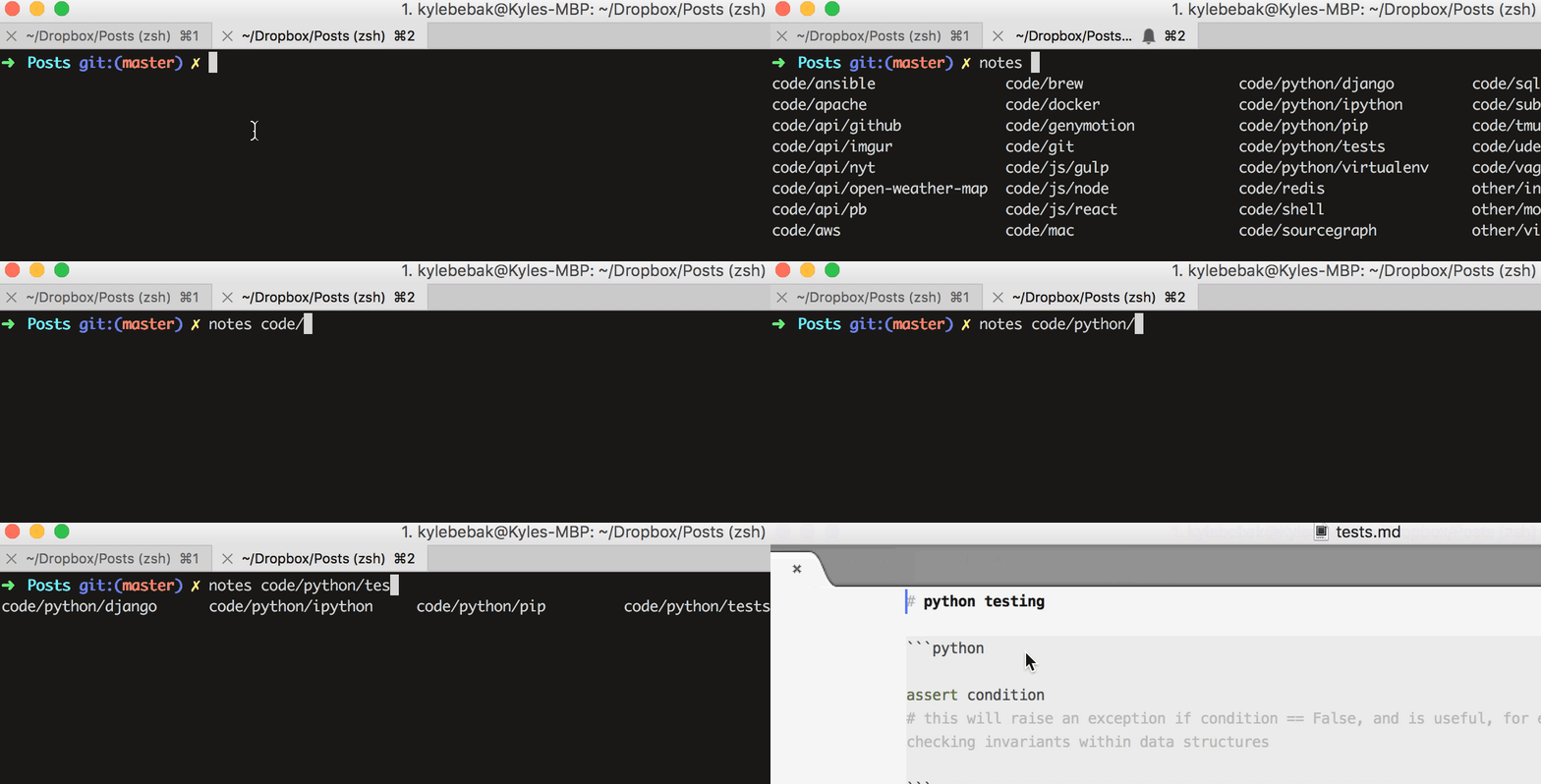
Demo auto complete by bash (type tab triggered)
## A.2 Jobs vs Threads in vivado (accelerating speed for build)
Since [Jobs vs Threads in vivado](http://xilinx.eetrend.com/blog/2020/100049001.html)[5] mentioned:
* Jobs:
* Threads:
## References
[1] [Vivado Design Suite User Guide: Using Tcl Scripting]( https://www.xilinx.com/support/documentation/sw_manuals/xilinx2018_3/ug894-vivado-tcl-scripting.pdf)
[2] [Vivado Design Suite User Guide: Design Flows Overview](
https://www.xilinx.com/support/documentation/sw_manuals/xilinx2017_1/ug892-vivado-design-flows-overview.pdf)
[3] [Vivado Design Suite: Tcl Command Reference Guide](
https://www.xilinx.com/support/documentation/sw_manuals/xilinx2013_4/ug835-vivado-tcl-commands.pdf)
[4] [Difference between non-project mode and project mode](
https://stackoverflow.com/questions/40275824/what-is-the-main-difference-between-project-mode-and-non-project-mode-in-vivado)
[5] [Jobs vs Threads in vivado](
http://xilinx.eetrend.com/blog/2020/100049001.html)
###### tags: `TechReport` `DeWei`
 Sign in with Wallet
Connect another wallet
Sign in with Wallet
Connect another wallet